Flow Chart Builder
The powerful Flow Chart builder ConceptDraw DIAGRAM with included Flowcharts solution will make easier the whole process of diagramming and flowcharting from the beginning to the end. The ConceptDraw's intuitive interface provides the simplicity of drawing even for beginners. A large variety of predefined vector objects is useful when drawing diagrams. The drag-and-drop functionality for their taking from the libraries to your document, the ability to resize objects without loss of quality, and align strictly in one click are indispensable.
The ConceptDraw's Flowcharts solution provides the predesigned Flowchart samples and templates, and collaboration features. The wide export capabilities to different file formats and compatibility with many programs including the applications from the ConceptDraw Suite are also useful.
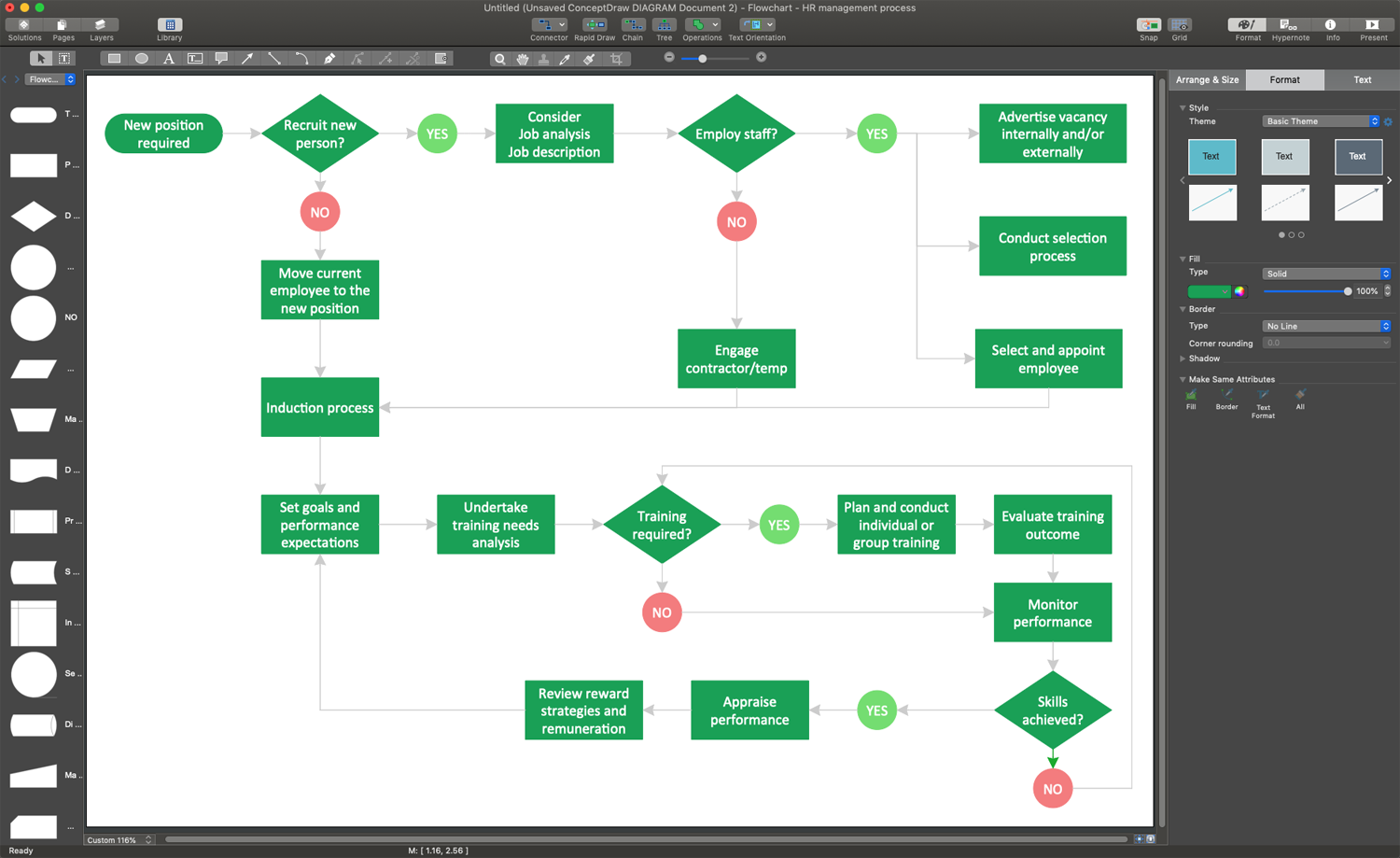
Example 1. Flow Chart Builder - ConceptDraw DIAGRAM on Mac
The ConceptDraw's Flowcharts solution provides many different and useful types of symbols required for simple drawing the Flowcharts on Mac or Windows. Show an invoice payment process, planning process, project management life cycle, or any else process as a Flowchart. Design your Flowchart of any complexity by means of only ConceptDraw's Flowcharts solution tools in minutes. Once your Flowchart is ready, you can export it in popular graphical formats, PDF file format. You can make a PowerPoint presentation and share it with your colleagues or friends.
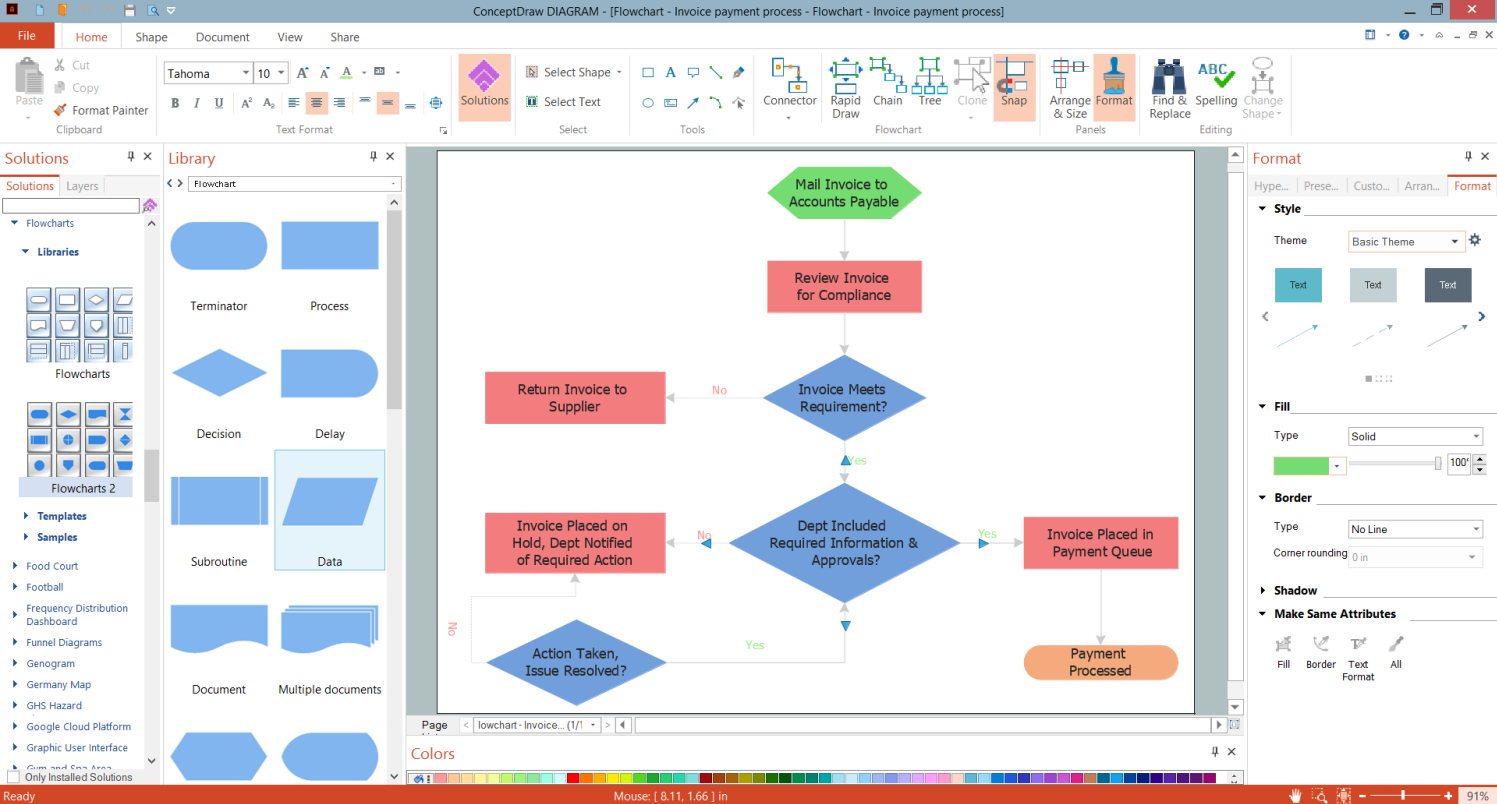
Example 2. Invoice Payment Process Flowchart in ConceptDraw DIAGRAM (Windows)
The following features make ConceptDraw DIAGRAM the best Flow Chart Builder:
- You don't need to be an artist to draw professional-looking diagrams in a few minutes.
- Large quantity of ready-to-use vector objects makes your drawing diagrams quick and simple.
- Great number of predesigned templates and samples give you a good start for your own diagrams.
- ConceptDraw DIAGRAM provides you the possibility to use the grid, rules, and guides. You can easily rotate, group, align, arrange the objects, use different fonts and colors to make your diagram exceptionally looking.
- All ConceptDraw DIAGRAM documents are vector graphic files and are available for reviewing, modifying, and converting to a variety of formats: image, HTML, PDF file, MS PowerPoint Presentation, Adobe Flash, MS Visio.
- Using ConceptDraw STORE you can navigate through ConceptDraw Solution Park, managing downloads and updates. You can access libraries, templates, and samples directly from the ConceptDraw STORE.
- If you have any questions, our free of charge support is always ready to come to your aid.


