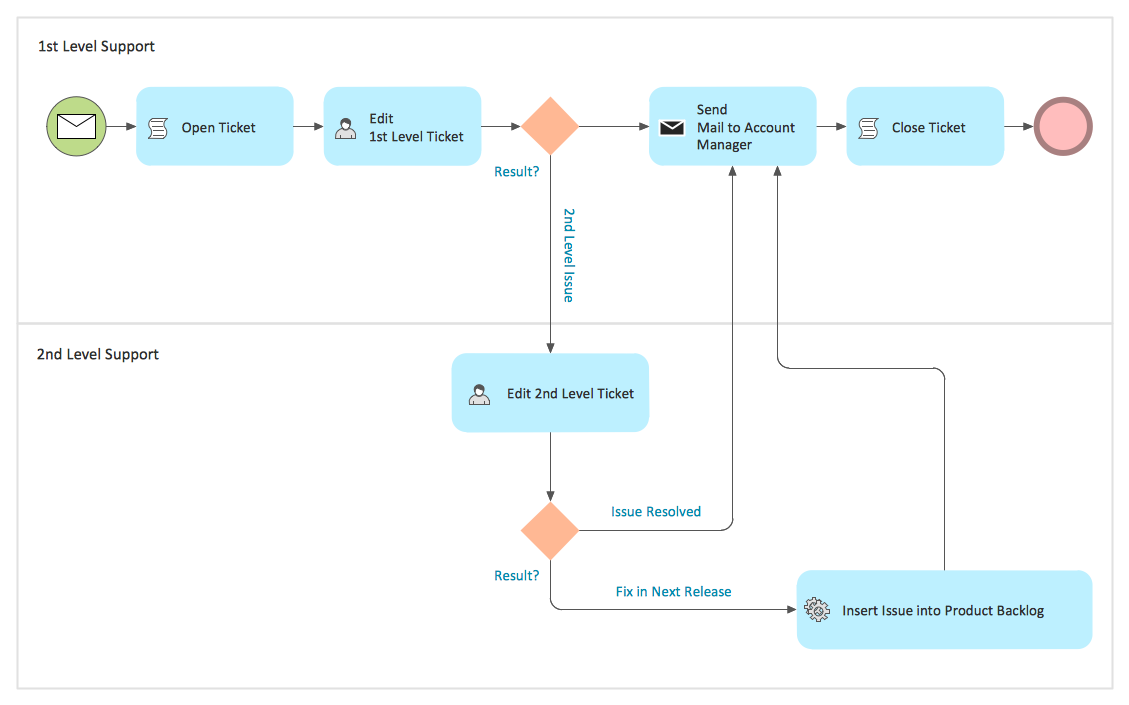
Data Flow Diagram Draw in ConceptDraw DIAGRAM
Data Flow Diagram (DFD) is a special graphical tool. It provides an easy understanding of the data flow path of any process. It's an incredibly useful and visual tool, and this is why the Data Flow Diagram drawing software is so popular.
ConceptDraw DIAGRAM software enhanced with the Data Flow Diagrams solution makes the Data Flow Diagrams design easier than ever. There are used two different notations for displaying the Data Flow Diagrams: Gane-Sarson and Yourdon-Code. Being extended with tools and elements from both these notations, ConceptDraw DIAGRAM software makes the Data Flow Diagram draw process quick and simple.
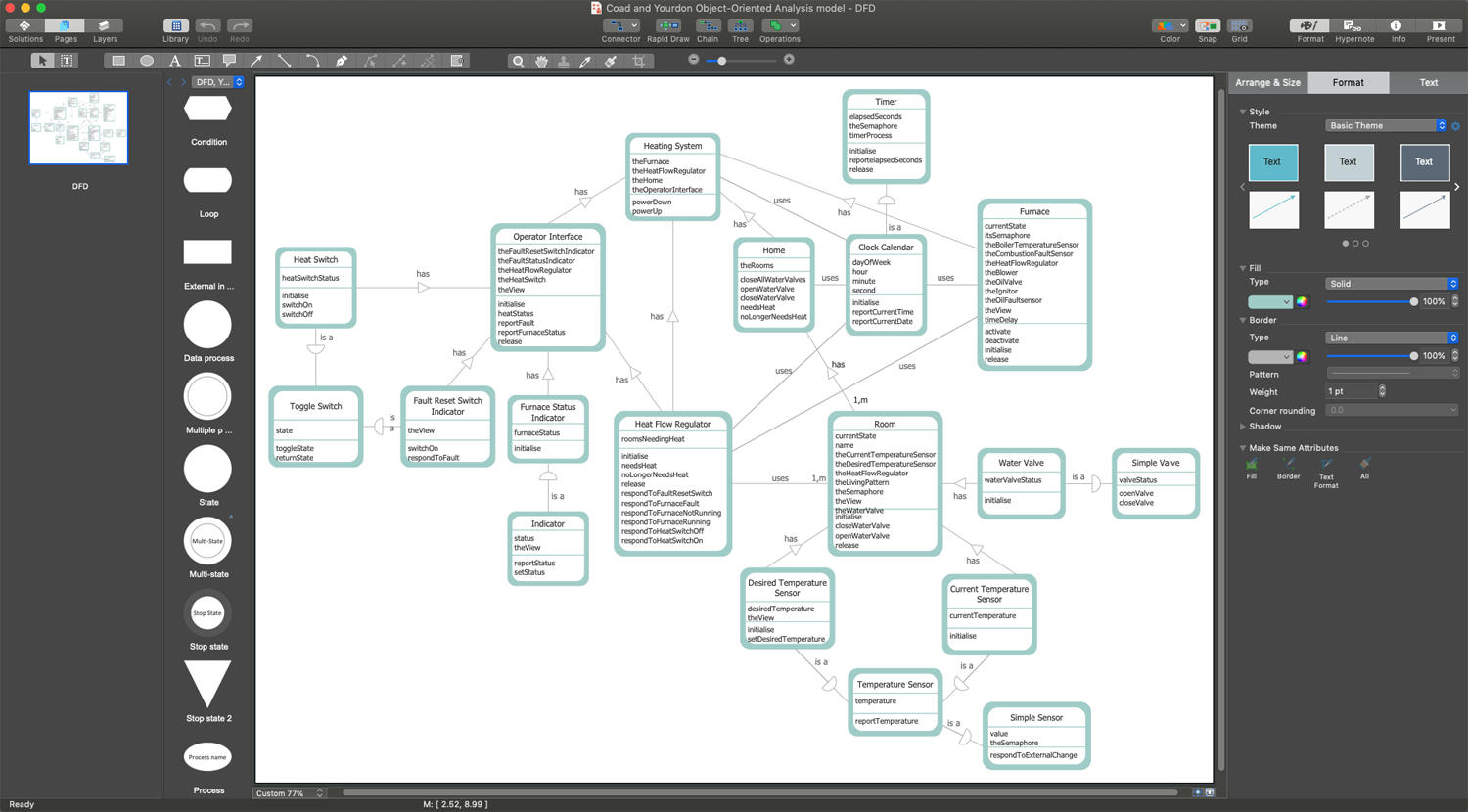
Example 1. Data Flow Diagram Draw in ConceptDraw DIAGRAM
Use the ready-made vector DFD elements to design the Data Flow Diagrams in no time. Depending on the methodology you choose — Gane-Sarson or Yourdon-Code, you can use the corresponding library from the Data Flow Diagrams solution. There are four basic DFD elements. They are depicted by the common shapes: process, external entity, data store, and data flow. Another standard DFD elements and arrow objects are also presented at the solution libraries.
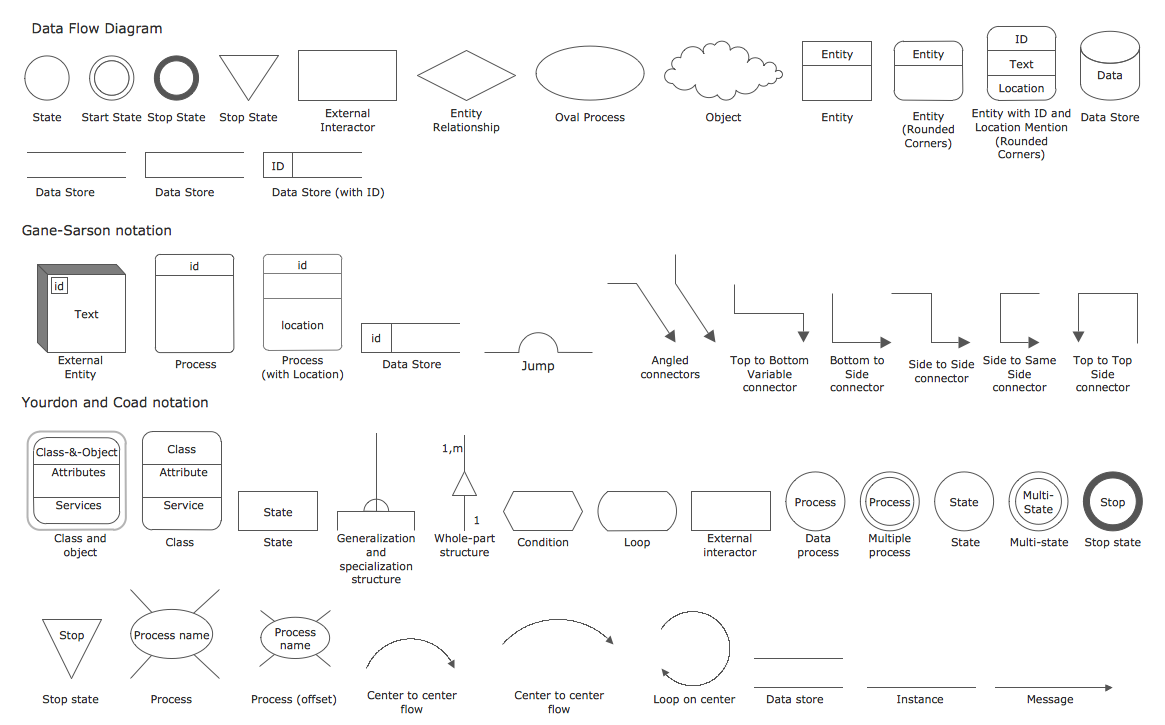
Example 2. Data Flow Diagram Design Elements
To draw a Data Flow Diagram, first, you need to define the inputs and outputs. Because any process or system begins with input from an external entity and ends with the data output to another database or entity. Now, simply connecting the objects you can depict how the information or data are going from input to output.
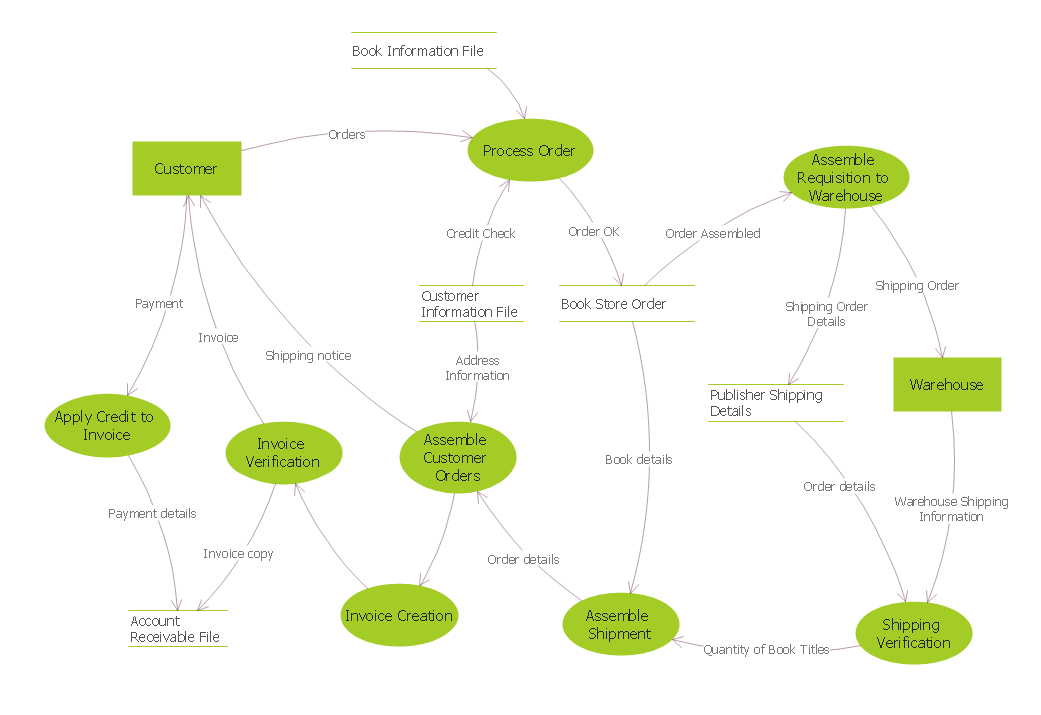
Example 3. DFD — Process of Account Receivable
The Data Flow Diagram examples Process of Account Receivable and Coad/Yourdon Object Oriented Analysis Model you see on this page were created in ConceptDraw DIAGRAM. The pre-made objects from the libraries of the Data Flow Diagrams solution were used for their design. These samples demonstrate the solution's capabilities and the professional results you can achieve. An experienced user spent 10-15 minutes creating each of these samples.
Use the Data Flow Diagrams solution for designing your own Data Flow Diagrams quick, simply, and effectively.
All source documents are vector graphic documents. They are available for reviewing, modifying, or converting to a variety of formats (PDF file, MS PowerPoint, MS Visio, and many graphic formats) from the ConceptDraw STORE. The Data Flow Diagrams Solution is available for all ConceptDraw DIAGRAM users.