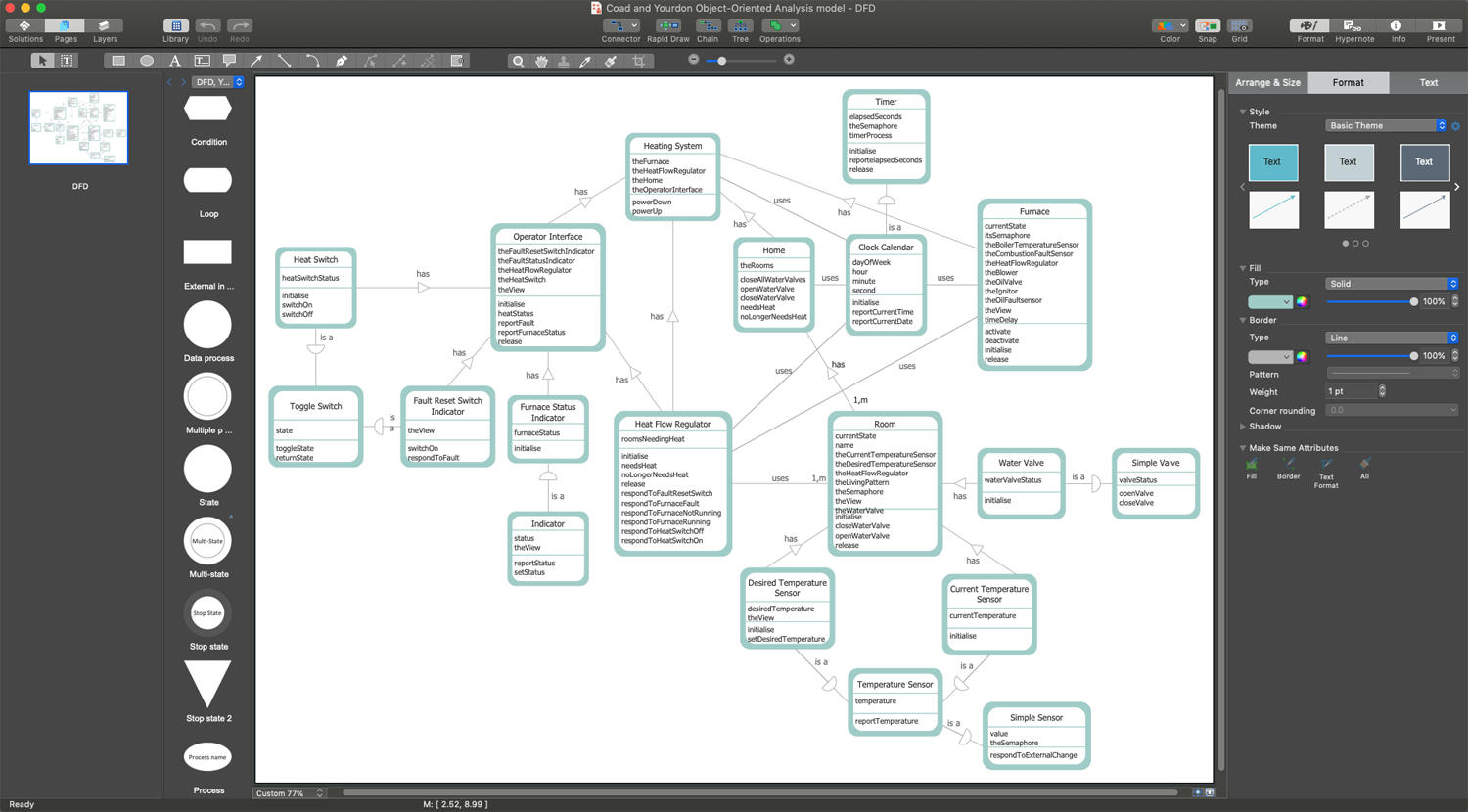
Data Flow Diagram Creator
Data Flow Diagram (DFD) is an apt communication tool between the system analysts and stakeholders, because of its ability to visually describe the scope and boundaries of a system as a whole. It is a traditional visual representation of the flow of data through an information system. DFD can represent a system at various levels and makes the complicated processes simple to explain.
ConceptDraw DIAGRAM enhanced with the Data Flow Diagrams solution is a useful Data Flow Diagram creator for both professional and individual goals. It helps in easily creating the Data Flow Diagrams allowing you to visualize and analyze your business processes, and then use the resulting DFDs to improve your business.
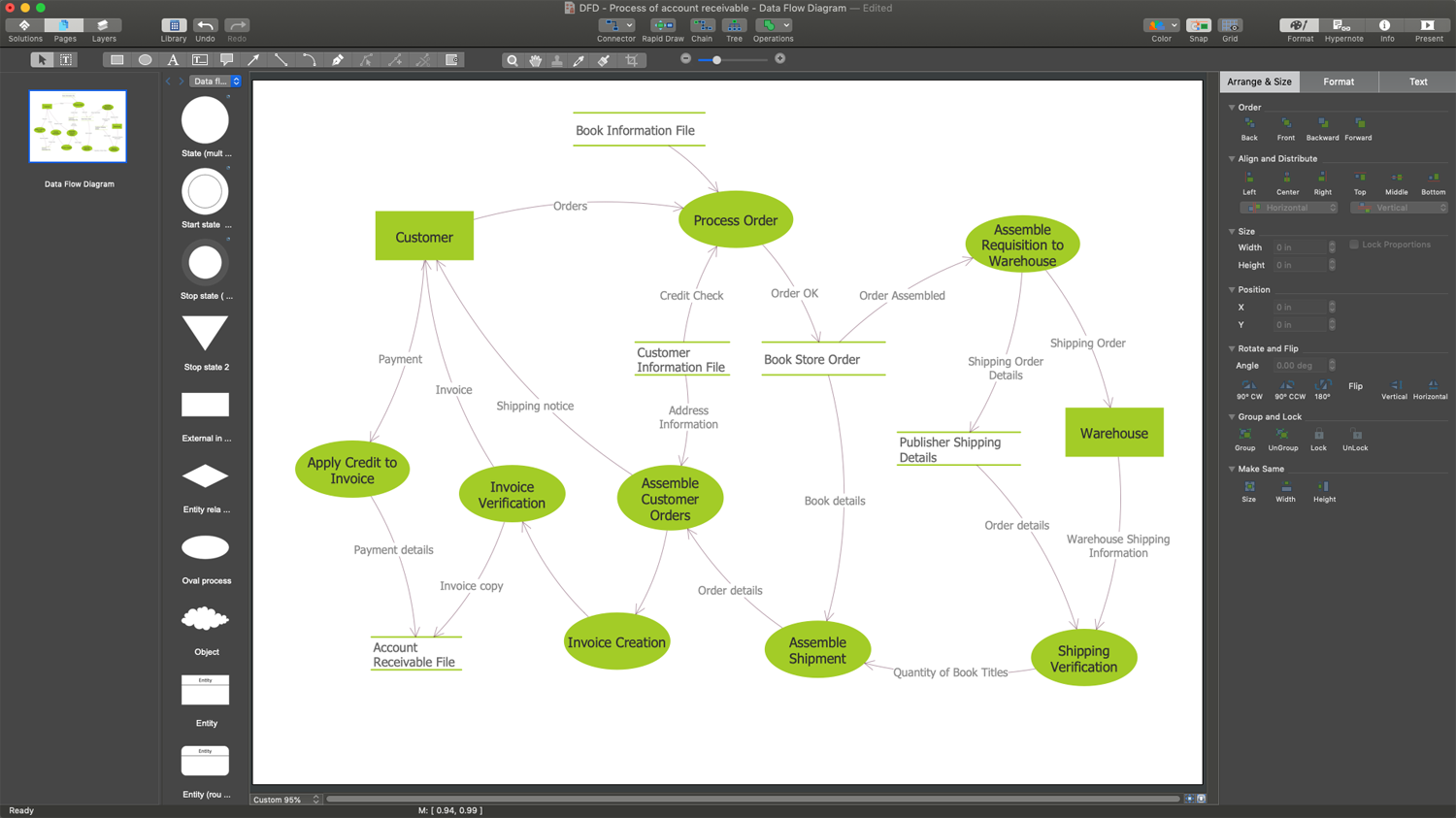
Example 1. ConceptDraw DIAGRAM - Data Flow Diagram Creator
Data Flow Diagrams solution contains three libraries including standard DFD symbols for both Yourdon-Coad and Gane-Sarson methodologies. Using the pre-made symbols you can create professional Data Flow Diagrams representing data flows with just a few clicks. Make exciting presentations using the included vector design stencils, also detailed reports, and much more documents. ConceptDraw DIAGRAM software also enables you to share your DFDs with colleagues and customers directly from the application.
But what could be easier than to start drawing using a ready-made template. Data Flow Diagrams Solution also contains three different quick-start templates for your choice:
- Data Flow Diagram template
- Data Flow Model Diagram template
- Yourdon and Coad template
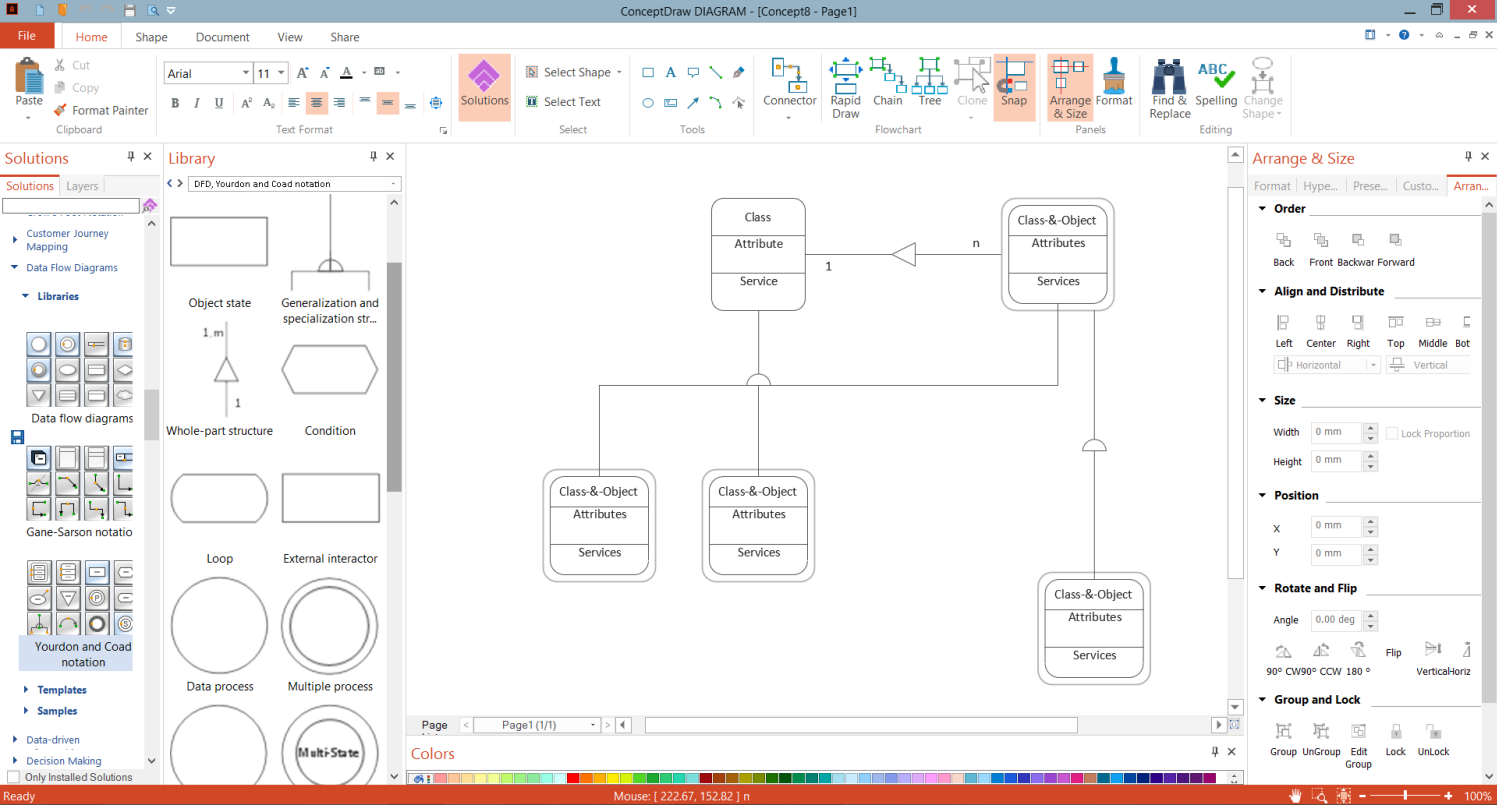
Example 2. DFD Yourdon and Coad Template in ConceptDraw DIAGRAM
The following features make ConceptDraw DIAGRAM the best Data Flow Diagram creator:
- You don't need to be an artist to draw professional-looking diagrams in a few minutes.
- Large quantity of ready-to-use vector objects makes your drawing diagrams quick and simple.
- Great number of predesigned templates and samples give you a good start for your own diagrams.
- ConceptDraw DIAGRAM provides you the possibility to use the grid, rules, and guides. You can easily rotate, group, align, arrange the objects, use different fonts and colors to make your diagram exceptionally looking.
- All ConceptDraw DIAGRAM documents are vector graphic files and are available for reviewing, modifying, and converting to a variety of formats: image, HTML, PDF file, MS PowerPoint Presentation, Adobe Flash, MS Visio.
- Using ConceptDraw STORE you can navigate through ConceptDraw Solution Park, managing downloads and updates. You can access libraries, templates, and samples directly from the ConceptDraw STORE.
- If you have any questions, our free of charge support is always ready to come to your aid.