Brainstorming Software
Brainstorming SoftwareBrainstorming is an effective and widely used tool for generating large quantity of ideas by group of people in a short time. ConceptDraw MINDMAP is a powerful brainstorming software! ConceptDraw MINDMAP lets you easy and effectively generate and organize ideas and data, and also create the illustrative mind maps. |
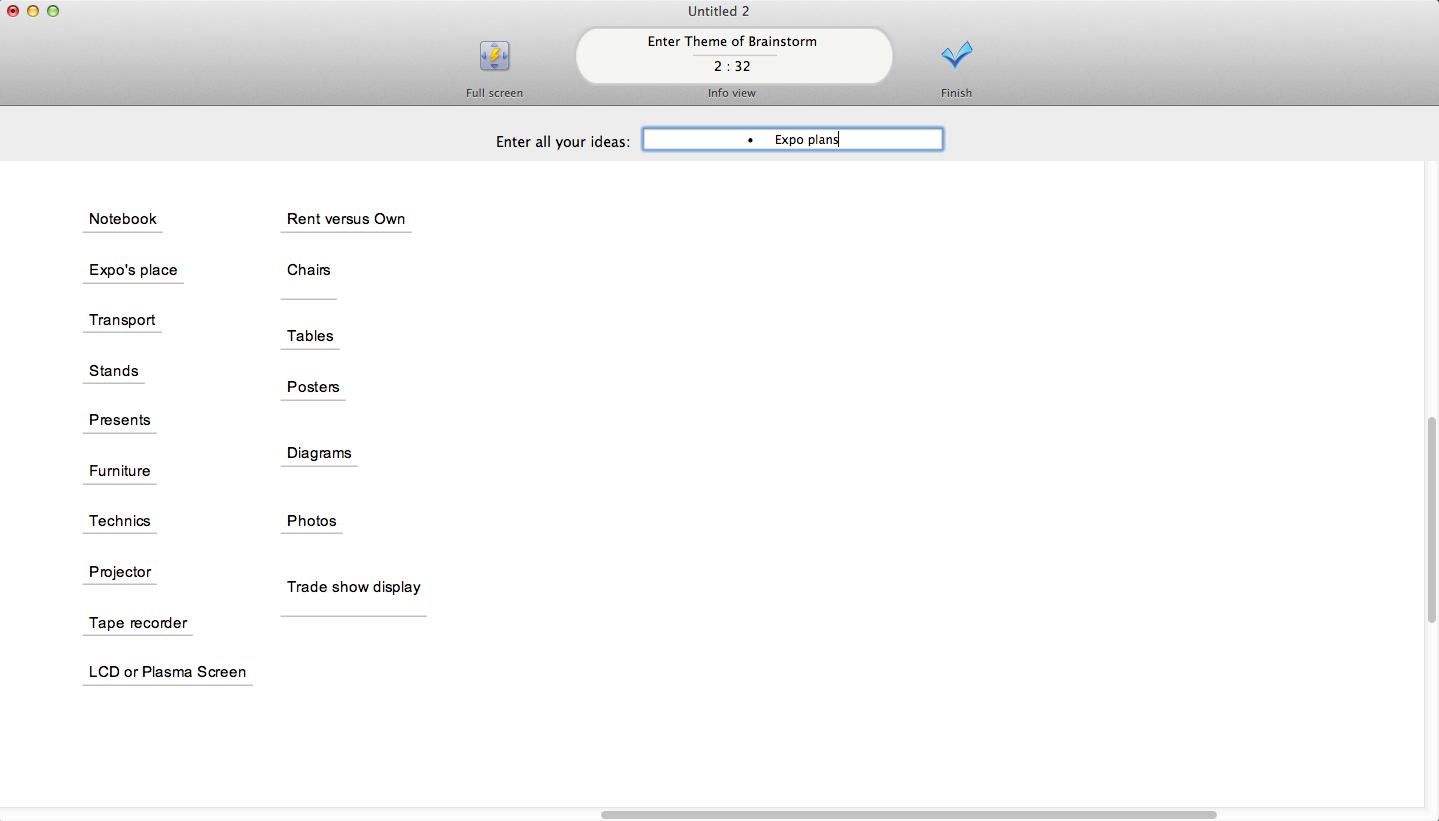
Example 1. ConceptDraw MINDMAP Brainstorming Software
ConceptDraw STORE offers the Mind Map Exchange Solution from the Collaboration Area which allows to get instantly the access to the ConceptDraw MINDMAP
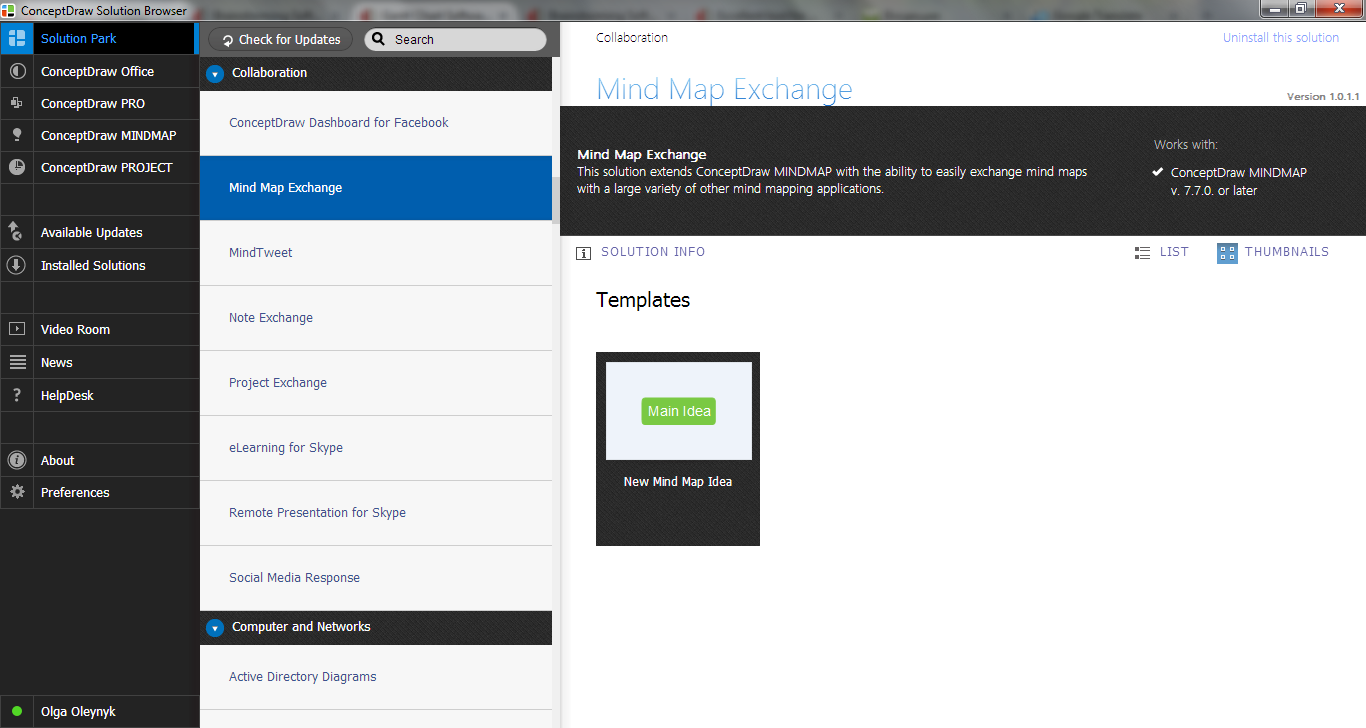
Example 2. Mind Map Exchange Solution in ConceptDraw STORE
Mind Map Exchange Solution provides the New Mind Map Idea Template which is available from ConceptDraw STORE. Use it for quickly creating the new mind map in ConceptDraw MINDMAP software.
To run the Brainstorming session use the Brainstorm tool from the ConceptDraw MINDMAP The Brainstorming session window lets you enter the name or theme for your brainstorming session, and quickly brainstorm a lot of ideas.
Brainstorming Sample
ConceptDraw MINDMAP lets not only brainstorm your ideas, but also effectively organize and manage them, design professional looking mind maps from the brainstormed ideas. ConceptDraw MINDMAP is also effective for problem solving and decision making.
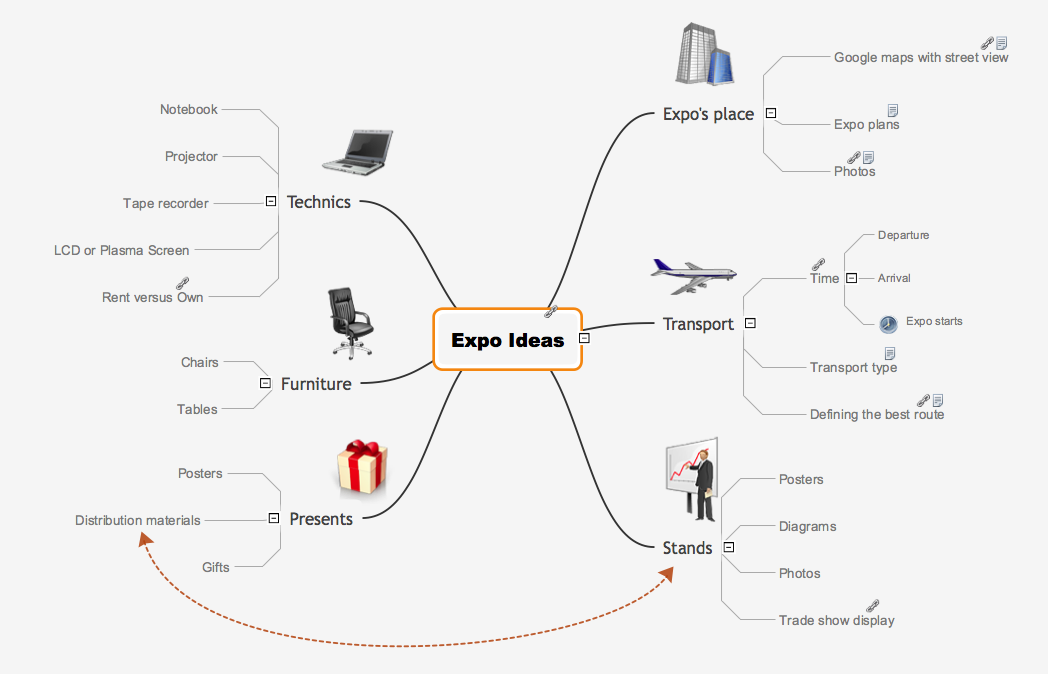
Example 3. Brainstorming Sample
Use ConceptDraw MINDMAP and Mind Map Exchange Solution from the Collaboration Area from ConceptDraw STORE for brainstorming and creating mind maps quick, easy and effectively.
The Benefits for ConceptDraw MINDMAP Brainstorming Software
- ConceptDraw MINDMAP is effective for brainstorming, designing mind maps, idea generating, creative and lateral thinking, creativity and problem solving.
- ConceptDraw MINDMAP is ideal for team and personal work in Business, Marketing and Project Management.
- The libraries with large quantity of vector objects help to illustrate your mind maps and to make them bright, visual and comprehensible.
- Use of View Navigator tool lets create presentations from a mind map: you can simply select the map parts you want to present, sequence your slides, and preview the presentation.
- ConceptDraw MINDMAP provides wide capabilities of importing and exporting in various formats: Microsoft PowerPoint, Microsoft Word, MS Excel, Mindjet MindManager, image, HTML, PDF file.