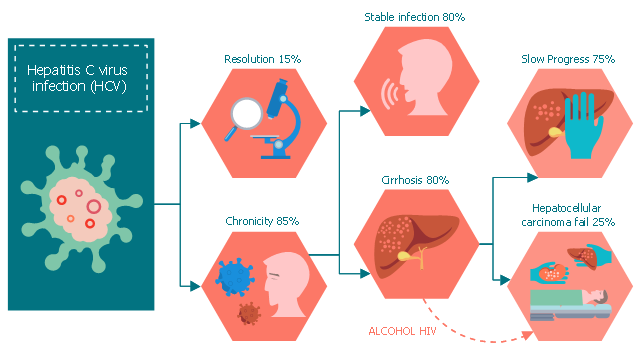
This medical flow chart sample shows progression of Hepatitis C.
It was drawn on the base of Wikimedia Commons file: Progressione Epatite C.svg. [commons.wikimedia.org/ wiki/ File:Progressione_ Epatite_ C.svg]
This file is licensed under the Creative Commons Attribution-Share Alike 3.0 Unported license. [creativecommons.org/ licenses/ by-sa/ 3.0/ deed.en]
"Hepatitis C is an infectious disease caused by the hepatitis C virus (HCV) that primarily affects the liver. During the initial infection people often have mild or no symptoms. Occasionally a fever, dark urine, abdominal pain, and yellow tinged skin occurs. The virus persists in the liver in about 75% to 85% of those initially infected. Early on chronic infection typically has no symptoms. Over many years however, it often leads to liver disease and occasionally cirrhosis. In some cases, those with cirrhosis will develop complications such as liver failure, liver cancer, or dilated blood vessels in the esophagus and stomach." [Hepatitis C. Wikipedia]
The medical flowchart example "Progression Hepatitis C" was designed using ConceptDraw PRO software extended with Healthcare Workflow Diagrams solution from Business Processes area of ConceptDraw Solution Park.
It was drawn on the base of Wikimedia Commons file: Progressione Epatite C.svg. [commons.wikimedia.org/ wiki/ File:Progressione_ Epatite_ C.svg]
This file is licensed under the Creative Commons Attribution-Share Alike 3.0 Unported license. [creativecommons.org/ licenses/ by-sa/ 3.0/ deed.en]
"Hepatitis C is an infectious disease caused by the hepatitis C virus (HCV) that primarily affects the liver. During the initial infection people often have mild or no symptoms. Occasionally a fever, dark urine, abdominal pain, and yellow tinged skin occurs. The virus persists in the liver in about 75% to 85% of those initially infected. Early on chronic infection typically has no symptoms. Over many years however, it often leads to liver disease and occasionally cirrhosis. In some cases, those with cirrhosis will develop complications such as liver failure, liver cancer, or dilated blood vessels in the esophagus and stomach." [Hepatitis C. Wikipedia]
The medical flowchart example "Progression Hepatitis C" was designed using ConceptDraw PRO software extended with Healthcare Workflow Diagrams solution from Business Processes area of ConceptDraw Solution Park.
Medical flowchart
 Healthcare Management Workflow Diagrams
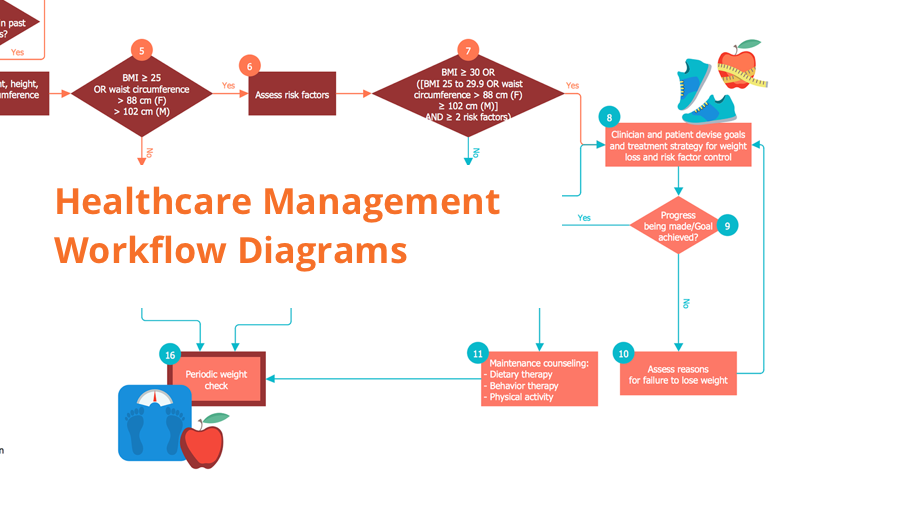
Healthcare Management Workflow Diagrams solution contains large set of colorful samples and libraries with predesigned vector pictograms and symbols of health, healthcare equipment, medical instruments, pharmaceutical tools, transport, medication, departments of healthcare organizations, the medical icons of people and human anatomy, as well as the predesigned flowchart objects, connectors and arrows, which make it the best for designing clear and comprehensive Medi?al Workflow Diagrams and Block Diagrams, Healthcare Management Flowcharts and Infographics, Healthcare Workflow Diagram, for depicting the healthcare workflow and clinical workflows in healthcare, for making the workflow analysis healthcare and healthcare workflow management.
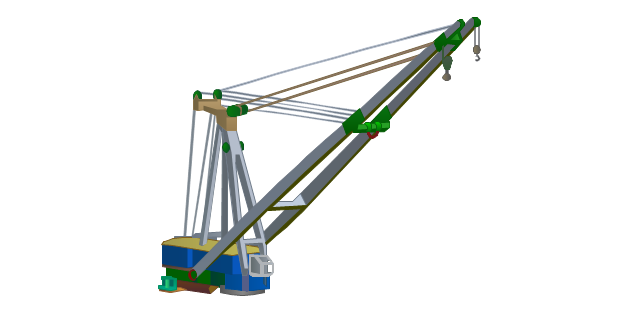
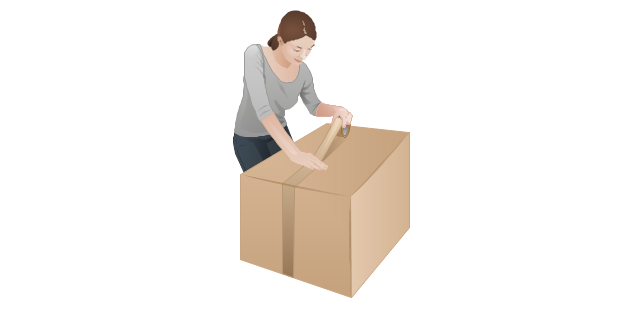
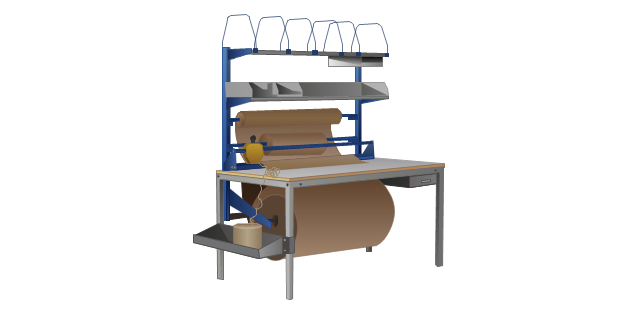
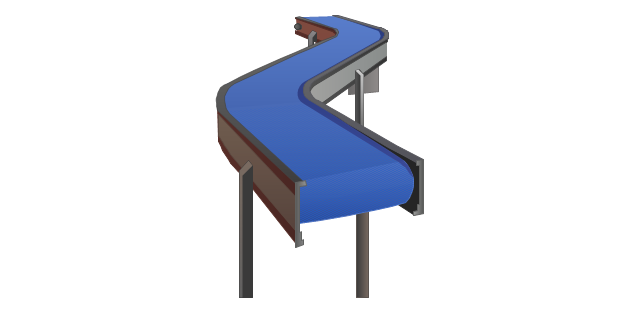
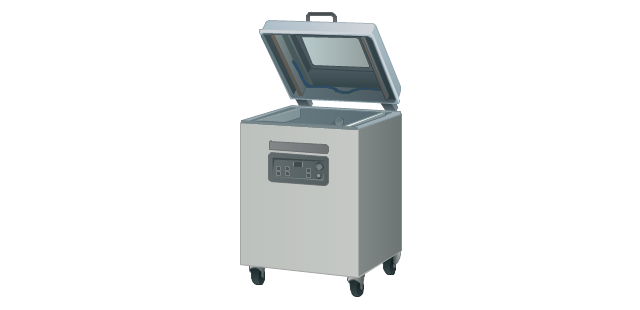
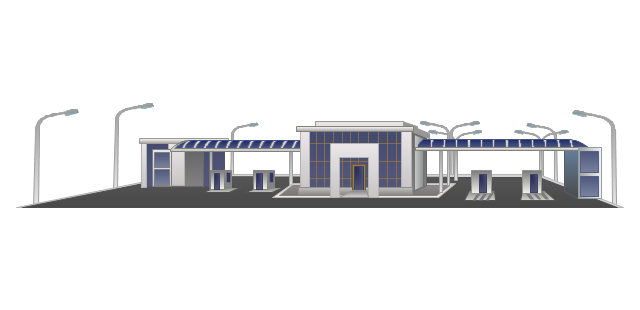
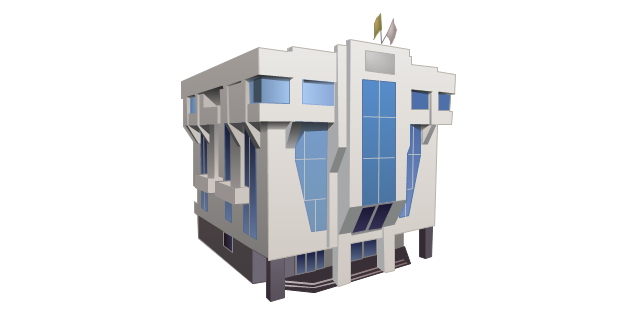
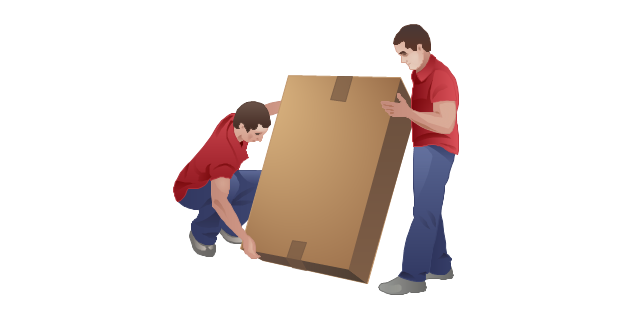
The vector stencils library "Packaging, loading, customs" contains 28 clipart images of packing materials and packaging equipment for drawing illustrations.
"Packaging is the technology of enclosing or protecting products for distribution, storage, sale, and use. Packaging also refers to the process of design, evaluation, and production of packages. Packaging can be described as a coordinated system of preparing goods for transport, warehousing, logistics, sale, and end use. Packaging contains, protects, preserves, transports, informs, and sells. In many countries it is fully integrated into government, business, institutional, industrial, and personal use." [Packaging and labeling. Wikipedia]
The clip art example "Packaging, loading, customs - Vector stencils library" was created in ConceptDraw PRO diagramming and vector drawing software using the Manufacturing and Maintenance solution from the Illustration area of ConceptDraw Solution Park.
"Packaging is the technology of enclosing or protecting products for distribution, storage, sale, and use. Packaging also refers to the process of design, evaluation, and production of packages. Packaging can be described as a coordinated system of preparing goods for transport, warehousing, logistics, sale, and end use. Packaging contains, protects, preserves, transports, informs, and sells. In many countries it is fully integrated into government, business, institutional, industrial, and personal use." [Packaging and labeling. Wikipedia]
The clip art example "Packaging, loading, customs - Vector stencils library" was created in ConceptDraw PRO diagramming and vector drawing software using the Manufacturing and Maintenance solution from the Illustration area of ConceptDraw Solution Park.
Cardboard box
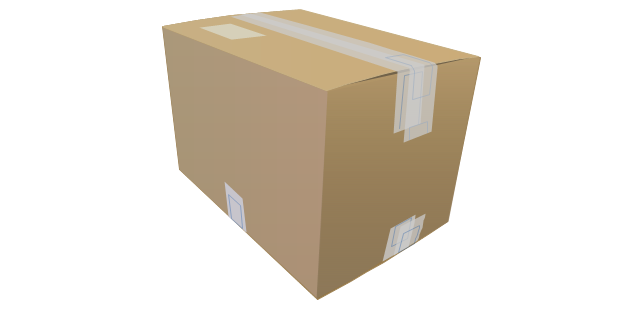
Cardboard box (open)
-packaging,-loading,-customs---vector-stencils-library.png--diagram-flowchart-example.png)
Paper bag

Woodgrain barrel
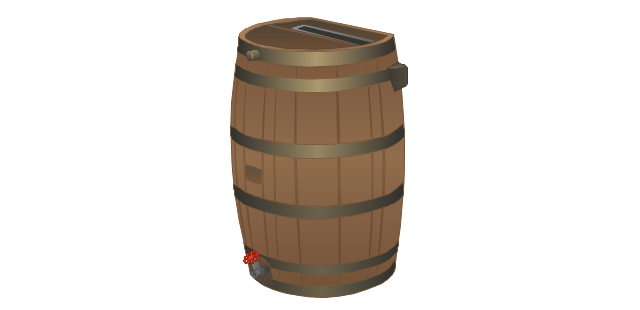
Barrel

Crate

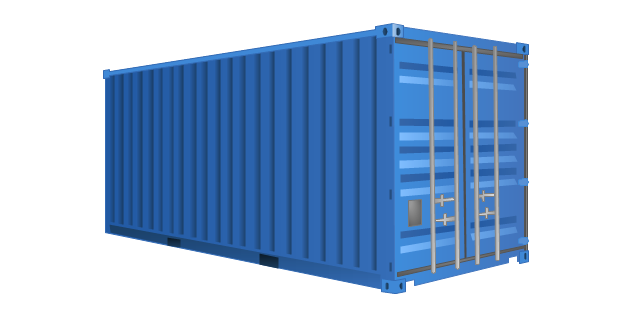
Container
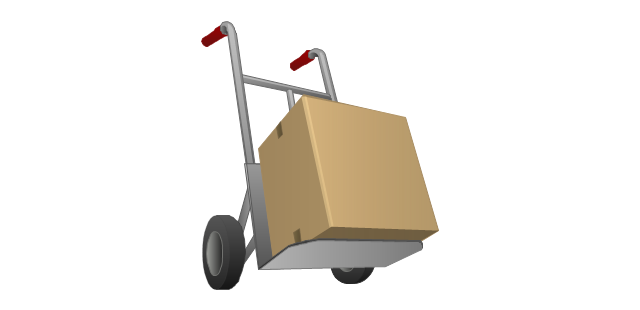
Handcart with cardboard box
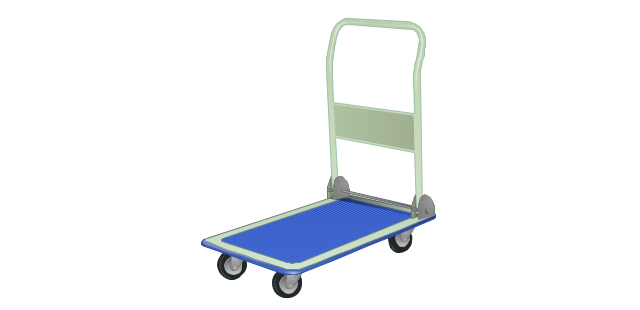
Flatbed trolley
Hand truck
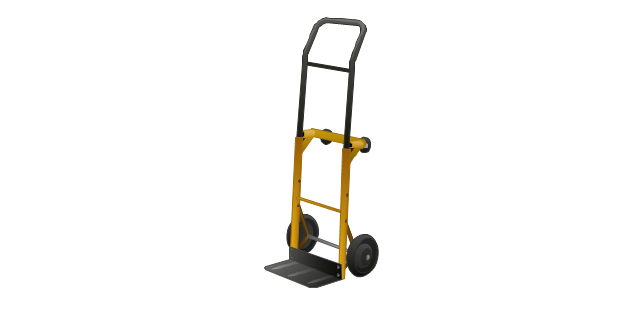
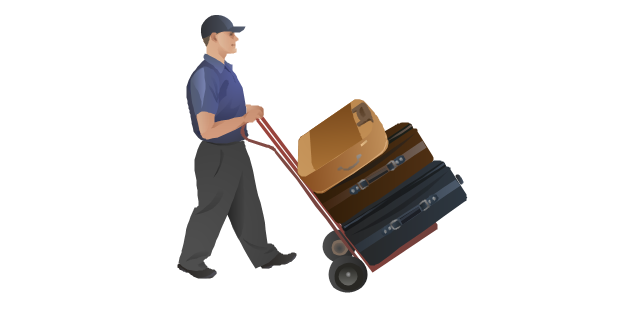
Porter
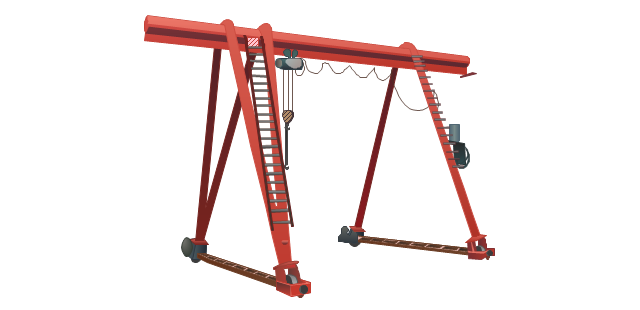
Gantry crane
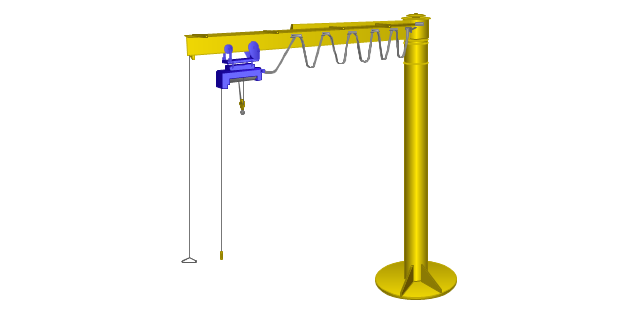
Jib crane
Level luffing crane
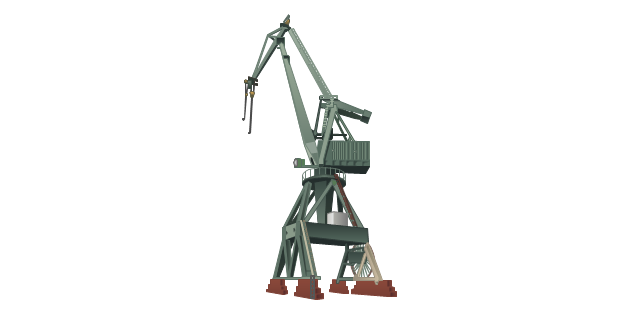
Deck crane
Packaging
Packaging machine
Packing conveyor
Vacuum packaging machine
State border sign

Border checkpoint
Customs sign

Border control

Port of entry office
Customs officer

Stocker with cardboard boxes
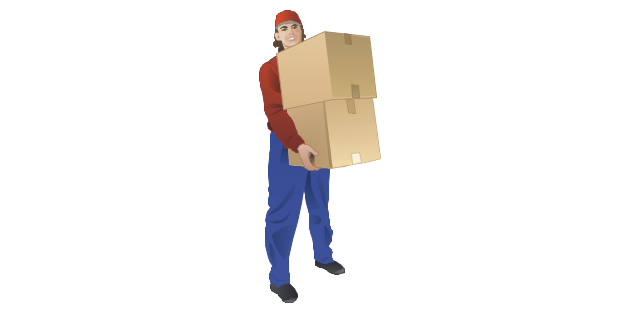
Warehouse workers
Pallet jack
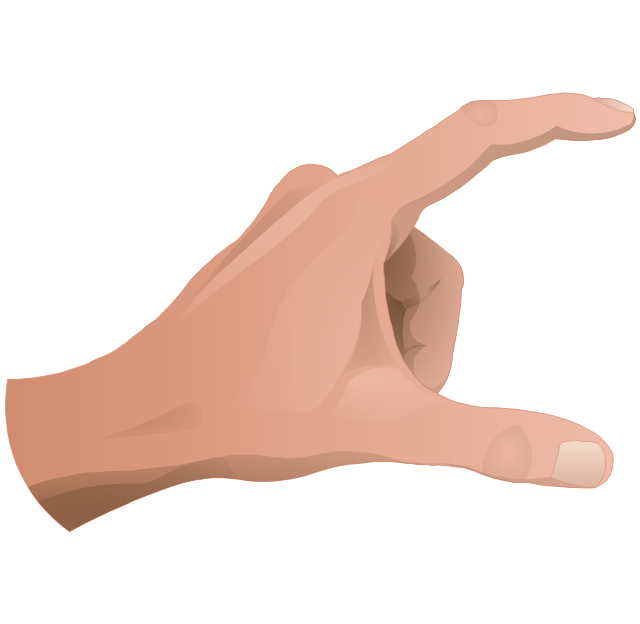
The vector clipart library "Presentation design elements" contains 45 presentation symbols and arrows which you can easy use in your slides and illustrations.
"A presentation is the process of presenting a topic to an audience. It is typically a demonstration, lecture, or speech meant to inform, persuade, or build good will. ... the use of visuals reduced meeting times... audiences believe presenters who use visuals are more professional and credible than presenters who merely speak. ... meetings and presentations reinforced with visuals help participants reach decisions and consensus more quickly." [Presentation. Wikipedia]
The clip art example "Presentation design elements - Vector clipart library" was created in the ConceptDraw PRO diagramming and vector drawing software using the Presentation Clipart solution from the Illustration area of ConceptDraw Solution Park.
"A presentation is the process of presenting a topic to an audience. It is typically a demonstration, lecture, or speech meant to inform, persuade, or build good will. ... the use of visuals reduced meeting times... audiences believe presenters who use visuals are more professional and credible than presenters who merely speak. ... meetings and presentations reinforced with visuals help participants reach decisions and consensus more quickly." [Presentation. Wikipedia]
The clip art example "Presentation design elements - Vector clipart library" was created in the ConceptDraw PRO diagramming and vector drawing software using the Presentation Clipart solution from the Illustration area of ConceptDraw Solution Park.
Advance Direction Sign
Circuit

Growth
Master Link
Comparison

Plus

Minus

Multiplication

Division

Loupe

Plus sign

Minus sign

Pros and Cons
Balance Lever
Balance

Scientific Research
Business People

Hand
Financial Growth

Wallet

Increase

Decrease

Clock

Mechanism

Interaction

Small Company

Big Company

Company Expansion

Foreign Market Entry

Time

Close Cooperation

Company

Company Merger

Company Extension

Foreign Market Penetration

Business Relations

Profits

Frame 1
Frame 2
Background 1

Background 2

Background 3

Background 4

Background 5

Title block
"Man-to-man defense is a type of defensive tactic used in team sports such as American football, association football, basketball, and netball, in which each player is assigned to defend and follow the movements of a single player on offense. Often, a player guards his counterpart (e.g. center guarding center), but a player may be assigned to guard a different position. The strategy is not rigid however, and a player might switch assignment if needed, or leave his own assignment for a moment to double team an offensive player. The term is commonly used even in women's basketball, though the gender-neutral 'player-to-player' also has some usage. ...
When defending the ball (i.e. guarding the man with the basketball) away from the basket in basketball, players typically should use a version of the following technique: The defender stands and faces the opponent. He is positioned between the ball and the basket and may be angled in one direction or another depending on the defensive scheme of that defender's team. He has his feet positioned beyond shoulder width with most of the weight distributed to the balls of his feet. However, the defender's heels should not be off the floor as this will put him off balance. The defender's knees should be bent at roughly a ninety degree angle with the bottom of his thighs parallel to the ground. This will place the defenders buttocks in a seated position. The defenders back should be straight with just a slight tilt forward. This will place the defender's head over the center of his body and maintain proper balance. Depending on the teachings of his coach, the defender should position his hands wide as if he were stretching his wingspan or place one hand high and one hand low." [Man-to-man defense. Wikipedia]
The basketball positions diagram example "Man-to-man basketball defense drill" was created using the ConceptDraw PRO diagramming and vector drawing software extended with the Basketball solution from the Sport area of ConceptDraw Solution Park.
www.conceptdraw.com/ solution-park/ sport-basketball
When defending the ball (i.e. guarding the man with the basketball) away from the basket in basketball, players typically should use a version of the following technique: The defender stands and faces the opponent. He is positioned between the ball and the basket and may be angled in one direction or another depending on the defensive scheme of that defender's team. He has his feet positioned beyond shoulder width with most of the weight distributed to the balls of his feet. However, the defender's heels should not be off the floor as this will put him off balance. The defender's knees should be bent at roughly a ninety degree angle with the bottom of his thighs parallel to the ground. This will place the defenders buttocks in a seated position. The defenders back should be straight with just a slight tilt forward. This will place the defender's head over the center of his body and maintain proper balance. Depending on the teachings of his coach, the defender should position his hands wide as if he were stretching his wingspan or place one hand high and one hand low." [Man-to-man defense. Wikipedia]
The basketball positions diagram example "Man-to-man basketball defense drill" was created using the ConceptDraw PRO diagramming and vector drawing software extended with the Basketball solution from the Sport area of ConceptDraw Solution Park.
www.conceptdraw.com/ solution-park/ sport-basketball
Basketball positions diagram

The vector stencils library "Windows 8 apps" contains 40 shortcut icons of Windows 8 software applications.
Use this shortcut UI icon set to design graphic user interface (GUI) prototypes of your software apps for Windows 8.
"In computing, a file shortcut is a handle in a user interface that allows the user to find a file or resource located in a different directory or folder from the place where the shortcut is located.
Shortcuts are typically implemented as a small file containing a target URI or GUID to an object, or the name of a target program file that the shortcut represents. The shortcut might additionally specify parameters to be passed to the target program when it is run. Each shortcut can have its own icon. Shortcuts are very commonly placed on a desktop, in an application launcher panel such as the Microsoft Windows Start menu, or in the main menu of a desktop environment. ...
File shortcuts (also known as shell links) were introduced in Windows 95. Microsoft Windows uses .lnk as the filename extension for shortcuts to local files, and .URL for shortcuts to remote files, like web pages. Commonly referred to as "shortcuts" or "link files", both are displayed with a curled arrow overlay icon by default, and no filename extension. ...
Shortcut files can be used to launch programs in minimized or maximized window states if the program supports it. ...
Beginning with Windows 7, some shortcuts also store Application User Model IDs (AppUserModelIDs). Instead of the target command line, AppUserModelIDs may directly be used to launch applications. Shortcuts with AppUserModelIDs are used by some desktop programs and all WinRT Modern apps for launching." [File shortcut. Wikipedia]
The shortcut icons example "Windows 8 apps - Vector stencils library" was created using the ConceptDraw PRO diagramming and vector drawing software extended with the Windows 8 User Interface solution from the Software Development area of ConceptDraw Solution Park.
Use this shortcut UI icon set to design graphic user interface (GUI) prototypes of your software apps for Windows 8.
"In computing, a file shortcut is a handle in a user interface that allows the user to find a file or resource located in a different directory or folder from the place where the shortcut is located.
Shortcuts are typically implemented as a small file containing a target URI or GUID to an object, or the name of a target program file that the shortcut represents. The shortcut might additionally specify parameters to be passed to the target program when it is run. Each shortcut can have its own icon. Shortcuts are very commonly placed on a desktop, in an application launcher panel such as the Microsoft Windows Start menu, or in the main menu of a desktop environment. ...
File shortcuts (also known as shell links) were introduced in Windows 95. Microsoft Windows uses .lnk as the filename extension for shortcuts to local files, and .URL for shortcuts to remote files, like web pages. Commonly referred to as "shortcuts" or "link files", both are displayed with a curled arrow overlay icon by default, and no filename extension. ...
Shortcut files can be used to launch programs in minimized or maximized window states if the program supports it. ...
Beginning with Windows 7, some shortcuts also store Application User Model IDs (AppUserModelIDs). Instead of the target command line, AppUserModelIDs may directly be used to launch applications. Shortcuts with AppUserModelIDs are used by some desktop programs and all WinRT Modern apps for launching." [File shortcut. Wikipedia]
The shortcut icons example "Windows 8 apps - Vector stencils library" was created using the ConceptDraw PRO diagramming and vector drawing software extended with the Windows 8 User Interface solution from the Software Development area of ConceptDraw Solution Park.
Alarms

Calculator

Calendar
Camera

Dashboard

Database

Exel 2013
Finance

Food + Drink

Games

Health + Fitness

Help+Tips

Internet Explorer

Language

Mail

Maps

Music

News

SkyDrive

OneNote
Outlook 2013

PC Settings
People

Photos

PowerPoint 2013
Reading List

Scanner

Sound Recorder

Skype

Sports

Store

Spreadsheet

Telemetry Center

Travel

Upload Center

Video

Viewer

Visio 2013

Weather

Word 2013