HelpDesk
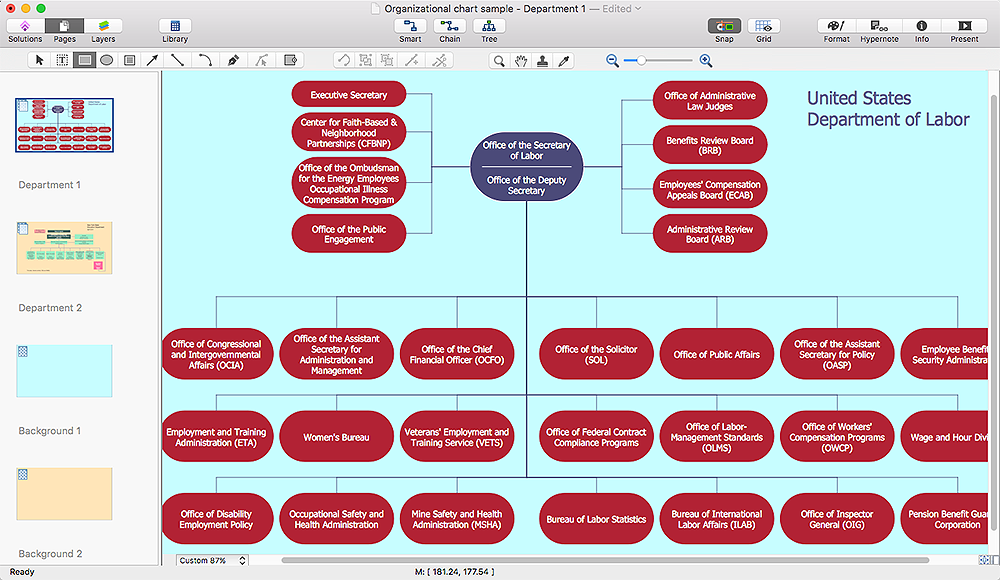
How to Make Different Backgrounds Within a Multipage Drawing
HelpDesk
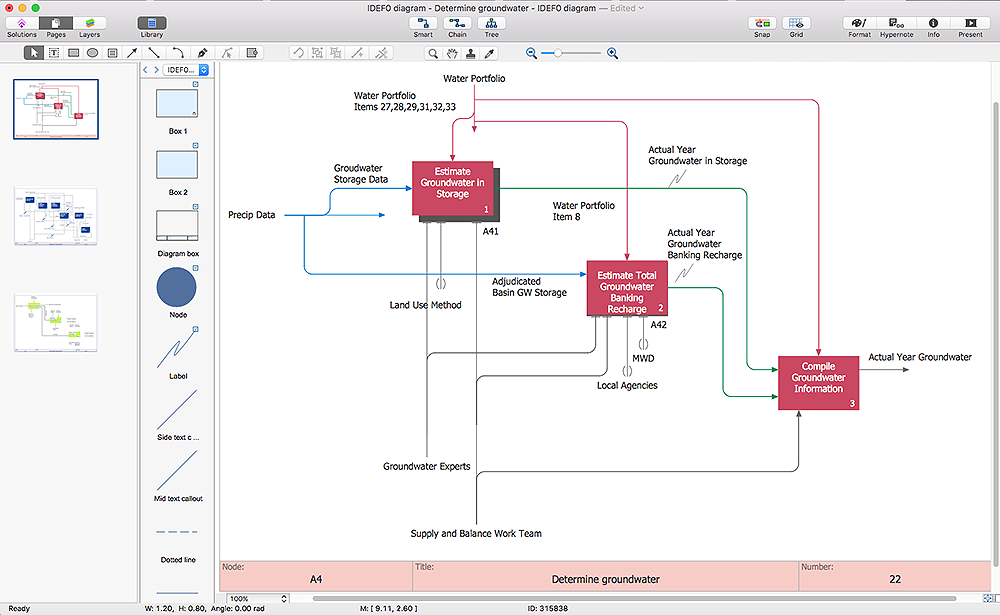
How to Create Multipage Diagram
HelpDesk
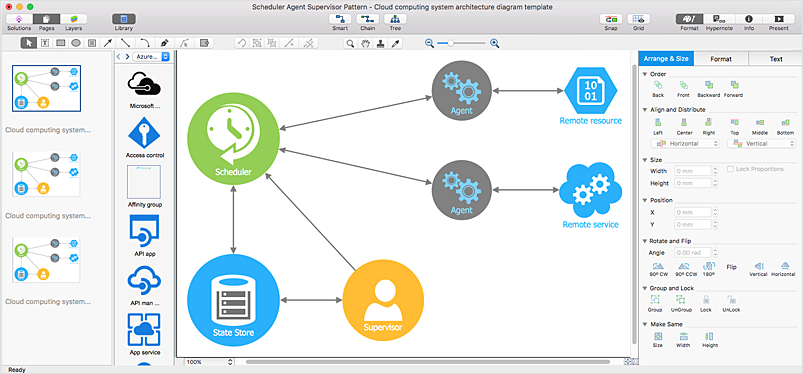
How to Create Multipage Document
HelpDesk
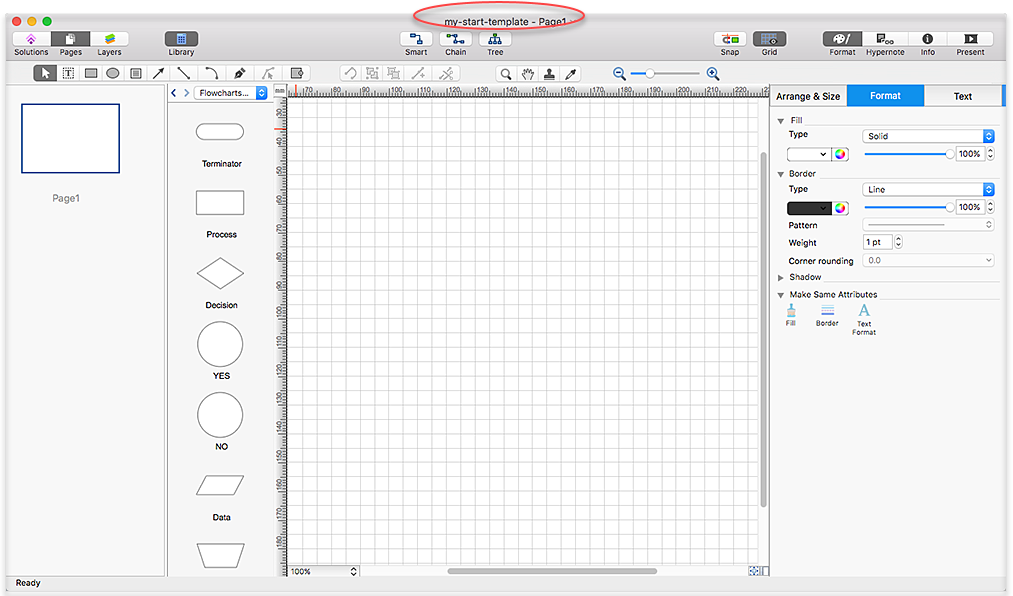
How to Change the Startup Page in ConceptDraw PRO
HelpDesk
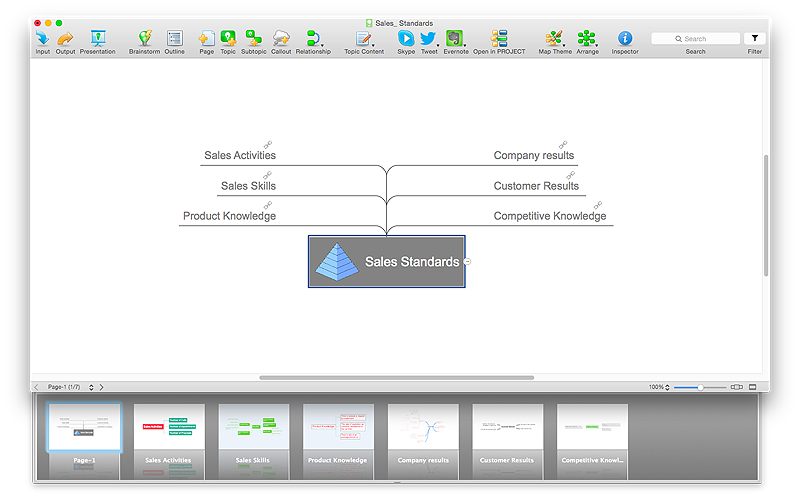
How to Split a Complex Map to a Few Simple Maps
 Website Wireframe
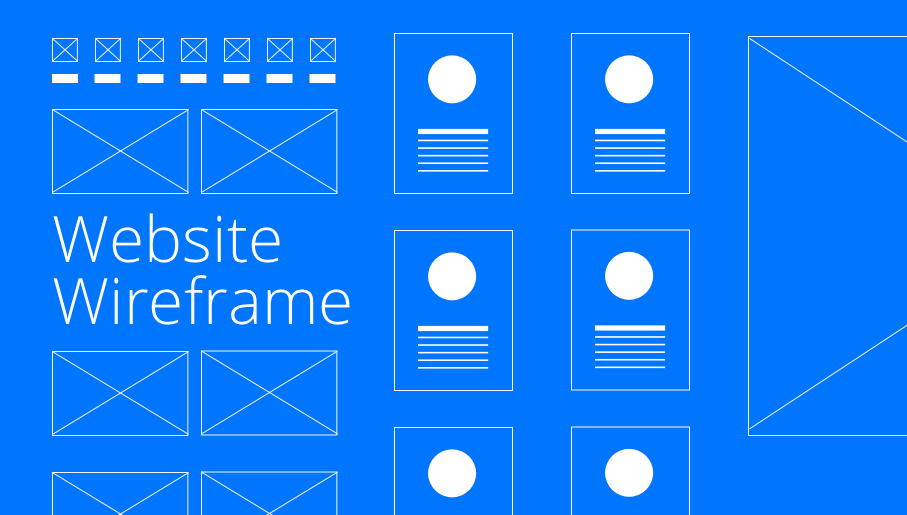
The innovative Website Wireframe solution enhances the ConceptDraw PRO v10 functionality with newest wireframe tools, libraries with variety of predesigned icons, symbols, buttons, graphics, forms, boxes, and many other vector elements, templates and professionally designed samples, which make it the best wireframing software. Website Wireframe solution gives you significant advantages when designing and maintaining websites, creating skeletal and content-free depictions of website structure, making website prototypes and planning the content arrangement before committing to design, also speeds up the processes of sketching, producing and sharing wireframe examples of website style and interface design.
HelpDesk
How to Create the Custom Diagram Template on Mac

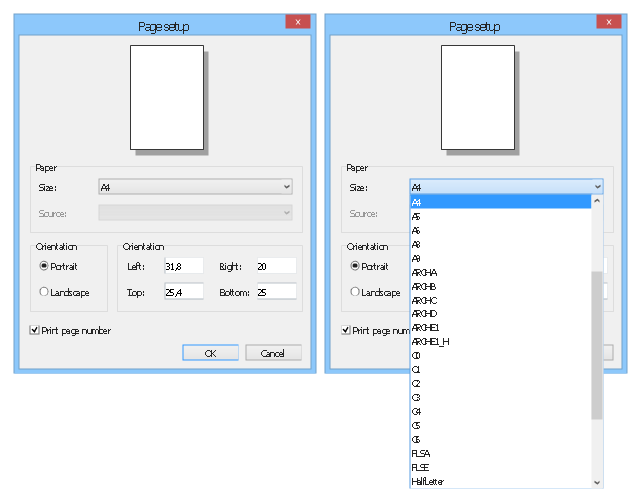
This example illustrates usage of dersign elements in the graphic user interface (GUI) of Windows 8 application Page setup dialog.
"Page Setup Dialog ... allows the user to set the following attributes of the printed page: (1) The paper type (envelope, legal, letter, and so on). (2) The paper source (manual feed, tractor feed, sheet feeder, and so on). (3) The page orientation (portrait or landscape). (4) The width of the page margins." [msdn.microsoft.com/ en-us/ library/ windows/ desktop/ ms646962%28v=vs.85%29.aspx]
The sample "Page setup dialog" was created using the ConceptDraw PRO diagramming and vector drawing software extended with the Windows 8 User Interface solution from the Software Development area of ConceptDraw Solution Park.
"Page Setup Dialog ... allows the user to set the following attributes of the printed page: (1) The paper type (envelope, legal, letter, and so on). (2) The paper source (manual feed, tractor feed, sheet feeder, and so on). (3) The page orientation (portrait or landscape). (4) The width of the page margins." [msdn.microsoft.com/ en-us/ library/ windows/ desktop/ ms646962%28v=vs.85%29.aspx]
The sample "Page setup dialog" was created using the ConceptDraw PRO diagramming and vector drawing software extended with the Windows 8 User Interface solution from the Software Development area of ConceptDraw Solution Park.
Dialog box
HelpDesk
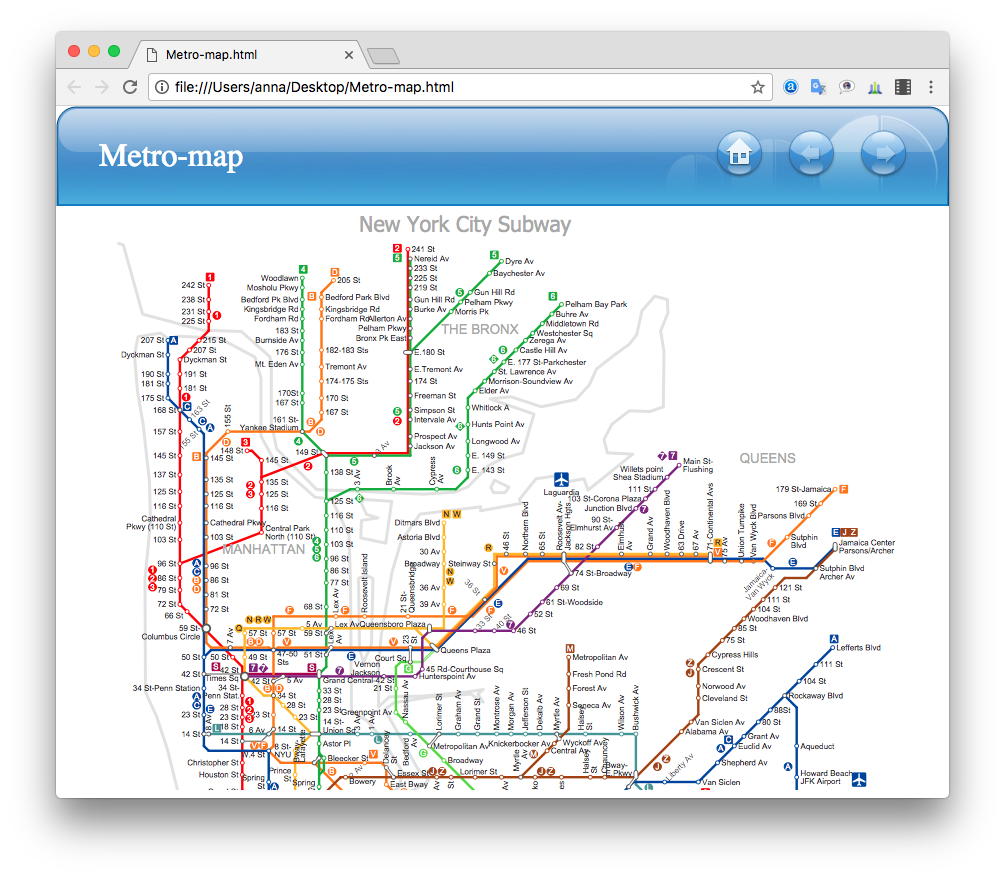
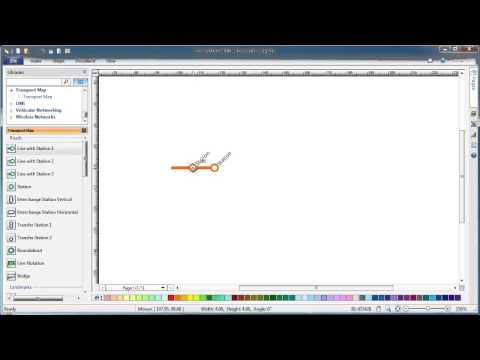
How to Make a Web Page from Your Metro Map
HelpDesk
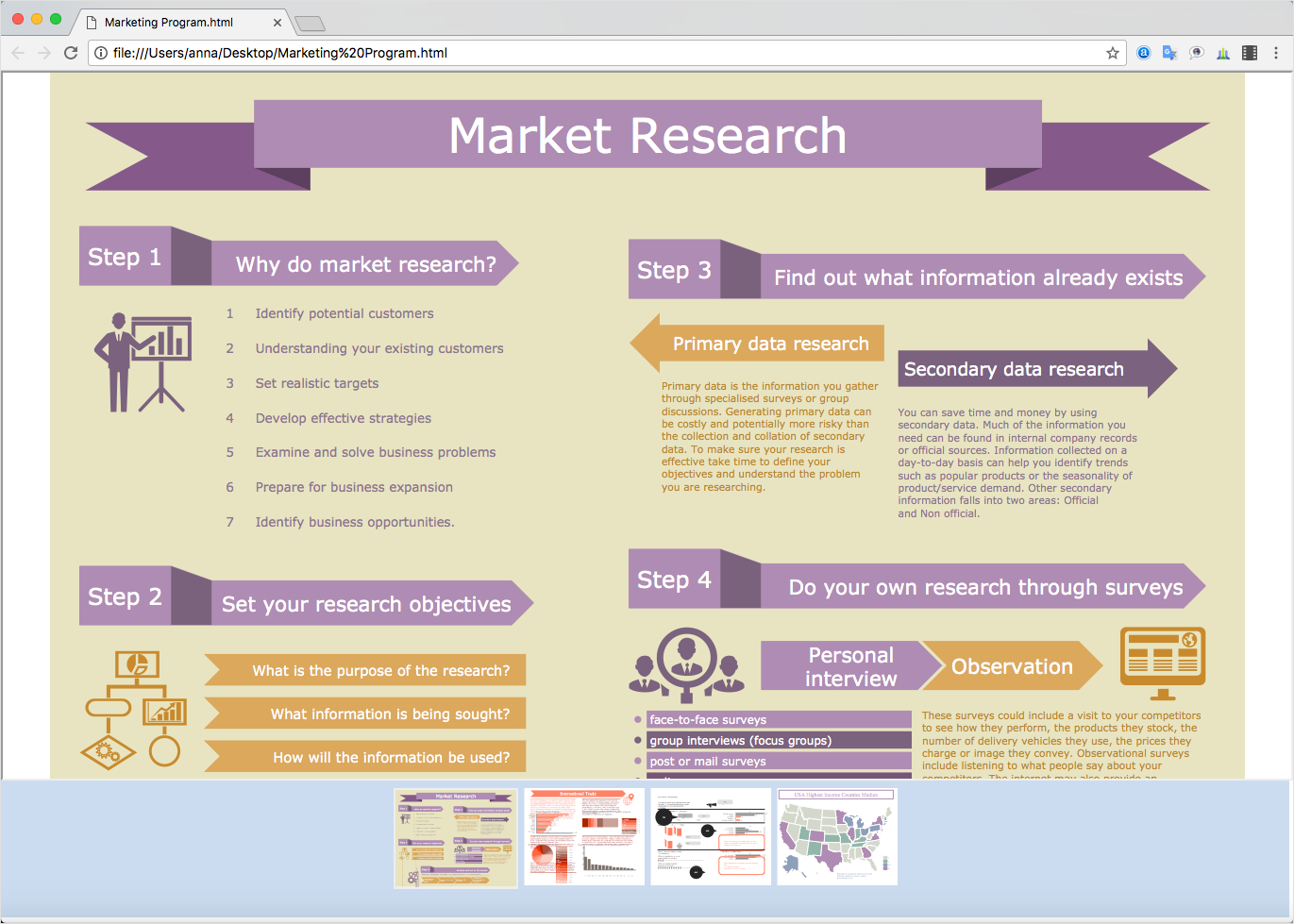
How to Make a Web Page from Infographics
- Conceptdraw .com: Mind Map Software, Drawing Tools | Project ...
- How to Change the Startup Page in ConceptDraw PRO | HVAC ...
- Website Wireframe | How to Make a Web Page from Infographics ...
- How to Create a SDL Diagram Using ConceptDraw PRO | Design ...
- Page load time - Frequency histogram | Histogram Chart | Make a ...
- How to Create Multipage Diagram | ConceptDraw PRO ...
- Calendars | Business diagrams & Org Charts with ConceptDraw ...
- How to Create Multipage Diagram | ConceptDraw PRO ...
- How to Make a Web Page from Your Metro Map | Block Diagrams ...
- AWS Architecture Diagrams | How to Make a Web Page from ...


