Expand collaboration capabilities with ConceptDraw DIAGRAM
|
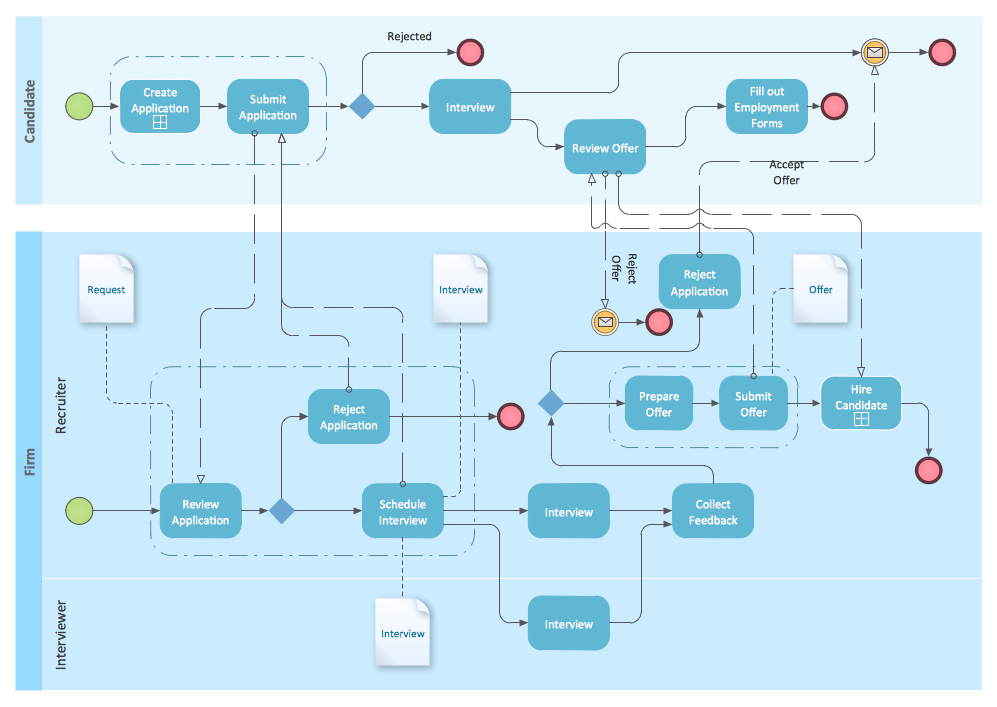
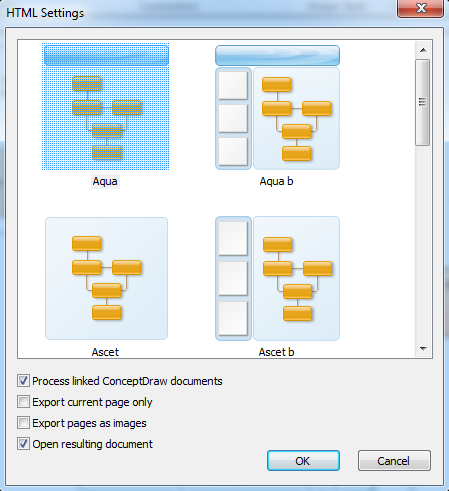
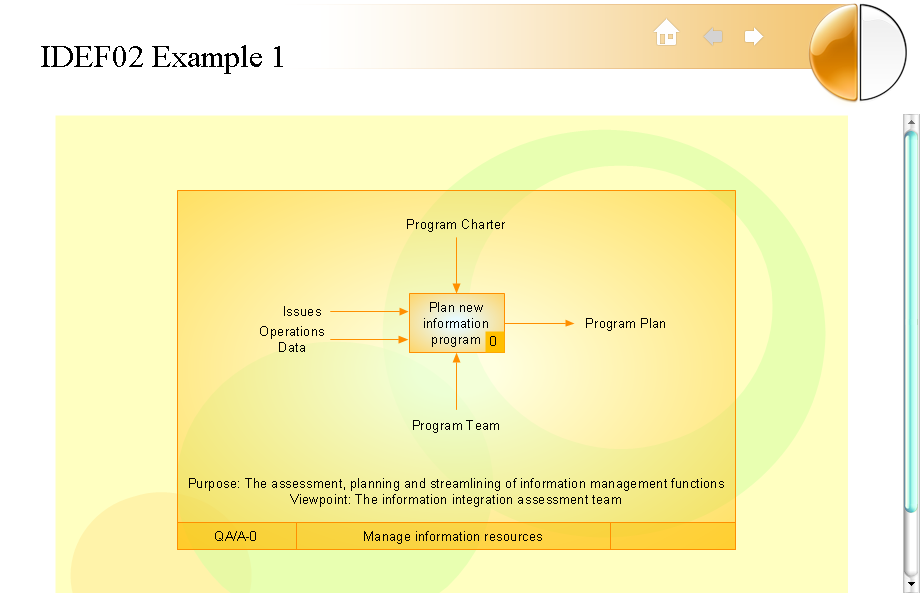
A new model of information sharing has emerged with the implantation of the Internet into human's common workspace. This new model allows information to be shared by many and among many. Thus the using of Internet in daily life has extended from simple information search till environment of information exchange between people. The Web has become an essential part of most businesses. Because of this, it is important to use the technology that allows large group of stakeholders be able to access it, and to communicate with one another. With ConceptDraw DIAGRAM you can easily convert different diagrams, charts schemes and other drawings, you have made by using this comprehensive application into web - ready documents. Start export to a HTML- with running special Wizard through following way: menu File->Export->HTML
Use a set of predefined templates to pick the view of your HTML document. Also you can use your own HTML template. Put it to the HTML Templates folder and it will be included to the set of predefined styles. As a result of export to HTML you will get an HTML-formatted file and a same-named folder which contains images.
Certainly, it is possible to exchange files via Internet by e-mail, but information in the form of Web-page has a number of preferences in comparison with off-line mode.
|
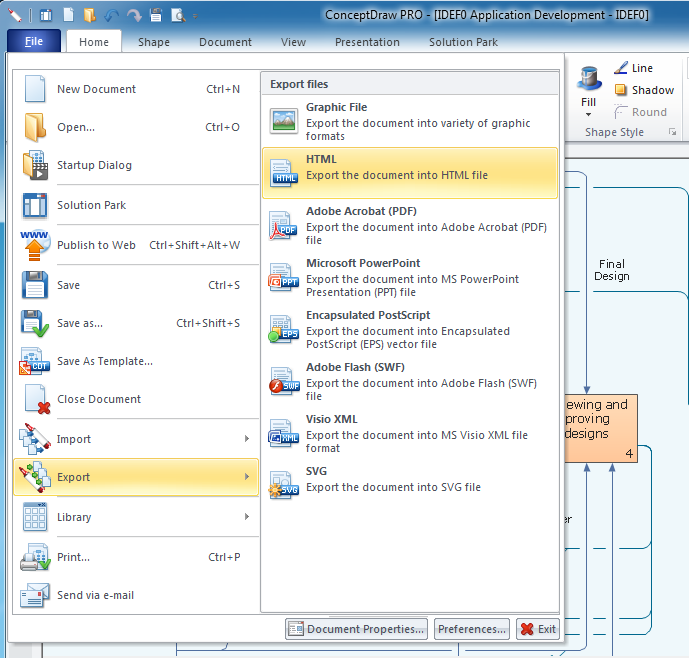
The example, we’ve described above, is concerning a case of Business collaboration and other contacts in relation to ConceptDraw DIAGRAM documents. And what about possibilities to place objects, created with ConeptDraw 7 on the site which is already exist? ConceptDraw DIAGRAM functionality allows executing it easily.
- ConceptDraw DIAGRAM allows you export files in a most popular graphic formats (raster and vector)
- Export to SVG format allows you to supply the web-pages with a drawing of the high permission.
- Export to Macromedia Flash format (SWF) allows you to deliver your drawing to the web in vector graphic file format which is much more compact than a raster format.
Internet enables large numbers of people to be brought into a dialog that allows to simplify and to accelerate considerably communications processes in business. ConceptDraw DIAGRAM without doubt, will help you to become aware of benefits from involving into the global information-sharing dialog.