Systems Connections
ConceptDraw DIAGRAM is a diagramming software for making audio and video systems connections schematics. The Audio & Video Connectors solution includes sockets and plugs, connectors and devices that you can use to make your diagram of AV connections.
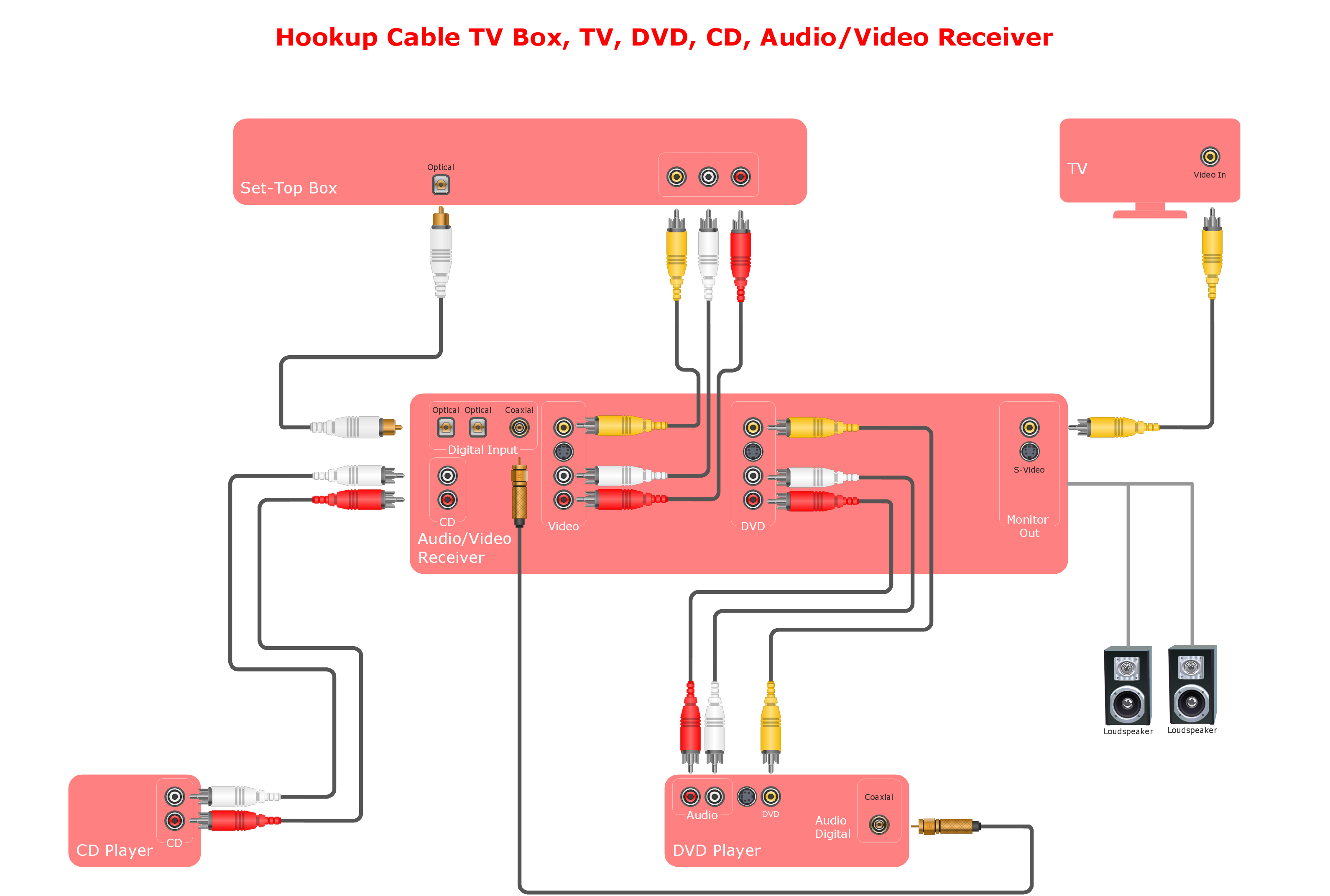
Sample 1. Hook-up drawing - Stereo audio visual entertainment systems.
This hookup diagram was created in ConceptDraw DIAGRAM diagramming software using the Audio and Video Connectors solution.
Visualize your system connections using ConceptDraw DIAGRAM with the Audio and Video Connectors solution.
THREE RELATED HOW TO's:
Fruits are unique products, they are beautiful and delicious, and look amazing in the compositions. Fruits are perfect for decorating various dishes, desserts and beverage. Each composition of fruits is a real fruit art!
ConceptDraw DIAGRAM diagramming and vector drawing software extended with Food Court solution from the Food and Beverage area of ConceptDraw Solution Park perfectly suits for fruit art design and easy drawing attractive food and beverage illustrations.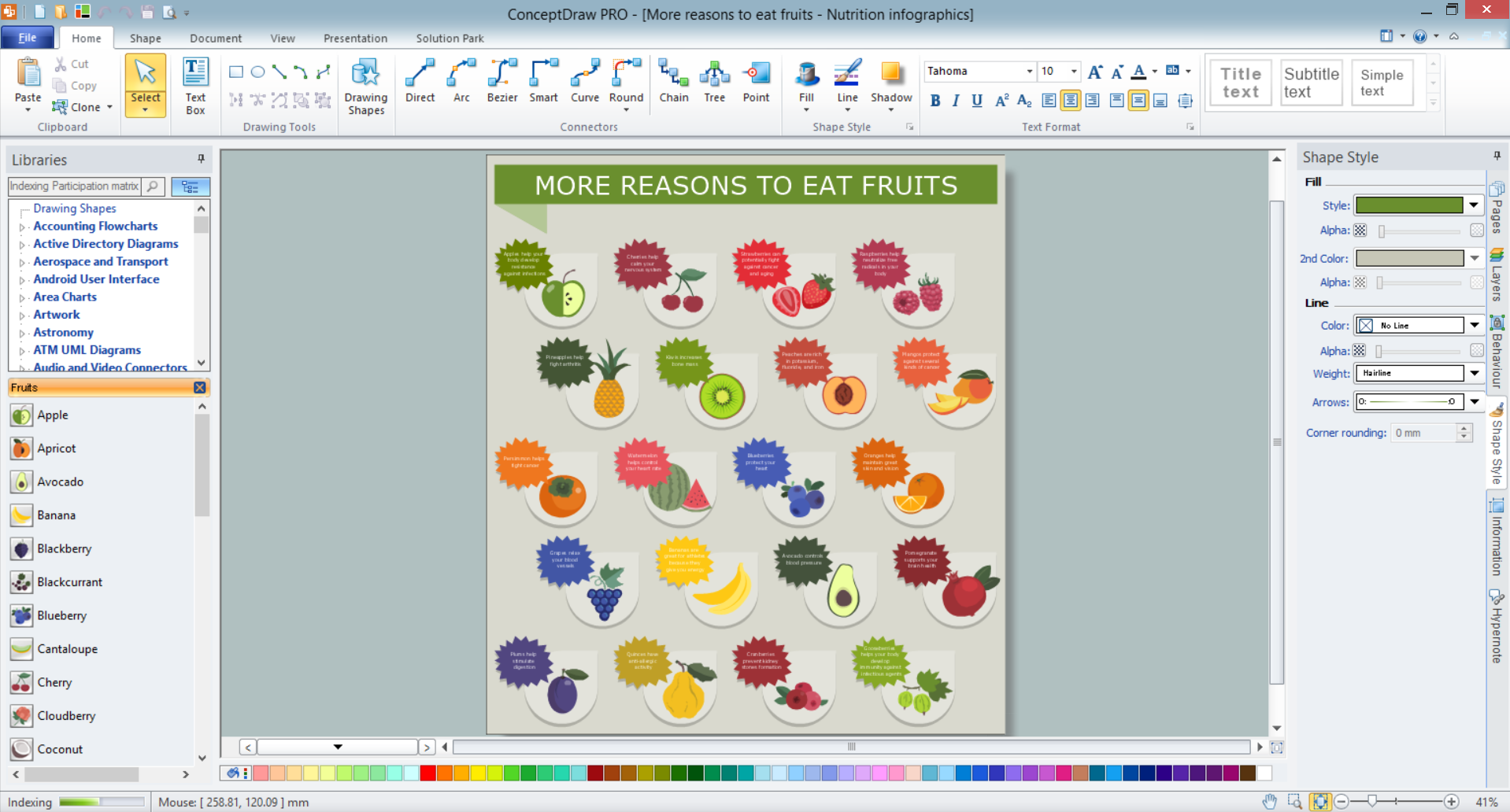
Picture: Fruit Art
Related Solution:
26 libraries of the Electrical Engineering Solution of ConceptDraw DIAGRAM make your electrical diagramming simple, efficient, and effective.
Picture: Electrical Symbols — Thermo
Related Solution:
You can see that when you rotate a group, connectors change their angle, keeping their position inside of the grouped objects. If you decide to ungroup the objects, the connectors will adjust to keep lines parallel to the edges of the sheet.
The magic of ConceptDraw Arrows10’s rotating group containing connectors, makes complex diagramming simple and easy.
The way to connect objects has never been easier.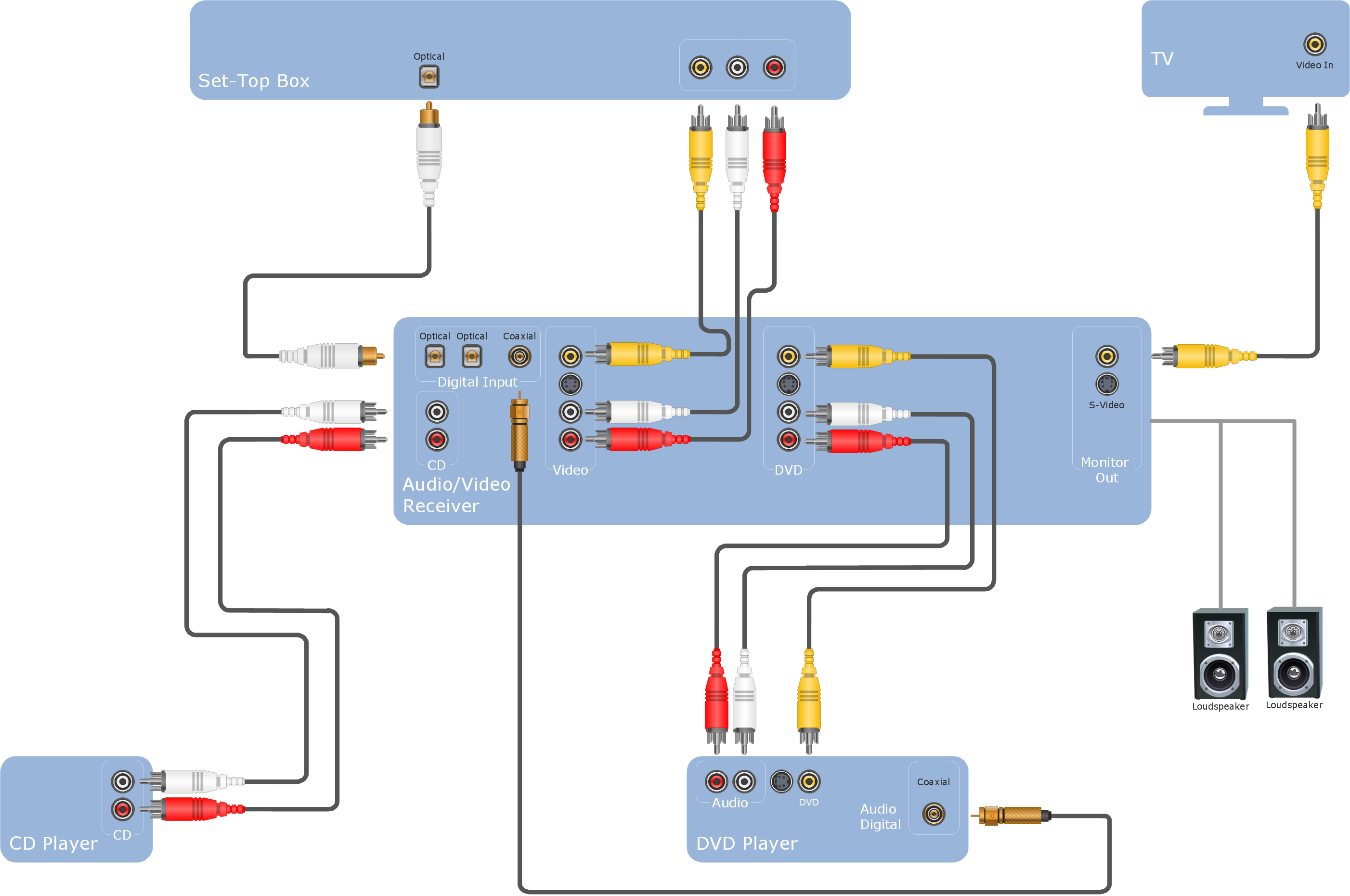
Picture: ConceptDraw Arrows10 Technology
ConceptDraw
DIAGRAM 18