Made with
ConceptDraw
DIAGRAM 18

What is Spatial Analysis?
Definition and Examples

“Spatial analysis or spatial statistics includes any of the formal techniques which study entities using their topological, geometric, or geographic properties. Spatial analysis includes a variety of techniques, many still in their early development, using different analytic approaches and applied in fields as diverse as astronomy, with its studies of the placement of galaxies in the cosmos, to chip fabrication engineering, with its use of 'place and route' algorithms to build complex wiring structures. In a more restricted sense, spatial analysis is the techniques applied to structures at the human scale, most notably in the analysis of geographic data.”[from Wikipedia]

ConceptDraw DIAGRAM drawing software extended with Pictorial Infographics Solution from the “Infographics” Area is the best for Spatial Data Analysis. You have a perfect possibility to make sure this right now.
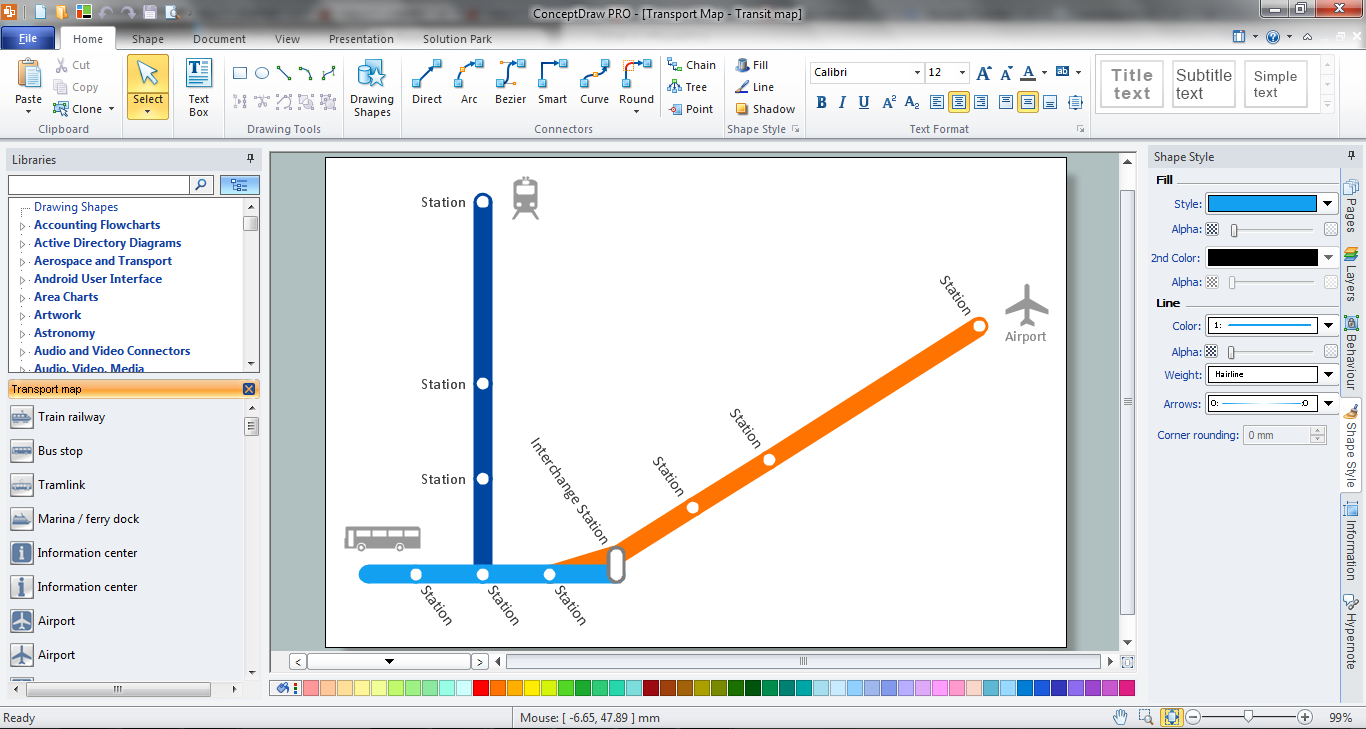
Spatial Data Analysis

Example 1. Spatial Data Analysis

It is impossible to imagine the Spatial Data Analysis without useful and effective tools. It's excellent news that ConceptDraw DIAGRAM software includes the Spatial Infographics Solution with large collection of libraries and variety of predesigned samples and templates to be filled in.

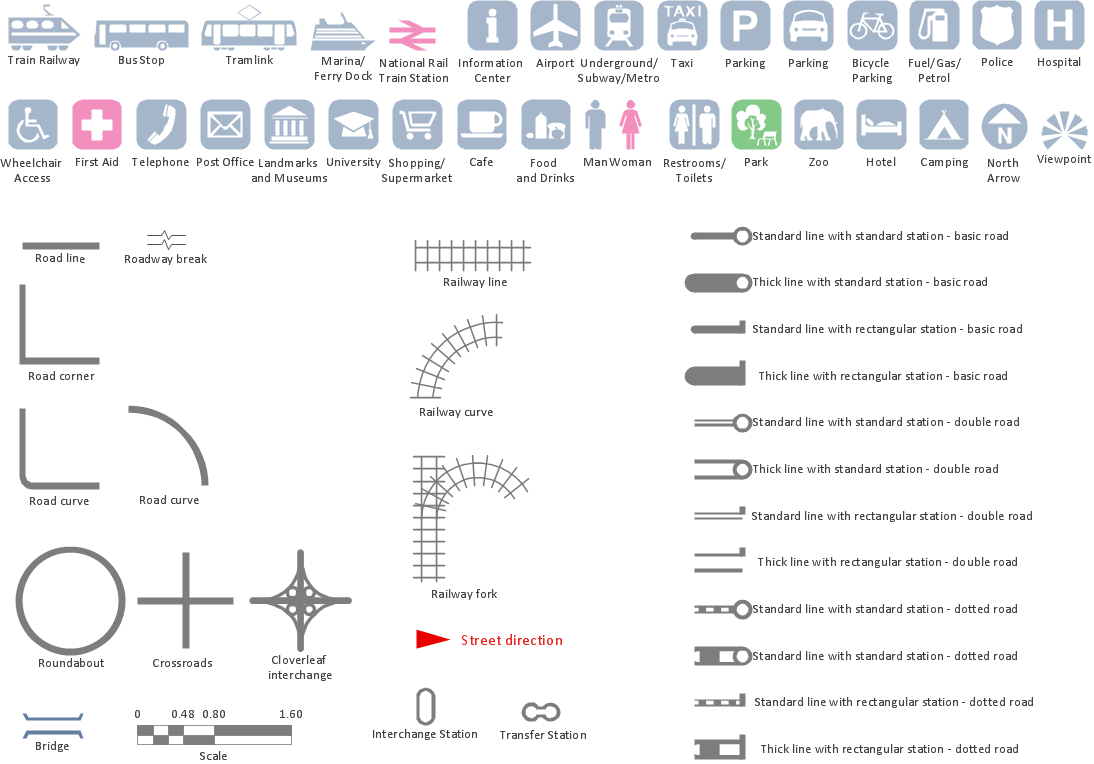
9 libraries from the Spatial Infographics Solution include 387 vector stencils for drawing spatial infographics in minutes.
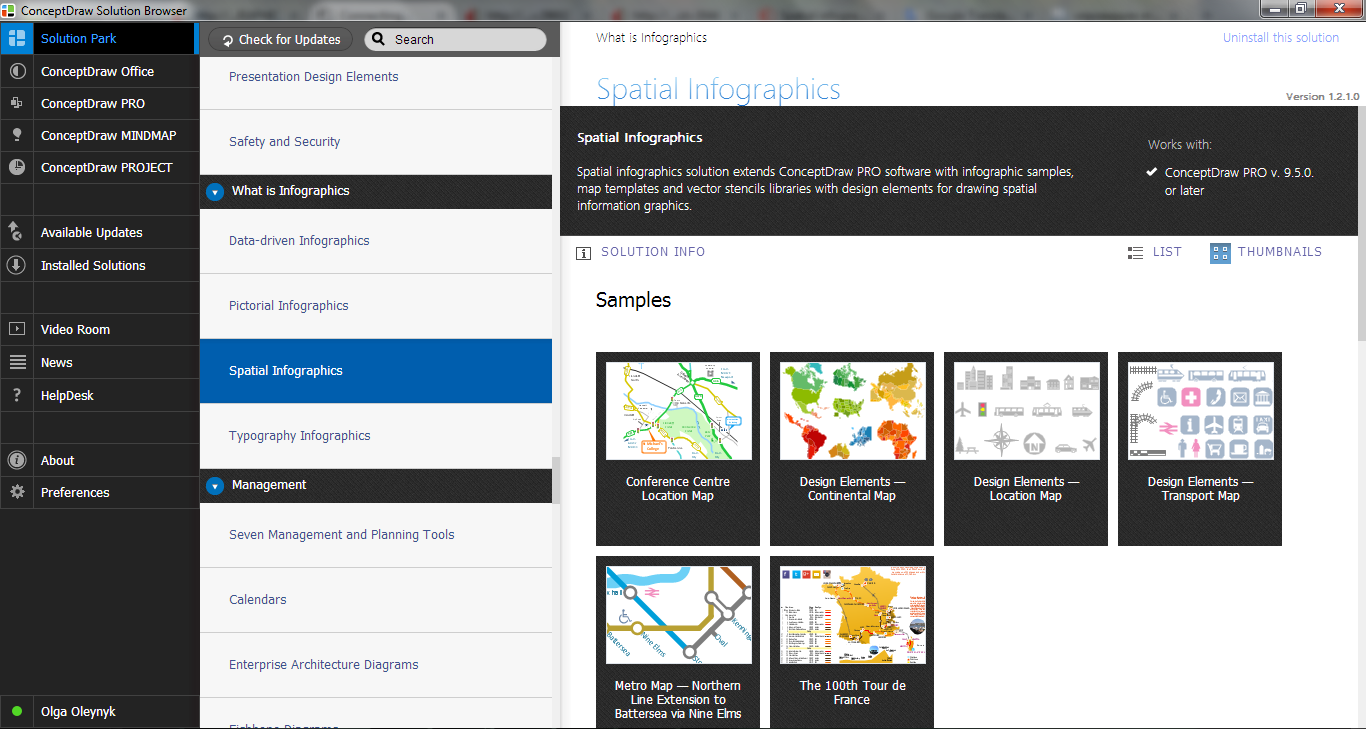
Spatial Infographics Solution in ConceptDraw STORE

Example 2. Spatial Infographics Solution in ConceptDraw STORE

You can create your Spatial Infographics from the beginning using the shapes from the libraries of Spatial Infographics Solution, or use one the predesigned templates and samples offered in ConceptDraw STORE.
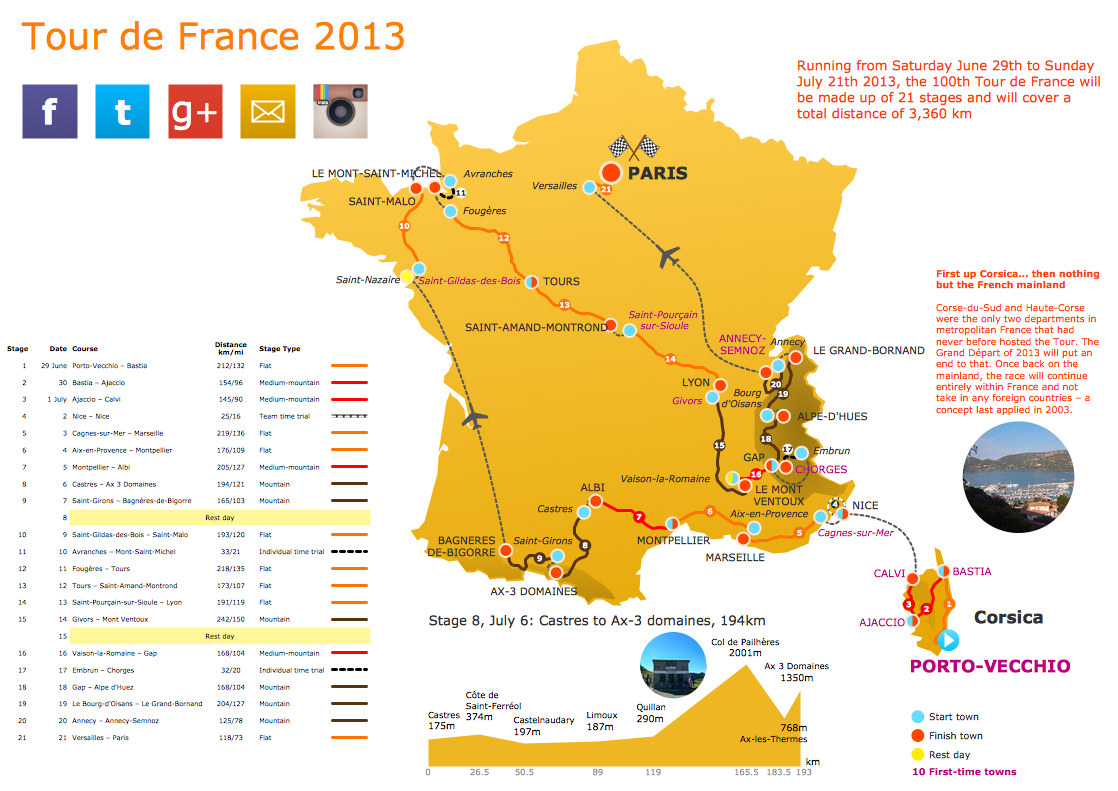
Spatial Infographics - The 100th Tour De France

Example 3. Spatial Infographics - The 100th Tour De France

The Spatial Infographics samples you see on this page were created in ConceptDraw DIAGRAM software using the tools of the Spatial Infographics Solution from the “Infographics” Area. They successfully demonstrate solution's capabilities and professional results you can achieve using it.

Use the Spatial Infographics Solution for ConceptDraw DIAGRAM Solution Park for effective spatial data analysis.

All source documents are vector graphic documents. They are available for reviewing, modifying, or converting to a variety of formats (PDF file, MS PowerPoint, MS Visio, and many other graphic formats) from the ConceptDraw STORE. The Spatial Infographics Solution is available for all ConceptDraw DIAGRAM or later users.


THREE RELATED HOW TO's:
The art of arranging furniture and other decorations in space is called interior design. Some sites, like sport fields have tight restrictions in dimensions, but there's still a lot of work for a designer. You can help yourself to design such a plan with ConceptDraw DIAGRAM solution Sport Field Plans that contains elements of sport equipment and recreation plans. This drawing represents the set of vector graphic objects that compose the Sport fields and Recreation library, supplied by ConveptDraw Sport Fields Plans solution. It can be used for drawing interior designs and layouts of sport fields and recreation zones. By using ConceptDraw with Sport Field Plans solution you can create professional plans for different sport fields: basketball, volleyball, football, tennis, golf, etc. Moreover, the use of this solutions enables making a site plans including green zone, pools, parkings - in short, what makes the recreation area, that usually accompanies sports facilities.Interior Design. Sport Fields — Design Elements *
Picture: Interior Design. Sport Fields — Design Elements
Related Solution:
A database is a data collection, structured into some conceptual model. Two most common approaches of developing data models are UML diagrams and ER-model diagrams. There are several notations of entity-relationship diagram symbols and their meaning is slightly different. Crow’s Foot notation is quite descriptive and easy to understand, meanwhile, the Chen notation is great for conceptual modeling. An entity relationship diagrams look very simple to a flowcharts. The main difference is the symbols provided by specific ERD notations. There are several models applied in entity-relationship diagrams: conceptual, logical and physical. Creating an entity relationship diagram requires using a specific notation. There are five main components of common ERD notations: Entities, Actions, Attributes, Cardinality and Connections. The two of notations most widely used for creating ERD are Chen notation and Crow foot notation. By the way, the Crow foot notation originates from the Chen notation - it is an adapted version of the Chen notation.ERD Symbols and Meanings
Picture: ERD Symbols and Meanings
Related Solution:
A pie chart is a circular diagram showing a set of data divided into proportional slices. There are several variations of this chart such as donut chart, exploded pie chart, multi-level pie charts. Although it is not very informative when a ring chart or circle chart has many sections, so choosing a low number of data points is quite important for a useful pie chart. ConceptDraw DIAGRAM software with Pie Charts solution helps to create pie and donut charts for effective displaying proportions in statistics, business and mass media for composition comparison, i.e. for visualization of part percentage inside one total.Pie Chart Software
Picture: Pie Chart Software
Related Solution:
ConceptDraw
DIAGRAM 18