Program Block Diagram
Block Diagram is an ideal tool to make a high-level overview of a system. Due to the use of common symbols, it is easily comprehensible to all stakeholders. Block Diagrams use building blocks to describe complex systems and their functions. Each block has a shape of a rectangle, ellipse, square, or something else according to its role. The blocks are connected by lines with arrows. Block Diagrams provide benefits in software development, the engineering industry, system analysis. They are the fundamental way used by software and hardware engineers and developers to describe the systems, to illustrate the processes and workflows. The controls system engineers use this type of diagram to describe the structure and behavior of the system and analyze it.
Use the powerful program Block Diagram - ConceptDraw DIAGRAM software enhanced with Block Diagrams solution to design easily your Block Diagrams. Share your diagrams via email to the team members, colleagues from different departments directly from the application. Publish your diagrams online, generate presentations or use in print or web documentation.ConceptDraw DIAGRAM software is fully integrated with a lot of popular applications. You can export your Block Diagrams to different formats and communicate effectively with your colleagues even if they didn't have ConceptDraw DIAGRAM installed. Give your colleagues the possibility to edit the diagrams in their favorite apps and then apply the import commands to return to ConceptDraw DIAGRAM.
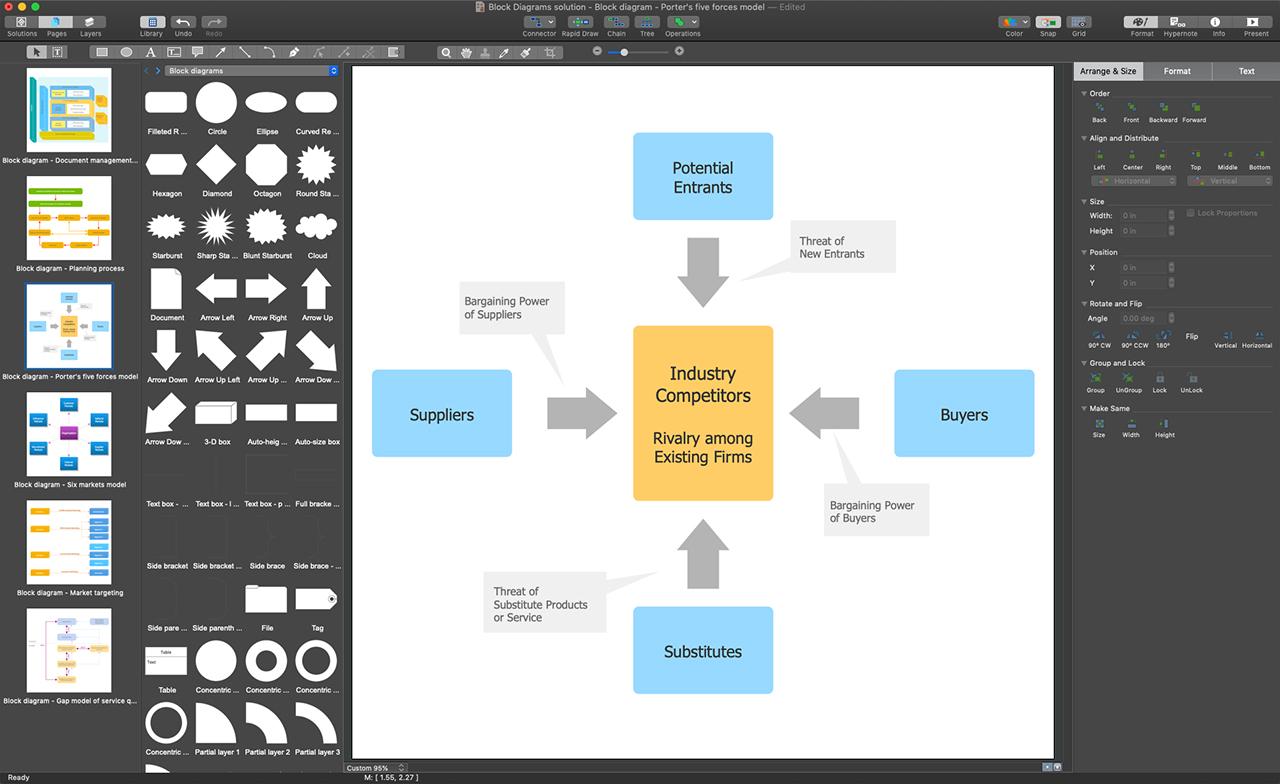
Example 1. ConceptDraw DIAGRAM - Program Block Diagram
To design a Block Diagram add the block shapes from the Block Diagrams solution libraries. According to your taste, you can choose both 2D shapes from the "Block Diagrams" library and 3D shapes from the "Block with Perspective" or "Raised Blocks" library. Resize objects if required and provide a sufficient distance among them. Depict the relationships between the objects using the connector shapes from the "Connectors" library. Being once connected, two objects will stay linked even if you move anyone from this pair.
The "Callouts" library provides you with the ability to add callout in one click. The design elements — callouts allow you to make comment or note some important details according to the described system.
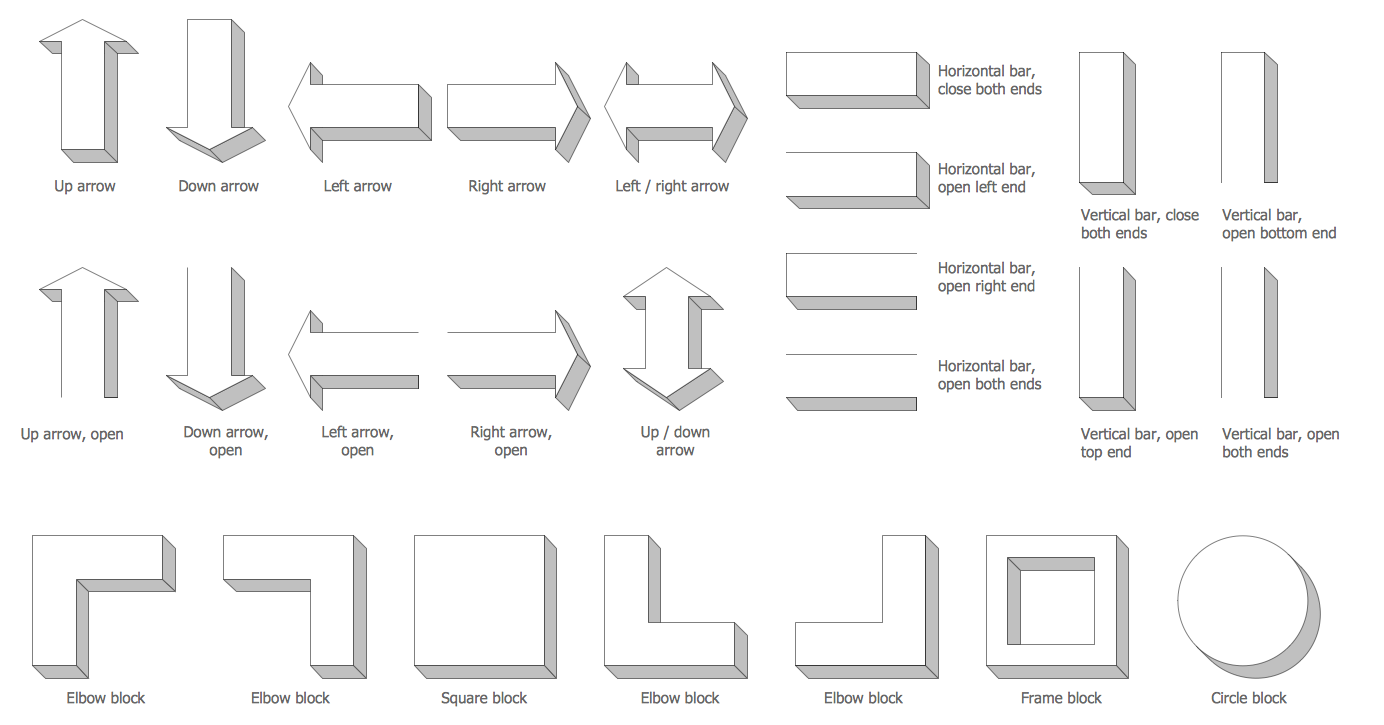
Example 2. Raised Blocks Library Design Elements
The following features make ConceptDraw DIAGRAM the best program Block Diagram:
- You don't need to be an artist to draw professional-looking diagrams in a few minutes.
- Large quantity of ready-to-use vector objects makes your drawing diagrams quick and simple.
- Great number of predesigned templates and samples give you a good start for your own diagrams.
- ConceptDraw DIAGRAM provides you the possibility to use the grid, rules, and guides. You can easily rotate, group, align, arrange the objects, use different fonts and colors to make your diagram exceptionally looking.
- All ConceptDraw DIAGRAM documents are vector graphic files and are available for reviewing, modifying, and converting to a variety of formats: image, HTML, PDF file, MS PowerPoint Presentation, Adobe Flash, MS Visio.
- Using ConceptDraw STORE you can navigate through ConceptDraw Solution Park, managing downloads and updates. You can access libraries, templates, and samples directly from the ConceptDraw STORE.
- If you have any questions, our free of charge support is always ready to come to your aid.


