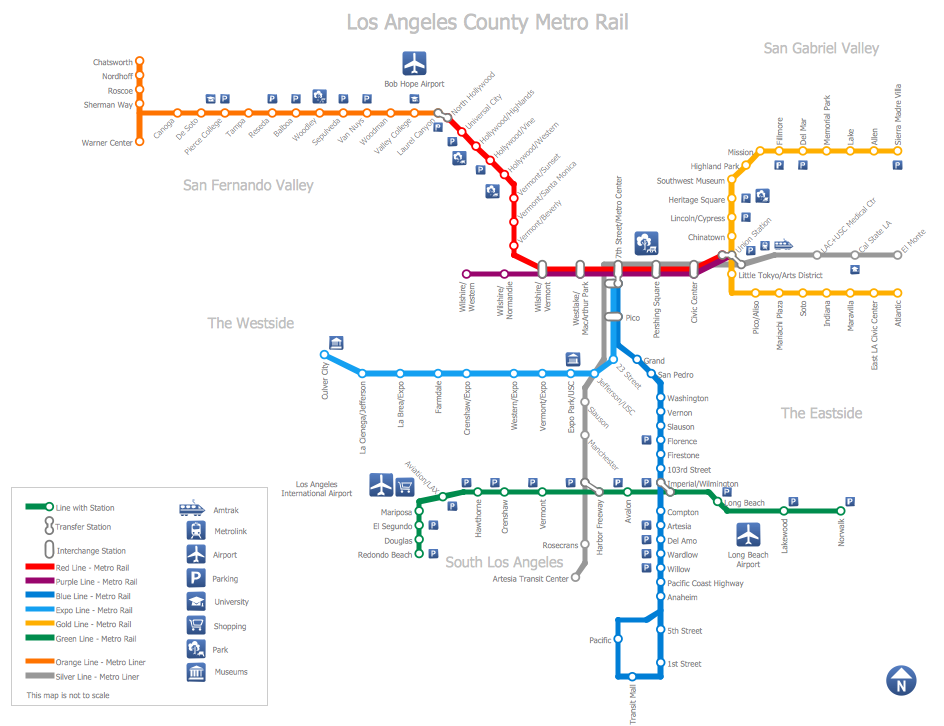
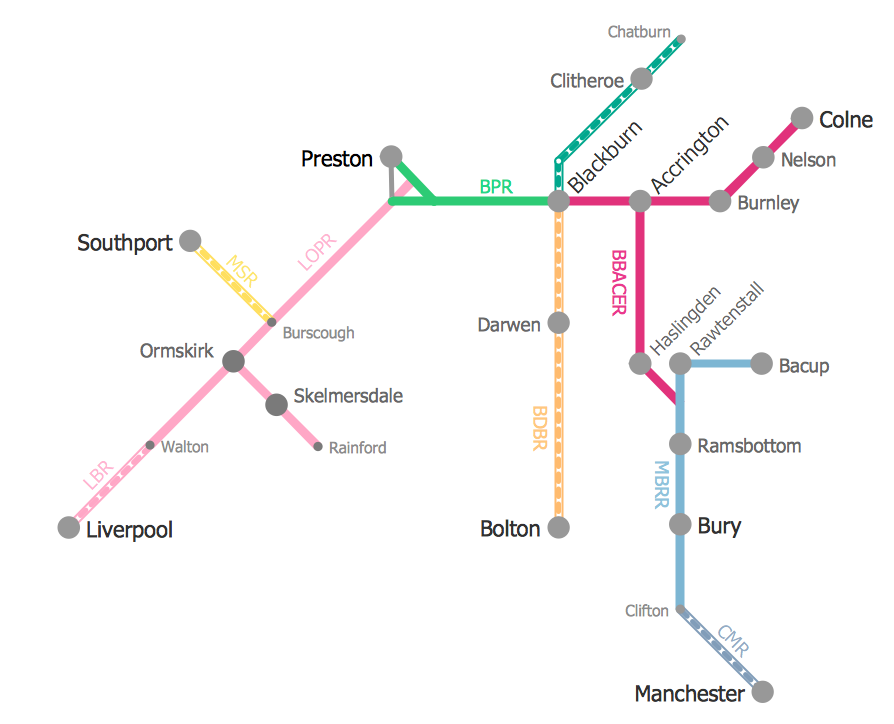
MTA Subway Map
ConceptDraw DIAGRAM diagramming and vector drawing software offers the easiest and time-saving way of drawing the MTA Subway Map. Let's try to make sure this with Metro Map Solution from the Maps Area for ConceptDraw DIAGRAM Solution Park.
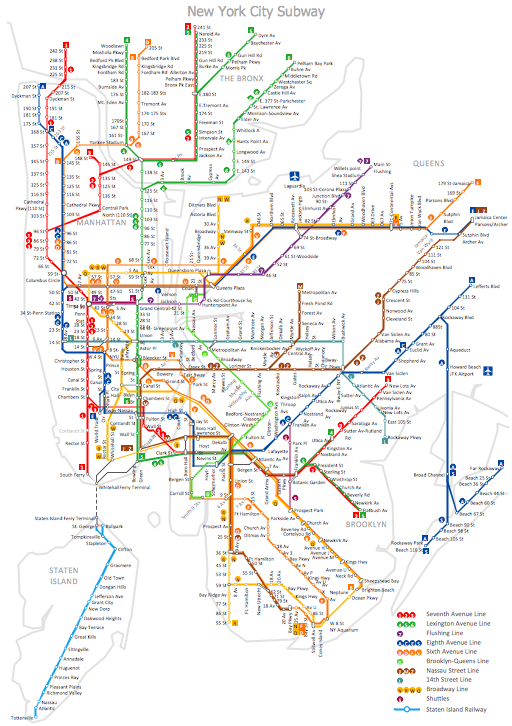
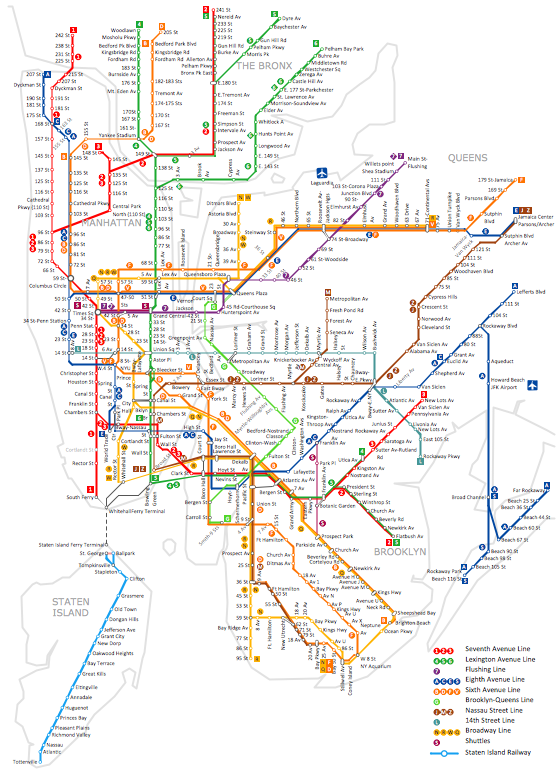
Example 1. MTA Subway Map - New York City Subway
First of all the Metro Map Solution provides the Transport Map library with numerous vector objects that will help you design the MTA Subway Map of any complexity and degree of detailing in a few minutes.
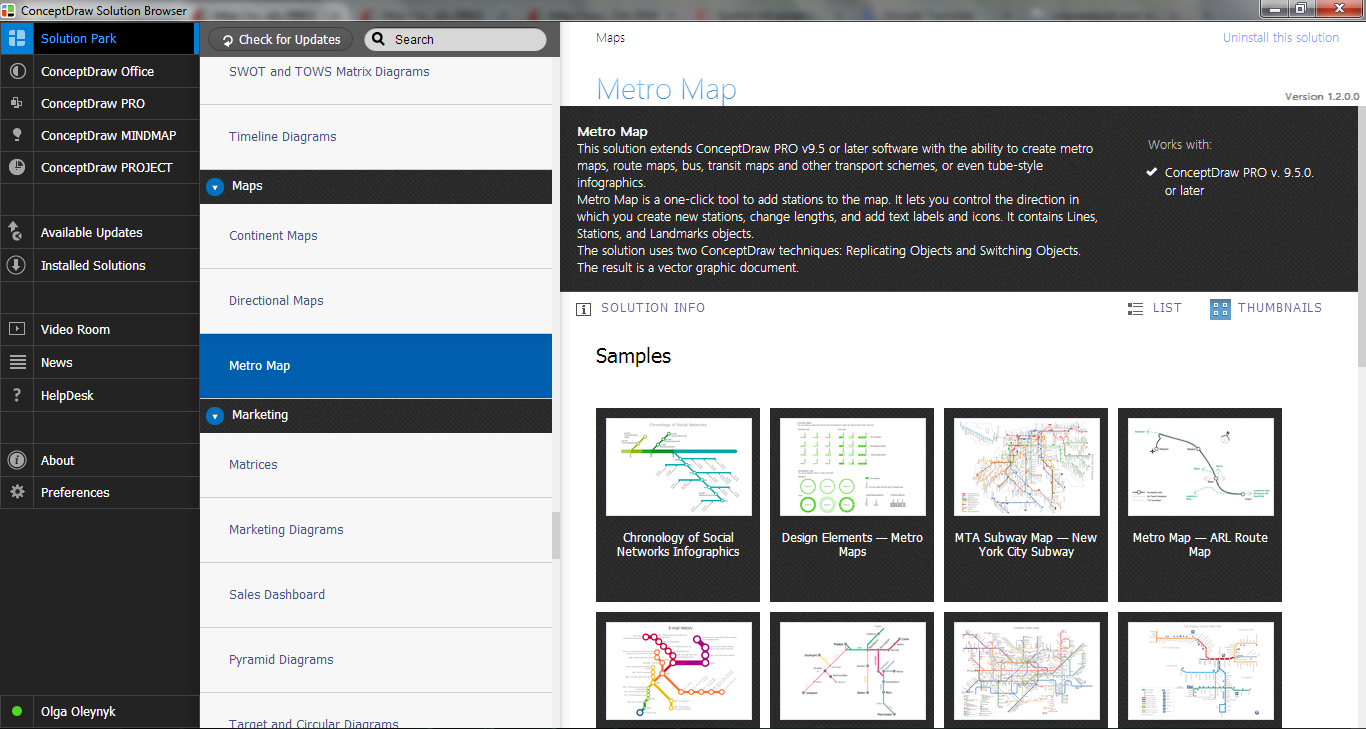
Example 2. Metro Map Solution in ConceptDraw STORE
Observe also collection of predesigned Metro Maps, MTA Subway Map, Metro Train Maps samples in ConceptDraw STORE. Every of them is carefully chosen and well thought-out example designed specially for ConceptDraw DIAGRAM users. You can use any desired of them as is or modificate according to your needs.
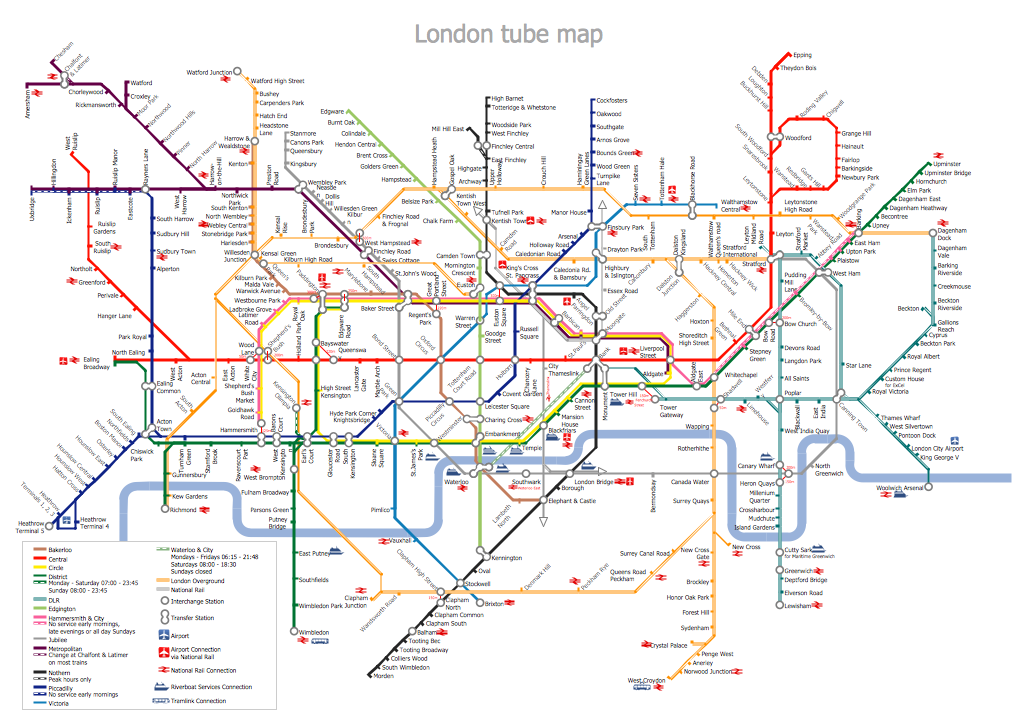
Example 3. MTA Subway Map - London Tube Map
The MTA Subway Map samples you see on this page were created in ConceptDraw DIAGRAM software using the Metro Map solution. Each MTA Subway Map created in ConceptDraw DIAGRAM successfully demonstrates solution's capabilities and professional results you can achieve. An experienced user spent 40-50 minutes creating each of these samples.
Use the Metro Map solution for ConceptDraw DIAGRAM software to create your own Metro Map or MTA Subway Map quick, easy and effective.
All source documents are vector graphic documents. They are available for reviewing, modifying, or converting to a variety of formats (PDF file, MS PowerPoint, MS Visio, and many other graphic formats) from the ConceptDraw STORE. The Metro Map Solution is available for all ConceptDraw DIAGRAM or later users.
THREE RELATED HOW TO's:
The vector stencils library Rail transport contains clipart of railway transport for ConceptDraw DIAGRAM diagramming and vector drawing software.
Use it to draw illustrations of trains and transportation of passengers and goods by railroads.
Picture: Rail transport - Design elements
Related Solution:
It’s very important for any establishment to have a fire exit plan and to train it several times a year. The plan must be put on each floor of the building in a way that it could be easily seen. To make the plan clear and descriptive, you should look through examples and then create one for you your building.
Find out the fire exit plan example created with ConceptDraw DIAGRAM and its Fire and Emergency Plans solution. This plan is a floor plan that shows the ways in which people inside the building can be evacuated in the event of a fire. The location of telephones, fire extinguishers and first aid kits are indicated on the fire exit plan. The Legend in the lower right corner of the plan makes it clear and easy-to-read. Such plan should be placed on the wall on each floor of the building.
Picture: Fire Exit Plan. Building Plan Examples
Related Solution:
Electrical plan is a document that is developed during the first stage of the building design. This scheme is composed of conventional images or symbols of components that operate by means of electric energy. To simplify the creation of these schemes you can use house electrical plan software, which will not require a long additional training to understand how to use it. You only need to install the necessary software ant it’s libraries and you’ll have one less problem during the building projection.
Any building contains a number of electrical systems, including switches, fixtures, outlets and other lightening equipment. All these should be depicted in a building electrical plans and included to general building documentation. This home electrical plan displays electrical and telecommunication devices placed to a home floor plan. On the plan, each electrical device is referenced with the proper symbol. Electrical symbols are used for universal recognition of the building plan by different persons who will be working on the construction. Not all possible electric symbols used on a certain plan, so the symbols used in the current home plan are included to a legend. The electrical home plan may be added as a separate document to a complete set of building plans.
Picture: How To use House Electrical Plan Software
Related Solution: