How To Save Your Ideas?
ConceptDraw MINDMAP
Capture What You Think, Do What You Plan
ConceptDraw MINDMAP extended with Note Exchange solution provides an advanced technology for saving your ideas. They make it easy to share your notes with coworkers, associates, classmates, and friends. You can put any part of a mind map including topics, branches, and entire maps to Evernote for the further sharing.
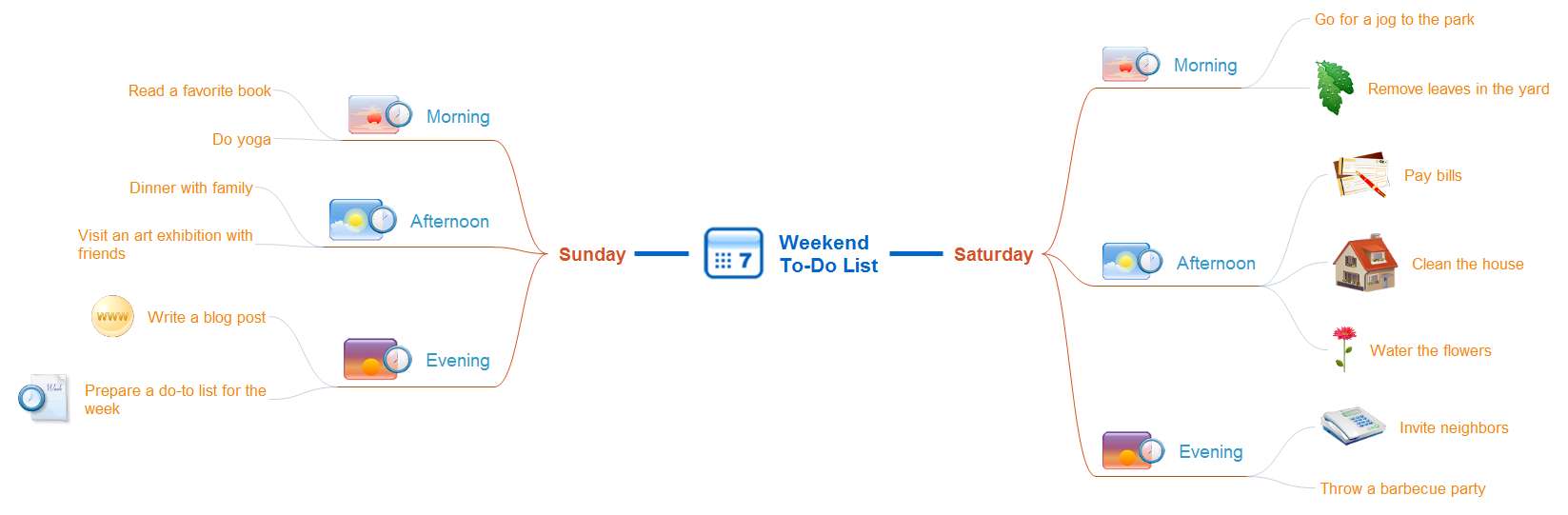
Pic 1. Weekend to-do list mindmap.
Plan and organize your weekend in ConceptDraw MINDMAP ; send it to Evernote with a single click to save your ideas using Note Exchange solution.
See also Samples of mind maps:
- Mind Maps
- Mind Maps — Marketing
- Mind Maps — Idea Communication
-
Mind Maps — Mind Map Exchange
- Mind Maps — Presentation Exchange
THREE RELATED HOW TO's:
ConceptDraw DIAGRAM diagramming and vector drawing software extended with Fishbone Diagrams solution is a perfect tool for software designers and software developers. If you need to create Cause and Effect diagram, Fishbone diagram, Ishikawa diagram from templates and examples, or using the predesigned elements, ConceptDraw DIAGRAM can do this easily.
ConceptDraw DIAGRAM software gives ability to design Fishbone diagrams that identify many possible causes for an effect for problem. Each Fishbone diagram design element included to Fishbone Diagrams library is vector and ready-to-use..png)
Picture: Fishbone Diagram Design Element
Related Solution:
ConceptDraw MINDMAP with the new Note Exchange solution allows to organize your ideas with MINDMAP and Evernote.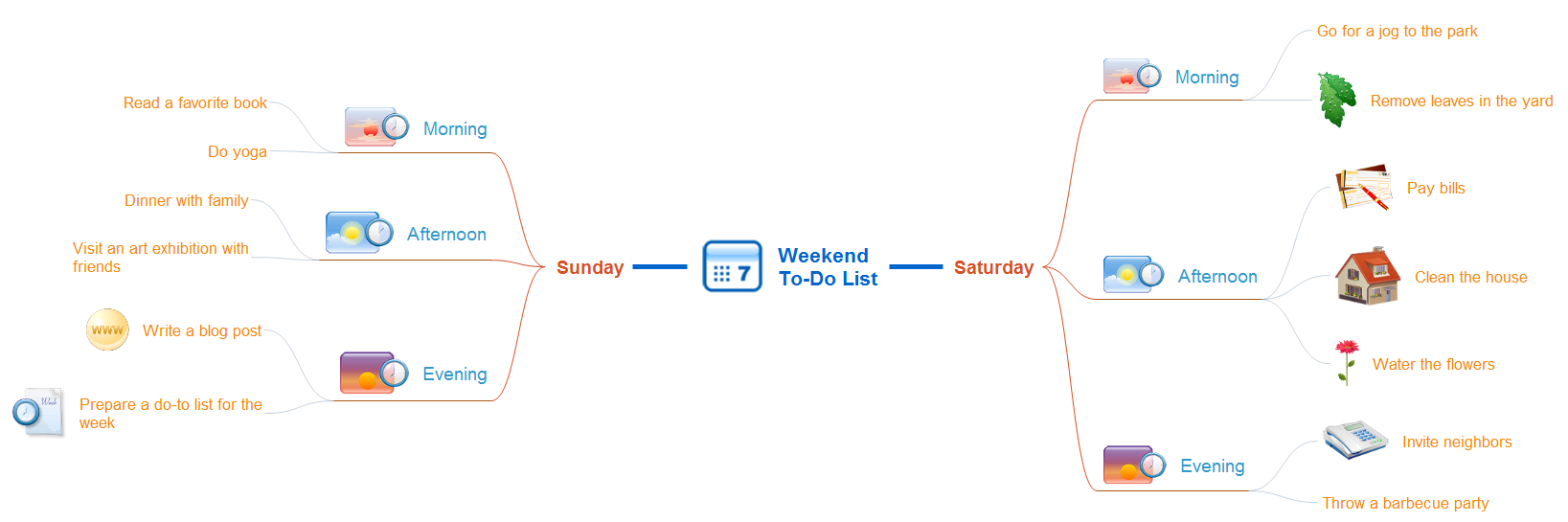
Picture: Organizing Your Ideas with MINDMAP & Evernote
Related Solution:
When describing any computer network, we imagine a set of devices and nodes, arranged in some way. Talking about network structures, we should distinguish physical and logical network topologies, as physical topology is about devices location and logical topology illustrates data flow. In the same time, they do not have to match, and some devices, such as repeaters, may have a physical star layout, but a bus logical topology.
There are two main types of computer network topologies: Physical topology that show the physical organization of a network - equipment and types of connections. Star network topology involves a set of devices that is connected to a single hub (router). Ring network topology means that, devices connected according this topology have two connections, connecting with nearby devices to make a loop. Bus network topology is the topology presented at the current diagram. It is similar to a ring topology. The difference is that data moves up and down a linear connection, copying itself where network equipment works as bus-stations along the way. This network topology can be used for small network, or when adding an extra device into a network.
Picture: Network Topologies
Related Solution:
ConceptDraw
MINDMAP 16