Flowchart Making Tool
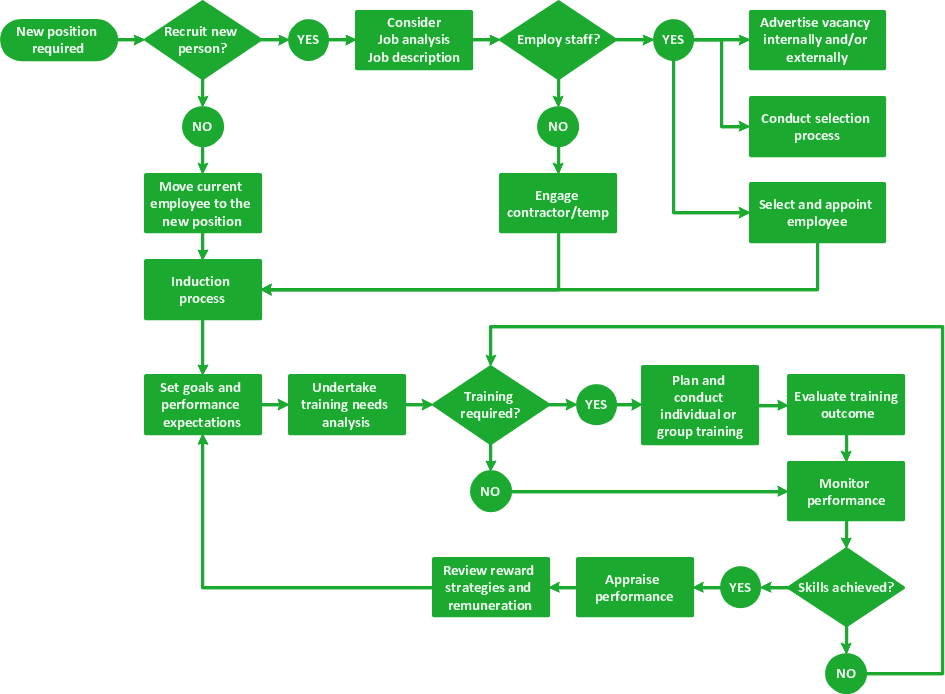
Flowchart is known as a type of diagram used to visualize, design, and document the processes, workflows, or programs. It makes the processes visual and easily comprehensible, gives an ability to immediately note the flaws and the bottlenecks.
A large variety of shapes is used for drawing Flowcharts. These are rectangular shapes used for the processes, rounded rectangles depicting the terminators. The trapeze shapes are used to show the data, diamonds present the decisions. The listed types of boxes are the most common.
ConceptDraw DIAGRAM vector diagramming software extended with the Flowcharts solution is useful for everyone who needs to design a Flowchart or Cross-Functional Flowchart on Mac or Windows computer. It is a powerful Flowchart making tool offering a variety of predesigned shapes for Flowcharts drawing.
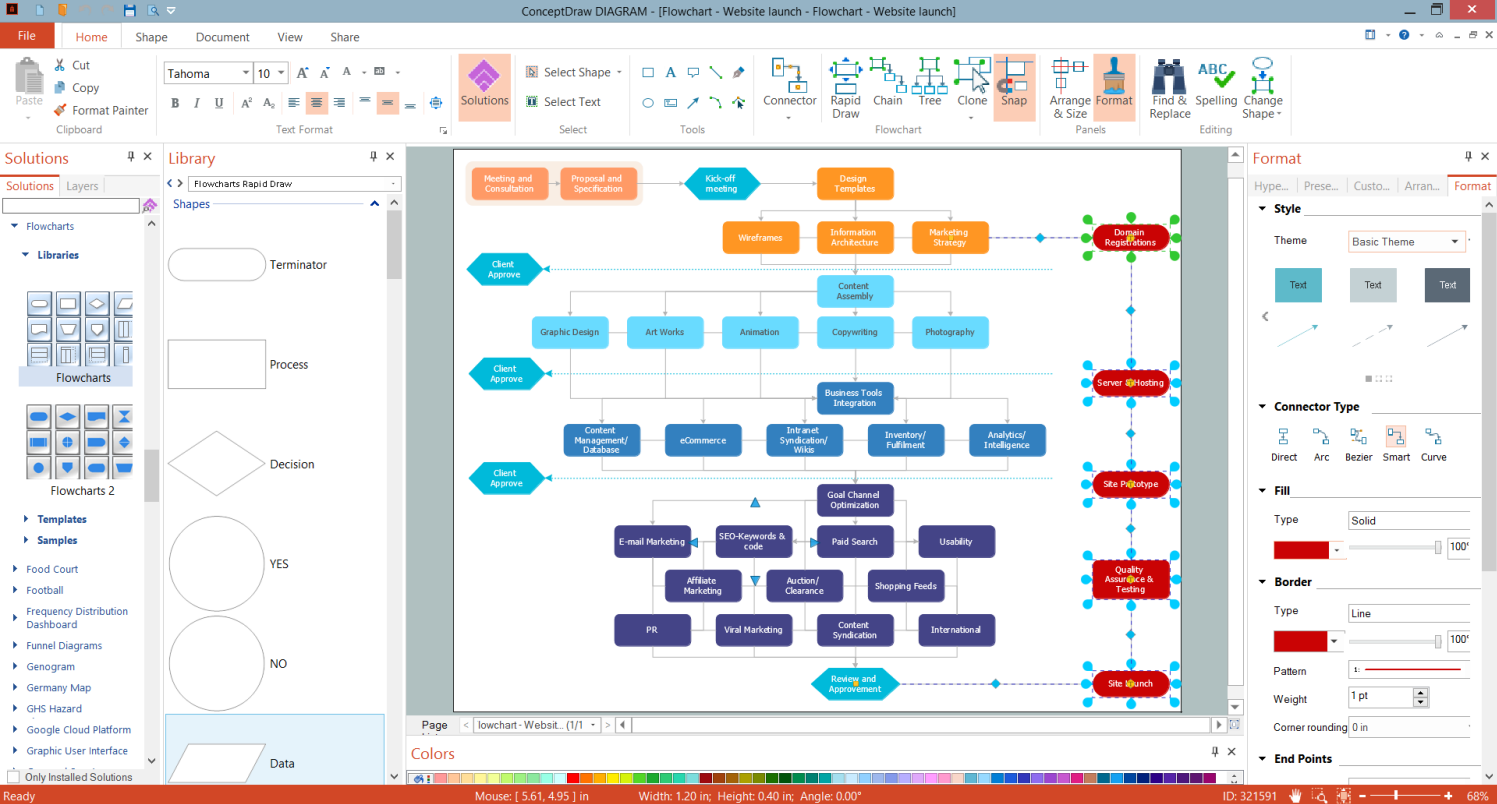
Example 1. Flowchart Making Tool - ConceptDraw DIAGRAM
Flowcharts solution offers 3 libraries with a collection of shapes for simple making the Flowcharts. Use rectangular boxes to represent the process steps, ovals to show start or end points. Apply the arrows to depict the sequence of steps, and more elements according to the situation.
Flowcharts solution also includes a large collection of ready-made Flowchart samples. All samples are different and show a diversity of solution applications. The predesigned template for a quick start is also included. All listed tools are available from the ConceptDraw STORE and are able to easier designing of any flowchart you need. Try to present a human resource management process, credit approval process, planning process, or some else and make sure now it is easier than ever.
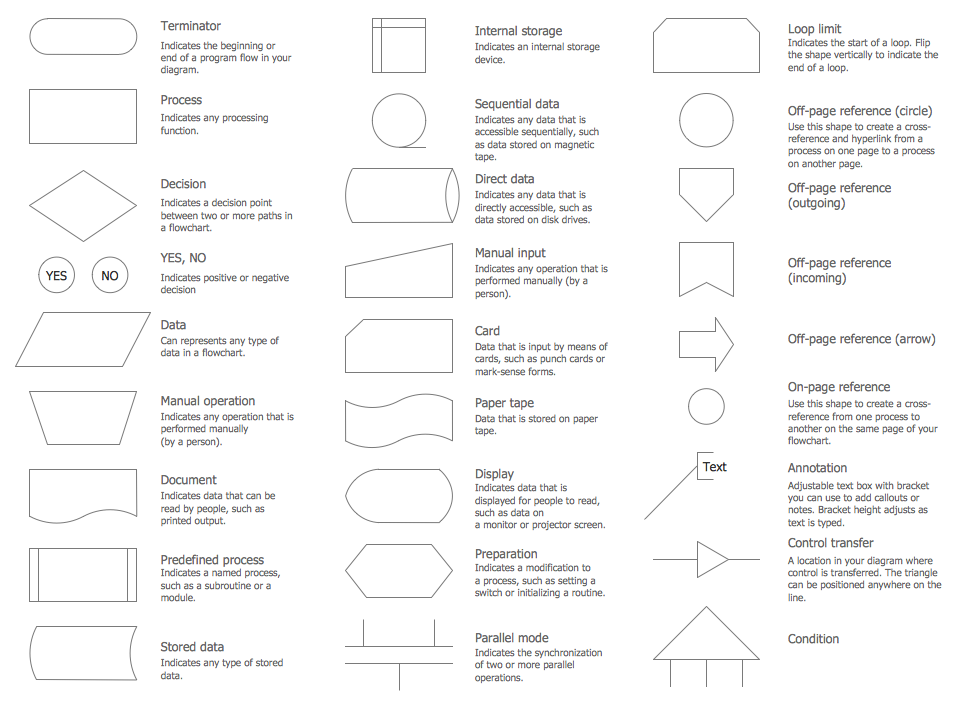
Example 2. Rapid Draw Library Design Elements
The following features make ConceptDraw DIAGRAM the most effective Flowchart making tool:
- You don't need to be an artist to draw professional-looking diagrams in a few minutes.
- Large quantity of ready-to-use vector objects makes your drawing diagrams quick and simple.
- Great number of predesigned templates and samples give you a good start for your own diagrams.
- ConceptDraw DIAGRAM provides you the possibility to use the grid, rules, and guides. You can easily rotate, group, align, arrange the objects, use different fonts and colors to make your diagram exceptionally looking.
- All ConceptDraw DIAGRAM documents are vector graphic files and are available for reviewing, modifying, and converting to a variety of formats: image, HTML, PDF file, MS PowerPoint Presentation, Adobe Flash, MS Visio.
- Using ConceptDraw STORE you can navigate through ConceptDraw Solution Park, managing downloads and updates. You can access libraries, templates, and samples directly from the ConceptDraw STORE.
- If you have any questions, our free of charge support is always ready to come to your aid.