Database Model Diagram
Since the most of applications keep their data in databases, the database design and database modeling play highly important role during the process of applications development, at this the time of recording and retrieving data from the database has a great value. In addition, software developers and database designers are well aware that only properly and accurately built data models allow to construct effective databases permitting to retrieve and write data quickly, that ultimately contributes to significant increase of applications performance, as well as ensures the scalability and flexibility of development. Therefore, during the process of applications development, it is recommended to pay special attention and sufficient amount of time to the database modeling and drawing the database model diagram.
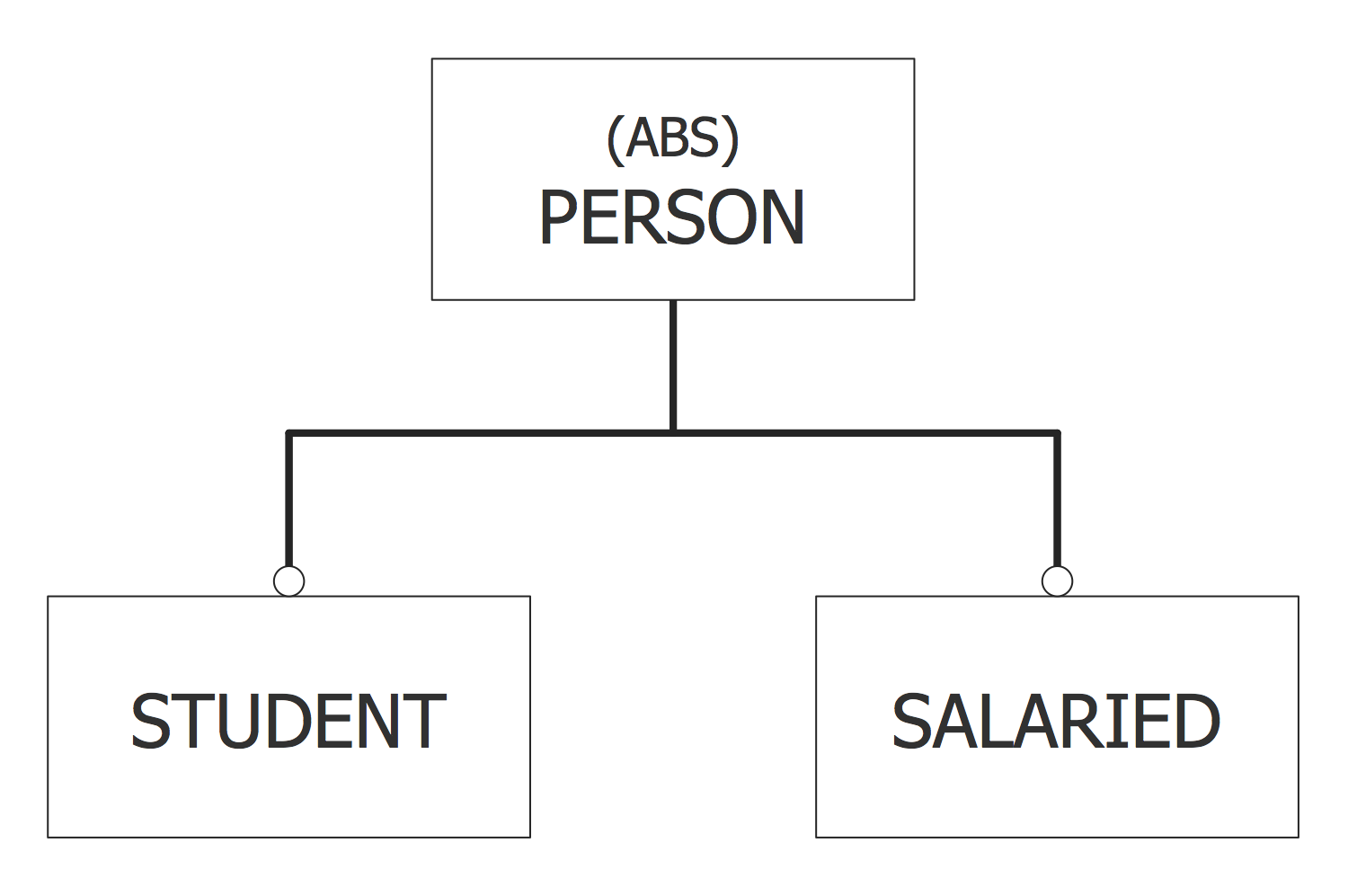
EXPRESS-G Database model diagram
A database model is a type of data model, which is intended for determining the logical structure of a database, for setting relationships and constraints that define the ways of storing, organizing, accessing and also manipulating the data within a given database. The database models are built according to the established rules and concepts of their construction, and typically with help of data modeling notations defined by standard data modeling languages, such as EXPRESS and EXPRESS-G.
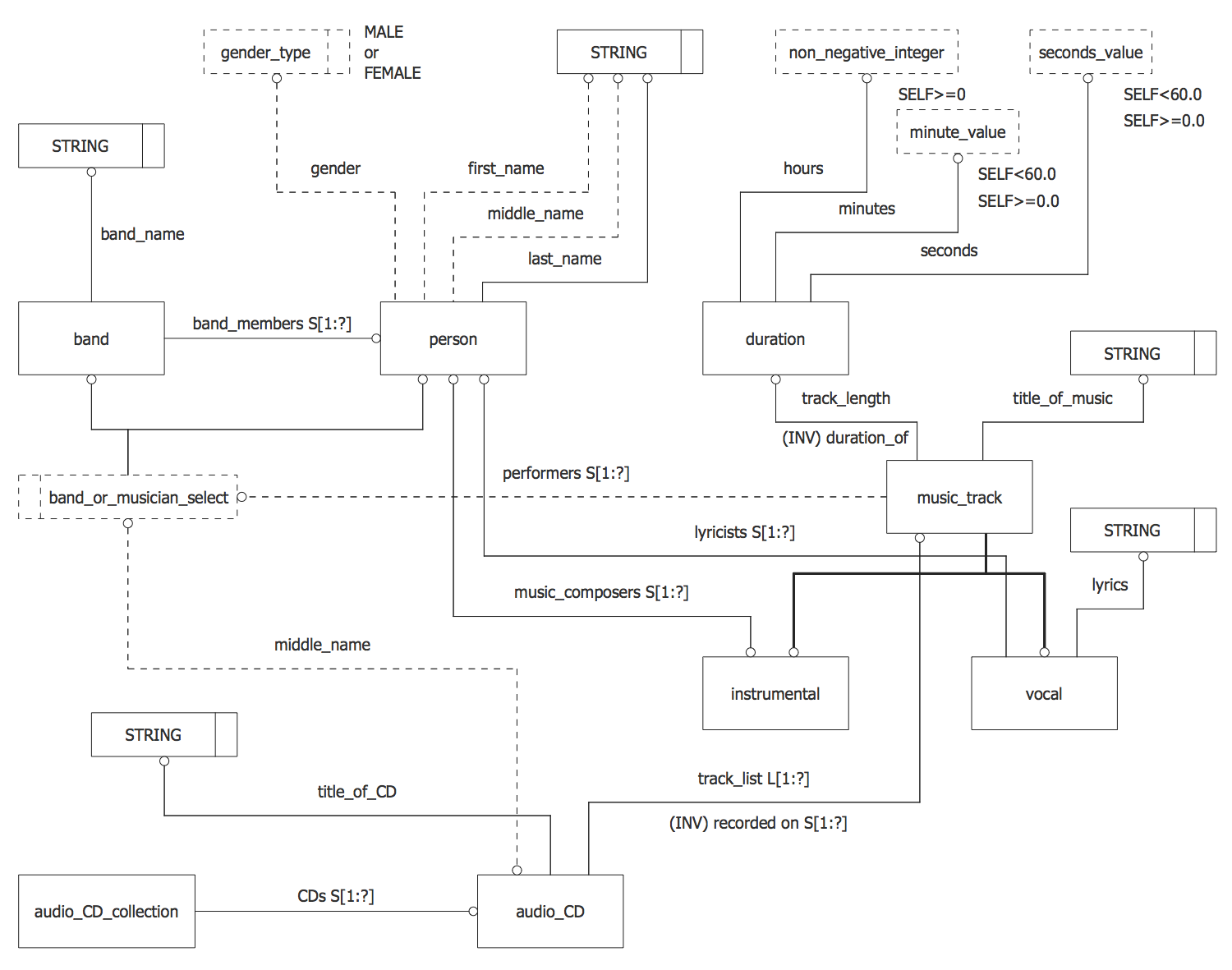
Database model diagram - Audio Compact Disc Collection
The database modeling is a fairly simple process, especially at the use of notations specified by standard data modeling languages EXPRESS or EXPRESS-G, and also powerful data modeling tools, such as, for example, ConceptDraw DIAGRAM diagramming and vector graphics software enhanced with EXPRESS-G data Modeling Diagram solution from the Software Development area of ConceptDraw Solution Park.
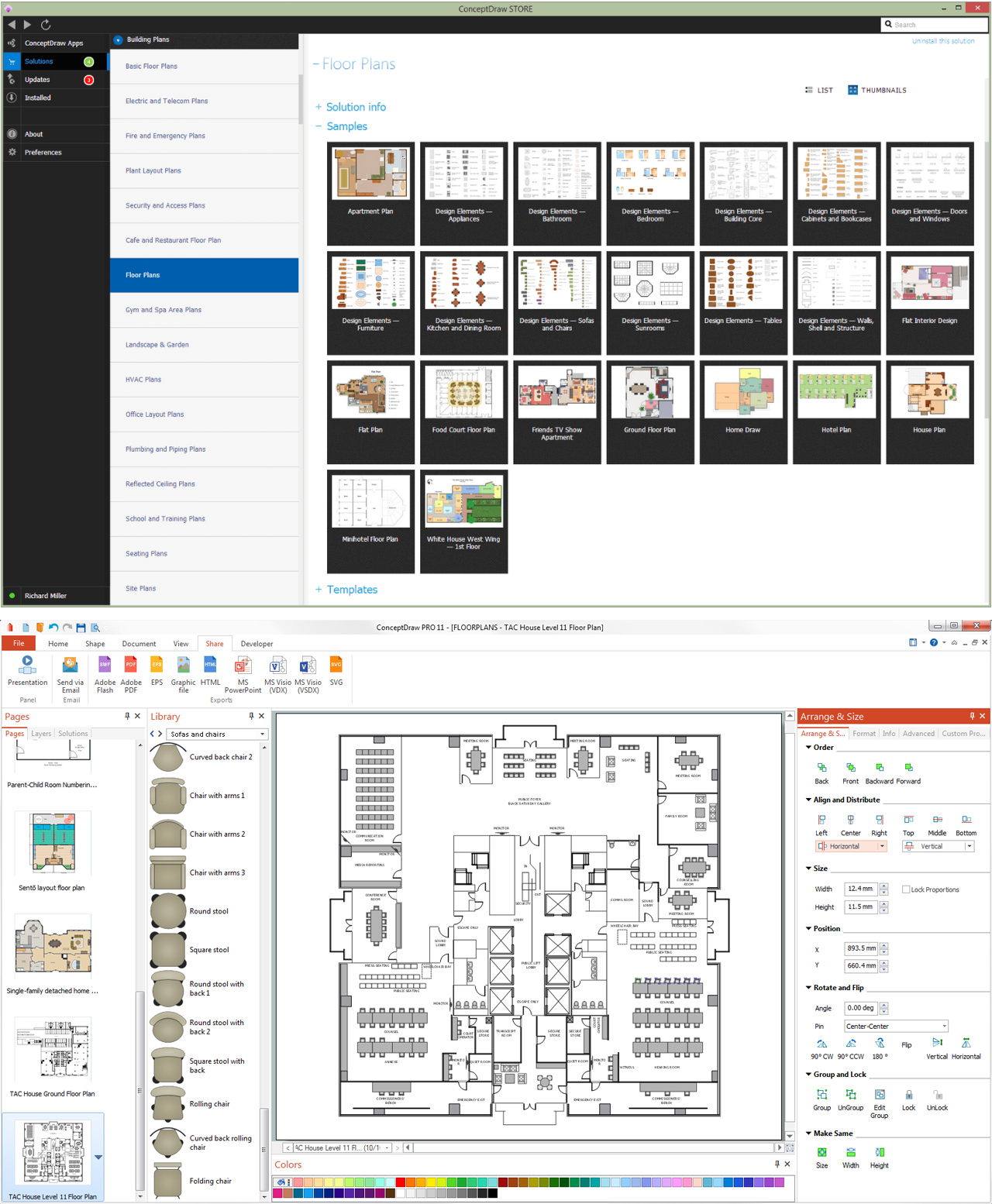
EXPRESS-G Database model diagram samples in ConceptDraw STORE
The ConceptDraw DIAGRAM software perfectly suits for construction the database models representing the data structures required for design and creation the databases, for reconstruction earlier built databases into the database models and designing professional-looking Database model diagrams and schematics.