Daily Infographic
It's impossible to imagine our life without infographics! They are very popular in many fields of science, work and life activity. Management infographics, daily infographic are the good way for representing various information, complex knowledge in a visual comprehensive form. Try design them quick, easy and effective with new powerful Management Infographics Solution from the Business Infographics Area for ConceptDraw Solution Park.
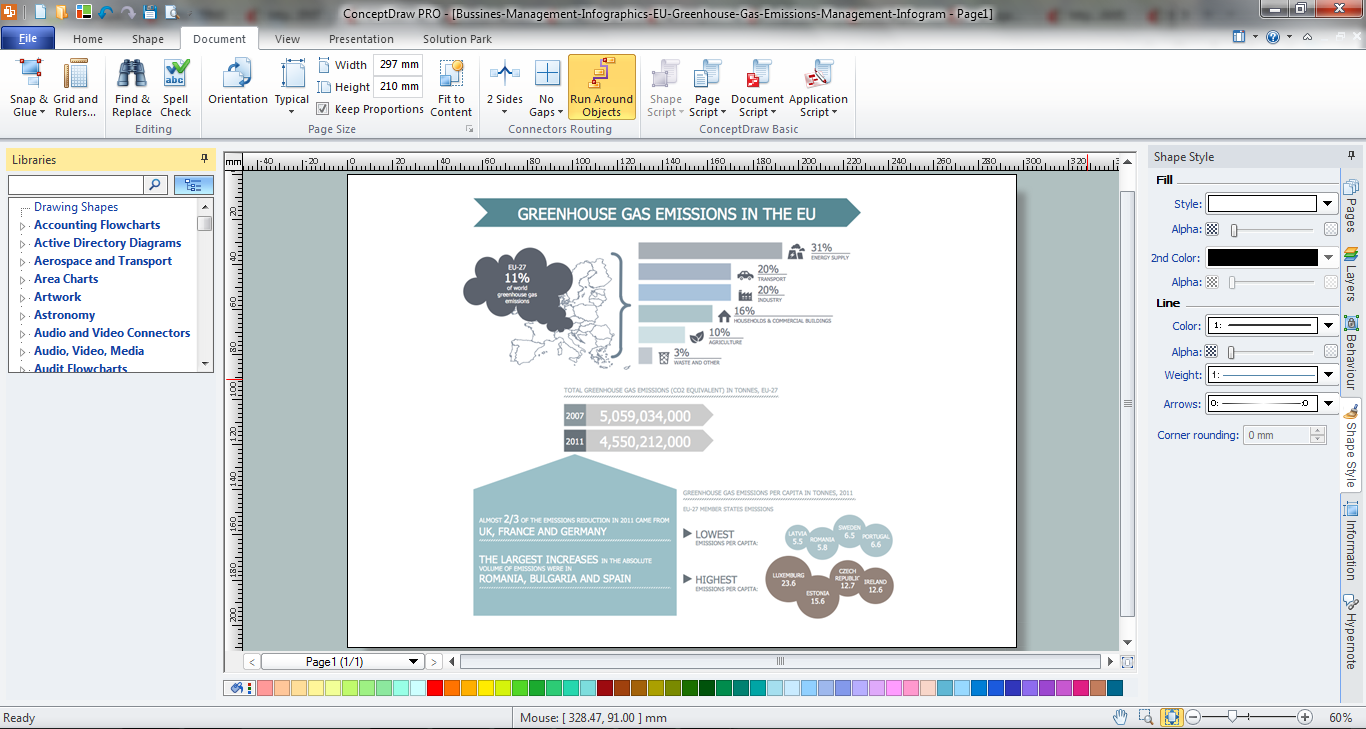
Example 1. Daily Infographic in ConceptDraw DIAGRAM /p>
It's not a secret that the success of the most presentations is in bright, interesting and attractive illustrations, which help to reflect all depth of your ideas. Any daily infographic created in ConceptDraw DIAGRAM is so thanks to the huge number of predesigned clipart, icons, pictograms, maps objects which are offered by 14 libraries of the Management Infographics solution:
- Management Backgrounds
- Management Callouts
- Management Charts
- Management Connectors
- Management Diagram
- Management Indicators
- Management List Blocks
- Management Map Australia
- Management Map Canada
- Management Maps
- Management Map US
- Management Pictograms
- Management Title Blocks
- Management Titled Callouts
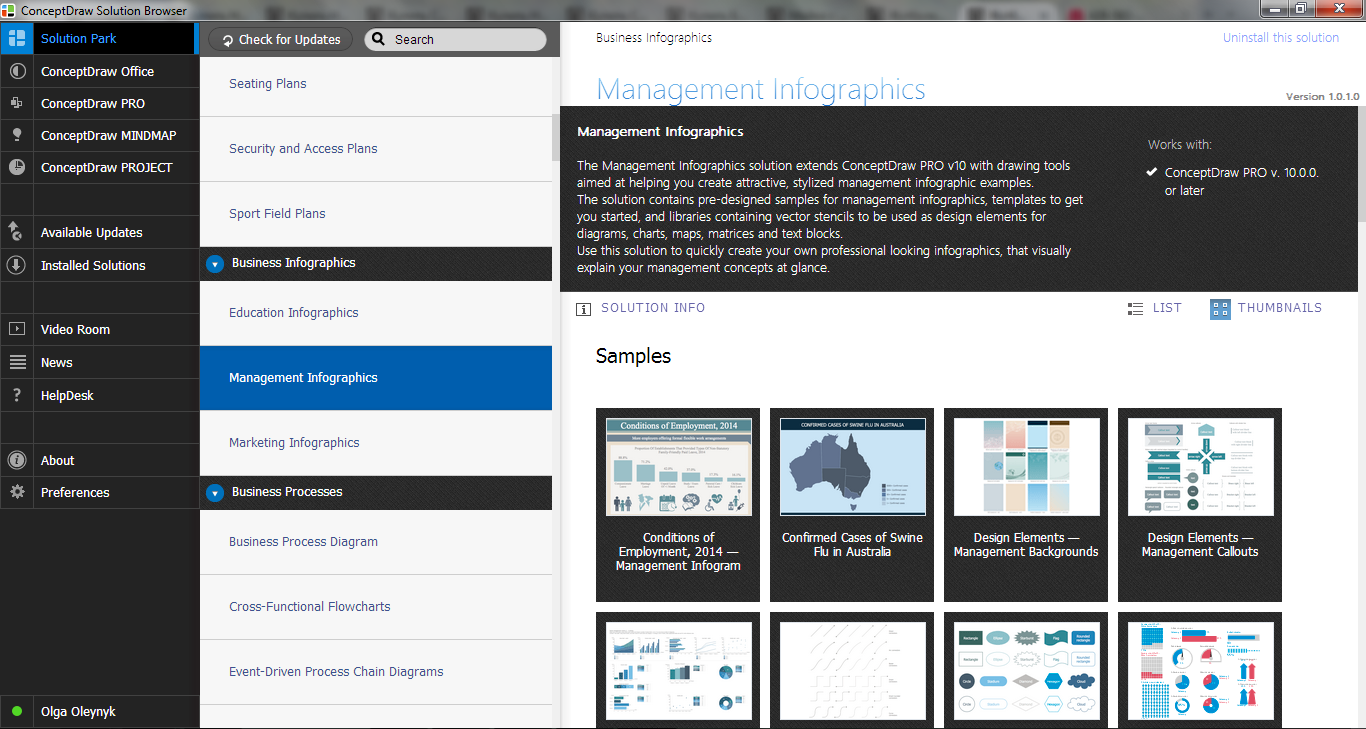
Example 2. Management Infographics Solution in ConceptDraw STORE
Management Infographics Solution was specially developed to give you the excellent possibility to create professional looking daily infographic in minutes. All what you need is simply create new document and drag the needed objects from the libraries of Management Infographics Solution. Or you can use as the base the ready templates or samples offered by this solution in ConceptDraw STORE.
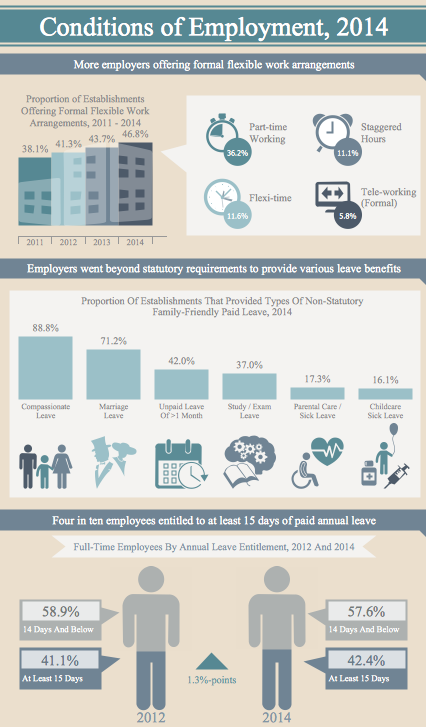
Example 3. Management Infographics - Conditions of Employment 2014
The samples you see on this page were created in ConceptDraw DIAGRAM using the management tools of the Management Infographics Solution. These Management Infographics successfully demonstrate solution's capabilities and the professional results you can achieve using it. An experienced user spent 10-20 minutes creating every of these samples.
Use Management Infographics solution to design your own daily infographic of any complexity quick, easy and effective.
All source documents are vector graphic documents. They are available for reviewing, modifying, or converting to a variety of formats (PDF file, MS PowerPoint, MS Visio, and many other graphic formats) from the ConceptDraw STORE. The Management Infographics Solution is available for ConceptDraw DIAGRAM users.