Made with
ConceptDraw
DIAGRAM 18

Business Process Elements: Expanded Objects

Design Elements: Expanded Objects

For graphical representation of a business process flow use the business process diagrams, which consists of a sequence of activity elements and flow controls elements.

ConceptDraw has 142 vector stencils in the 8 libraries that helps you to start using Diagramming Software for designing own Business Process Diagrams.

Use Expanded Objects library with 14 objects from BPMN. Expanded Objects are used for rapid design of Business Process Diagrams.
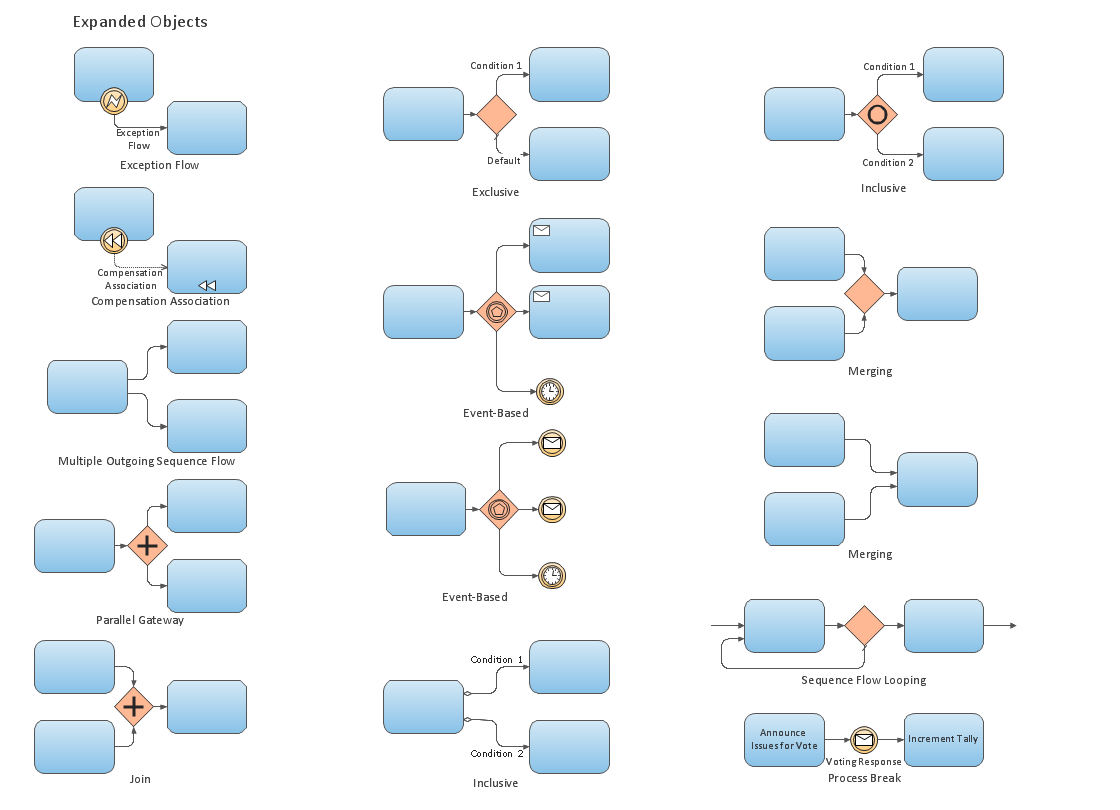
Business Process Elements: Expanded Objects

Example 1. Design Elements — Expanded Objects

The design elements from Expanded Objects library are expanded views for collapsed activity sub-process objects.

Use the design elements from Expanded Objects library in your BPMN 2.0 diagrams to show all flow objects, connecting objects, and artifacts for additional levels of business process detail.
THREE RELATED HOW TO's:
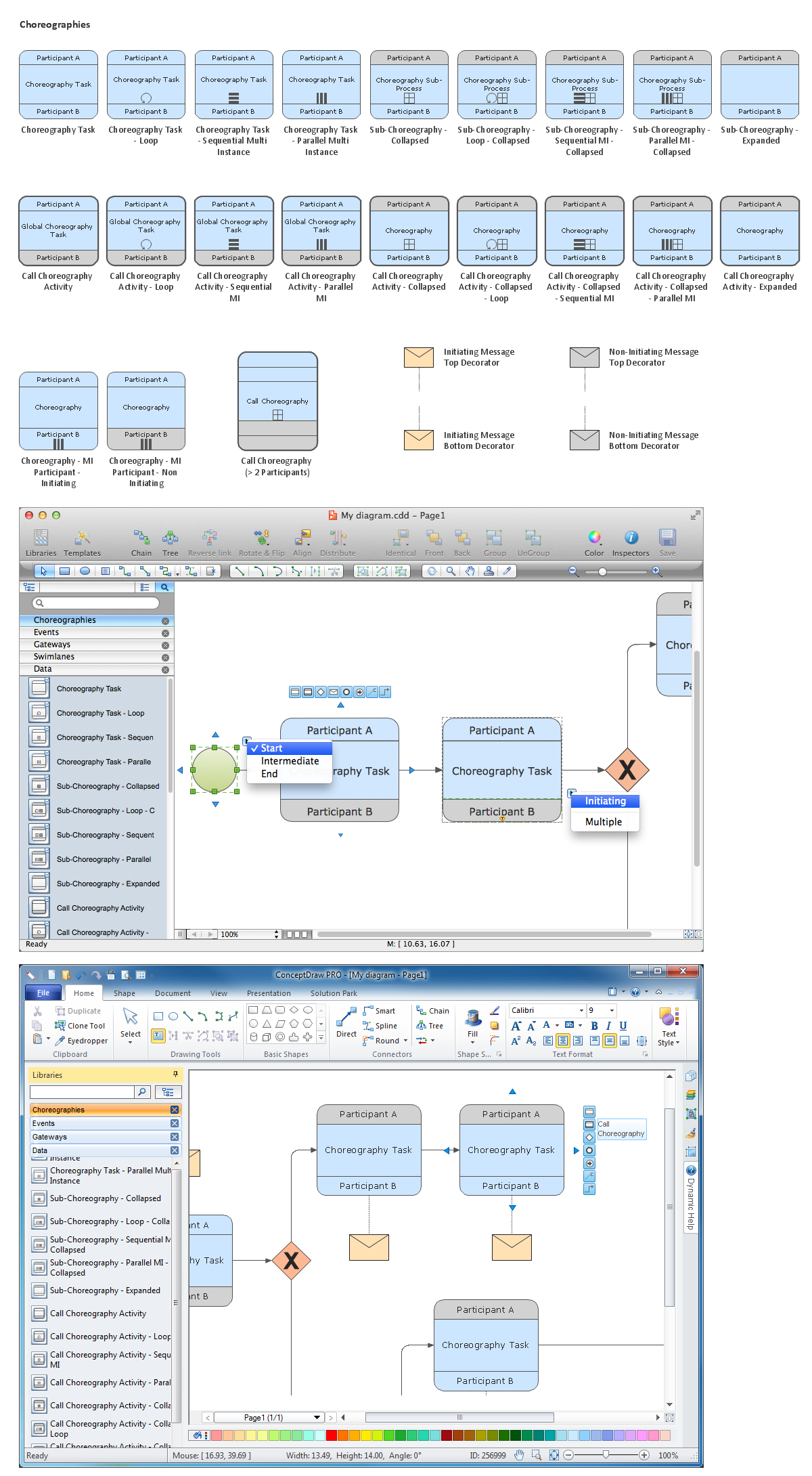
Create professional business process diagrams using ConceptDraw Conversations library with 11 objects from BPMN.Business Process Elements: Conversations *
Picture: Business Process Elements: Conversations
ConceptDraw DIAGRAM is a software for simplу depicting the business processes based on BPMN 2.0. Business Process Diagrams Cross-Functional-Flowcharts, Workflows, Process Charts, IDEF0 and IDEF2, Timeline, Calendars, Gantt Charts, Business Process Modeling, Audit and Opportunity Flowcharts and Mind Maps (presentations, meeting agendas).Business Process Modeling Notation *
Picture: Business Process Modeling Notation
Related Solution:
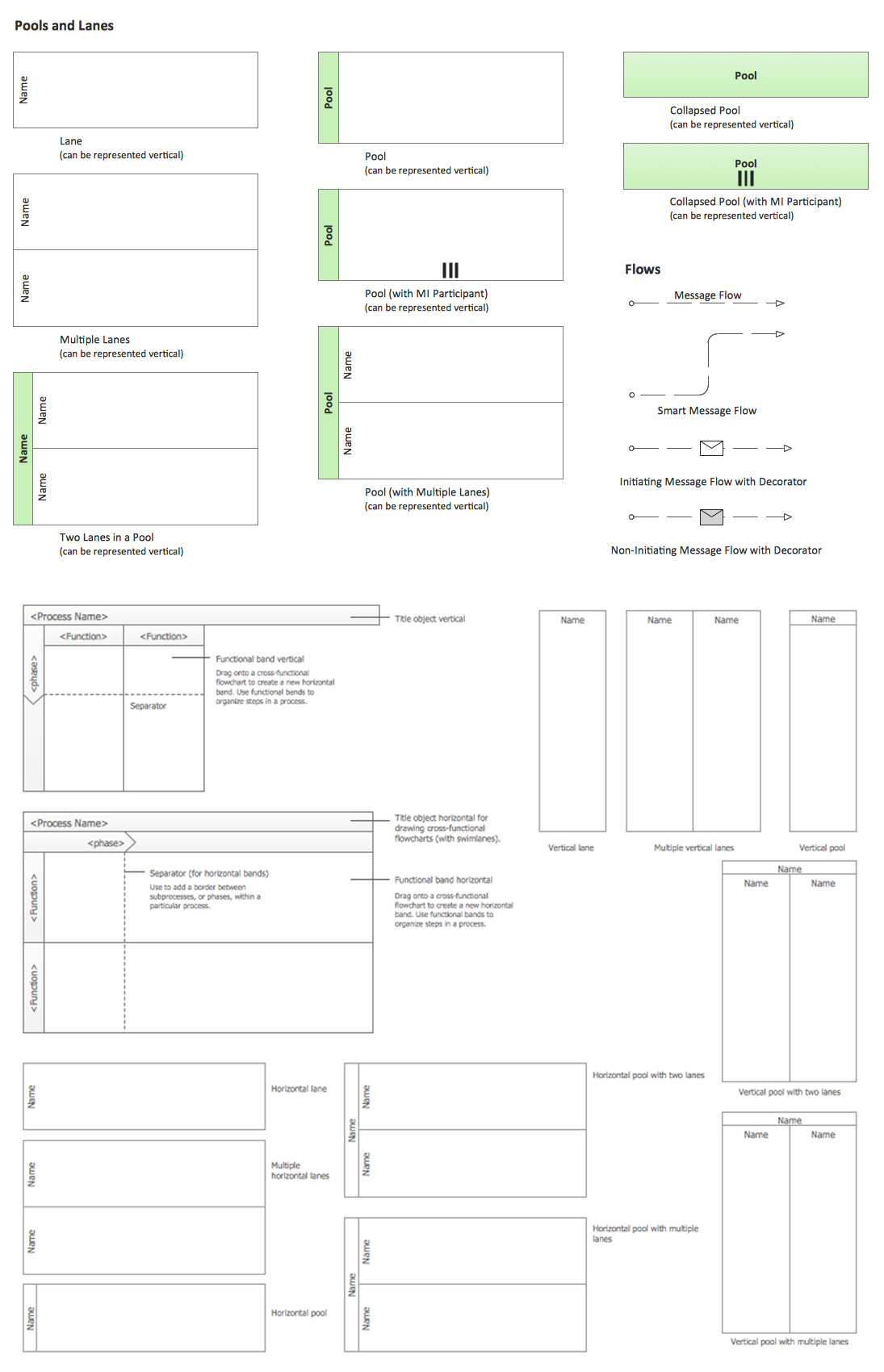
ConceptDraw DIAGRAM - business process modeling software for mac offers the Business Process Diagram Solution with powerful tools to help you easy represent the business processes and create the business process diagrams based on BPMN 1.2 and BPMN 2.0 standards that allows to create of both simple and complex (nested) models of processes. There are 16 BPMN 1.2 and BPMN 2.0 stencil libraries containing 230 vector objects: Rapid Draw library, Connections library, Gateways and Artifacts libraries, Data library, Gateways library, Choreographies library, Conversations library, Activities libraries, Events libraries, Expanded Objects libraries, Swim lanes libraries.Business Process Modeling Software for Mac *
Picture: Business Process Modeling Software for Mac
Related Solution:
ConceptDraw
DIAGRAM 18
