Blank Calendar
Milliard of people every day use the calendars which around us everywhere. For their creating designers apply large efforts, and also all their fantasy to make them attractive. Now we are glad to offer you the effective drawing tool - Calendars Solution from the Management Area for ConceptDraw Solution Park which contains the ready-to-use Blank Calendar shapes.
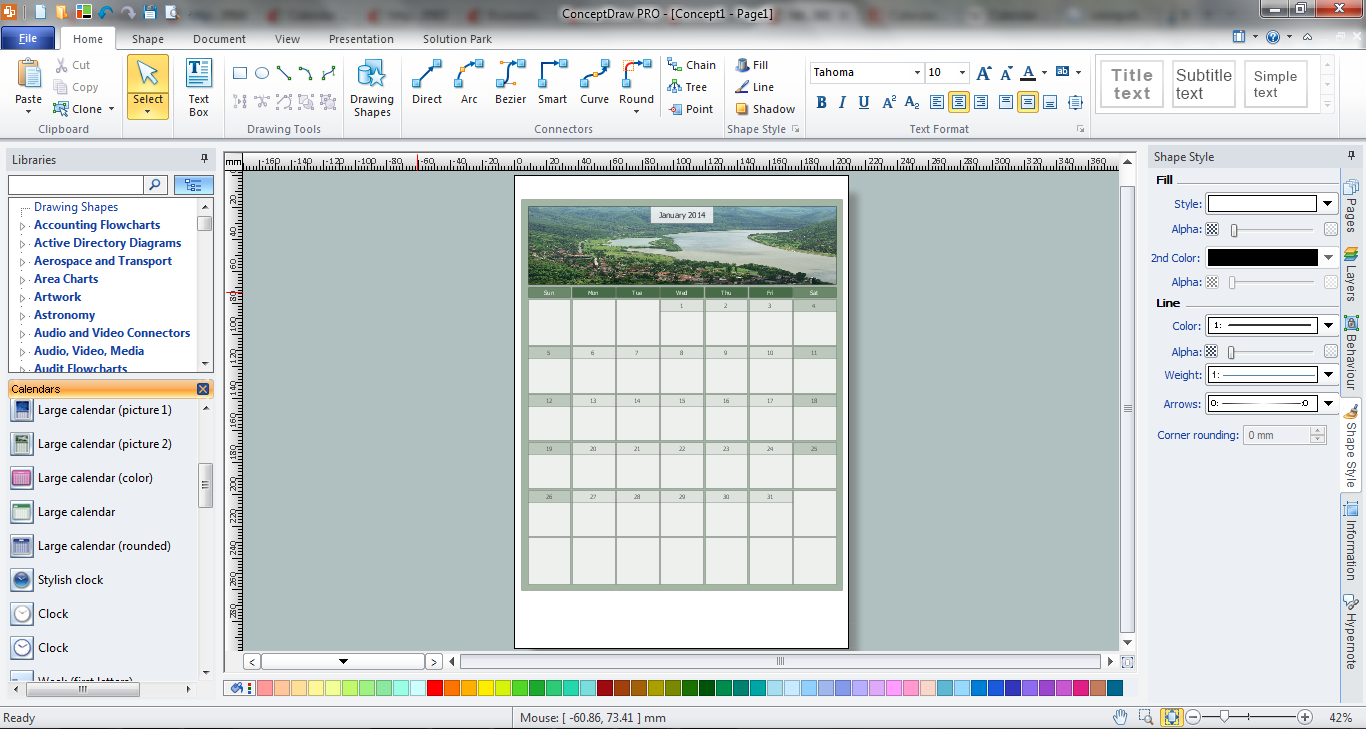
Example 1. Blank Calendar in ConceptDraw
Pay attention for the Calendars library offered by the Calendars Solution, it contains numerous vector shapes. Each of them is a blank calendar which you can drag from the library to the document, fill with your plans and tasks. So your own professional looking calendar can be designed in a few minutes.
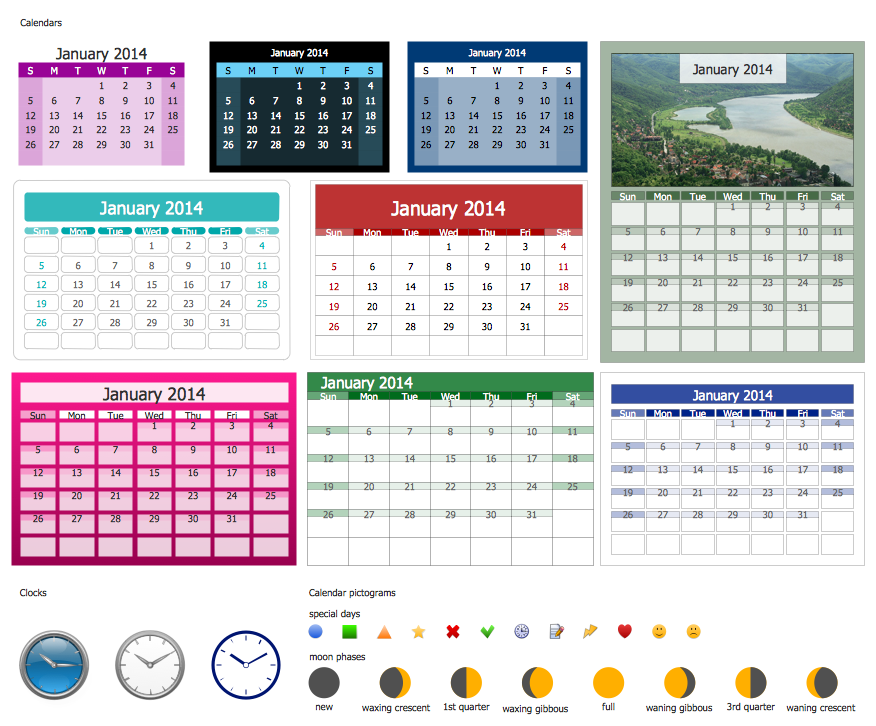
Example 2. Calendars Library Design Elements
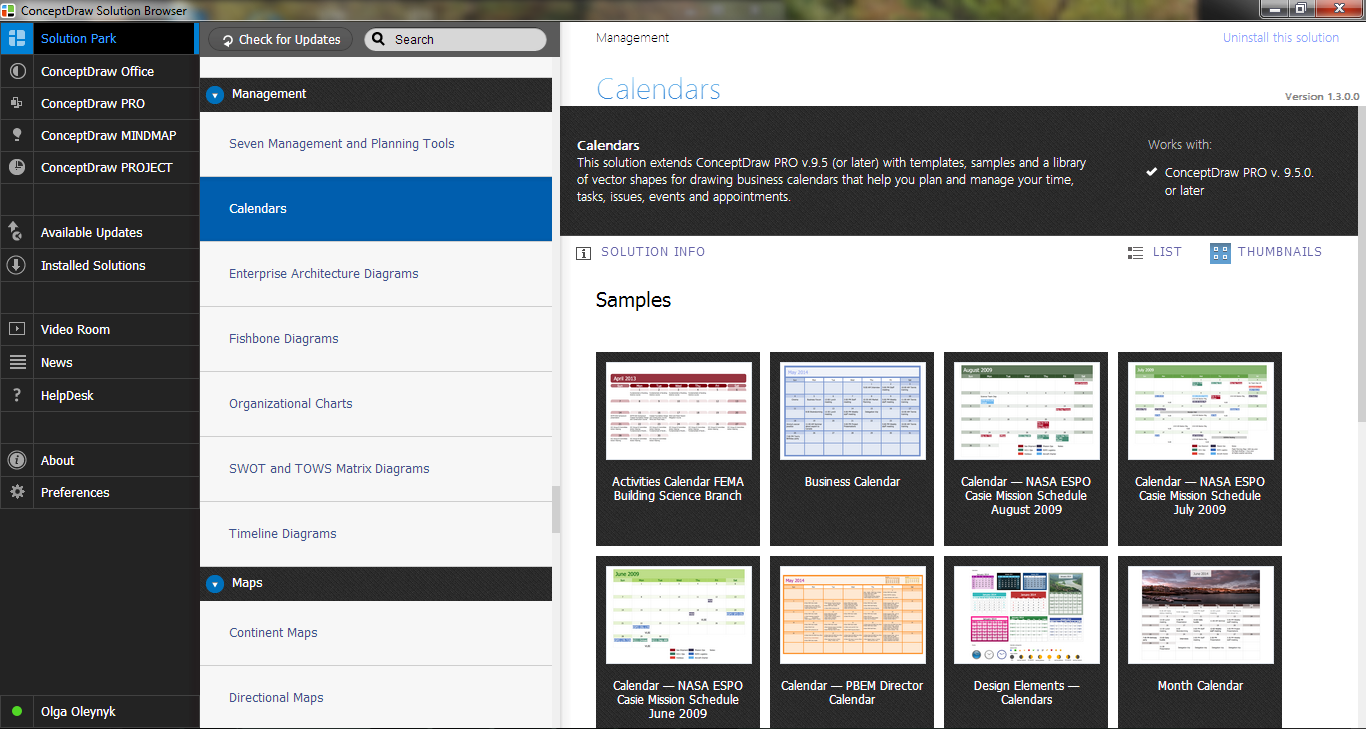
You can also use as the base the blank calendar template included in the Calendars solution and available from ConceptDraw STORE.
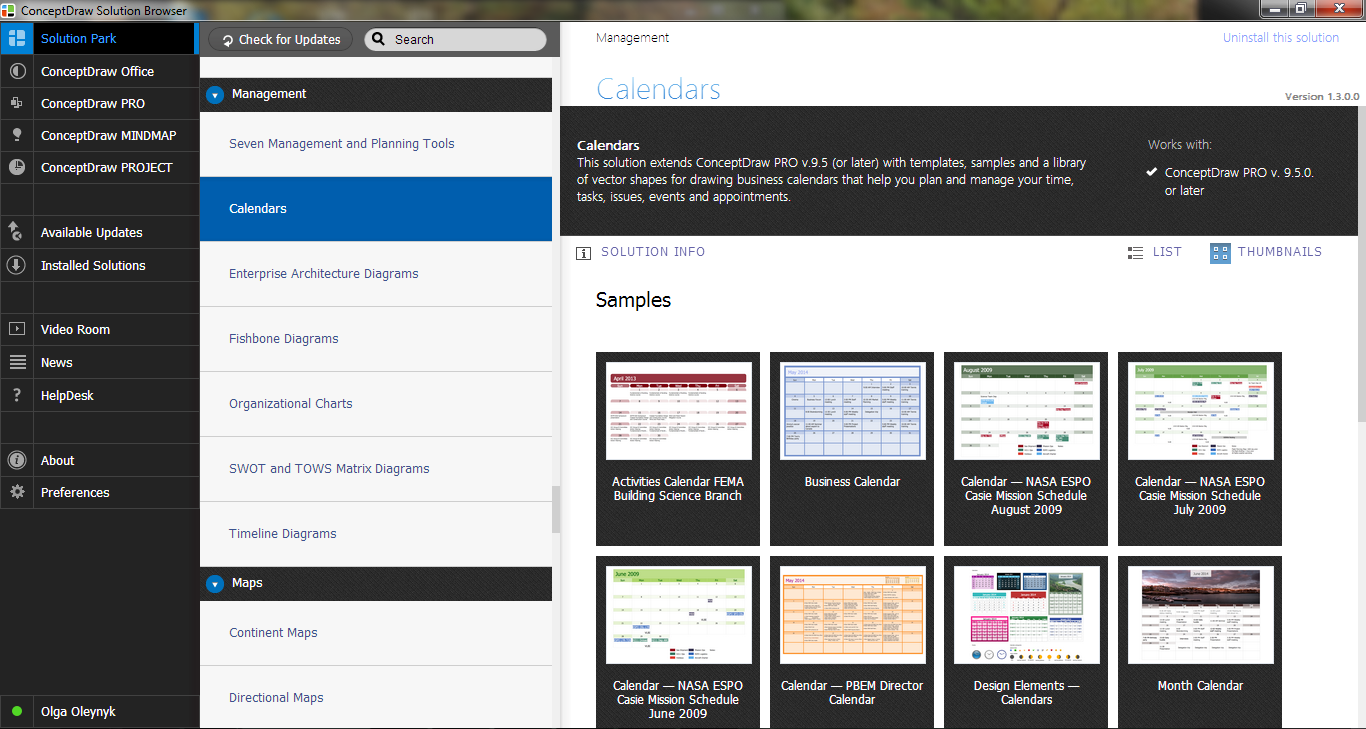
Example 3. Calendars Solution in ConceptDraw STORE
Calendars Solution provides a lot of templates and samples which can become the good start or excellent source of inspiration for you.
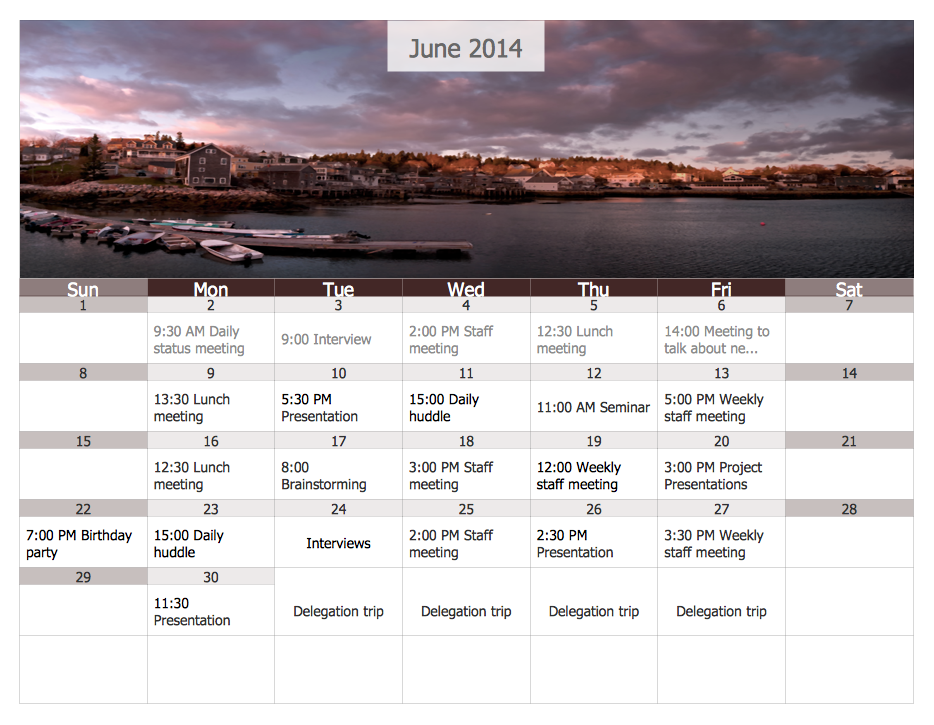
Example 4. Month Calendar
The calendars you see on this page were designed in ConceptDraw DIAGRAM software on the base of predesigned blank calendar shapes offered by Calendars Solution. An experienced user spent 15 minutes creating every of these samples. All they are included in the Calendars solution and you can find them in ConceptDraw STORE.
All source documents are vector graphic documents. They are available for reviewing, modifying, or converting to a variety of formats (PDF file, MS PowerPoint, MS Visio, and many other graphic formats) from the ConceptDraw STORE. The Calendars Solution is available for ConceptDraw DIAGRAM users.