Collaborative-business strategies - the sharing of business information and ideas among partners, suppliers and customers can help increase sales, improve service, and decrease costs. But it can also be rather difficult. It's a strategy that besides trust and business culture requires the well considered technology infrastructure. But for those willing to tackle these and other challenges, collaborative business can pave the way to new and better ways of operating.
We understand how it important for our users to operate in an efficient and effective manner. ConceptDraw DIAGRAM s an advanced integration facilities can help users to provide extensive communication, coordination and cooperation in their business:
|
|
Libraries and clip arts
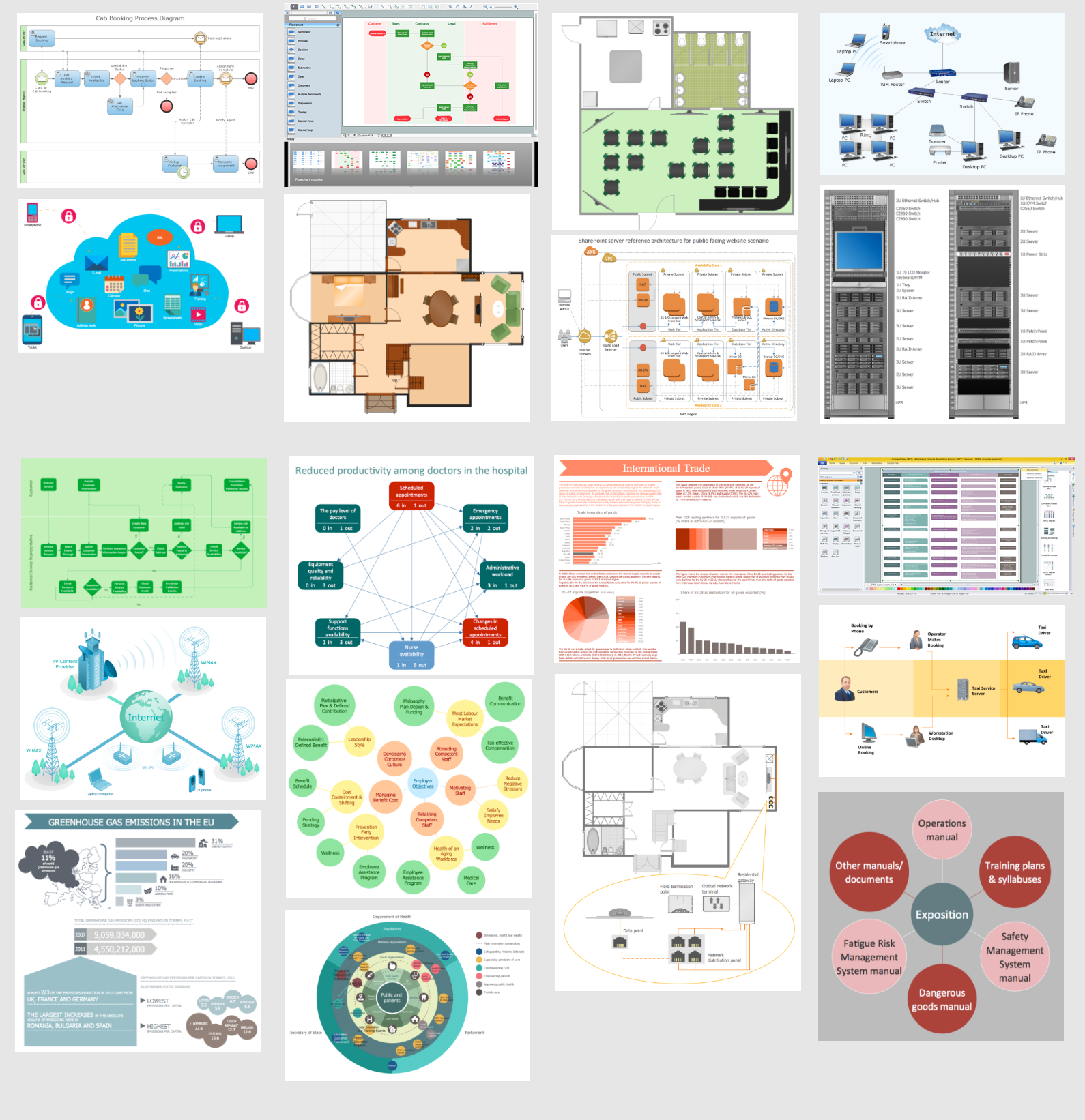
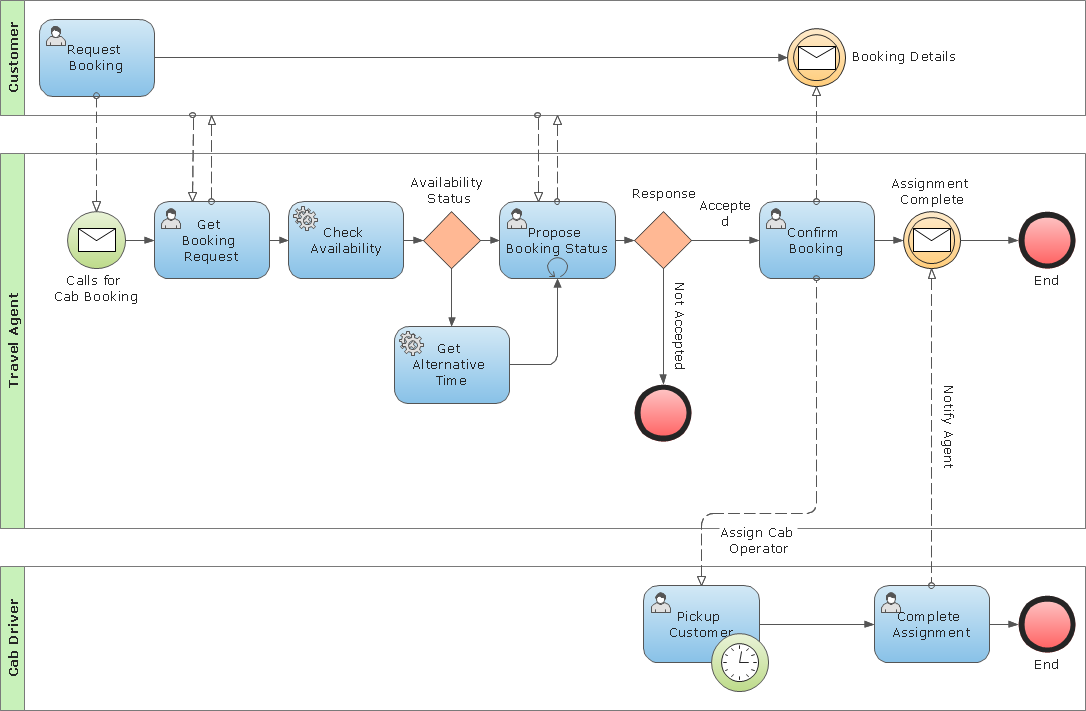
The huge collection of shapes helps you to produces professional quality charts and diagrams so you are better prepared for productive team collaborating.
|
|
Seamless integration
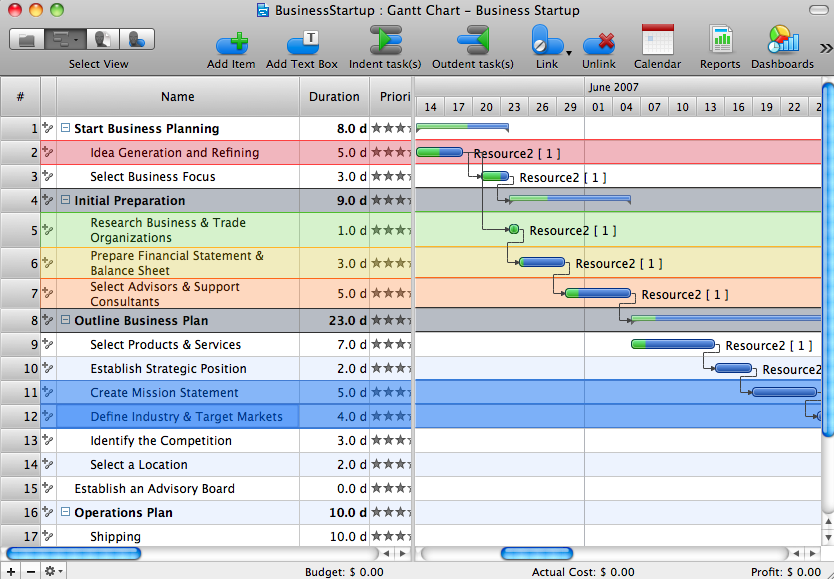
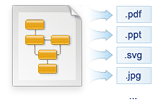
ConceptDraw DIAGRAM allows you to import and export files in a large number of raster, vector, multimedia and text formats, making it easy to exchange data with other applications. In addition to the most popular graphic formats, it supports txt and ConceptDraw xml formats.
Using export to PDF you create compact and platform-independent documents that can be freely viewed on any computer
Export to MS PowerPoint lets you easily create animated presentations for the colleagues based on your ConceptDraw documents.
|
|
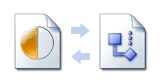
MS VisioCompatibility with MS Visio allows ConceptDraw users to exchange documents with MS Visio users by import of MS Visio to ConceptDraw and export of ConceptDraw files to MS Visio.
|
|
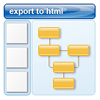
Web ready documentsExport to HTML lets you to create the Web looking documents on the base of your ConceptDraw files using a set of predefined styles
|
|
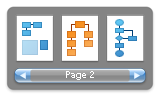
Presentation modeWith Presentation Mode you can perform an attractive full screen presentation from ConceptDraw documents without a need to use any special application.
|
|
Cross platform compatibilityConceptDraw DIAGRAM is the only professional diagramming software that works on both Windows and Macintosh platforms. All its documents and libraries are 100% compatible and can be exchanged hassle-free between the platforms.
|