Backyard Drawing Tool
The backyard is a cozy place to relax and its appearance and design are no less important than the house itself. The atmosphere of this space needs to be conducive and possessive to a pleasant spending time and rest. You should carefully consider the location of flower beds, lawns, green compositions, patio, decorative elements, outbuildings, and different extra details. The design of the backyard of a private house should please, attract and be harmonious at any time of the year.
When planning your garden, consider the accents - elements becoming the center of attention. It is a fountain, pond, or landscape composition like a combination of rocks and plants (rockery). A rare tree or a large spreading tree in a shade of which you can locate the rest area can also become an accent. You can make a dried stream, bridge, gazebo, flowerbed of unusual shape, in short anything that seems interesting entirely for you.
If you plan to construct a patio and enjoy your garden endlessly, you need also think about it in the planning stage. It is advisable to choose the best place for a patio in the backyard. When it offers a view of the entire garden and house it is an ideal choice. The shape of a patio area is absolutely different, it depends only on your imagination and preferences. When choosing the furniture for a recreation area, turn attention to both factors: comfort and usability. The last one depends on the type of furniture and material chosen for its manufacturing. Think also about what furniture will be more convenient for you — stationary or portable. Currently, there are many options for garden furniture, for each taste and budget, and each one has its own advantages and disadvantages. The material for building the patio platform needs to be also chosen strong and durable.
ConceptDraw DIAGRAM software extended with Landscape & Garden solution from the Building Plans area of ConceptDraw Solution Park is a unique application for backyard, garden and landscape design. This backyard drawing tool is suitable for both aspiring and advanced users, beginner architects and amateur gardeners. It suits each one who wants to make effectively the landscape design of its plot from scratch or re-plan an existing one. Make your dreams of beautiful backyard landscaping come true with ConceptDraw DIAGRAM software!
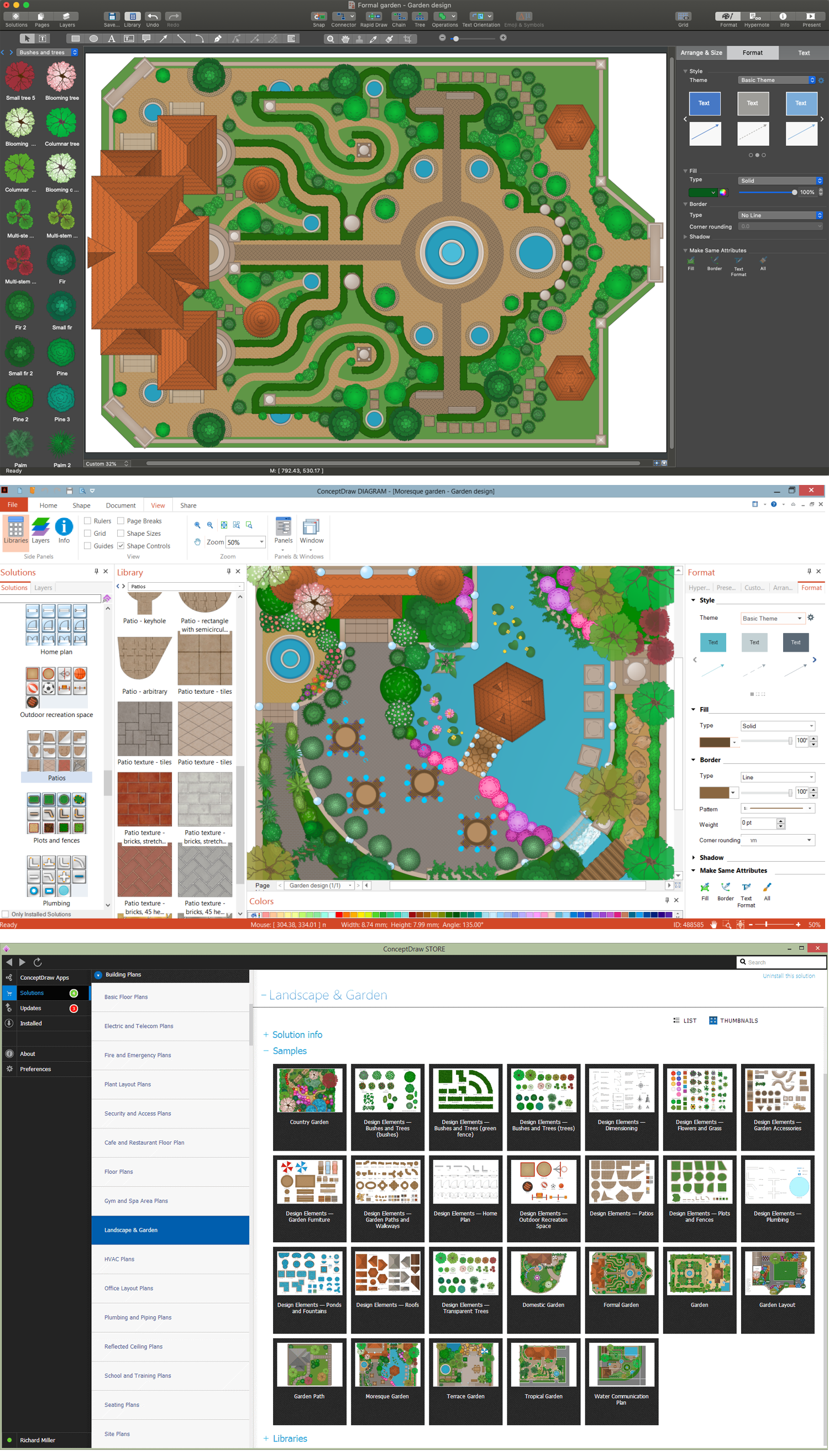
Example 1. Landscape & Garden Solution as Backyard Drawing Tool
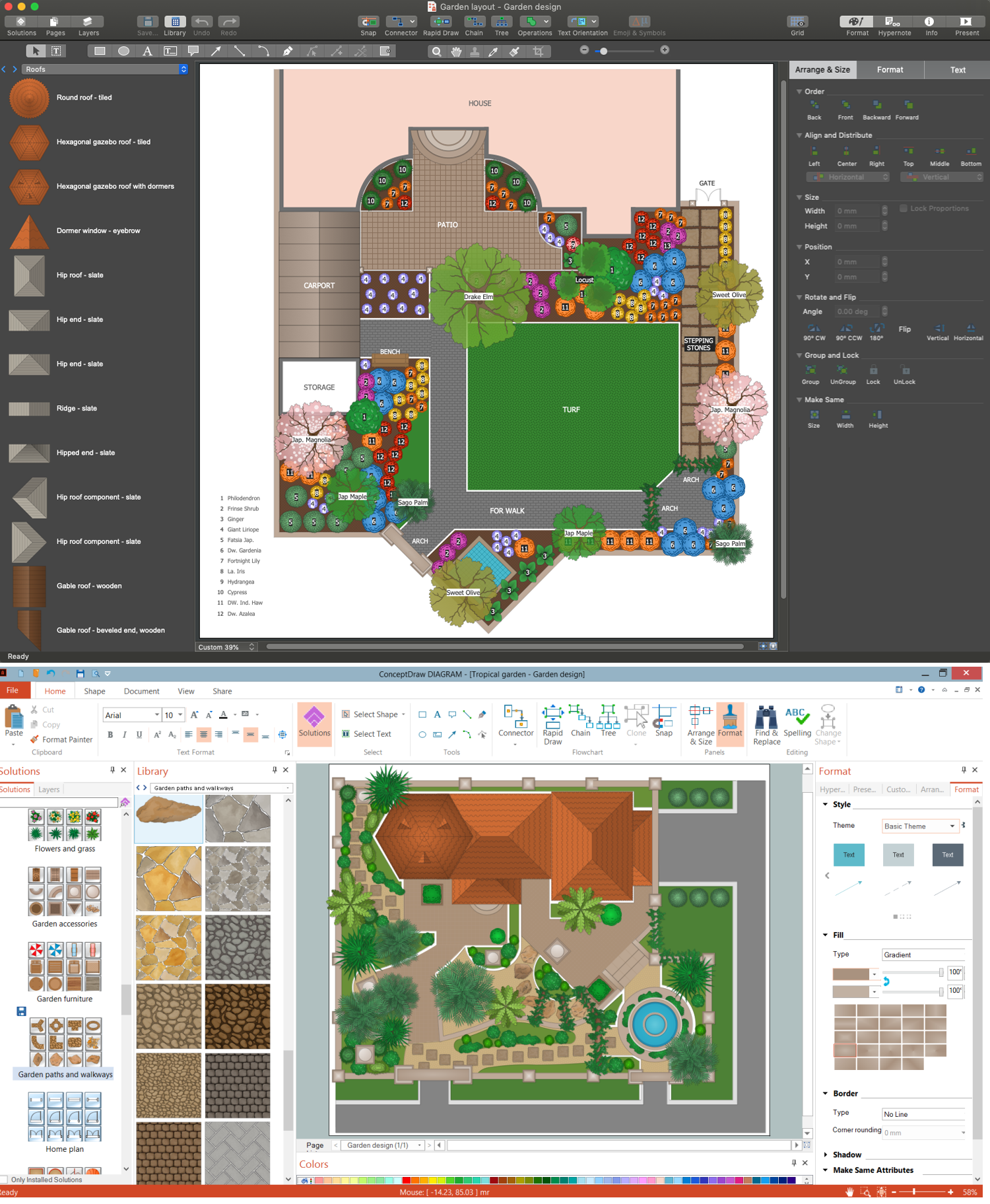
The Landscape & Garden solution offers a large database of objects you can commonly find in the garden. All you can imagine is here, from plants and stones for paths to garden furniture and outdoor sports equipment. Each object is easily dragged-and-dropped and resizable without loss of quality. Place the plants on your backyard plan, arrange the furniture and more elements and easily make corrections to their location when you have a new idea.
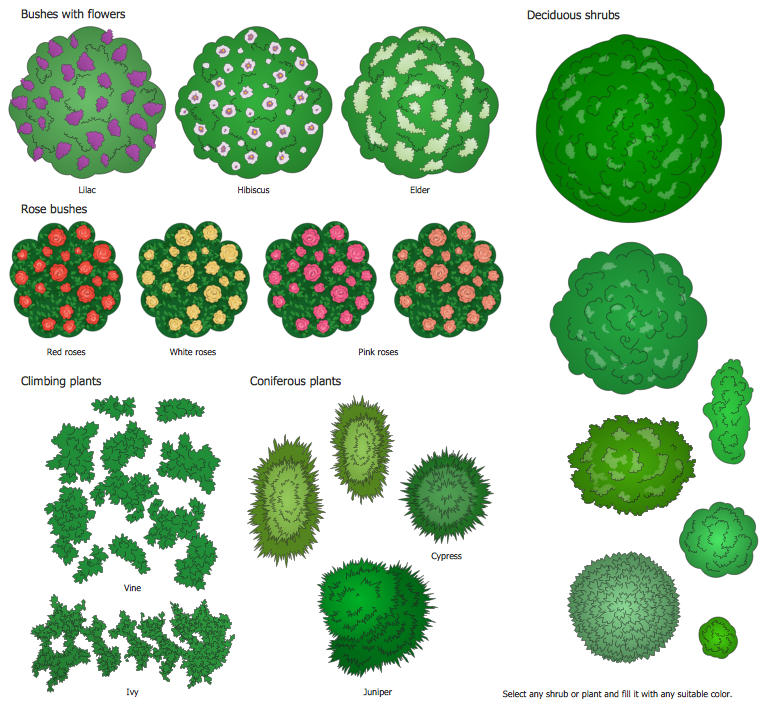
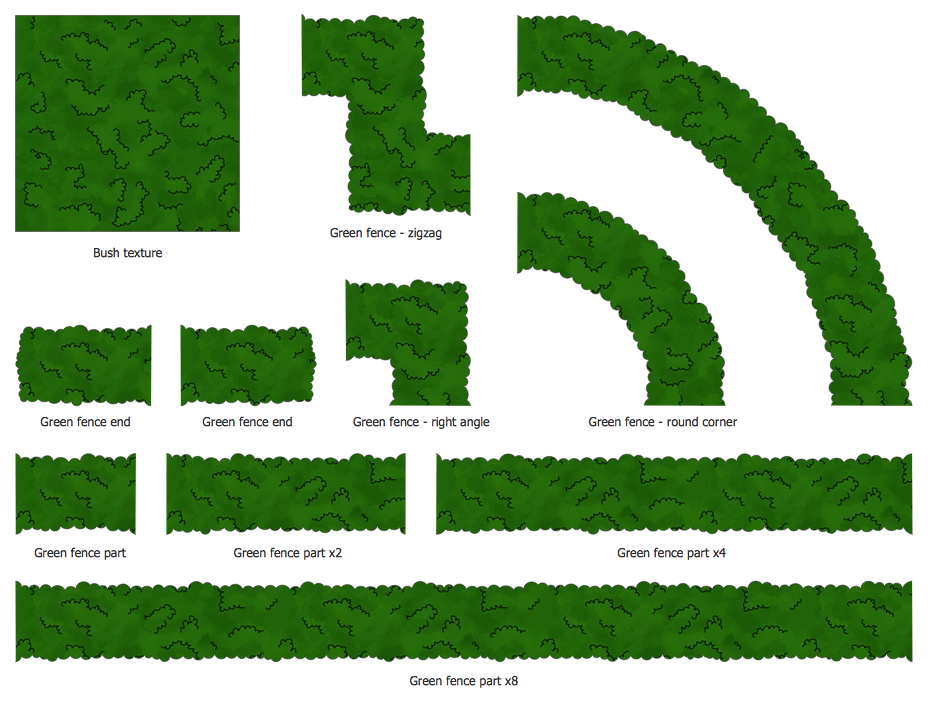
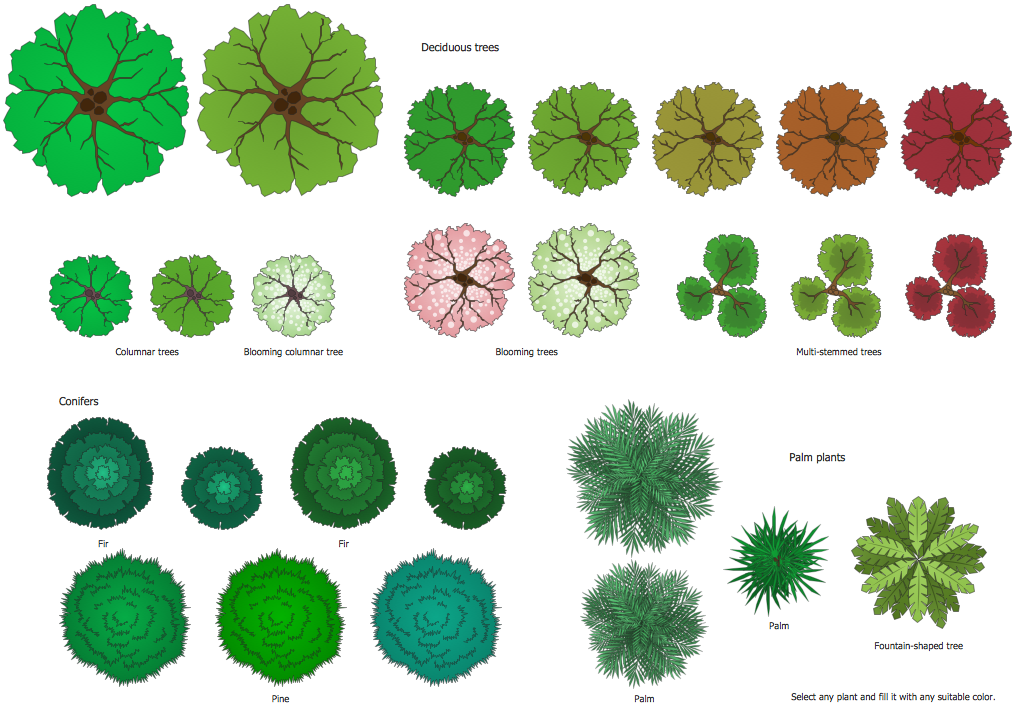
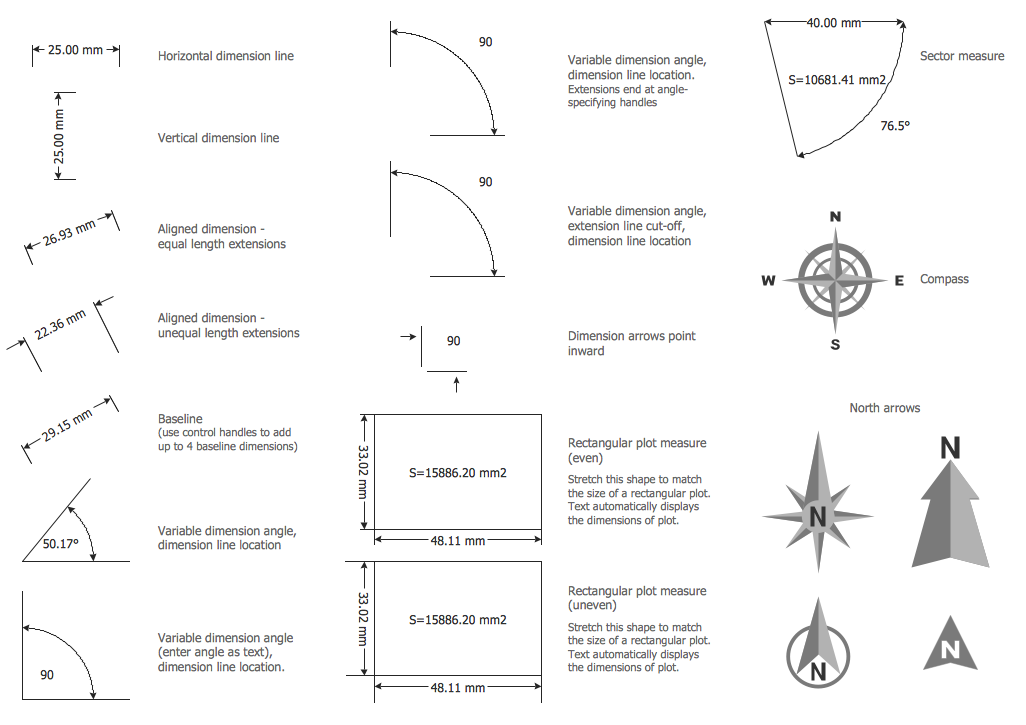
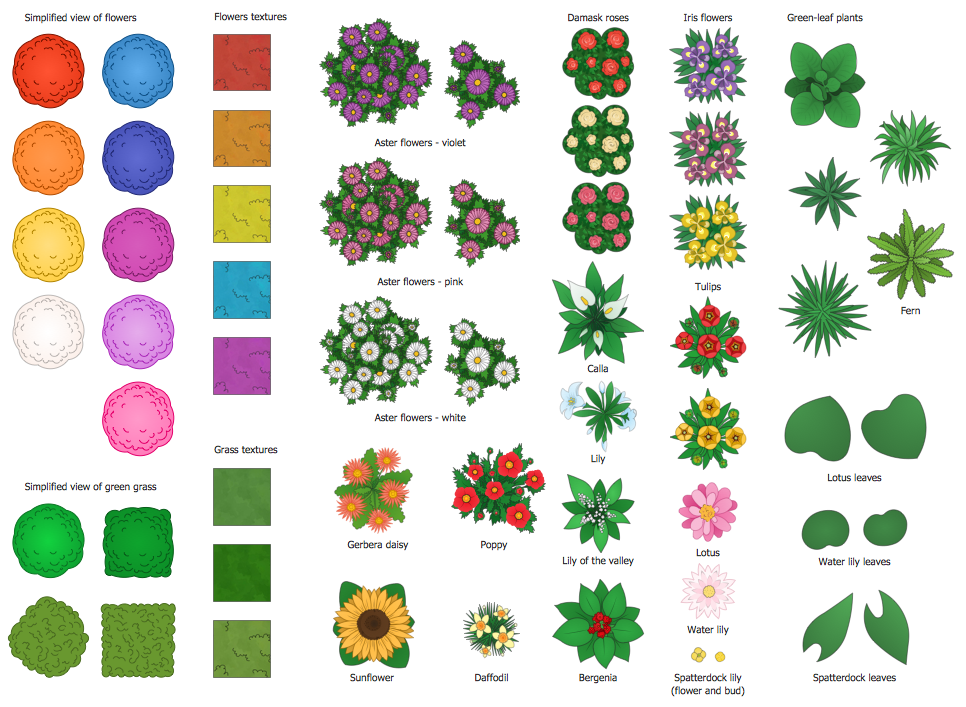
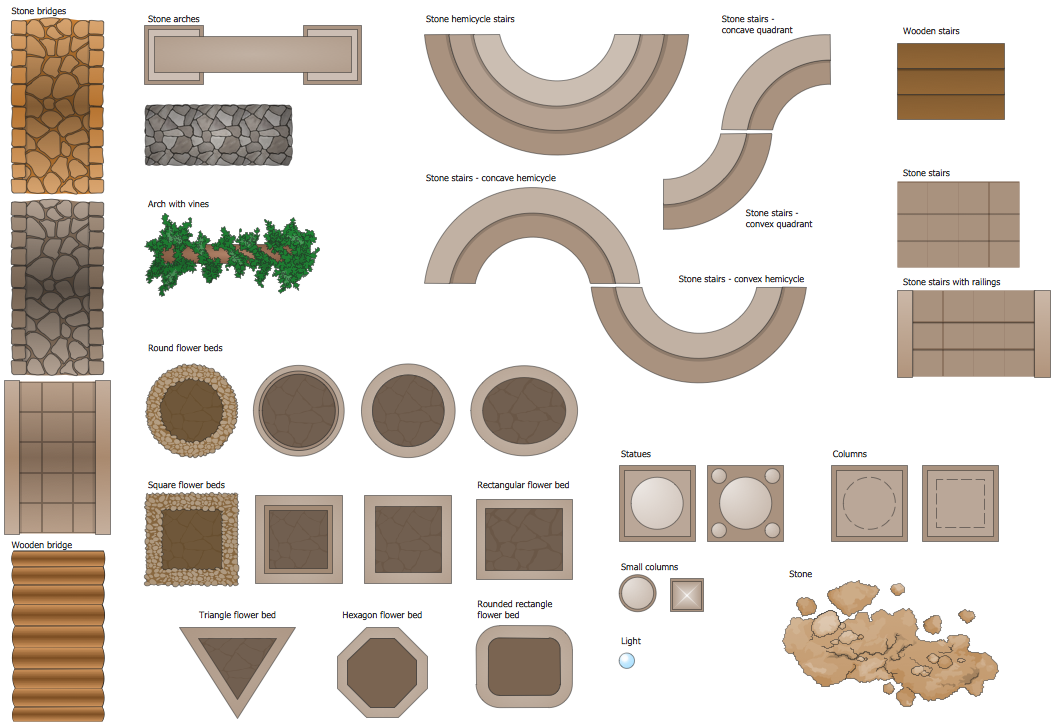
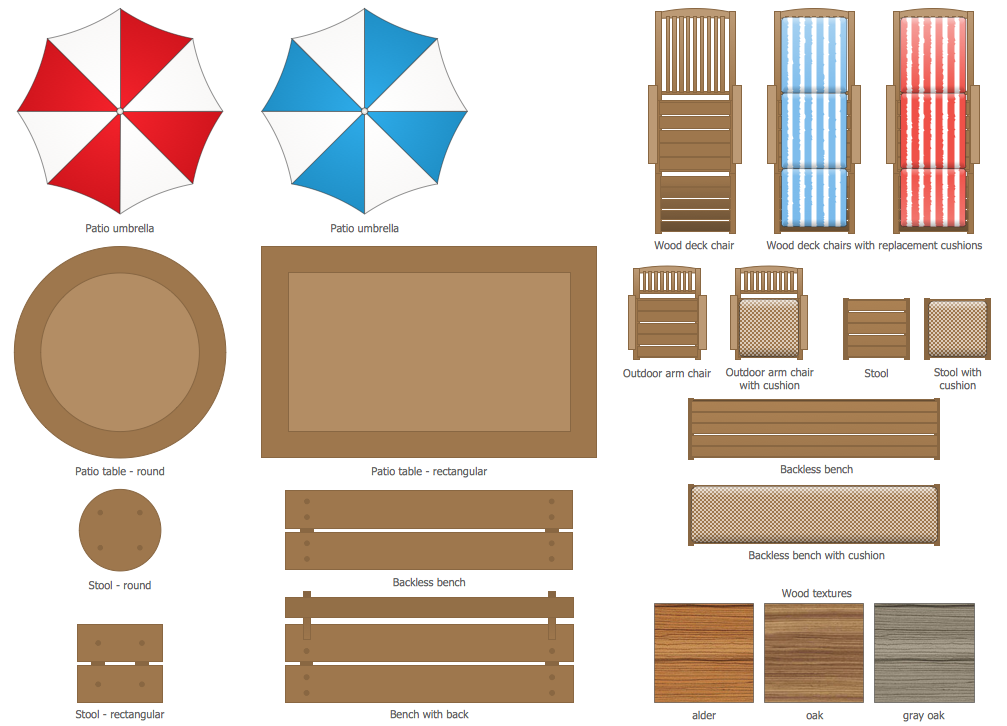
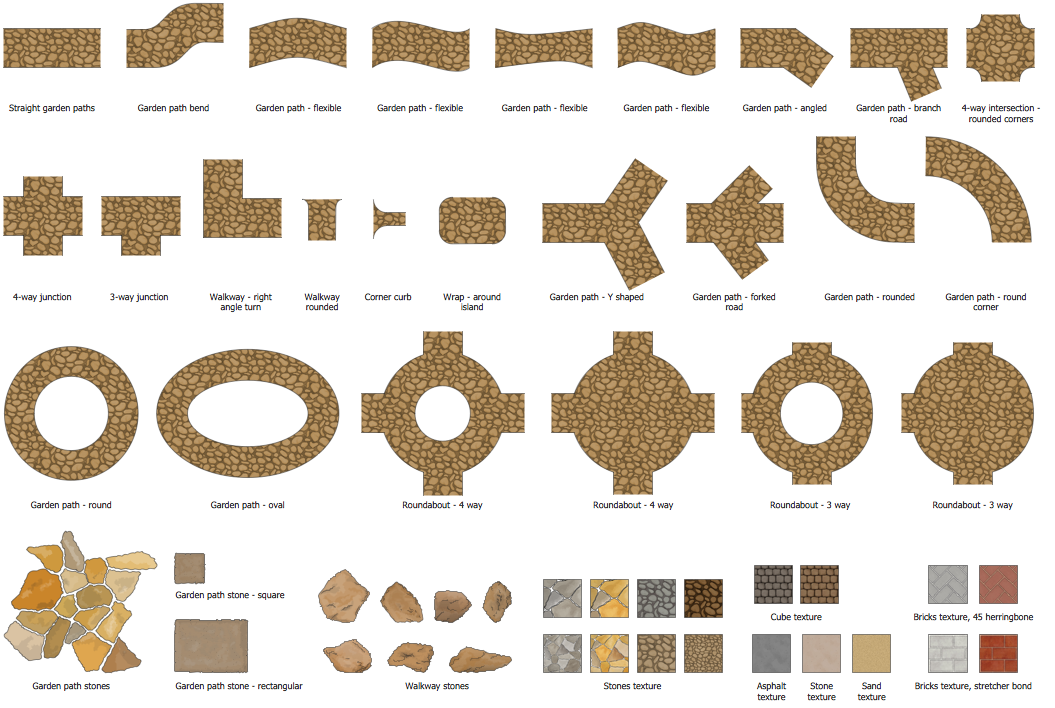
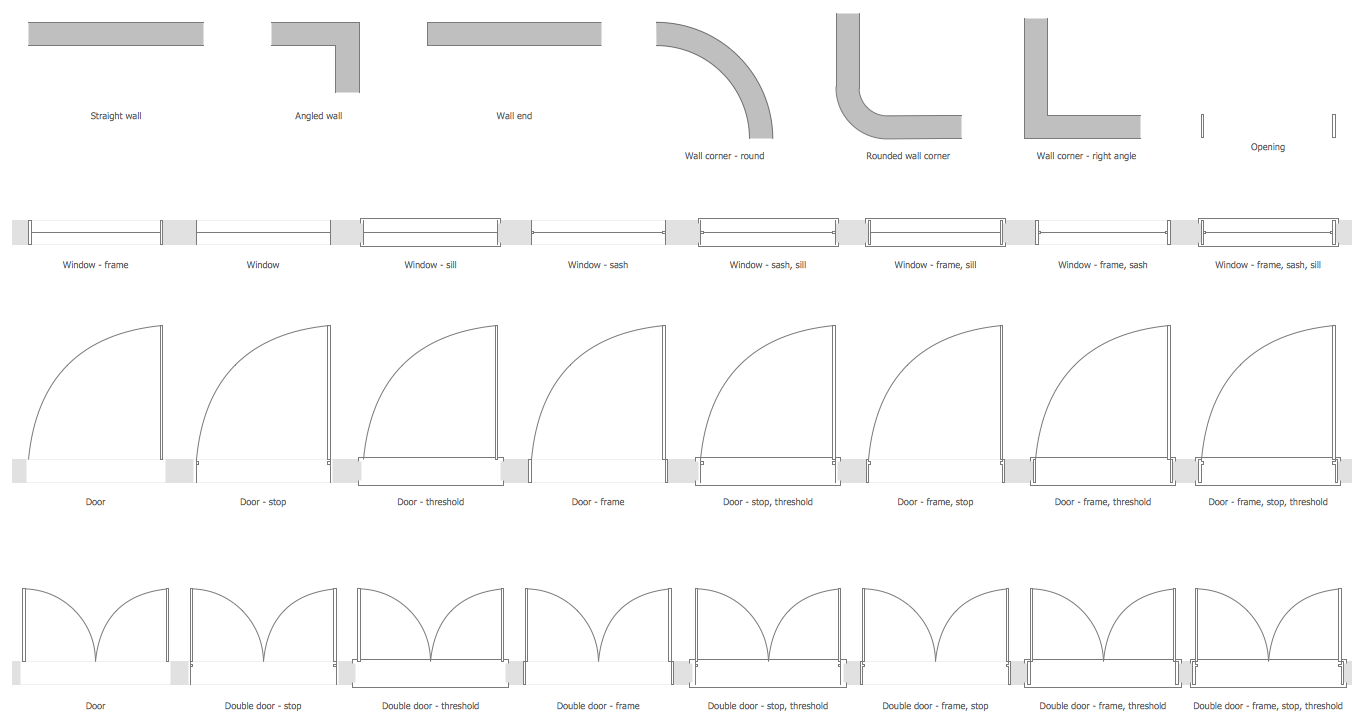
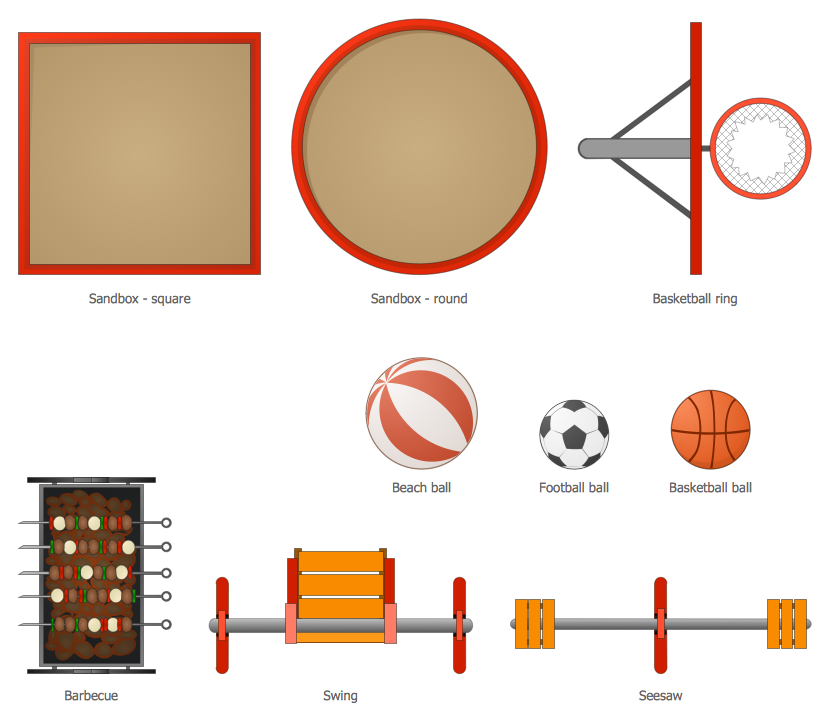
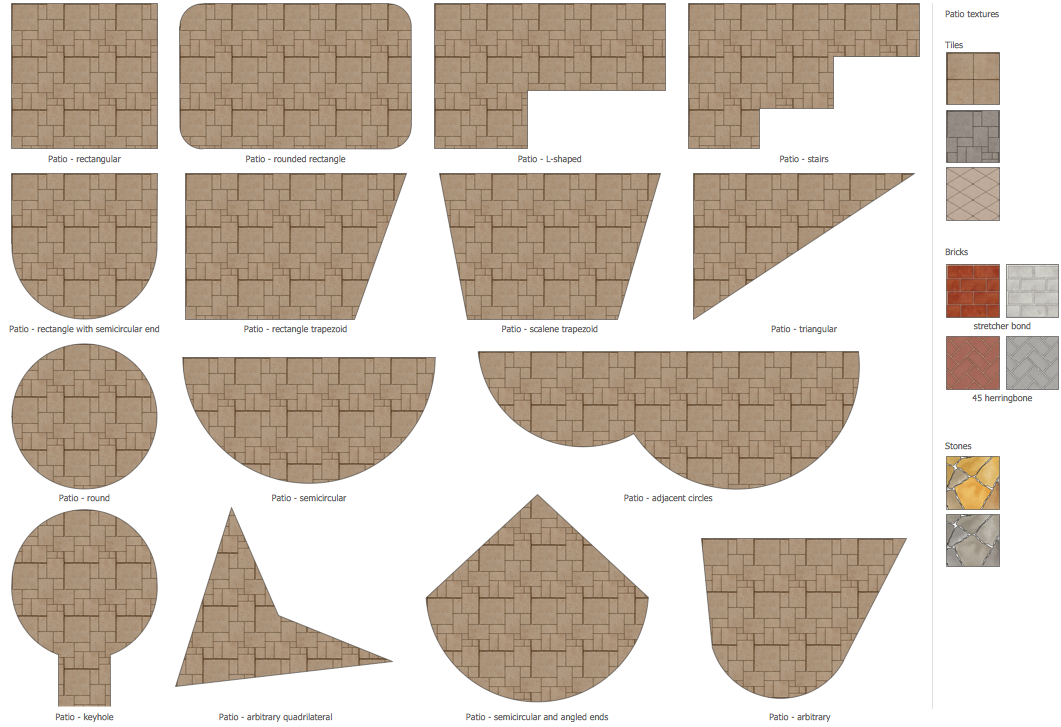
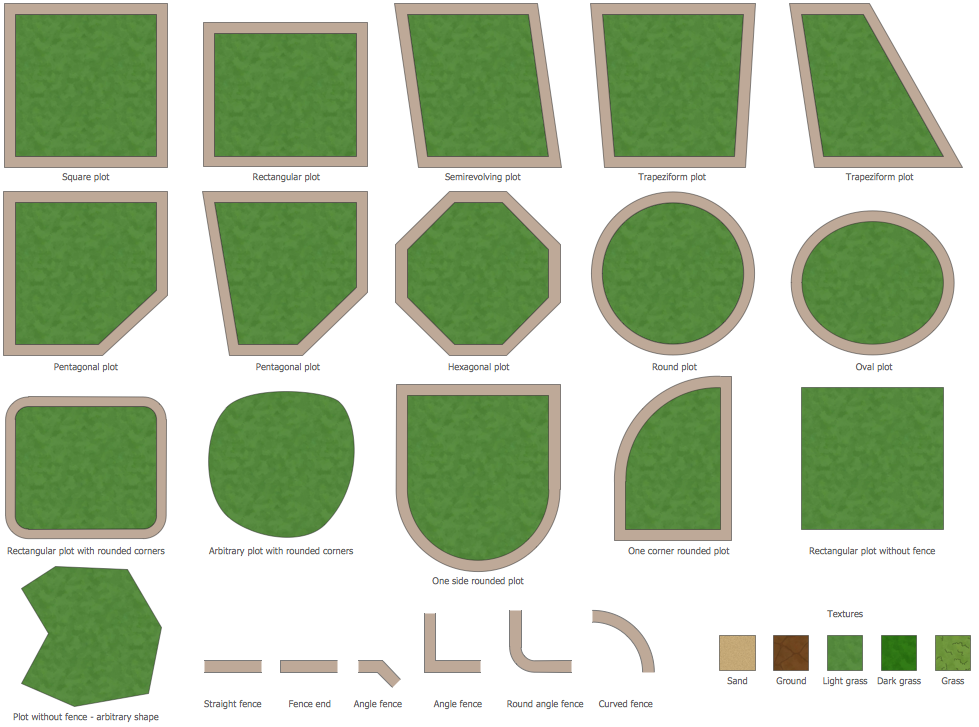
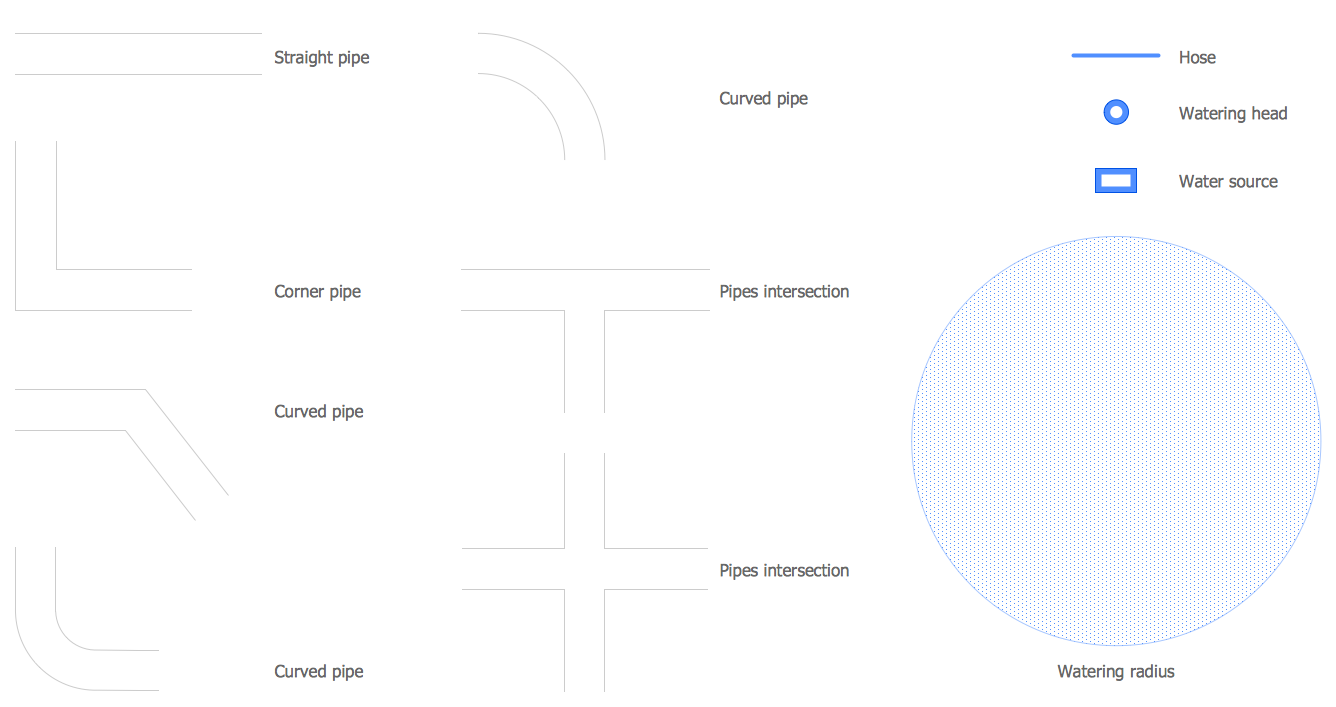
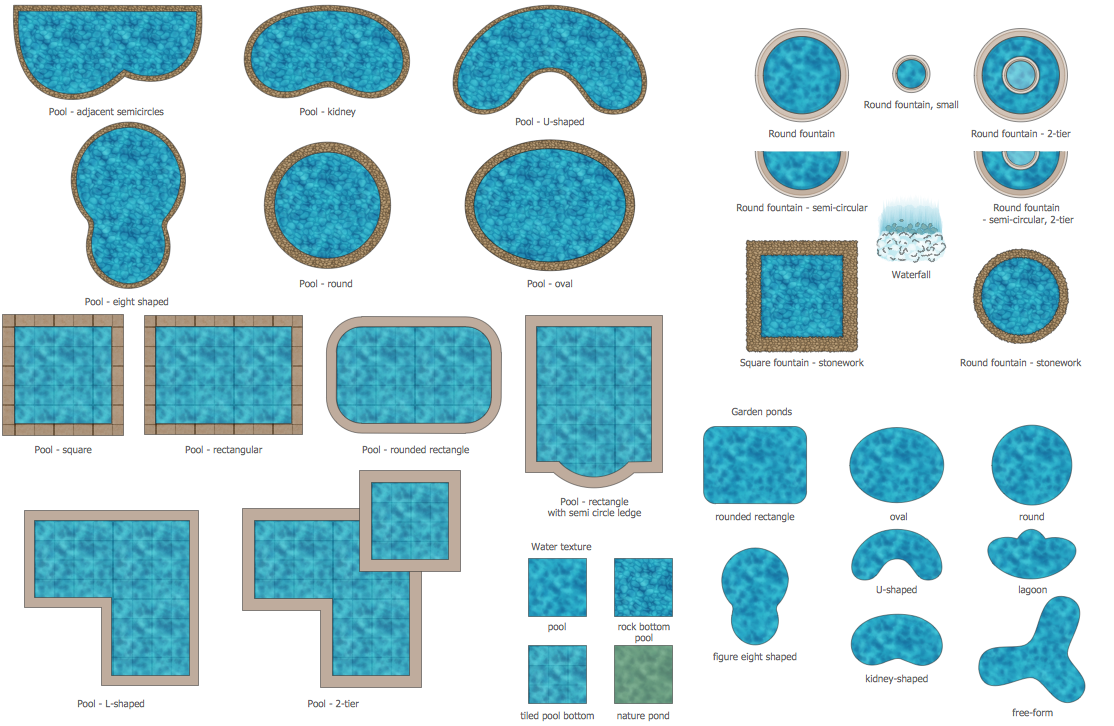

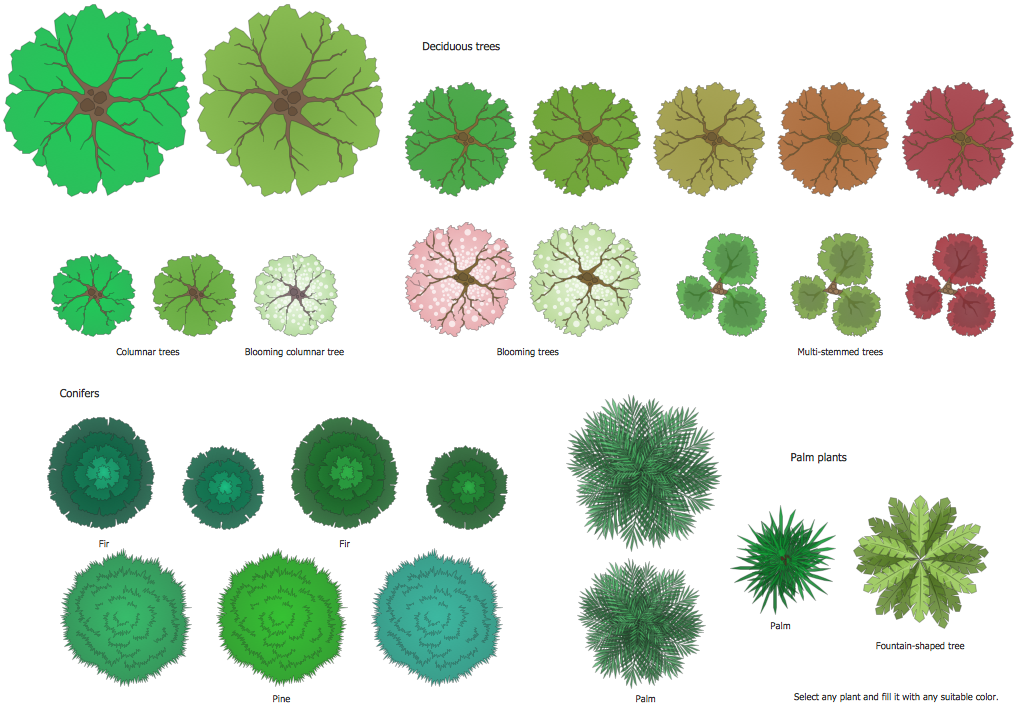
The samples you see on this page were created using the Landscape & Garden Solution for ConceptDraw DIAGRAM software and are good examples of the modern backyard design. These samples are included in Landscape & Garden Solution and available from ConceptDraw STORE. An experienced user spent 20 minutes creating each of these samples.
Use the Landscape & Garden Solution from the Building Plans area to draw your own landscape and backyard designs quickly, simply, and effectively.
The possibility of exporting to a variety of popular graphical formats (PNG, JPEG, JPG, GIF, TIF, TIFF, BMP, DIB, EMF, SVG) and file formats like Microsoft PowerPoint (PPT), Adobe Acrobat (PDF), Microsoft Visio (VDX, VSDX), Adobe Flash (SWF), Encapsulated PostScript (EPS), HTML, opens wide opportunities for you.