Network Diagram Software
IVR Balance Recharge Diagram
IVR Balance Recharge Diagram
IVR Balance Recharge diagrams visualize the logical and physical structure of IVR systems.
They are used to develop, operate and maintain the IVR systems for inbound and outbound call centers and voice mail systems.
ConceptDraw has templates and examples for drawing the IVR Balance Recharge Diagrams.
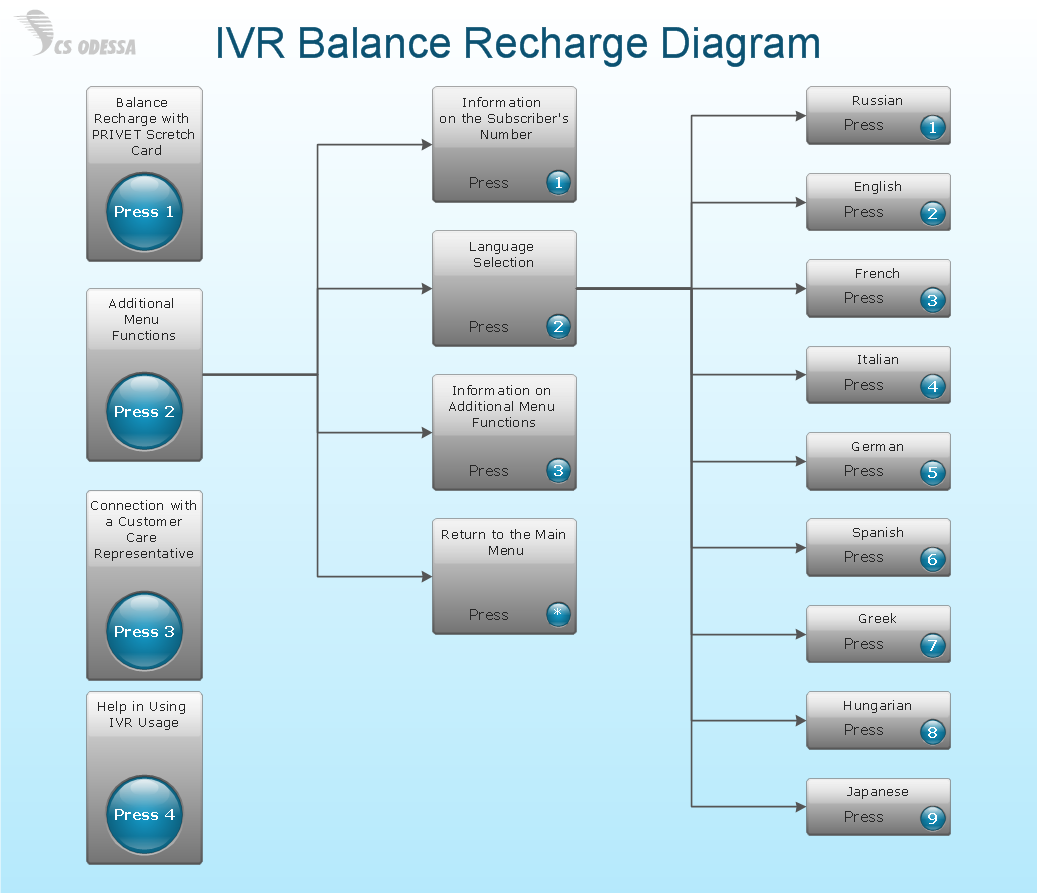
Pic.1. IVR balance recharge diagram.
ConceptDraw solution Computer and Networks provides Interactive Voice Response samples, templates and library of 35 vector stencils for drawing the IVR network diagrams.
Use ConceptDraw DIAGRAM diagramming and vector drawing software enhanced with solution Computer and Networks to visualize the logical and physical structure of IVR systems for inbound and outbound call centers and voice mail systems.
FOUR RELATED HOW TO's:
What is IVR? The Interactive voice response (IVR) is a popular and widely used technology which allows a computer to detect voice and keypad inputs, so it makes possible the interactions between computer and humans through the use of voice and dual-tone multi-frequency (DTMF) signals. For illustrating the logical and physical structure of IVR systems are used the IVR diagrams. ConceptDraw DIAGRAM software extended with Interactive Voice Response Diagrams solution allows you to make the IVR Diagrams quickly and easily.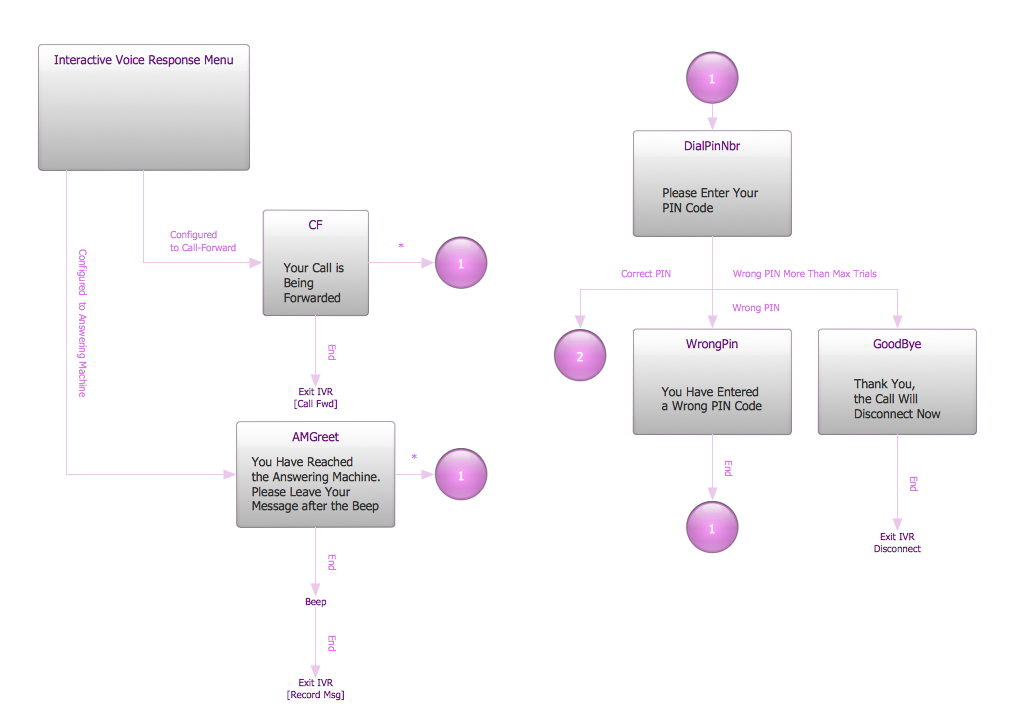
Picture: What is IVR?
Related Solution:
ConceptDraw DIAGRAM extended with Interactive Voice Response Diagrams Solution from the Computer and Networks Area enables to make quick and effective drawing the IVR diagrams describing the IVR systems of any complexity quick and effective.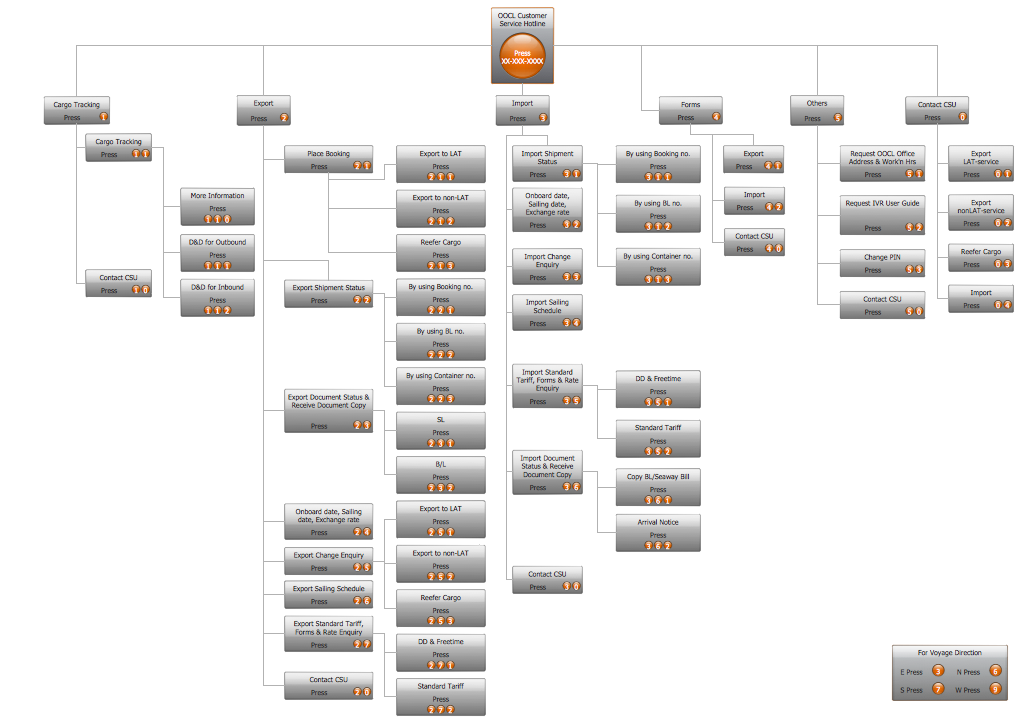
Picture: IVR Systems
Related Solution:
Interactive Voice Response (IVR) Services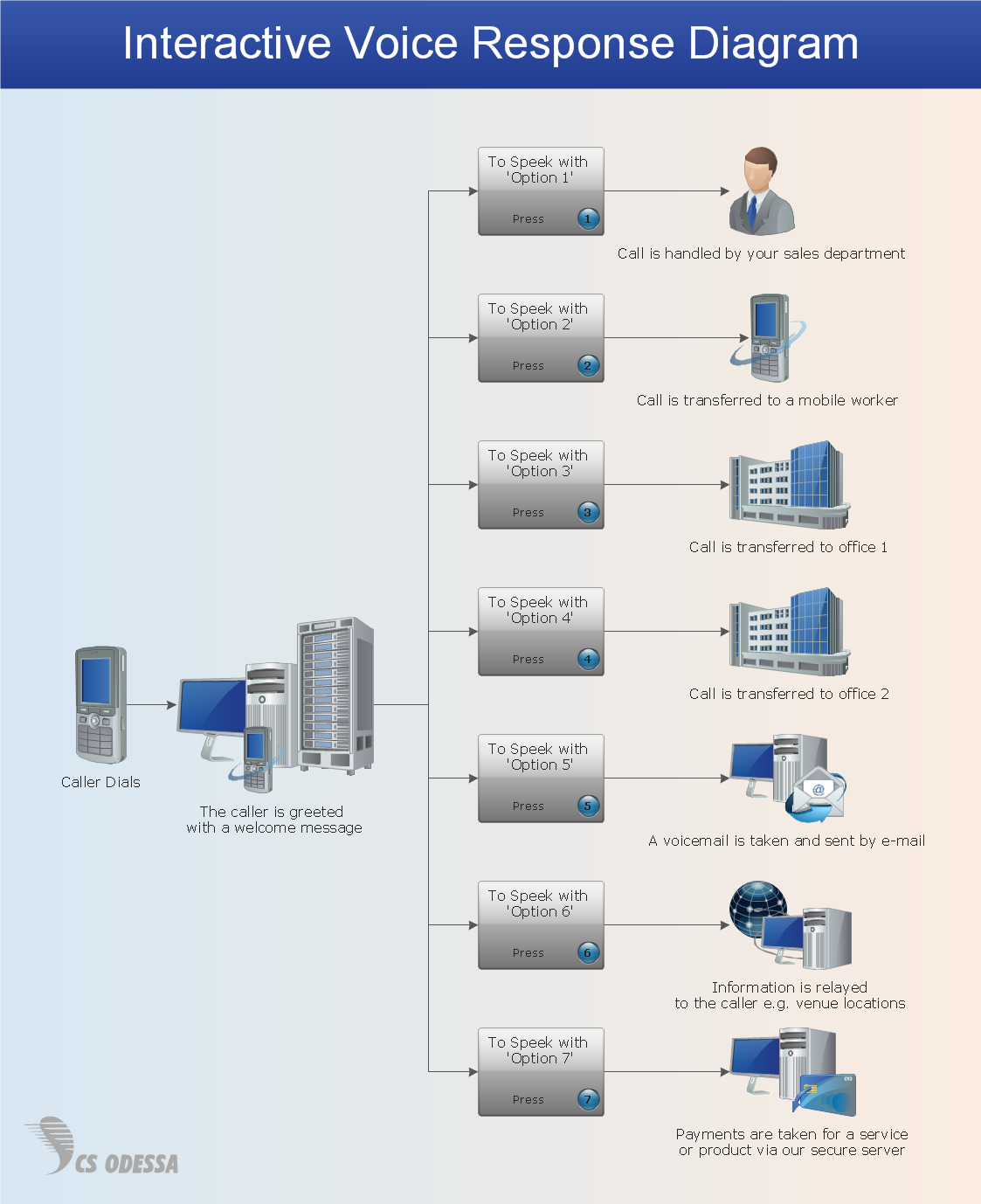
Picture: Network Diagram Software IVR Services
Organizing and Selecting Social Media Response Messages.
Interactive Flowcharts can change the way one creates and organizes their social media response process.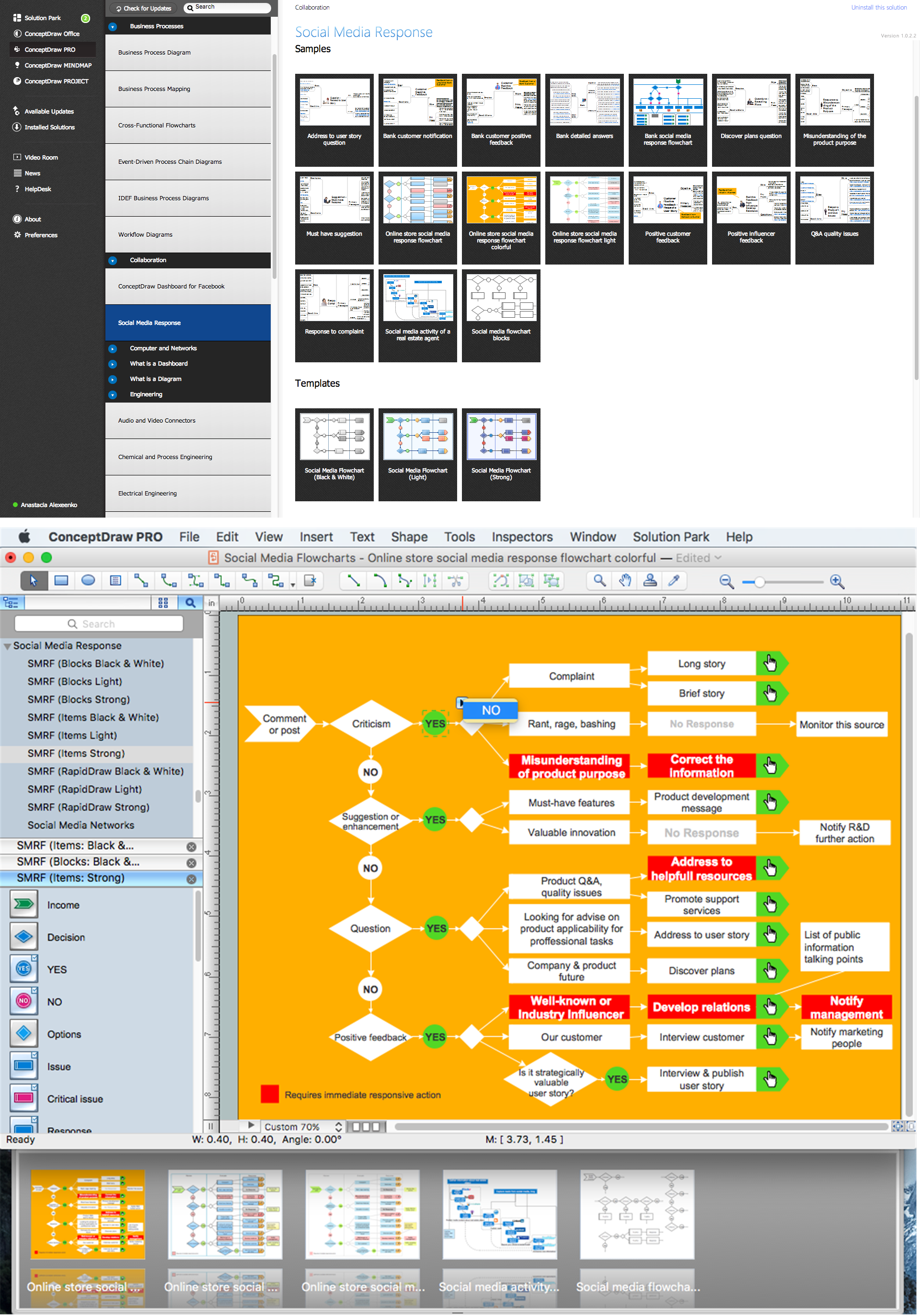
Picture: What is Interactive Flowcharts
Related Solution:
ConceptDraw
DIAGRAM 18