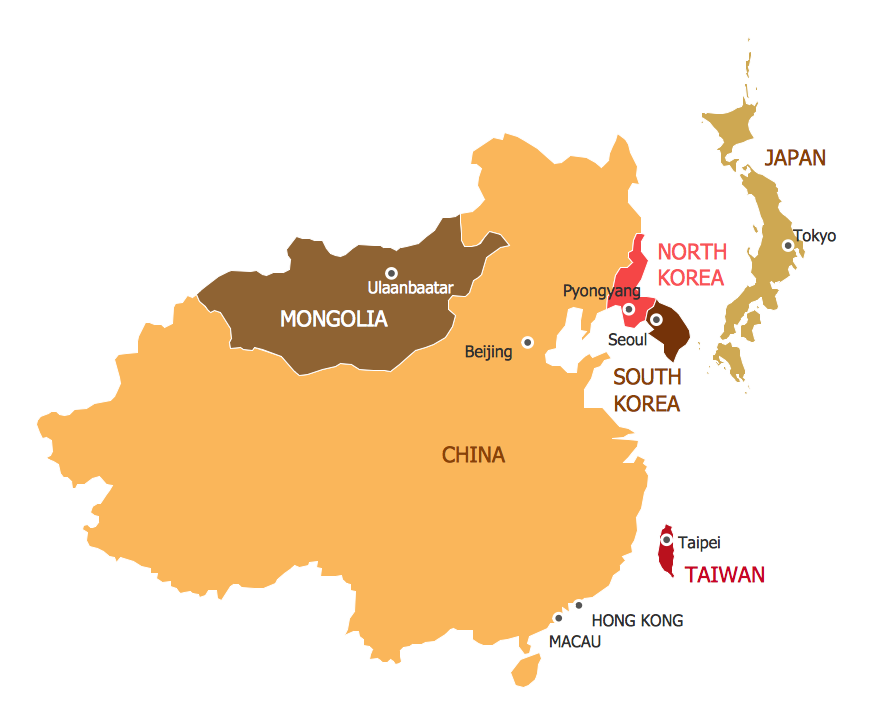
Example 1. 7 Continents Map
Continent Maps Solution was specially designed by specialist to give you the opportunity to create the continents maps, and even large 7 Continents Map quick and effectively. Simply create new document and drag the needed objects from the libraries of Continent Maps Solution to make your own professional looking and successful map. You can also use the flag objects from the libraries to make your map yet more detailed and comprehensive.
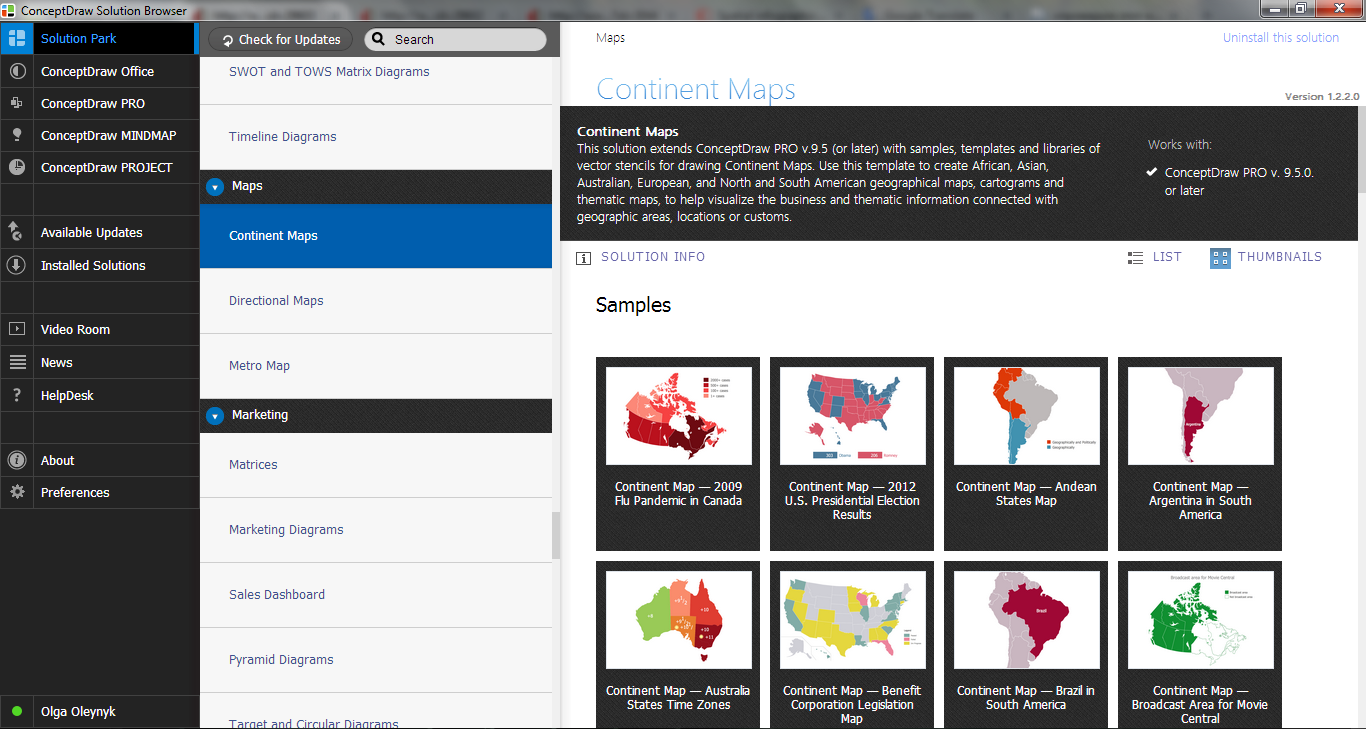
Example 2. Continent Maps Solution in ConceptDraw STORE
Continent Maps Solution includes also great number of predesigned templates and samples which give you the good start for your own maps.
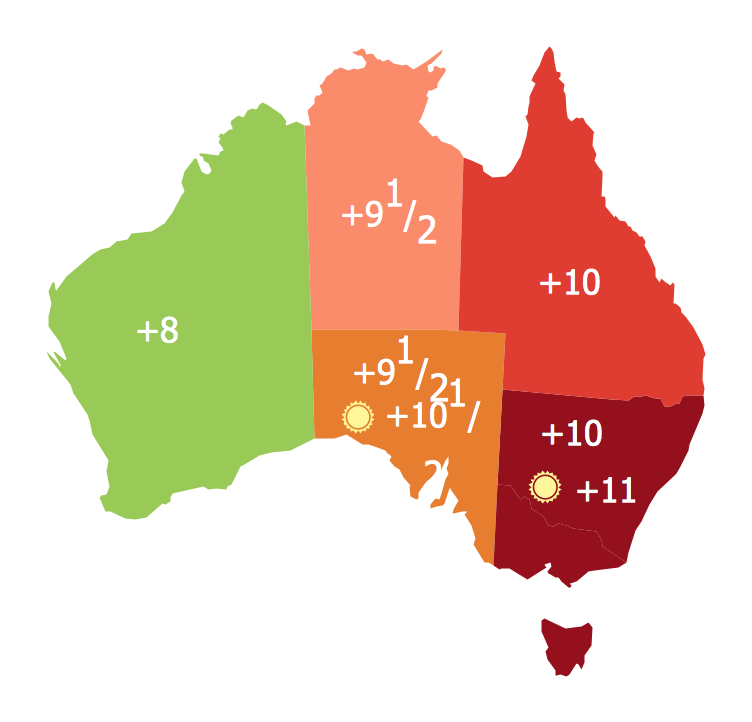
Example 3. Continents Map - Australia States Timezones
The Continent maps you see on this page were created in ConceptDraw DIAGRAM software using the Continent Maps solution. An experienced user spent 5-10 minutes creating each of these samples.
Use the Continent Maps solution for ConceptDraw Solution Park to successfully design the 7 Continents map of any detailing.
All source documents are vector graphic documents. They are available for reviewing, modifying, or converting to a variety of formats (PDF file, MS PowerPoint, MS Visio, and many other graphic formats) from the ConceptDraw STORE. The Continent Maps Solution is available for all ConceptDraw DIAGRAM or later users.
TEN RELATED HOW TO's:
Tool to draw Metro Map styled inforgraphics. London Tube map sample.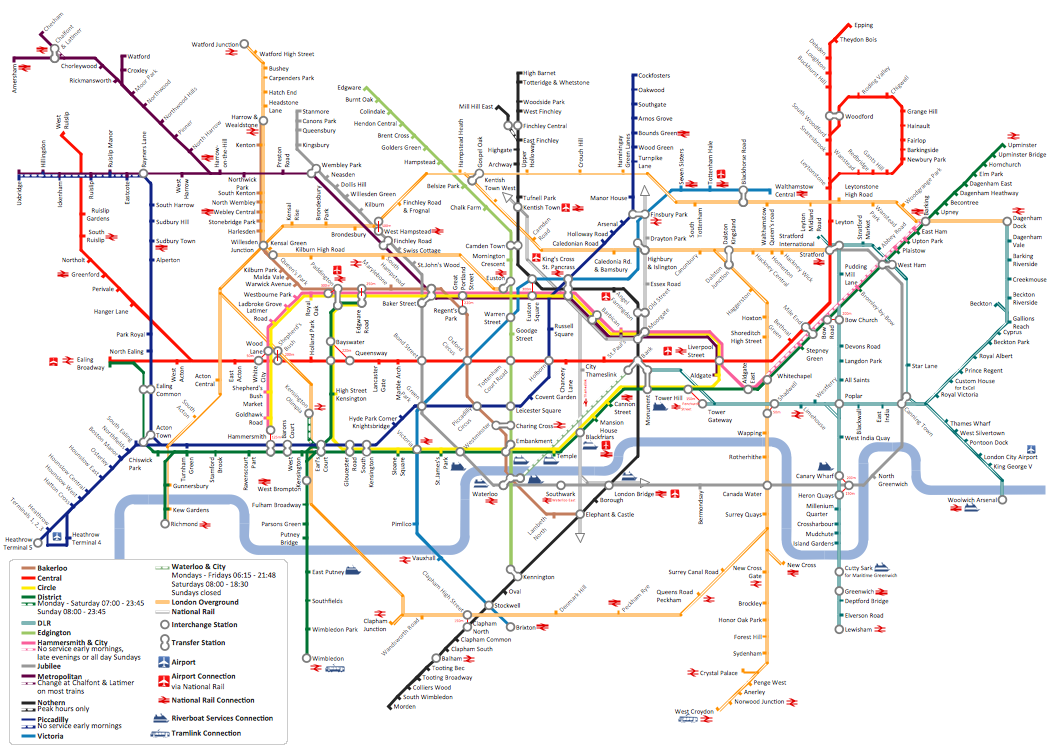
Picture: How to draw Metro Map style infographics? (London)
Related Solution:
Maine is a state in the New England region of the northeastern United States, bordered by the Atlantic Ocean to the east and south; New Hampshire to the west; the Canadian provinces of Quebec to the northwest; and New Brunswick to the northeast.
The vector stencils library Maine contains contours for ConceptDraw DIAGRAM diagramming and vector drawing software. This library is contained in the Continent Maps solution from Maps area of ConceptDraw Solution Park.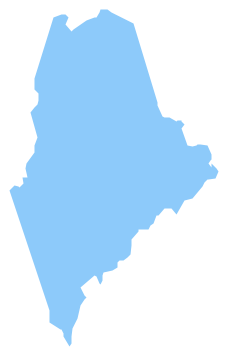
Picture: Geo Map — USA — Maine
Related Solution:
Vector map is the best way to visually present a world, continents, islands, to display location and boundaries of countries and cities. ConceptDraw DIAGRAM diagramming and vector drawing software offers the Germany Map Solution from the Maps Area of ConceptDraw Solution Park - the best tool for fast and easy drawing vector map of Germany of any degree of detailing, and thematic cartograms and maps of Germany on its base.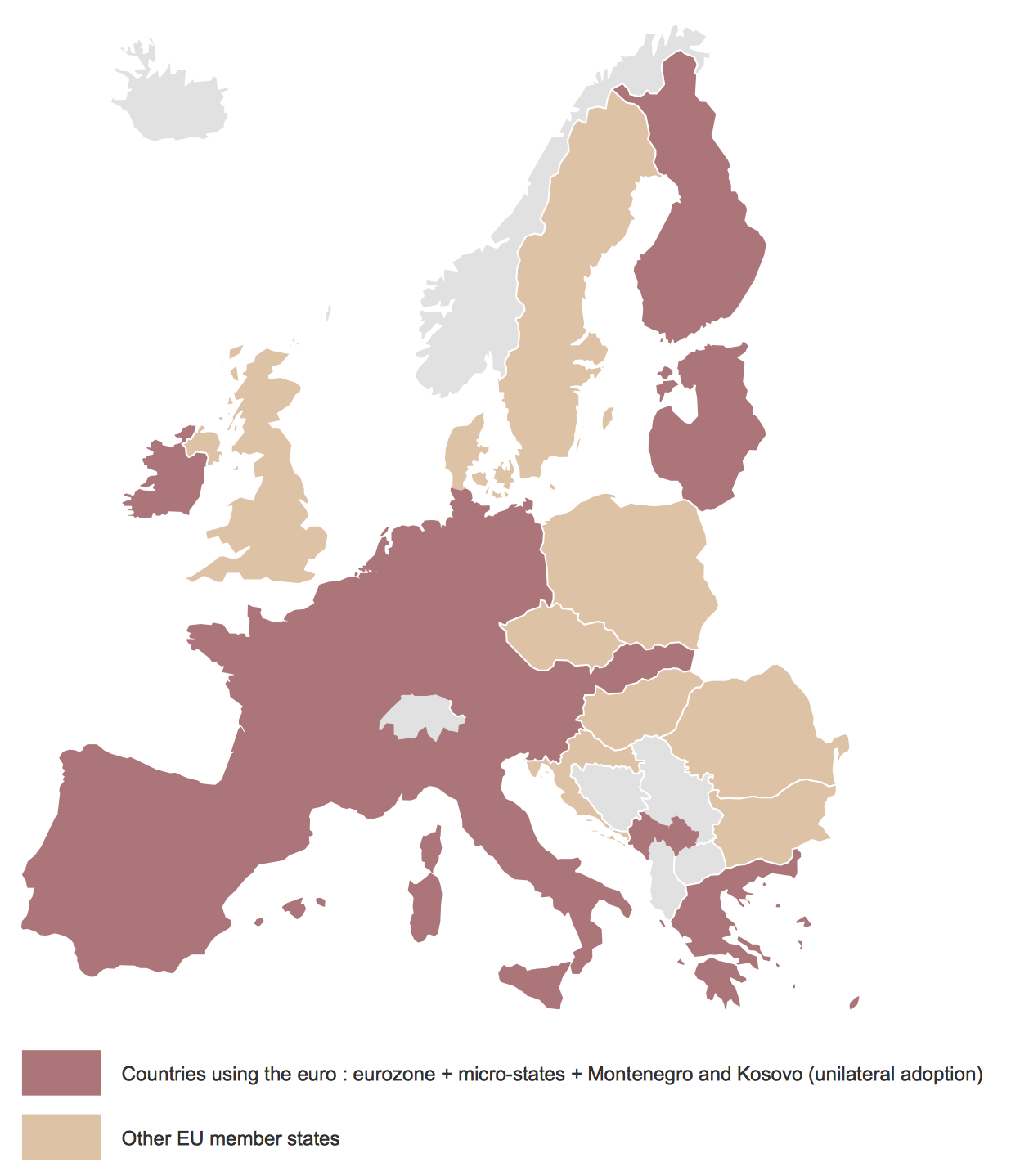
Picture: Vector Map of Germany
Related Solution:
New South Wales (abbreviated as NSW) is a state on the east coast of Australia.
Maps surround us everywhere in our life, study, work, traveling, they are widely used in geography, history, politics, economics, and many other fields of science and life activity. But designing of maps is usually complex and labor-intensive process. Now we have the possibility to make easier this process - ConceptDraw DIAGRAM diagramming and vector drawing software extended with Australia Map Solution from the Maps Area of ConceptDraw Solution Park will help us in easy drawing detailed Australia map.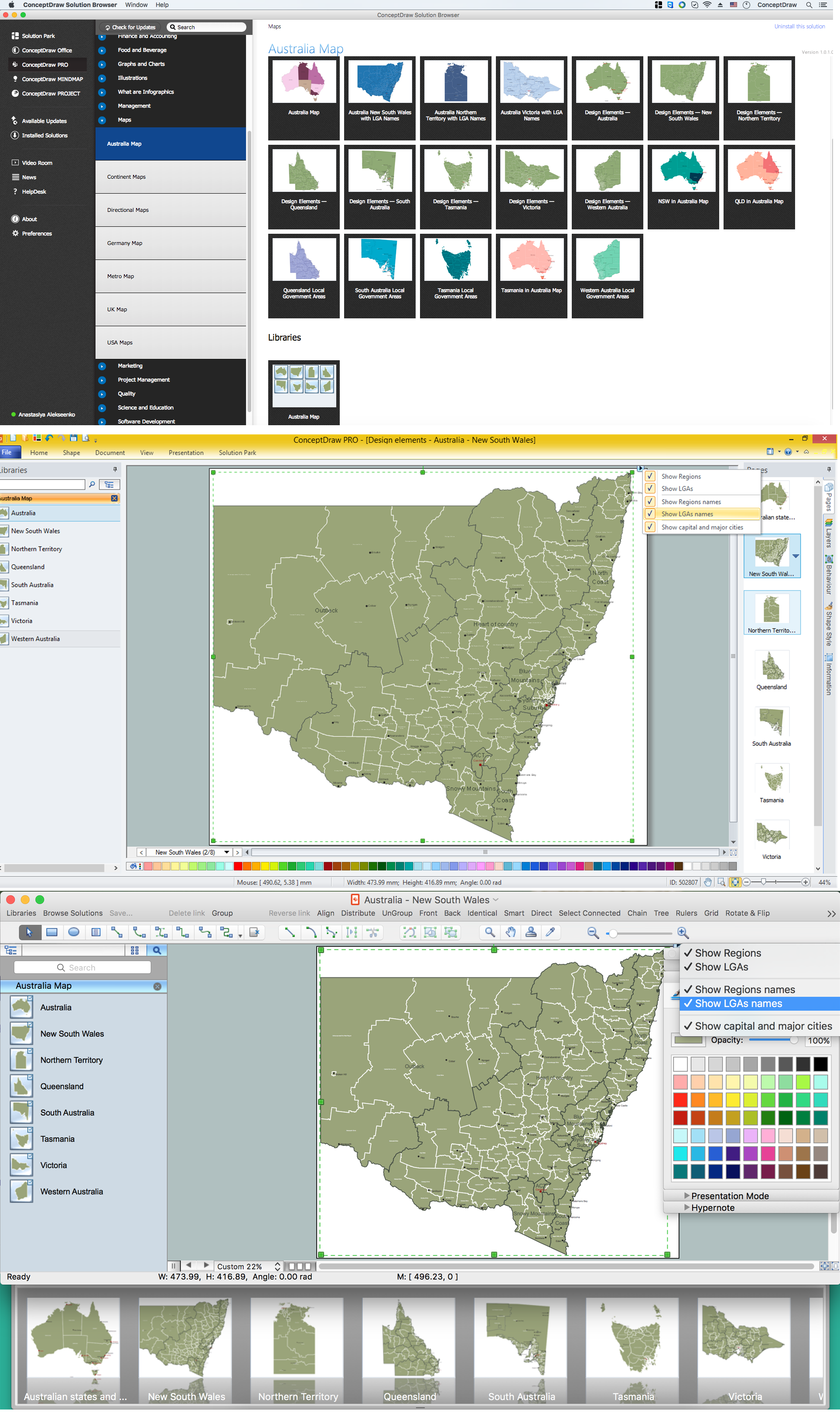
Picture: Australia Map — New South Wales
Related Solution:
Paraguay, officially the Republic of Paraguay, is a landlocked country in South America, bordered by Argentina to the south and southwest, Brazil to the east and northeast, and Bolivia to the northwest.
The vector stencils library Paraguay contains contours for ConceptDraw DIAGRAM diagramming and vector drawing software. This library is contained in the Continent Maps solution from Maps area of ConceptDraw Solution Park.
Picture: Geo Map - South America - Paraguay
Related Solution:
As restaurant industry is growing rapidly nowadays, researches show that almost half of the adults have worked in a restaurant or a cafe. Moreover, many of them dream to start their own someday. Unfortunately, it takes a lot of time to write a business plan and to find a great location, although some know how to create a restaurant floor plan in minutes or how to plan budget effortlessly. Hiring employees can also cause a lot of headache, but this is crucial for further success, because every guest comes to restaurant for a good service and delicious food. It is also worth noting that restaurant concept is also important, because it defines target audience and influences the menu.
This diagram represents the floor plan of an ongoing sports-theme establishment - restaurant, cafe, or other food service. A number of widescreen monitors installed along the perimeter provide visitors the opportunity to follow the course of a match from anywhere in the dining room of restaurant or cafe. The most of sports fans believe that food and alcohol is a big part of any sports show. That is why the dining room takes the most space - almost 60% of the total establishment space. Nearly all sports fans consume beverages while watching sports - beer, soda or water at least. Thus, the restaurant floor plan designers added a large lavatory there. Moreover, project developers considered unnecessary the gender division of such delicate place - perhaps they guess that only men are watching football, or believe that alcohol will eliminate the most of gender differences.
Picture: How To Create Restaurant Floor Plan in Minutes
Related Solution:
Studying informatics demands knowledge in the area of computer networks as well. The most famous world network, Internet, is an example of wide area network (WAN) topology that connects devices spread on any distance. Unlike other smaller networks that are limited to a building or to a campus, WAN is almost limitless.
This WAN (wide area network) diagram was created in ConceptDraw DIAGRAM. It shows a telecommunication network that covers a large geographical area connecting several settlements. This type of networks is commonly used by business and government institutions. Using the WANs enables them quickly communicate information between remote geographical points. To reproduce this network diagram, you will need the means, provided by ConceptDraw Computer and Network Diagrams solution.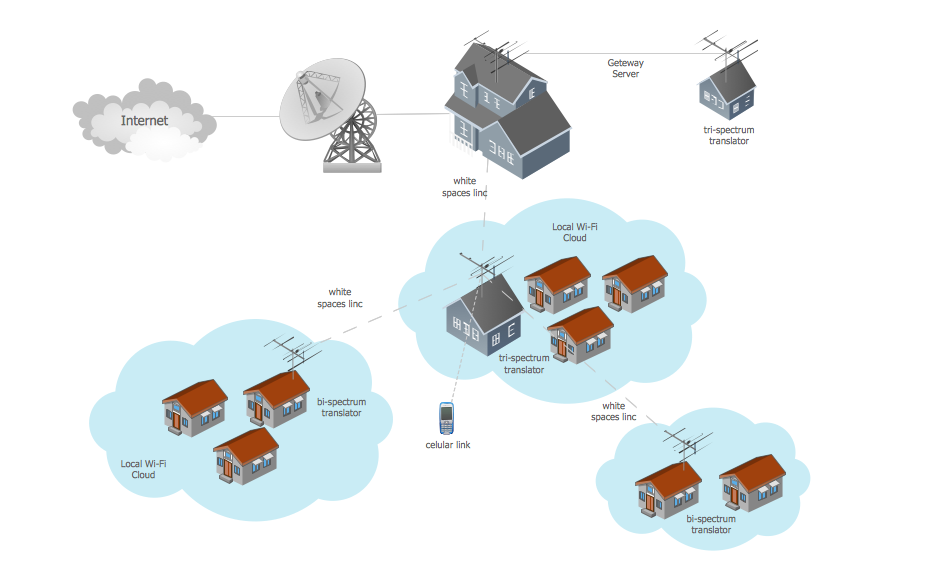
Picture: Wide area network (WAN) topology. Computer and Network Examples
Related Solution:
Great examples of Infographic Maps, they are needed for inspiration.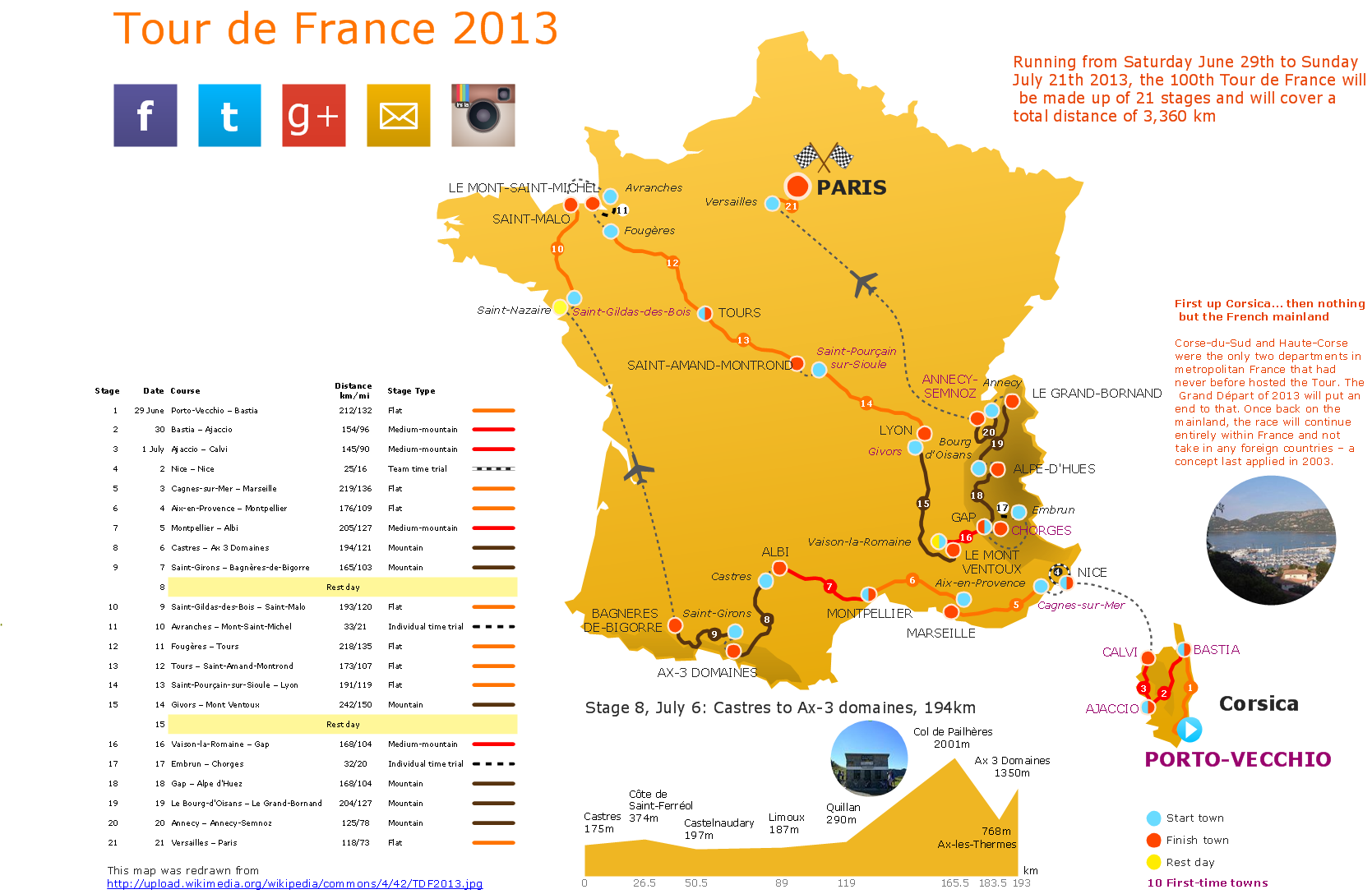
Picture: Superb Examples of Infographic Maps
Washington is a state in the Pacific Northwest region of the United States located north of Oregon, west of Idaho, and south of the Canadian province of British Columbia on the coast of the Pacific Ocean.
The vector stencils library Washington contains contours for ConceptDraw DIAGRAM diagramming and vector drawing software. This library is contained in the Continent Maps solution from Maps area of ConceptDraw Solution Park.
Picture: Geo Map — USA — Washington
Related Solution:
Bolivia, officially known as the Plurinational State of Bolivia, is a landlocked country located in central South America.
The vector stencils library Bolivia contains contours for ConceptDraw DIAGRAM diagramming and vector drawing software. This library is contained in the Continent Maps solution from Maps area of ConceptDraw Solution Park.
Picture: Geo Map - South America - Bolivia
Related Solution:

