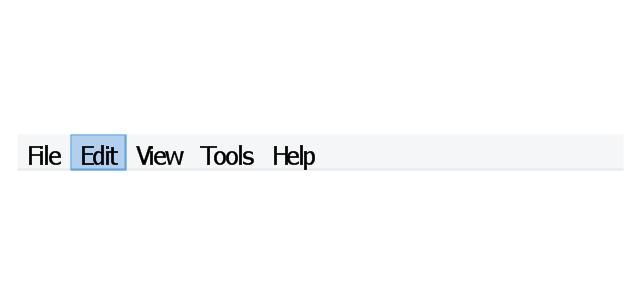
The vector stencils library "Menus" contains 14 icons of Windows 8 menus.
Use this menu UI icon set to design graphic user interface (GUI) prototypes of your software applications for Windows 8.
"A menu bar is a graphical control element which contains drop down menus. The menu bar's purpose is to supply a common housing for window- or application-specific menus which provide access to such functions as opening files, interacting with an application, or displaying help documentation or manuals. Menu bars are typically present in graphical user interfaces that display documents and representations of files in windows and windowing systems but menus can be used as well in command line interface programs like text editors or filemanagers where drop-down menu is activated with shortcut key or combination. ...
The menu bar in Microsoft Windows is usually anchored to the top of a window under the title bar; therefore, there can be many menu bars on screen at one time. Menus in the menu bar can be accessed through shortcuts involving the Alt key and the mnemonic letter that appears underlined in the menu title. Additionally, pressing Alt or F10 brings the focus on the first menu of the menu bar." [Menu bar. Wikipedia]
The menu elements example "Menus - Vector stencils library" was created using the ConceptDraw PRO diagramming and vector drawing software extended with the Windows 8 User Interface solution from the Software Development area of ConceptDraw Solution Park.
Use this menu UI icon set to design graphic user interface (GUI) prototypes of your software applications for Windows 8.
"A menu bar is a graphical control element which contains drop down menus. The menu bar's purpose is to supply a common housing for window- or application-specific menus which provide access to such functions as opening files, interacting with an application, or displaying help documentation or manuals. Menu bars are typically present in graphical user interfaces that display documents and representations of files in windows and windowing systems but menus can be used as well in command line interface programs like text editors or filemanagers where drop-down menu is activated with shortcut key or combination. ...
The menu bar in Microsoft Windows is usually anchored to the top of a window under the title bar; therefore, there can be many menu bars on screen at one time. Menus in the menu bar can be accessed through shortcuts involving the Alt key and the mnemonic letter that appears underlined in the menu title. Additionally, pressing Alt or F10 brings the focus on the first menu of the menu bar." [Menu bar. Wikipedia]
The menu elements example "Menus - Vector stencils library" was created using the ConceptDraw PRO diagramming and vector drawing software extended with the Windows 8 User Interface solution from the Software Development area of ConceptDraw Solution Park.
Menu bar
Menu category

Menu category - selected

Menu bar background

Drop-down menu

Separator line

Check

Option

Menu item

Menu item - selected
Menu item - disabled

Arrow indicator

Menu item with arrow

Menu item with arrow - selected
The vector stencils library "Industrial equipment" contains 81 symbols of pumps, compressors, fans, turbines, and power generators.
Use these shapes to design pumping systems, air and fluid compression systems, and industrial process diagrams in the ConceptDraw PRO software extended with the Chemical and Process Engineering solution from the Chemical and Process Engineering area of ConceptDraw Solution Park.
www.conceptdraw.com/ solution-park/ engineering-chemical-process
Use these shapes to design pumping systems, air and fluid compression systems, and industrial process diagrams in the ConceptDraw PRO software extended with the Chemical and Process Engineering solution from the Chemical and Process Engineering area of ConceptDraw Solution Park.
www.conceptdraw.com/ solution-park/ engineering-chemical-process
Breaker
Crusher
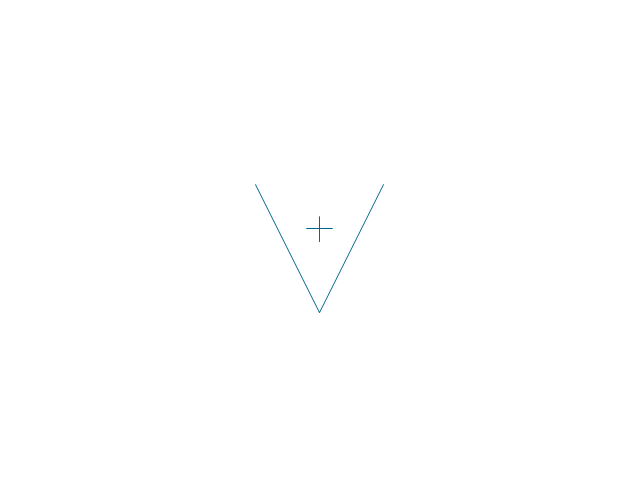
Crusher coarse

Crusher medium
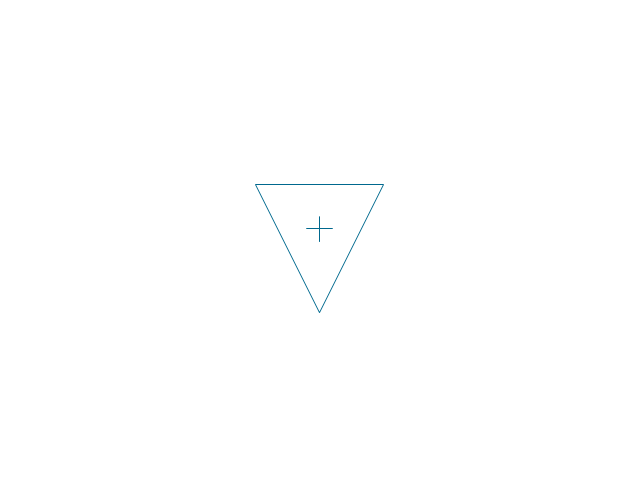
Crusher fine

Roll crusher

Hammer crusher

Crusher single load

Crusher hammer

Crusher impact
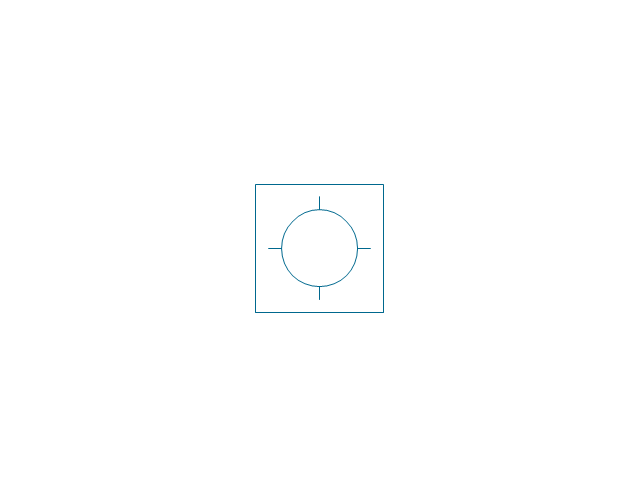
Crusher jaw

Crusher high-speed roller

Crusher cone

Crusher cone 2
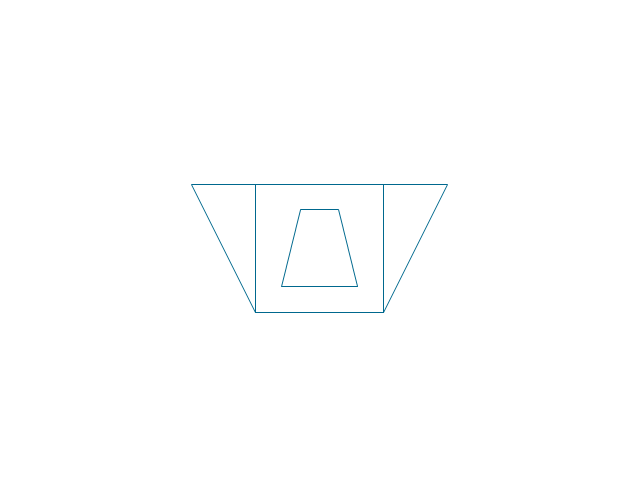
Crusher general
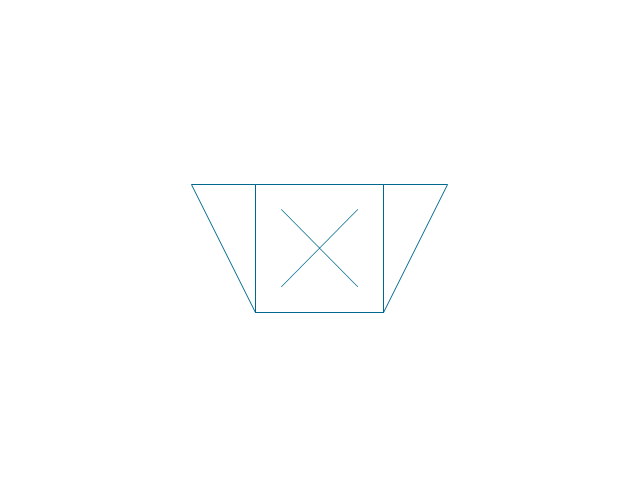
Crusher hammer 2
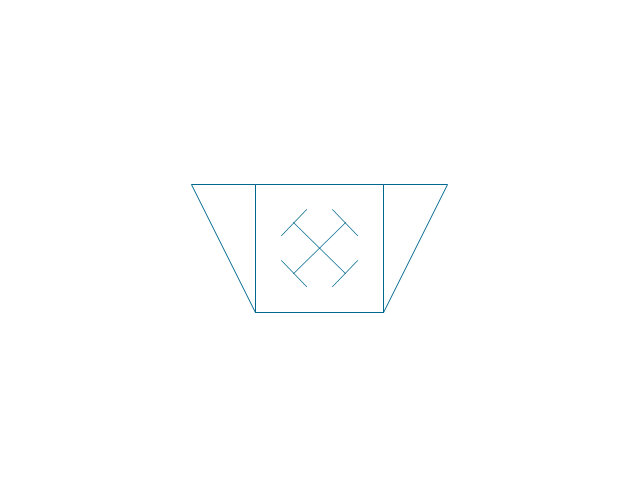
Crusher impact 2
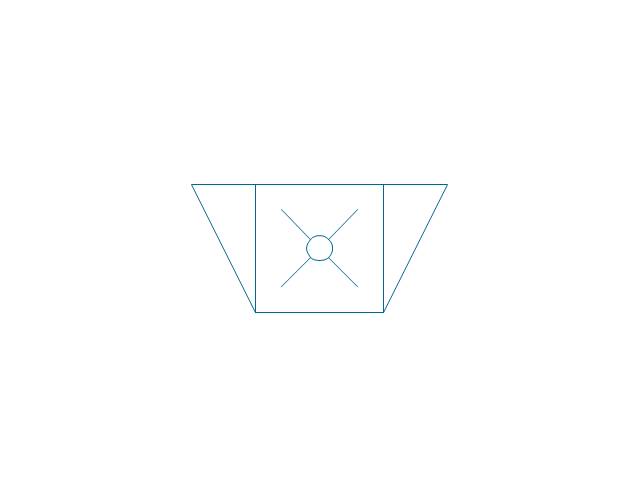
Crusher jaw 2
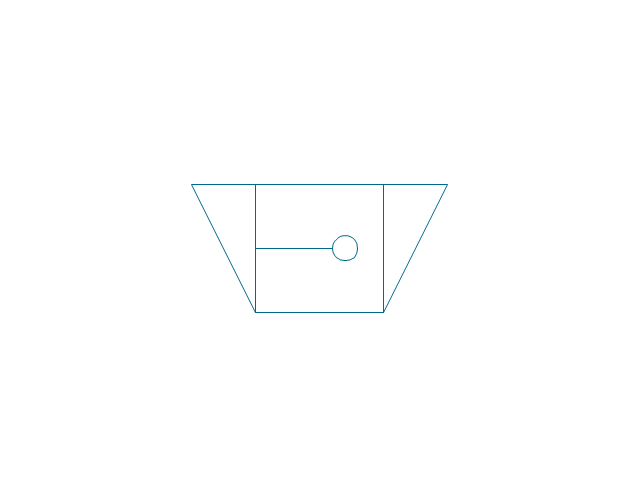
Crusher roller
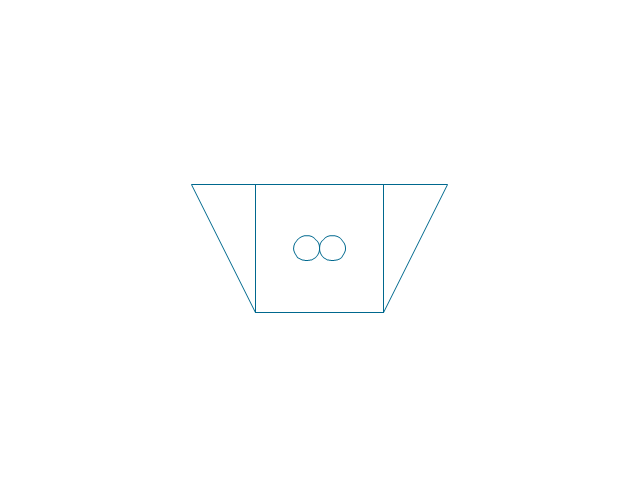
Ball mill

Mill general

Mill hammer

Mill impact
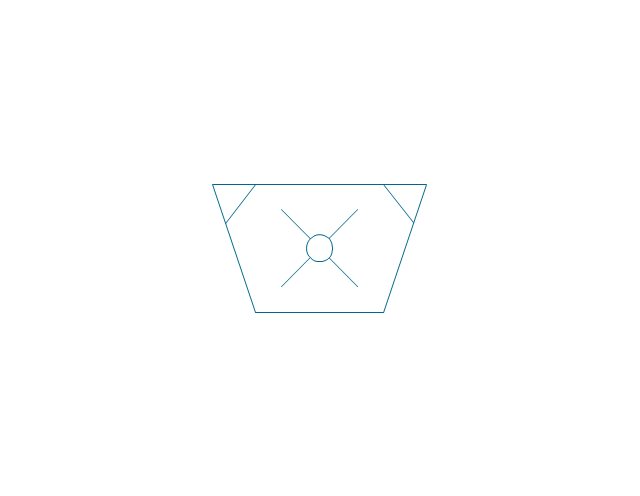
Mill jet
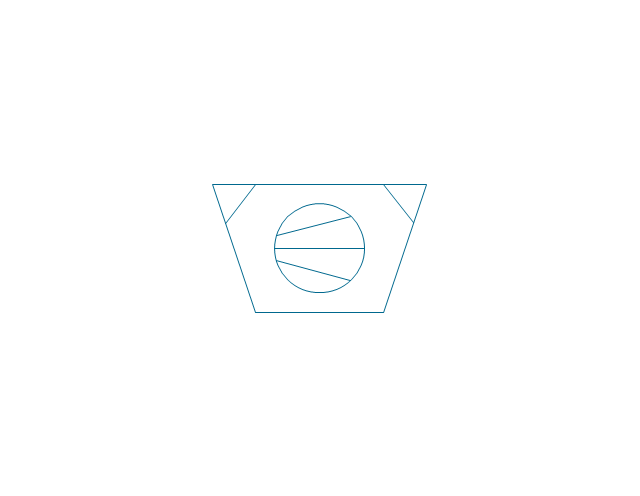
Mill roller
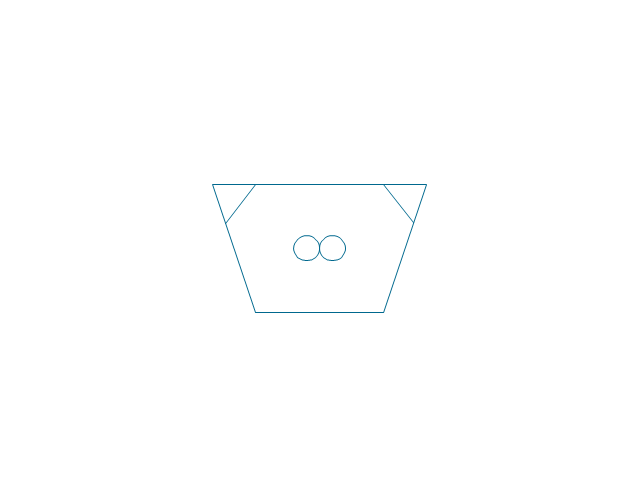
Mill vibrator

Mixer

Mixer general

Mixer rotary

Mixer can
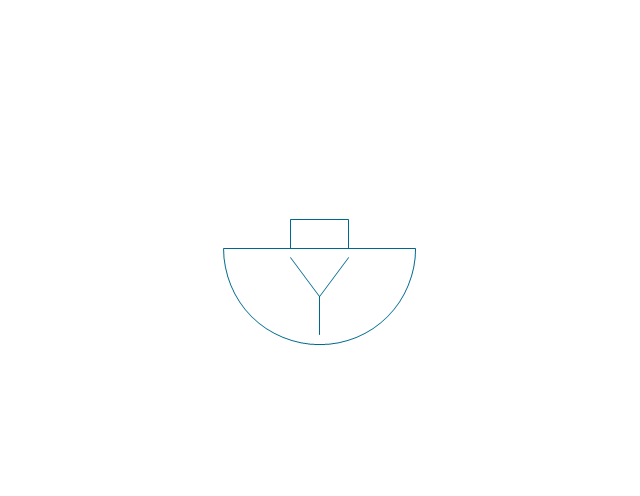
Mixer fluidized

Kneader

Kneader general

Kneader wheel
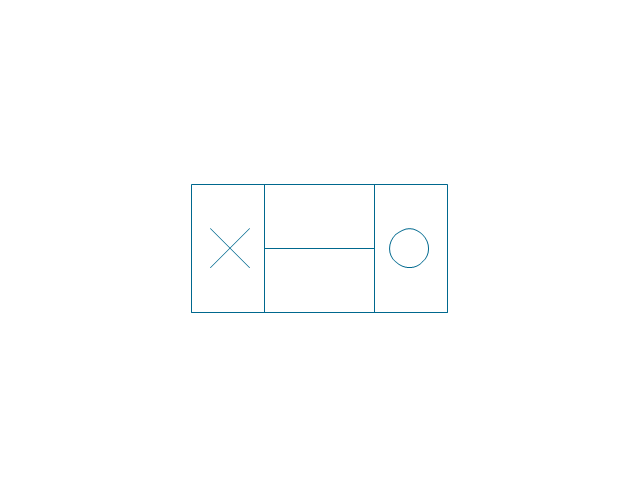
Kneader ball

Kneader rolling

Kneader blade

Blender

Double blender
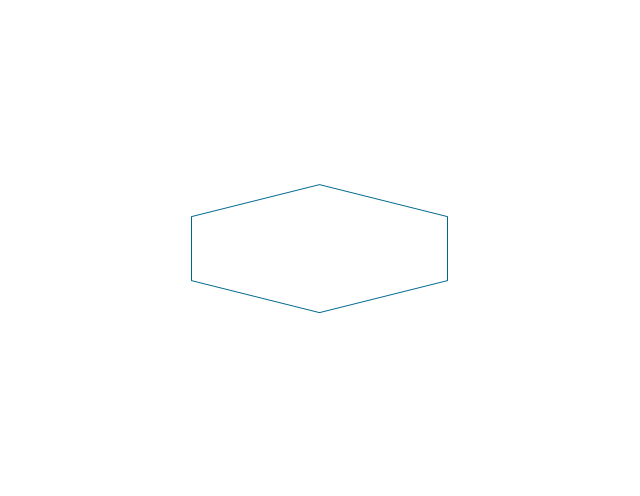
Fluid separator general

Fluid separator wet

Fluid separator dry

Fluid separator gravitation

Fluid separator inertial

Fluid separator centrifugal

Filter 1
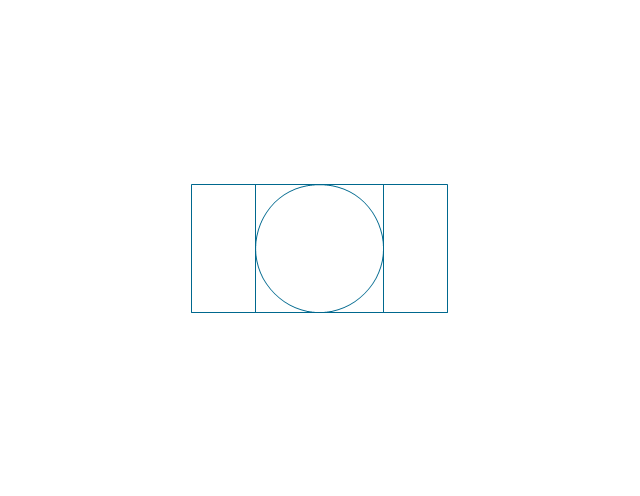
Filter 2

Rotary filter

Screen

Electromagnet
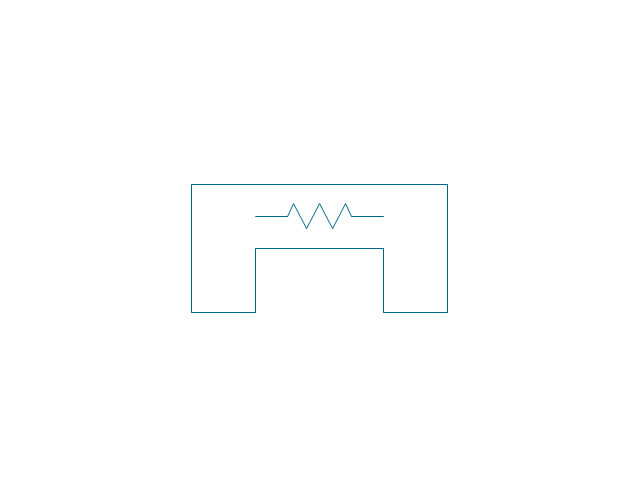
Cyclone 1
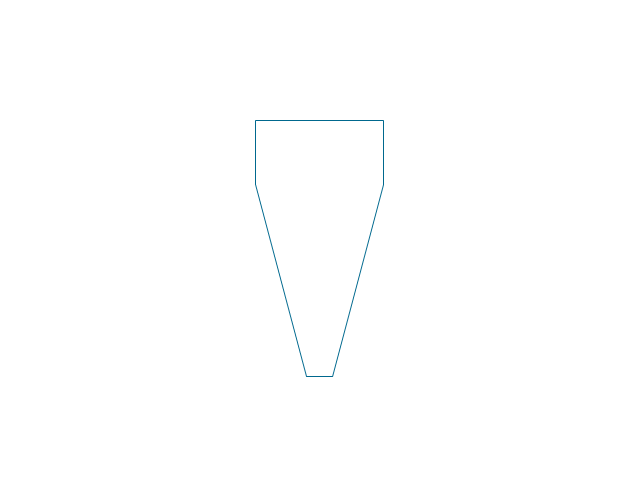
Cyclone 2

Centrifuge general

Centrifuge dehydrator
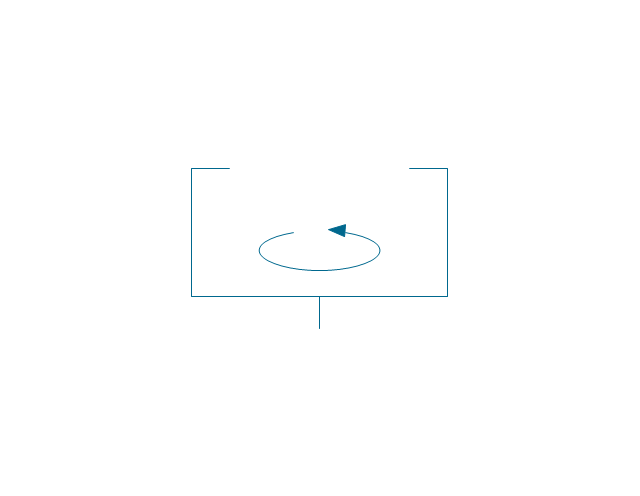
Centrifuge submersion
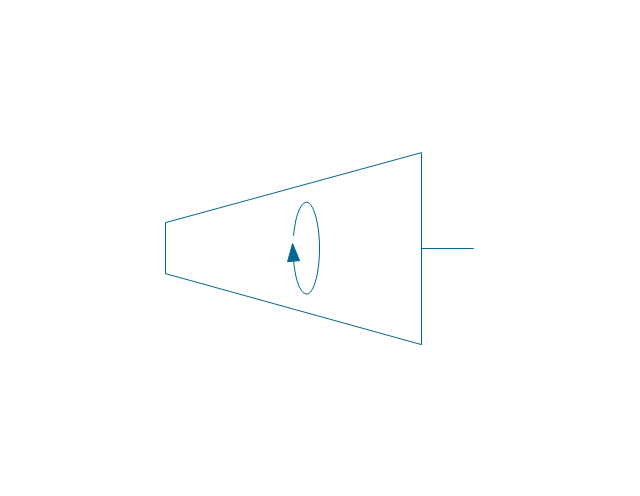
Centrifuge 2

Briquetting machine standard

Briquetting machine
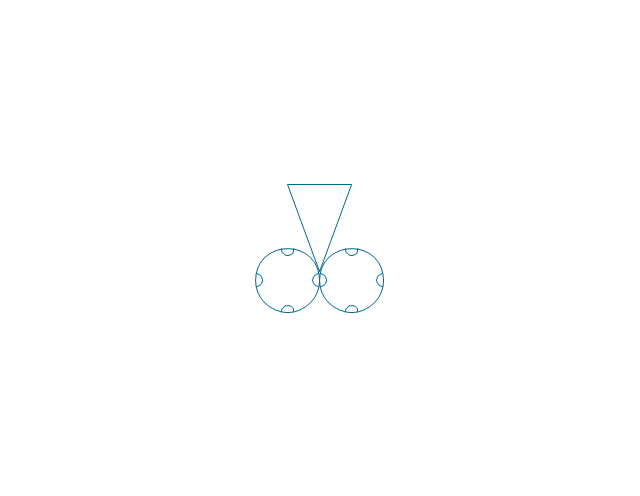
Prill tower

Dryer

Conveyor 2 circles 2 lines
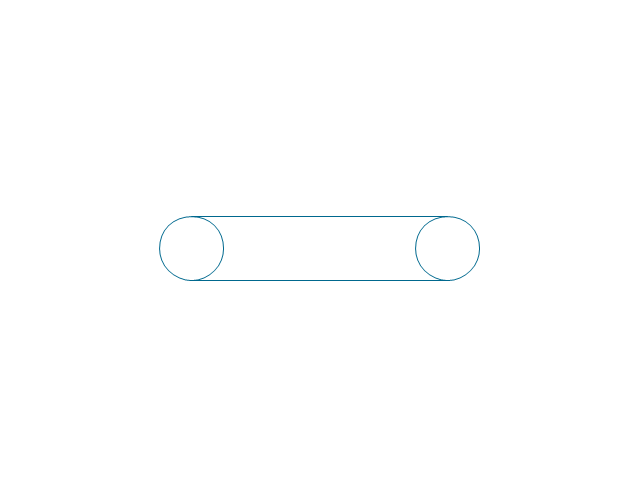
Conveyor 2 circles 1 line

Conveyor 1 circle 2 lines

Conveyor 1 circle 1 line

Conveyor wheel

Boom loader
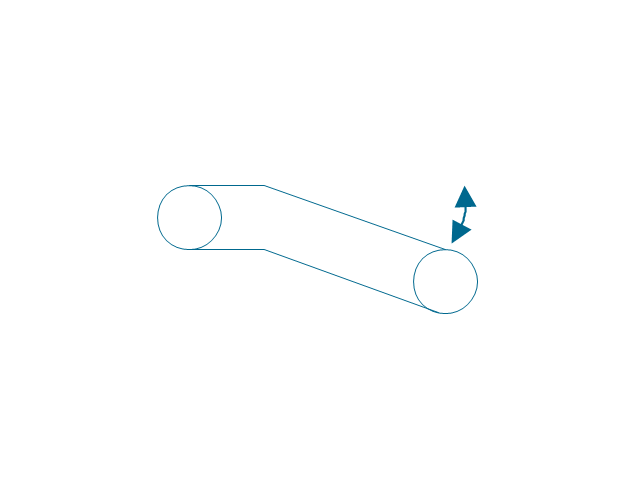
Scraper conveyor
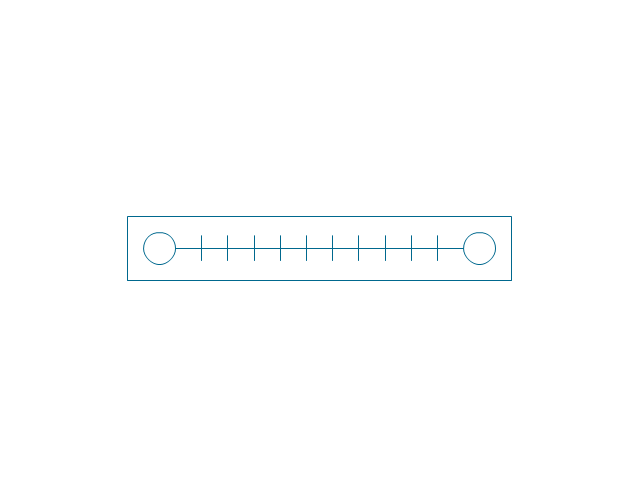
Screw conveyor
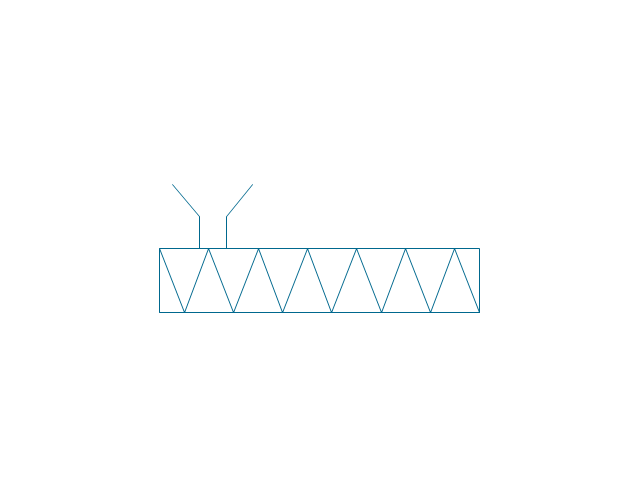
Screw conveyor 2
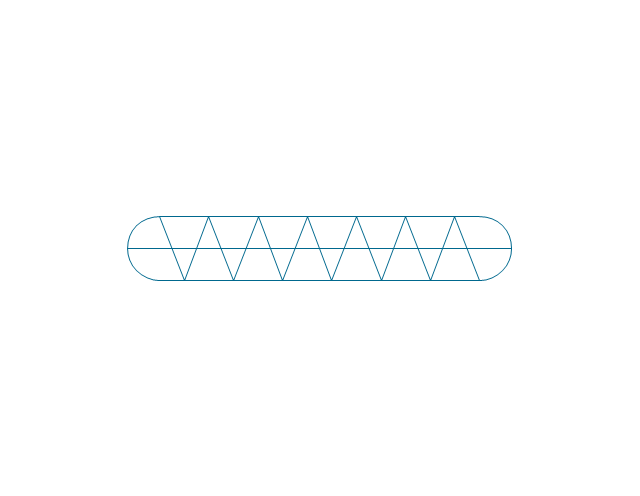
Elevator 1
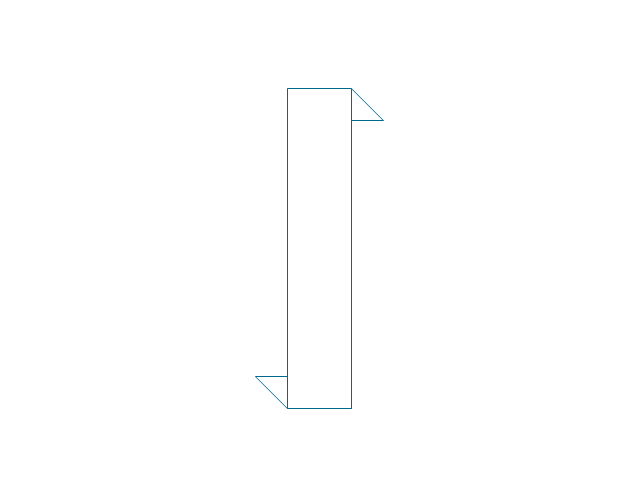
Elevator 2

Skip hoist

Overhead conveyor

Overhead conveyor with hooks
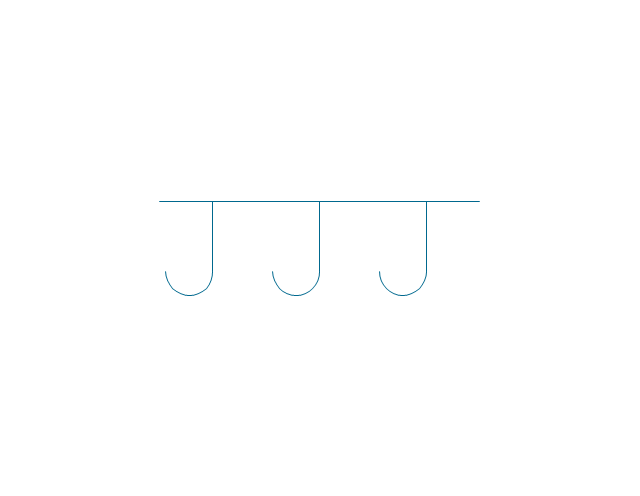
Overhead conveyor with buckets
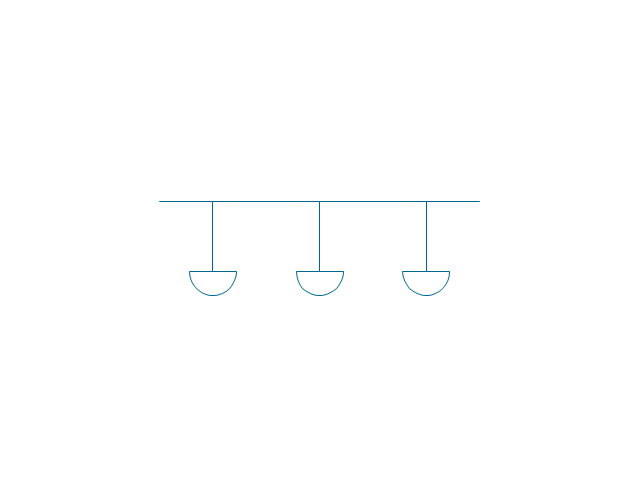
Hoist
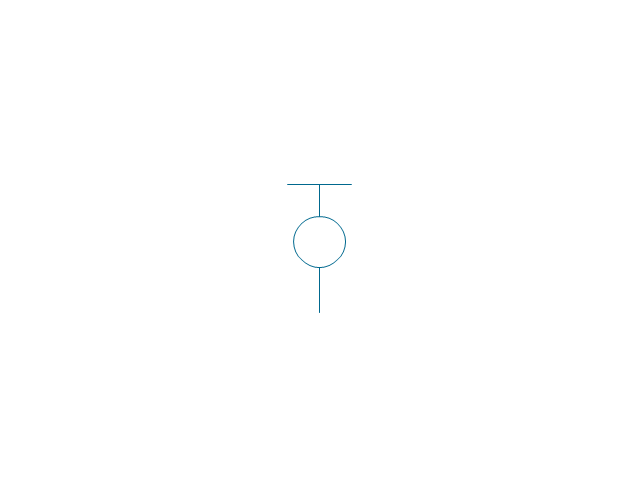
Hoist with hook
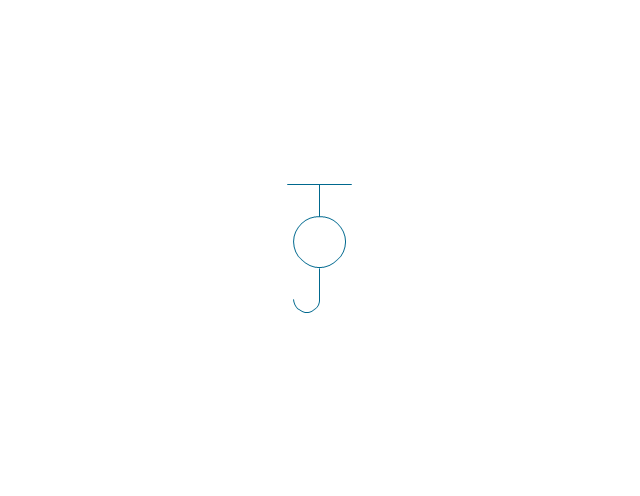
Hoist with grab
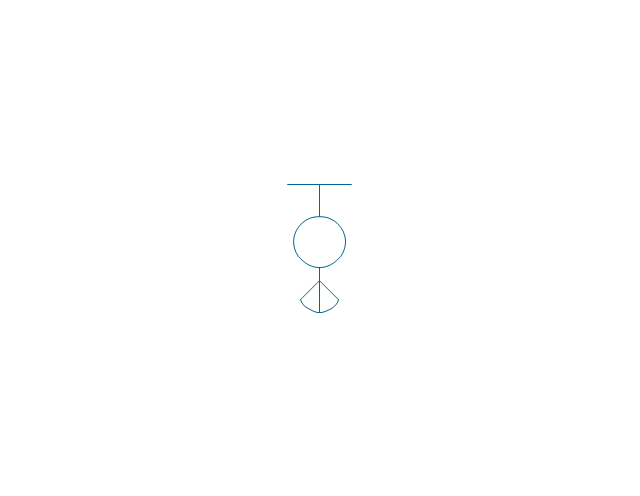
Electric motor
Tank truck

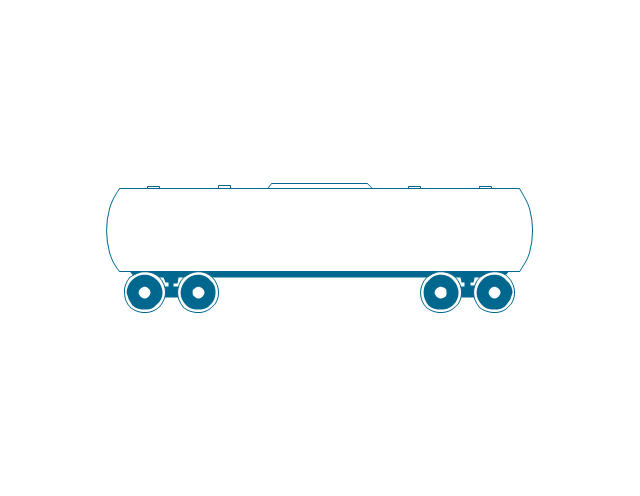
Tank car
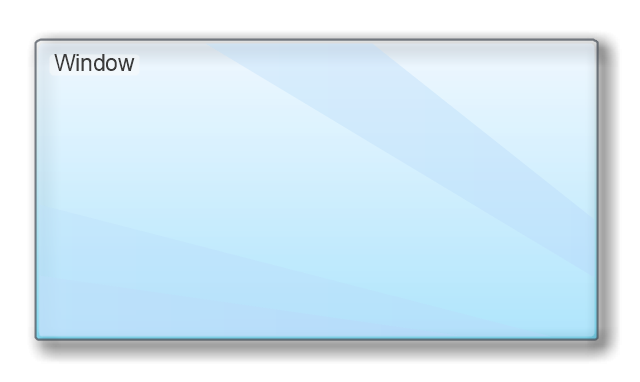
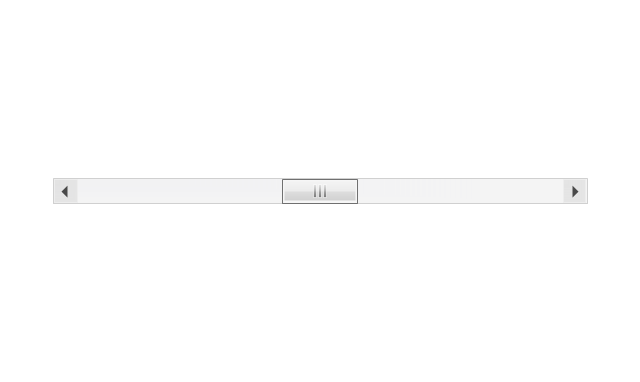
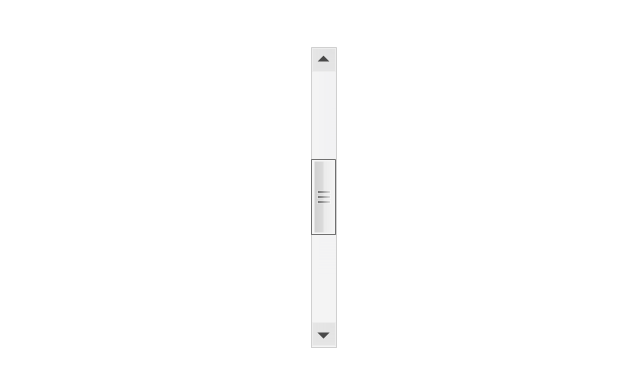
The vector stencils library "MS Windows Vista user interface" contains 76 MS Windows Vista design elements.
Use it for designing Microsoft ribbon graphic user interface (GUI) of software for computers with MS Windows Vista OS in the ConceptDraw PRO diagramming and vector drawing software extended with the Graphic User Interface solution from the Software Development area of ConceptDraw Solution Park.
Use it for designing Microsoft ribbon graphic user interface (GUI) of software for computers with MS Windows Vista OS in the ConceptDraw PRO diagramming and vector drawing software extended with the Graphic User Interface solution from the Software Development area of ConceptDraw Solution Park.
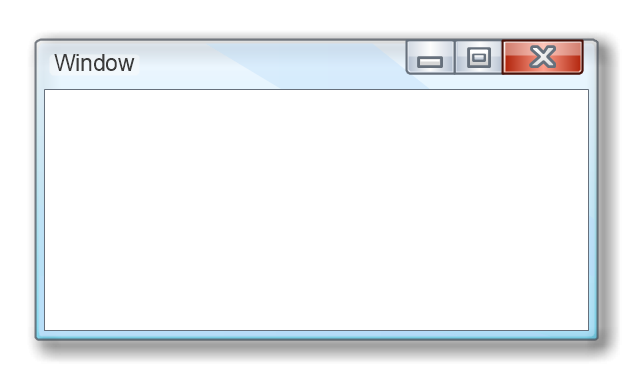
Window
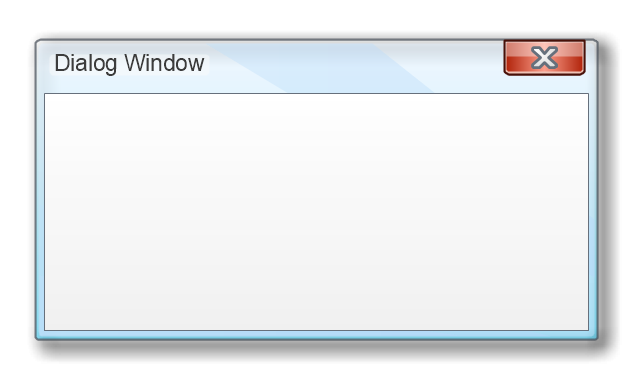
Dialog Window
Empty Window
Field

Horizontal Scrollbar
Vertical Scrollbar
Window Buttons
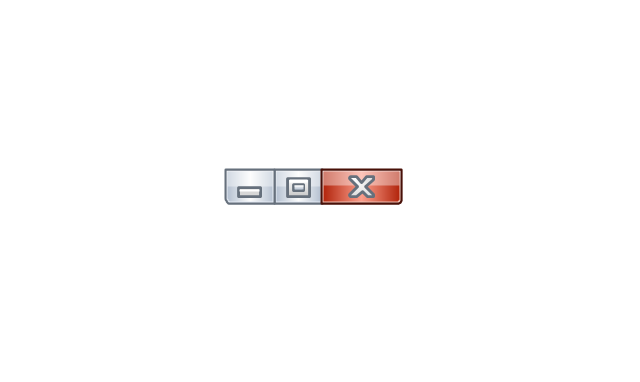
Window Buttons
Window Button 1

Window Button 2

Window Button 3
Window Button 4
Navigation

Menu Bar
Gradient Menu Bar
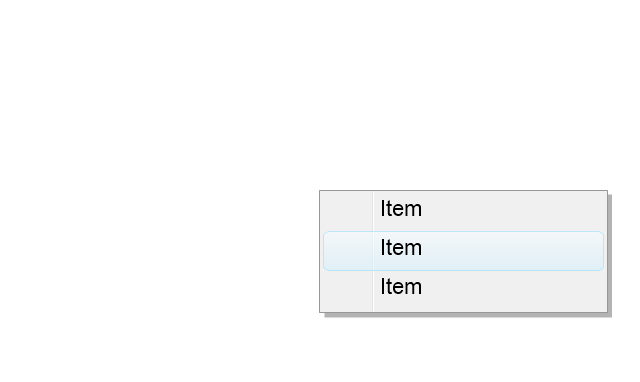
Drop-down Menu
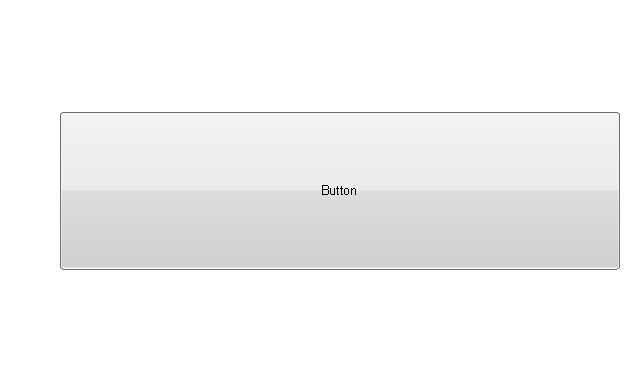
Button
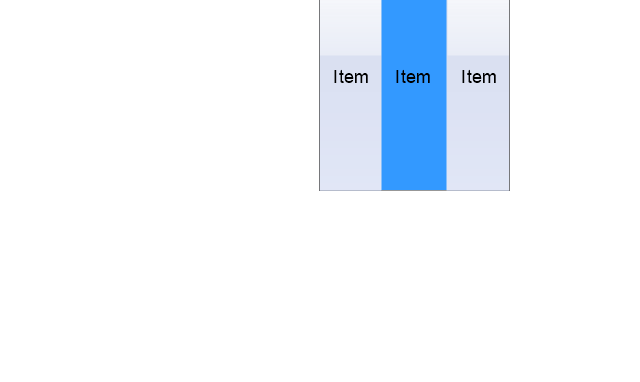
Toolbar Pannel
Tool Button

Primary Toolbar
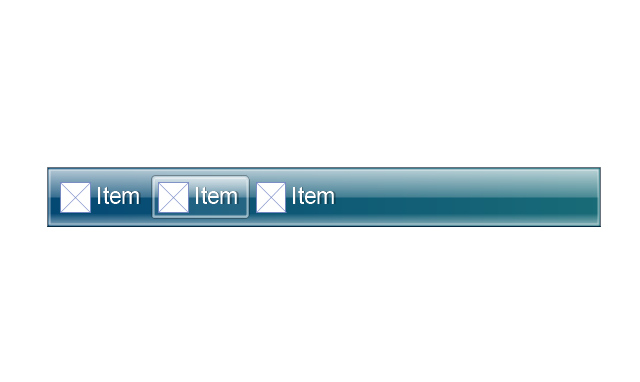
Toolbar 1
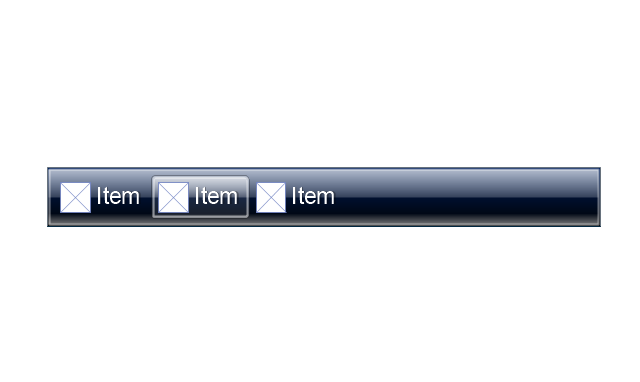
Toolbar 2
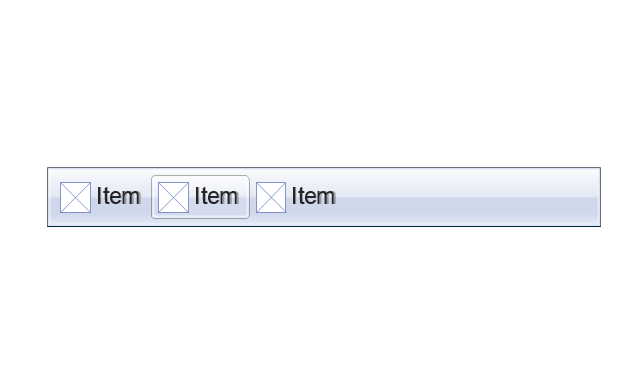
Customizable Tollbar

Tab View
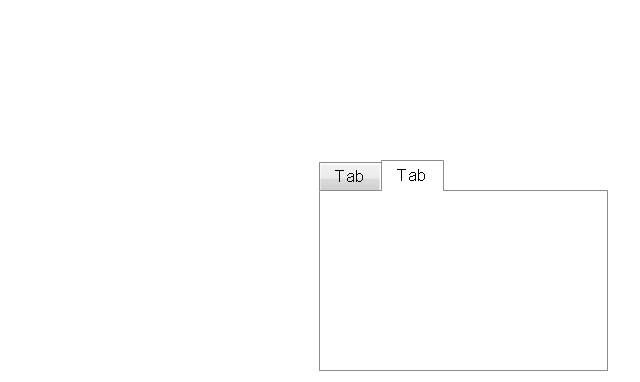
List View
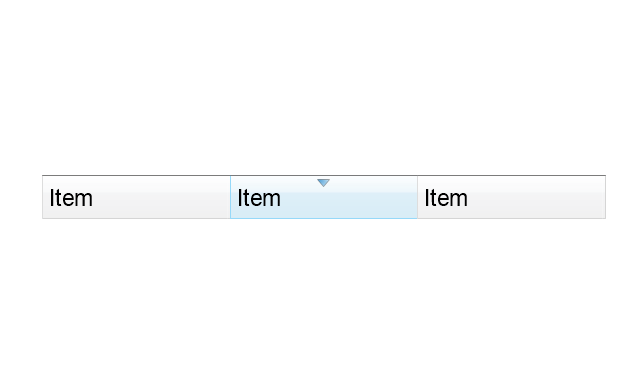
Text Field
Vertical Separator

Horizontal Separator

Group Box
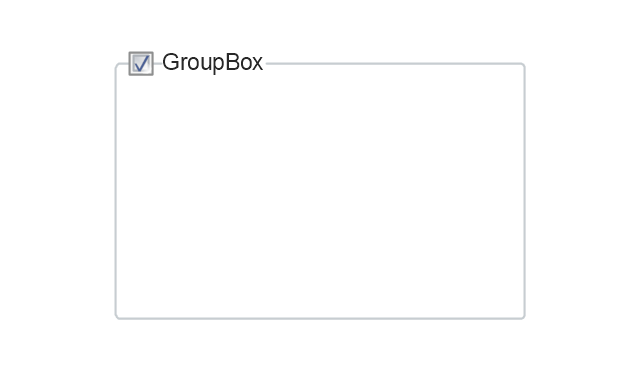
Text Label

Link

Line Edit
Search

Search with Button

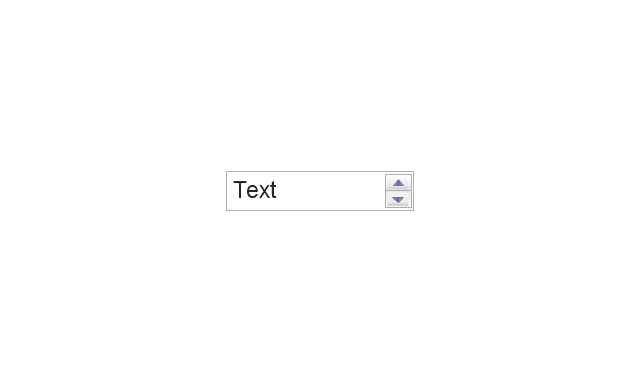
Spin Box
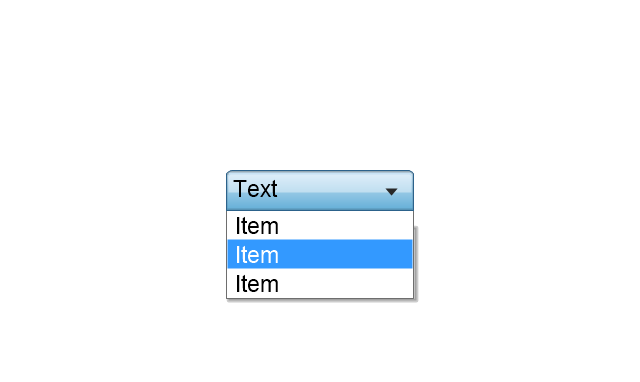
Combo-box
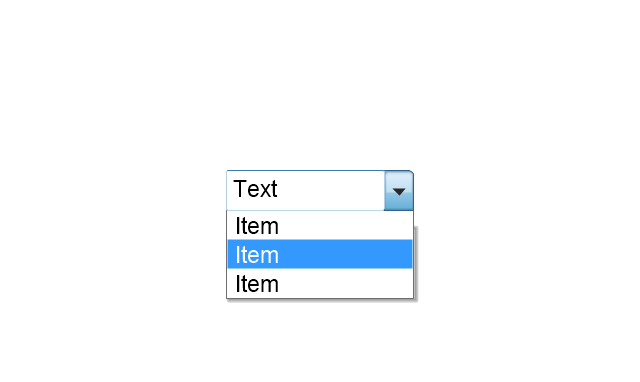
Editable Combo-box
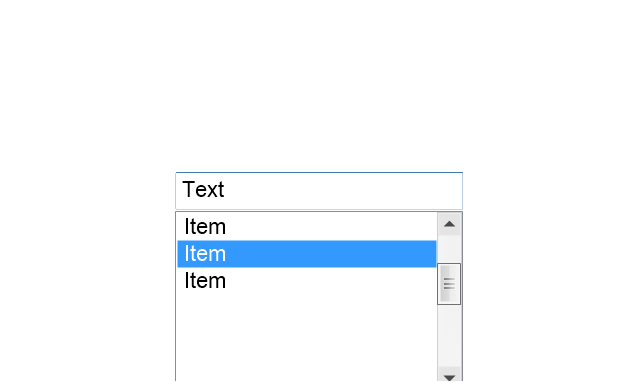
Editable List Box
List Box
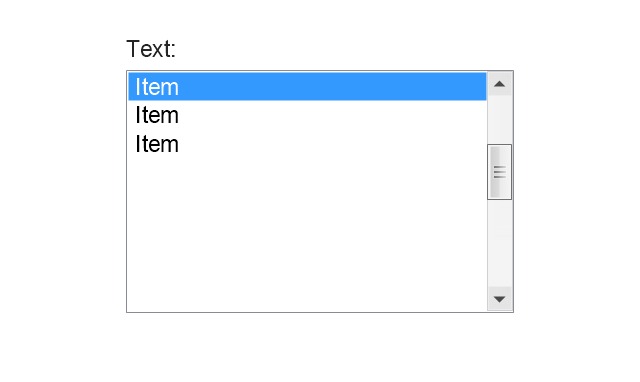
Single-selection List
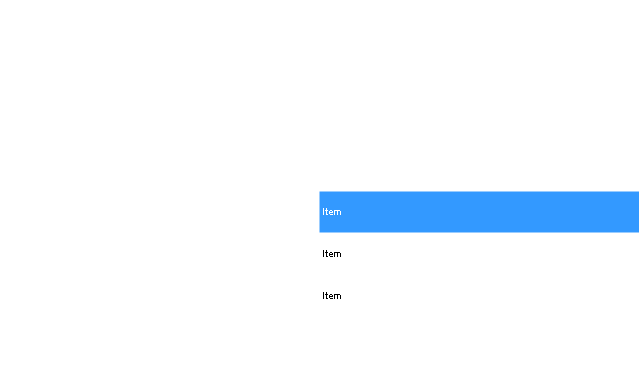
Multiple-selection List
Check Box

Radio Button
Check box group
Radio Buttons Group
Progress Bar

Modal Progress Bar

Vertical Slider with Ticks
Horizontal Slider with Ticks
Dial

Catalogue Tree
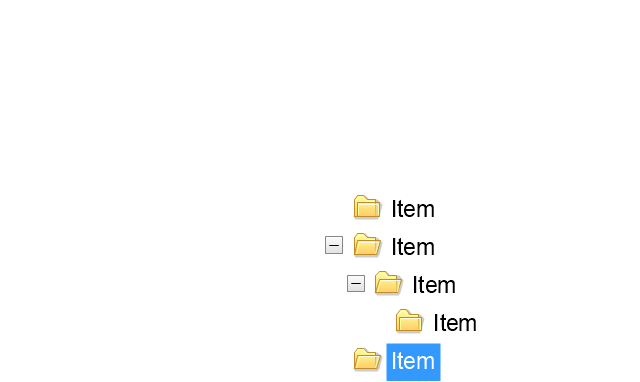
Tree View 1
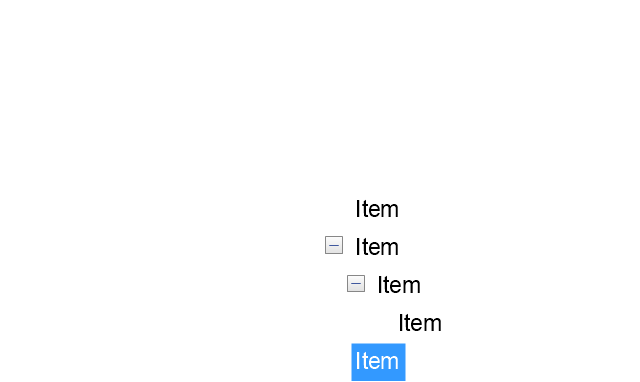
Tree View 2
Vertical Spacer

Horizontal Spacer
Chevron 1

Arrow 1
Arrow 2

Plus/Minus Control

Rotating Triangle

Chevron 3

Chevron 2
Normal Select Cursor

Link Select Cursor

Text Select Cursor

Working in Background Pointer

Busy Pointer

Unavailable Cursor

Precision Select Cursor

Error Icon

Warning Icon

Information Icon

Question Mark Icon

Balloon
Tooltip/Infotip

Calendar
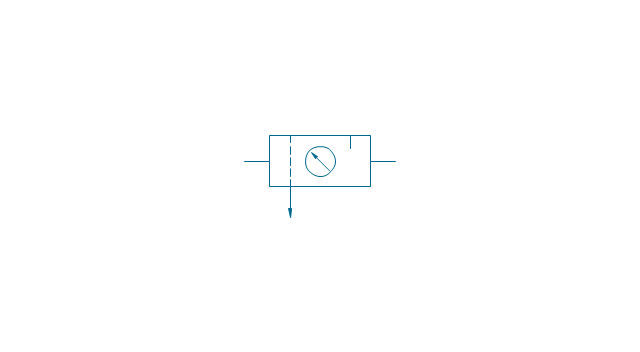
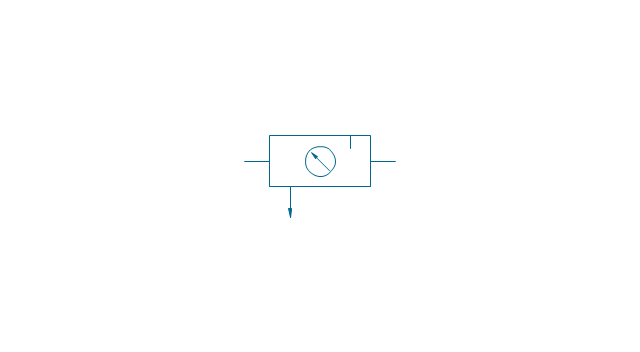
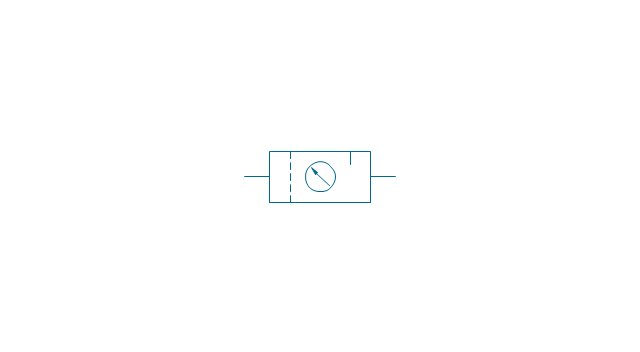
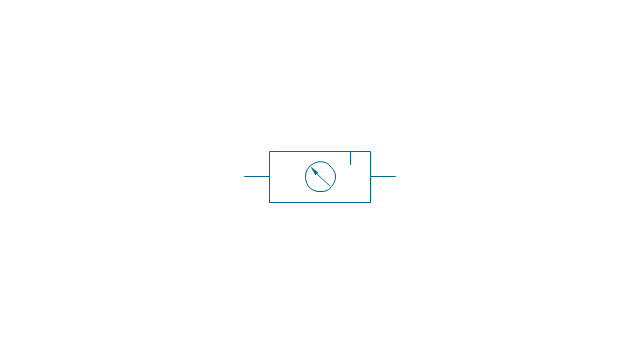
The vector stencils library "Fluid power equipment" contains 113 symbols of hydraulic and pneumatic equipment including pumps, motors, air compressors, cylinders, meters, gauges, and actuators.
Use it to design fluid power and hydraulic control systems in the ConceptDraw PRO diagramming and vector drawing software extended with the Mechanical Engineering solution from the Engineering area of ConceptDraw Solution Park.
www.conceptdraw.com/ solution-park/ engineering-mechanical
Use it to design fluid power and hydraulic control systems in the ConceptDraw PRO diagramming and vector drawing software extended with the Mechanical Engineering solution from the Engineering area of ConceptDraw Solution Park.
www.conceptdraw.com/ solution-park/ engineering-mechanical
Actuator (semi-rotary), pneumatic
,-pneumatic-fluid-power-equipment---vector-stencils-library.png--diagram-flowchart-example.png)
Actuator (semi-rotary), hydraulic
,-hydraulic-fluid-power-equipment---vector-stencils-library.png--diagram-flowchart-example.png)
Drive unit, pneumatic
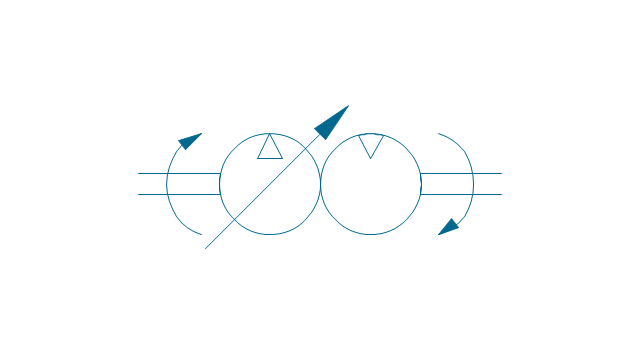
Drive unit, hydraulic
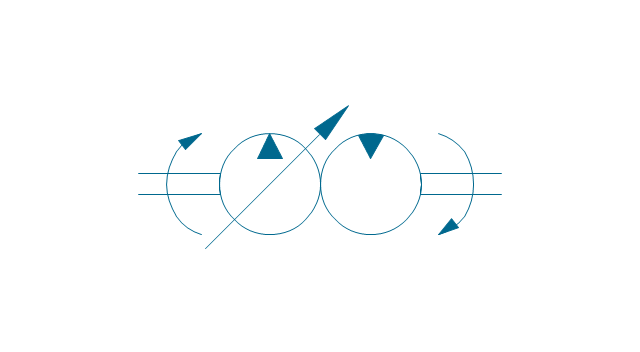
Sgl-act. cylinder, pneum., left spring
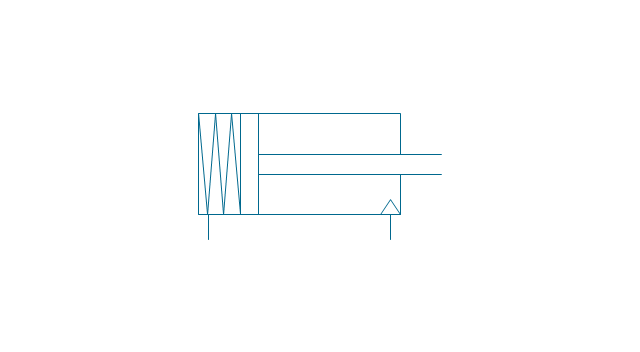
Sgl-act. cylinder, pneum., right spring
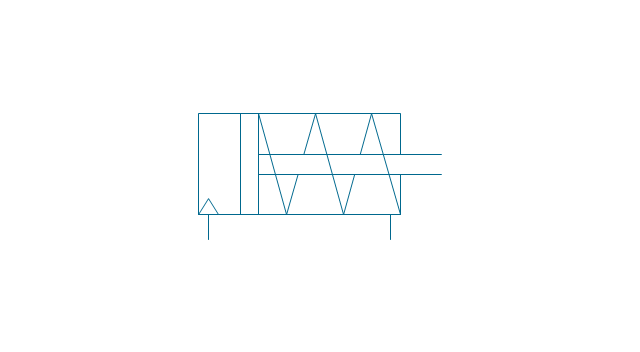
Sgl-act. cylinder, pneumatic
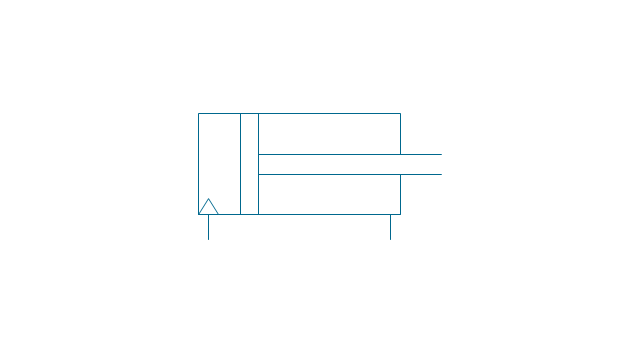
Sgl-act. cylinder, hydr., left spring
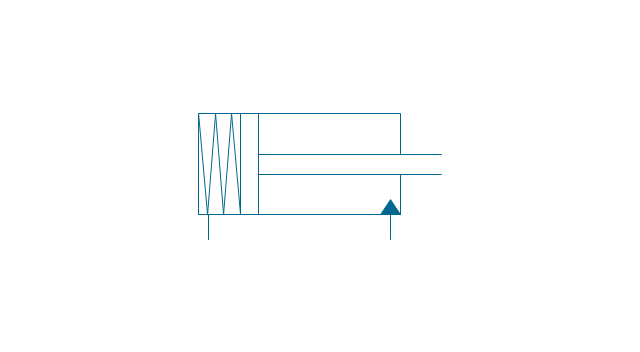
Sgl-act. cylinder, hydr., right spring
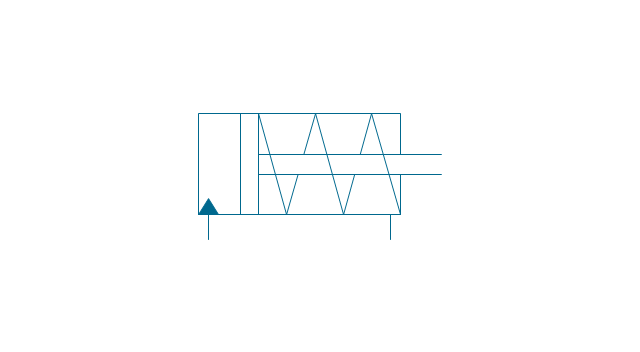
Sgl-act. cylinder, hydraulic
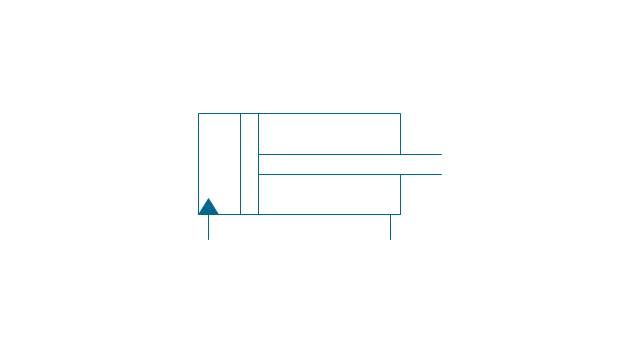
Dbl-act. cylinder, pneumatic
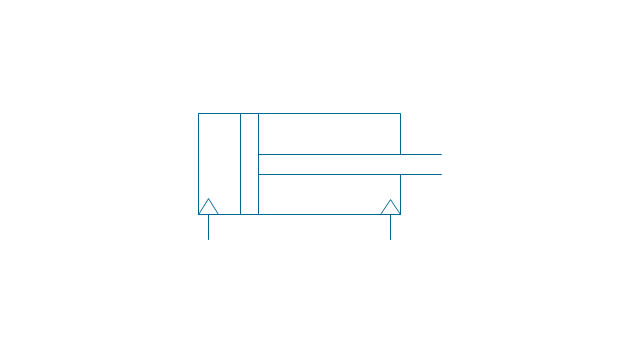
Dbl-act. cylinder, pneum., sgl cushion
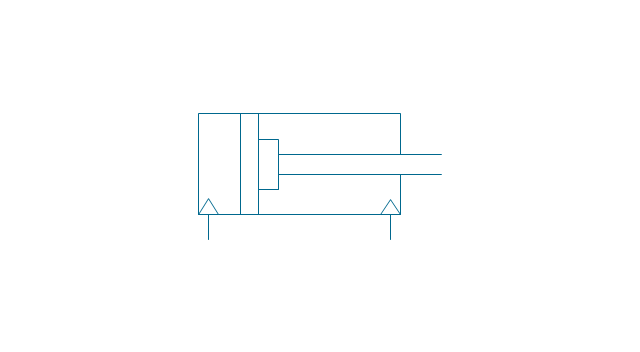
Dbl-act. cylinder, pneum., dbl cushion
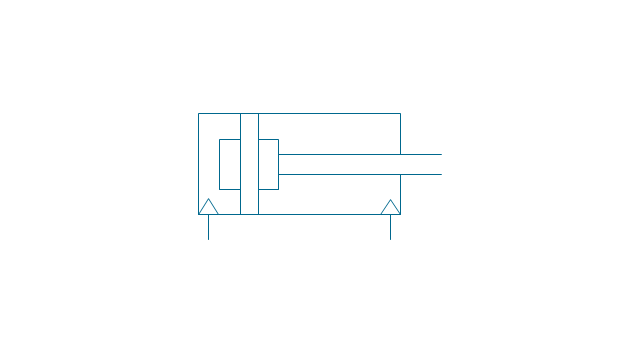
Dbl-act. cylinder, pneum., adjustable
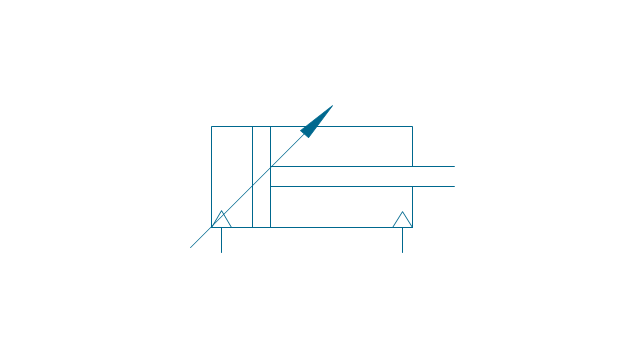
Dbl-act. cylinder, pneum., sgl cushion, adj.
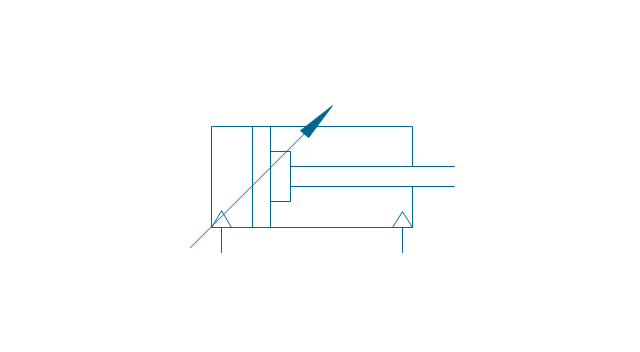
Dbl-act. cylinder, pneum., dbl cushion, adj.
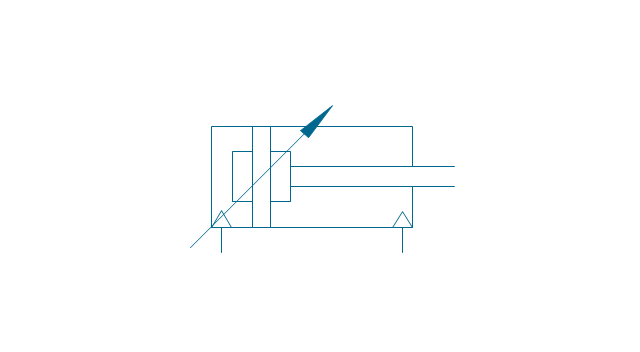
Dbl-act. cylinder, hydraulic
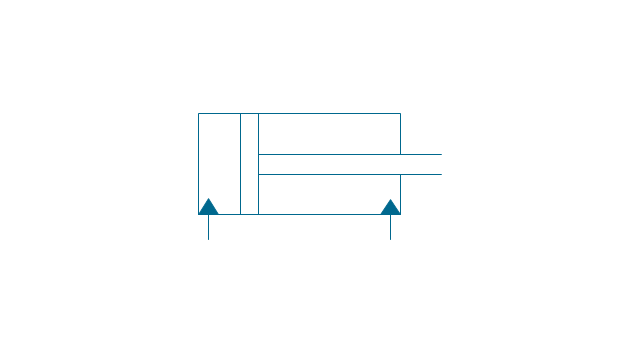
Dbl-act. cylinder, hydr., sgl cushion
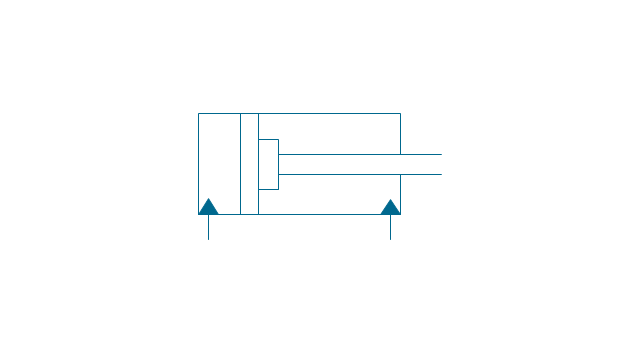
Dbl-act. cylinder, hydr., dbl cushion
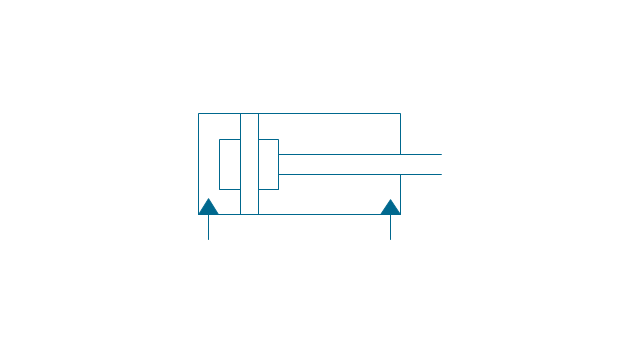
Dbl-act. cylinder, hydr., adjustable
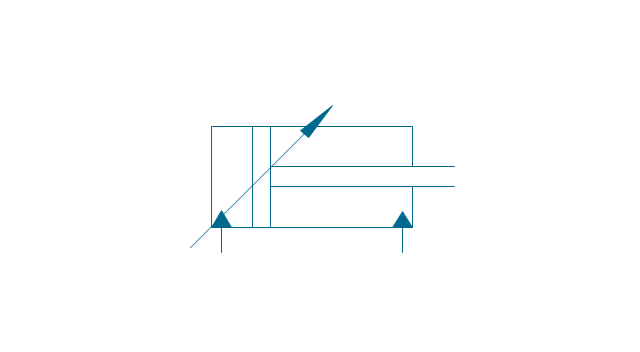
Dbl-act. cylinder, hydr., sgl cushion, adj.
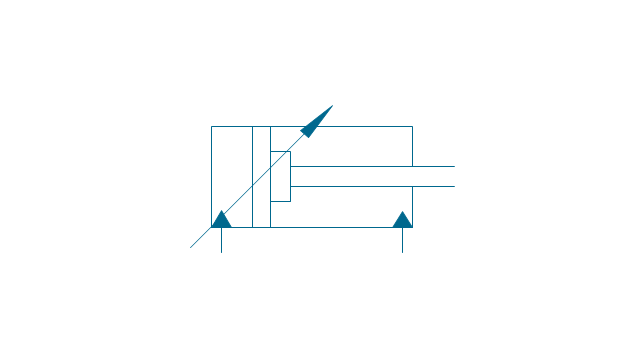
Dbl-act. cylinder, hydr., dbl cushion, adj.
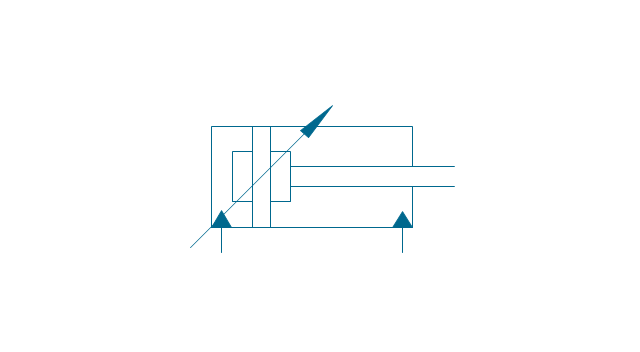
Dbl-act. cylinder, magnetic
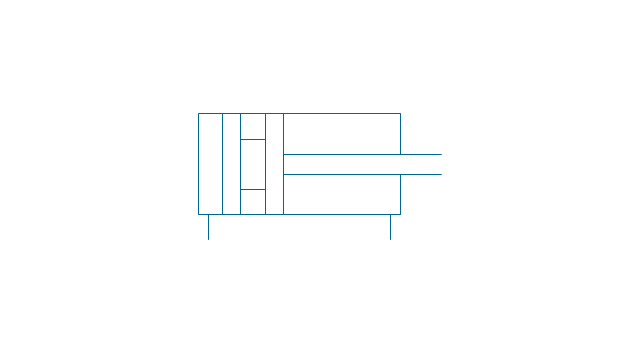
Dbl-act. cylinder, magn., sgl cushion
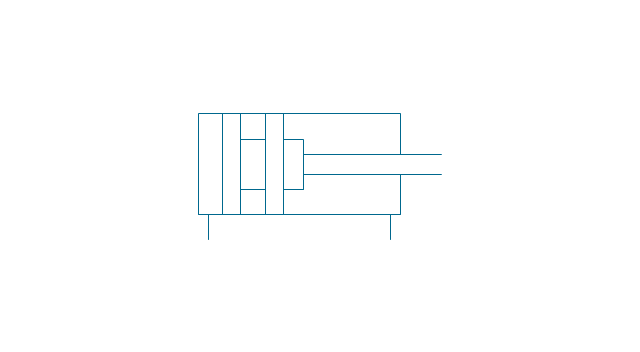
Dbl-act. cylinder, magn., dbl cushion
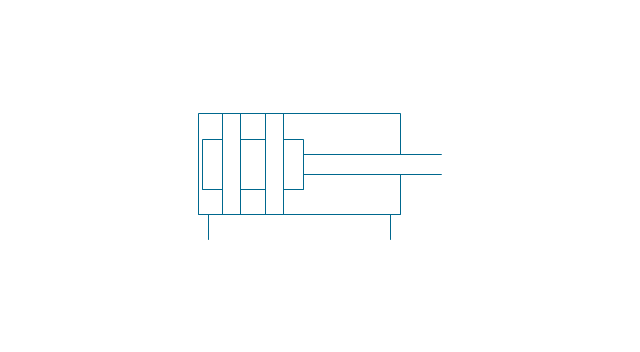
Dbl-act. cylinder, magn., adjustable
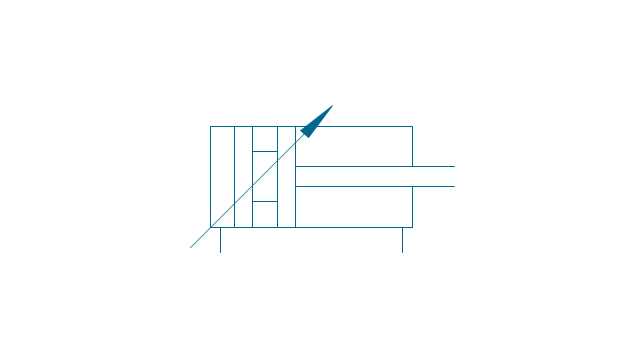
Dbl-act. cylinder, magn., sgl cushion, adj.
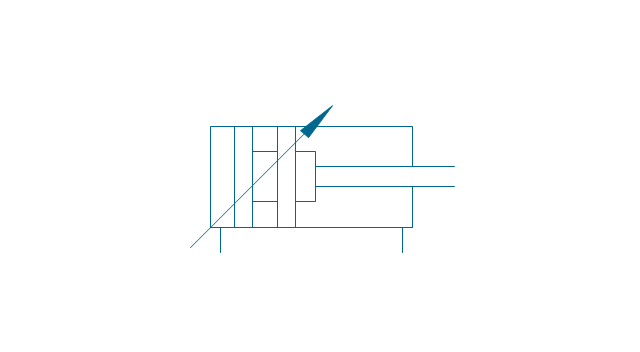
Dbl-act. cylinder, magn., dbl cushion, adj.
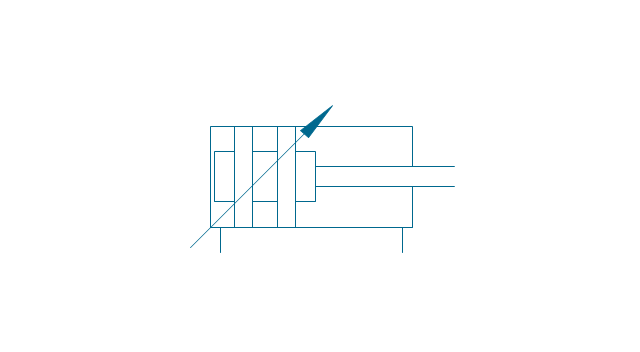
Dbl-act. dbl-end. cylinder, pneumatic
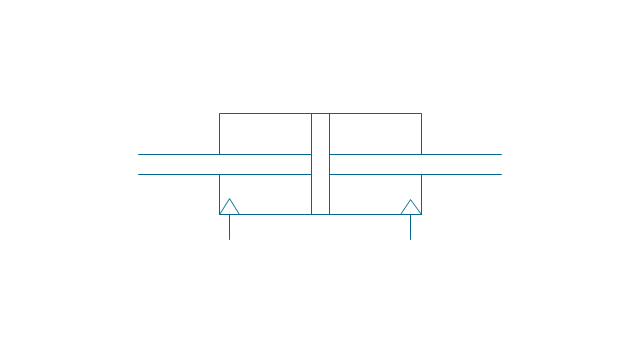
Dbl-act. dbl-end. cylinder, pneum., sgl cushion
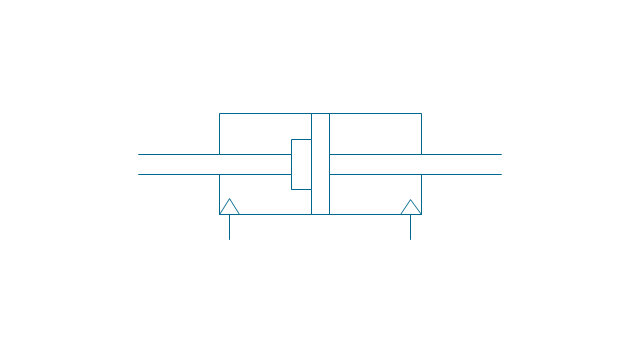
Dbl-act. dbl-end. cylinder, pneum., dbl cushion
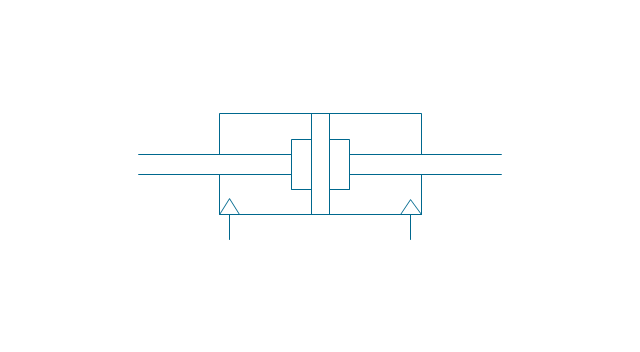
Dbl-act. dbl-end. cylinder, pneum., adjustable
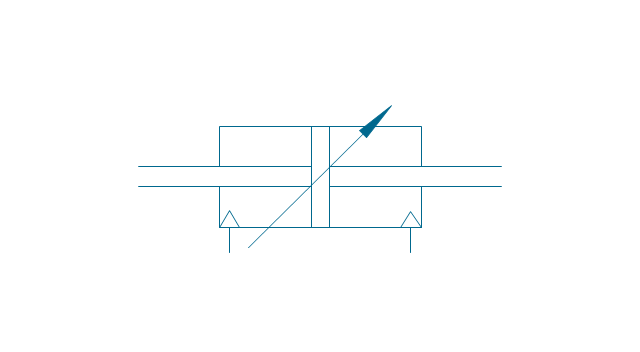
Dbl-act. dbl-end. cylinder, pneum., sgl cushion, adj.
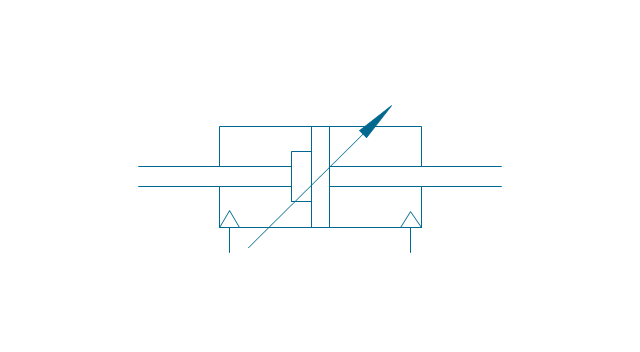
Dbl-act. dbl-end. cylinder, pneum., dbl cushion, adj.
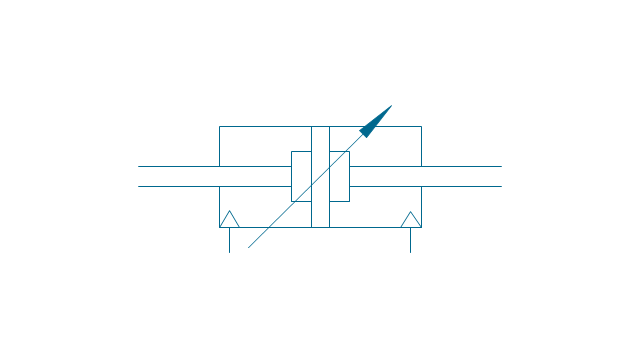
Dbl-act. dbl-end. cylinder, hydraulic
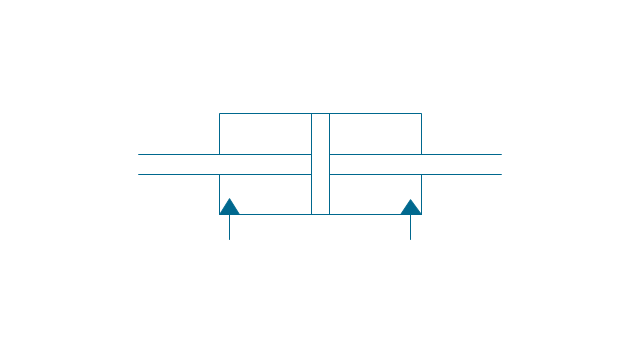
Dbl-act. dbl-end. cylinder, hydr., sgl cushion
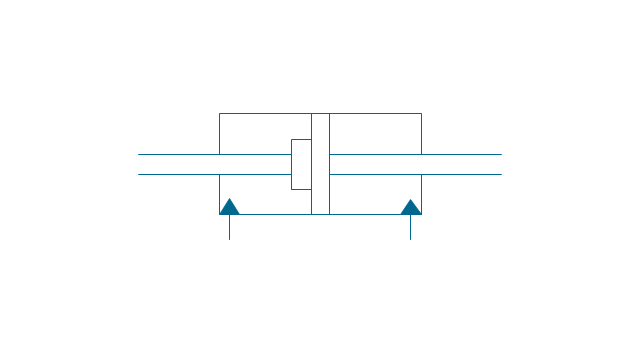
Dbl-act. dbl-end. cylinder, hydr., dbl cushion
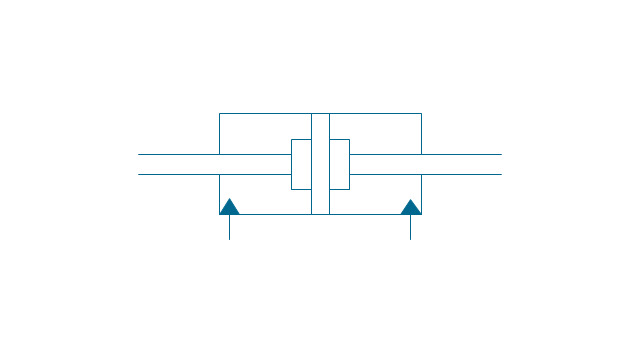
Dbl-act. dbl-end. cylinder, hydr., adjustable
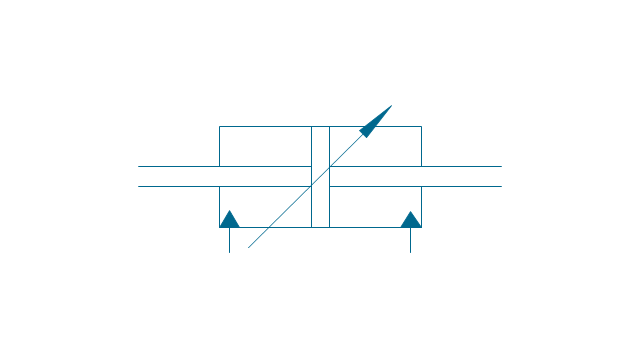
Dbl-act. dbl-end. cylinder, hydr., sgl cushion, adj.
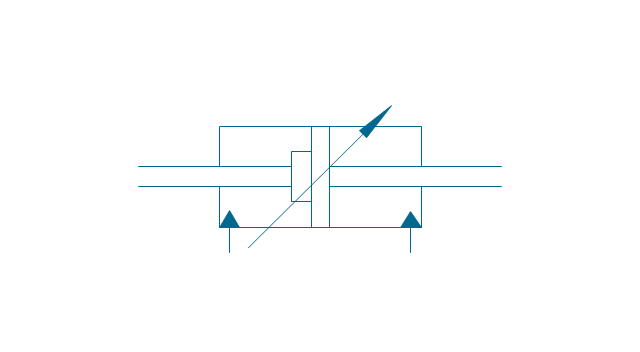
Dbl-act. dbl-end. cylinder, hydr., dbl cushion, adj.
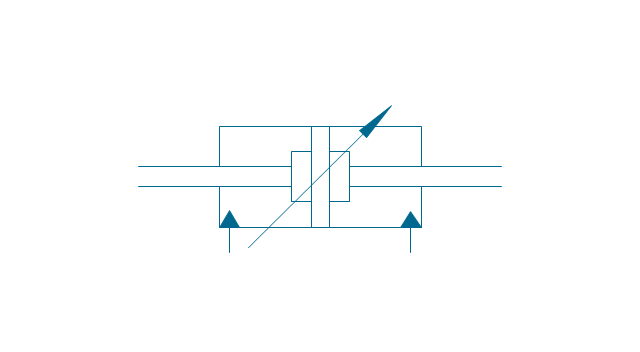
Telescopic cylinder, pneum., dbl-act.
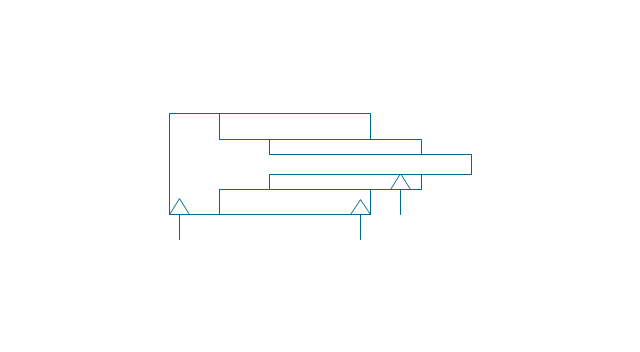
Telescopic cylinder, hydr., dbl-act.
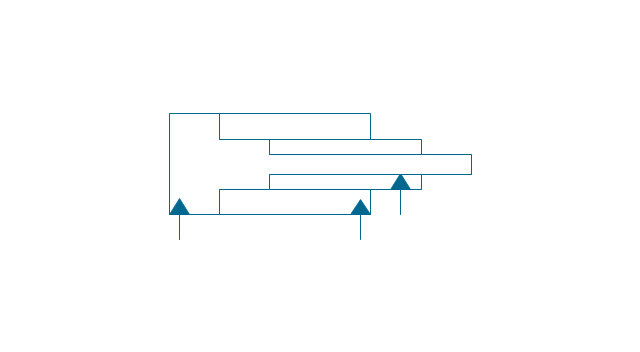
Telescopic cylinder, pneum., sgl-act.

Telescopic cylinder, hydr., sgl-act.
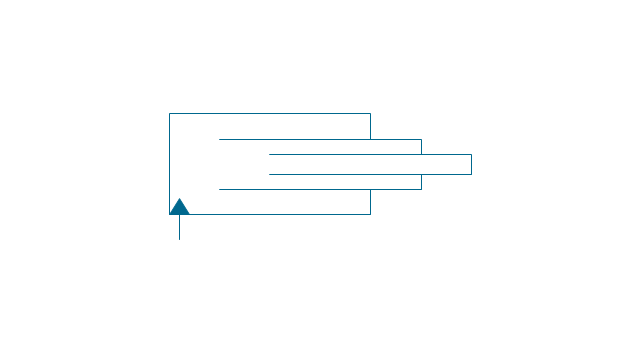
Actuator, hydraulic-pneumatic
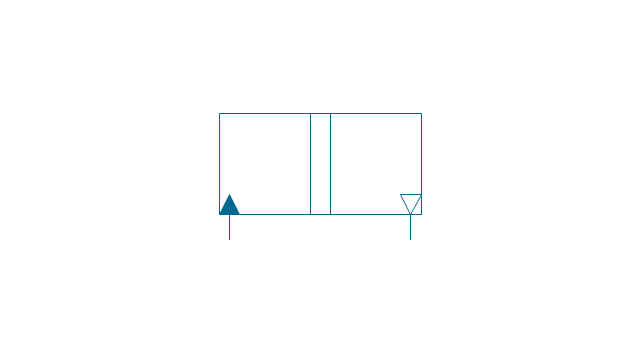
Actuator, pneumatic-hydraulic
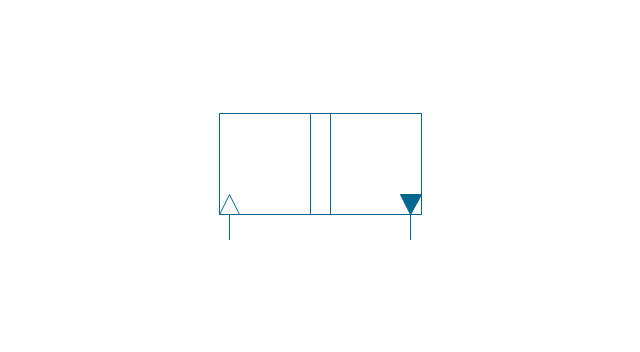
Intensifier, pneumatic
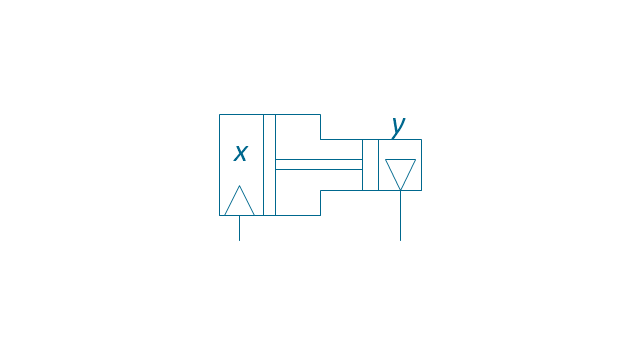
Intensifier, hydraulic
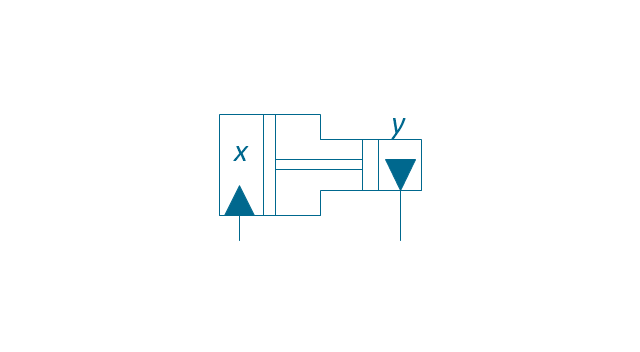
Intensifier, hydraulic-pneumatic
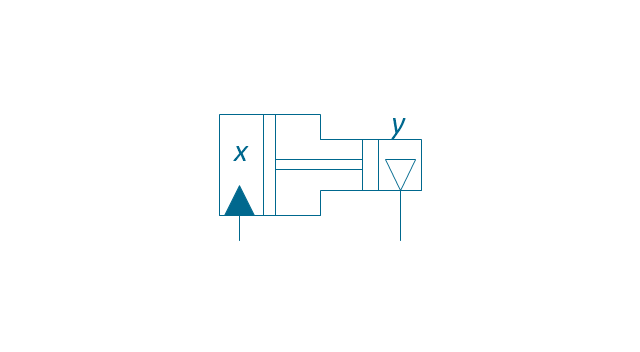
Intensifier, pneumatic-hydraulic
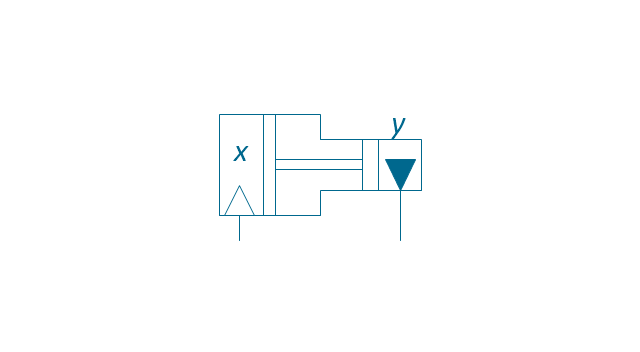
Intensifier, pneumatic-hydraulic
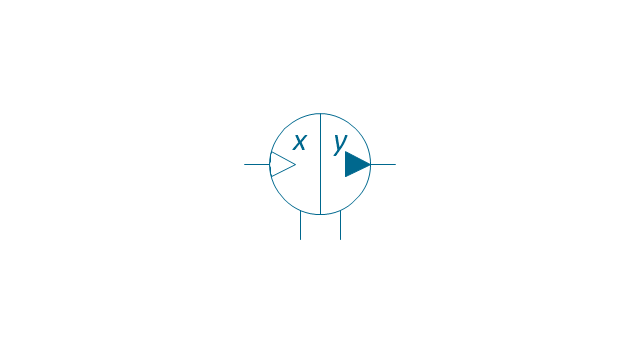
Intensifier, hydraulic-pneumatic
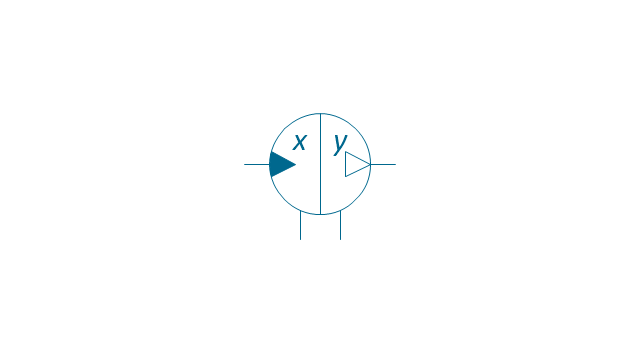
Actuator, pneumatic-hydraulic

Actuator, hydraulic-pneumatic
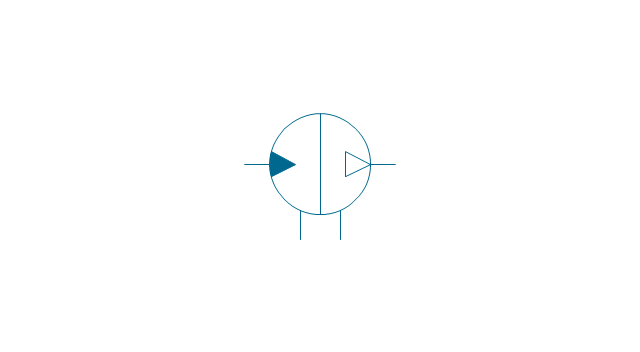
Accumulator

Accumulator, gas loaded
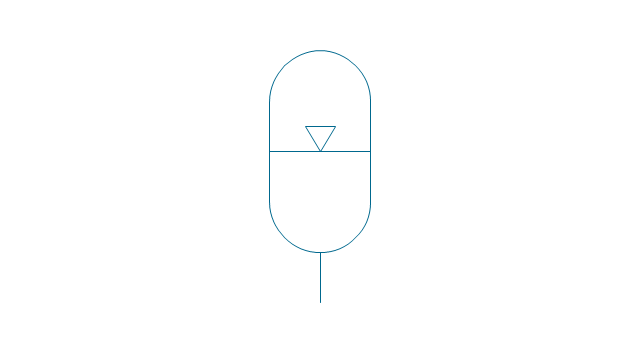
Accumulator, spring loaded
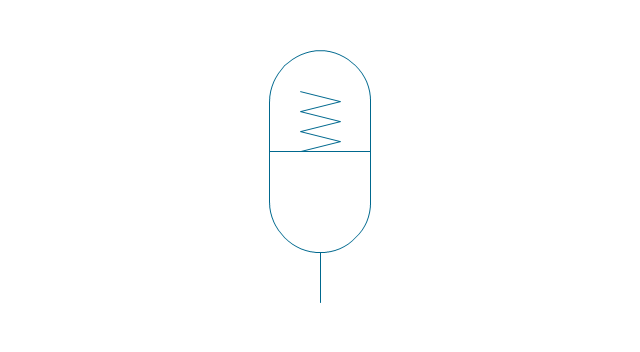
Accumulator, auxiliary gas bottle

Air receiver

Energy source, pneumatic

Energy source, hydraulic

Energy source, electric motor

Energy source, non-electric prime mover
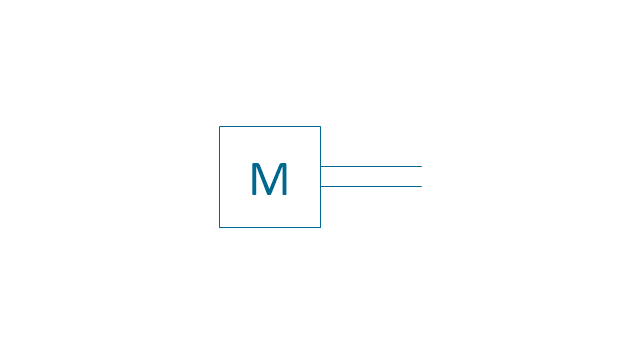
Vented reservoir

Sealed reservoir

Filter
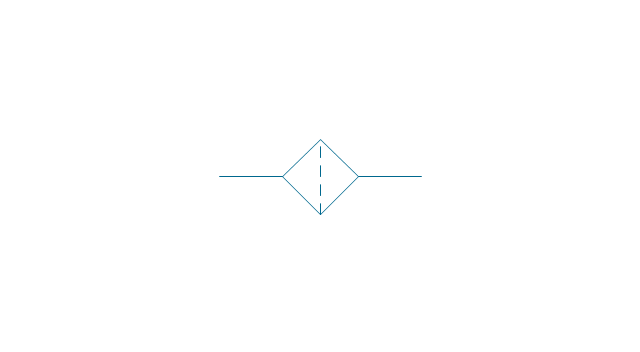
Filter, magnetic element
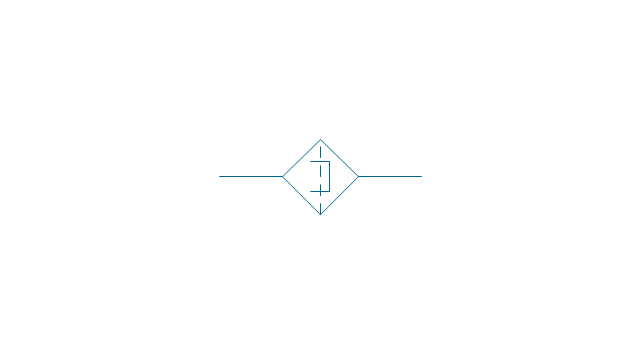
Filter, contamination indicator
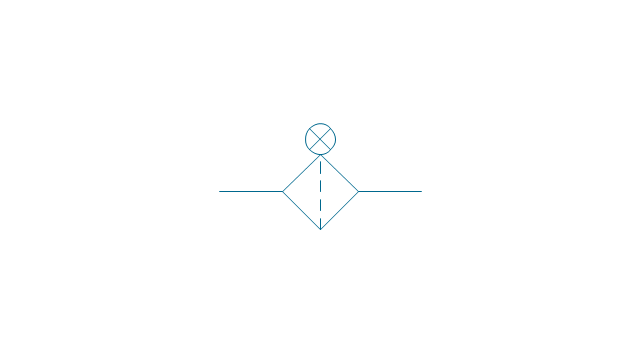
Automatic drain filter separator
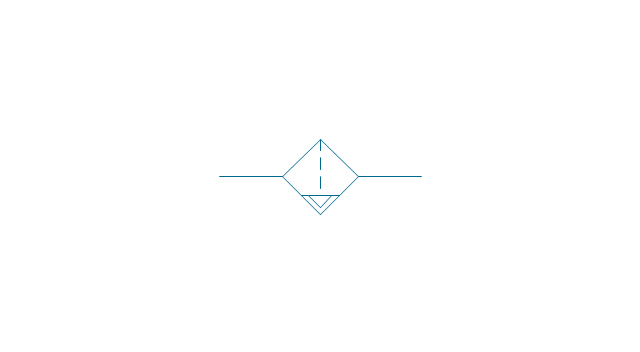
Manual drain filter separator
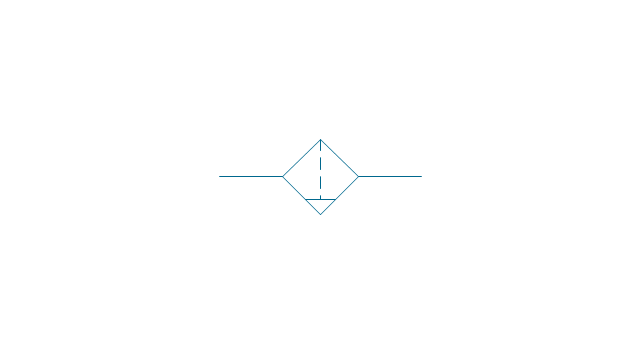
Separator, automatic drain

Separator, manual drain

Air dryer
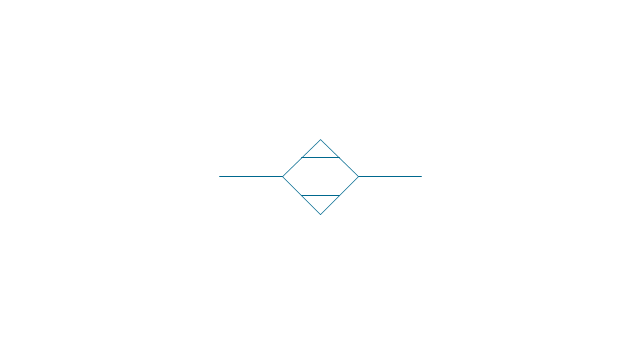
Lubricator
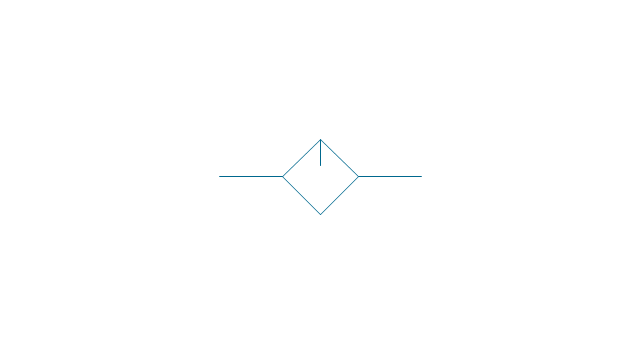
Air service unit, filter, separator
Air service unit, separator
Air service unit, filter
Air service unit
Liquid cooler

Gas cooler

Cooler

Liquid heater

Gas heater
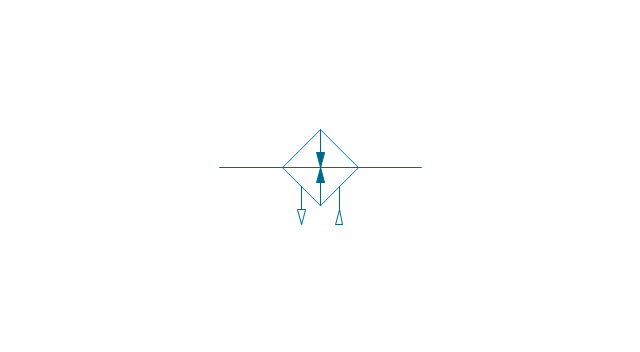
Heater
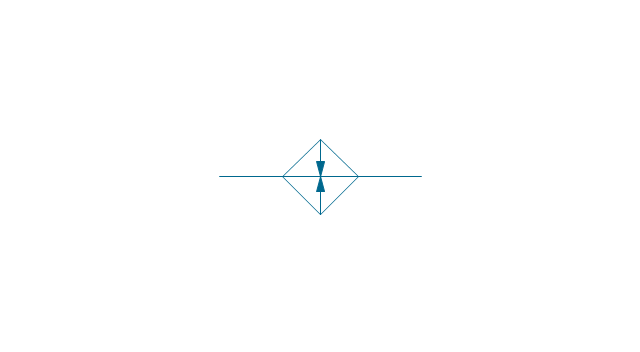
Liquid temperature controller

Gas temperature controller

Temperature controller
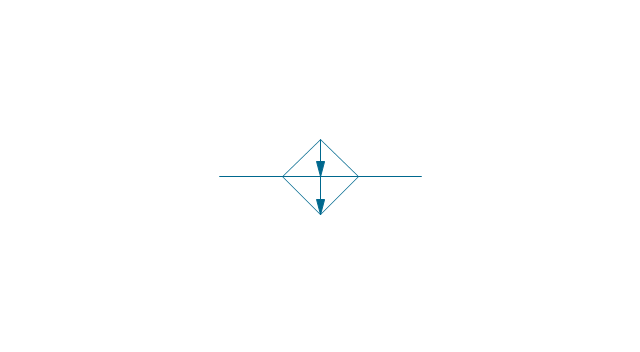
Liquid temperature controller 2
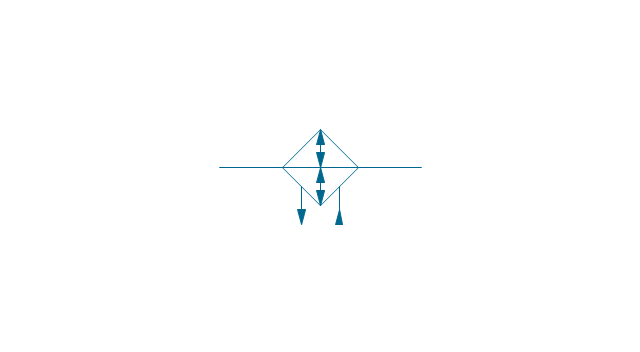
Gas temperature controller 2
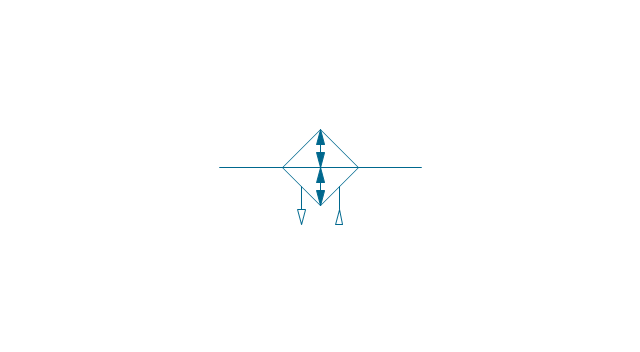
Temperature controller 2

Pressure indicator

Pressure gauge

Differential pressure gauge

Thermometer

Liquid level measuring instrument
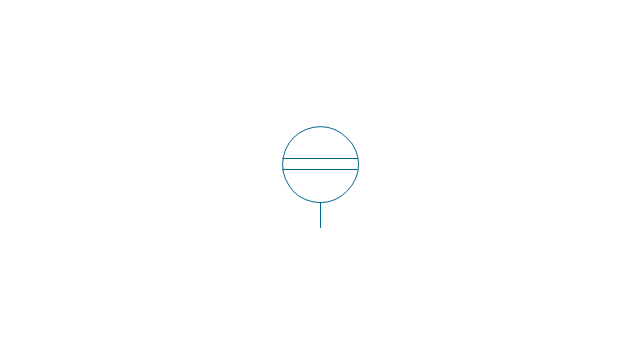
Flow indicator

Flow meter

Integrating flow meter

Tachometer

Torque measurement equipment
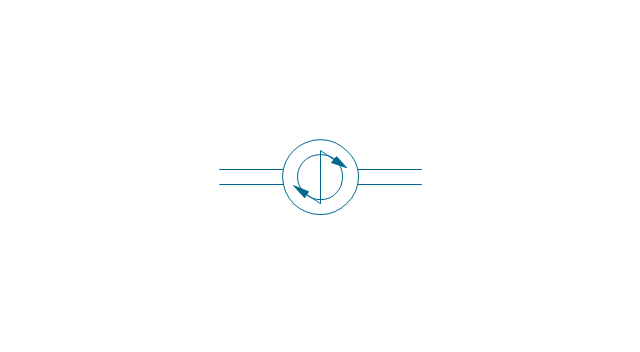
Pressure switch

Limit switch

Transducer

Pulse counter
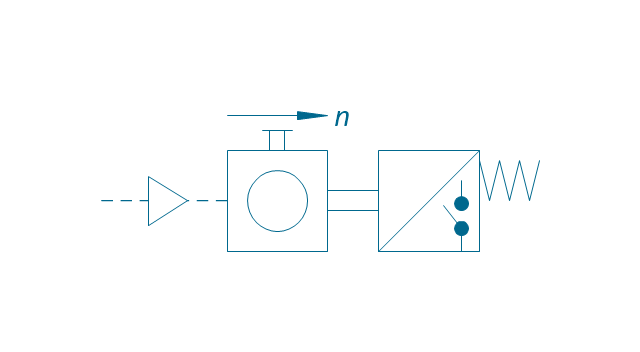
Pulse counter 2
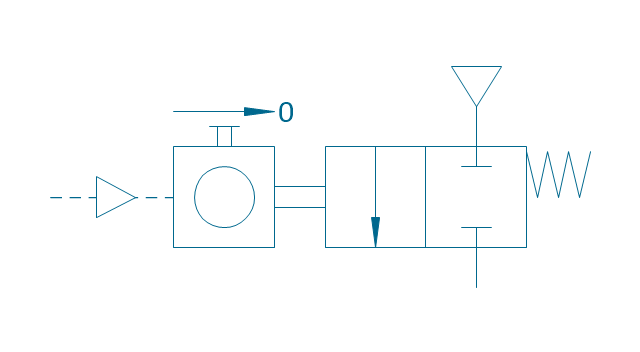
Silencer
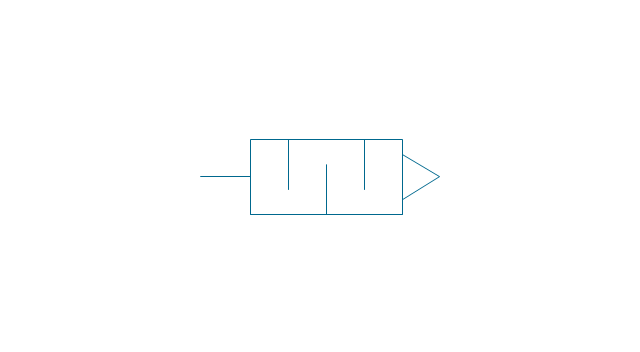
Drain (inlet below fluid, drain line)
-fluid-power-equipment---vector-stencils-library.png--diagram-flowchart-example.png)
Drain (inlet below fluid, return line)
-fluid-power-equipment---vector-stencils-library.png--diagram-flowchart-example.png)
Drain (inlet above fluid, drain line)
-fluid-power-equipment---vector-stencils-library.png--diagram-flowchart-example.png)
Drain (inlet above fluid, return line)
-fluid-power-equipment---vector-stencils-library.png--diagram-flowchart-example.png)
Oil tank
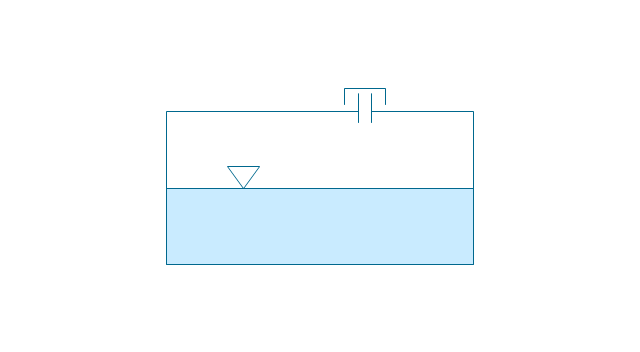
Oil tank, empty
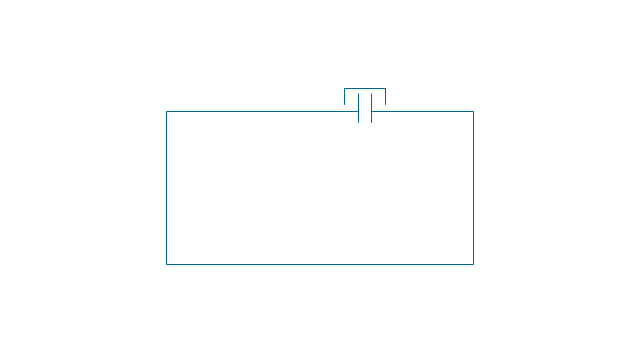
Air compressor
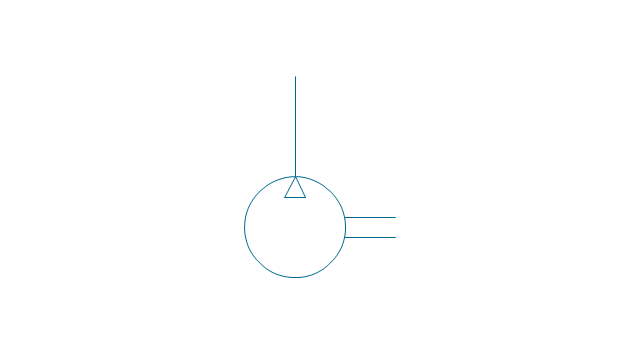
The vector stencils library "Industrial equipment" contains 81 symbols of pumps, compressors, fans, turbines, and power generators.
Use these shapes to design pumping systems, air and fluid compression systems, and industrial process diagrams in the ConceptDraw PRO software extended with the Chemical and Process Engineering solution from the Chemical and Process Engineering area of ConceptDraw Solution Park.
www.conceptdraw.com/ solution-park/ engineering-chemical-process
Use these shapes to design pumping systems, air and fluid compression systems, and industrial process diagrams in the ConceptDraw PRO software extended with the Chemical and Process Engineering solution from the Chemical and Process Engineering area of ConceptDraw Solution Park.
www.conceptdraw.com/ solution-park/ engineering-chemical-process
Breaker
Crusher
Crusher coarse
Crusher medium
Crusher fine
Roll crusher
Hammer crusher
Crusher single load
Crusher hammer
Crusher impact
Crusher jaw
Crusher high-speed roller
Crusher cone
Crusher cone 2
Crusher general
Crusher hammer 2
Crusher impact 2
Crusher jaw 2
Crusher roller
Ball mill
Mill general
Mill hammer
Mill impact
Mill jet
Mill roller
Mill vibrator
Mixer
Mixer general
Mixer rotary
Mixer can
Mixer fluidized
Kneader
Kneader general
Kneader wheel
Kneader ball
Kneader rolling
Kneader blade
Blender
Double blender
Fluid separator general
Fluid separator wet
Fluid separator dry
Fluid separator gravitation
Fluid separator inertial
Fluid separator centrifugal
Filter 1
Filter 2
Rotary filter
Screen
Electromagnet
Cyclone 1
Cyclone 2
Centrifuge general
Centrifuge dehydrator
Centrifuge submersion
Centrifuge 2
Briquetting machine standard
Briquetting machine
Prill tower
Dryer
Conveyor 2 circles 2 lines
Conveyor 2 circles 1 line
Conveyor 1 circle 2 lines
Conveyor 1 circle 1 line
Conveyor wheel
Boom loader
Scraper conveyor
Screw conveyor
Screw conveyor 2
Elevator 1
Elevator 2
Skip hoist
Overhead conveyor
Overhead conveyor with hooks
Overhead conveyor with buckets
Hoist
Hoist with hook
Hoist with grab
Electric motor
Tank truck
Tank car
The vector stencils library "Wireframe" contains 18 wireframe design elements.
Use it for designing wireframe graphic user interface (GUI) of computer software in the ConceptDraw PRO diagramming and vector drawing software extended with the Graphic User Interface solution from the Software Development area of ConceptDraw Solution Park.
Use it for designing wireframe graphic user interface (GUI) of computer software in the ConceptDraw PRO diagramming and vector drawing software extended with the Graphic User Interface solution from the Software Development area of ConceptDraw Solution Park.
Dialog form
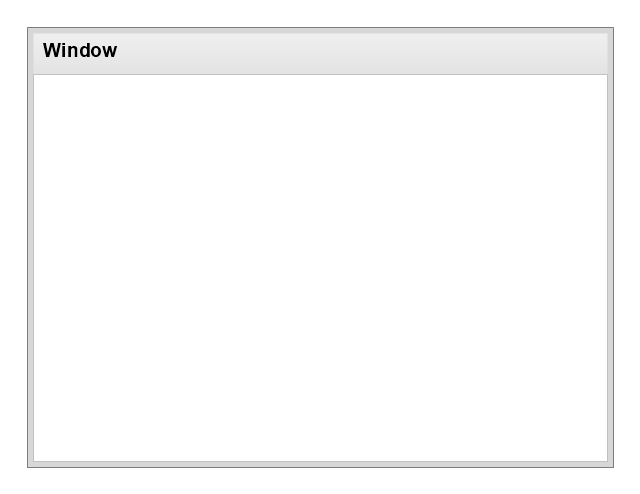
Dialog form (browser window)
-wireframe---vector-stencils-library.png--diagram-flowchart-example.png)
Area box

Text input box

Listbox

ComboBox

Scrollbar
Button
Radio button

Checkbox

Radio buttons group
Checkbox group

Menu bar tab

Image

Multimedia

Wireframe note
Separator, horizontal

Separator, vertical

The vector stencils library "Window elements" contains 24 window elements: frames, boxes and buttons.
Use it to design graphic user interface (GUI) of your Windows 8 software application.
"A window is a graphical control element. It consists of a visual area containing some of the graphical user interface of the program it belongs to and is framed by a window decoration. It usually has a rectangular shape that can overlap with the area of other windows. It displays the output of and may allow input to one or more processes.
Windows are primarily associated with graphical displays, where they can be manipulated with a pointer by employing some kind of pointing device.
A graphical user interface (GUI) using windows as one of its main "metaphors" is called a windowing system, whose main components are the display server and the window manager." [Window (computing). Wikipedia]
The design elements example "Window elements - Vector stencils library" was created using the ConceptDraw PRO diagramming and vector drawing software extended with the Windows 8 User Interface solution from the Software Development area of ConceptDraw Solution Park.
Use it to design graphic user interface (GUI) of your Windows 8 software application.
"A window is a graphical control element. It consists of a visual area containing some of the graphical user interface of the program it belongs to and is framed by a window decoration. It usually has a rectangular shape that can overlap with the area of other windows. It displays the output of and may allow input to one or more processes.
Windows are primarily associated with graphical displays, where they can be manipulated with a pointer by employing some kind of pointing device.
A graphical user interface (GUI) using windows as one of its main "metaphors" is called a windowing system, whose main components are the display server and the window manager." [Window (computing). Wikipedia]
The design elements example "Window elements - Vector stencils library" was created using the ConceptDraw PRO diagramming and vector drawing software extended with the Windows 8 User Interface solution from the Software Development area of ConceptDraw Solution Park.
Window frame
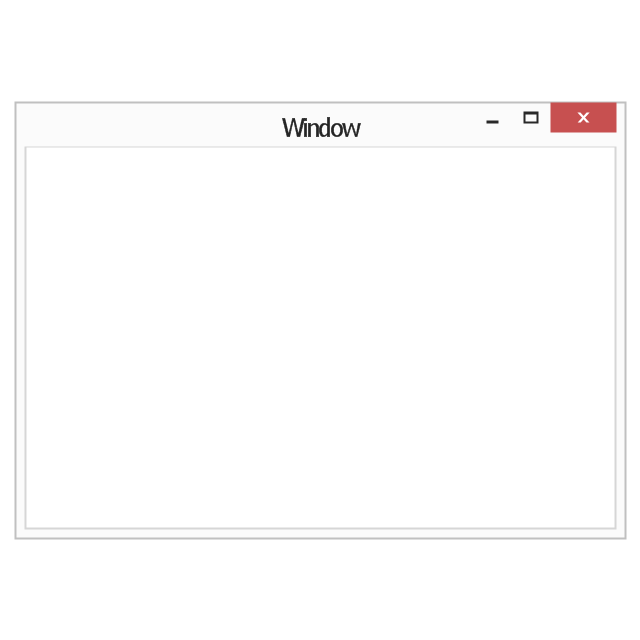
Dialog box
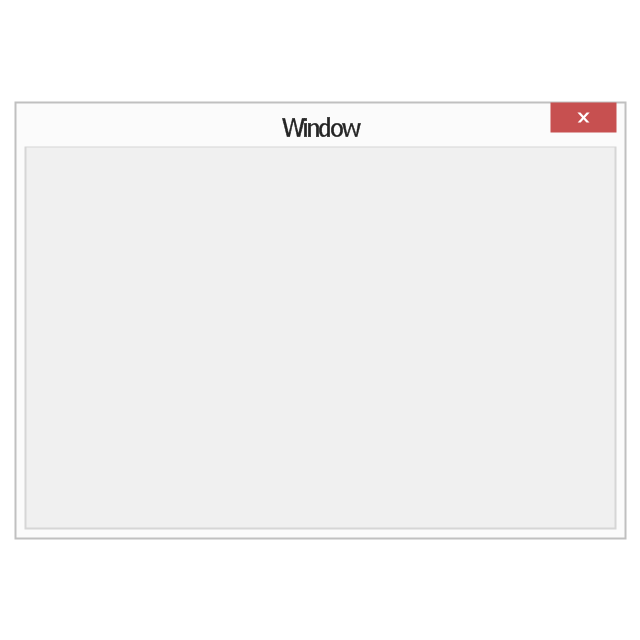
Window with command area
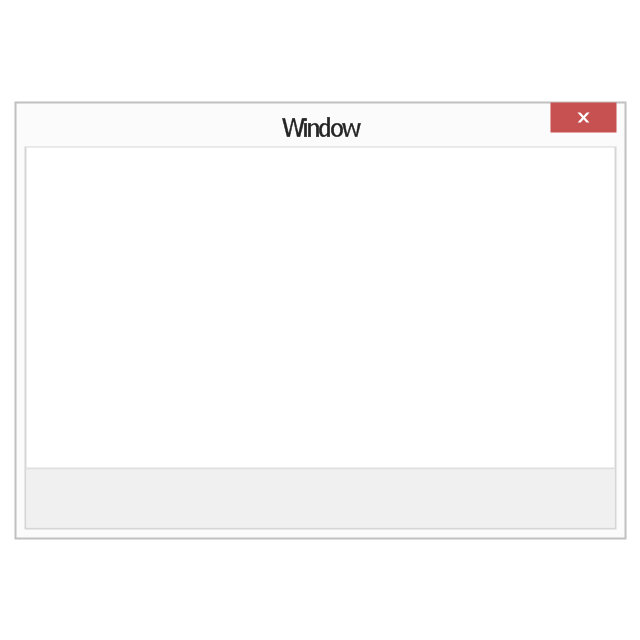
Command area

Close window button

Minimize window button

Restore window button

Maximize window button

Minimize window button - hover

Restore window button - hover

Maximize window button - hover

Window resize handle

Vertical separator

Horizontal separator

Back button

Forward button

Forward

Back

Warning icon

Error icon

Information icon

Question mark icon

Refresh icon

Up control

The vector stencils library "Wireframe" contains 18 wireframe design elements.
Use it for designing wireframe graphic user interface (GUI) of computer software in the ConceptDraw PRO diagramming and vector drawing software extended with the Graphic User Interface solution from the Software Development area of ConceptDraw Solution Park.
Use it for designing wireframe graphic user interface (GUI) of computer software in the ConceptDraw PRO diagramming and vector drawing software extended with the Graphic User Interface solution from the Software Development area of ConceptDraw Solution Park.
Dialog form
Dialog form (browser window)
Area box
Text input box
Listbox
ComboBox
Scrollbar
Button
Radio button
Checkbox
Radio buttons group
Checkbox group
Menu bar tab
Image
Multimedia
Wireframe note
Separator, horizontal
Separator, vertical
The vector stencils library "Ribbon interface" contains 41 ribbon shapes.
Use it for designing Microsoft ribbon graphic user interface (GUI) of software for Windows computers in the ConceptDraw PRO diagramming and vector drawing software extended with the Graphic User Interface solution from the Software Development area of ConceptDraw Solution Park.
Use it for designing Microsoft ribbon graphic user interface (GUI) of software for Windows computers in the ConceptDraw PRO diagramming and vector drawing software extended with the Graphic User Interface solution from the Software Development area of ConceptDraw Solution Park.
Main Window with Menu
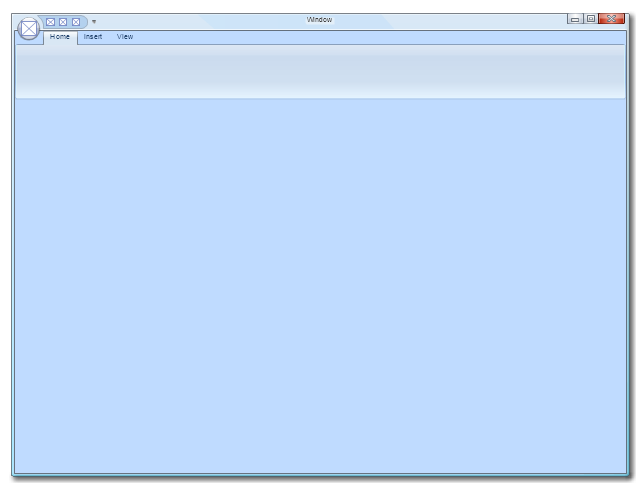
Main Window
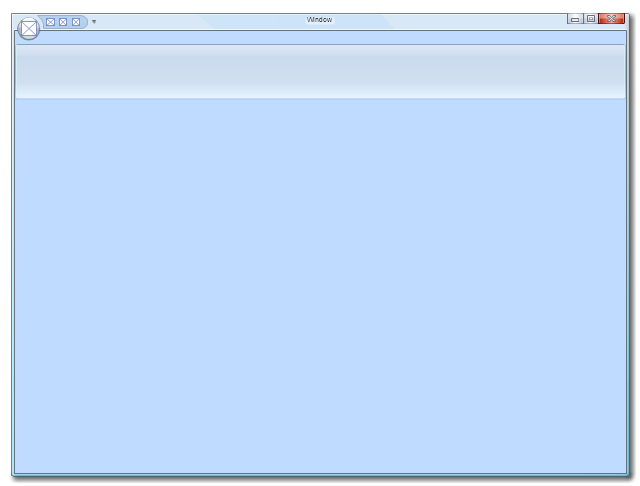
Menu

Special Menu

Field

Tools Group

Tools Group Minimized

Tool Button

Tool Button

Toolbar

Label

Text Label

Edit Box

Combobox

Combobox with List
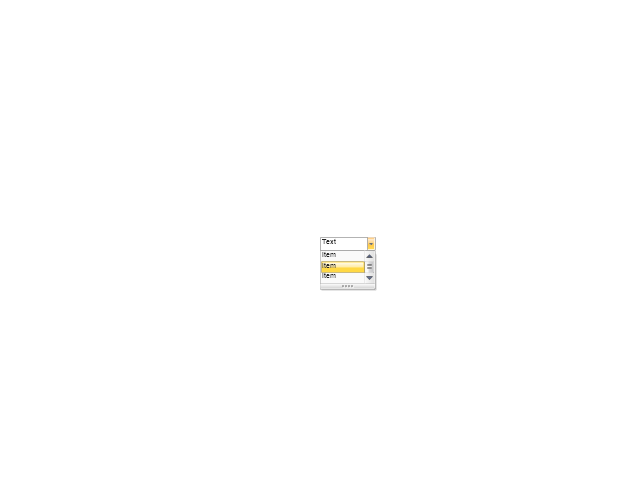
Drop-down Menu
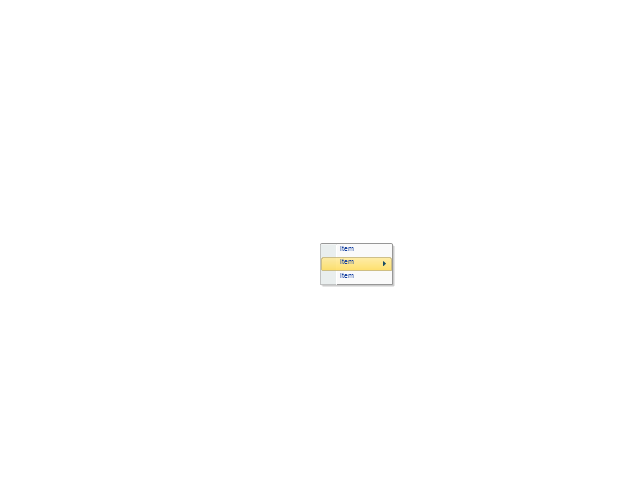
Spin Box
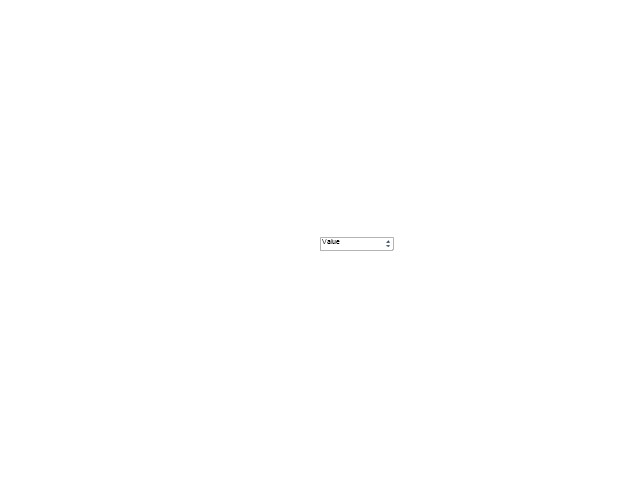
Check Box

Radio Button

Styles Control 1

Styles Control 2

Rounded Tab

Floating Dialogue

Status Bar

Small Toolbar (for Status Bar)
-ribbon-interface---vector-stencils-library.png--diagram-flowchart-example.png)
Zoom Slider

Horizontal Scroll
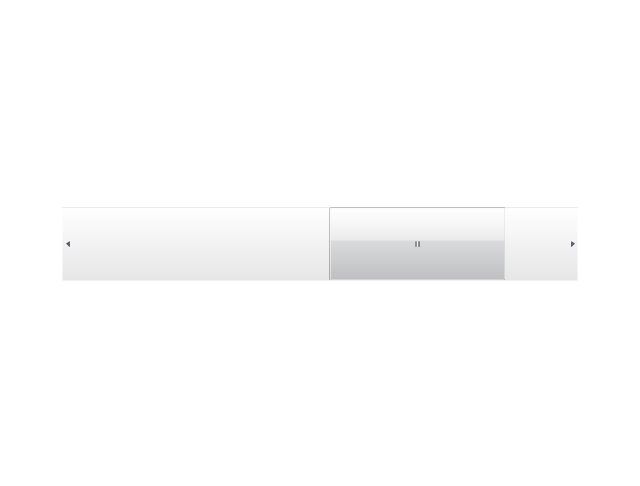
Vertical Scroll
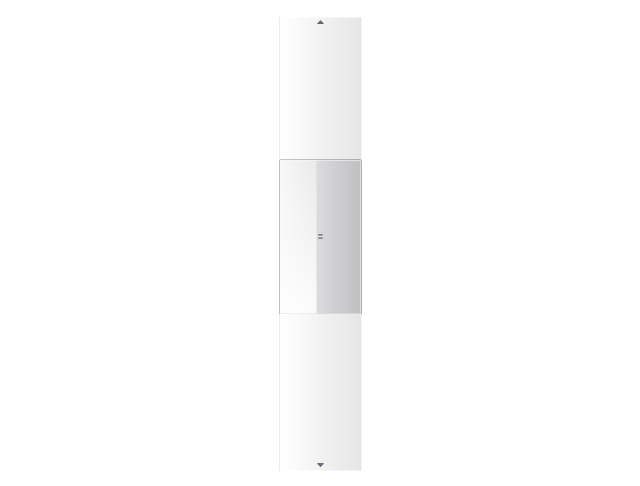
Drop-down List

Arrow

Close

Drop-down Menu Base

Drop-down Menu Left Part

Menu/List Item (Text)
-ribbon-interface---vector-stencils-library.png--diagram-flowchart-example.png)
Menu/List Item (Image)
-ribbon-interface---vector-stencils-library.png--diagram-flowchart-example.png)
Menu/List Item (Image with Text)
-ribbon-interface---vector-stencils-library.png--diagram-flowchart-example.png)
Meny/List Header

Drop-down Menu Separator

Vertical Separator

Chek/Option for Drop-down Menu

Image

The vector stencils library "Heating equipment" contains 42 symbols of regenerators, intercoolers, heaters, and condensers.
Use these shapes for drawing cooling systems, heat recovery systems, thermal, heat transfer and mechanical design, and process flow diagrams (PFD) in the ConceptDraw PRO software extended with the Chemical and Process Engineering solution from the Chemical and Process Engineering area of ConceptDraw Solution Park.
www.conceptdraw.com/ solution-park/ engineering-chemical-process
Use these shapes for drawing cooling systems, heat recovery systems, thermal, heat transfer and mechanical design, and process flow diagrams (PFD) in the ConceptDraw PRO software extended with the Chemical and Process Engineering solution from the Chemical and Process Engineering area of ConceptDraw Solution Park.
www.conceptdraw.com/ solution-park/ engineering-chemical-process
Heat exchanger 3
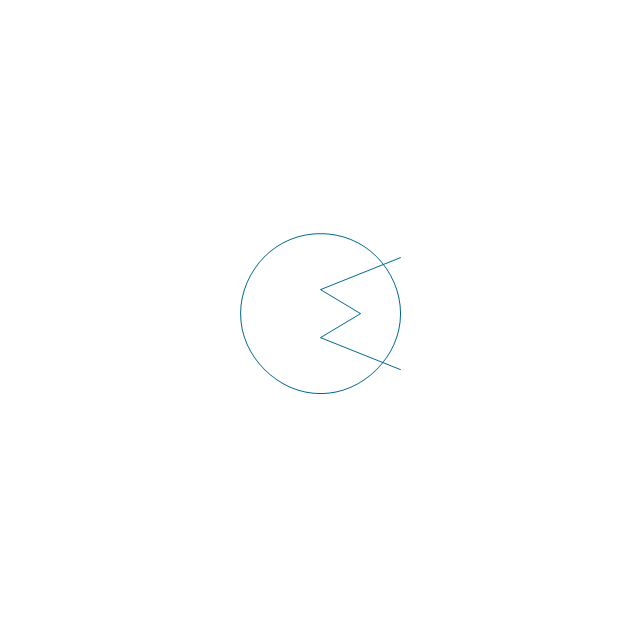
Heat exchanger 1

Heat exchanger 2

Tube bundle, floating head
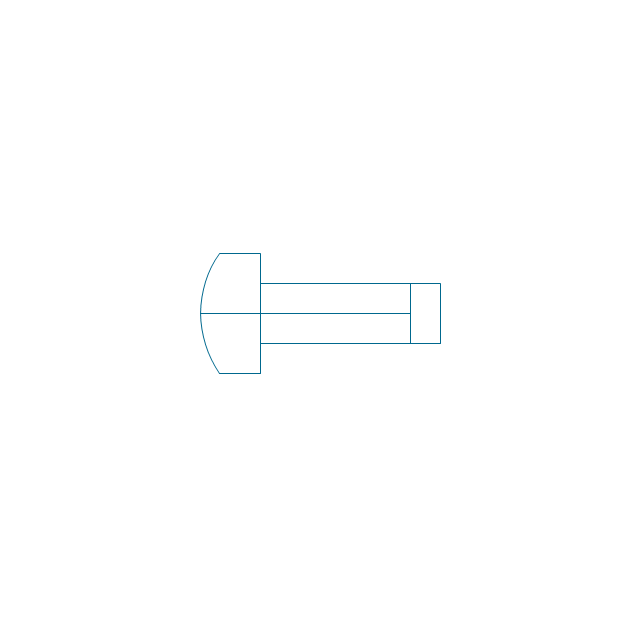
U-Tube bundle
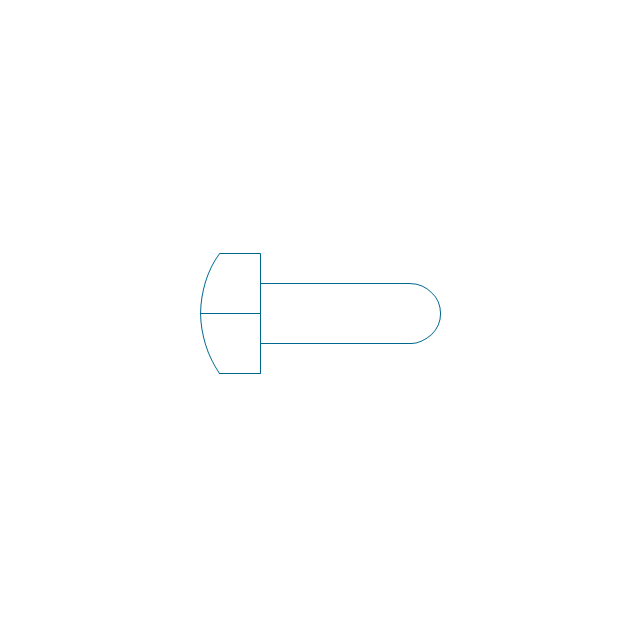
Tube bundle
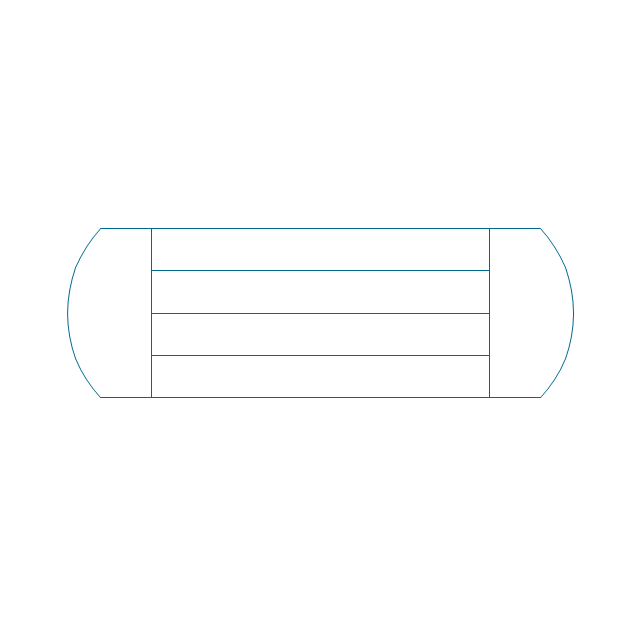
Shell and tube
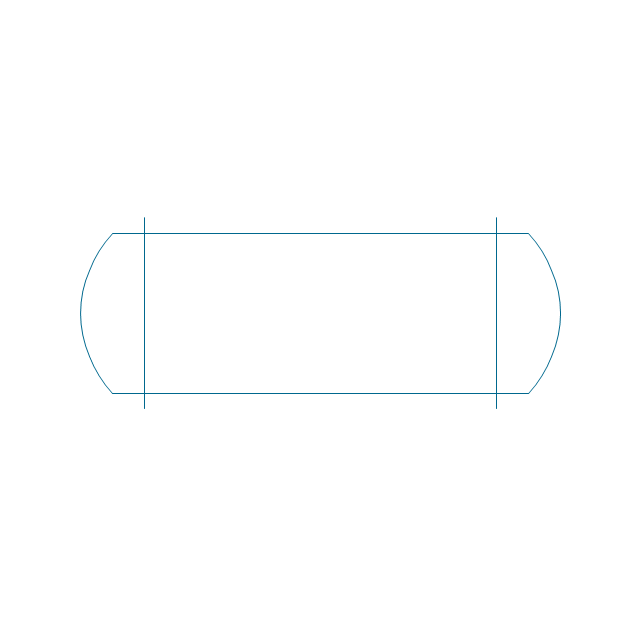
Kettle reboiler
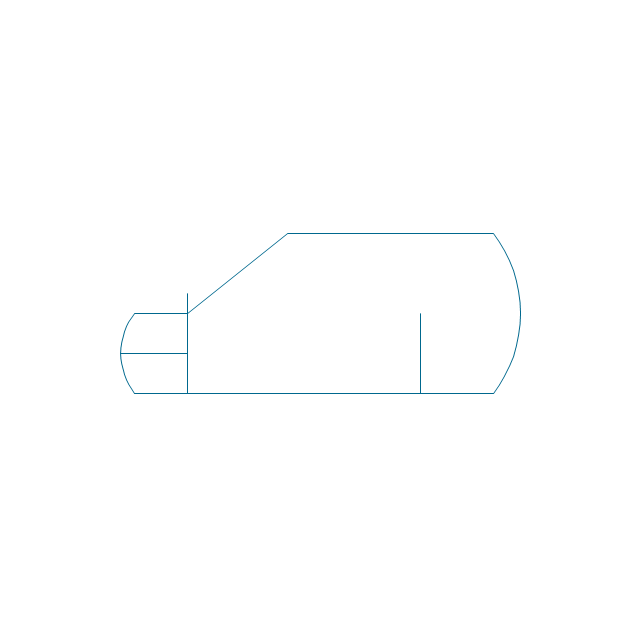
Plate type
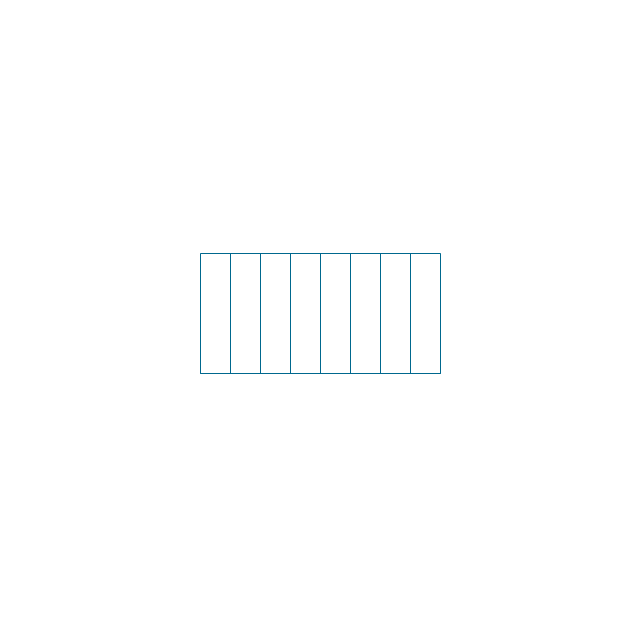
Finned tube
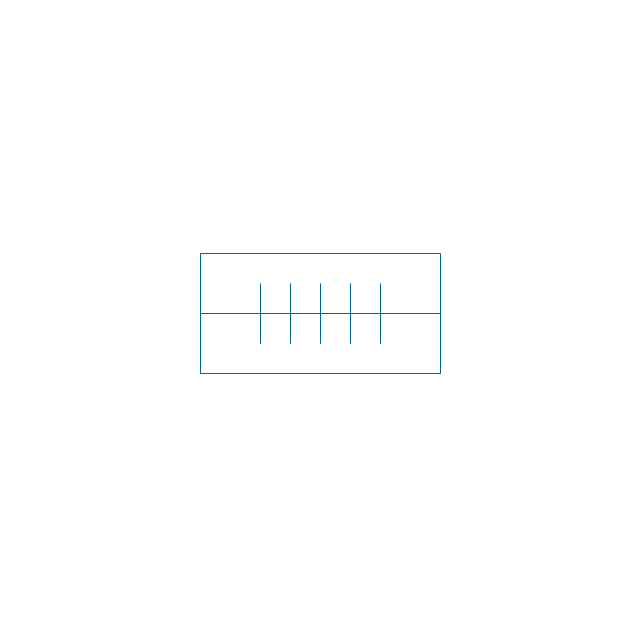
Double pipe type

Oil burner

Boiler

Fired heater

Cooling tower 2

Cooling tower 1

Cooling tower 3

Condenser

Automatic stoker

Refrigerator

Direct refrigerator

Indirect refrigerator
Evaporative condenser
Condenser (air cooled)
-heating-equipment---vector-stencils-library.png--diagram-flowchart-example.png)
Oil separator

Chilling evaporator

Air cooling evaporator

Extractor hood (slot)
-heating-equipment---vector-stencils-library.png--diagram-flowchart-example.png)
Extractor hood (open)
-heating-equipment---vector-stencils-library.png--diagram-flowchart-example.png)
Autoclave (propeller)
-heating-equipment---vector-stencils-library.png--diagram-flowchart-example.png)
Autoclave (anchor)
-heating-equipment---vector-stencils-library.png--diagram-flowchart-example.png)
Autoclave (helical)
-heating-equipment---vector-stencils-library.png--diagram-flowchart-example.png)
Autoclave with motor (helical)
-heating-equipment---vector-stencils-library.png--diagram-flowchart-example.png)
Autoclave with motor (anchor)
-heating-equipment---vector-stencils-library.png--diagram-flowchart-example.png)
Autoclave with motor (propeller)
-heating-equipment---vector-stencils-library.png--diagram-flowchart-example.png)
Fan blades horizontal

Fan blades vertical

Fan blades (4)
-heating-equipment---vector-stencils-library.png--diagram-flowchart-example.png)
Triple fan blades

Air-blown cooler

Condenser

Heater / Cooler

The vector stencils library "Valves and fittings" contains 104 symbols of valve components.
Use these icons for drawing industrial piping systems; process, vacuum, and fluids piping; hydraulics piping; air and gas piping; materials distribution; and liquid transfer systems in the ConceptDraw PRO software extended with the Chemical and Process Engineering solution from the Chemical and Process Engineering area of ConceptDraw Solution Park.
www.conceptdraw.com/ solution-park/ engineering-chemical-process
Use these icons for drawing industrial piping systems; process, vacuum, and fluids piping; hydraulics piping; air and gas piping; materials distribution; and liquid transfer systems in the ConceptDraw PRO software extended with the Chemical and Process Engineering solution from the Chemical and Process Engineering area of ConceptDraw Solution Park.
www.conceptdraw.com/ solution-park/ engineering-chemical-process
Electrically bonded

Bursting disc
Flame arrester
Strainer
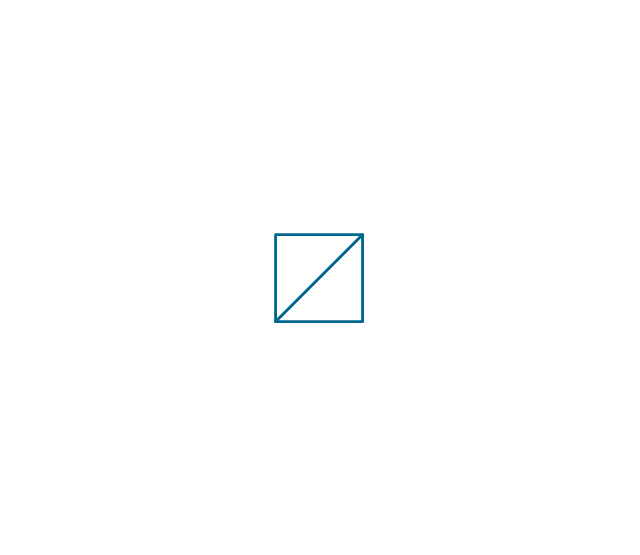
Separator

Exhaust silencer
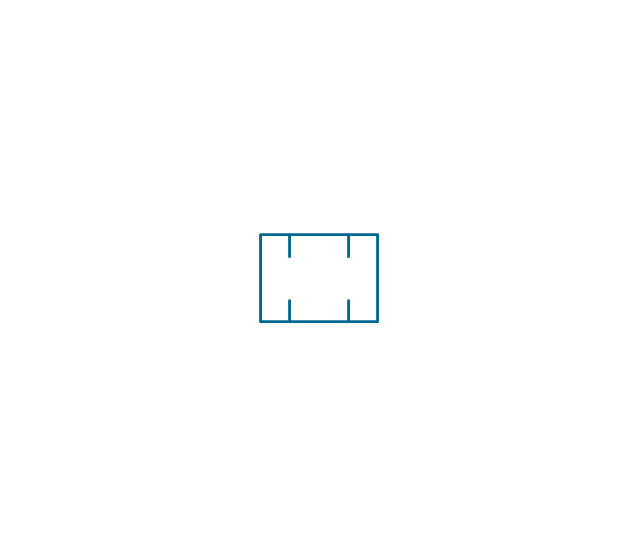
Bell mouth

Exhaust head

Hydrant

Drain silencer
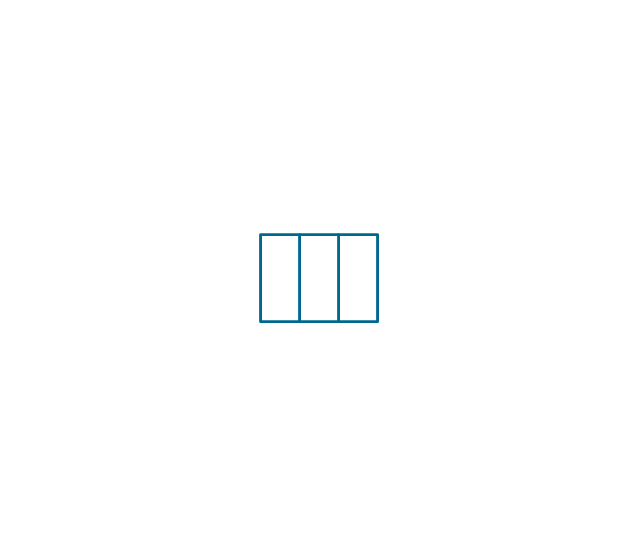
Liquid seal open/closed
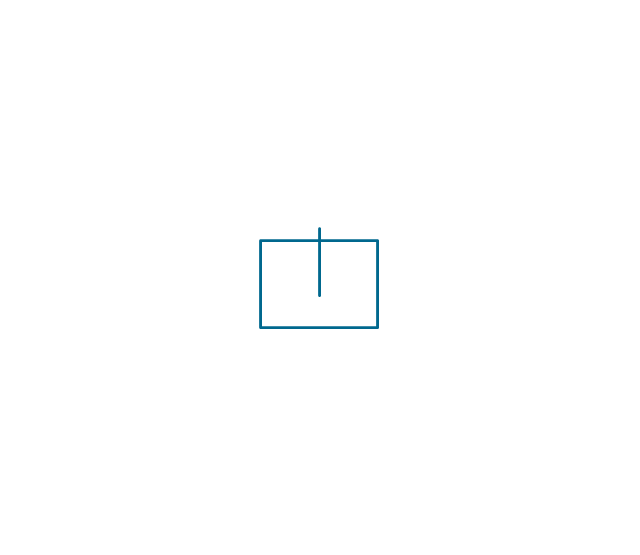
Y strainer

Gate valve

Globe valve

Globe valve 2

Globe valve 3

Screw-down valve
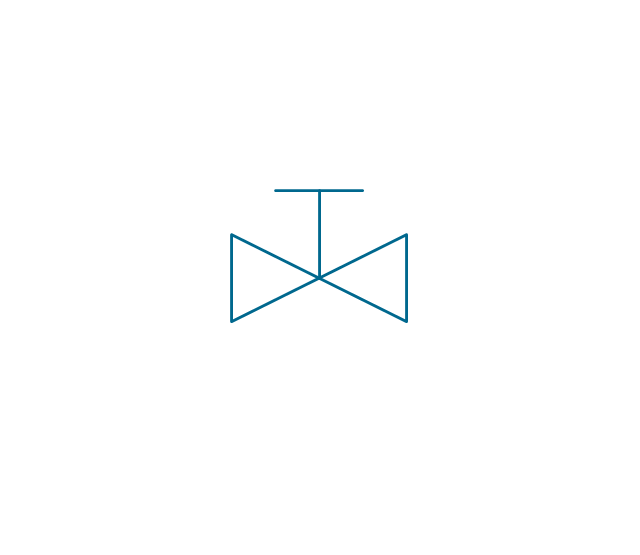
Lock-shield valve
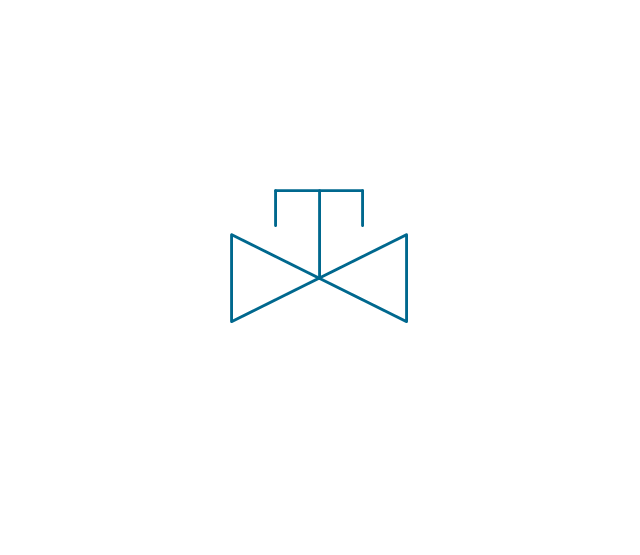
Reel valve

Check valve

Check valve 2
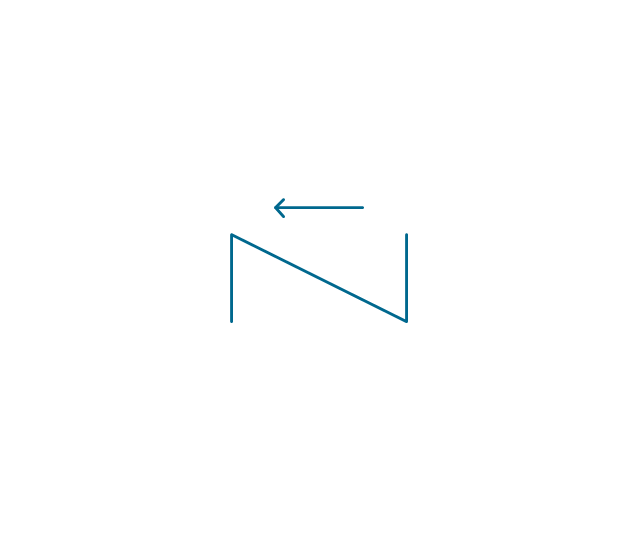
Check valve 3

Screw-down check valve
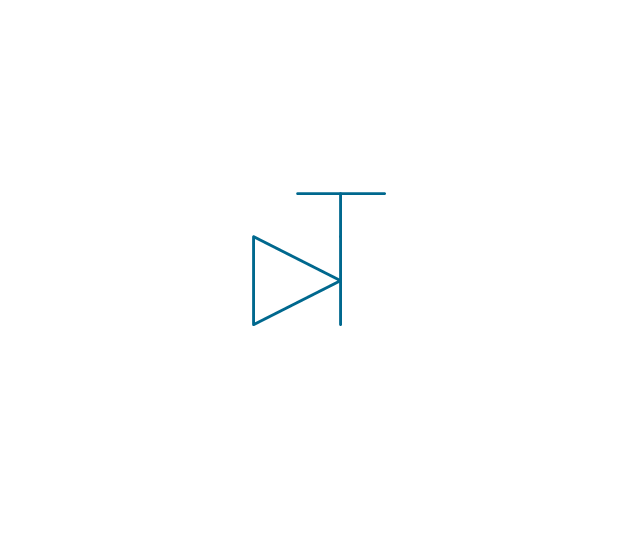
Stop check valve
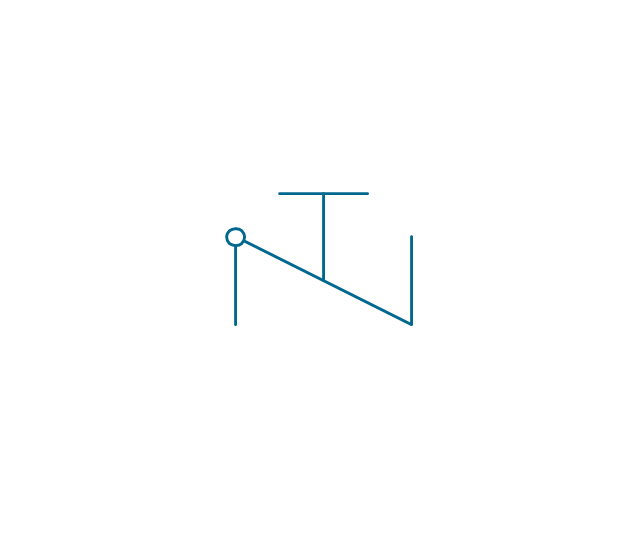
Diaphragm valve

Diaphragm valve 2

Diaphragm valve 3

Powered valve
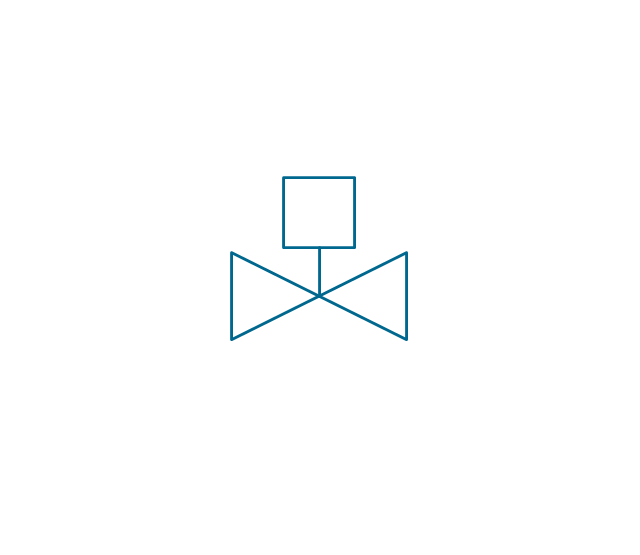
Powered valve 2
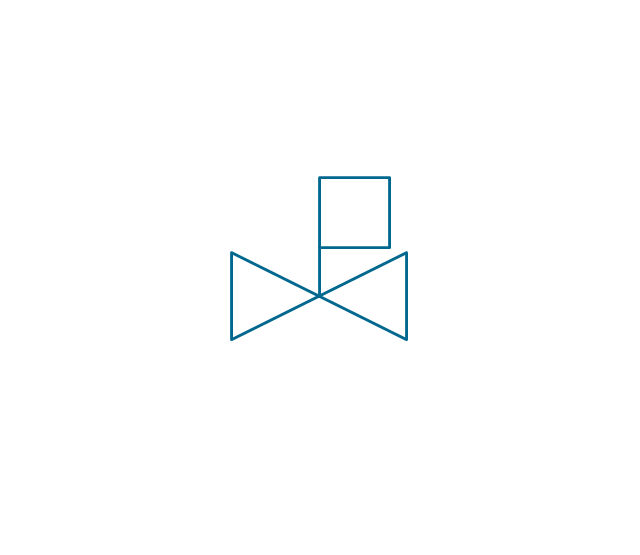
Powered valve 3
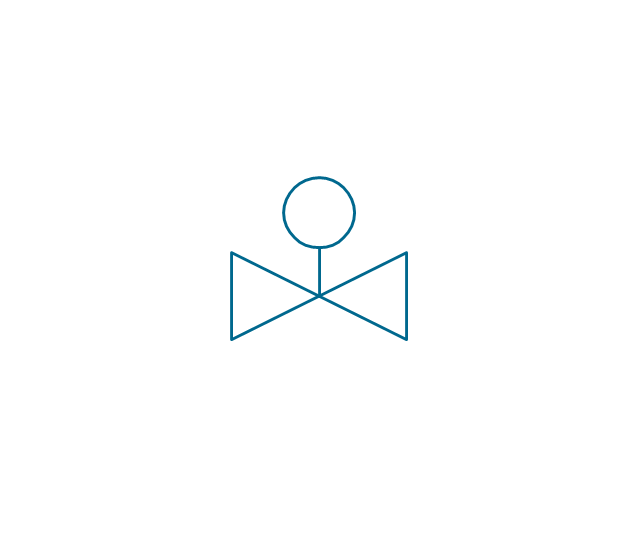
Needle valve

Needle valve 2
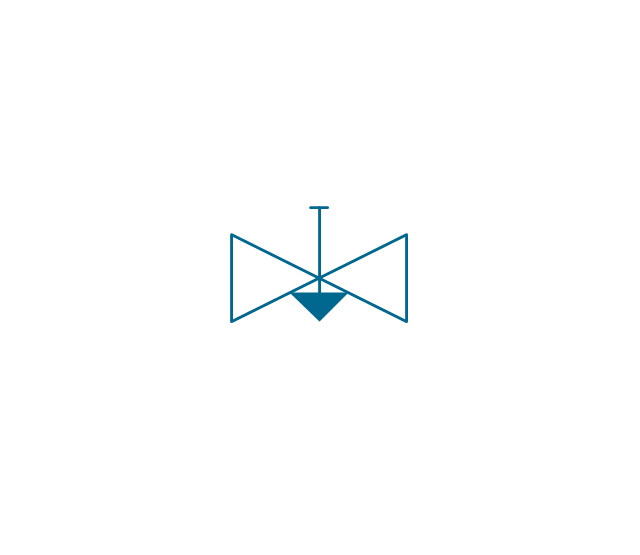
Needle valve 3
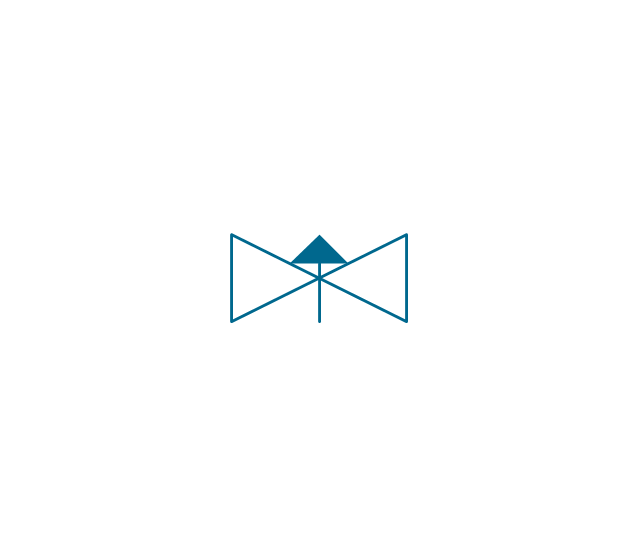
Relief valve
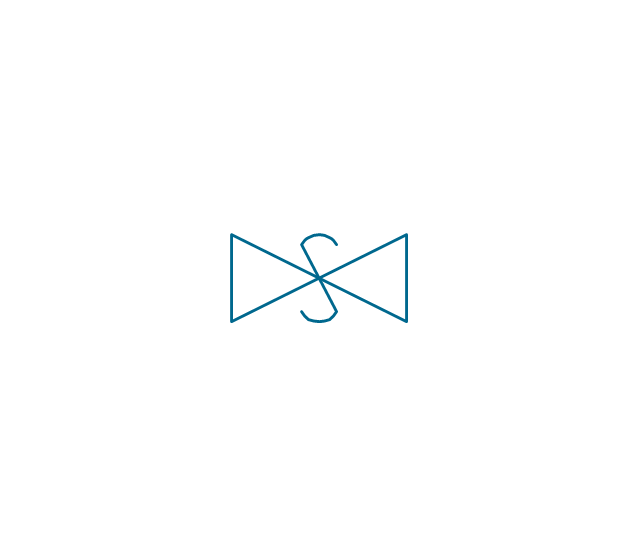
Relief valve 2
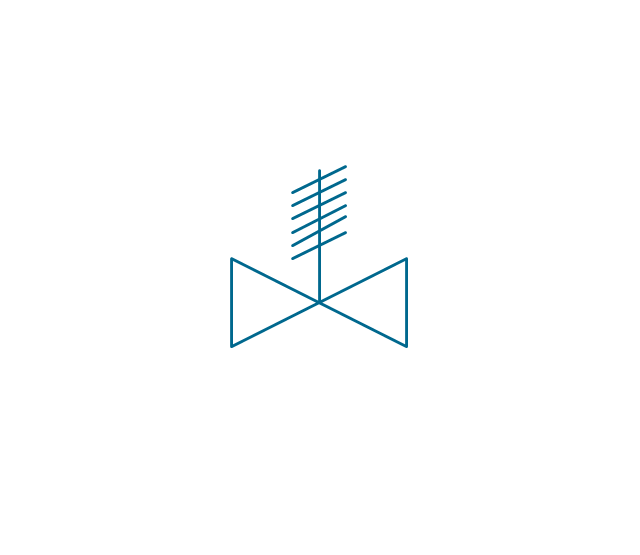
Relief valve 3
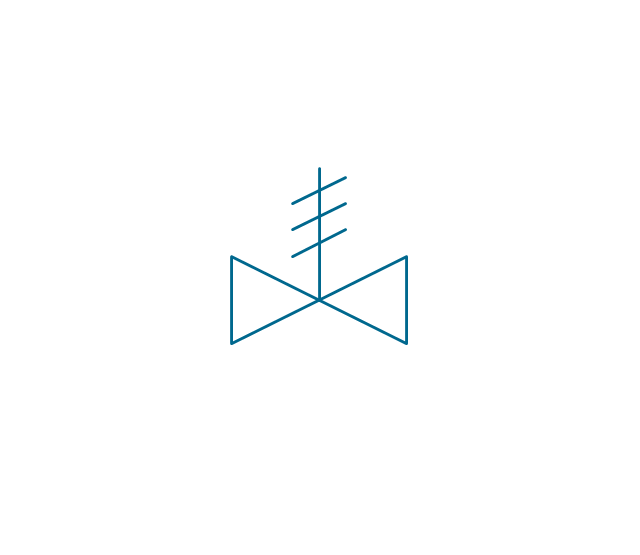
Angle valve

Angle valve 2

Angle valve 3
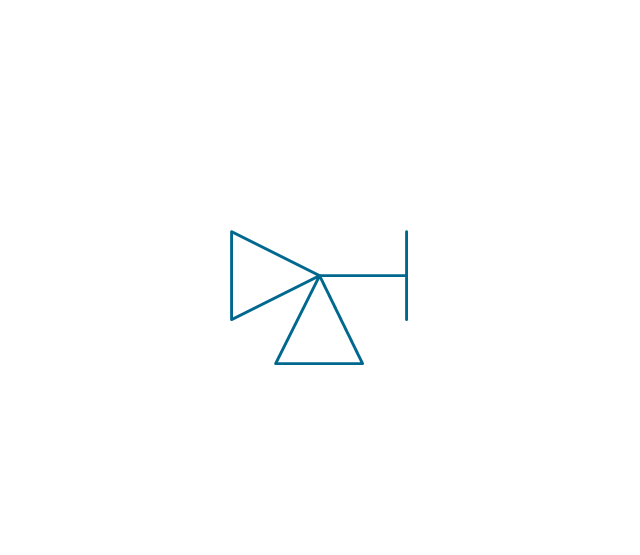
Angle valve 4
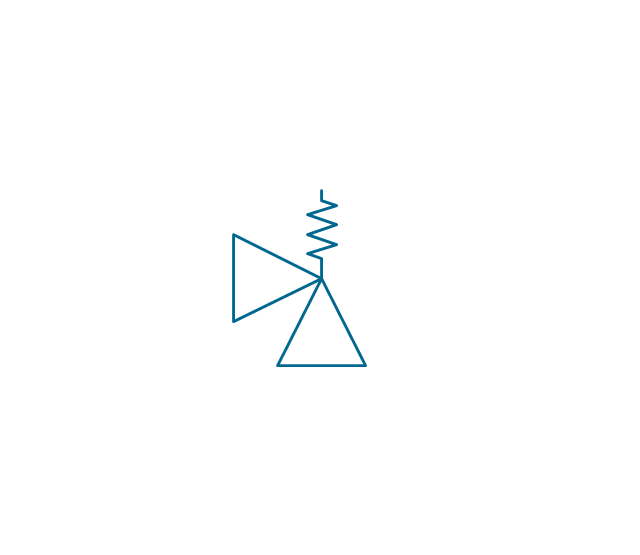
Float operated valve

Float operated valve 2

Flanged valve

Butterfly valve

Butterfly valve 2

Wedge gate valve
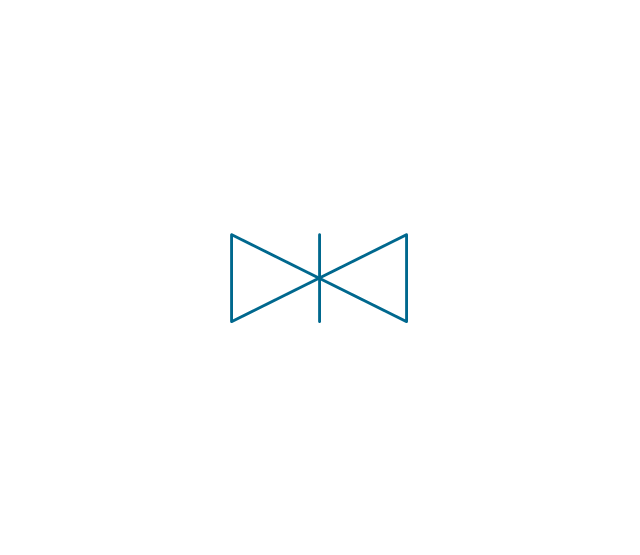
Parallel slide valve
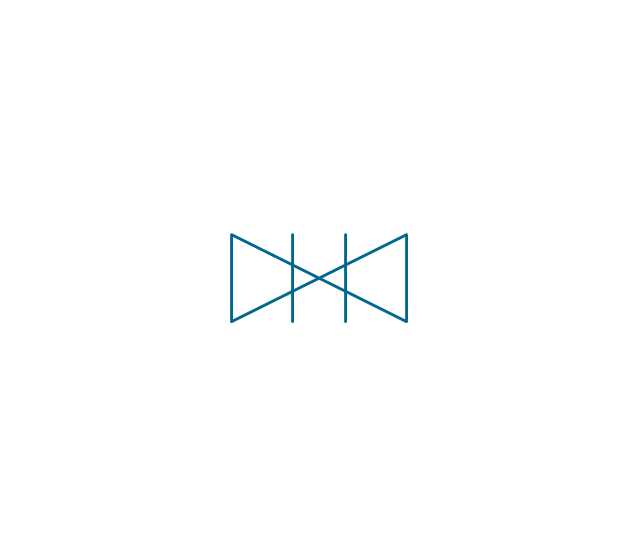
Ball valve

Ball valve 2

Ball valve 3
Relief angle valve vacuum
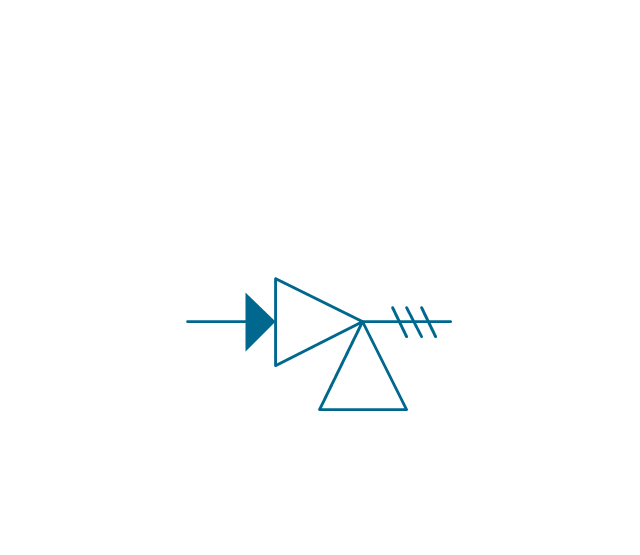
Relief angle valve pressure
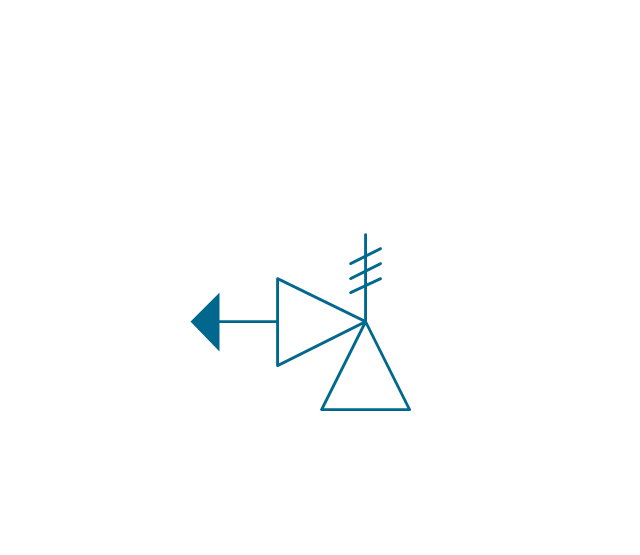
Reducing valve
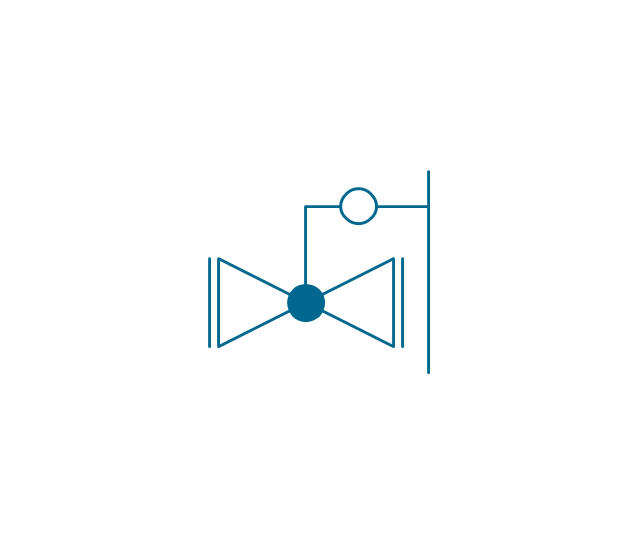
Reducing valve 2

Plug valve 3 way
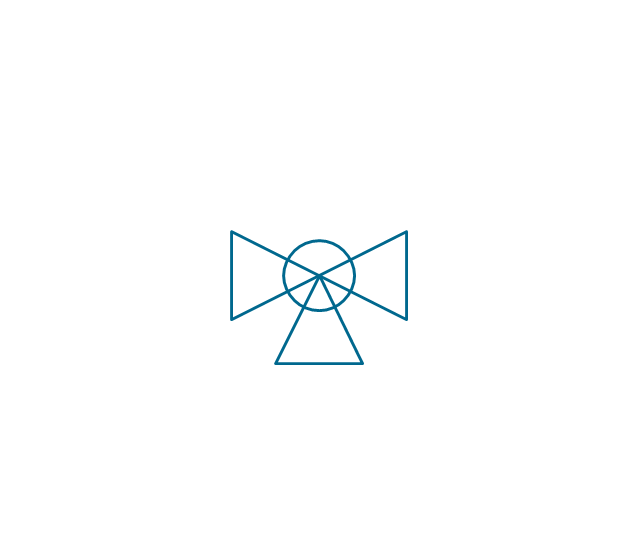
Plug valve L point

Plug valve 2

Plug valve
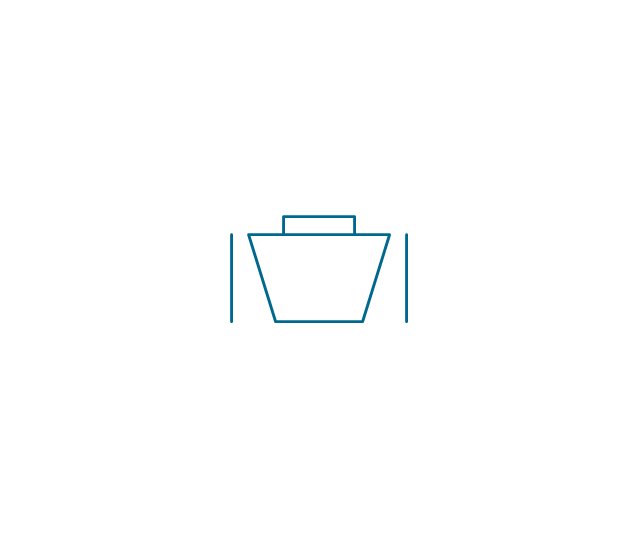
Plug valve straight through
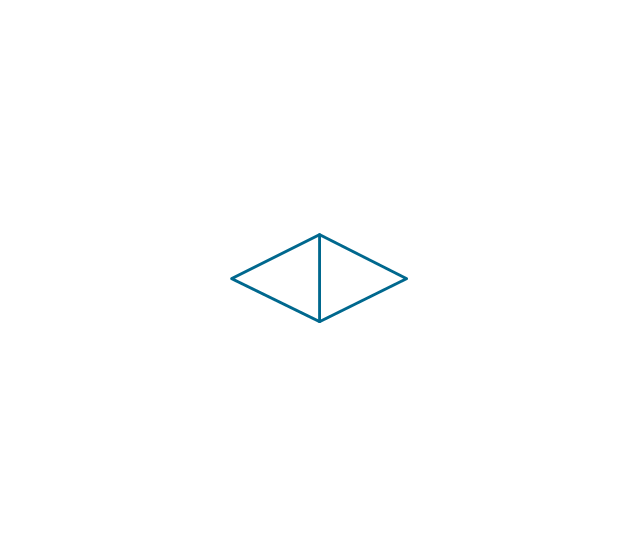
Plug valve T point

3-way plug valve

3-way plug valve 2
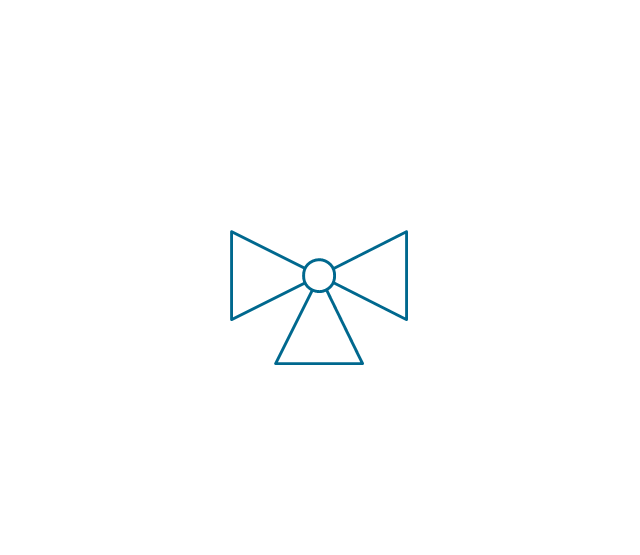
3-way plug valve 3
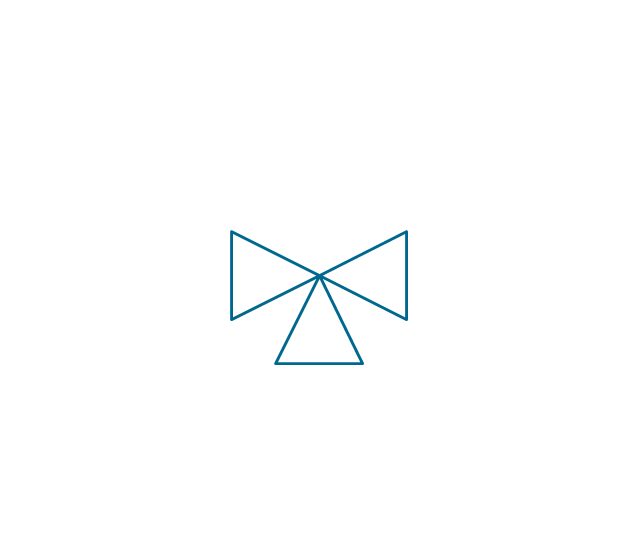
Mixing valve
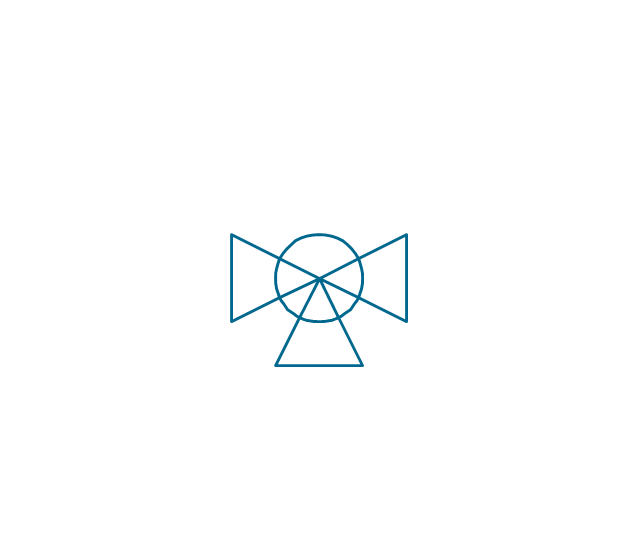
Valve Manifold
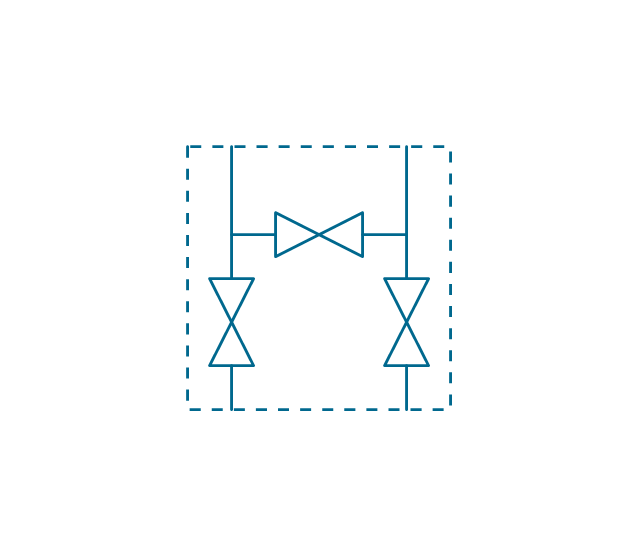
Characterized port valve
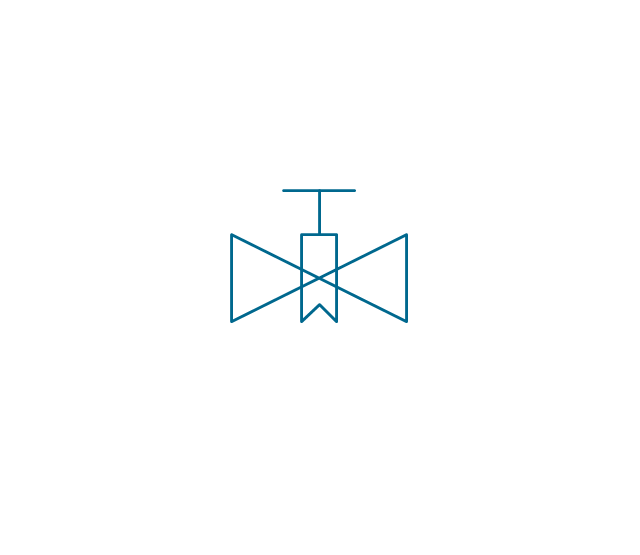
Reducer

Reducer 2

General joint

Butt weld

Butt weld 2

Butt weld 3

Butt weld 4

Flanged/ bolted

Soldered / solvent

Soldered / solvent 2

Screwed joint

Screwed joint 2

Screwed joint 3

Socket and spigot

Socket and spigot 2

Socket and spigot 3

Sleeve

Sleeve 2
Screwed sleeve

Screwed sleeve 2

Socket weld
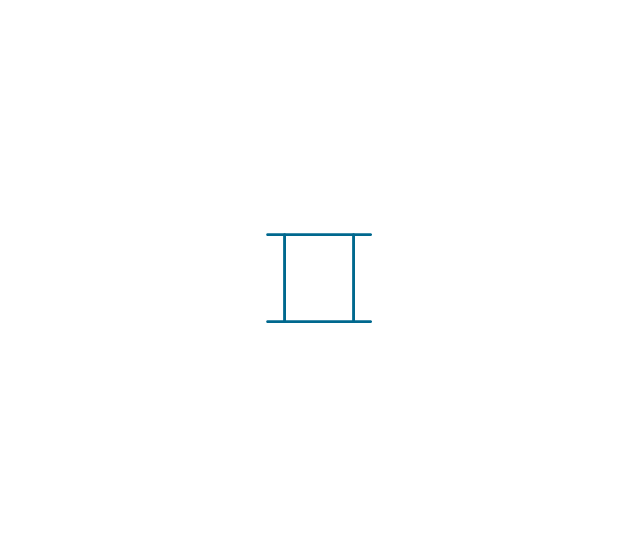
Socket weld 2

Swivel joint

Swivel joint 2

Swivel joint 3

End cap

End cap butt welded

End cap screwed
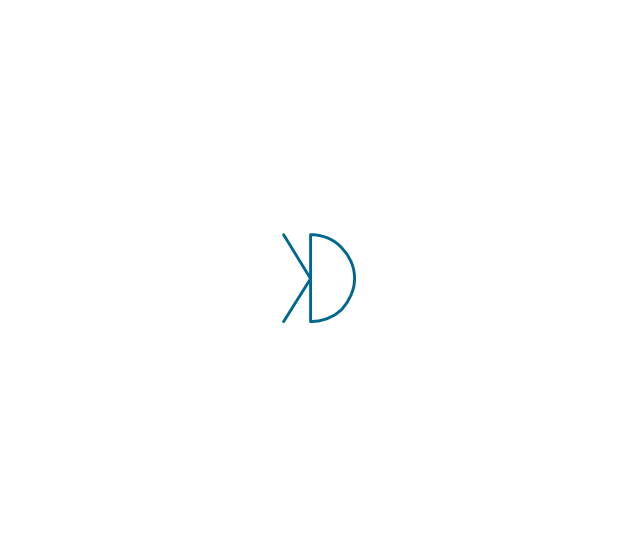
End cap socket and spigot

End cap fillet welded

End cap screwed and plugged

End cap quick release

End cap flanged and bolted

End cap flanged and bolted 2

Electrically insulated
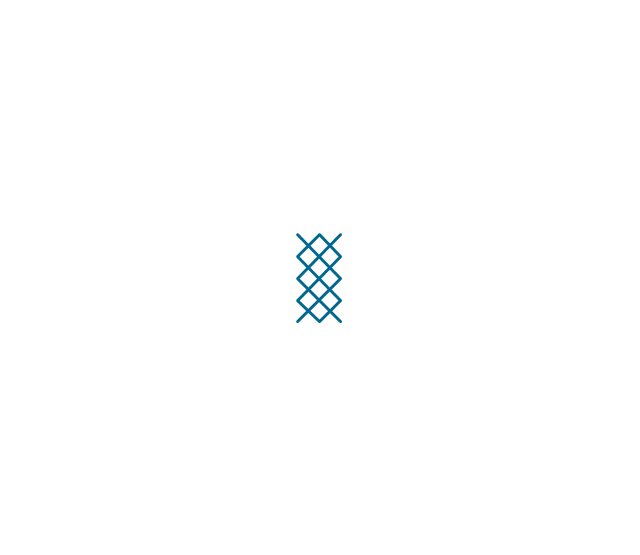
Tundish

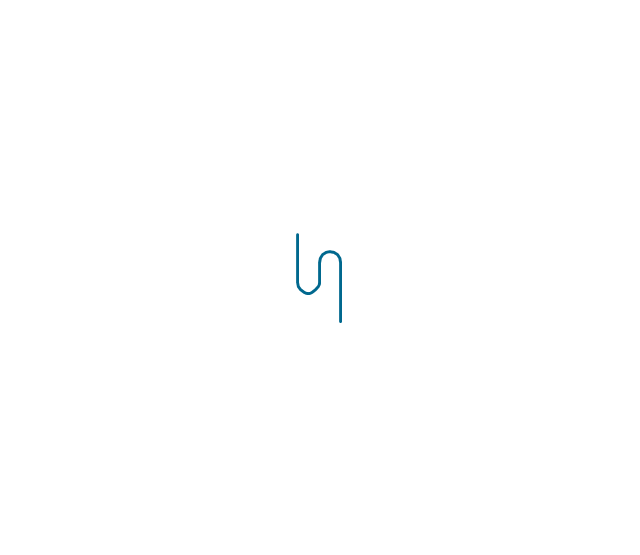
Syphon drain
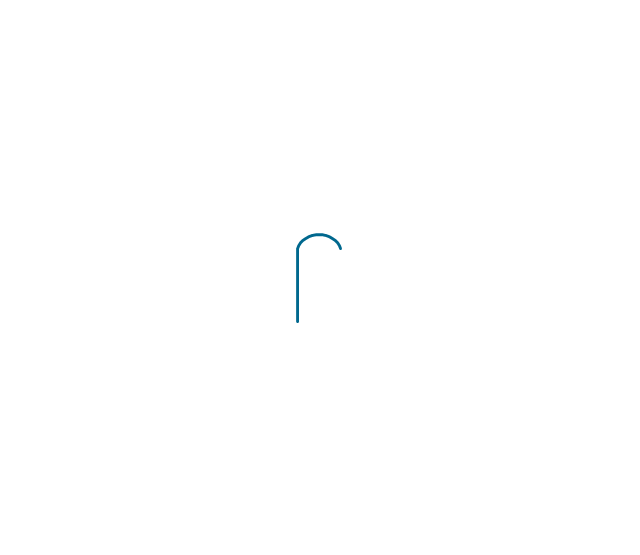
Open vent
The vector stencils library "MS Windows Vista user interface" contains 76 MS Windows Vista design elements.
Use it for designing Microsoft ribbon graphic user interface (GUI) of software for computers with MS Windows Vista OS in the ConceptDraw PRO diagramming and vector drawing software extended with the Graphic User Interface solution from the Software Development area of ConceptDraw Solution Park.
Use it for designing Microsoft ribbon graphic user interface (GUI) of software for computers with MS Windows Vista OS in the ConceptDraw PRO diagramming and vector drawing software extended with the Graphic User Interface solution from the Software Development area of ConceptDraw Solution Park.
Window
Dialog Window
Empty Window
Field
Horizontal Scrollbar
Vertical Scrollbar
Window Buttons
Window Buttons
Window Button 1
Window Button 2
Window Button 3
Window Button 4
Navigation
Menu Bar
Gradient Menu Bar
Drop-down Menu
Button
Toolbar Pannel
Tool Button
Primary Toolbar
Toolbar 1
Toolbar 2
Customizable Tollbar
Tab View
List View
Text Field
Vertical Separator
Horizontal Separator
Group Box
Text Label
Link
Line Edit
Search
Search with Button
Spin Box
Combo-box
Editable Combo-box
Editable List Box
List Box
Single-selection List
Multiple-selection List
Check Box
Radio Button
Check box group
Radio Buttons Group
Progress Bar
Modal Progress Bar
Vertical Slider with Ticks
Horizontal Slider with Ticks
Dial
Catalogue Tree
Tree View 1
Tree View 2
Vertical Spacer
Horizontal Spacer
Chevron 1
Arrow 1
Arrow 2
Plus/Minus Control
Rotating Triangle
Chevron 3
Chevron 2
Normal Select Cursor
Link Select Cursor
Text Select Cursor
Working in Background Pointer
Busy Pointer
Unavailable Cursor
Precision Select Cursor
Error Icon
Warning Icon
Information Icon
Question Mark Icon
Balloon
Tooltip/Infotip
Calendar
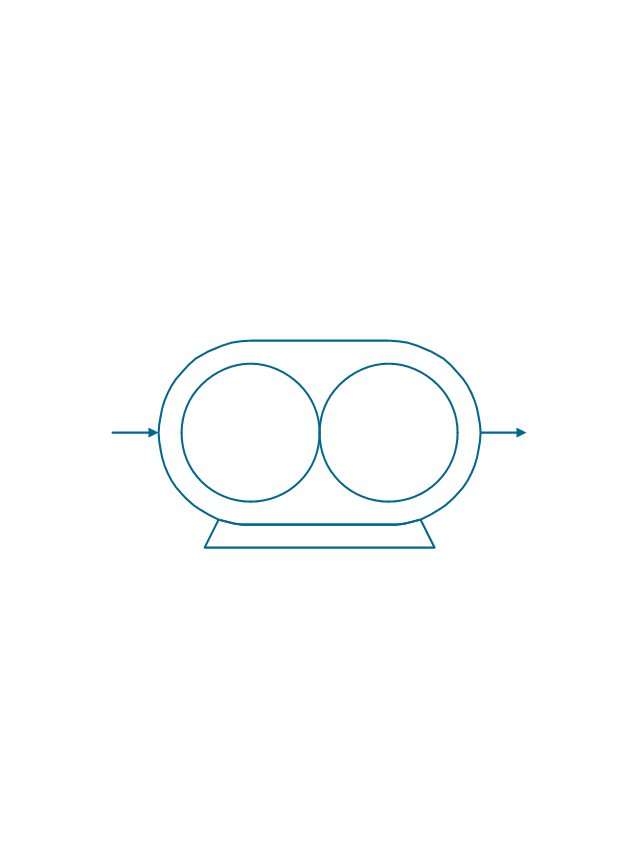
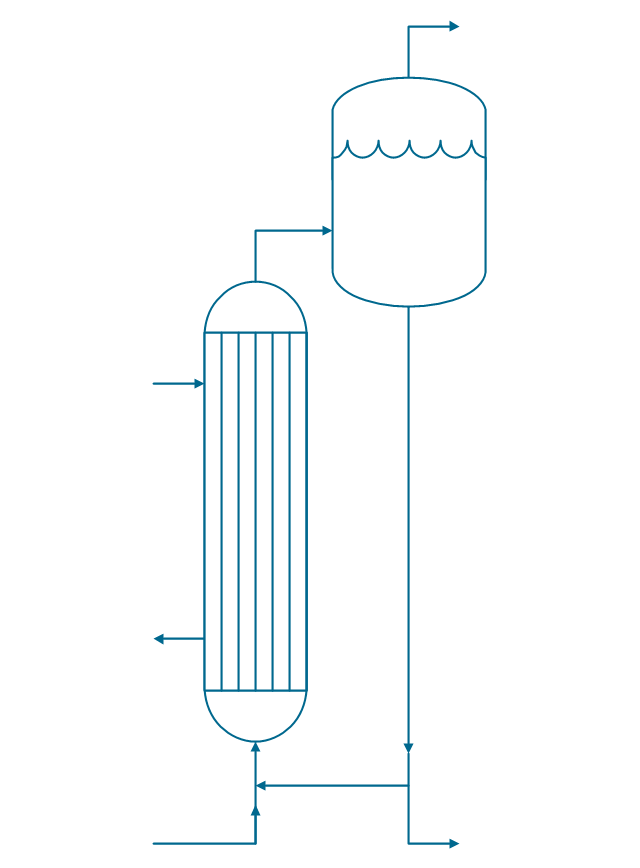
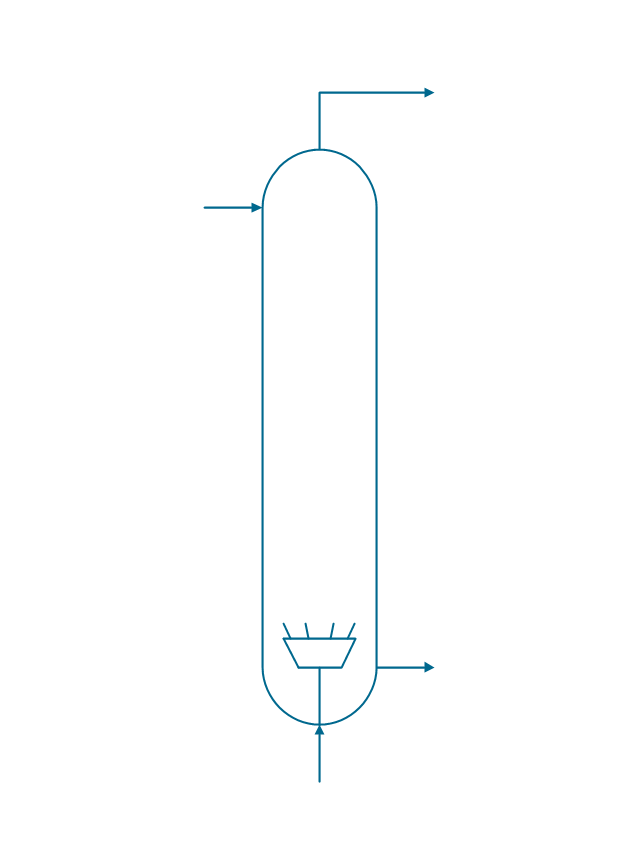
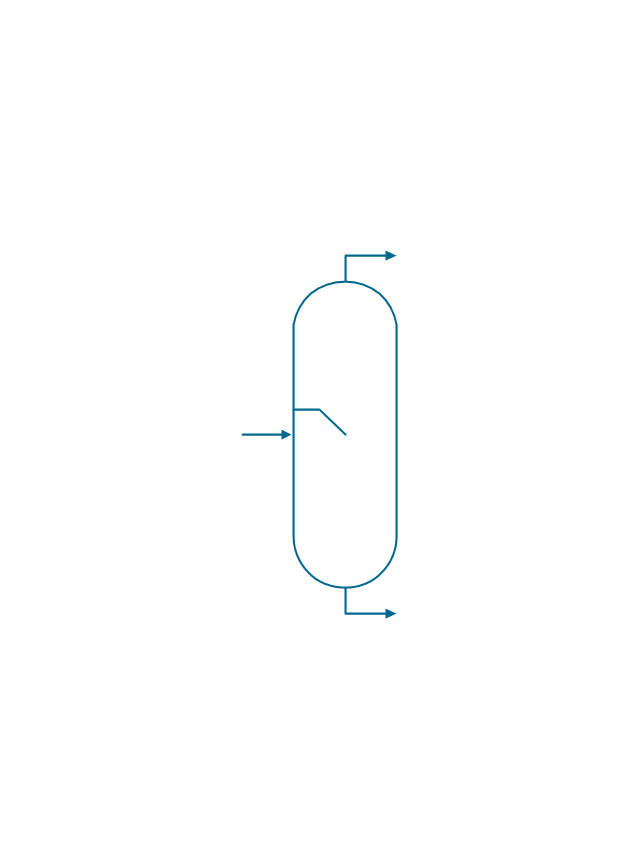
The vector stencils library "Chemical engineering" contains 24 symbols of chemical and process engineering equipment.
Use these shapes for drawing Process Flow Diagrams (PFD), Piping and Instrumentation Diagrams (P&ID), and Water Flow Diagrams in the ConceptDraw PRO software extended with the Chemical and Process Engineering solution from the Chemical and Process Engineering area of ConceptDraw Solution Park.
www.conceptdraw.com/ solution-park/ engineering-chemical-process
Use these shapes for drawing Process Flow Diagrams (PFD), Piping and Instrumentation Diagrams (P&ID), and Water Flow Diagrams in the ConceptDraw PRO software extended with the Chemical and Process Engineering solution from the Chemical and Process Engineering area of ConceptDraw Solution Park.
www.conceptdraw.com/ solution-park/ engineering-chemical-process
Clarifier
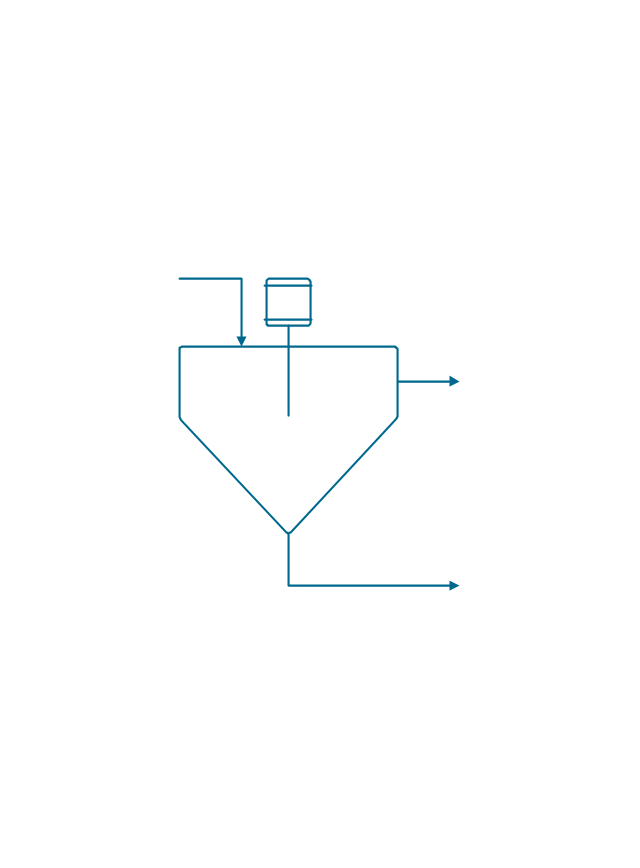
Screen
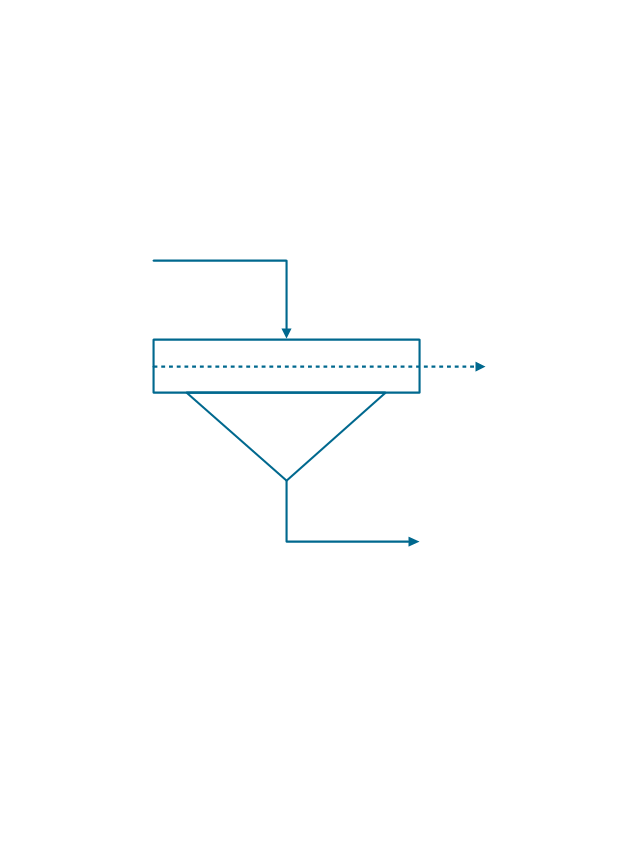
Filter
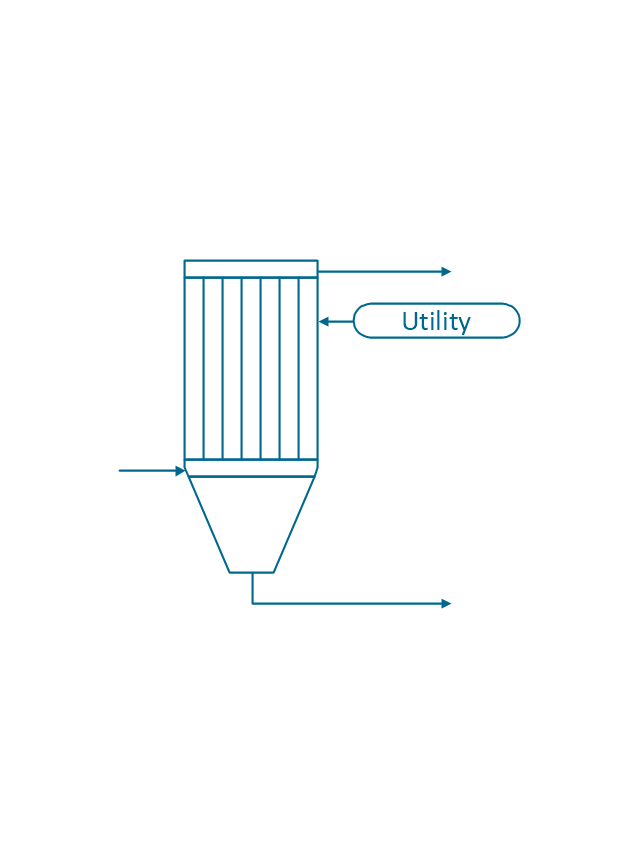
Agitator
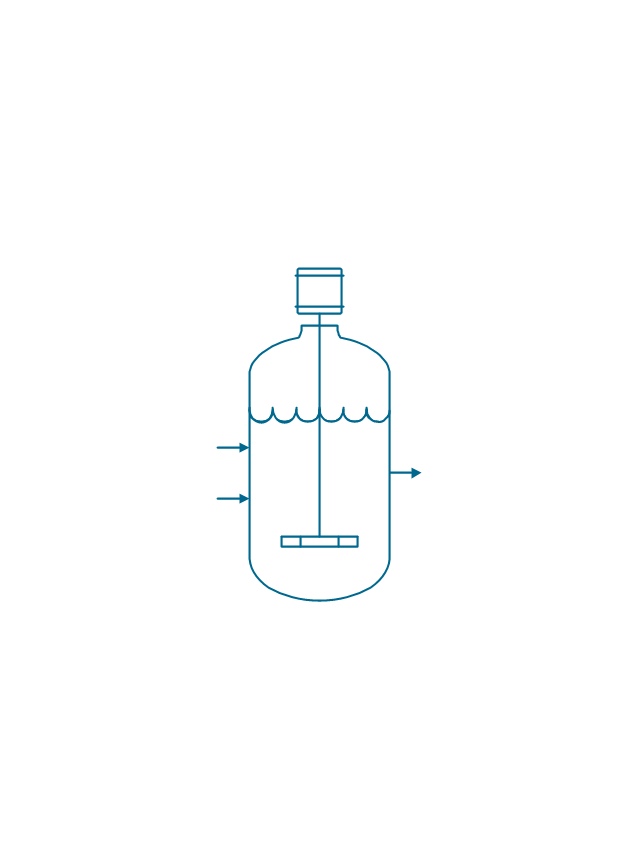
Vapor 1
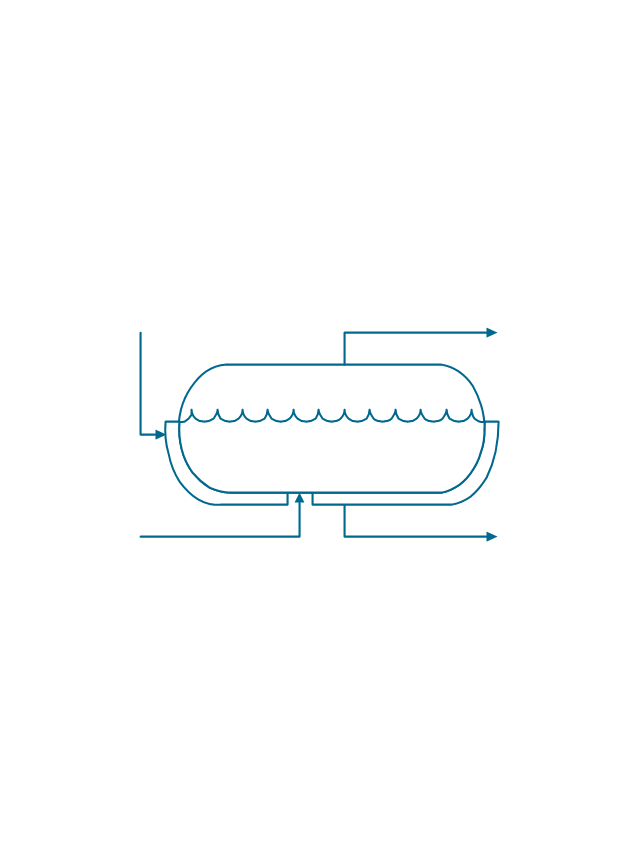
Vapor 2
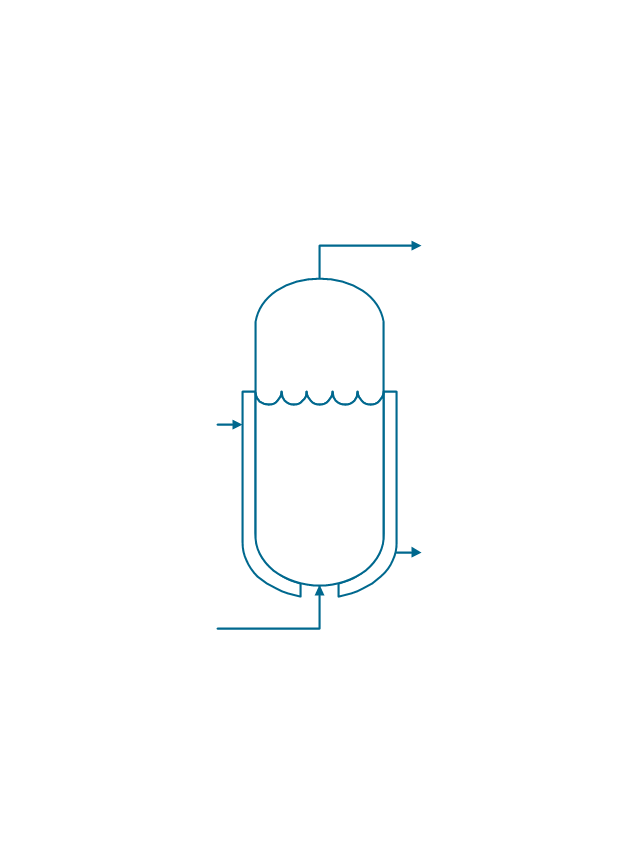
Vessel

Pump mixer
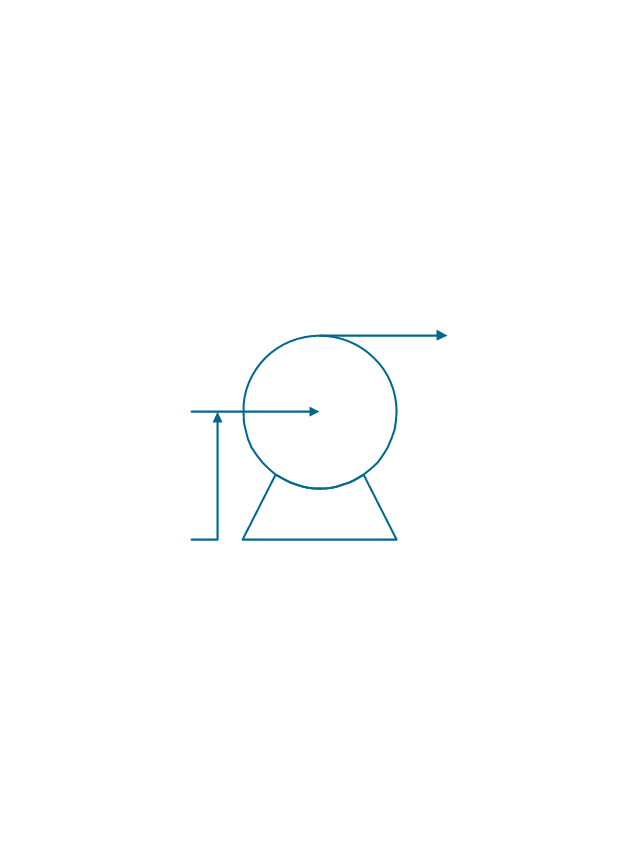
Centrifugal pump
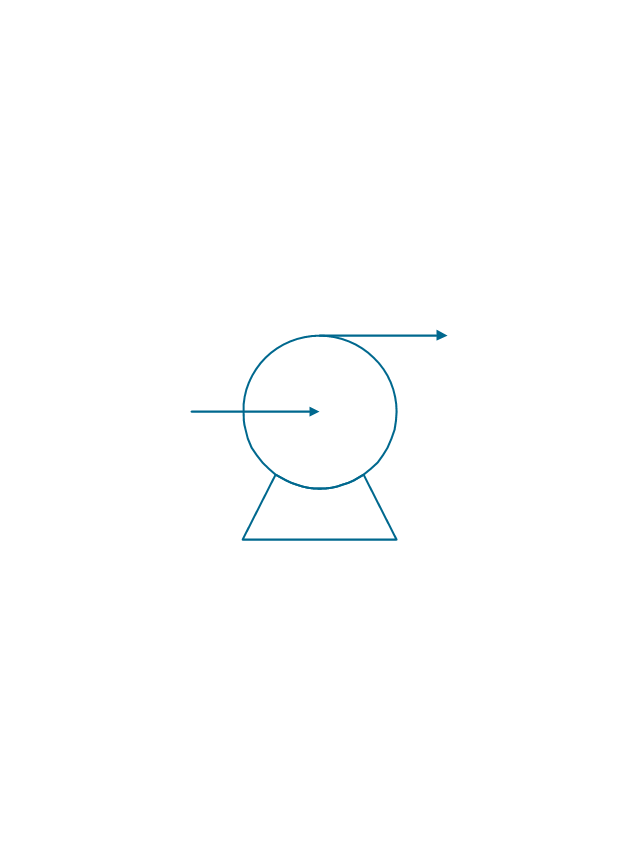
Fan
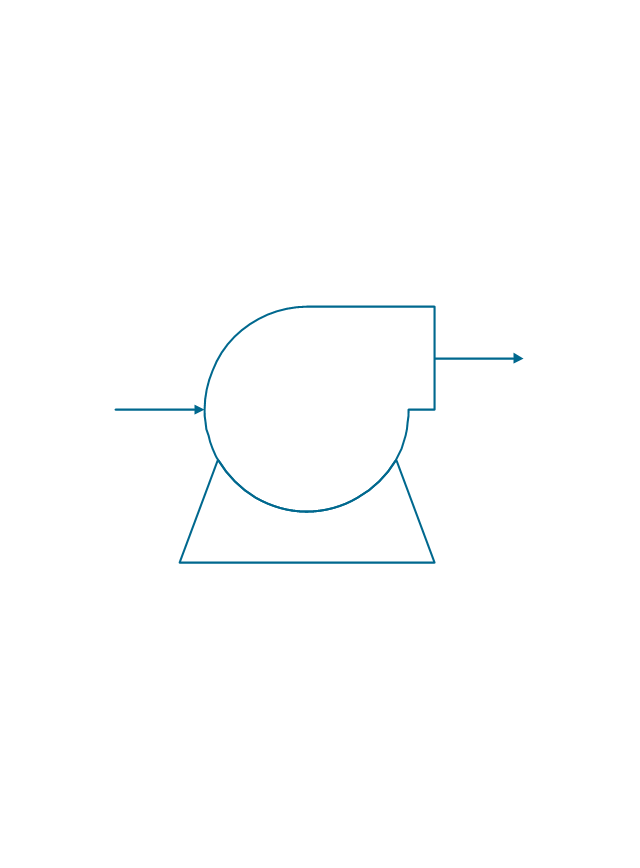
Blower
Evaporator
Tower
Flash drum
Roll press
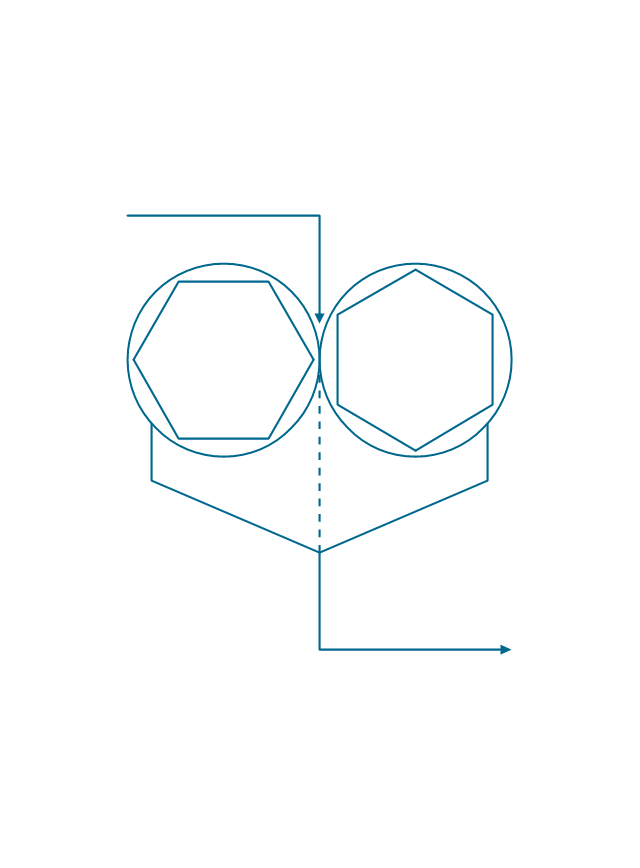
Cooling tower
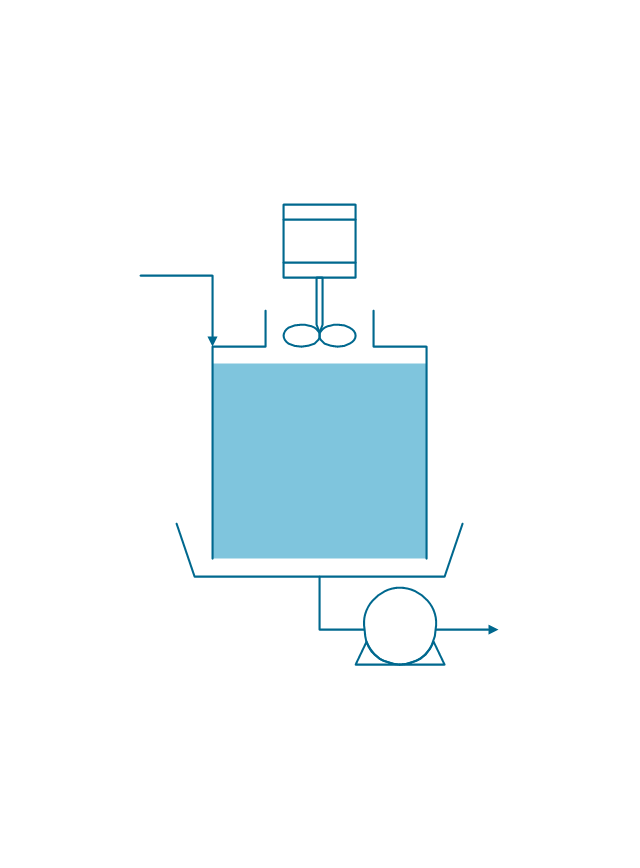
Tank car

Tank truck

Kettle
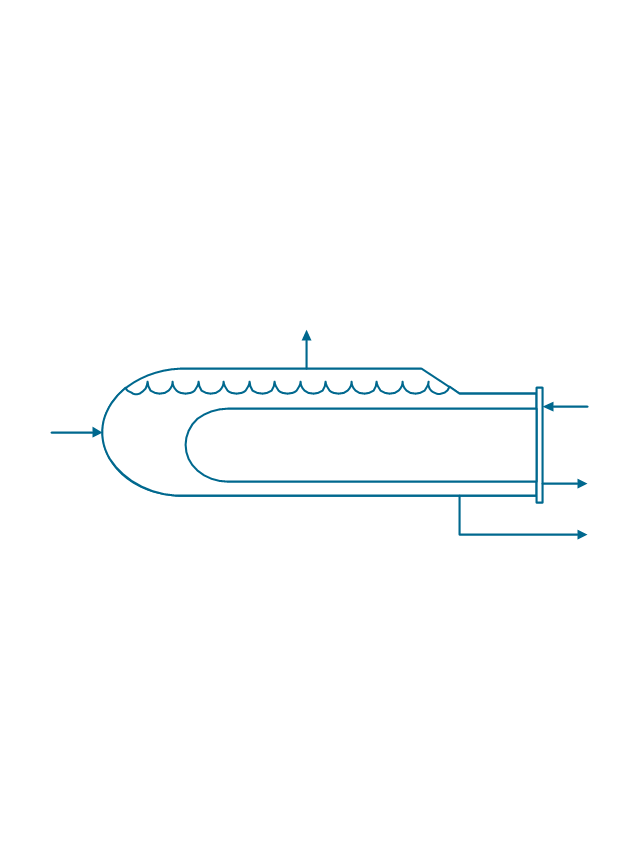
Valve
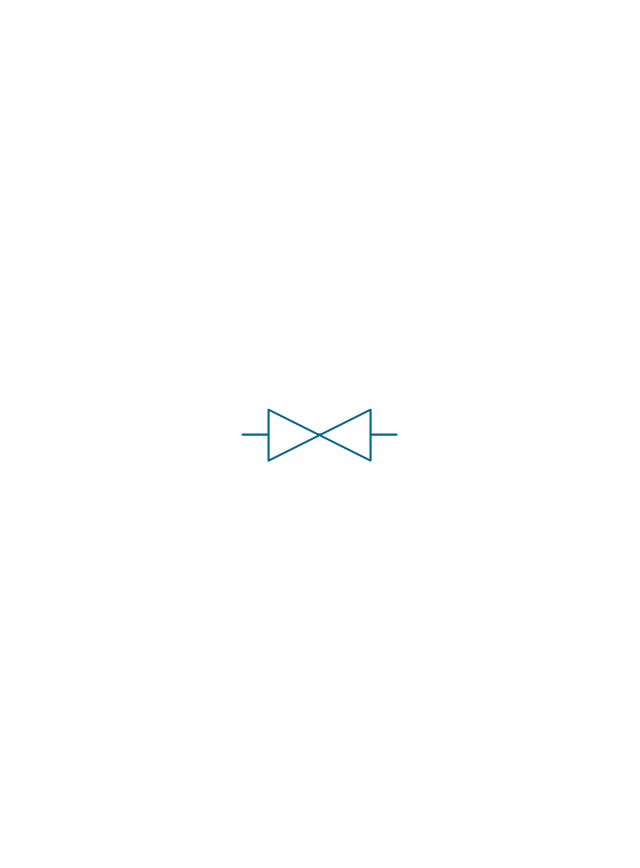
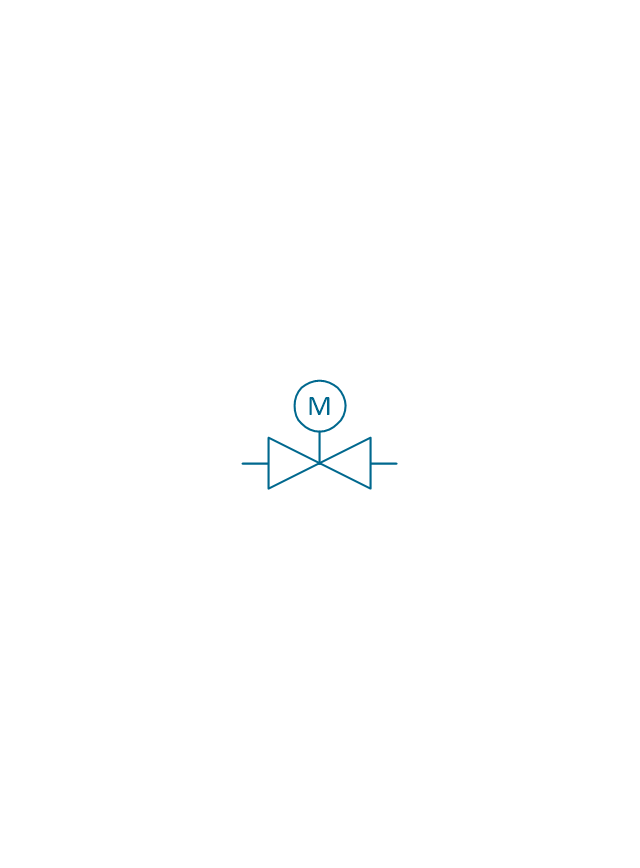
Motor valve
Venturi

Propeller
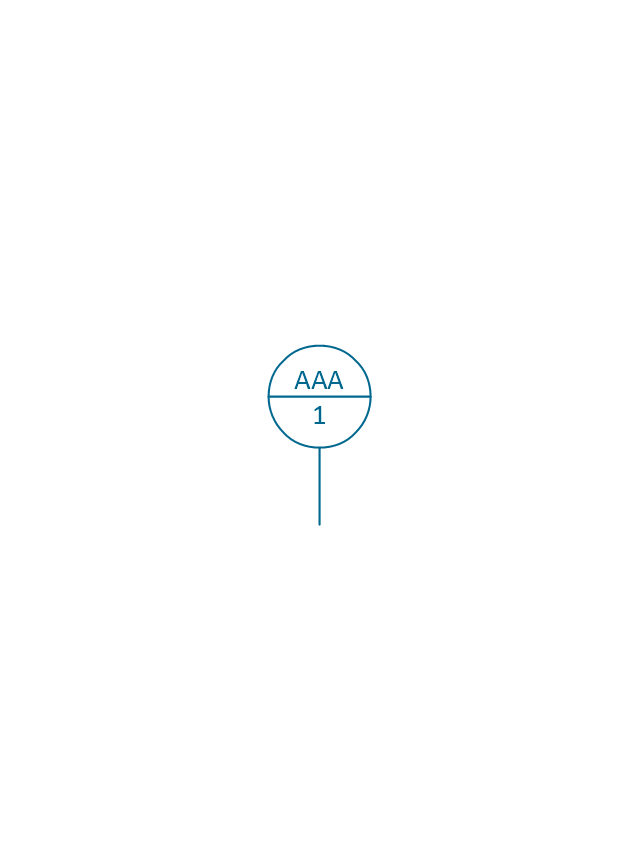
Instrument
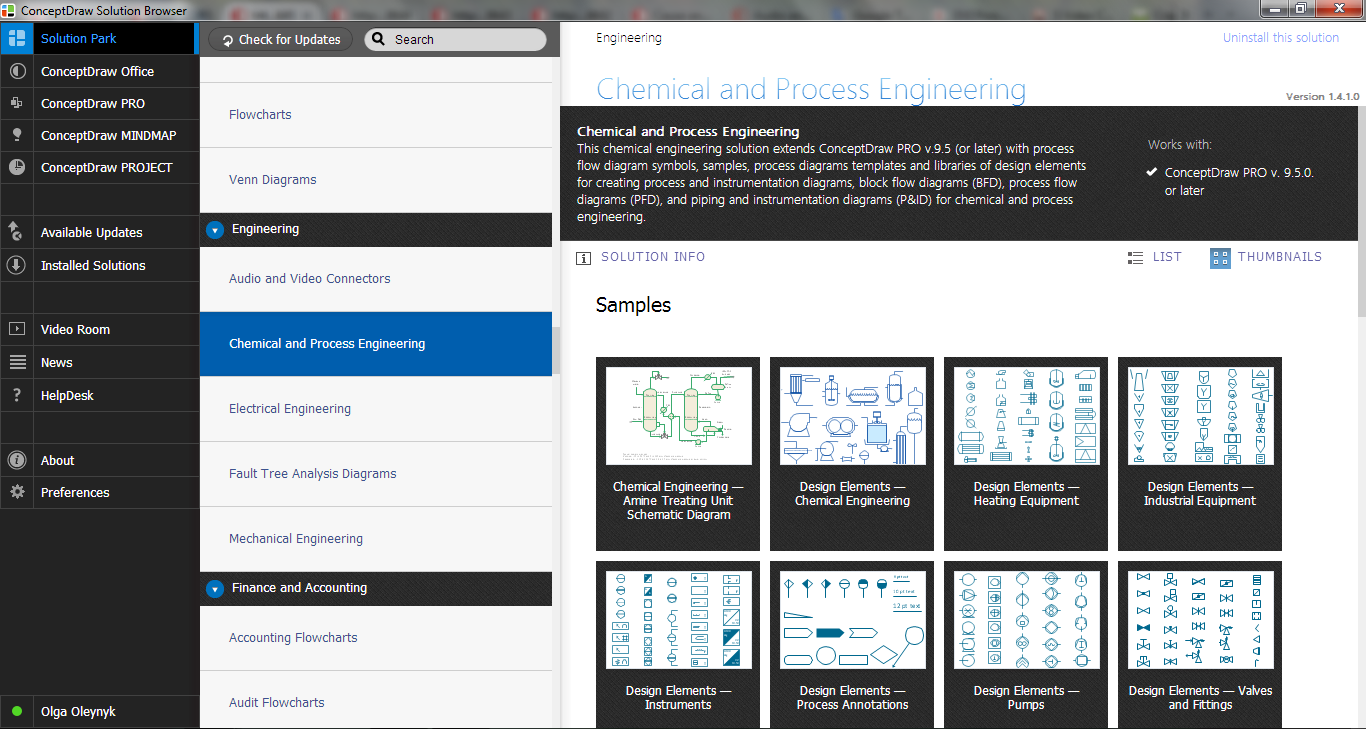
Process Flow Diagram Symbols
The vector stencils library "Window elements" contains 24 window elements: frames, boxes and buttons.
Use it to design graphic user interface (GUI) of your Windows 8 software application.
"A window is a graphical control element. It consists of a visual area containing some of the graphical user interface of the program it belongs to and is framed by a window decoration. It usually has a rectangular shape that can overlap with the area of other windows. It displays the output of and may allow input to one or more processes.
Windows are primarily associated with graphical displays, where they can be manipulated with a pointer by employing some kind of pointing device.
A graphical user interface (GUI) using windows as one of its main "metaphors" is called a windowing system, whose main components are the display server and the window manager." [Window (computing). Wikipedia]
The design elements example "Window elements - Vector stencils library" was created using the ConceptDraw PRO diagramming and vector drawing software extended with the Windows 8 User Interface solution from the Software Development area of ConceptDraw Solution Park.
Use it to design graphic user interface (GUI) of your Windows 8 software application.
"A window is a graphical control element. It consists of a visual area containing some of the graphical user interface of the program it belongs to and is framed by a window decoration. It usually has a rectangular shape that can overlap with the area of other windows. It displays the output of and may allow input to one or more processes.
Windows are primarily associated with graphical displays, where they can be manipulated with a pointer by employing some kind of pointing device.
A graphical user interface (GUI) using windows as one of its main "metaphors" is called a windowing system, whose main components are the display server and the window manager." [Window (computing). Wikipedia]
The design elements example "Window elements - Vector stencils library" was created using the ConceptDraw PRO diagramming and vector drawing software extended with the Windows 8 User Interface solution from the Software Development area of ConceptDraw Solution Park.
Window frame
Dialog box
Window with command area
Command area
Close window button
Minimize window button
Restore window button
Maximize window button
Minimize window button - hover
Restore window button - hover
Maximize window button - hover
Window resize handle
Vertical separator
Horizontal separator
Back button
Forward button
Forward
Back
Warning icon
Error icon
Information icon
Question mark icon
Refresh icon
Up control
- Menu Separator Line
- Line Bar Separator Image
- Line Separator Graphics
- Line Separator Png
- Separator Line Vertical Png
- Vertical Separator Lines Png
- Vertical Line Separator Vector Png
- Vertical Line Separator Images
- Design Line Separator
- Cross-Functional Flowchart | Web Page Separator Line
- Vertical Separator Line
- Grey Separator Line
- Menu Separator Bar
- Vertical Separator Line Icon
- MS Windows Vista user interface - Vector stencils library | MS ...
- Line Separator Image Vertical
- Image Line Separator
- Ribbon interface - Vector stencils library | Wireframe - Vector stencils ...
- Basic Line Graphs | GHS Hazard Pictograms | Arrows - Vector clipart ...
- Wireframe - Vector stencils library | Wireframe - Vector stencils ...


