Subway infographic design elements - software tools

Infographic design elements, software tools Subway and Metro style

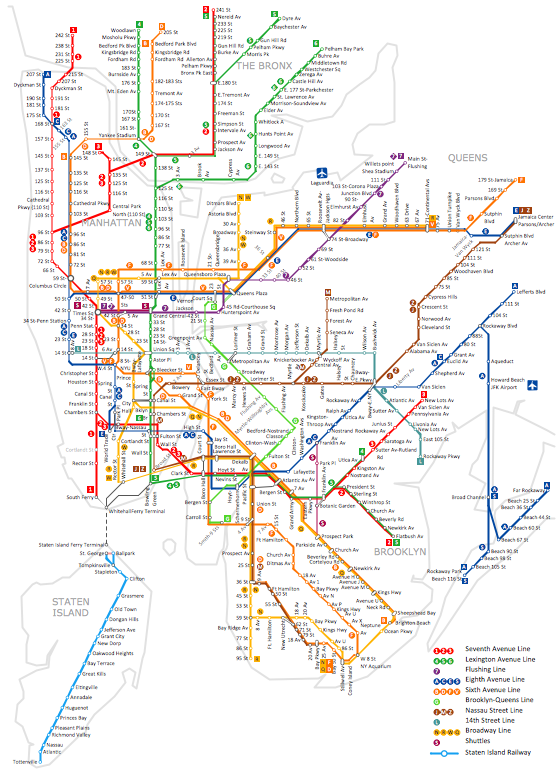
Infographic software: the sample of New York City Subway map
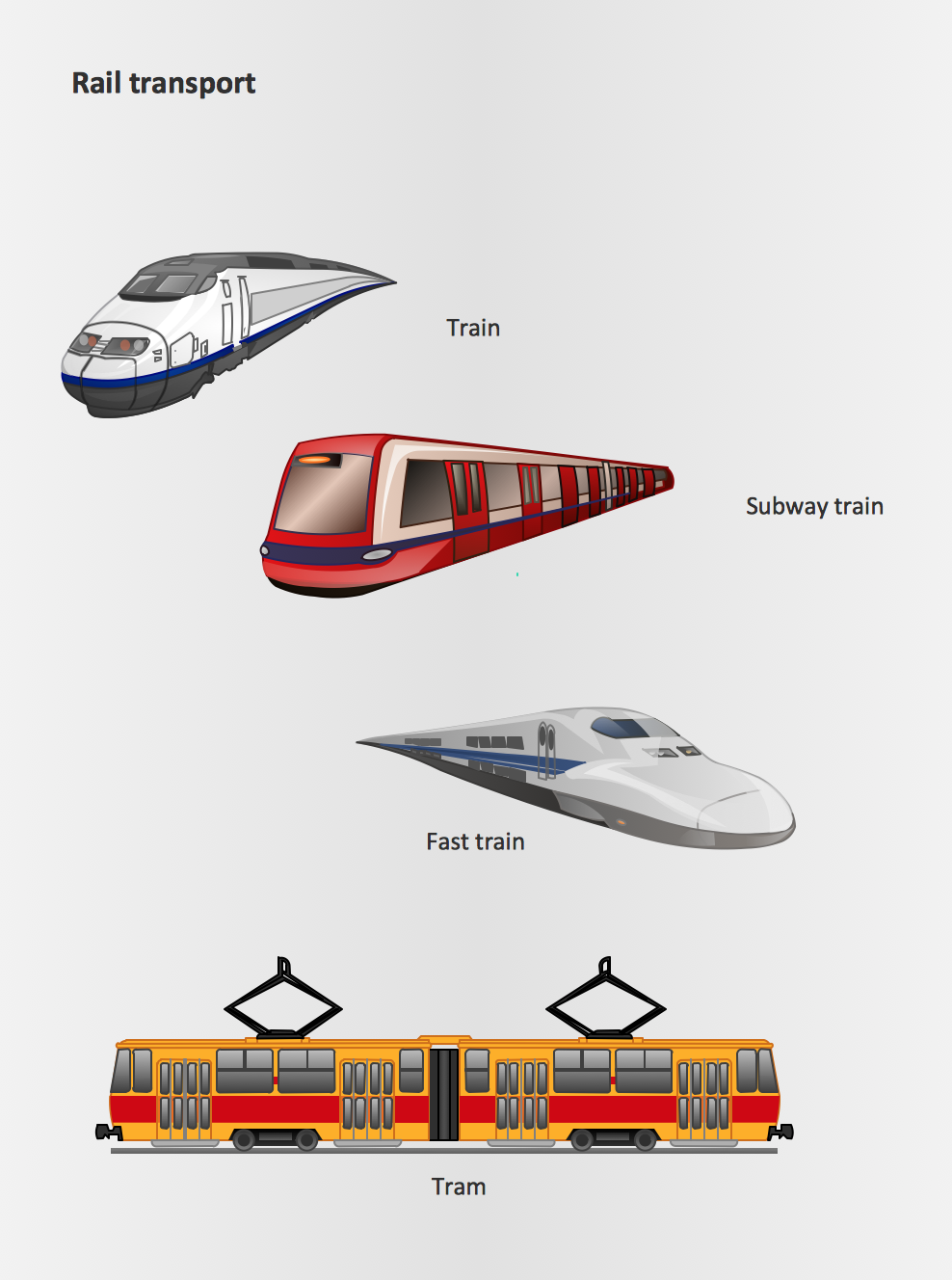
Rail transport - Design elements
How to draw Metro Map style infographics? (Moscow)
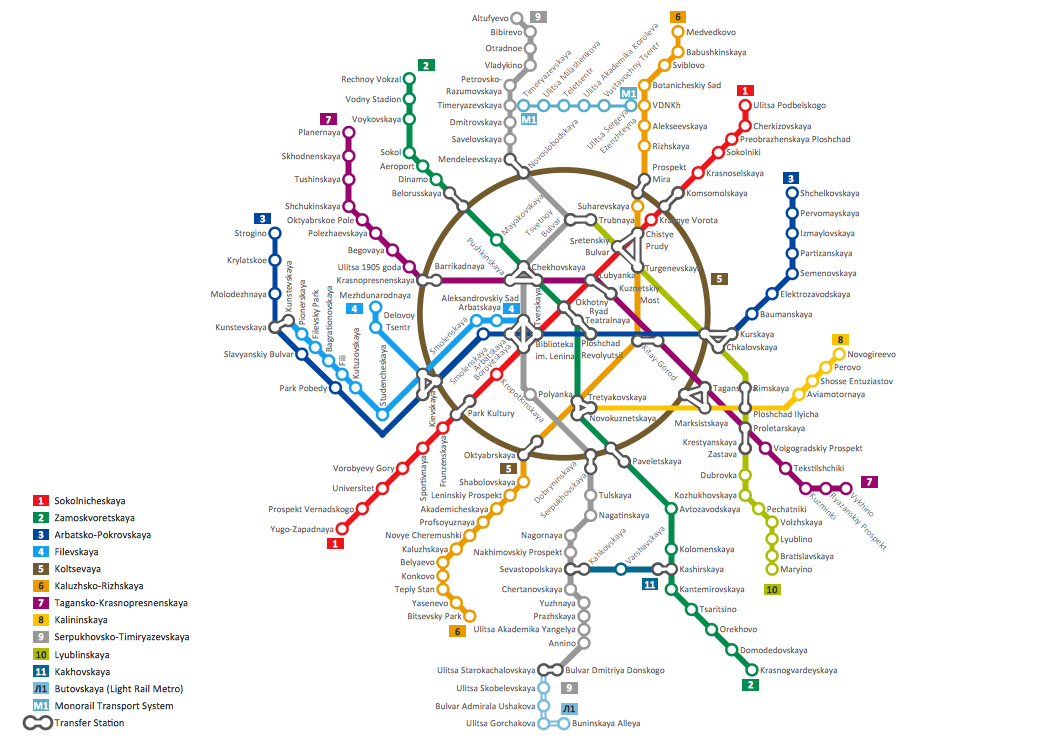
Metro Map
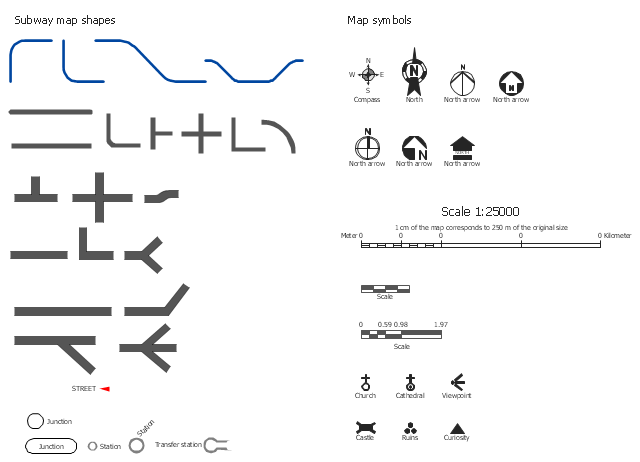
The vector stencils library Map symbols contains 19 icons for labeling the maps using the ConceptDraw PRO diagramming and vector drawing software.
The vector stencils library Subway map contains 41 shapes for creating the subway (tube, metro) maps using the ConceptDraw PRO.
"The various features shown on a map are represented by conventional signs or symbols. For example, colors can be used to indicate a classification of roads. Those signs are usually explained in the margin of the map, or on a separately published characteristic sheet.
Some cartographers prefer to make the map cover practically the entire screen or sheet of paper, leaving no room "outside" the map for information about the map as a whole. These cartographers typically place such information in an otherwise "blank" region "inside" the map -- cartouche, map legend, title, compass rose, bar scale, etc. In particular, some maps contain smaller "sub-maps" in otherwise blank regions—often one at a much smaller scale showing the whole globe and where the whole map fits on that globe, and a few showing "regions of interest" at a larger scale in order to show details that wouldn't otherwise fit." [Map. Wikipedia]
The example "Design elements - Subway map, Map symbols" is included in the Directional Maps solution from the Maps area of ConceptDraw Solution Park.
The vector stencils library Subway map contains 41 shapes for creating the subway (tube, metro) maps using the ConceptDraw PRO.
"The various features shown on a map are represented by conventional signs or symbols. For example, colors can be used to indicate a classification of roads. Those signs are usually explained in the margin of the map, or on a separately published characteristic sheet.
Some cartographers prefer to make the map cover practically the entire screen or sheet of paper, leaving no room "outside" the map for information about the map as a whole. These cartographers typically place such information in an otherwise "blank" region "inside" the map -- cartouche, map legend, title, compass rose, bar scale, etc. In particular, some maps contain smaller "sub-maps" in otherwise blank regions—often one at a much smaller scale showing the whole globe and where the whole map fits on that globe, and a few showing "regions of interest" at a larger scale in order to show details that wouldn't otherwise fit." [Map. Wikipedia]
The example "Design elements - Subway map, Map symbols" is included in the Directional Maps solution from the Maps area of ConceptDraw Solution Park.
Map symbols
Map Infographic Design
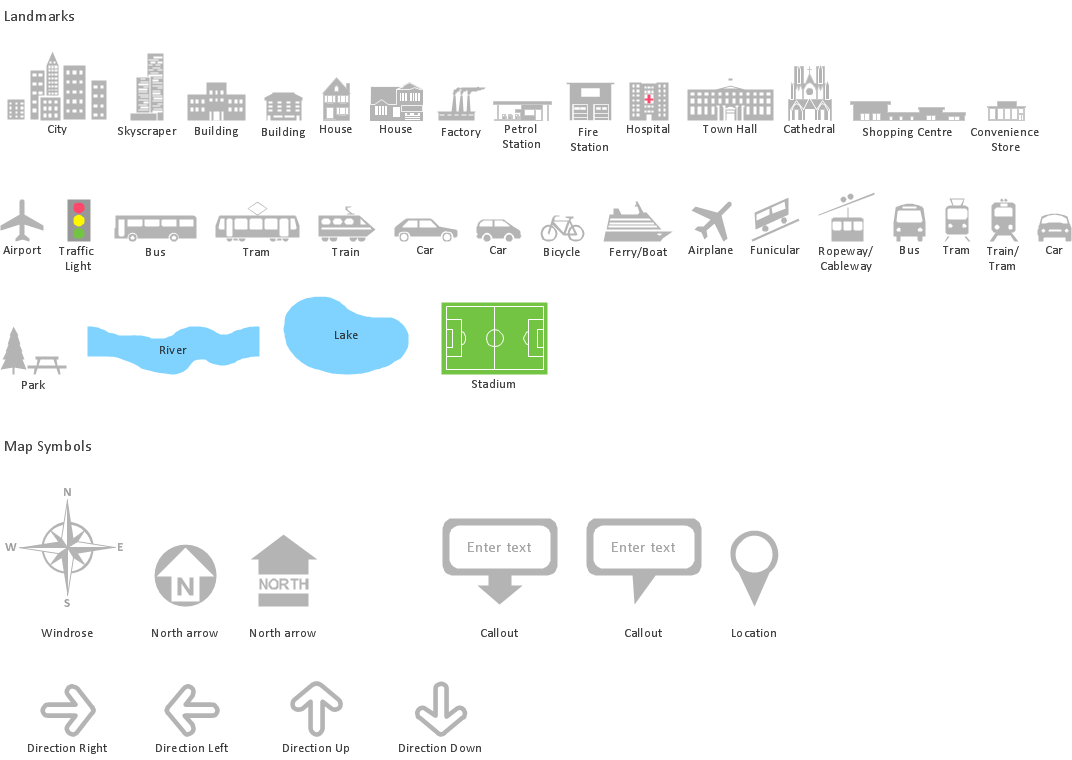
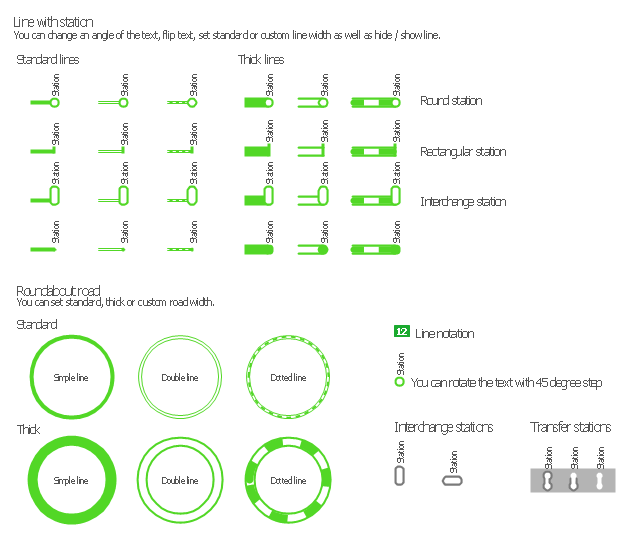
The vector stencils library "Transport maps" contains 34 shapes for designing the transportation maps, metro maps, subway maps, underground maps, tube maps using the ConceptDraw PRO diagramming and vector drawing software extended with the Metro Map solution from the Maps area of ConceptDraw Solution Park.
Metro map shapes
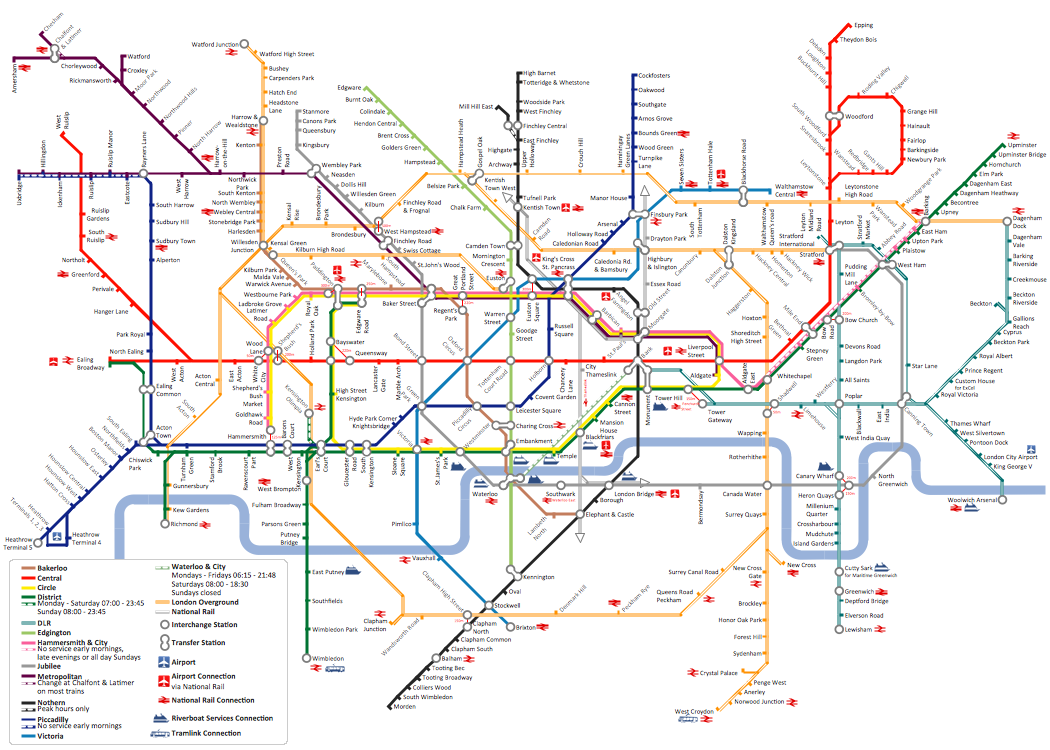
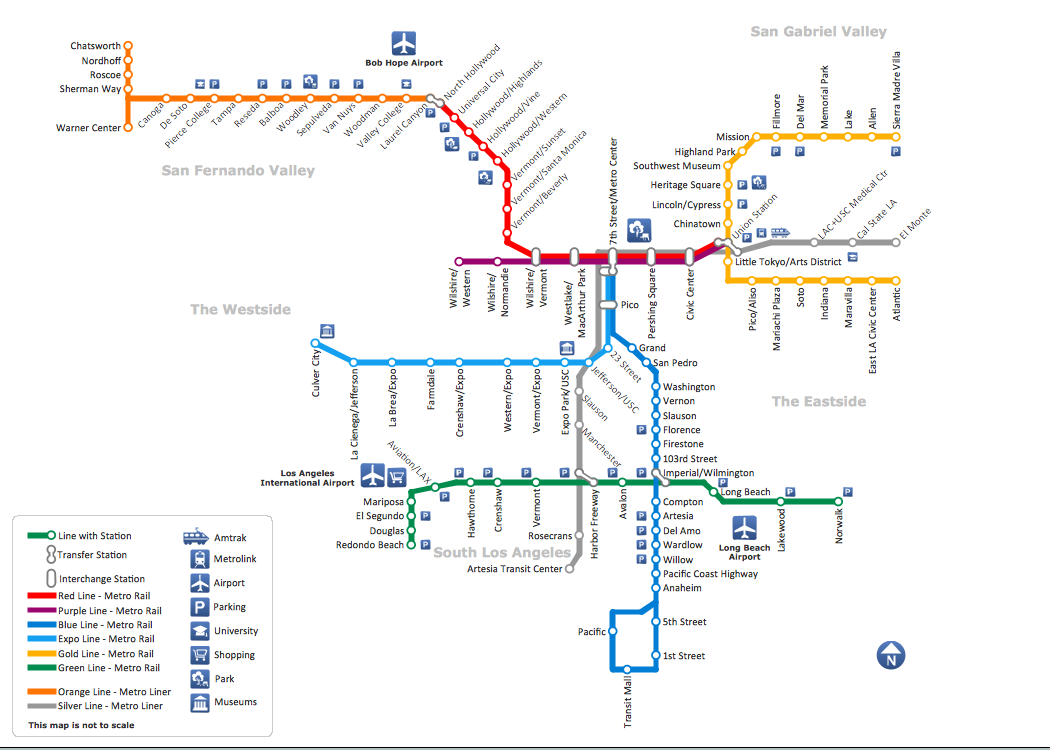
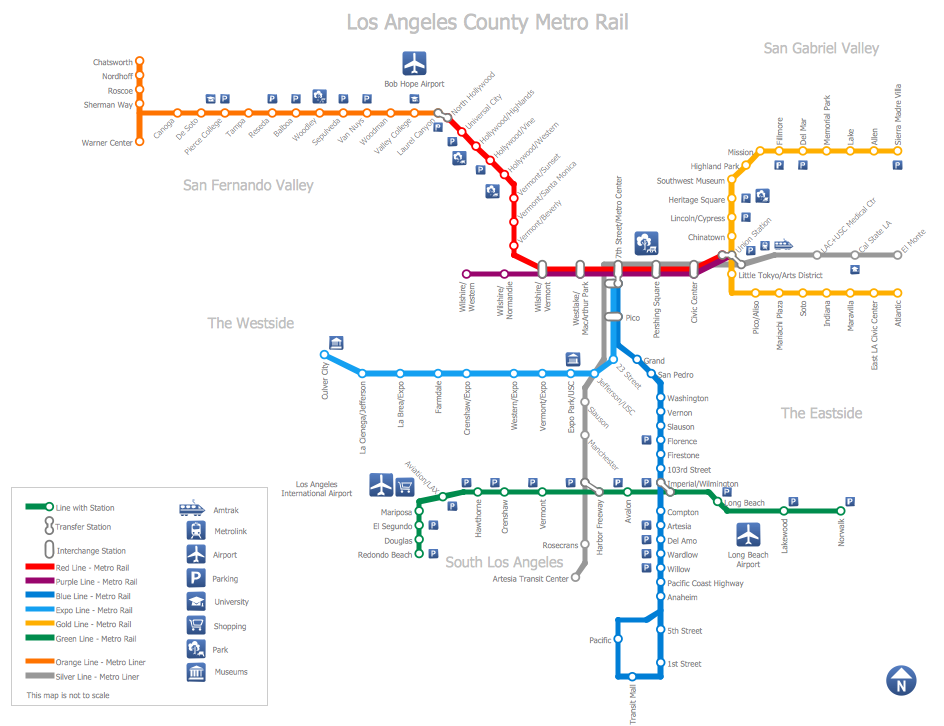
How to draw Metro Map style infographics? (Los Angeles)
How to Create a Powerful Infographic When You do not Have a Designer
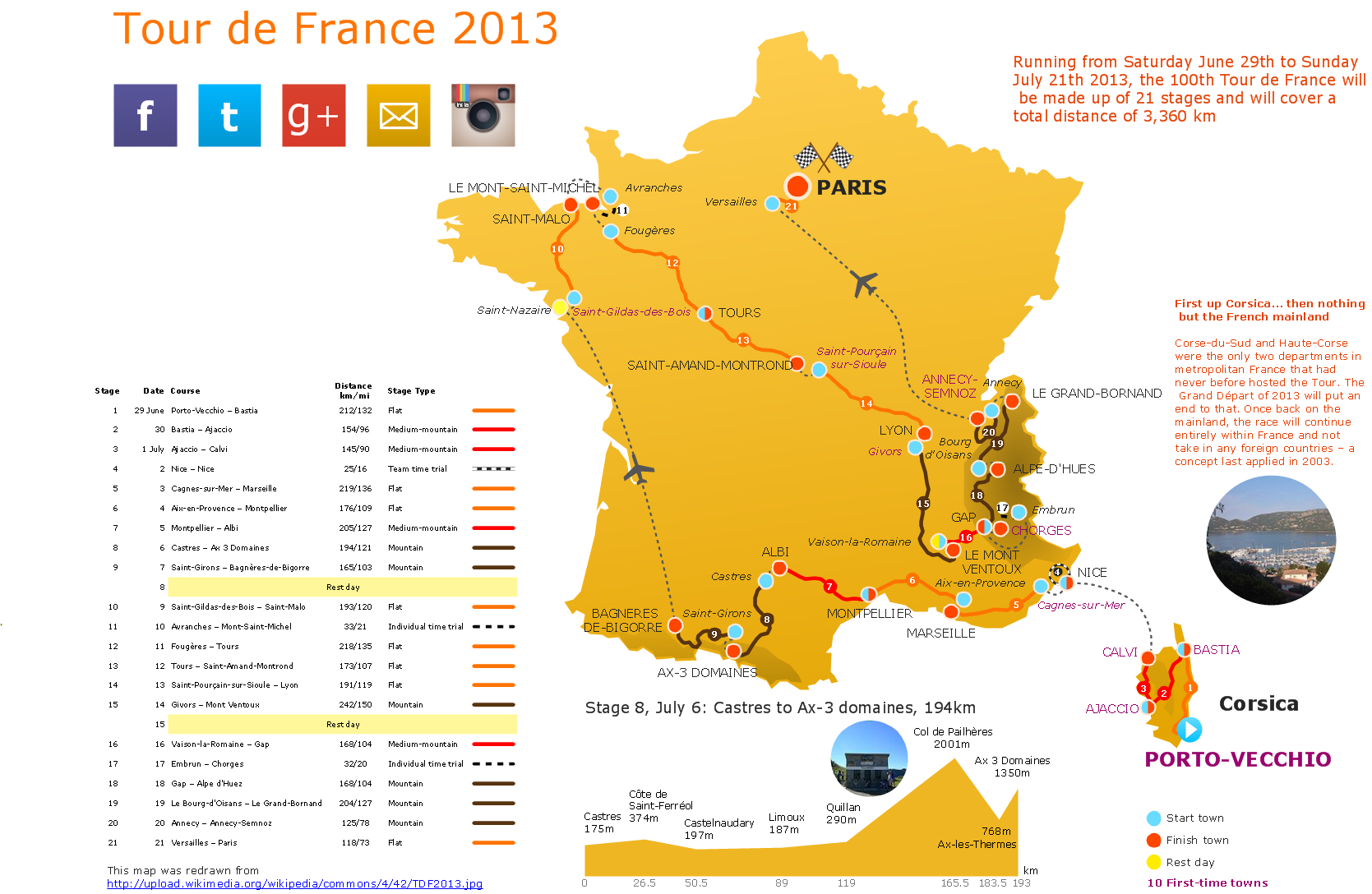
Spatial infographics Design Elements: Location Map
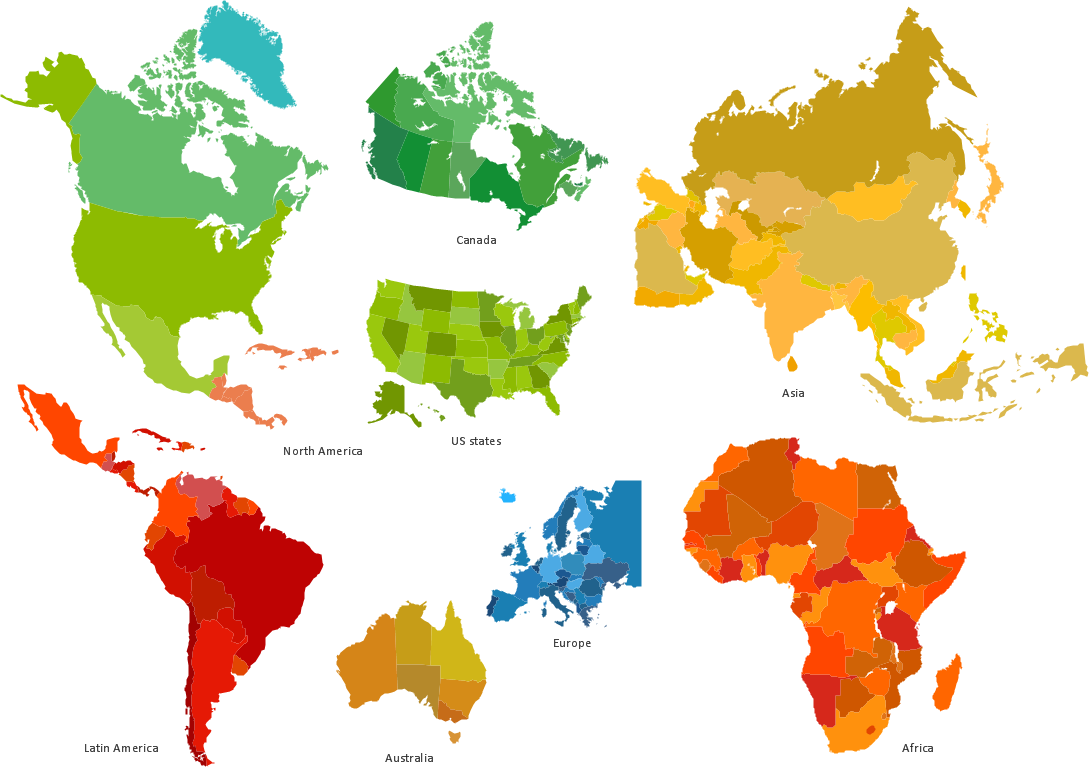
Spatial infographics Design Elements: Continental Map
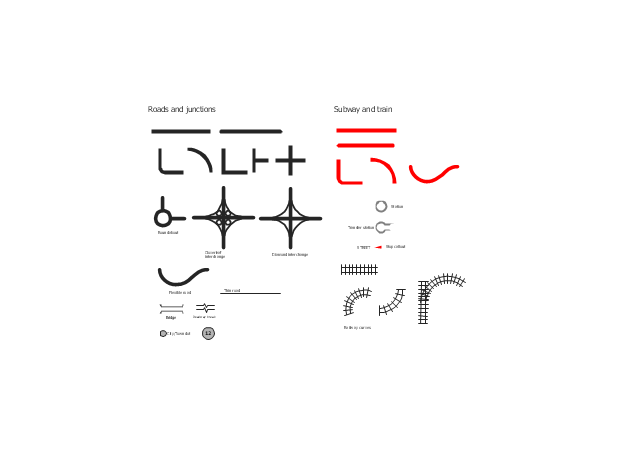
The vector stencils library "Roads and junctions" contains 38 symbols for creating the road and route maps, transit and directional maps, street and locator maps using the ConceptDraw PRO diagramming and vector drawing software.
The vector stencils library "Subway and train" contains 22 shapes for creating the transit maps of tube (metro) and railway.
"Road maps are perhaps the most widely used maps today, and form a subset of navigational maps, which also include aeronautical and nautical charts, railroad network maps, and hiking and bicycling maps." [Map. Wikipedia]
The example "Design elements - Roads and junctions, subway and train" is included in the Directional Maps solution from the Maps area of ConceptDraw Solution Park.
The vector stencils library "Subway and train" contains 22 shapes for creating the transit maps of tube (metro) and railway.
"Road maps are perhaps the most widely used maps today, and form a subset of navigational maps, which also include aeronautical and nautical charts, railroad network maps, and hiking and bicycling maps." [Map. Wikipedia]
The example "Design elements - Roads and junctions, subway and train" is included in the Directional Maps solution from the Maps area of ConceptDraw Solution Park.
Road map stencils
Subway Train Map
- Subway infographic design elements - software tools | How to draw ...
- Design elements - Metro maps | Design elements - Subway map ...
- Infographic design elements , software tools Subway and Metro style ...
- Infographic design elements , software tools Subway and Metro style ...
- Subway Train Map | Metro Maps | Subway Map | Transit Map Design ...
- Infographic design elements , software tools Subway and Metro style ...
- Design elements - Subway map, Map symbols | How to draw Metro ...
- Metro Map | Subway infographic design elements - software tools ...
- Metro Map | Design elements - Roads and junctions, Subway and ...
- Subway infographic design elements - software tools | Map ...
- Map Infographic Maker | Infographic design elements , software tools ...
- Design elements - Subway map, Map symbols | Maps and ...
- How to draw Metro Map style infographics? (London) | Infographic ...
- Basic Diagramming | Subway infographic design elements ...
- Design elements - Roads and junctions, Subway and train ...
- Infographic design elements , software tools Subway and Metro style ...
- Subway infographic design elements - software tools | Infographic ...
- Subway infographic design elements - software tools | Spatial ...
- Spatial infographics Design Elements : Transport Map | Maps | Metro ...
- Subway infographic design elements - software tools


