The vector stencils library "Professions" contains 58 people clipart images of different professions you can use in your presentations, illustrations and infographics.
"Electronic clip art is available in several different file formats. It is important for clip art users to understand the differences between file formats so that they can use an appropriate image file and get the resolution and detail results they need.
Clip art file formats are divided into 2 different types: bitmap or vector graphics. ...
In contrast to the grid format of bitmap images, Vector graphics file formats use geometric modeling to describe an image as a series of points, lines, curves, and polygons. Because the image is described using geometric data instead of fixed pixels, the image can be scaled to any size while retaining "resolution independence", meaning that the image can be printed at the highest resolution a printer supports, resulting in a clear, crisp image. Vector file formats are usually superior in resolution and ease of editing as compared to bitmap file formats, but are not as widely supported by software and are not well-suited for storing pixel-specific data such as scanned photographs. In the early years of electronic clip art, vector illustrations were limited to simple line art representations." [Clip art. Wikipedia]
The clip art example "Professions - Vector stencils library" was created using the ConceptDraw PRO diagramming and vector drawing software extended with the People solution from the Illustration area of ConceptDraw Solution Park.
www.conceptdraw.com/ solution-park/ illustrations-people
"Electronic clip art is available in several different file formats. It is important for clip art users to understand the differences between file formats so that they can use an appropriate image file and get the resolution and detail results they need.
Clip art file formats are divided into 2 different types: bitmap or vector graphics. ...
In contrast to the grid format of bitmap images, Vector graphics file formats use geometric modeling to describe an image as a series of points, lines, curves, and polygons. Because the image is described using geometric data instead of fixed pixels, the image can be scaled to any size while retaining "resolution independence", meaning that the image can be printed at the highest resolution a printer supports, resulting in a clear, crisp image. Vector file formats are usually superior in resolution and ease of editing as compared to bitmap file formats, but are not as widely supported by software and are not well-suited for storing pixel-specific data such as scanned photographs. In the early years of electronic clip art, vector illustrations were limited to simple line art representations." [Clip art. Wikipedia]
The clip art example "Professions - Vector stencils library" was created using the ConceptDraw PRO diagramming and vector drawing software extended with the People solution from the Illustration area of ConceptDraw Solution Park.
www.conceptdraw.com/ solution-park/ illustrations-people
Builder 1

System administrator

Worker of conveyor

Clerk 1

Clerk 2

Student 2

Student 3

Student 1

Dispatcher 1

Accountant

Gardener

Lawyer

Jurist
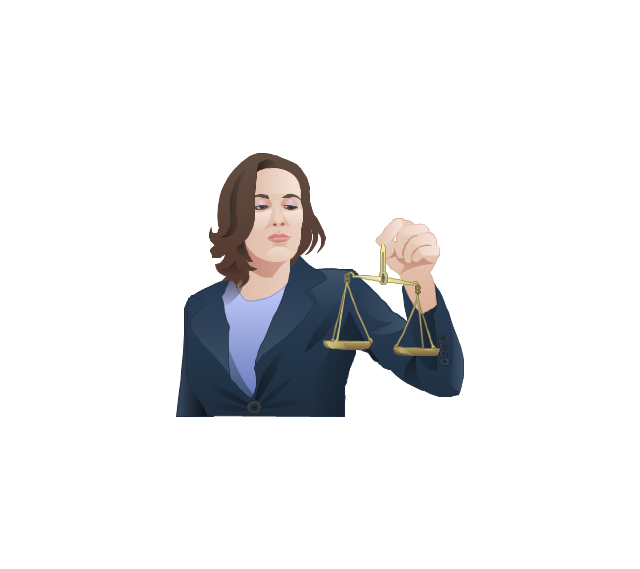
Judge
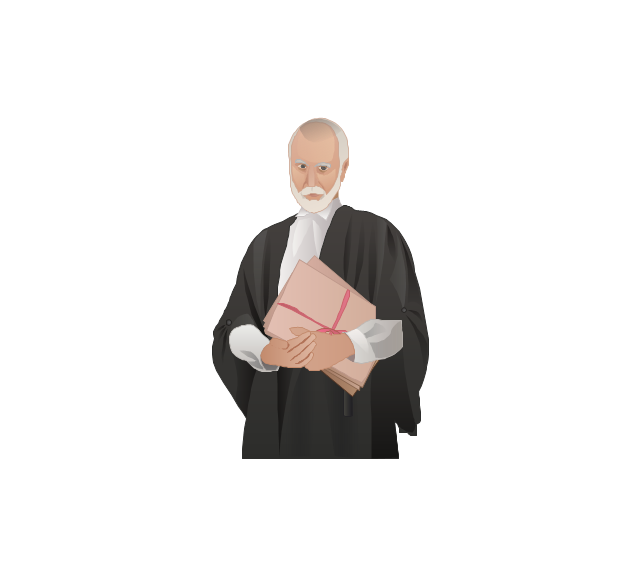
Consultant

Manager

Director

Programmer

Architect

Pilot

Policeman
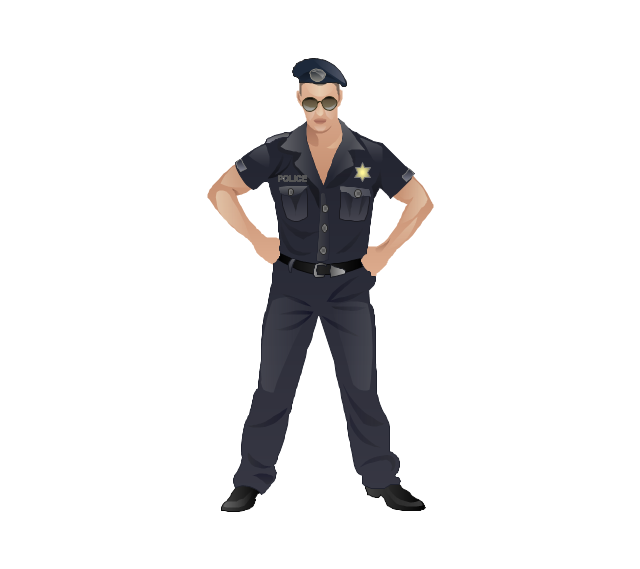
Secretary

Security officer
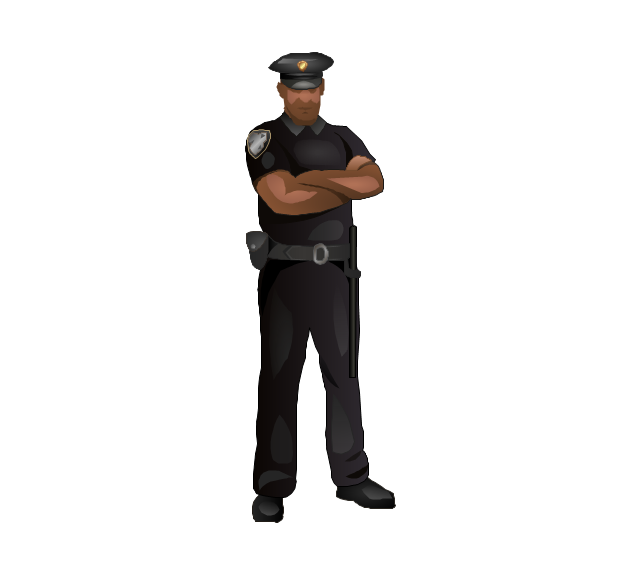
Clerk 3

Musician

Presenter

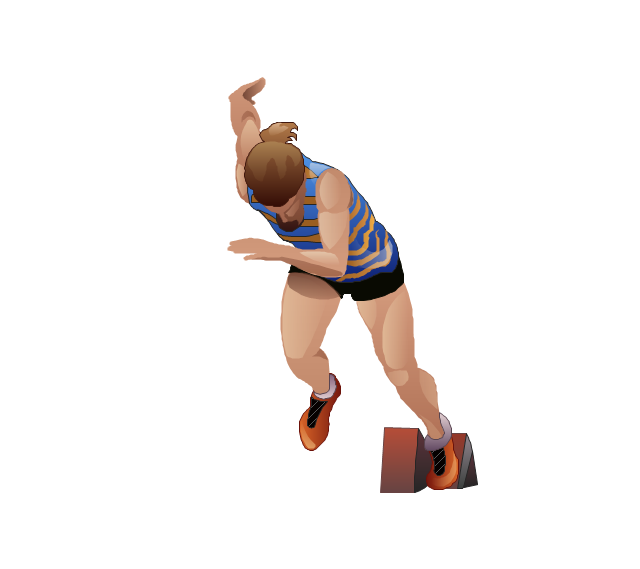
Athlete
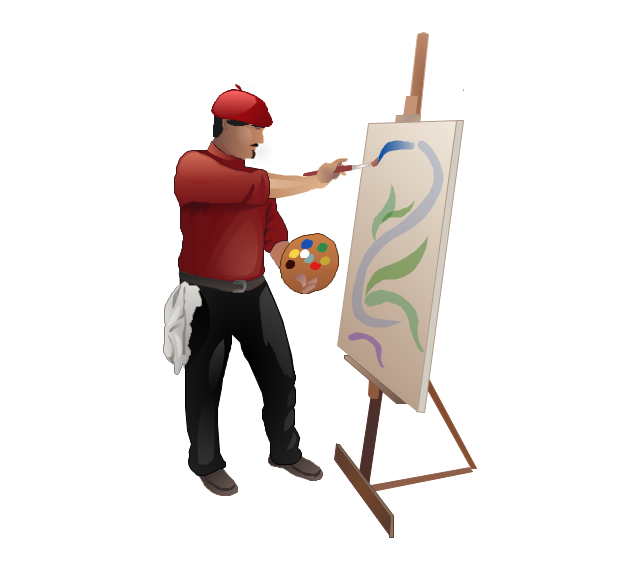
Artist
Announcer

Photographer

Hairdresser

Florist

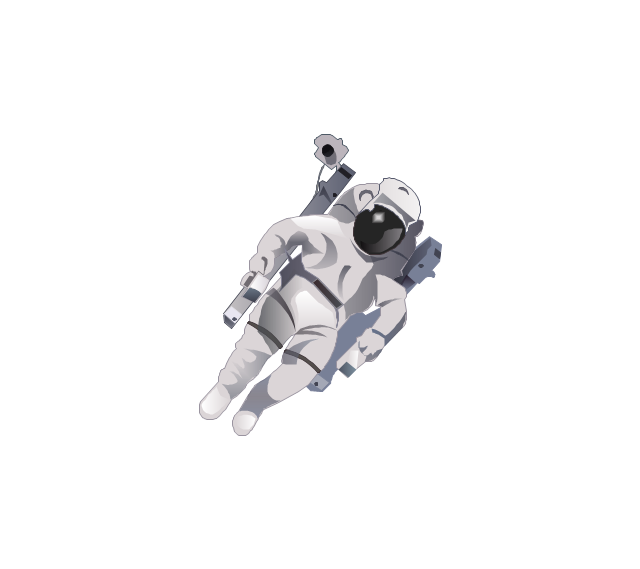
Spaceman
Engineer

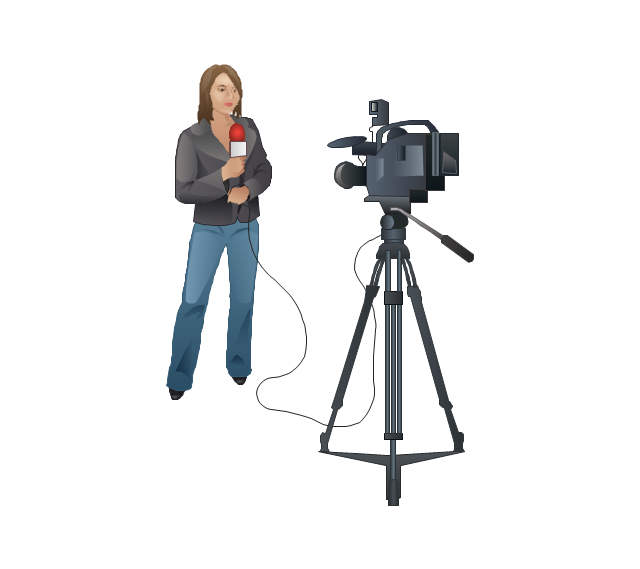
Reporter
Tailor
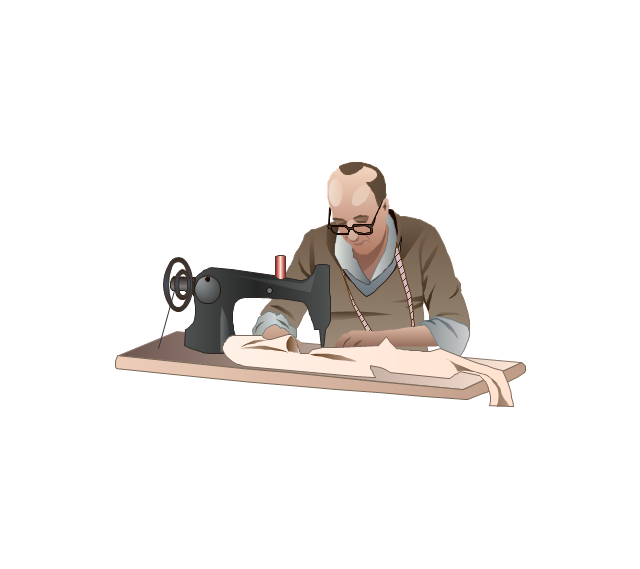
Dispatcher 2

Biologist

Chemist

Dentist

Priest

Soldier

Doctor

Driver

Carpenter

Fireman

Seaman
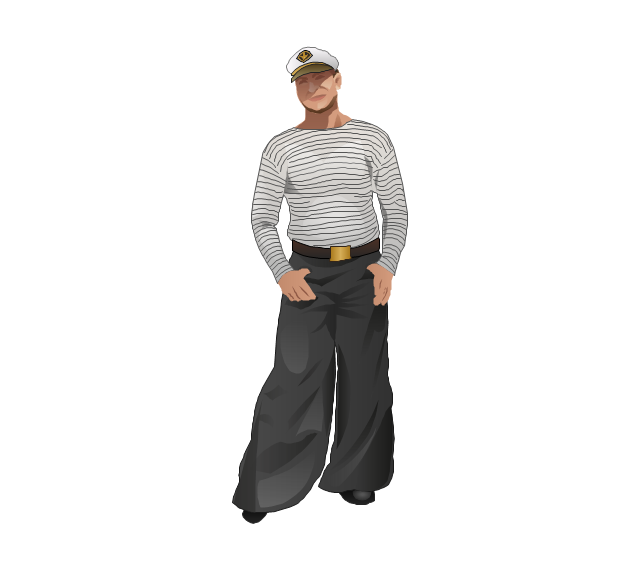
Builder 2

Postman

Miner

Waiter

Cleaner

Cashier

Shop assistant

Cook

Flight attendant
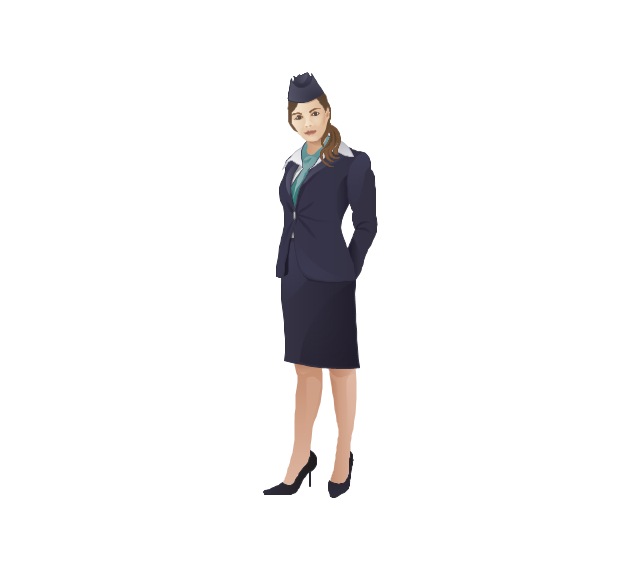
Teacher
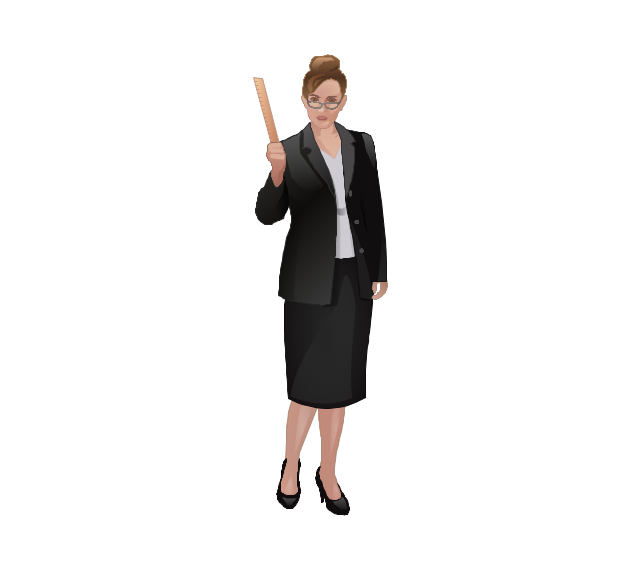
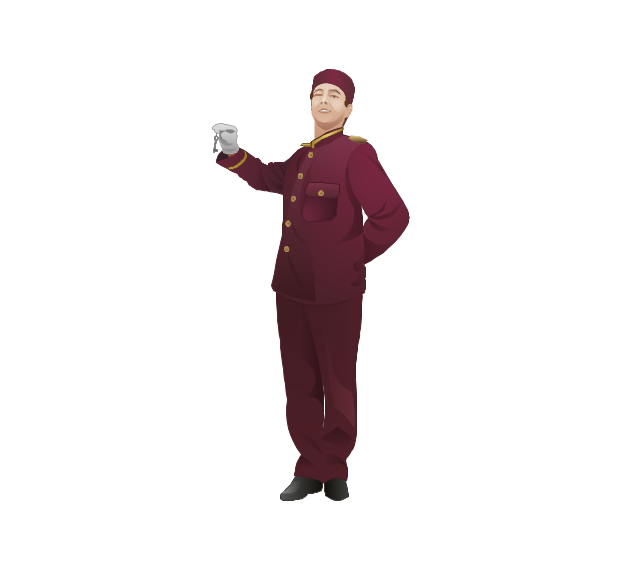
Hall porter
The vector stencils library "HR professions" contains 81 professions pictograms.
Use this HR icon set to draw your HR flowcharts, workflow diagrams, process charts and infographics with the ConceptDraw PRO diagramming and vector drawing software.
The HR pictograms library "HR professions" is included in the HR Flowcharts solution from the Management area of ConceptDraw Solution Park.
Use this HR icon set to draw your HR flowcharts, workflow diagrams, process charts and infographics with the ConceptDraw PRO diagramming and vector drawing software.
The HR pictograms library "HR professions" is included in the HR Flowcharts solution from the Management area of ConceptDraw Solution Park.
Accountant

Actor

Administrator

Announcer

Archaeologist

Architect

Artist

Baker

Banker

Bellboy

Biologist

Bookkeeper

Builder

Businessman

Businesswoman

Call center operator

Cameraman

Carpenter

Cashier

Chef

Chemist

Cleaner

Clerk

Consultant

Cook

Dentist

Director

Dispatcher

Diver

Doctor

Driver

Electrical engineer

Engineer

Environmental engineer

Farmer

Firefighter

Fisherman

Florist

Gardener

Graphic designer

Guide

Hairdresser

Lawyer

Librarian

Machine operator

Manager

Miner

Movie director

Musician

Nuclear engineer

Nurse

Pharmacist

Photographer

Pilot

Pizza delivery man

Policeman

Postman

Presenter

Programmer

Psychologist

Reporter

Sailor

Scientist

Secretary

Security guard

Security officer

Seller

Shop assistant

Soldier

Stewardess

Surgeon

System administrator

Systems engineer

Tailor

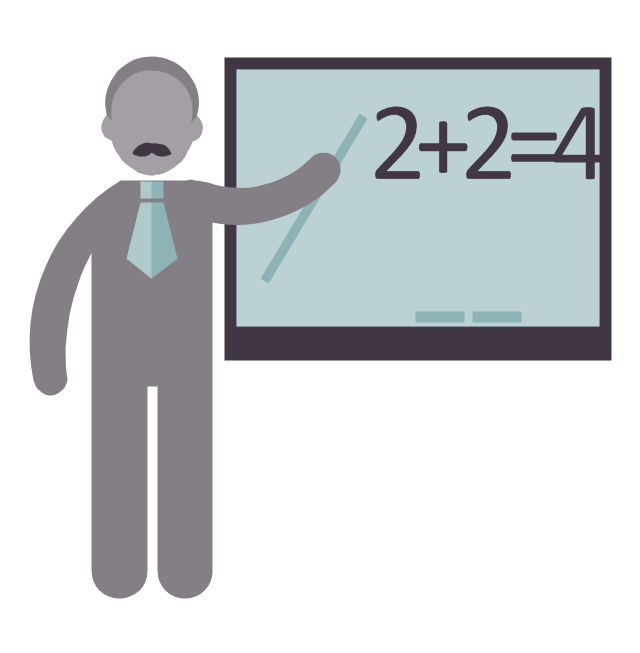
Teacher
Technical support representative

Waiter

Waitress

Watchman

Worker

Writer

The vector stencils library "HR professions" contains 81 professions pictograms.
Use this HR icon set to draw your HR flowcharts, workflow diagrams, process charts and infographics with the ConceptDraw PRO diagramming and vector drawing software.
The HR pictograms library "HR professions" is included in the HR Flowcharts solution from the Management area of ConceptDraw Solution Park.
Use this HR icon set to draw your HR flowcharts, workflow diagrams, process charts and infographics with the ConceptDraw PRO diagramming and vector drawing software.
The HR pictograms library "HR professions" is included in the HR Flowcharts solution from the Management area of ConceptDraw Solution Park.
Accountant
Actor
Administrator
Announcer
Archaeologist
Architect
Artist
Baker
Banker
Bellboy
Biologist
Bookkeeper
Builder
Businessman
Businesswoman
Call center operator
Cameraman
Carpenter
Cashier
Chef
Chemist
Cleaner
Clerk
Consultant
Cook
Dentist
Director
Dispatcher
Diver
Doctor
Driver
Electrical engineer
Engineer
Environmental engineer
Farmer
Firefighter
Fisherman
Florist
Gardener
Graphic designer
Guide
Hairdresser
Lawyer
Librarian
Machine operator
Manager
Miner
Movie director
Musician
Nuclear engineer
Nurse
Pharmacist
Photographer
Pilot
Pizza delivery man
Policeman
Postman
Presenter
Programmer
Psychologist
Reporter
Sailor
Scientist
Secretary
Security guard
Security officer
Seller
Shop assistant
Soldier
Stewardess
Surgeon
System administrator
Systems engineer
Tailor
Teacher
Technical support representative
Waiter
Waitress
Watchman
Worker
Writer
The vector stencils library "Professions" contains 58 people clipart images of different professions you can use in your presentations, illustrations and infographics.
"Electronic clip art is available in several different file formats. It is important for clip art users to understand the differences between file formats so that they can use an appropriate image file and get the resolution and detail results they need.
Clip art file formats are divided into 2 different types: bitmap or vector graphics. ...
In contrast to the grid format of bitmap images, Vector graphics file formats use geometric modeling to describe an image as a series of points, lines, curves, and polygons. Because the image is described using geometric data instead of fixed pixels, the image can be scaled to any size while retaining "resolution independence", meaning that the image can be printed at the highest resolution a printer supports, resulting in a clear, crisp image. Vector file formats are usually superior in resolution and ease of editing as compared to bitmap file formats, but are not as widely supported by software and are not well-suited for storing pixel-specific data such as scanned photographs. In the early years of electronic clip art, vector illustrations were limited to simple line art representations." [Clip art. Wikipedia]
The clip art example "Professions - Vector stencils library" was created using the ConceptDraw PRO diagramming and vector drawing software extended with the People solution from the Illustration area of ConceptDraw Solution Park.
www.conceptdraw.com/ solution-park/ illustrations-people
"Electronic clip art is available in several different file formats. It is important for clip art users to understand the differences between file formats so that they can use an appropriate image file and get the resolution and detail results they need.
Clip art file formats are divided into 2 different types: bitmap or vector graphics. ...
In contrast to the grid format of bitmap images, Vector graphics file formats use geometric modeling to describe an image as a series of points, lines, curves, and polygons. Because the image is described using geometric data instead of fixed pixels, the image can be scaled to any size while retaining "resolution independence", meaning that the image can be printed at the highest resolution a printer supports, resulting in a clear, crisp image. Vector file formats are usually superior in resolution and ease of editing as compared to bitmap file formats, but are not as widely supported by software and are not well-suited for storing pixel-specific data such as scanned photographs. In the early years of electronic clip art, vector illustrations were limited to simple line art representations." [Clip art. Wikipedia]
The clip art example "Professions - Vector stencils library" was created using the ConceptDraw PRO diagramming and vector drawing software extended with the People solution from the Illustration area of ConceptDraw Solution Park.
www.conceptdraw.com/ solution-park/ illustrations-people
Builder 1
System administrator
Worker of conveyor
Clerk 1
Clerk 2
Student 2
Student 3
Student 1
Dispatcher 1
Accountant
Gardener
Lawyer
Jurist
Judge
Consultant
Manager
Director
Programmer
Architect
Pilot
Policeman
Secretary
Security officer
Clerk 3
Musician
Presenter
Athlete
Artist
Announcer
Photographer
Hairdresser
Florist
Spaceman
Engineer
Reporter
Tailor
Dispatcher 2
Biologist
Chemist
Dentist
Priest
Soldier
Doctor
Driver
Carpenter
Fireman
Seaman
Builder 2
Postman
Miner
Waiter
Cleaner
Cashier
Shop assistant
Cook
Flight attendant
Teacher
Hall porter
The vector stencils library "HR professions" contains 81 professions pictograms.
Use this HR icon set to draw your HR flowcharts, workflow diagrams, process charts and infographics with the ConceptDraw PRO diagramming and vector drawing software.
The HR pictograms library "HR professions" is included in the HR Flowcharts solution from the Management area of ConceptDraw Solution Park.
Use this HR icon set to draw your HR flowcharts, workflow diagrams, process charts and infographics with the ConceptDraw PRO diagramming and vector drawing software.
The HR pictograms library "HR professions" is included in the HR Flowcharts solution from the Management area of ConceptDraw Solution Park.
Accountant
Actor
Administrator
Announcer
Archaeologist
Architect
Artist
Baker
Banker
Bellboy
Biologist
Bookkeeper
Builder
Businessman
Businesswoman
Call center operator
Cameraman
Carpenter
Cashier
Chef
Chemist
Cleaner
Clerk
Consultant
Cook
Dentist
Director
Dispatcher
Diver
Doctor
Driver
Electrical engineer
Engineer
Environmental engineer
Farmer
Firefighter
Fisherman
Florist
Gardener
Graphic designer
Guide
Hairdresser
Lawyer
Librarian
Machine operator
Manager
Miner
Movie director
Musician
Nuclear engineer
Nurse
Pharmacist
Photographer
Pilot
Pizza delivery man
Policeman
Postman
Presenter
Programmer
Psychologist
Reporter
Sailor
Scientist
Secretary
Security guard
Security officer
Seller
Shop assistant
Soldier
Stewardess
Surgeon
System administrator
Systems engineer
Tailor
Teacher
Technical support representative
Waiter
Waitress
Watchman
Worker
Writer
- Photographer Clipart Png
- Pict Page1 Physical Lan And Wan Diagram Template Png Draw
- Pict Page1 Physical Lan And Wan Diagram Template Png Draw
- Teacher Png
- People Clipart Png
- Vector Png
- Person Vector Png
- Professions - Vector stencils library | Venn Diagrams | Hiring ...
- 3D Column chart - Iran internet users per 100 person | Person ...
- Best Vector Drawing Application for Mac OS X | Offensive Play ...
- HR professions - Vector stencils library
- Professions - Vector stencils library | HR professions - Vector ...
- How To use Architect Software | Diagramming software for Amazon ...
- Design elements - Nuclear physics | Nuclear physics - Vector ...
- How to Connect an Image to a Topic in Your Mind Map | How to ...
- Professions - Vector stencils library | Organizational chart ...
- HR professions - Vector stencils library | Design elements - HR ...
- Venn diagram - Internet marketing professions | Professions - Vector ...
- Professions - Vector stencils library | Mail and post - Vector stencils ...
- Physics Symbols | How to Draw Physics Diagrams in ConceptDraw ...


