Entity-Relationship Diagram (ERD)
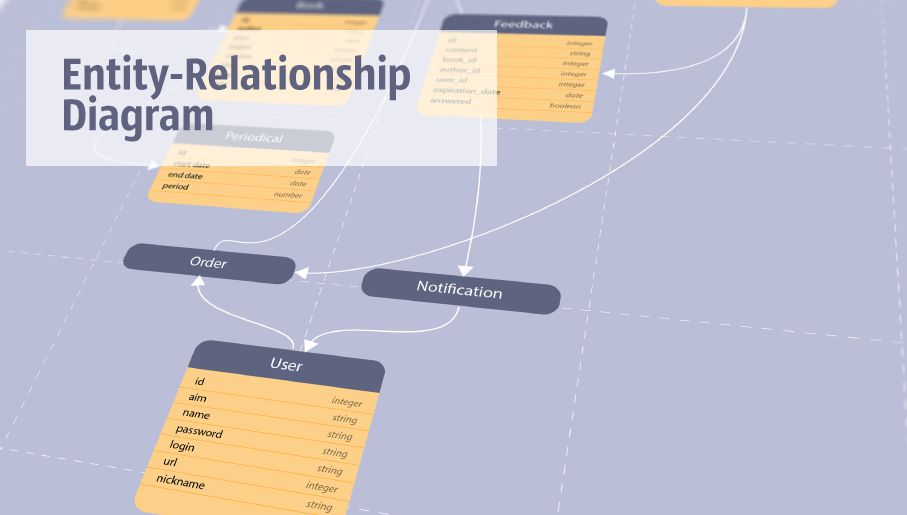
Entity-Relationship Diagram (ERD) solution extends ConceptDraw DIAGRAM software with templates, samples and libraries of vector stencils from drawing the ER-diagrams by Chen's and crow’s foot notations.
HelpDesk
How to Create an Entity-Relationship Diagram
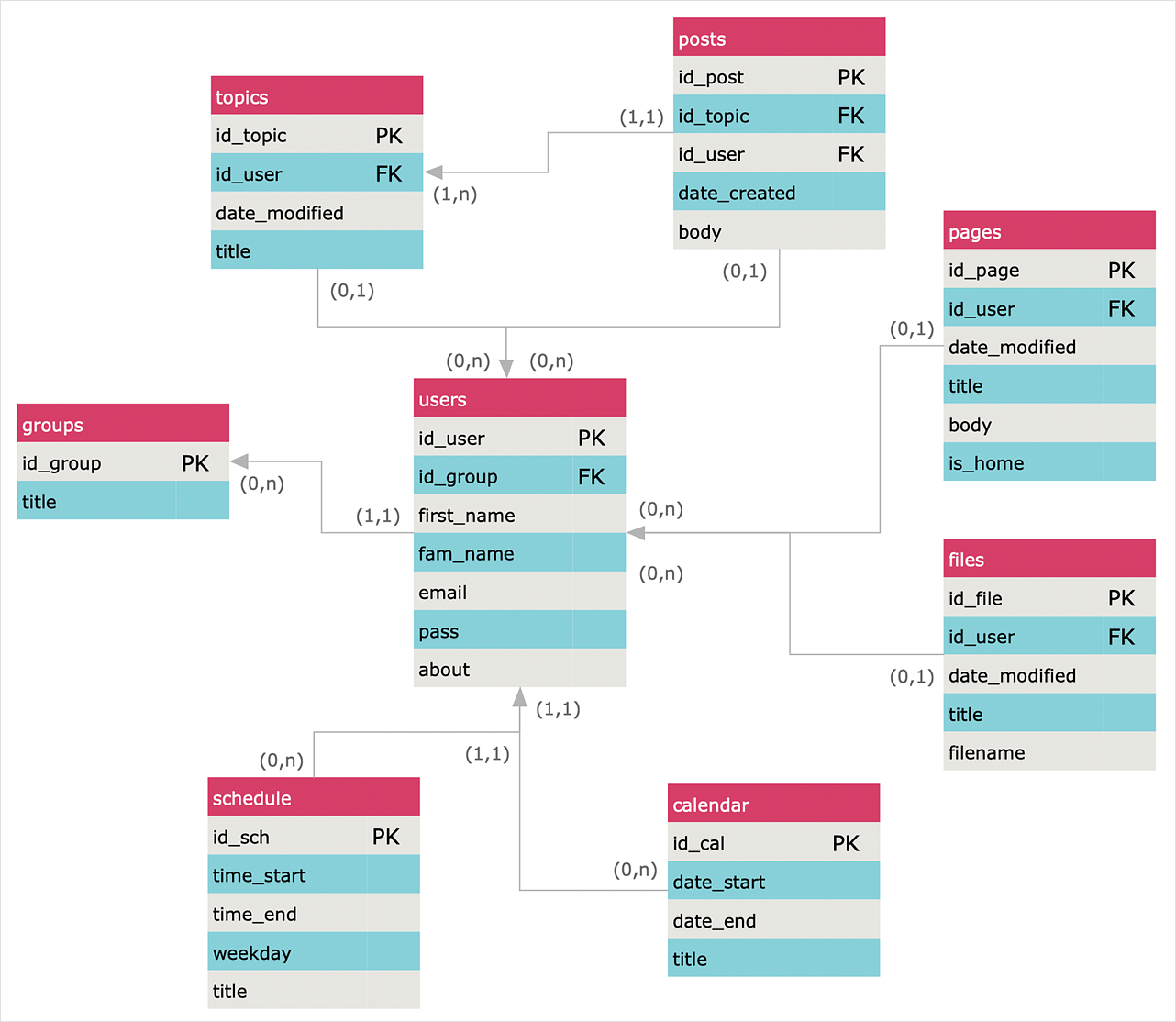
ERD (entity relationship diagram) is used to show the logical structure of databases. It represents the interrelationships between components of a database (entities). Entity relationship diagrams are widely used in software engineering. Using ERD software engineers can control every aspect of database development. ER diagram can be used as the guide for testing and communicating before the release of a software product. ERD displays data as entities that are connected with connections that show the relationships between entities. There are some ERD notations used by databases developers for representing the relationships between the data objects. ConceptDraw DIAGRAM and its ERD solution allow you to build ERD diagram of any notation.Bubble diagrams in Landscape Design with ConceptDraw DIAGRAM

Bubble Diagrams are the charts with a bubble presentation of data with obligatory consideration of bubble's sizes. They are analogs of Mind Maps and find their application at many fields, and even in landscape design. At this case the bubbles are applied to illustrate the arrangement of different areas of future landscape design, such as lawns, flowerbeds, playgrounds, pools, recreation areas, etc. Bubble Diagram helps to see instantly the whole project, it is easy for design and quite informative, in most cases it reflects all needed information. Often Bubble Diagram is used as a draft for the future landscape project, on the first stage of its design, and in case of approval of chosen design concept is created advanced detailed landscape plan with specification of plants and used materials. Creation of Bubble Diagrams for landscape in ConceptDraw DIAGRAM software is an easy task thanks to the Bubble Diagrams solution from "Diagrams" area. You can use the ready scanned location plan as the base or create it easy using the special ConceptDraw libraries and templates.- Crow's foot notation
- Design elements - ERD ( crow's foot notation ) | UML Notation ...
- Entity Relationship Diagram Symbols and Meaning ERD Symbols ...
- Crows Foot Diagram
- Components of ER Diagram | Entity Relationship Diagram Symbols ...
- Symbol Use In Crows Foot Notation
- Design elements - ERD ( crow's foot notation ) | Entity Relationship ...
- Crows Foot Notation Entity Relationship Diagram In Library
- Create An Erd Based On Crows Foot Notation Using The Following
- Create Erd Based On Crows Foot Notation For The Given Situation
- Entity Relationship Diagram - ERD - Software for Design Crows Foot ...
- Entity Relationship Diagram Symbols and Meaning ERD Symbols ...
- Entity Relationship Diagram Examples
- Entity Relationship Diagram Symbols | Basic Flowchart Symbols and ...
- Entity-Relationship Diagram (ERD) with ConceptDraw PRO ...
- Er Model S
- Entity Relationship Diagram Symbols and Meaning ERD Symbols ...