Made with
ConceptDraw
DIAGRAM 18

Windows 8 UI Design Patterns

The patterns are commonly used in the field of programming for various electronic devices, mobile devices and PCs. UI design patterns are useful standard solvings for common design problems. There are large quantity of various design and UI patterns.

Windows 8 is not exception - in the help to Win8 designers, developers, and software engineers, were developed the Windows 8 UI Design Patterns.
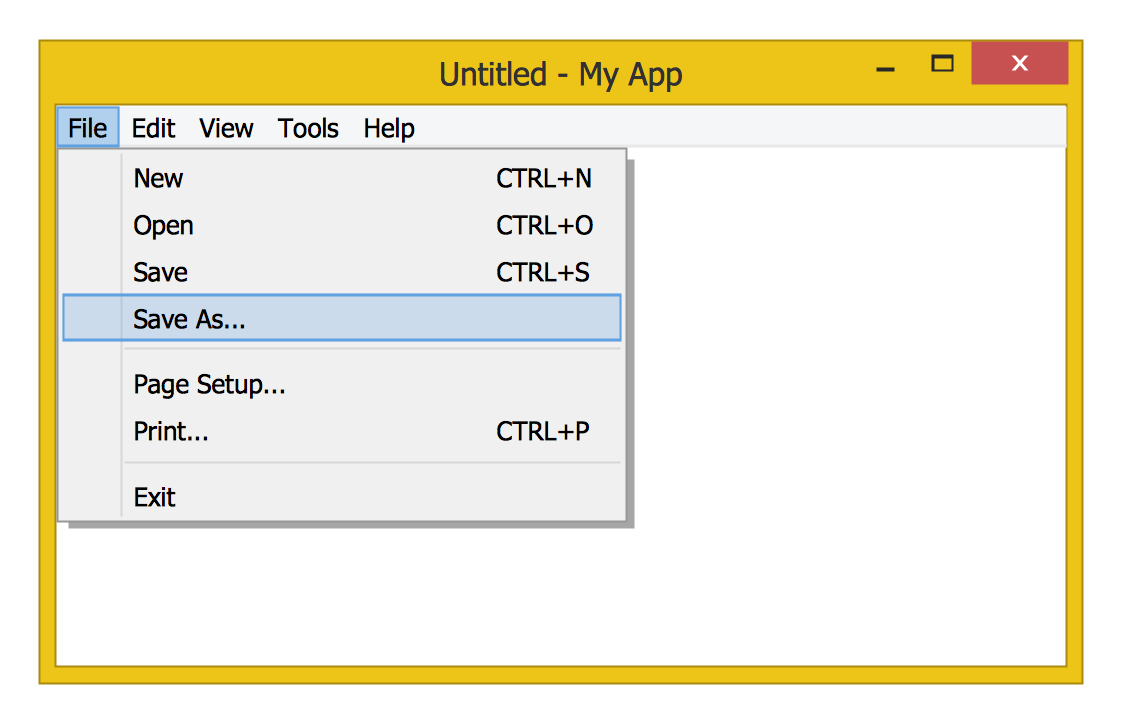
Windows 8 UI Design Patterns *

Example 1. Windows 8 UI Design Patterns - File Menu

ConceptDraw DIAGRAM offers the Windows 8 User Interface Solution with large quantity of vector objects libraries and collection of predesigned templates and samples. These and other drawing tools of ConceptDraw DIAGRAM will help you draw the Windows 8 UI Design Patterns of any complexity.

Windows 8 UI Design Patterns - Page Setup Dialog

Example 2. Windows 8 UI Design Patterns - Page Setup Dialog

14 libraries of Windows 8 User Interface Solution:

  • Windows 8 Apps
  • Windows 8 Backgrounds
  • Windows 8 Controls
  • Windows 8 Icons
  • Windows 8 Round Icons
  • Windows 8 Interactions
  • Windows 8 Menus
  • Windows 8 Messages
  • Windows 8 Progressive Disclosure Controls
  • Windows 8 Ribbons
  • Windows 8 Text
  • Windows 8 Toolbars
  • Windows 8 UI
  • Window Elements

contain 402 predesigned vector objects. Use them actively to achieve the best results.
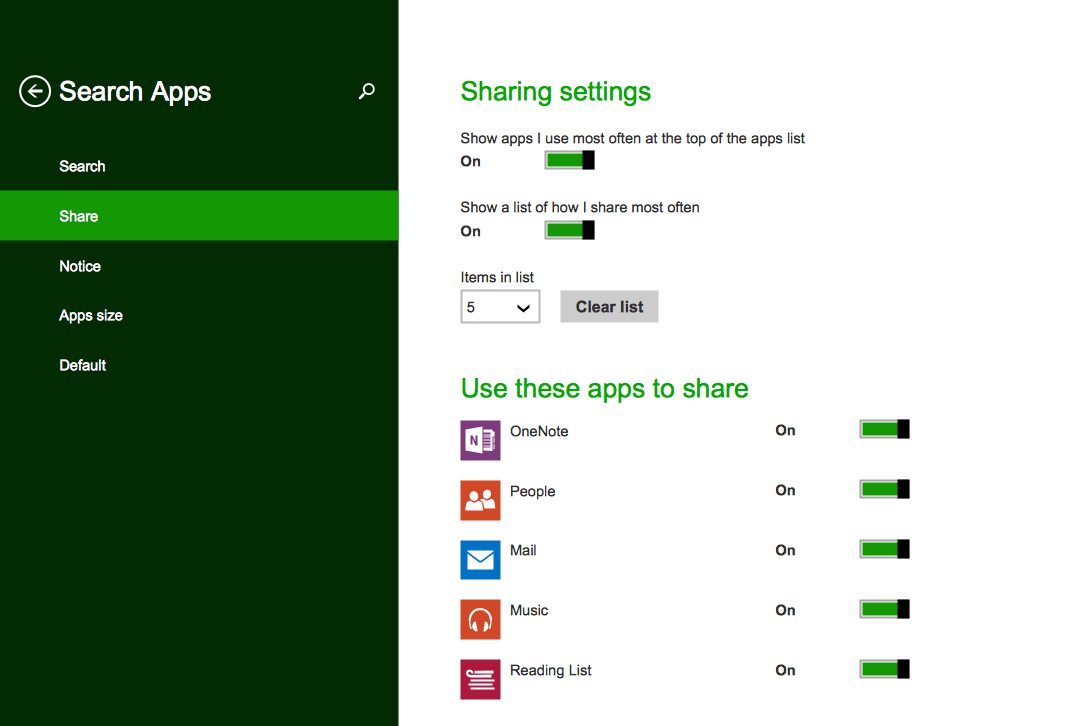
Windows 8 UI Design Patterns - Search Apps

Example 3. Windows 8 UI Design Patterns - Search Apps

This sample was created in ConceptDraw DIAGRAM using the tools of Windows 8 User Interface Solution and shows the interface of Windows 8 Search Apps. An experienced user spent 15 minutes creating this sample.

Use the Windows 8 User Interface Solution for ConceptDraw DIAGRAM software to create your own professional looking Windows 8 UI Design Patterns quick, easy and effective, and then successfully use them in the process of developing and promotion the applications for Windows 8 operation system.

The Windows 8 UI Design Patterns developed with ConceptDraw DIAGRAM are vector graphic documents and are available for reviewing, modifying, converting to a variety of formats (image, HTML, PDF file, MS PowerPoint Presentation, Adobe Flash or MS Visio), printing and send via e-mail in one moment.



THREE RELATED HOW TO's:
All about prototyping. GUI Prototyping with ConceptDraw. Download prototyping software.GUI Prototyping with ConceptDraw DIAGRAM
Picture: GUI Prototyping with ConceptDraw DIAGRAM
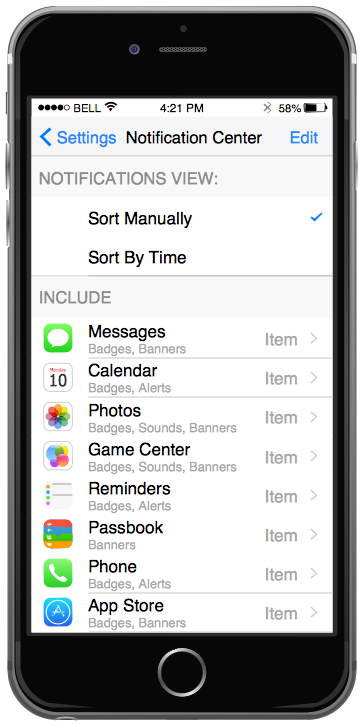
ConceptDraw DIAGRAM is a powerful diagramming and vector drawing GUI software. Extended with Mac OS User Interface solution from the Software Development area, ConceptDraw DIAGRAM is the best software for designing professional looking user interfaces for new OS X 10.10 Yosemite operating system developed for Macintosh computers. Mac OS User Interface solution offers you large quantity of Mac OS templates, samples and user interface design examples.Mac OS User Interface Design Examples *
Picture: Mac OS User Interface Design Examples
Related Solution:
Describing a workflow or approval process can take hours and be too complicated, especially since there are options to do it quickly and vividly. Diagrams called flowcharts replace long paragraphs of boring text and represent information in a graphic way. You can draw one on paper or you can use flowchart software to do it quickly and scalable. This kind of software is easy to use and you don’t need any special skills to start using it. In addition, there are a lot examples and predesigned templates on the Internet. Flowcharts are a best tool for staking out a huge and complex process into some small readable parts. Surely, flowcharts can be drawn manually but the use of standard symbols that make it clear for a wide audience makes a software tool preferred for this task. The core for a successful flowchart is its simplicity. That is why often before beginning making flowchart through software, people draw the sketch on a piece of paper. Designing an effective flowchart means the combination of the data needed to be shown and the simplicity with which you depict it.Flowchart Software
Picture: Flowchart Software: A Comprehensive Guide
Related Solution:
ConceptDraw
DIAGRAM 18