Tool for Drawing Flowchart
The specialized flowchart software significantly simplifies the process of creating Flowcharts and development of projects, ideas, workflows, etc. ConceptDraw DIAGRAM cross-platform diagramming software supplied with the Flowcharts solution from the Diagrams area of ConceptDraw Solution Park is a feature-rich software. This solution is incredibly useful tool for drawing Flowchart.
ConceptDraw DIAGRAM is a sophisticated charting tool with great flexibility. It is not exclusively for the Flowcharts creating and is used to design a wide variety of diagrams and charts, but it is also powerful in flowcharting. The set of included features makes it the most popular among the systems designers, software engineers, business administrators, project managers, and many else specialists.
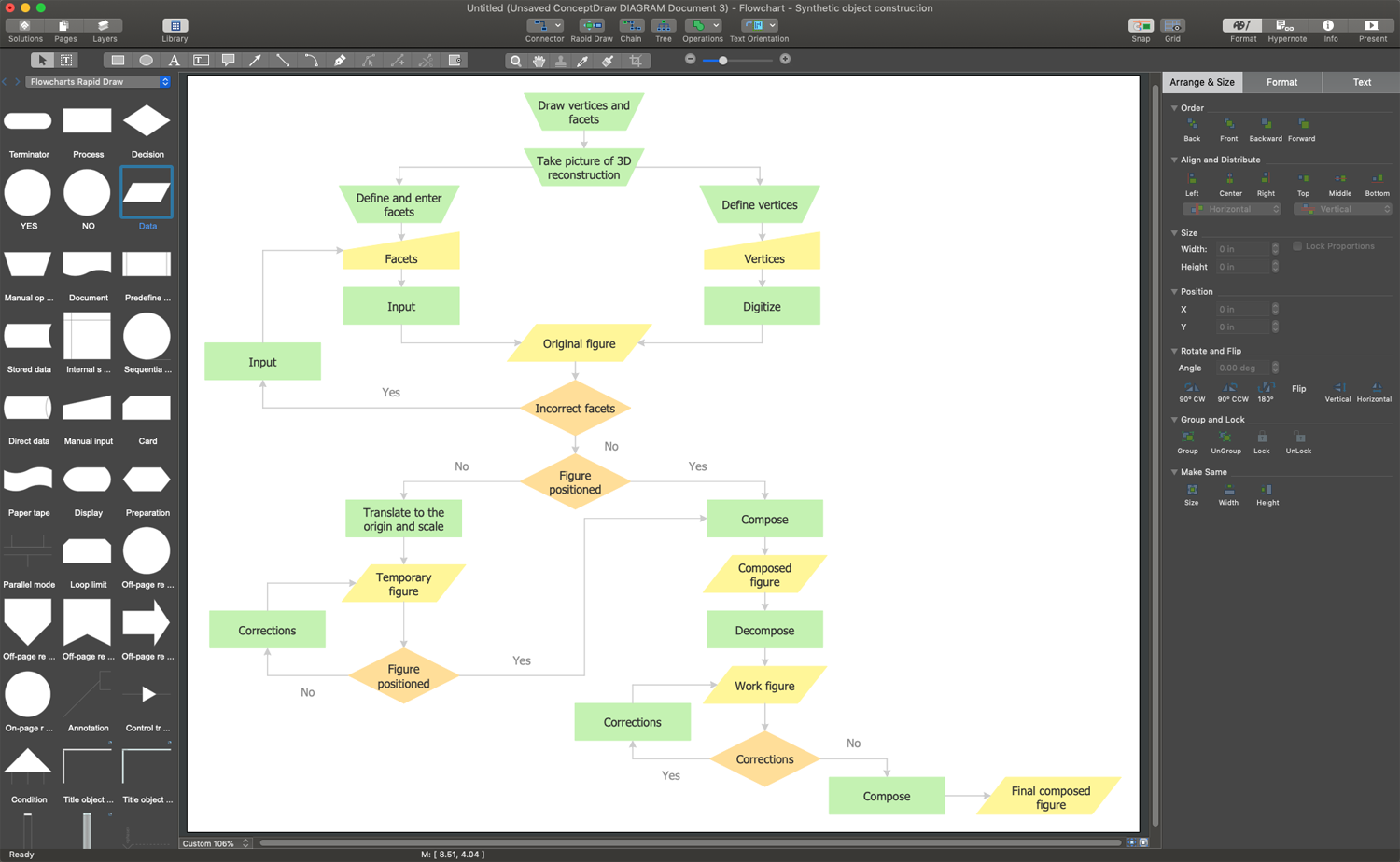
Example 1. ConceptDraw's Flowcharts Solution - Tool for Drawing Flowchart
With ConceptDraw's Flowcharts solution you don’t need to be the painter to design your Flowchart because it provides a lot of pre-made vector shapes for simple drawing the Flowcharts of any complexity. These are design elements — flowcharts rapid draw (swimlane flowcharts), special objects for terminators, processes, decisions, data, etc. A quick-start template and a large collection of samples are also included. You can use any template or sample as a quick-start for your drawing. The use of predesigned shapes from the Flowcharts Solution libraries is also a fast and simple way of drawing.
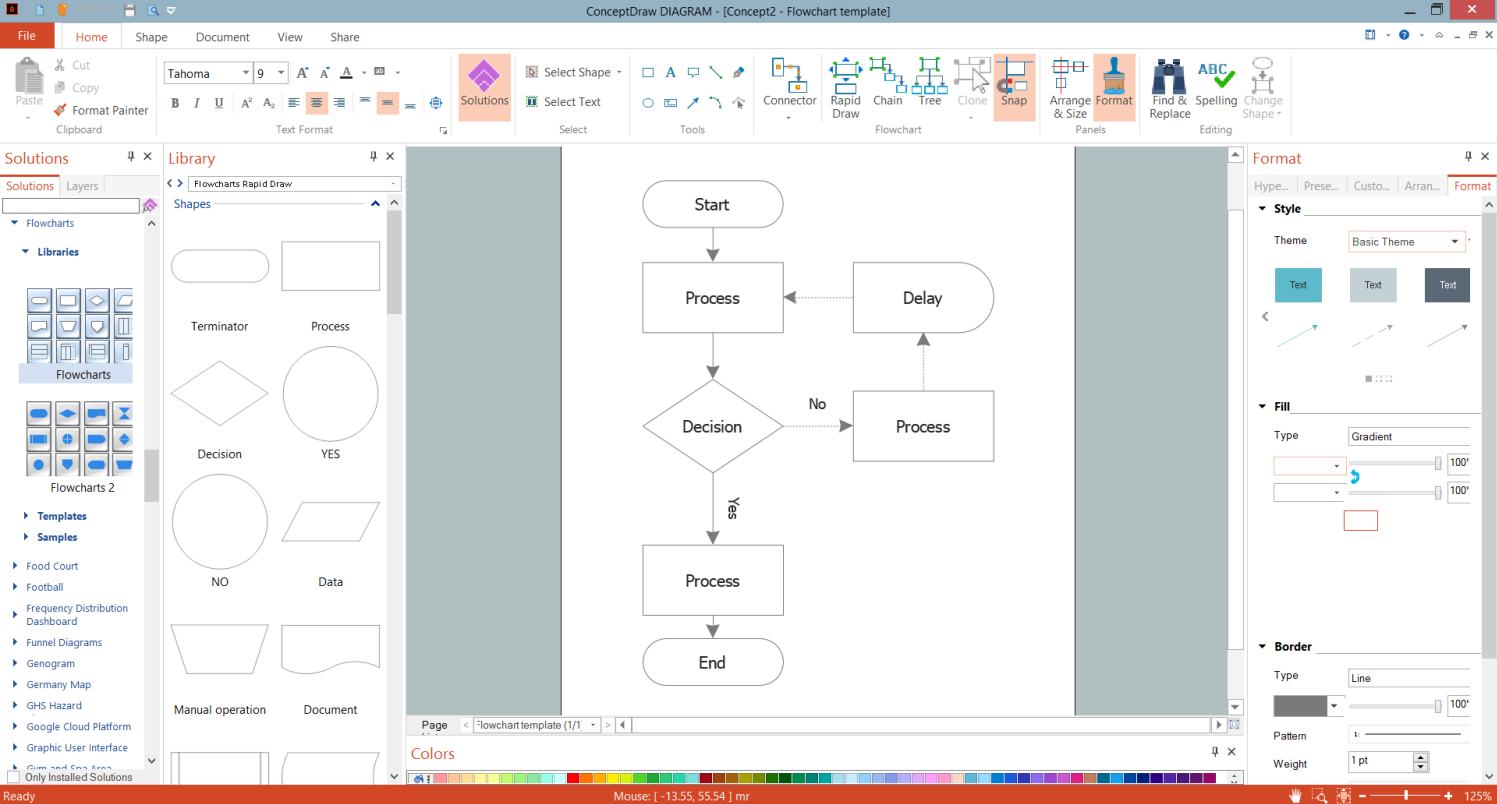
Example 2. ConceptDraw's Flowchart Template
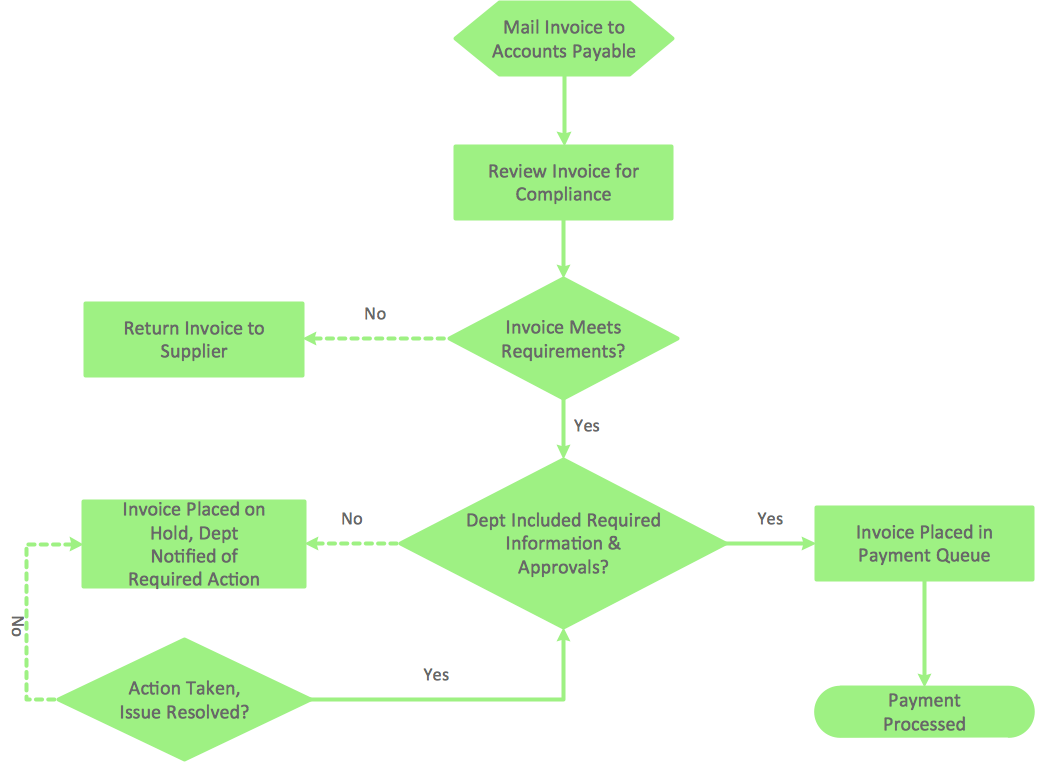
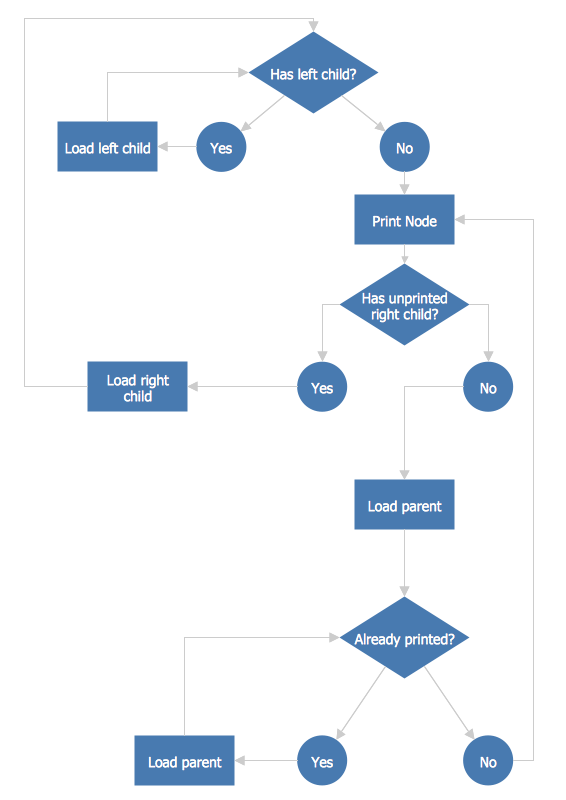
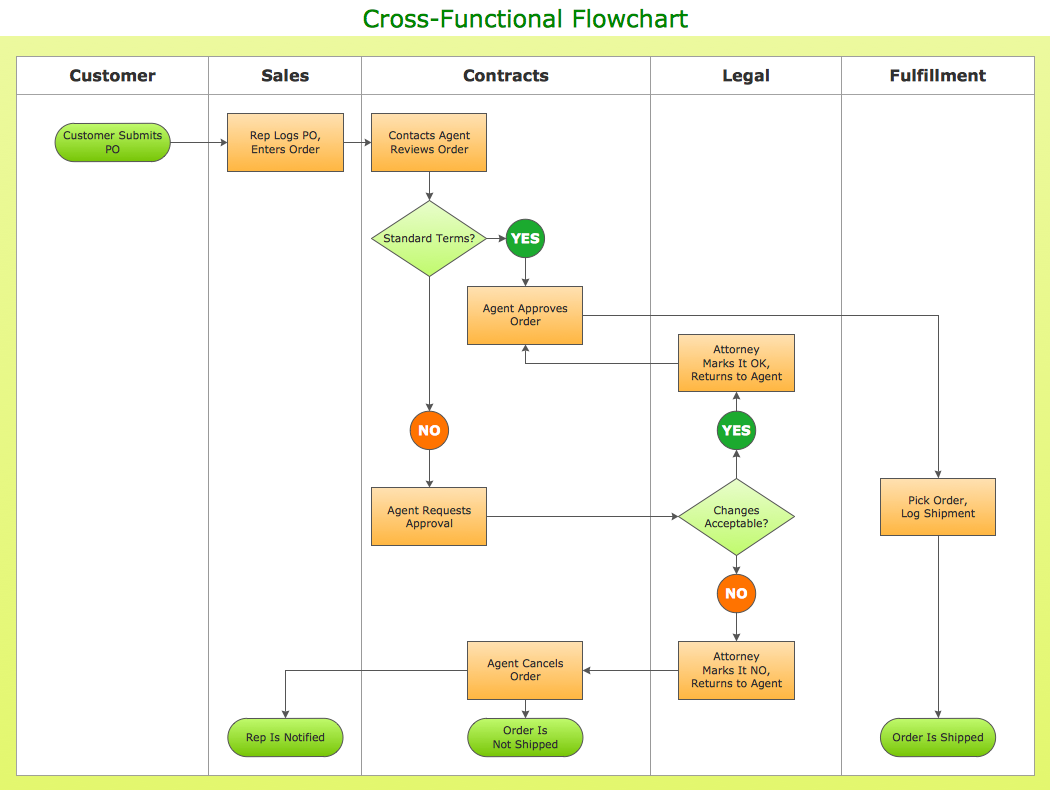
The Flowchart sample and template you see on this page were created in ConceptDraw DIAGRAM software. They are included in Flowcharts Solution, successfully demonstrate solution's capabilities, professional results you can achieve and are available for ConceptDraw DIAGRAM users from the ConceptDraw STORE.
Use the tools of Flowcharts Solution for fast, simple and effective drawing professional-looking Flow charts and Flow diagrams.
All source documents are vector graphic documents. They are available for reviewing, modifying, or converting to a variety of formats (PDF file, MS PowerPoint, MS Visio, and many graphic formats) from the ConceptDraw STORE. The Flowcharts Solution is available for all ConceptDraw DIAGRAM users.