Reporting Dashboard Software for Business
Sales Dashboard Solution
The Sales Dashboard Solution gives users the ability to use live data to drive displays that show sales performance in a wide variety of graphs. ConceptDraw DIAGRAM is a software for making Live charts anв gauges that provide effectiveness to your business. Dashboards allow you to capture and report specific data points from each department within the organization, thus providing a "snapshot" of performance. By using dashboards one obtain benefits:
- Measure efficiencies/inefficiencies
- Ability to generate detailed reports
- Saves time compared to running multiple reports
- Gain total visibility of all systems instantly
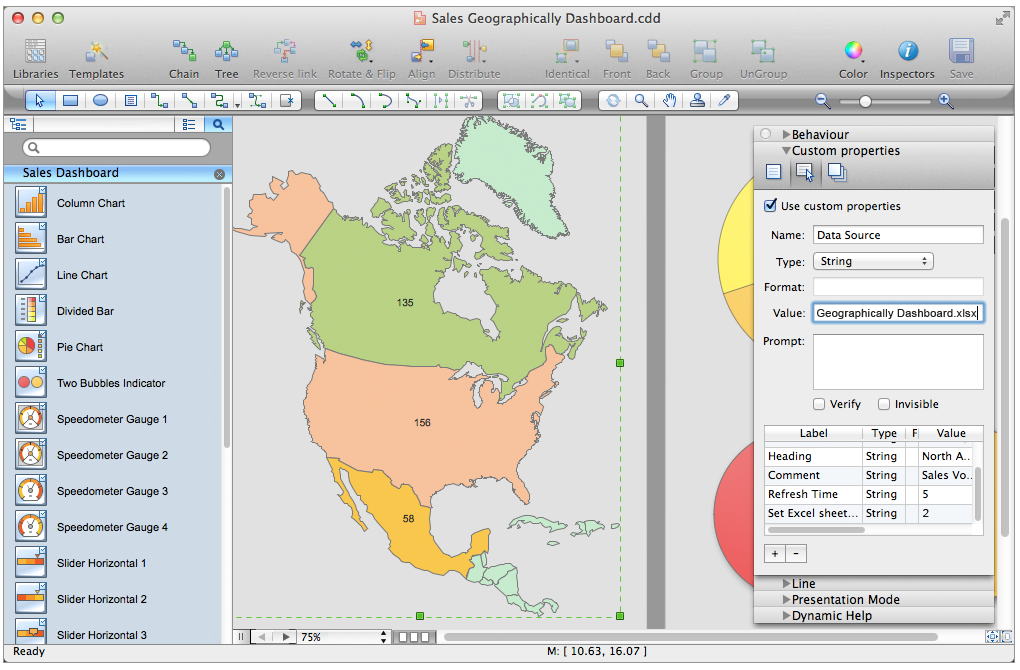
Pic. 1. Sales Dashboard Design Elements (Apple macOS)
THREE RELATED HOW TO's:
Project Management Trends. Status report presentation tool for remote teams, using Skype to collaborate on project objectives.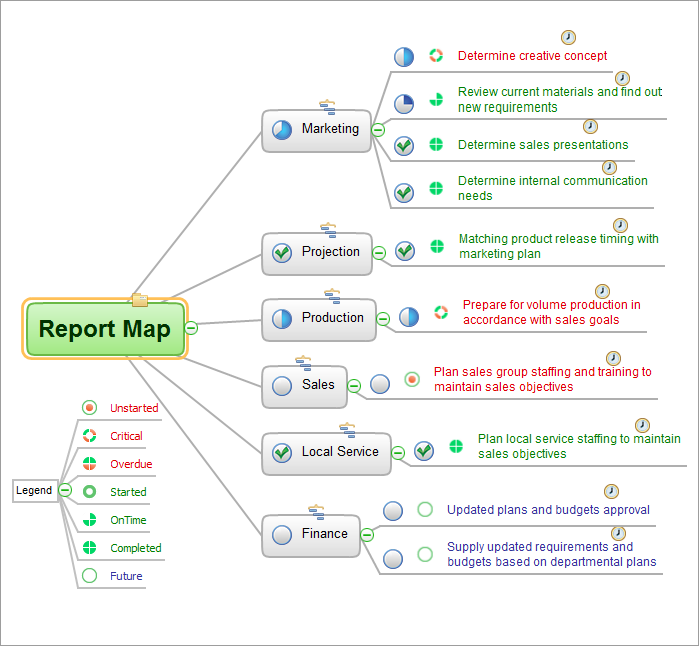
Picture: How To Hold Project Collaboration via Skype
Related Solution:
ConceptDraw Sales Dashboard gives you a clear insight about potential opportunities and key sales operations. Analysing sales KPI is a proven way to see how your business can improve.
Picture: Sales Dashboard - insight about potential opportunities and key sales operations
ConceptDraw Office is the most effective tool for planning, tracking, and reporting all types of projects with strong management capabilities, user friendly functionality, and superior ease of use. In this tutorial video we will assist you in planning and managing a project using ConceptDraw Office.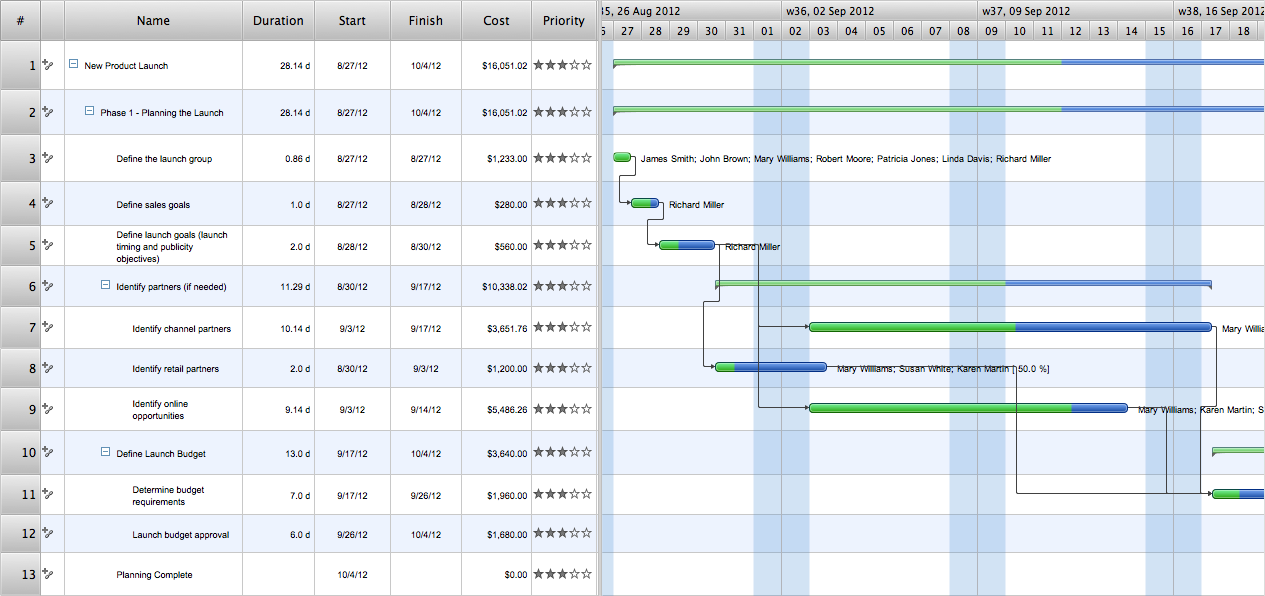
Picture: How To Plan and Implement Projects Faster
ConceptDraw
DIAGRAM 18