Organizational Units
“The Active Directory framework that holds the objects can be viewed at a number of levels. The forest, tree, and domain are the logical divisions in an Active Directory network.
The objects held within a domain can be grouped into Organizational Units (OUs). OUs can provide hierarchy to a domain, ease its administration, and can resemble the organization's structure in managerial or geographical terms. OUs can contain other OUs—domains are containers in this sense. Microsoft recommends using OUs rather than domains for structure and to simplify the implementation of policies and administration. The OU is the recommended level at which to apply group policies, which are Active Directory objects formally named Group Policy Objects (GPOs), although policies can also be applied to domains or sites. The OU is the level at which administrative powers are commonly delegated, but delegation can be performed on individual objects or attributes as well.
Organizational units are not mutually exclusive database; e.g. it is not possible to create user accounts with an identical username (sAMAccountName) in separate OUs. This is so because sAMAccountName, a user object attribute, must be unique within the domain. However, two users in different OUs can have the same Common Name (CN), the name under which they are stored in the directory itself.”
ConceptDraw DIAGRAM extended with Active Directory Diagrams Solution from the Computer and Networks Area is the best diagramming and vector drawing software for designing professional looking Active Directory diagrams illustrating the Organizational Units.
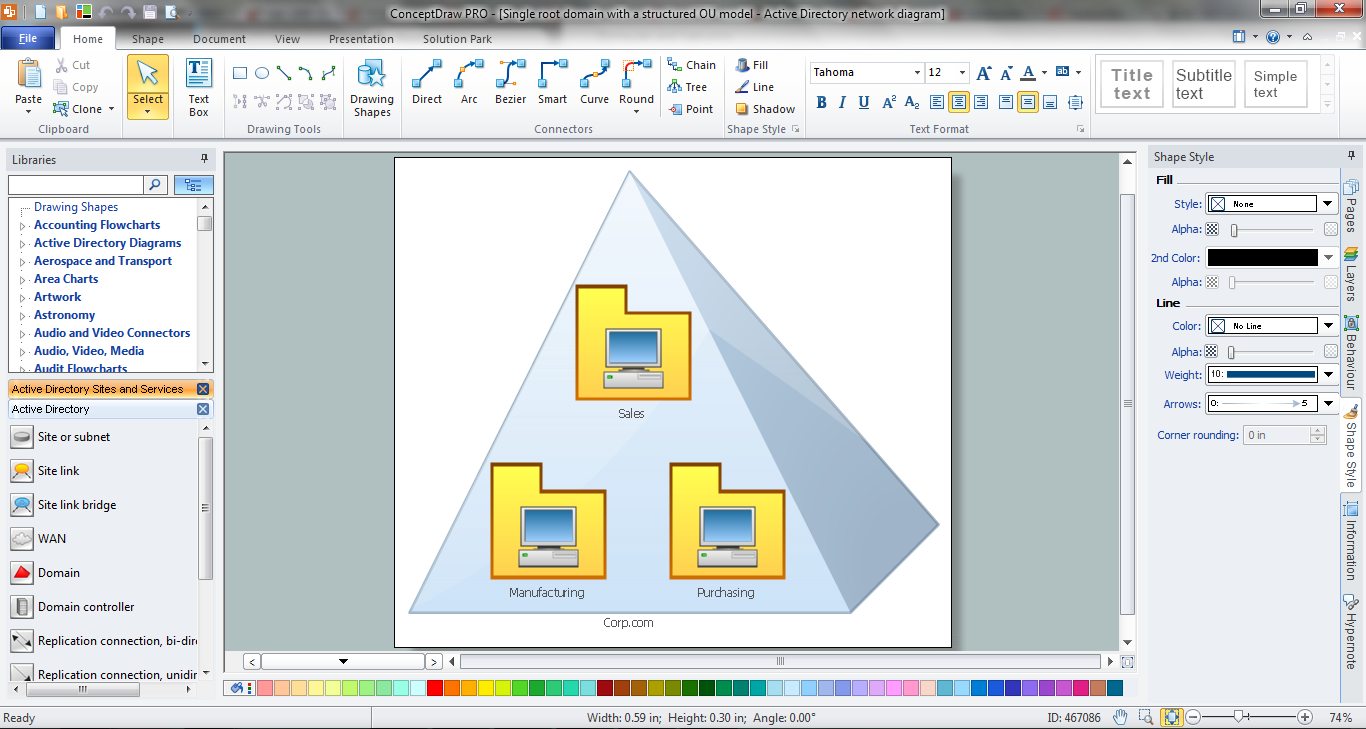
Example 1. Active Directory Diagram in ConceptDraw DIAGRAM
Active Directory Diagrams Solution offers 4 libraries:
- Active Directory Library
- Active Directory Sites and Services Library
- LDAP Library
- Microsoft Exchange Library
with numerous vector objects for quickly creating various Active Directory diagrams.
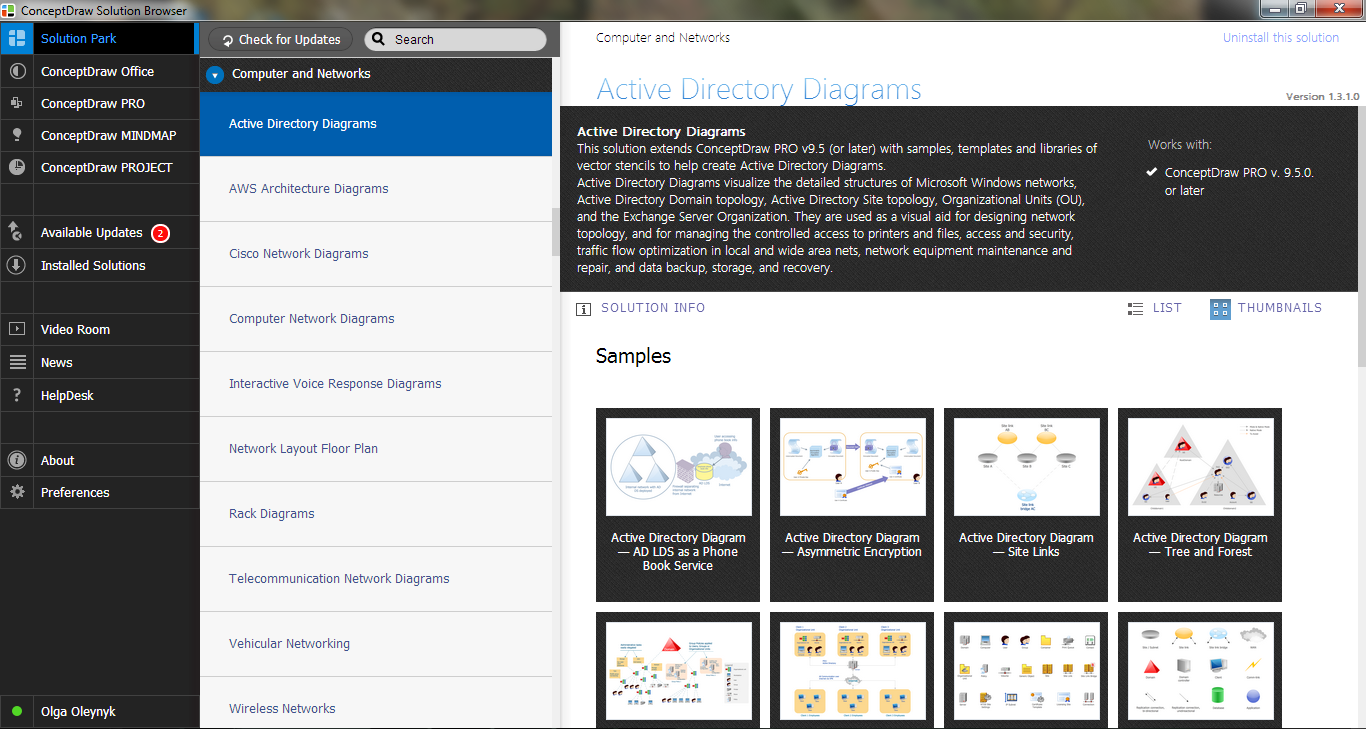
Example 2. Active Directory Diagrams Solution in ConceptDraw STORE
ConceptDraw DIAGRAM includes also a lot of samples and templates represented in ConceptDraw STORE. They will be exactly helpful examples for you.
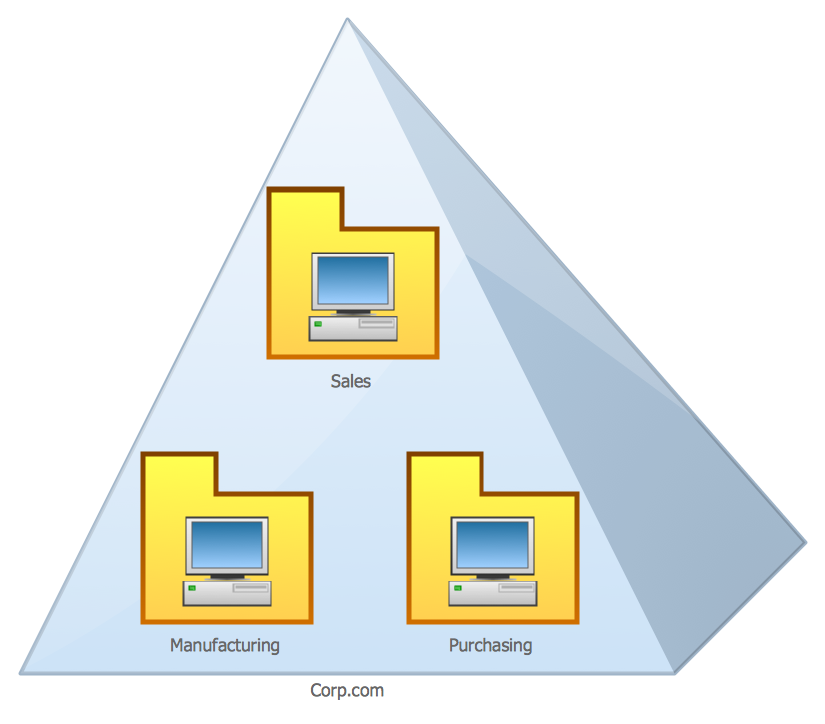
Example 3. Organizational Units
This sample was created in ConceptDraw DIAGRAM software using the Active Directory Diagrams Solution for ConceptDraw DIAGRAM Solution Park. This sample was included in Active Directory Diagrams Solution and visually demonstrates the Single Root Domain with a Structured Organizational Units Model. An experienced user spent 5 minutes creating this sample.
Use the Active Directory Diagrams Solution to create your own professional looking drawings, diagrams and schemes of any complexity quick, easy and effective, and then successfully use them in your scientific or education activity.
All source documents are vector graphic documents. They are available for reviewing, modifying, or converting to a variety of formats (PDF file, MS PowerPoint, MS Visio, and many other graphic formats) from the ConceptDraw STORE. The Active Directory Diagrams Solution is available for all ConceptDraw DIAGRAM or later users.