Landscape Drawing Tool
The landscape design of the site is not just an ability to transform the area around the house. It is a real art of creating beauty and harmony with surrounding nature.
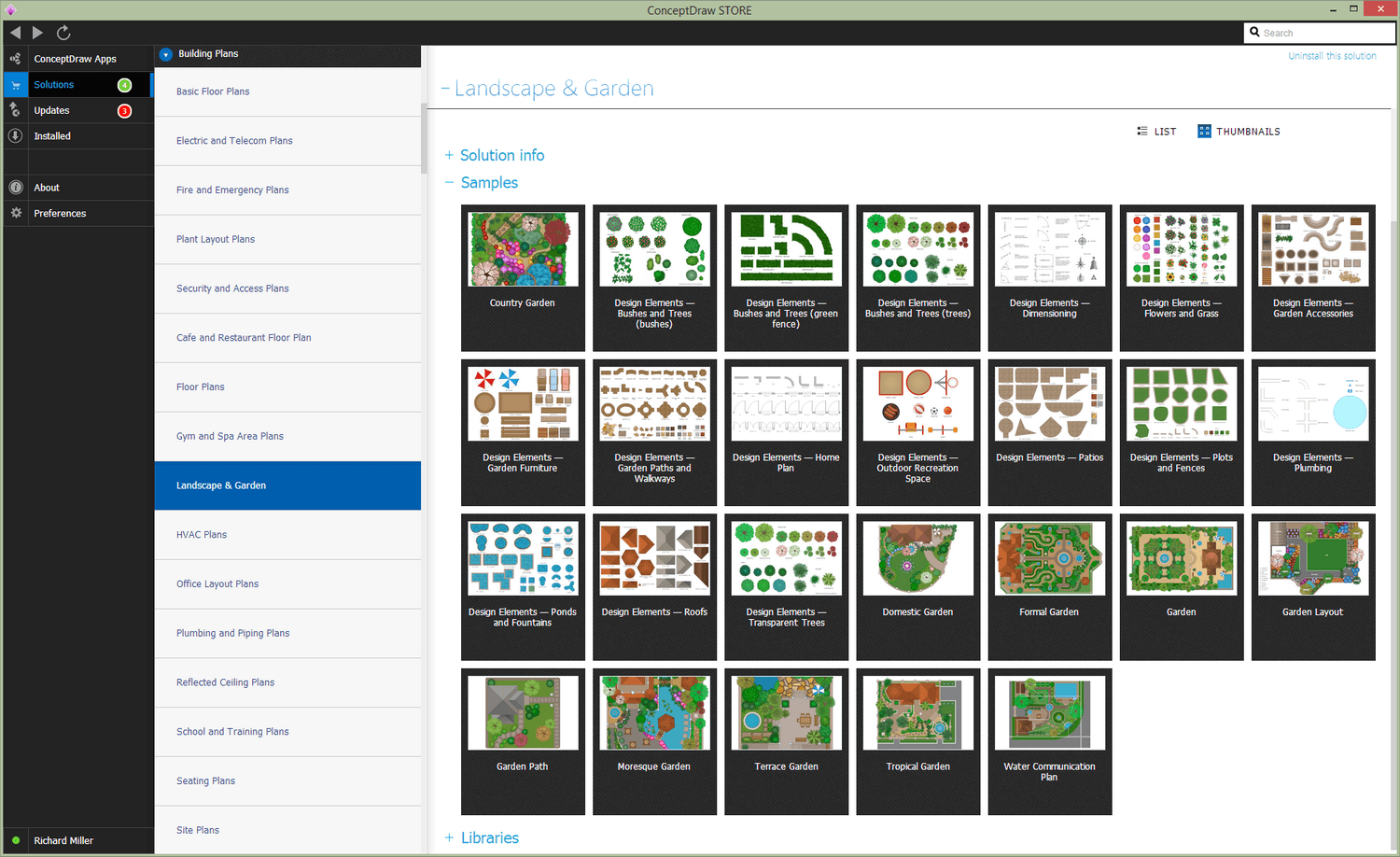
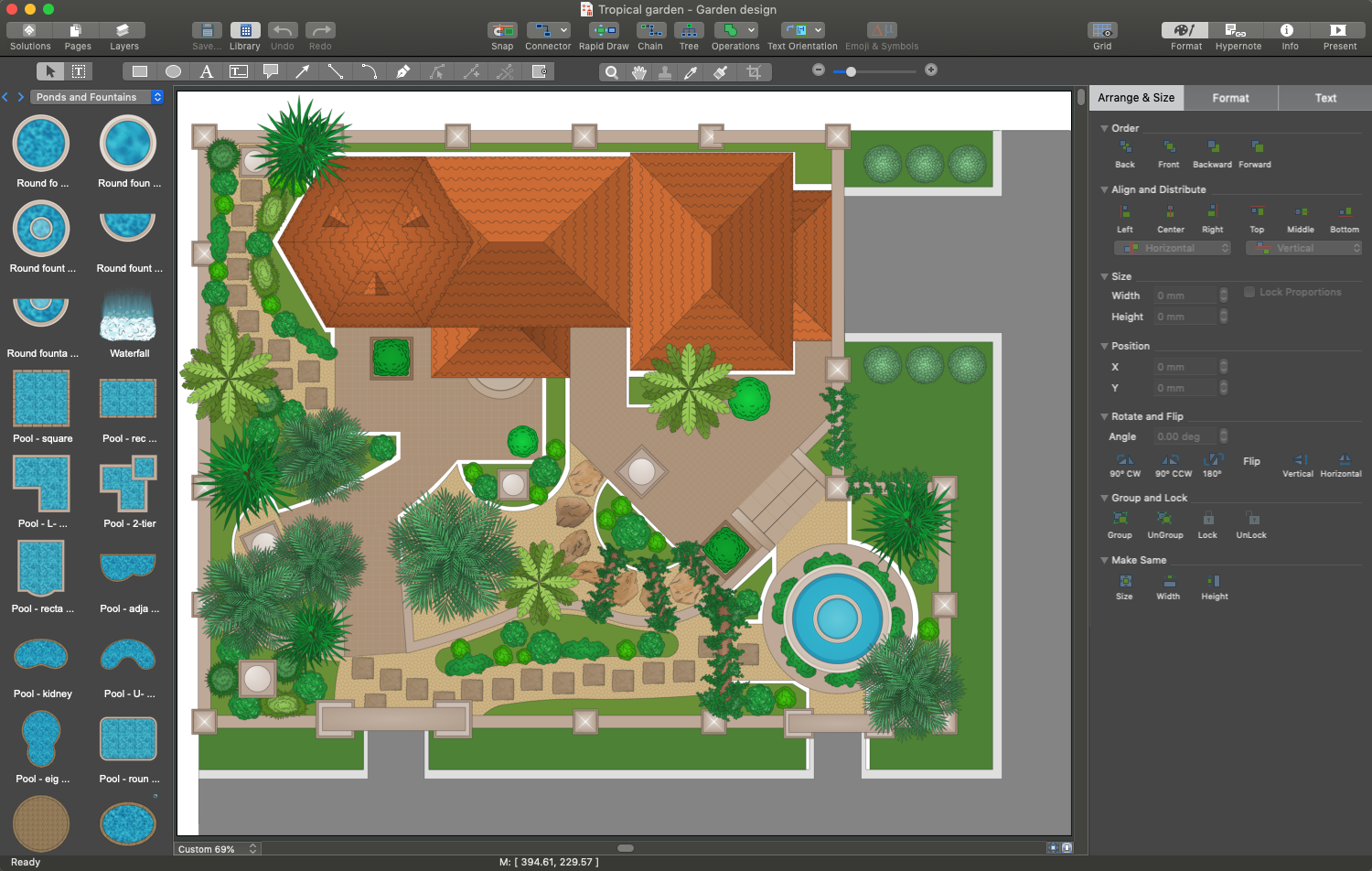
The landscape designs are simple to be created using ConceptDraw DIAGRAM software. Being enhanced with Landscape & Garden solution it is a powerful landscape drawing tool. It allows making the overall plan of a plot, planning a garden, patio, recreation area with a pool, landscape composition with a pond or fountain. It is helpful to display different landscape design areas and ideas fast and simply.
First, decide what plants would you like to see on your site. Choose plants based on a combination of factors. The great part of plants can play both an aesthetic and functional role. The sprawling plants will help to create a shadow for the arrangement of a recreation corner. The climbing plants will help to hide an unsightly fence or close your recreation area from the prying eyes.
Now, it is the time to consider the design elements for your site: garden paths, playground, decking, bridge, sculptures, hammocks, swings, compositions of stones, rock gardens, flowerbeds, ponds, or a few others. Mark on the plan the location of existing and planned buildings, like a house, garage, gazebo, veranda, terrace, sauna, greenhouse, etc. The garden path needs to come to all garden locations directly or move into the more narrow branch.
The organization of a patio area under a tent would be a great idea. At this, the tent looks incredibly beautiful when its frames are made of wood and the climbing plants are used to make the awning.
The water in any of its uses allows making the environment of your house territory even more harmonious. The small ponds, waterfalls, fountains, pools, or just bowls with continuously flowing water are a perfect choice for creating a calming and relaxing environment.
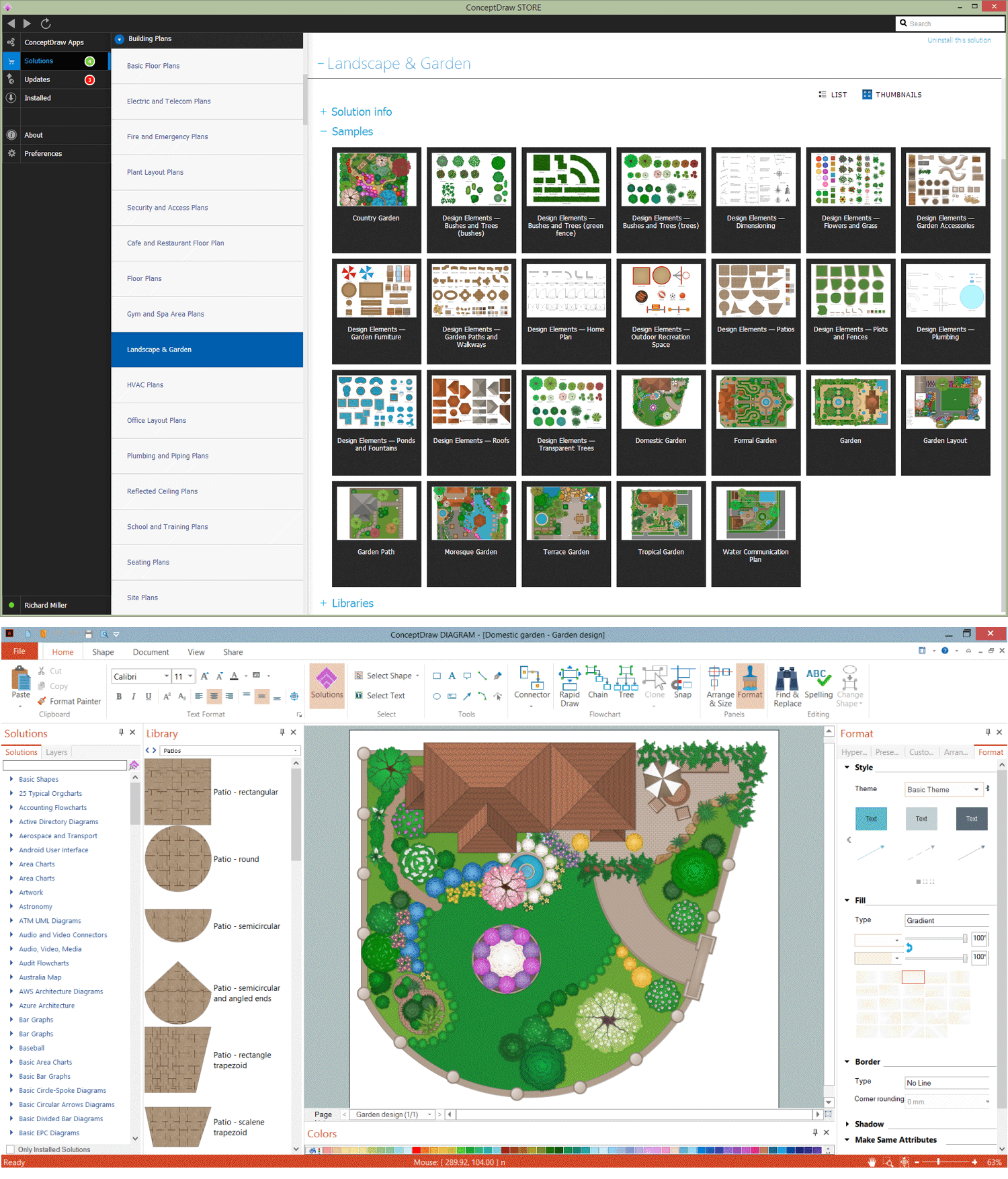
Example 1. Landscape & Garden Solution as Landscape Drawing Tool
Landscape & Garden solution offers a large set of predesigned samples of landscape designs. They are ideal for a quick start. Each sample is quickly customized. You can also design your plan from scratch using a large collection of pre-made vector objects from the solution libraries.
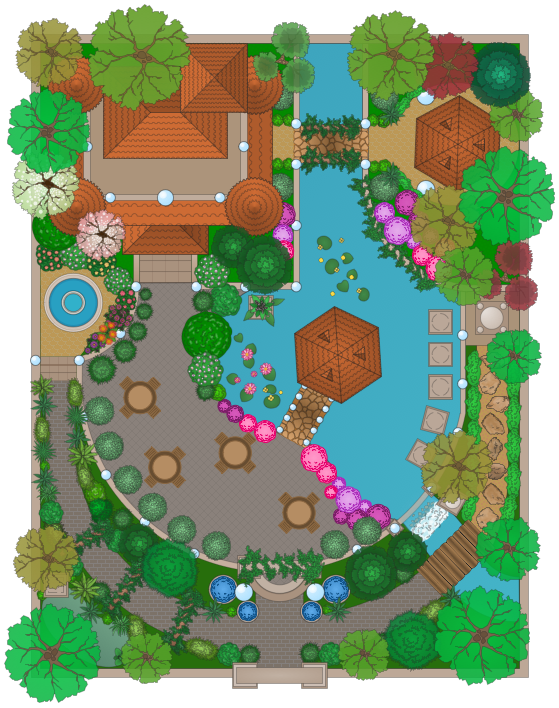
Example 2. Landscape Design - Moresque Garden
The samples you see on this page were created using the Landscape & Garden Solution for ConceptDraw DIAGRAM software and are good examples of modern landscape designs. These samples are included in Landscape & Garden Solution and available from ConceptDraw STORE. An experienced user spent 15-20 minutes creating each of these samples.
Use the Landscape & Garden Solution from the Building Plans area to draw your own landscape and backyard designs quickly, simply, and effectively.
The possibility of exporting to a variety of popular graphical formats (PNG, JPEG, JPG, GIF, TIF, TIFF, BMP, DIB, EMF, SVG) and file formats like Microsoft PowerPoint (PPT), Adobe Acrobat (PDF), Microsoft Visio (VDX, VSDX), Adobe Flash (SWF), Encapsulated PostScript (EPS), HTML, opens wide opportunities for you.