Flow Chart Creator Software
Flowchart is a representation of an algorithm in a form of a diagram. It is widely used in software development and software engineering, it is helpful for both writing programs, analyzing, and explaining to all stakeholders.
ConceptDraw DIAGRAM software supplied with the Flowcharts solution from the Diagrams area of ConceptDraw Solution Park is a powerful Flow Chart creator software with a friendly user interface. It provides all the necessary tools and features to generate the Flowcharts of any complexity in a short time. Among the solution tools are the predesigned vector objects, symbols and shapes, formatting tools, wide import and export capabilities to different file formats, etc.
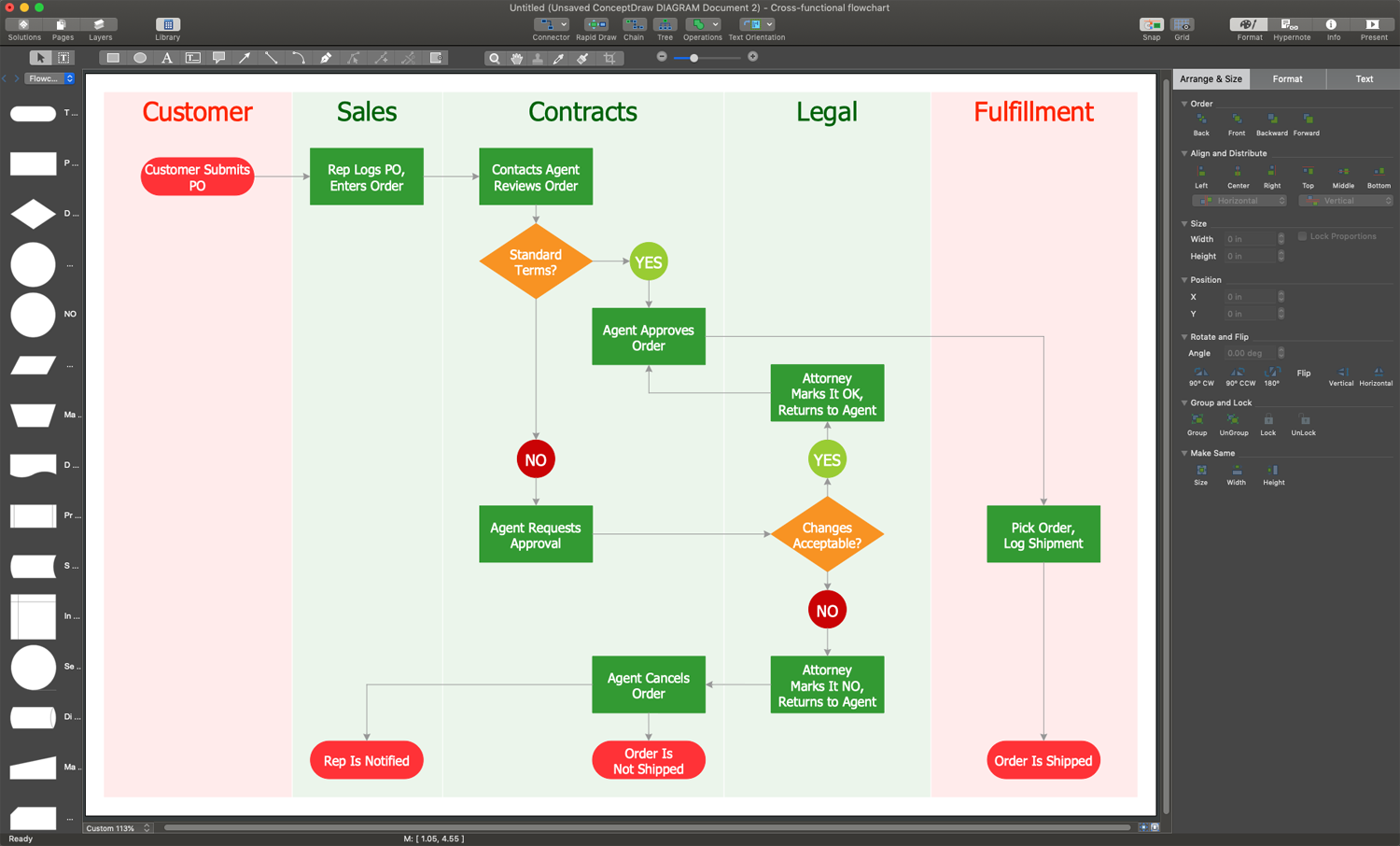
Example 1. Flow Chart Creator Software - ConceptDraw DIAGRAM
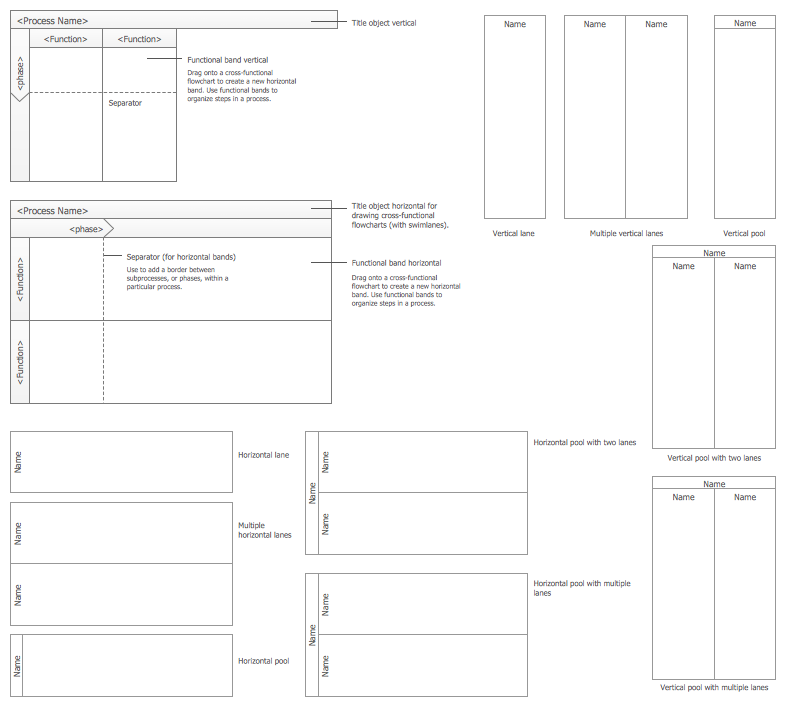
Flowcharts solution provides an enormous collection of flowchart elements and objects. They offer wide opportunities for creating the Flowcharts of any complexity you want. You can design your Flowcharts in any style due to the extensive ConceptDraw's formatting tools and using the desired color palette. Make your Flowchart more interesting and attractive by applying bright colors and highlighting the key elements. You can also add the legend for additional clarity.
Pay also attention to the large collection of samples developed by professionals and included in the Flowcharts solution. You can find each sample in ConceptDraw STORE, open and use as the base for your own Flowchart. The flowcharts showing a planning process, order processing, credit approval process, and many more different processes are included in the Flowcharts solution.


The following features make ConceptDraw DIAGRAM the most effective Flow Chart Creator Software:
- You don't need to be an artist to draw professional-looking diagrams in a few minutes.
- Large quantity of ready-to-use vector objects makes your drawing diagrams quick and simple.
- Great number of predesigned templates and samples give you a good start for your own diagrams.
- ConceptDraw DIAGRAM provides you the possibility to use the grid, rules, and guides. You can easily rotate, group, align, arrange the objects, use different fonts and colors to make your diagram exceptionally looking.
- All ConceptDraw DIAGRAM documents are vector graphic files and are available for reviewing, modifying, and converting to a variety of formats: image, HTML, PDF file, MS PowerPoint Presentation, Adobe Flash, MS Visio.
- Using ConceptDraw STORE you can navigate through ConceptDraw Solution Park, managing downloads and updates. You can access libraries, templates, and samples directly from the ConceptDraw STORE.
- If you have any questions, our free of charge support is always ready to come to your aid.