Fire Escape Diagram
The fire escape is a kind of emergency exit mounted mostly outside of a multiple-story building. It is used as an escape way in the event of a fire or other emergency when the stairs inside a building are inaccessible or dangerous to be used. The Fire Escape Diagram is a kind of Emergency Plan. It shows the location of fire-fighting, fire alarm, and fire extinguishing equipment, fire escapes, and emergency exits.
It is effective to involve employees in the development process of Emergency and Fire Escape Plans. It is obligatory to ensure employees' training for emergencies, to discuss and describe what actions they need to do during an emergency. All potential hazards and the worst-case scenarios need to be discussed. The proper responses need to be developed and studied to become understandable for each employee.
ConceptDraw DIAGRAM vector design software enhanced with Fire and Emergency Plans solution from the Building Plans area of ConceptDraw Solution Park is the best software to work in a team. It is simply to communicate with your employees, develop and discuss Emergency Plan or Fire Escape Diagram of any complexity and for any facility.
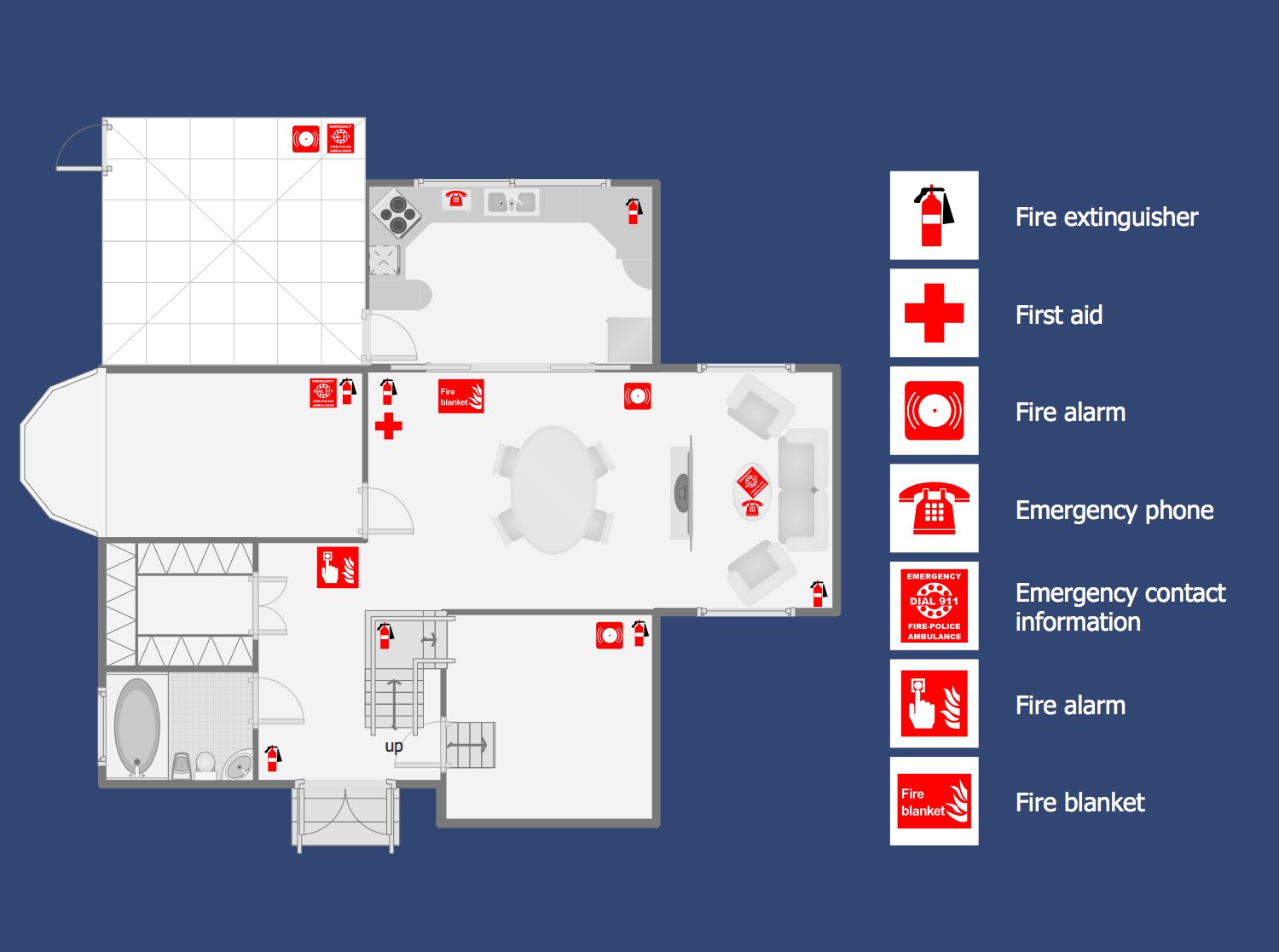
Example 1. Fire Escape Diagram
Fire and Emergency Plans solution provides a lot of useful drawing tools, ready-made vector stencils, and professionally designed samples available from the ConceptDraw STORE.
Each Fire Escape Diagram, Firefighting Floor Plan, or Fire Exit Plan designed in ConceptDraw DIAGRAM is a vector graphic document. It is available for reviewing, modifying, and converting to a variety of formats (PDF file, MS PowerPoint, MS Visio, and many more graphic formats). You can also send your plan by e-mail to colleagues in one click directly from the application.
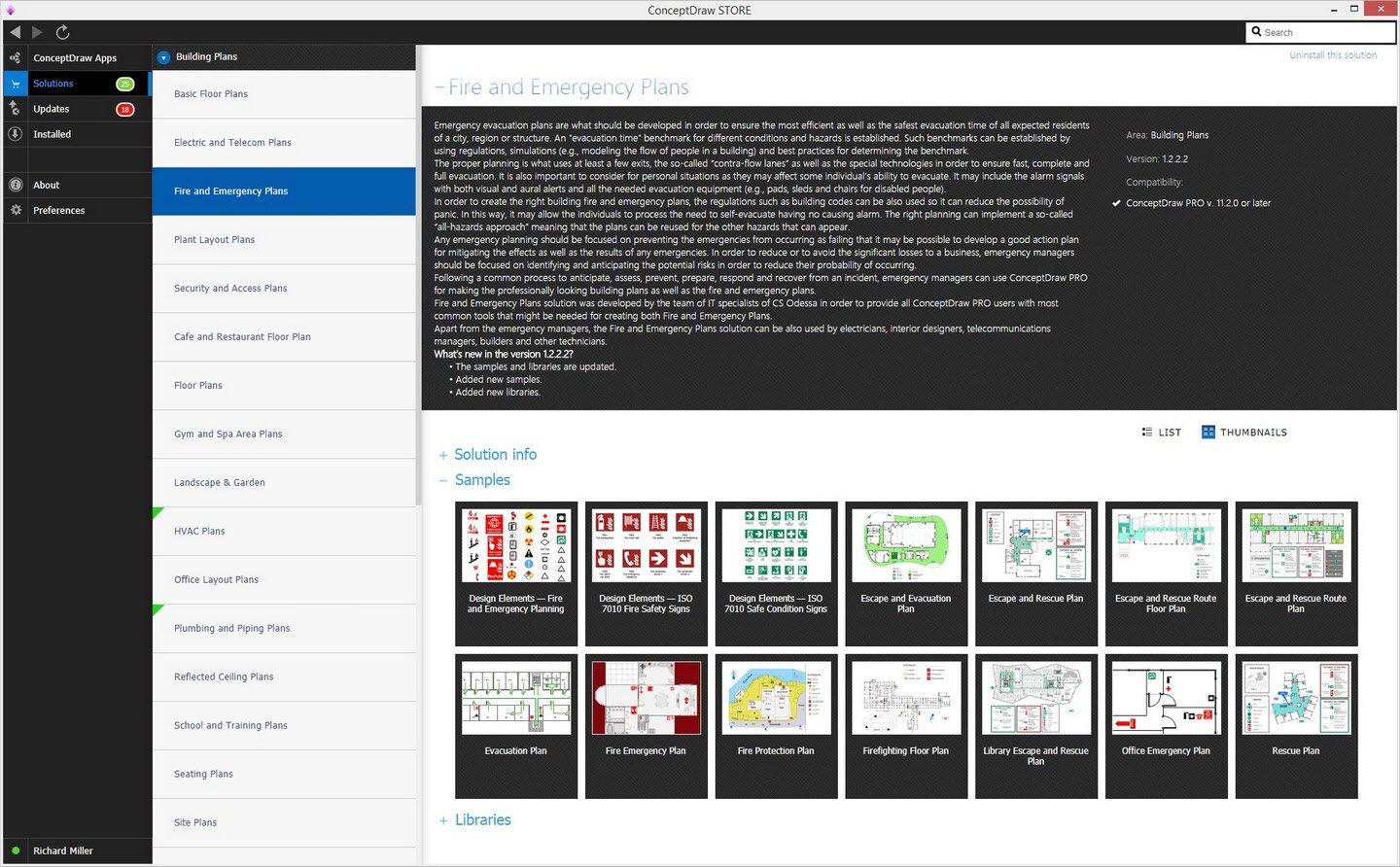
Example 2. Fire and Emergency Plans Solution in ConceptDraw STORE
The sample you see on this page was created in ConceptDraw DIAGRAM software. The drawing tools and objects from the libraries of Fire and Emergency Plans and Floor Plans solutions from the Building Plans area were used. It demonstrates the solution's capabilities and the professional results you can achieve. An experienced user spent 15 minutes creating it in the application.
Fire and Emergency Plans Solution is available for all ConceptDraw DIAGRAM users. Use it to make your Fire Escape Diagrams and Emergency Plans quick, simply, and effectively from the beginning to the end.


