Easy Flowchart Maker
Flowchart is a kind of chart describing a process. It gives you visual clarity, supplies effective coordination, analysis, instant communication on key points, and improves efficiency. Flowcharts are widely used in multiple fields to document complex processes in a clear and easily understandable way. It is useful in order to study and improve these processes.
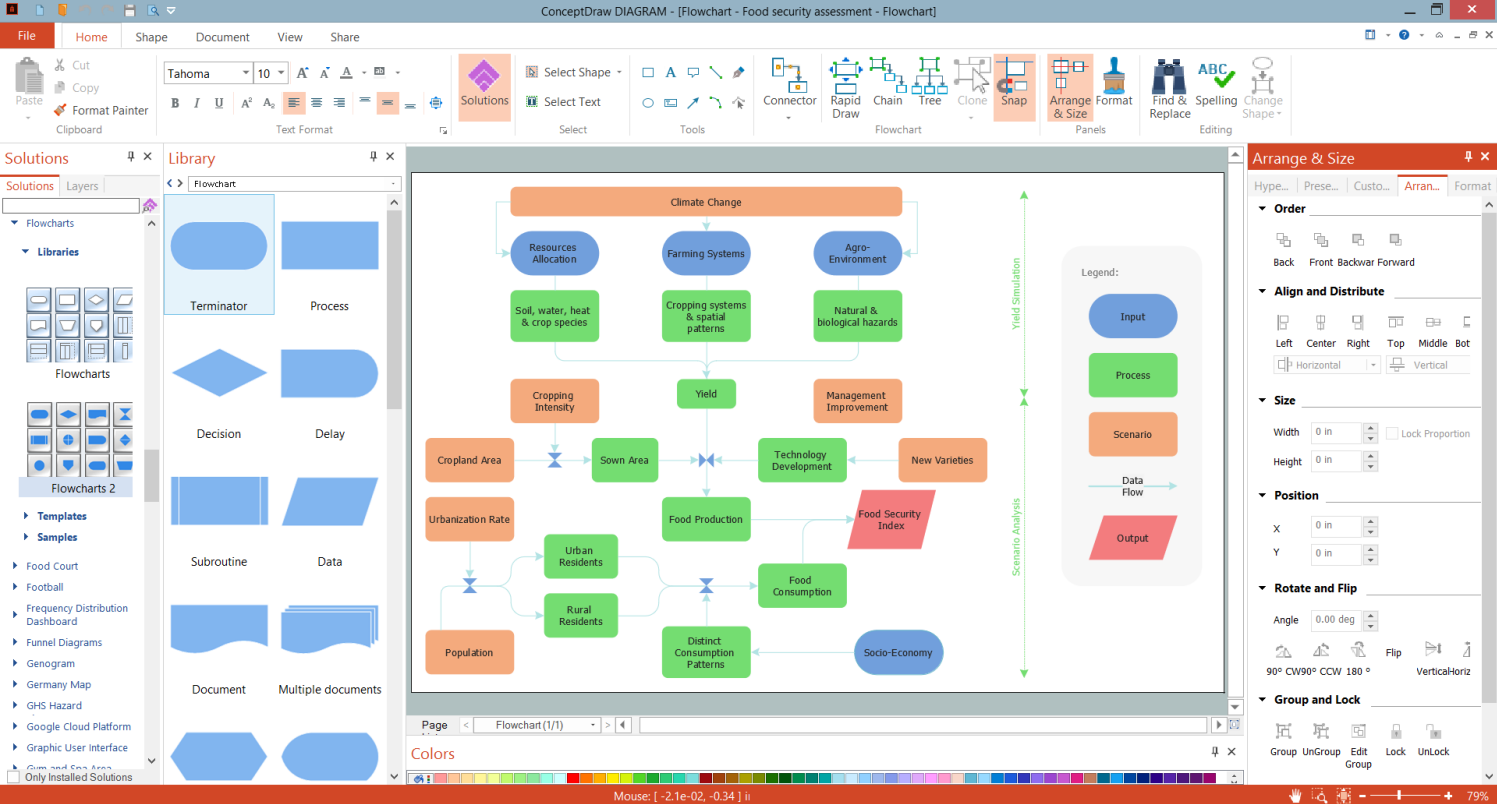
The majority of people who need to create Flowcharts aren’t professional painters or specially trained graphic designers. Moreover, they may not have artistic abilities at all. But it is not a problem with easy flowchart maker ConceptDraw DIAGRAM enhanced with the Flowcharts solution. Using it anyone can design its own professional-looking Flowchart in minutes.
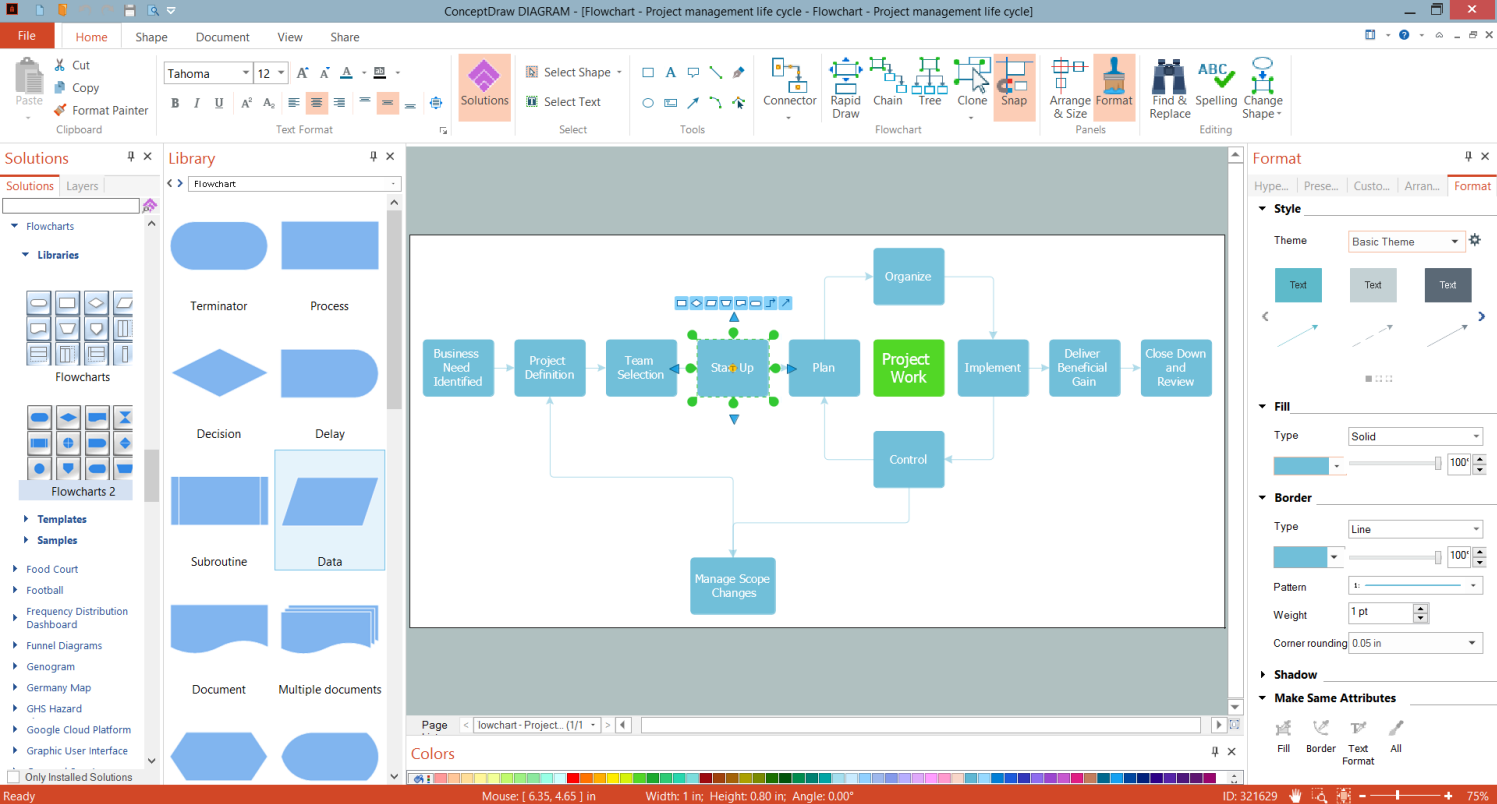
Example 1. Easy Flowchart Maker - ConceptDraw DIAGRAM
Flowcharts solution provides three libraries with the ready-to-use predesigned vector stencils. The included shapes of different kinds make the Flowcharts drawing quick, simple and effective.


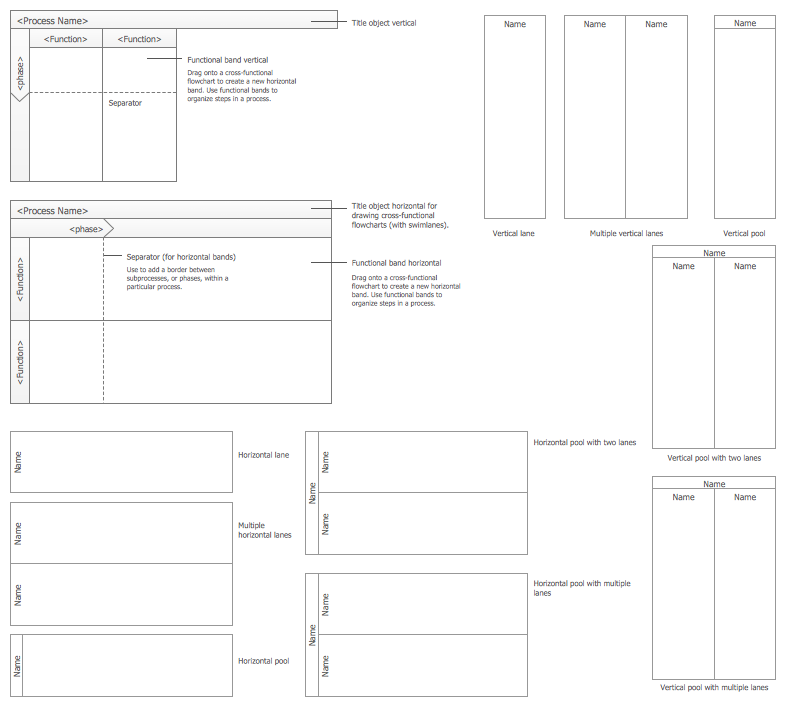
Use the pre-made objects to design your clear and colorful Flowchart fast and simply. Pay also attention to the collection of Flowcharts samples included in ConceptDraw's Flowcharts solution. They are incredibly illustrative and show the solution's power.
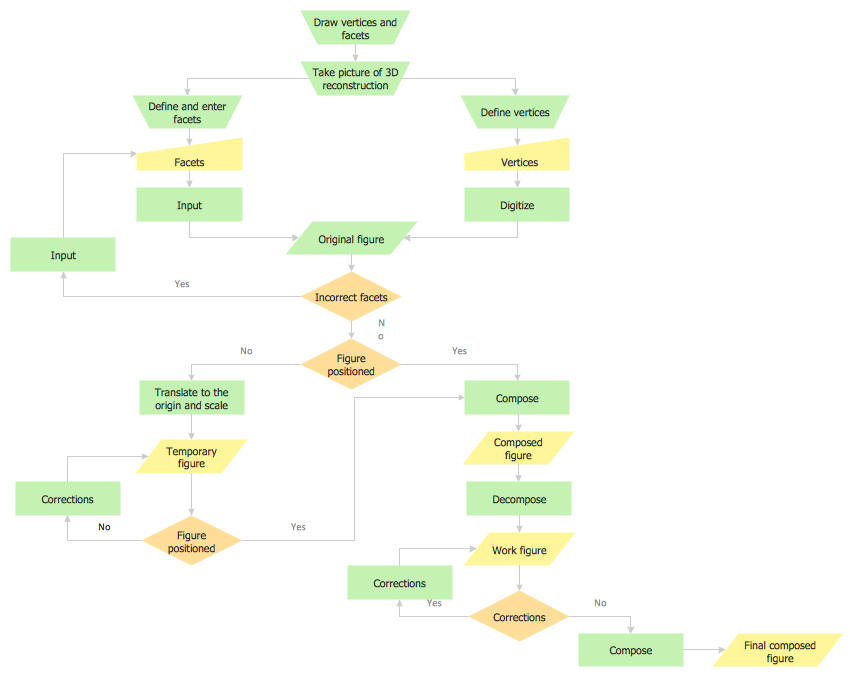
Example 2. Flowchart — Synthetic Object Construction
The following features make ConceptDraw DIAGRAM the best easy Flowchart maker:
- You don't need to be an artist to draw professional-looking diagrams in a few minutes.
- Large quantity of ready-to-use vector objects makes your drawing diagrams quick and simple.
- Great number of predesigned templates and samples give you a good start for your own diagrams.
- ConceptDraw DIAGRAM provides you the possibility to use the grid, rules, and guides. You can easily rotate, group, align, arrange the objects, use different fonts and colors to make your diagram exceptionally looking.
- All ConceptDraw DIAGRAM documents are vector graphic files and are available for reviewing, modifying, and converting to a variety of formats: image, HTML, PDF file, MS PowerPoint Presentation, Adobe Flash, MS Visio.
- Using ConceptDraw STORE you can navigate through ConceptDraw Solution Park, managing downloads and updates. You can access libraries, templates, and samples directly from the ConceptDraw STORE.
- If you have any questions, our free of charge support is always ready to come to your aid.