Made with
ConceptDraw
DIAGRAM 18

Easy Flowchart Creator

Flowcharts are the type of charts used to depict the processes or their certain aspects. A kind of a flowchart placed on the page divided into swim lanes took the name of a Cross-functional flowchart. It depicts the steps of the process and also people, teams, organizational units, or some other categories responsible for each process stage. This makes the processes clear and allows avoiding any misunderstandings or confusion. The part of a chart appearing in a particular swim lane is under the control of the corresponding organizational unit. You can always immediately observe your private responsibilities or tasks for which your team or another one is responsible.

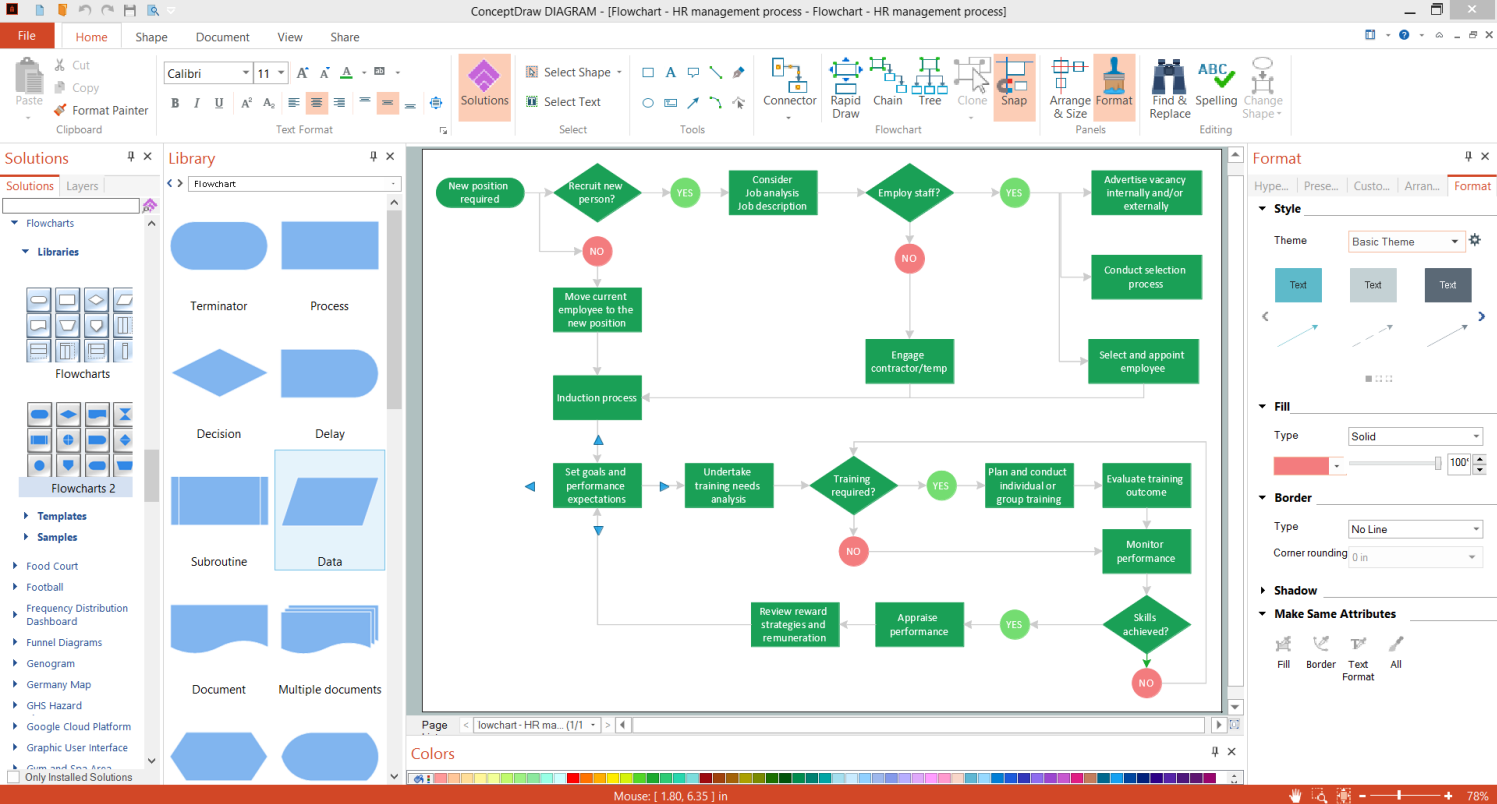
ConceptDraw DIAGRAM software extended with the Flowcharts solution from the Diagrams area of ConceptDraw Solution Park is an easy Flowchart creator. It is efficiently used for making the Flowcharts, Cross-functional flowcharts, diagrams and charts of any size and complexity. It also allows simultaneous drawing Flowcharts on the different pages and connecting these pages with each other.
Easy Flowchart Creator - ConceptDraw DIAGRAM

Example 1. Easy Flowchart Creator - ConceptDraw DIAGRAM

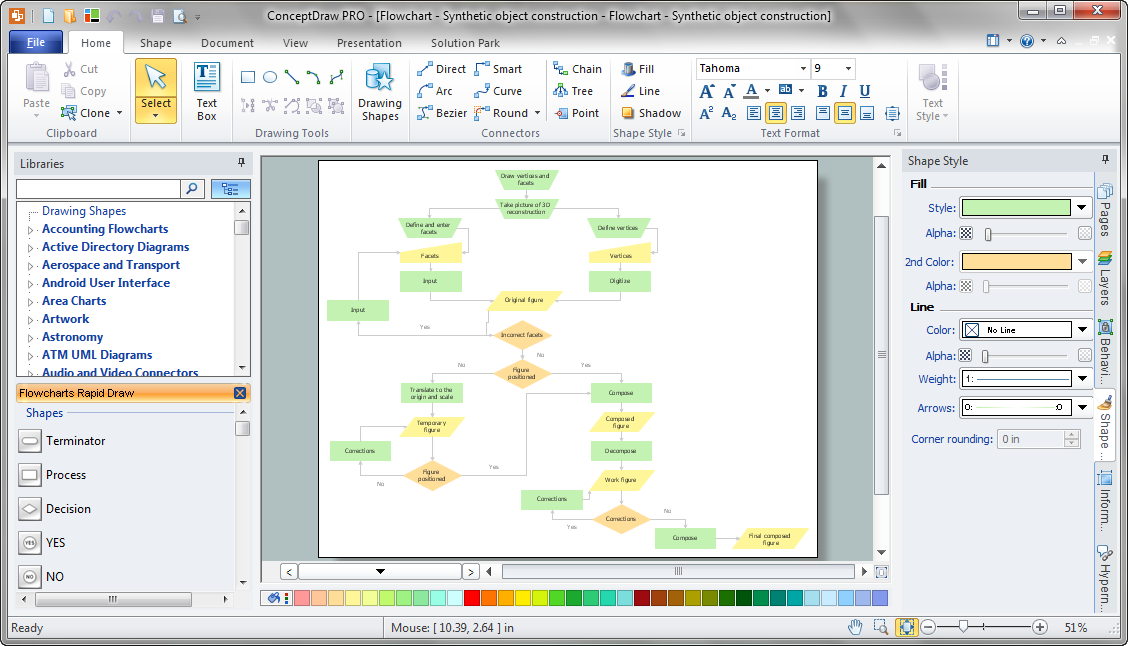
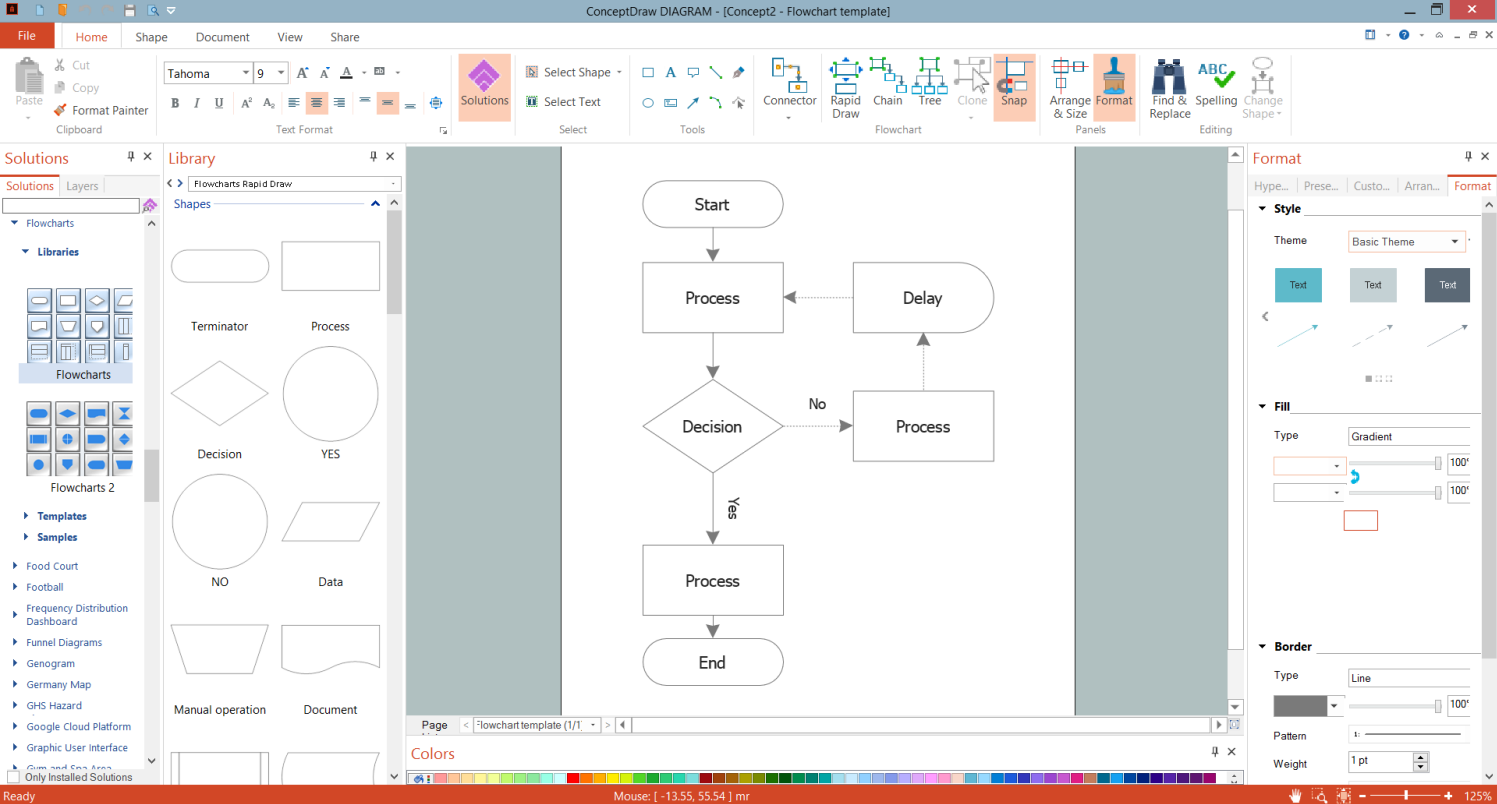
Flowcharts solution provides three libraries with ready-to-use predesigned vector stencils. They make the Flowcharts drawing quick, simple, and effective. The set of predesigned samples and template also included to this solution, can become a perfect base for your own Flowcharts and Cross-Functional Flowcharts. A wide variety of samples for different areas is offered: Order Processing, Food Security Assessment, Synthetic Object Construction, etc. You may use any sample as-is or slightly redesign, change some details according to the modeled process or workflow.
Flowchart Template in ConceptDraw DIAGRAM

Example 2. Flowchart Template in ConceptDraw DIAGRAM

The following features make ConceptDraw DIAGRAM the easy Flowchart creator:

  1. You don't need to be an artist to draw professional-looking diagrams in a few minutes.
  2. Large quantity of ready-to-use vector objects makes your drawing diagrams quick and simple.
  3. Great number of predesigned templates and samples give you the good start for your own diagrams.
  4. ConceptDraw DIAGRAM provides you the possibility to use the grid, rules, and guides. You can easily rotate, group, align, arrange the objects, use different fonts and colors to make your diagram exceptionally looking.
  5. All ConceptDraw DIAGRAM documents are vector graphic files and are available for reviewing, modifying, and converting to a variety of formats: image, HTML, PDF file, MS PowerPoint Presentation, Adobe Flash, MS Visio.
  6. Using ConceptDraw STORE you can navigate through ConceptDraw Solution Park, managing downloads and updates. You can access libraries, templates, and samples directly from the ConceptDraw STORE.
  7. If you have any questions, our free of charge support is always ready to come to your aid.



THREE RELATED HOW TO's:
Definition, examples, layout options, best practices, and common mistakes for cross functional flowcharts (swimlane diagrams).Cross functional flowchart structure showing workflow across sales, finance, and operations swimlanes with decision and handoff
Picture: Cross Functional Flowchart (Swimlane Diagram): Definition, Structure, Examples, and How to Create
Related Solution:
Process Flow Charts are very popular and widely used in chemical and process engineering for representation a general flow of plant processes and equipment. If you need often draw them, the ConceptDraw DIAGRAM diagramming and vector drawing software extended with tools of Flowcharts Solution will be useful for you. The mostly used set of process flow chart symbols includes the following: Rectangle (box) process flow chart symbol, Rounded rectangle, Circle, Diamond.Process Flow Chart Symbol *
Picture: Process Flow Chart Symbol
Related Solution:
When trying to figure out the nature of the problems occurring within a project, there are many ways to develop such understanding. One of the most common ways to document processes for further improvement is to draw a process flowchart, which depicts the activities of the process arranged in sequential order — this is business process management. ConceptDraw DIAGRAM is business process mapping software with impressive range of productivity features for business process management and classic project management. This business process management software is helpful for many purposes from different payment processes, or manufacturing processes to chemical processes. Business process mapping flowcharts helps clarify the actual workflow of different people engaged in the same process. This samples were made with ConceptDraw DIAGRAM — business process mapping software for flowcharting and used as classic visio alternative because its briefly named "visio for mac" and for windows, this sort of software named the business process management tools. This flowchart diagram shows a process flow of project management. The diagram that is presented here depicts the project life cycle that is basic for the most of project management methods. Breaking a project into phases allows to track it in the proper manner. Through separation on phases, the total workflow of a project is divided into some foreseeable components, thus making it easier to follow the project status. A project life cycle commonly includes: initiation, definition, design, development and implementation phases. Distinguished method to show parallel and interdependent processes, as well as project life cycle relationships. A flowchart diagram is often used as visual guide to project. For instance, it used by marketing project management software for visualizing stages of marketing activities or as project management workflow tools. Created with ConceptDraw DIAGRAM — business process mapping software which is flowcharting visio alternative or shortly its visio for mac, this sort of software platform often named the business process management tools.Process Flowchart
Picture: Process Flowchart: A Step-by-Step Comprehensive Guide
Related Solution:
ConceptDraw
DIAGRAM 18