Diagramming Software for Design
Business Process Diagrams
Design Elements: Gateways
A gateway is represented with a diamond shape and determines forking and merging of paths, depending on the conditions expressed.
ConceptDraw has 142 vector stencils in the 8 libraries that helps you to start using software for designing own Business Process Diagrams.
Use Gateways library with 8 objects from BPMN.
- Exclusive Gateway
- Exclusive Gateway (with marker)
- Event-Based Gateway
- Parallel Gateway
- Inclusive Gateway
- Event-Based Gateway to Start a Process
- Complex Gateway
- Parallel Event-Based Gateway
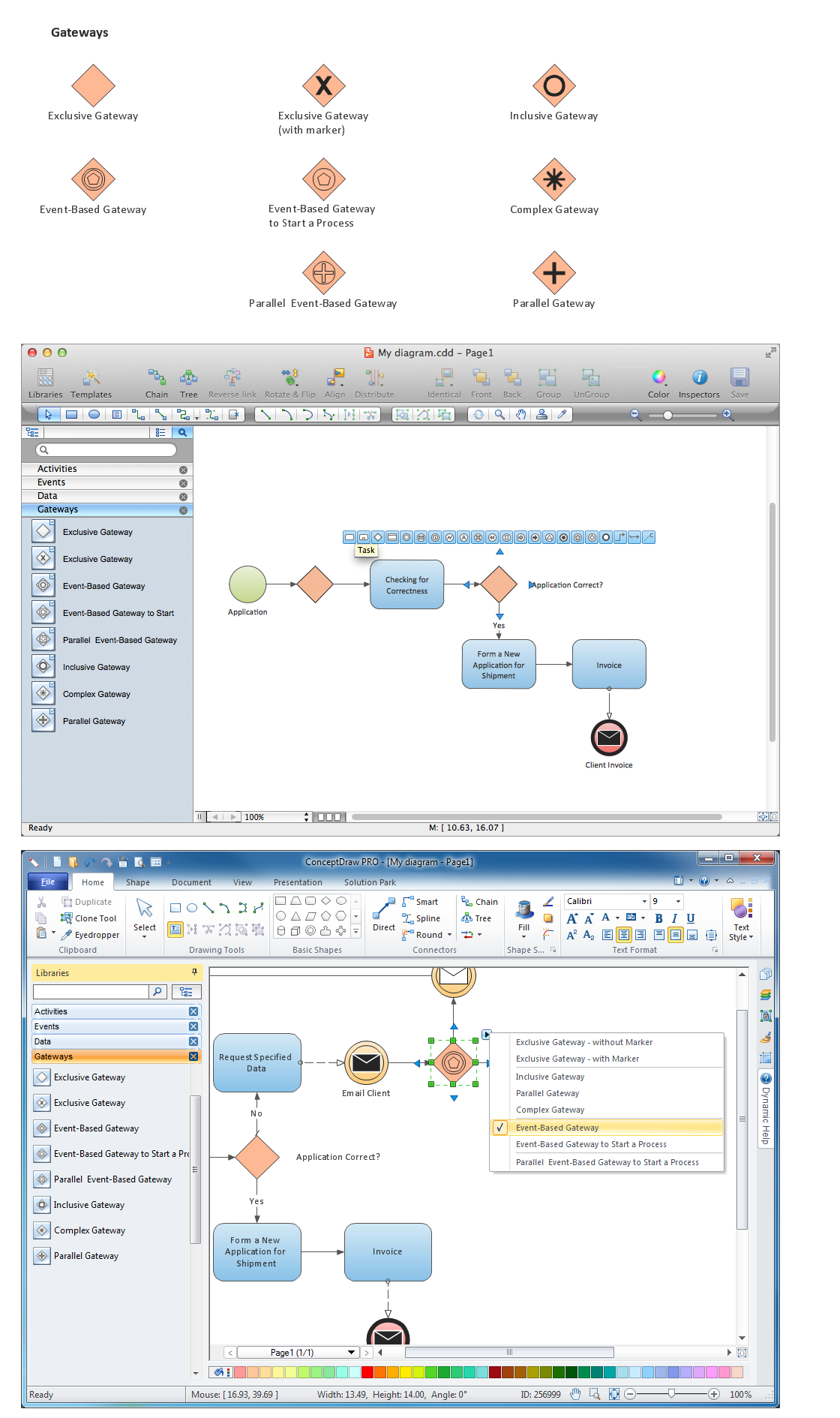
The Gateways library design elements have diamond shape and represent forking and merging of paths in business process flows.
Use the Gateways library objects in your BPMN 2.0 diagrams to show alternative flows and parallel paths of your business processes.
THREE RELATED HOW TO's:
ConceptDraw DIAGRAM - business process modeling software for mac offers the Business Process Diagram Solution with powerful tools to help you easy represent the business processes and create the business process diagrams based on BPMN 1.2 and BPMN 2.0 standards that allows to create of both simple and complex (nested) models of processes.
There are 16 BPMN 1.2 and BPMN 2.0 stencil libraries containing 230 vector objects: Rapid Draw library, Connections library, Gateways and Artifacts libraries, Data library, Gateways library, Choreographies library, Conversations library, Activities libraries, Events libraries, Expanded Objects libraries, Swim lanes libraries.
Picture: Business Process Modeling Software for Mac
Related Solution:
Event-Driven Process Chain Diagrams for improvement throughout an organisation.
ConceptDraw DIAGRAM - software that reduces the time needed to create a business process model.
Picture: EPC for Configuring an Enterprise Resource Planning
Related Solution:
Create professional business process diagram with ConceptDraw Conversations library with 11 objects from BPMN.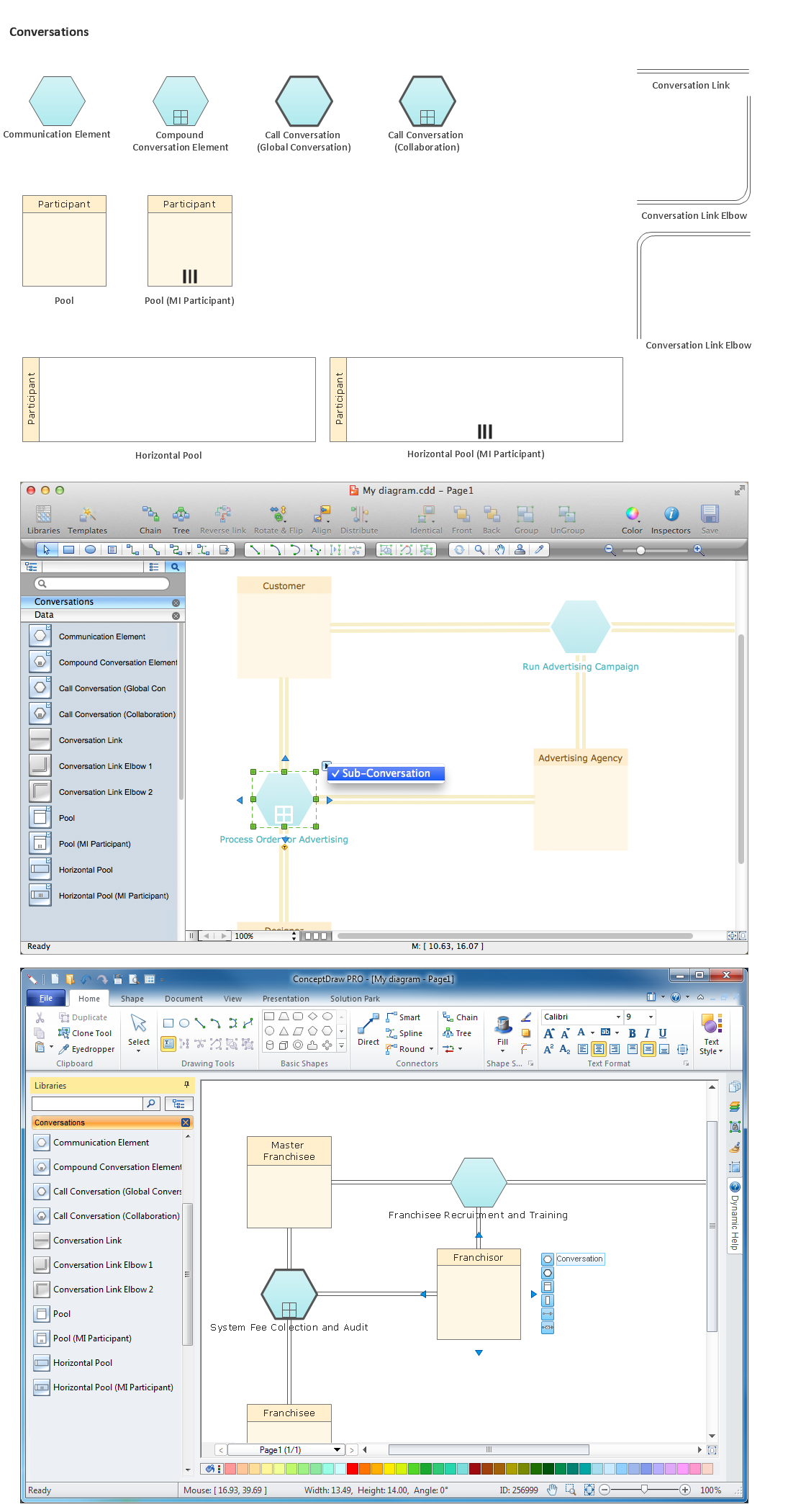
Picture: Diagramming Software for Business Process
ConceptDraw
DIAGRAM 18