Creating a Family Tree
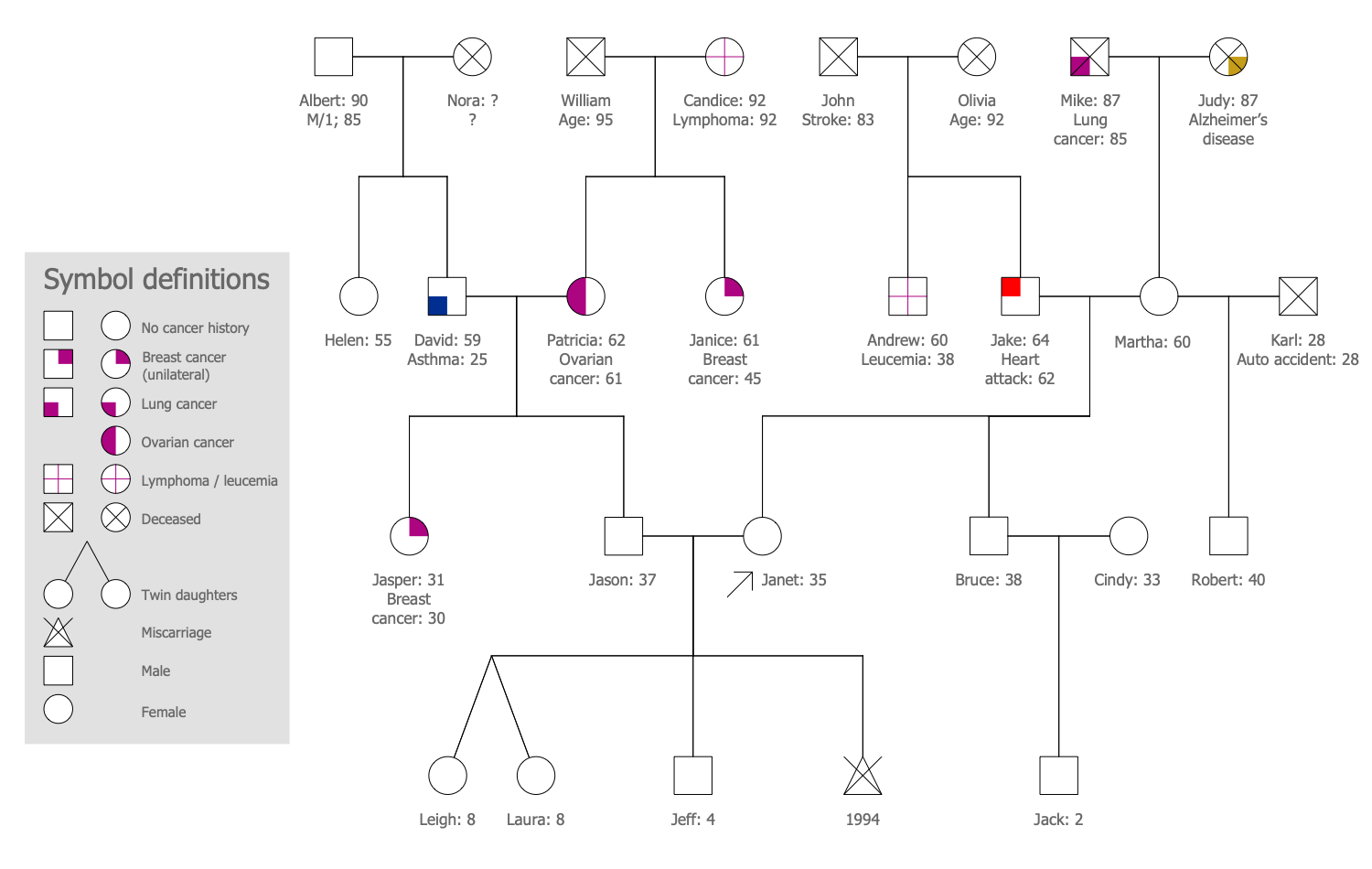
A Family tree, also called a genealogy or a pedigree chart, is a diagram, which shows the ancestry and family history, the relationships of members of different generations of an individual family. The diagram has a tree structure and different forms. There are constructed less detailed family trees or more detailed ones, including medicine and genetic information like genograms, etc. Each family tree is different and exclusive, the creative approaches allow the creation of especially-designed trees and even real masterpieces.
Family trees keep family traditions alive and are incredibly valuable storage of stories and knowledge, a source of pride, joy, and inspiration. They help to trace birth and death dates, marriages, moves, emigrations, and other life events. Family trees give you feel yourself a part of a great story going through centuries back, feel belonging to the family, and close relationships with relatives. Start drawing your familial tree and recording your family history with it is a great idea.
Family trees serve for collecting and analyzing data, information, and evidence. Sometimes understanding the family genealogy is difficult, but the family tree greatly simplifies this process offering the information and data in a simple and easy-to-understand format. A family tree reflects in a visual form the history of a family, helps to discover your past, feel yourself connected to your heritage, and perform genetic analysis. It can tell about relatives that you never knew about.
The tradition of making family trees is really ancient, it was popular among the royal and noble families, and families of famous historical personalities. The most ancient known family tree is Confucius's, which includes 2 million known descendants and is 2,500 years old. Currently, family trees are also not rare and everyone who wants to discover his own past, the history of his family, learn about his ancestors and himself, can create a family tree to record and maintain family history. It is a really amazing way to capture own history for children, grandchildren, and later descendants, explain specific facts and events, and give them inspiration and the possibility to feel pride in their family.
Collecting the information is a key and often quite complex process. Because it is very difficult to find authentic documents that are older than a few hundred years. For this reason, the information is limited and family trees rarely include more than five generations back. Moreover, the documents and records are often lost through wars, fires, floods, moving, migration, and simple carelessness. At the same time, in some regions of the world documents were kept and preserved more carefully, and maybe you will get lucky.
When collecting information, you can uncover the facts about your family or stories that you’ve never heard before, discover new relatives from older generations or simply more distant relatives. Enjoy learning your history and new faces, touch the treasure trove of your family and your life will never be the same, change it for the better.
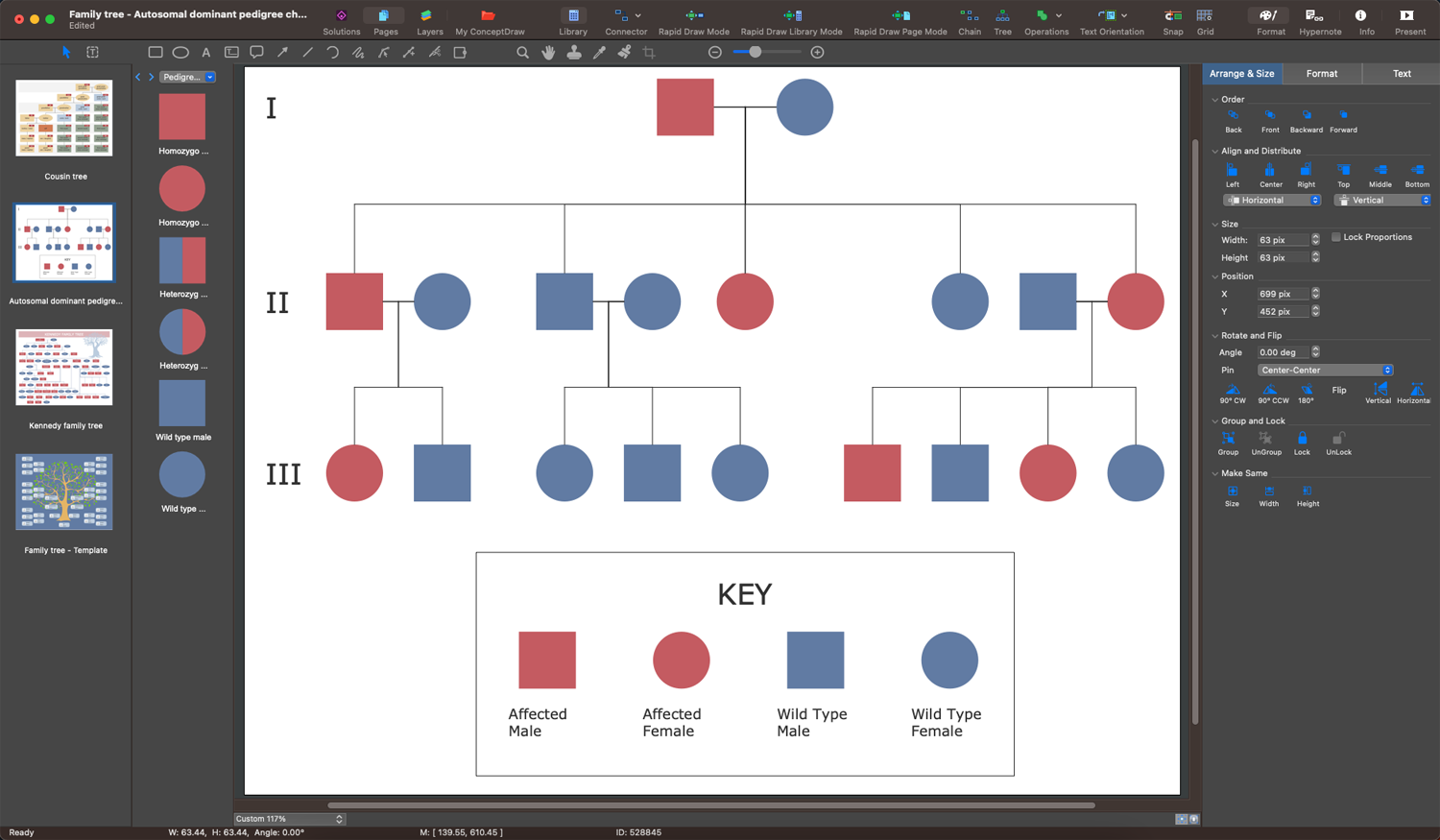
Example 1. Creating a Family Tree in ConceptDraw DIAGRAM Software
Once the information is collected, you can design your family tree. Use all collected information that you consider as the most important. Often the family tree starts with its creator and all relatives are included relative to this person. Most family trees are built vertically from the bottom up, however, sometimes they are drawn horizontally sideways starting point. You can start drawing a tree from you and show the relationships with closest and more distant relatives or start with the earliest ancestor you know and move back to yourself. The representatives of one generation are organized into a single level. This is visual and allows us to see at once all generations, which generation preceded which one, which family members are connected with each other and have a direct connection. Usually, a marriage is indicated by a horizontal line between two boxes.
Enjoy the process of drawing a Family tree with ConceptDraw DIAGRAM enhanced with Family Tree solution. Perpetuate the names of your ancestors, honor their heritage, preserve the knowledge, and keep alive familial traditions and stories in a simple and visual way. Show the results of your discoveries related to your family and historical events. Expand your tree as you obtain new data. Show the entire picture of how your family looked like in past generations. Once your family tree is finished, share it with your family members. Get your children involved and tell them about the importance of preserving family history so they can continue it in the future.
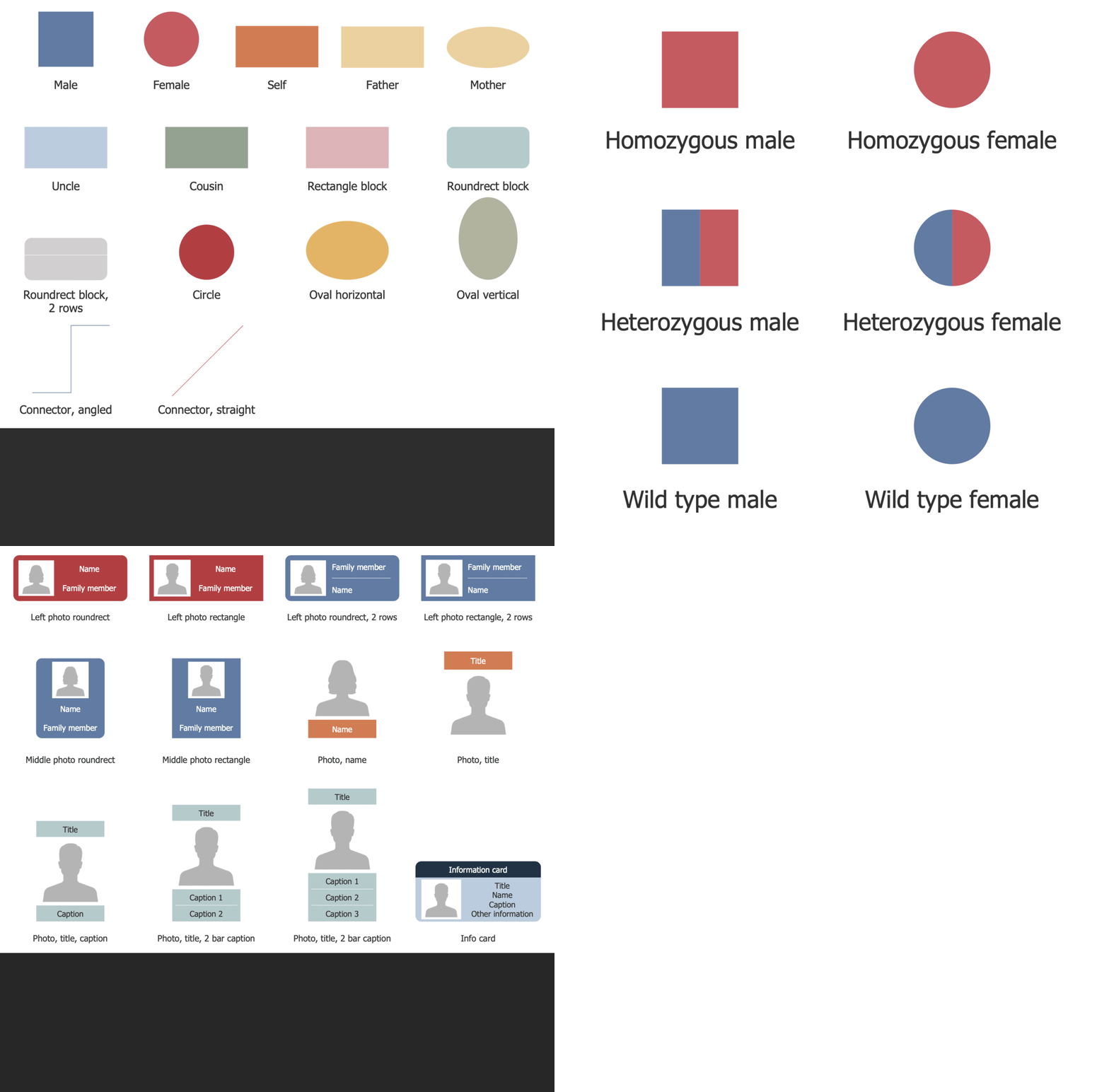
Example 2. Family Tree Solution Libraries Design Elements
Usually creating a family tree from scratch is a time-consuming process, but with specially developed templates and vector design elements — pedigree chart, family tree, and photo blocks included in Family Tree solution, you can save your time and effort. And, certainly using special vector drawing software is a much faster and convenient way than drawing by hand on paper. You can easily update your tree, add new data, photos and images, add notes with important dates, arrange your tree, change the color style, save for future generations, and share with your relatives in one click directly from the application. Apply different colors to differentiate the relationships, split living relatives from deceased, change background color, add icons and graphics to illustrate and make your family trees attractive and engaging. Draw both complex or simple family trees equally easily with Family Tree solution tools. Just use all the advantages of designing a digital family tree in ConceptDraw DIAGRAM.
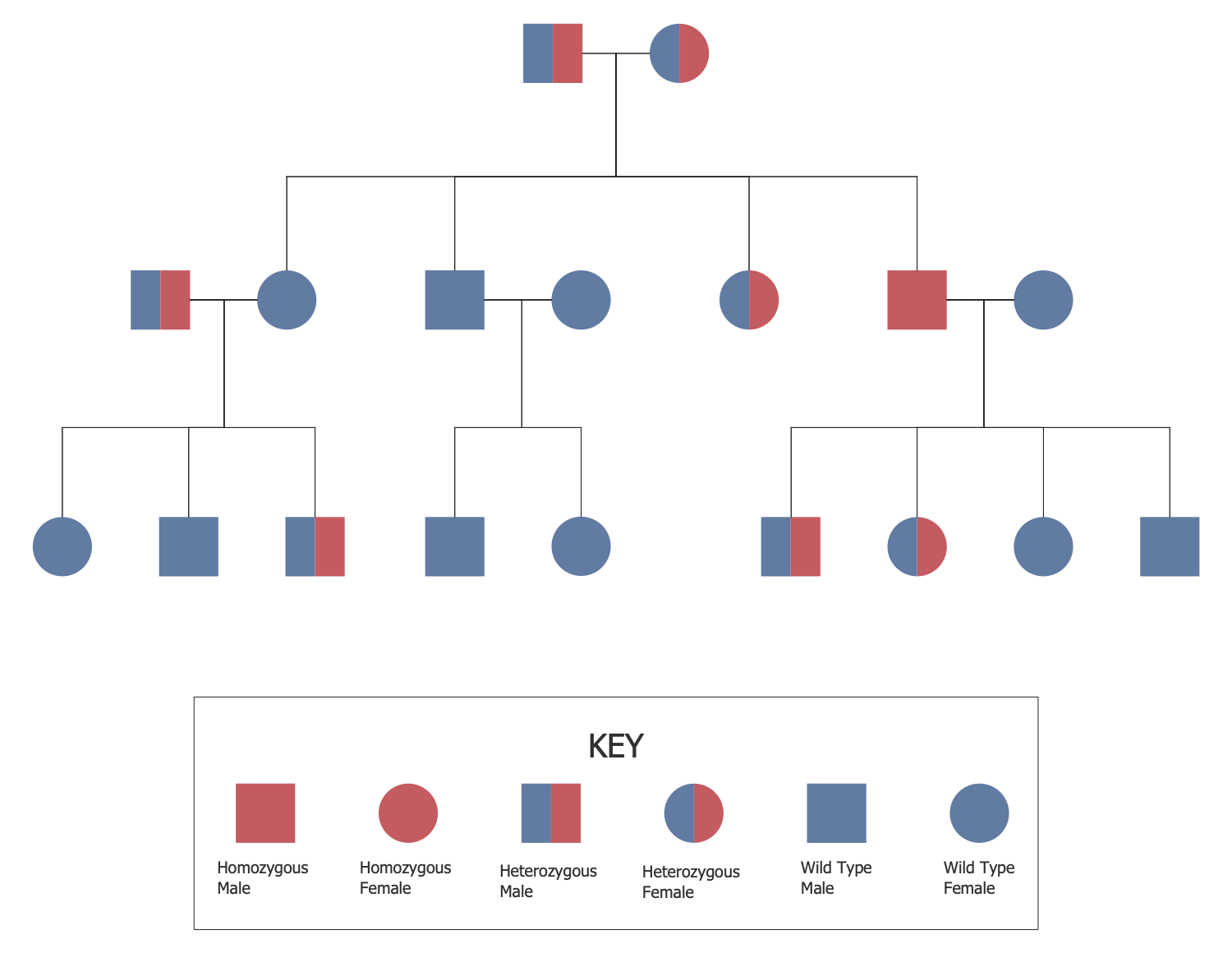
Example 3. Autosomal Recessive Pedigree Chart
The Family Trees samples you see on this page were created in ConceptDraw DIAGRAM software using the drawing tools of the Family Tree Solution. These examples successfully demonstrate solution's capabilities and the professional results you can achieve using it. An experienced user spent 10-15 minutes creating each of these samples.
Use the powerful tools of the Family Tree solution to design your own Family Trees and Genograms quick, easily, and effectively.
All source documents are vector graphic documents. They are available for reviewing, modifying, or converting to a variety of formats (PDF file, MS PowerPoint, MS Visio, and many other graphic formats) from the ConceptDraw STORE. The Family Tree Solution is available for ConceptDraw DIAGRAM users.