Backyard Software
A backyard of an urban private house or country cottage is an area adjoining a house. Typically, it is closed from prying eyes, fenced off the street or placed behind a house. The last one is the most ideal and comfortable option. A backyard is a place intended to relax after a busy day or week, receive guests, have fun, celebrate holidays. It is a favorite place of spending time in the warm season and no one will argue this. In this regard, the planning and arrangement of this territory require a particularly careful approach.
Planning is the most important point when designing a backyard. A well-thought-out plan of your plot allows you to create a harmonious, beautiful, and practical design. It also helps to avoid missing time and finances for any reconstructions or corrections. Designing is especially simple with special backyard software. The process of creating a plan in ConceptDraw DIAGRAM software enhanced with Landscape & Garden solution from the Building Plans area of ConceptDraw Solution Park will not take much of your time and effort. But it allows you to build a design delighting you and your family all year long.
Start planning the plot and backyard by answering the simple and at the same time important issues about how would you like to see your yard. Think what components the term "beautiful yard" includes in your opinion. You need also decide what is more important for you - the beauty or usability and convenience. The answers greatly depend on your lifestyle and your family size, having children and pets, the climate in your region, the plants you prefer, and features of the landscape of your plot. The answers to these and similar questions largely specify the ideal design of the backyard, the size of the recreation area, the choice of plants, etc. They allow you to set priorities correctly and design your landscape and garden exceptionally looking. Think through the nuances of the plot arrangement related to the features of the landscape and climate, and your personal preferences.
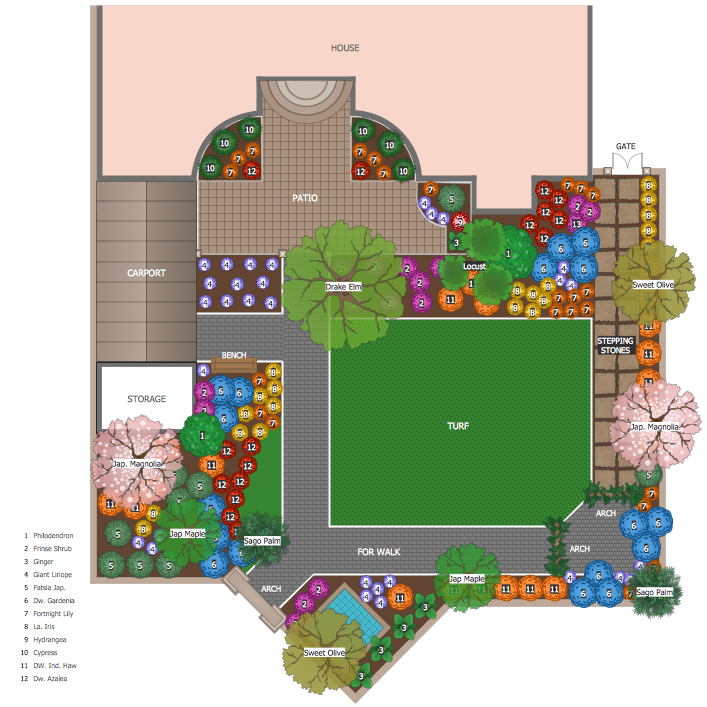
Example 1. Backyard Software - ConceptDraw DIAGRAM
Of course, the landscape design of your backyard will be mainly influenced by its size and your imagination. Often, urban private houses haven't a large adjoining territory. But even a small backyard is able to be arranged comfortably at your desire. A large backyard area certainly has a great advantage, a large number of interesting ideas is able to be implemented there. But at the same time, the larger the plot is, the more careful its planning should be.
Even small details are very important. For example, garden paths are an integral part of any landscape design and in addition to their main purpose, they can serve for decoration and even zoning the territory. Also, turn attention to the lighting of the territory. It allows comfortable enjoying the warm summer evenings in an open-air and also is an elementary security measure in the dark. In turn, the decorative lighting may become a chic element of design and decoration of your backyard.
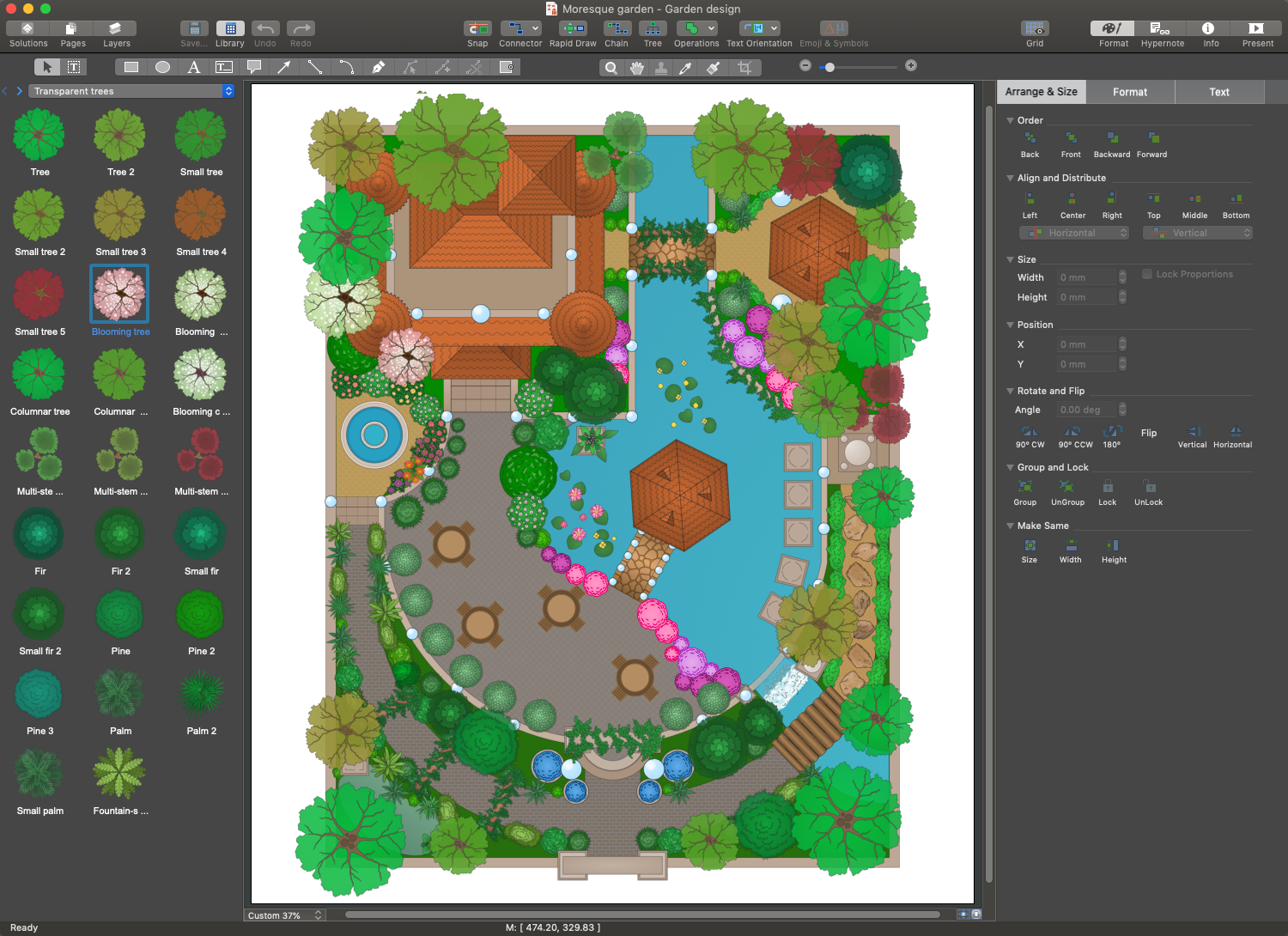
You can envisage all these details and mark in the plan using the vector design elements from the libraries of Landscape & Garden solution in a few moments.
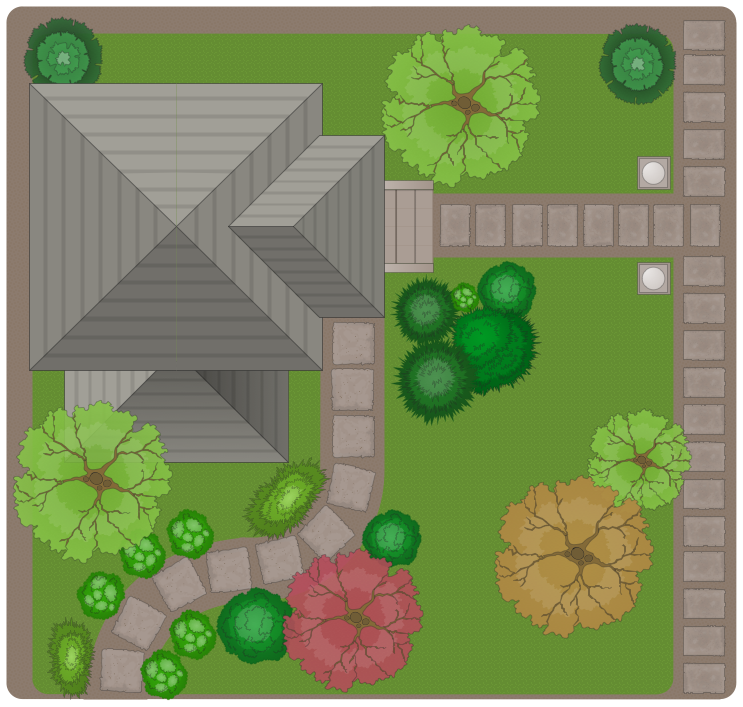
Example 2. Backyard Design - Garden Path
The following features make ConceptDraw DIAGRAM the best backyard software:
- You don't need to be an artist to draw professional-looking diagrams in a few minutes.
- Large quantity of ready-to-use vector objects makes your drawing diagrams quick and simple.
- Great number of predesigned templates and samples give you a good start for your own diagrams.
- ConceptDraw DIAGRAM provides you the possibility to use the grid, rules, and guides. You can easily rotate, group, align, arrange the objects, use different fonts and colors to make your diagram exceptionally looking.
- All ConceptDraw DIAGRAM documents are vector graphic files and are available for reviewing, modifying, and converting to a variety of formats: image, HTML, PDF file, MS PowerPoint Presentation, Adobe Flash, MS Visio.
- Using ConceptDraw STORE you can navigate through ConceptDraw Solution Park, managing downloads and updates. You can access libraries, templates, and samples directly from the ConceptDraw STORE.
- If you have any questions, our free of charge support is always ready to come to your aid.