Backyard Planning Software
A private country house with its own backyard is a dream of most people. If you are already a happy owner of a house and are thinking about its improvement and design, turn attention to the professional ConceptDraw DIAGRAM software. It is extended with helpful Landscape & Garden solution from the Building Plans area of ConceptDraw Solution Park. Even if the rhythm of your life does not allow you to take up planning, it will not be a big obstacle on the way to a beautiful garden. With ConceptDraw DIAGRAM backyard planning software, you can think through the original design of your patio to the smallest details quickly and simply, and reflect your ideas on the plan at once. It offers a lot of ready solutions as samples and a large variety of pre-made vector stencils at the libraries.
The backyard is a great place to relax and have guests, and an opportunity to express your fantasy, thoughts, fulfill your dreams and discover your talent. The design of the backyard is a reflection of the personality, inner world, taste, and style of its owners. And often the impression about homeowners begins with a first glance at the design of their plot.
In order to choose the most interesting design for your plot, evaluate all its features. In some backyards, you can create a rock garden, terrace garden, "dried" stream or mini-park. In other ones, you can place a waterfall, pond or pool. When choosing a style for your backyard, consider the different parameters like the size of the plot, climate, relief, land quality, house style, etc. Combine your ideas together to create a truly unique design.

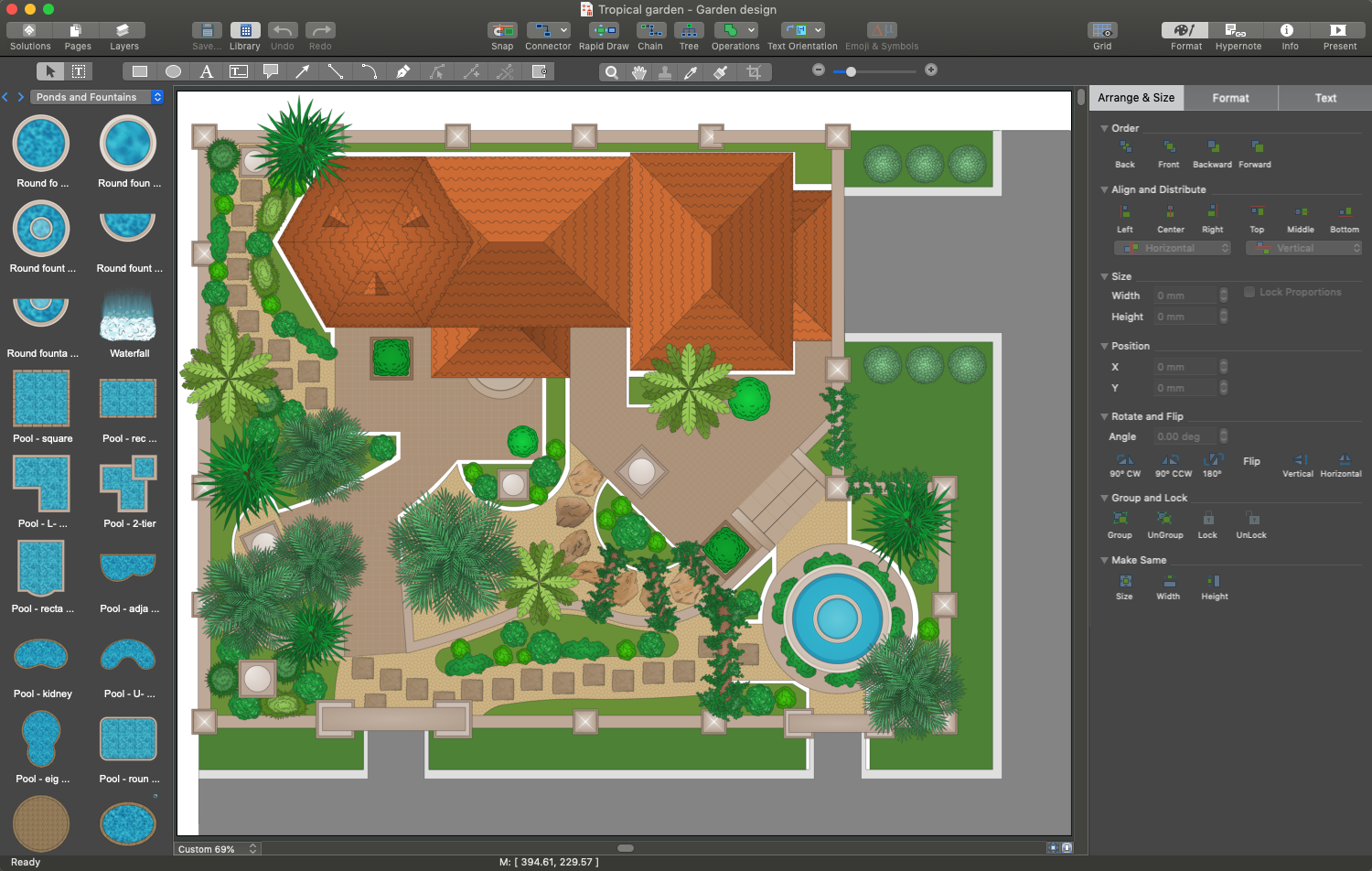
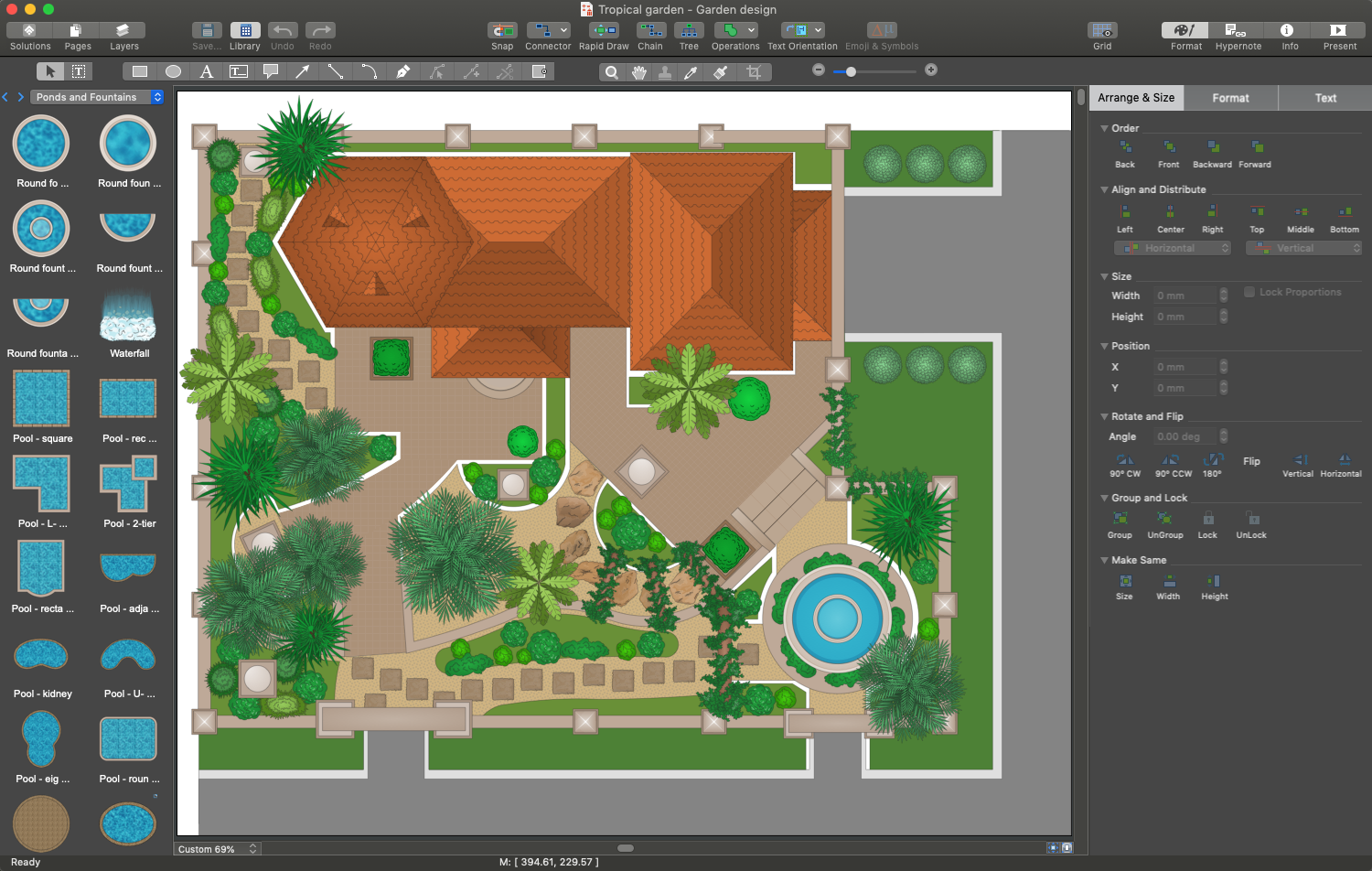
Example 1. Backyard Planning Software - ConceptDraw DIAGRAM
The zoning of the territory is implemented by using varied elements like paths, plants, shrubs, garden sculptures, live fences, hedges, etc. It helps to place everything you need neatly and compactly within your plot.
The location of all plants in the yard must be thought-out in advance. You need to start the landscape design of your private house backyard with detailed planning. Different trees and shrubs require different conditions, the amount of light and soil moisture for growing. In this regard, it is necessary to clearly assess the location of the plot in relation to the four directions, detect well-lit parts of the territory and ones in the shade.
Try and sure Landscape & Garden solution will help you arrange your garden and backyard in the best way.
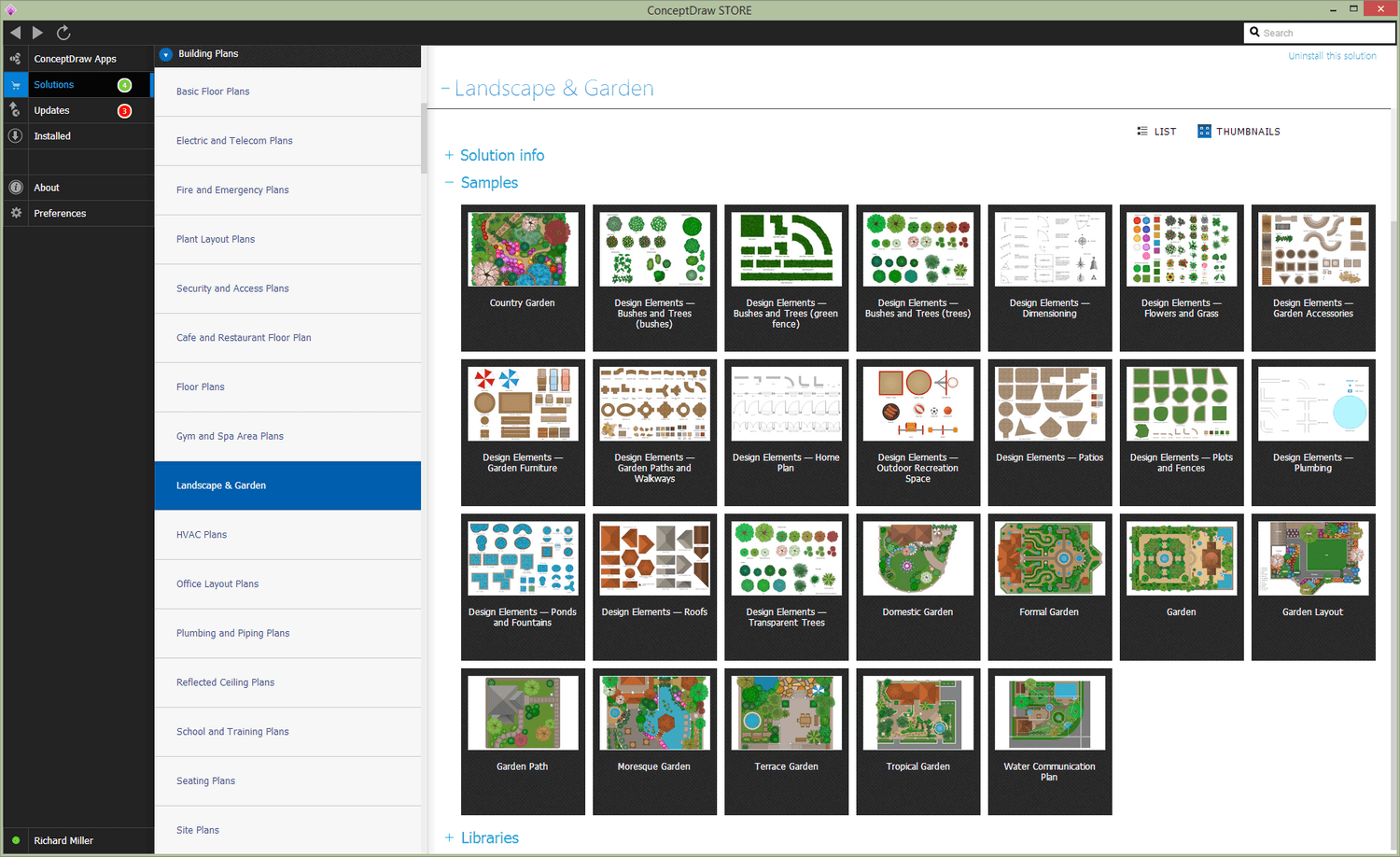
Example 2. Landscape & Garden Solution in ConceptDraw STORE
The following features make ConceptDraw DIAGRAM the best backyard planning software:
- You don't need to be an artist to draw professional-looking diagrams in a few minutes.
- Large quantity of ready-to-use vector objects makes your drawing diagrams quick and simple.
- Great number of predesigned templates and samples give you a good start for your own diagrams.
- ConceptDraw DIAGRAM provides you the possibility to use the grid, rules, and guides. You can easily rotate, group, align, arrange the objects, use different fonts and colors to make your diagram exceptionally looking.
- All ConceptDraw DIAGRAM documents are vector graphic files and are available for reviewing, modifying, and converting to a variety of formats: image, HTML, PDF file, MS PowerPoint Presentation, Adobe Flash, MS Visio.
- Using ConceptDraw STORE you can navigate through ConceptDraw Solution Park, managing downloads and updates. You can access libraries, templates, and samples directly from the ConceptDraw STORE.
- If you have any questions, our free of charge support is always ready to come to your aid.