Software to Design Landscape
The landscape design of the site is an element of both beauty and comfort. It is important to make it carrying a comfortable and harmonious atmosphere. Before starting work on the development of the site, develop a plan, outline the areas you want to see. These are recreation area, barbecue area, playground, etc. Think about all items you want to place on the site including paths, communication networks, details of landscape design. Map out the areas of lawn and paving tiles, delineate buildings with plantings and decorative elements. First, put on the plan all buildings currently available on the site.
When planning the planting of plants, take into account the cardinal directions, areas of shading, and vice versa of strong sunlight. Use plants of different sizes in your design, like small shrubs, flowers, and tall trees. A hedge will help you to fence off the outbuildings from the line of sight. A carefully thoughtful design turns your plot into a real masterpiece. It feasts the eyes every day. Alpine hills, rock gardens, water compositions, flowerbeds are completely different by shape and size. Choose their parameters based on the size and style of exactly your site.
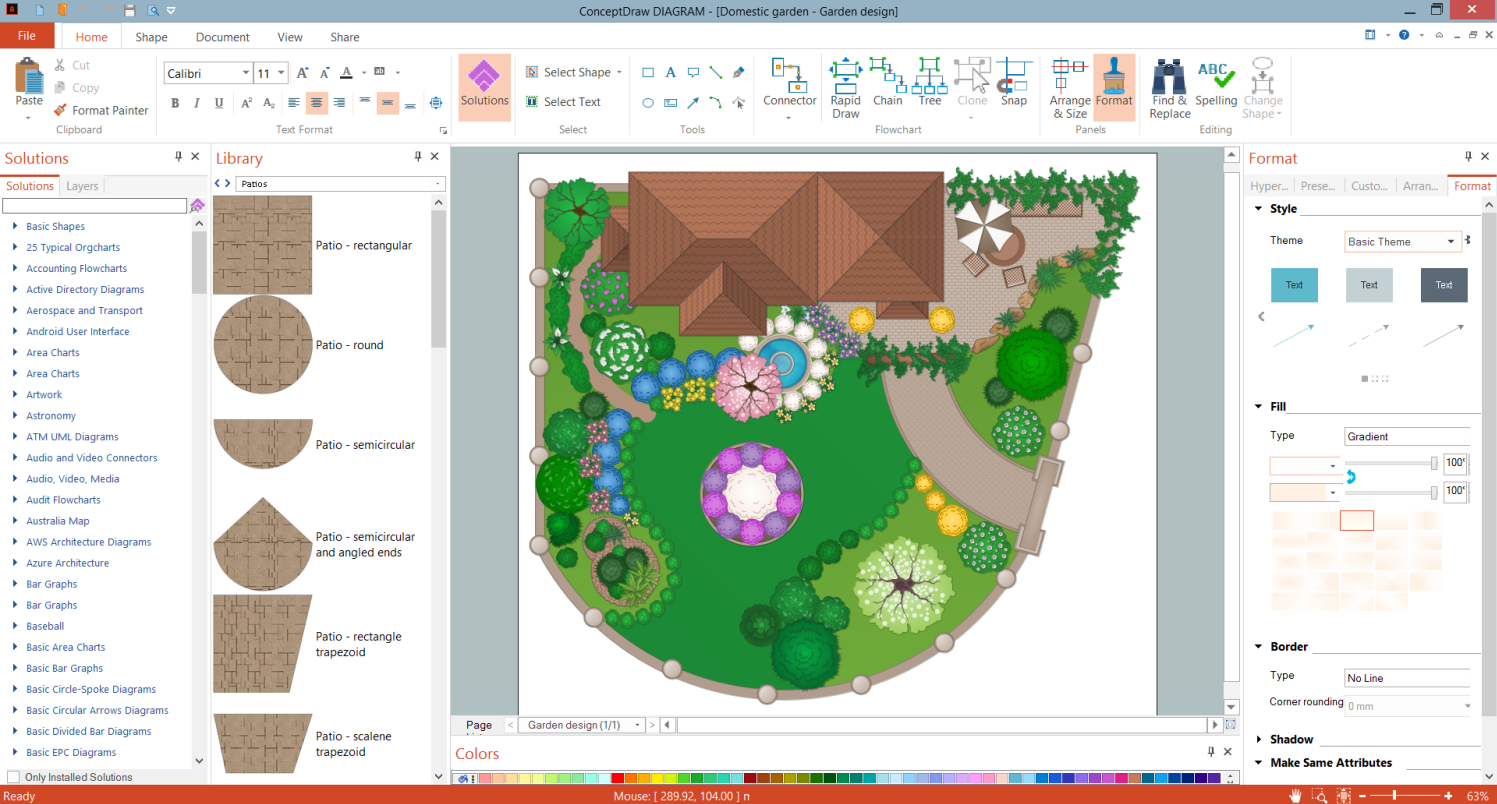
Of course, it would be possible to draw a plot plan on a piece of paper. But it is much more convenient, faster, and more accurate to do this using the professional software to design landscape ConceptDraw DIAGRAM. Even if you don't have the skills to work in graphic programs, you can easily create an attractive landscape design. Use the professional tools provided by Landscape & Garden solution from ConceptDraw Solution Park.
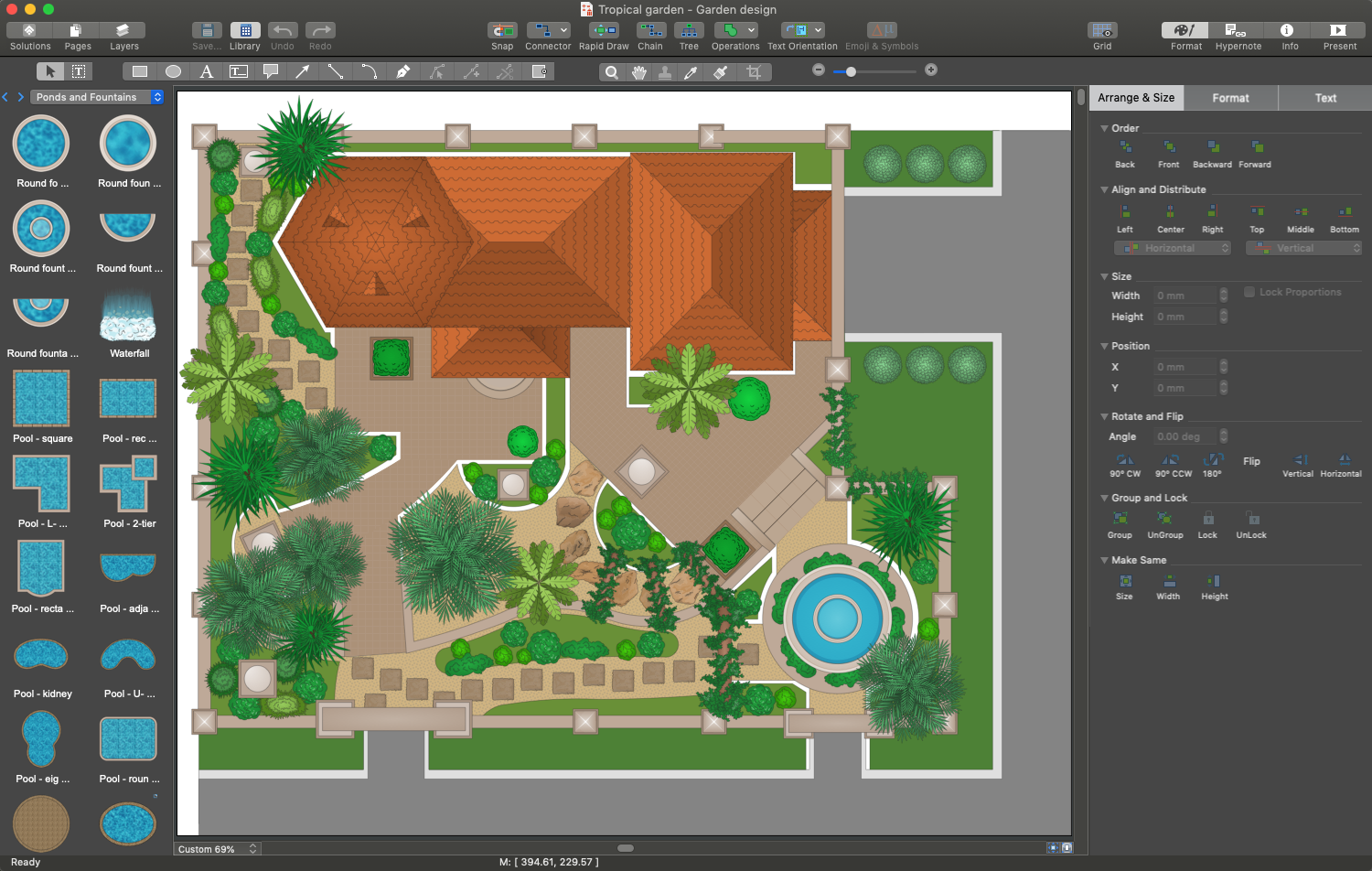
Example 1. Software to Design Landscape - ConceptDraw DIAGRAM
With the help of perfectly designed objects offered by Landscape & Garden solution, you can make an absolutely realistic design. You are able to display all the details as they look in a real environment. It gives an objective idea of the final result, you see an overall design you are going to set up on your site. It allows you to assess the future appearance of your garden. A wide variety of design elements — flowers and grass, bushes, trees will help you in greening your landscape. The collection of patio stencils helps to choose an ideal shape for your patio. If you desire, you will have the possibility to make some changes directly at the stage of planning. You can also build several designs and choose the best one for implementation.
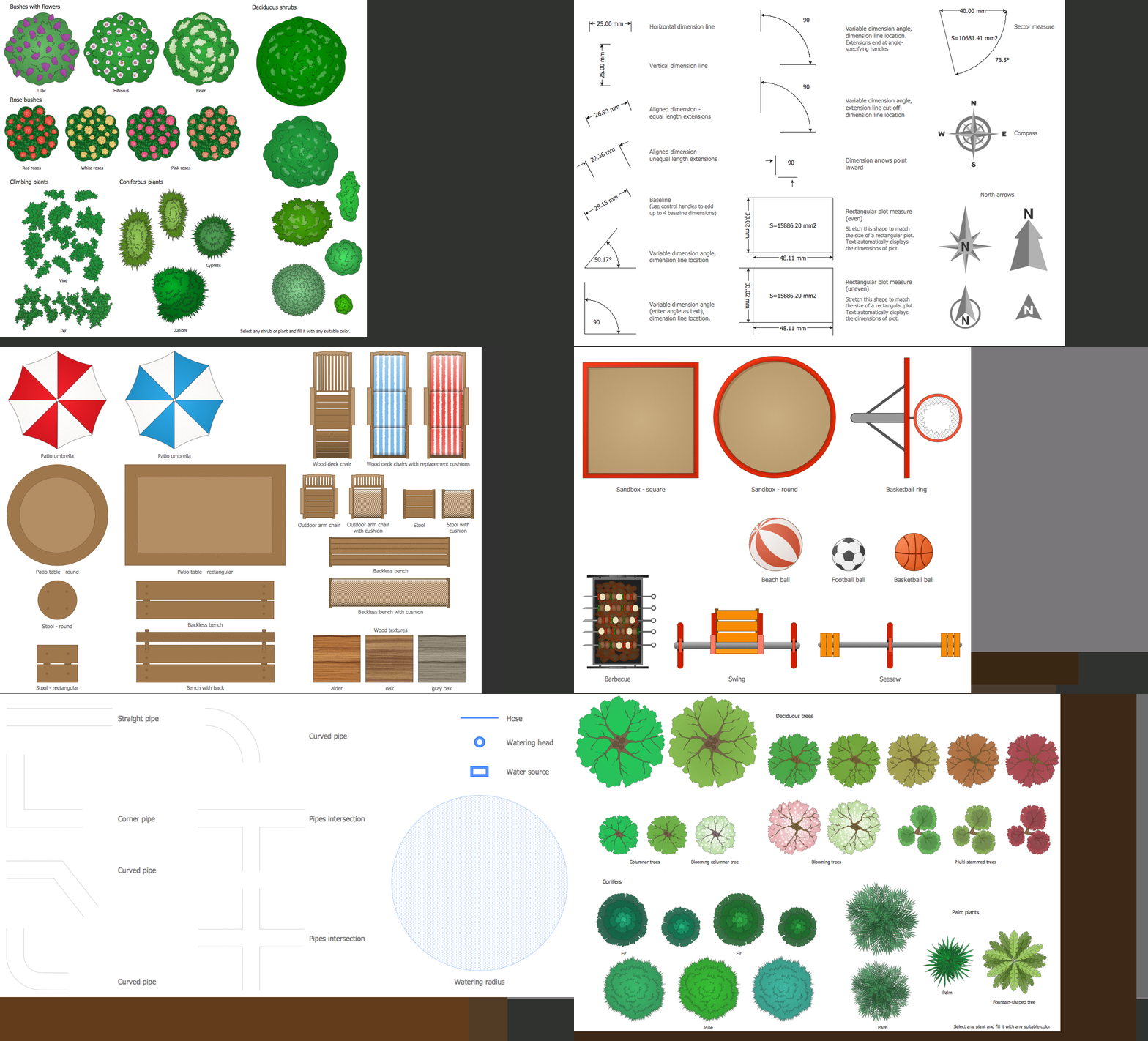
Example 2. Landscape & Garden Solution Libraries Design Elements
The following features make ConceptDraw DIAGRAM the powerful software to design landscape:
- You don't need to be an artist to draw professional-looking diagrams in a few minutes.
- Large quantity of ready-to-use vector objects makes your drawing diagrams quick and simple.
- Great number of predesigned templates and samples give you a good start for your own diagrams.
- ConceptDraw DIAGRAM provides you the possibility to use the grid, rules, and guides. You can easily rotate, group, align, arrange the objects, use different fonts and colors to make your diagram exceptionally looking.
- All ConceptDraw DIAGRAM documents are vector graphic files and are available for reviewing, modifying, and converting to a variety of formats: image, HTML, PDF file, MS PowerPoint Presentation, Adobe Flash, MS Visio.
- Using ConceptDraw STORE you can navigate through ConceptDraw Solution Park, managing downloads and updates. You can access libraries, templates, and samples directly from the ConceptDraw STORE.
- If you have any questions, our free of charge support is always ready to come to your aid.