Made with
ConceptDraw
DIAGRAM 18

Australia Map

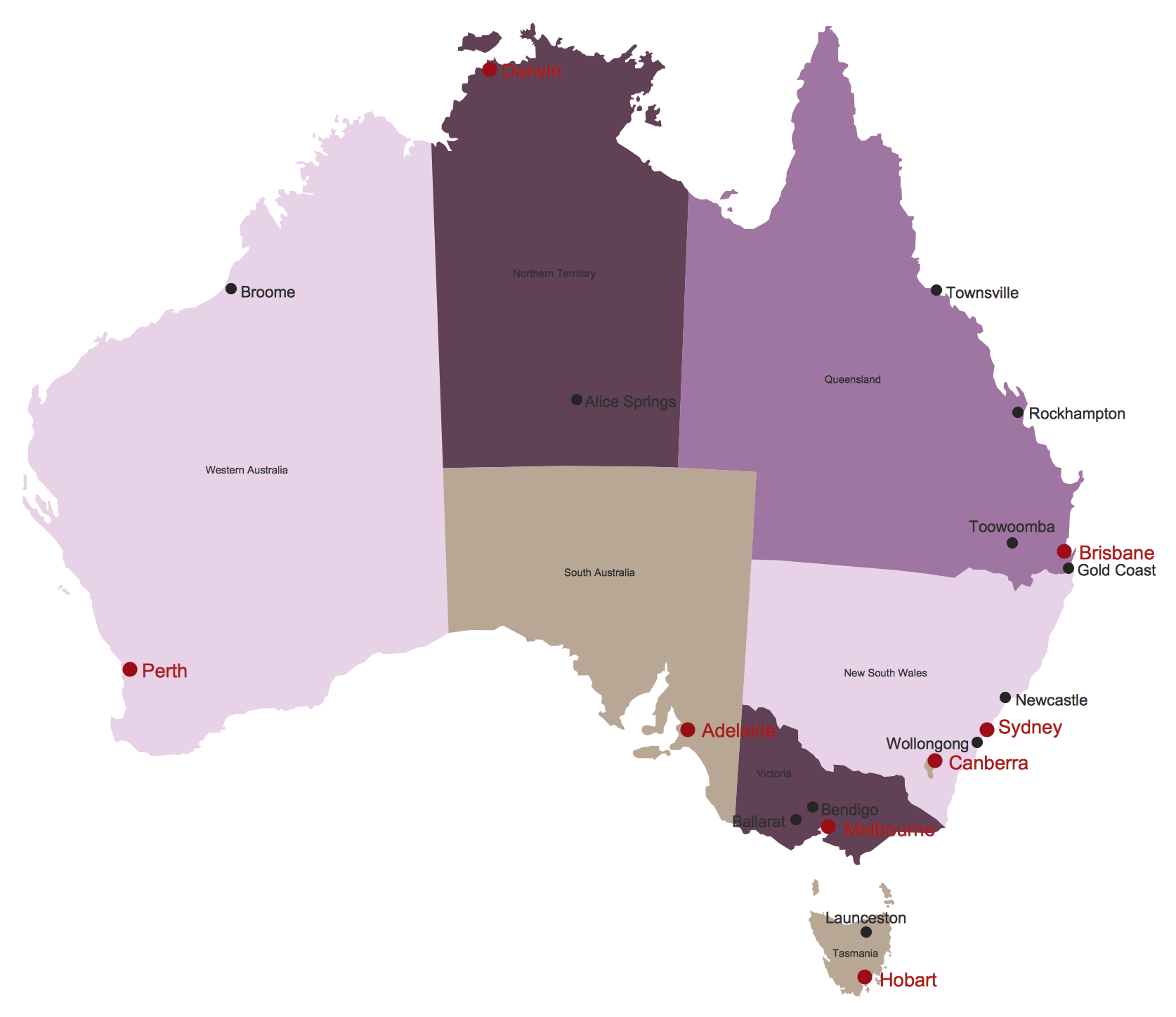
Maps surround us everywhere in our life, study, work, traveling, they are widely used in geography, history, politics, economics, and many other fields of science and life activity. But designing of maps is usually complex and labor-intensive process. Now we have the possibility to make easier this process - ConceptDraw DIAGRAM diagramming and vector drawing software extended with Australia Map Solution from the Maps Area of ConceptDraw Solution Park will help us in easy drawing detailed Australia map.
Australia Map *

Example 1. Australia Map

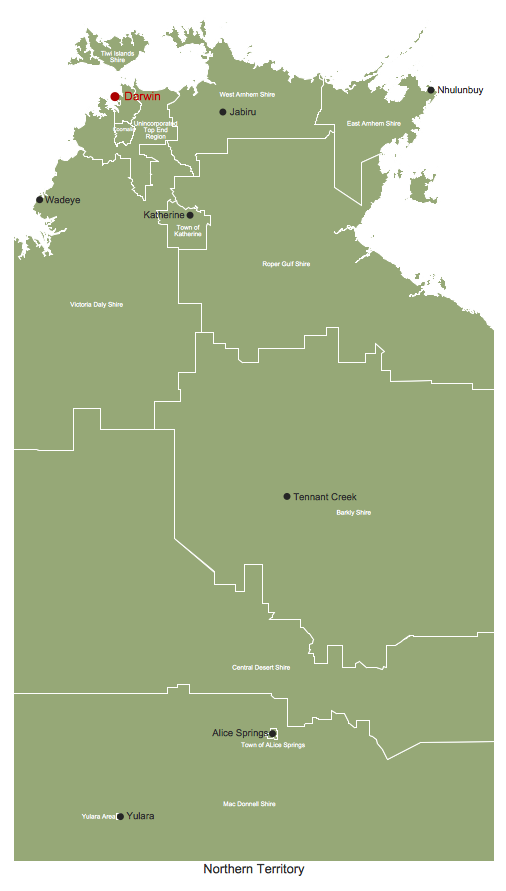
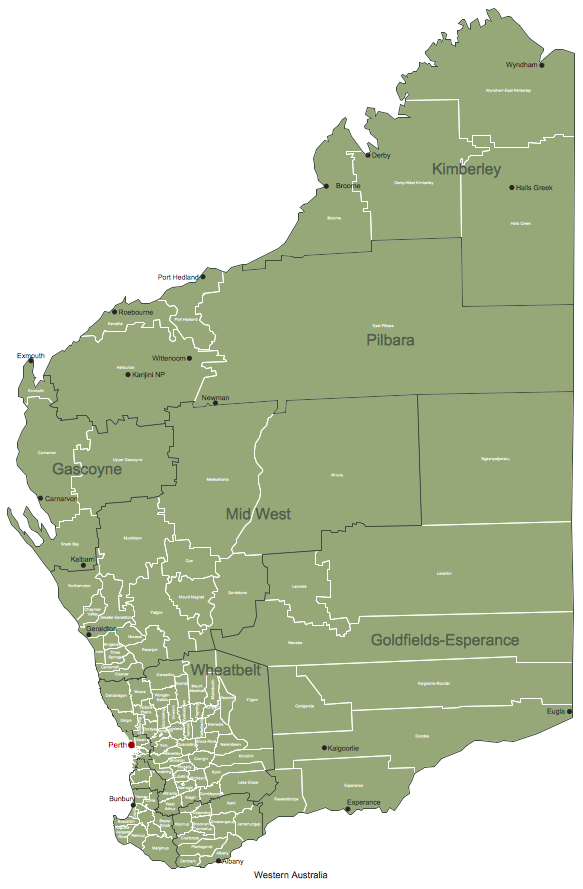
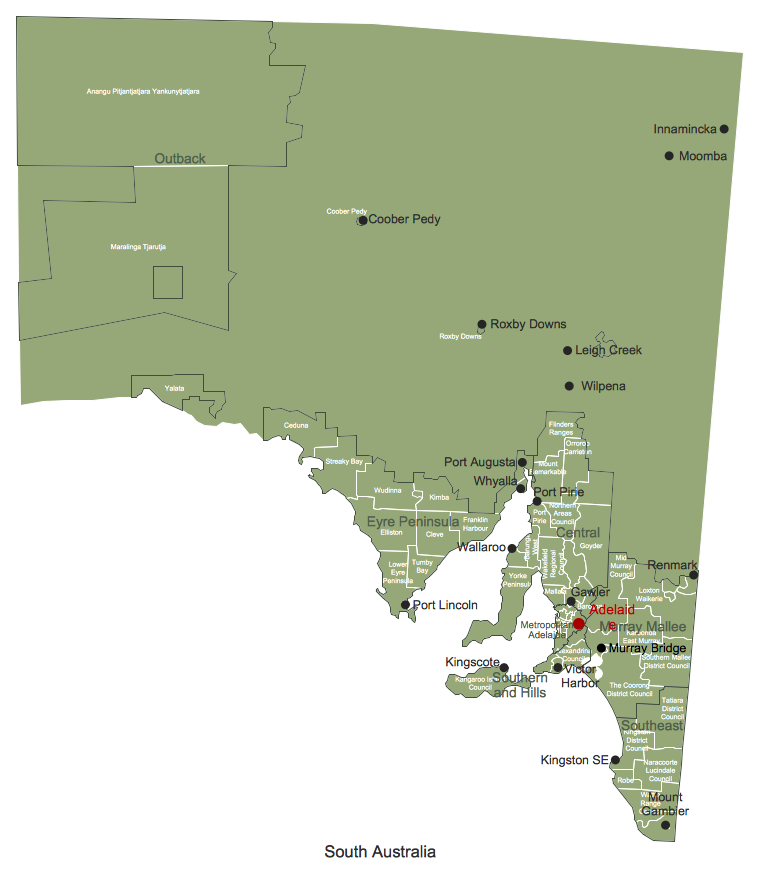
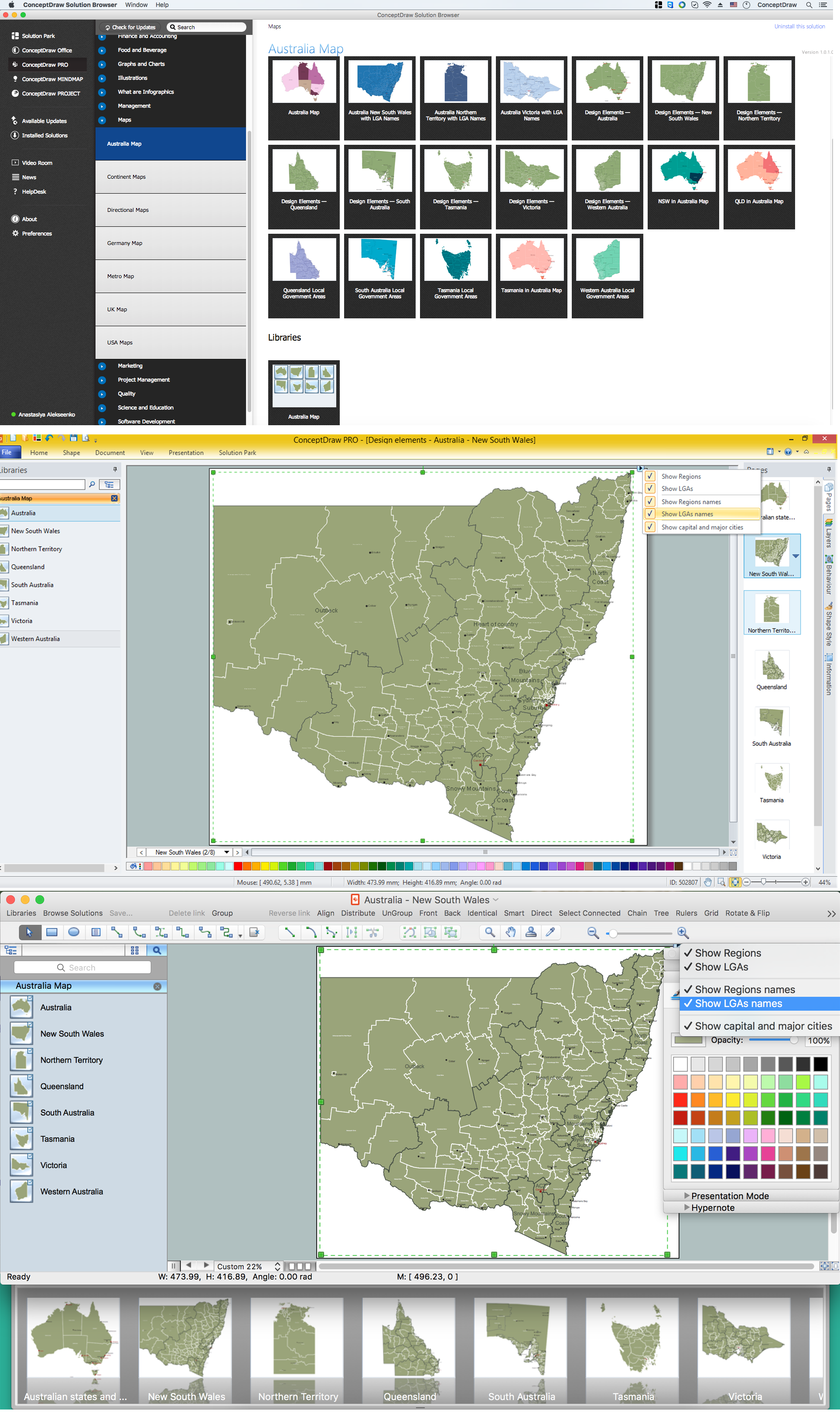
Australia Map Solution included in ConceptDraw Solution Park provides the Australia Map library with 8 design elements specially developed for easy drawing Australia maps:
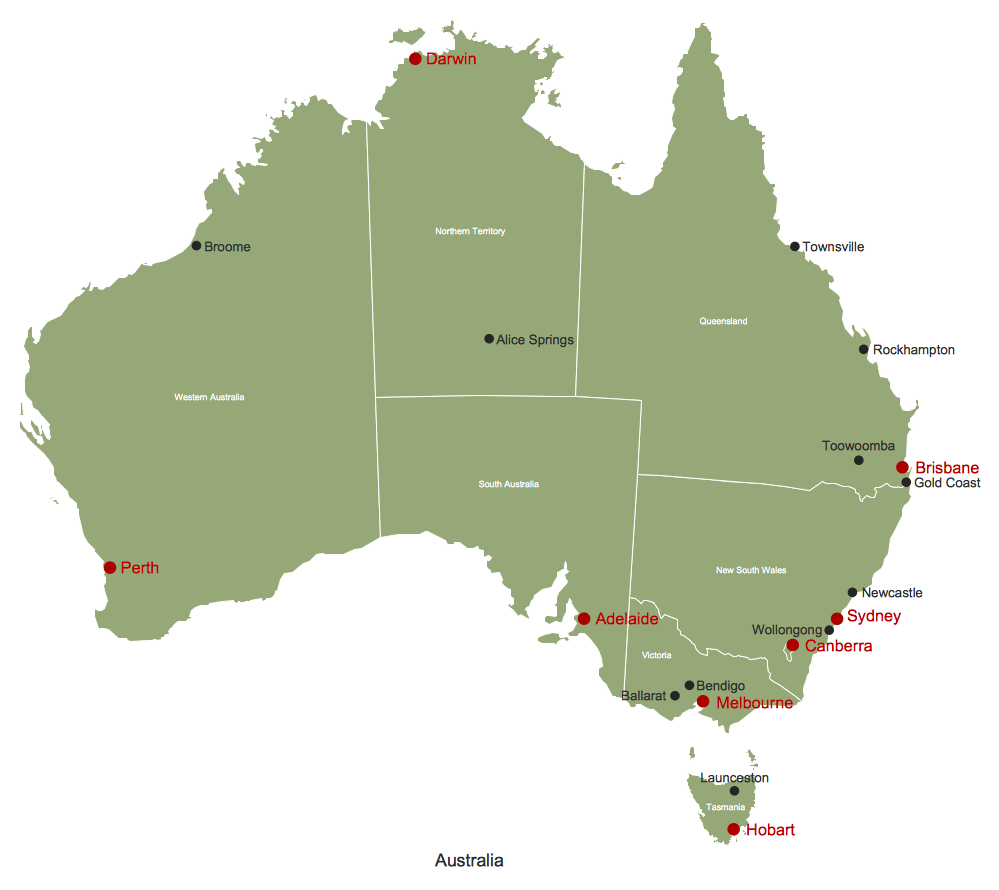
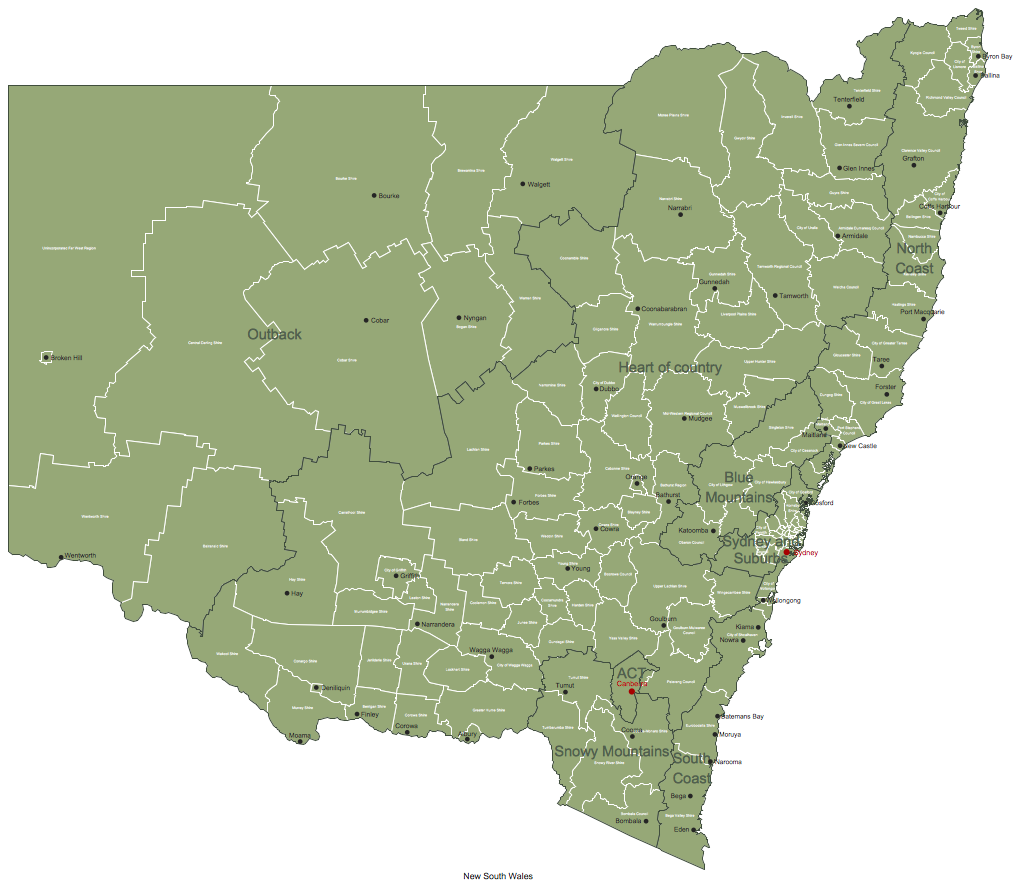
These elements allow design the map of any Australia state or whole Australia map literally for the few minutes. Besides, all these objects are vector, so you can resize them without loss of quality. Highlight with color some details or regions to make your map more interesting, bright and attractive.
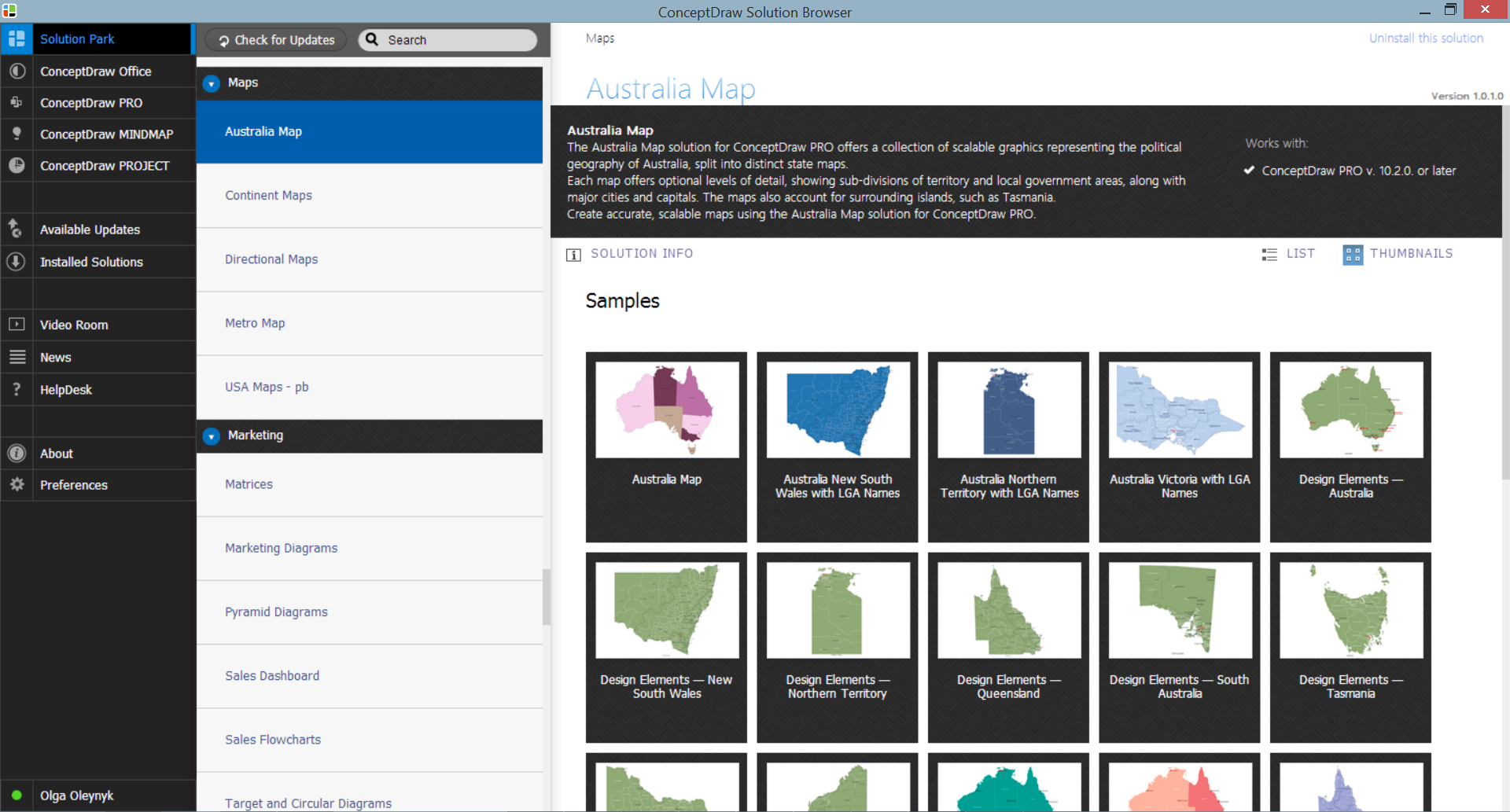
Australia Map Solution in ConceptDraw STORE

Example 2. Australia Map Solution in ConceptDraw STORE

Australia Map Solution includes also collection of samples which are available from ConceptDraw STORE. All these example maps are the good base for variety of Australia thematic maps.
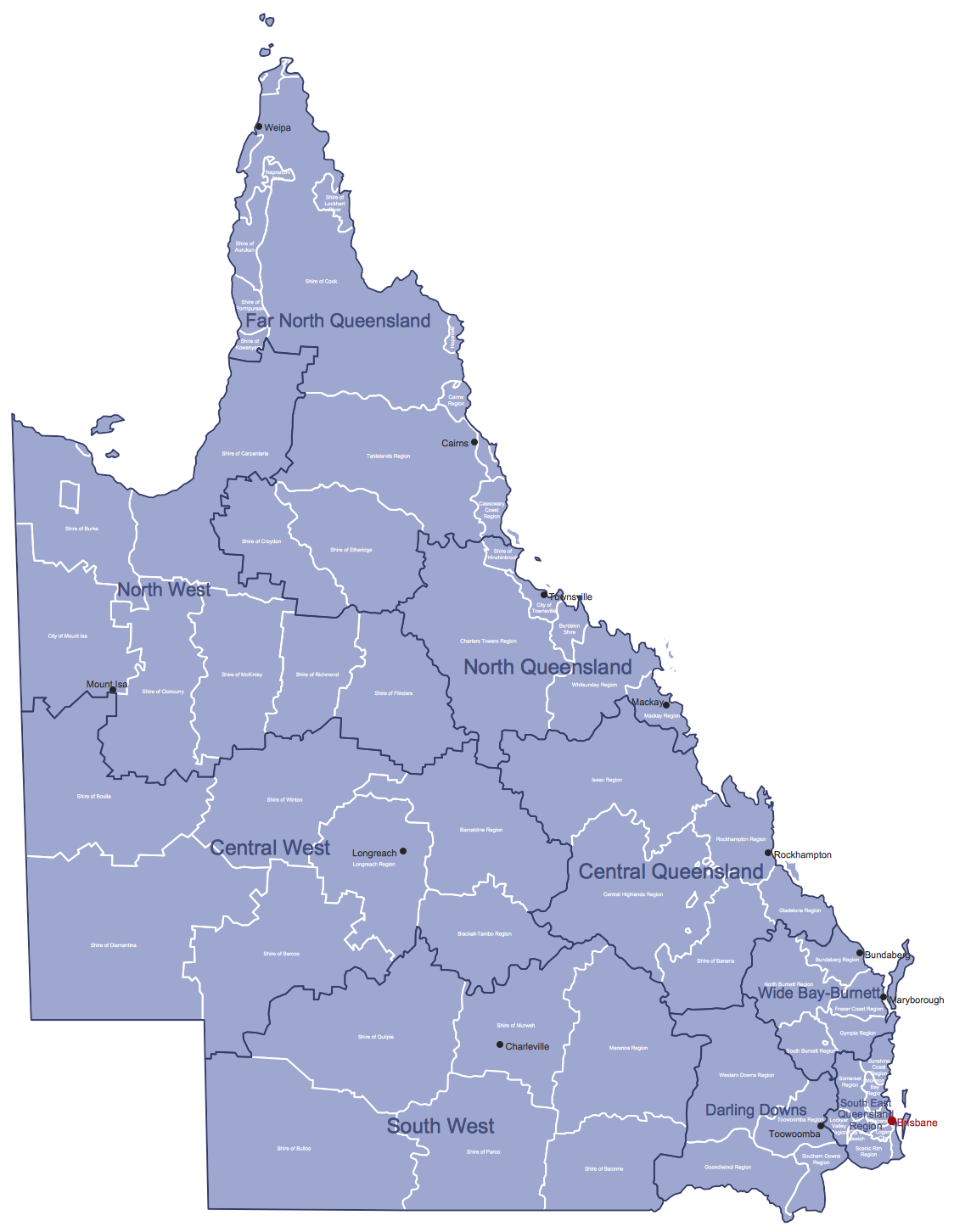
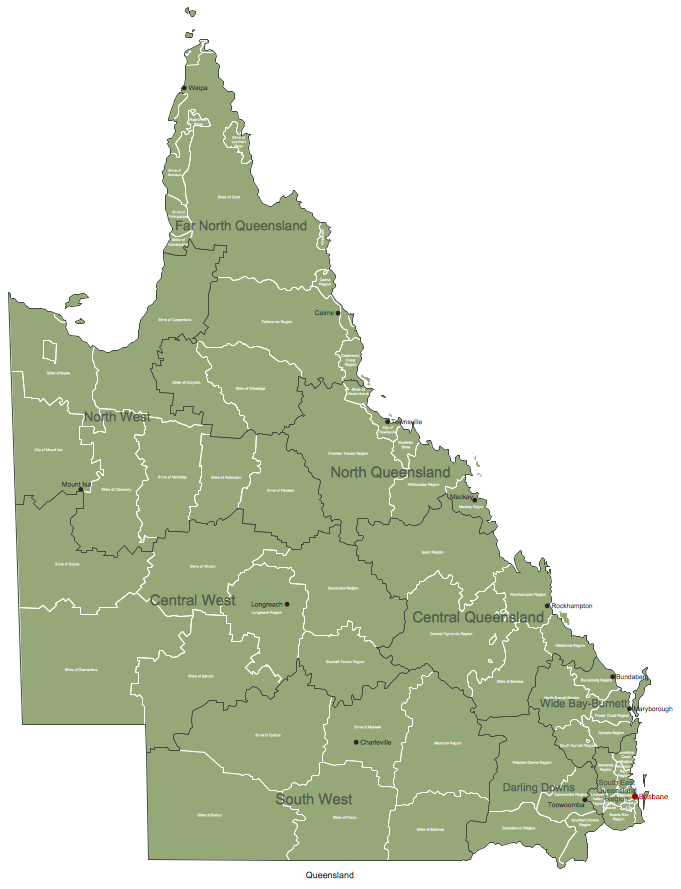
Australia Map - Queensland Local Government Areas

Example 3. Australia Map - Queensland Local Government Areas

The samples you see on this page were created in ConceptDraw DIAGRAM software using the tools of the Australia Map solution. They demonstrate Australia Map and the map of Australia Queensland Local Government Areas. An experienced user spent 10 minutes creating each of these samples.

Use the Australia Map solution for ConceptDraw DIAGRAM software to design your own Australia map and thematic maps on its base quick, easy and effective.

All source documents are vector graphic documents. They are available for reviewing, modifying, or converting to a variety of formats (PDF file, MS PowerPoint, MS Visio, and many other graphic formats) from the ConceptDraw STORE. The Australia Map Solution is available for all ConceptDraw DIAGRAM or later users.

FIVE RELATED HOW TO's:
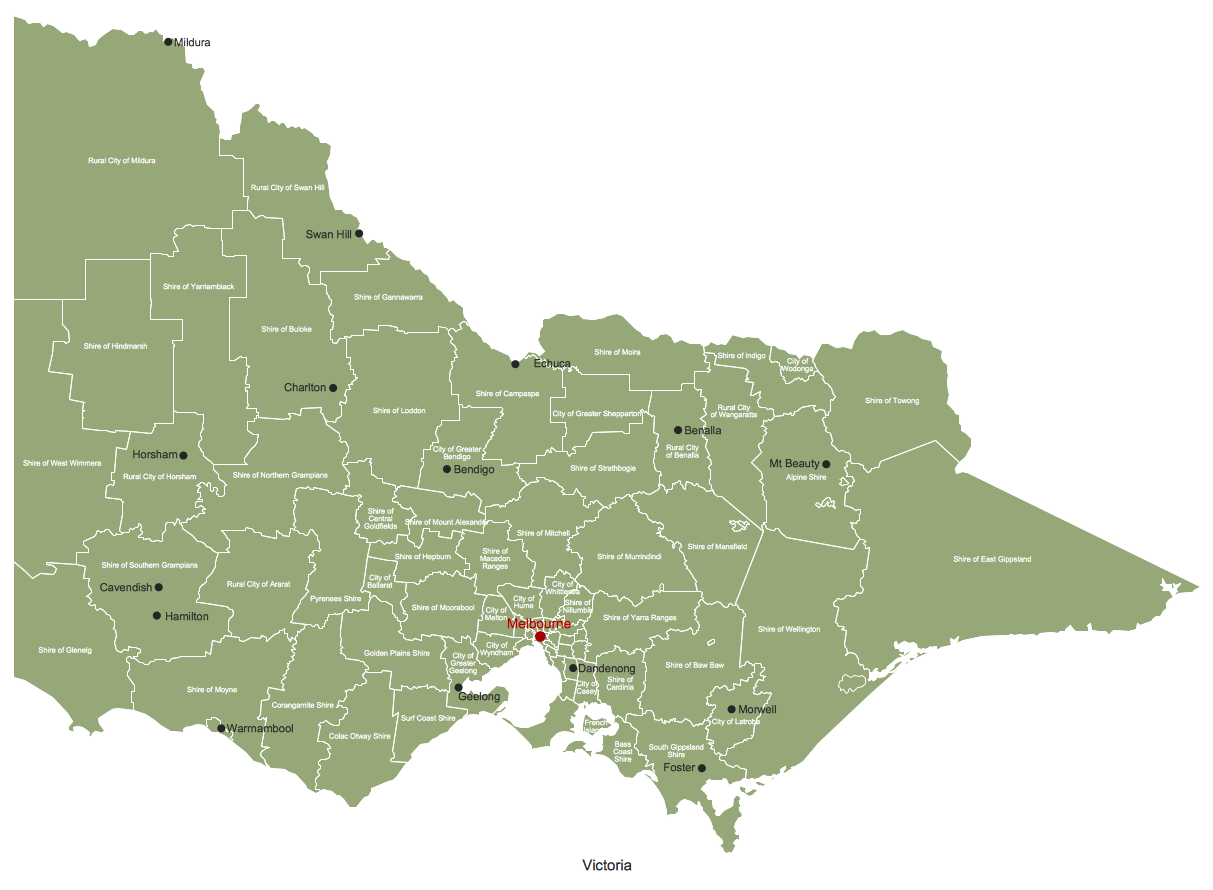
Victoria (abbreviated as Vic.) is a state in the south-east of Australia. Victoria is Australia's most densely populated state and its second-most populous state overall.Geo Map - Australia - Victoria *
Picture: Geo Map - Australia - Victoria
Related Solution:
The vector stencils library Australia contains contours of New Zealand and Australian states and mainland territories for ConceptDraw DIAGRAM diagramming and vector drawing software.Geo Map — Australia — New Zealand
Picture: Geo Map — Australia — New Zealand
Related Solution:
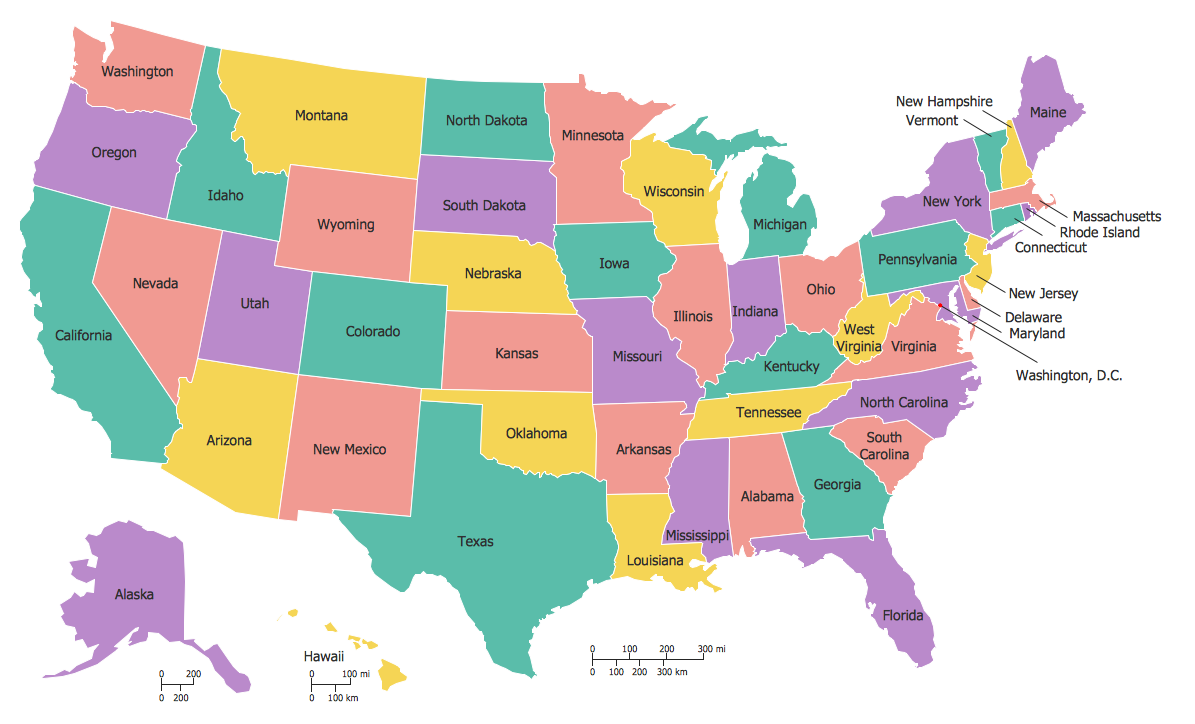
Maine is a state in the New England region of the northeastern United States, bordered by the Atlantic Ocean to the east and south; New Hampshire to the west; the Canadian provinces of Quebec to the northwest; and New Brunswick to the northeast. The vector stencils library Maine contains contours for ConceptDraw DIAGRAM diagramming and vector drawing software. This library is contained in the Continent Maps solution from Maps area of ConceptDraw Solution Park.Geo Map - USA - Maine
Picture: Geo Map — USA — Maine
Related Solution:
ConceptDraw DIAGRAM is a vector-based network diagramming software. Now it has powerful tools to draw 3D Network Diagrams. Use more than 2 000 pre-designed 3D network elements for customizing your network diagrams. Computer & Networks solution allows you for design 3D LAN and WAN, schematic and wiring drawings.3D Network Diagram Software
Picture: 3D Network Diagram Software
Related Solution:
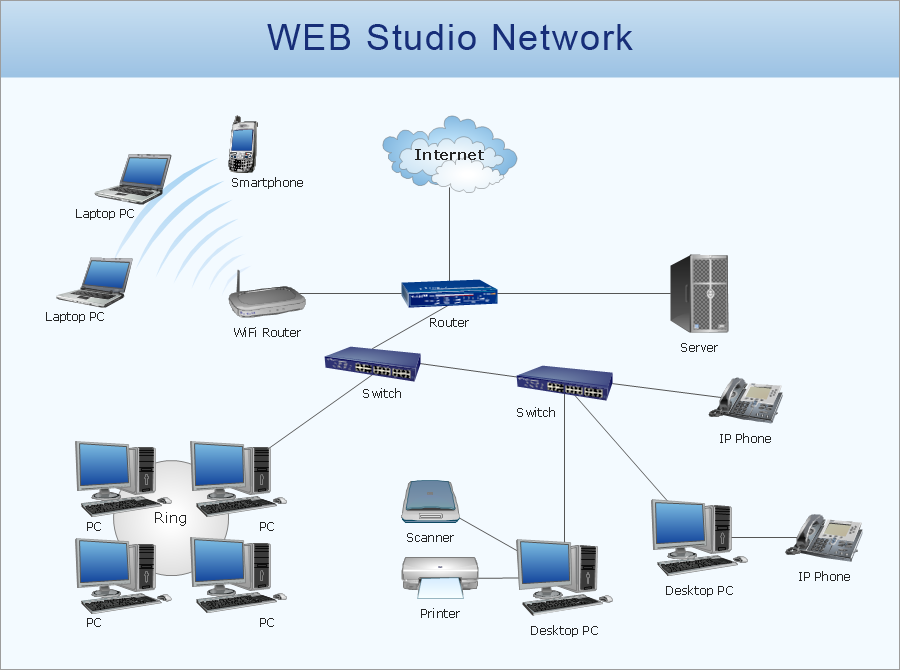
Computer networks nowadays are spread all across the world. The large number of parameters, such as geographic scale or communication protocols, can divide networks. One of the most common types of networks is called local area network (LAN). It convenient to represent network examples by means of diagrams. This local area network (LAN) diagram provides an easy way to see the way the devices in a local network are interacted. The diagram uses a library containing specific symbols to represent network equipment , media and the end-user devices such as computers (PC, mac, laptop) , network printer, hubs, server and finally a modem. There are two types of network topologies: physical and logical. The current diagram represents precisely a physical type of LAN topology because it refers to the physical layout of a local network equipment.Local area network (LAN) diagram
Picture:
What is a Local Area Network?
Examples of LAN Diagrams
Related Solution:
ConceptDraw
DIAGRAM 18