The vector stencils library "Travel and tourism pictograms" contains 20 travelling and journey symbols.
Use it to draw your tour and trip infograms. The example "Travel and tourism pictograms - Vector stencils library" was created using the ConceptDraw PRO diagramming and vector drawing software extended with the Pictorial infographics solution from the area "What is infographics" in ConceptDraw Solution Park.
Use it to draw your tour and trip infograms. The example "Travel and tourism pictograms - Vector stencils library" was created using the ConceptDraw PRO diagramming and vector drawing software extended with the Pictorial infographics solution from the area "What is infographics" in ConceptDraw Solution Park.
Globe

Wind rose

Direction

Sign

Milestone

Flag

Campground

Tent

RV

Restaurant

Restrooms

Passport

Plane

Ticket

Briefcase

Case

Luggage

Mountains

Palm

Hotel

The vector stencils library "Windows 8 apps" contains 40 shortcut icons of Windows 8 software applications.
Use this shortcut UI icon set to design graphic user interface (GUI) prototypes of your software apps for Windows 8.
"In computing, a file shortcut is a handle in a user interface that allows the user to find a file or resource located in a different directory or folder from the place where the shortcut is located.
Shortcuts are typically implemented as a small file containing a target URI or GUID to an object, or the name of a target program file that the shortcut represents. The shortcut might additionally specify parameters to be passed to the target program when it is run. Each shortcut can have its own icon. Shortcuts are very commonly placed on a desktop, in an application launcher panel such as the Microsoft Windows Start menu, or in the main menu of a desktop environment. ...
File shortcuts (also known as shell links) were introduced in Windows 95. Microsoft Windows uses .lnk as the filename extension for shortcuts to local files, and .URL for shortcuts to remote files, like web pages. Commonly referred to as "shortcuts" or "link files", both are displayed with a curled arrow overlay icon by default, and no filename extension. ...
Shortcut files can be used to launch programs in minimized or maximized window states if the program supports it. ...
Beginning with Windows 7, some shortcuts also store Application User Model IDs (AppUserModelIDs). Instead of the target command line, AppUserModelIDs may directly be used to launch applications. Shortcuts with AppUserModelIDs are used by some desktop programs and all WinRT Modern apps for launching." [File shortcut. Wikipedia]
The shortcut icons example "Windows 8 apps - Vector stencils library" was created using the ConceptDraw PRO diagramming and vector drawing software extended with the Windows 8 User Interface solution from the Software Development area of ConceptDraw Solution Park.
Use this shortcut UI icon set to design graphic user interface (GUI) prototypes of your software apps for Windows 8.
"In computing, a file shortcut is a handle in a user interface that allows the user to find a file or resource located in a different directory or folder from the place where the shortcut is located.
Shortcuts are typically implemented as a small file containing a target URI or GUID to an object, or the name of a target program file that the shortcut represents. The shortcut might additionally specify parameters to be passed to the target program when it is run. Each shortcut can have its own icon. Shortcuts are very commonly placed on a desktop, in an application launcher panel such as the Microsoft Windows Start menu, or in the main menu of a desktop environment. ...
File shortcuts (also known as shell links) were introduced in Windows 95. Microsoft Windows uses .lnk as the filename extension for shortcuts to local files, and .URL for shortcuts to remote files, like web pages. Commonly referred to as "shortcuts" or "link files", both are displayed with a curled arrow overlay icon by default, and no filename extension. ...
Shortcut files can be used to launch programs in minimized or maximized window states if the program supports it. ...
Beginning with Windows 7, some shortcuts also store Application User Model IDs (AppUserModelIDs). Instead of the target command line, AppUserModelIDs may directly be used to launch applications. Shortcuts with AppUserModelIDs are used by some desktop programs and all WinRT Modern apps for launching." [File shortcut. Wikipedia]
The shortcut icons example "Windows 8 apps - Vector stencils library" was created using the ConceptDraw PRO diagramming and vector drawing software extended with the Windows 8 User Interface solution from the Software Development area of ConceptDraw Solution Park.
Alarms

Calculator
Calendar
Camera

Dashboard

Database

Exel 2013
Finance

Food + Drink

Games

Health + Fitness

Help+Tips

Internet Explorer

Language

Mail

Maps

Music

News

SkyDrive
OneNote
Outlook 2013

PC Settings
People

Photos

PowerPoint 2013
Reading List

Scanner
Sound Recorder

Skype

Sports

Store

Spreadsheet

Telemetry Center
Travel

Upload Center

Video

Viewer

Visio 2013
Weather

Word 2013

The vector stencils library "Qualifying" contains 56 qualifying symbols.
Use these shapes to annotate or specify characteristics of objects in electrical drawings, electronic schematics, circuit diagrams, electromechanical drawings, and wiring diagrams, cabling layout diagrams in the ConceptDraw PRO diagramming and vector drawing software extended with the Electrical Engineering solution from the Engineering area of ConceptDraw Solution Park.
www.conceptdraw.com/ solution-park/ engineering-electrical
Use these shapes to annotate or specify characteristics of objects in electrical drawings, electronic schematics, circuit diagrams, electromechanical drawings, and wiring diagrams, cabling layout diagrams in the ConceptDraw PRO diagramming and vector drawing software extended with the Electrical Engineering solution from the Engineering area of ConceptDraw Solution Park.
www.conceptdraw.com/ solution-park/ engineering-electrical
Positive polarity

Negative polarity

Neutral symbol

6-phase double delta

Electret

Radiation, non-ion.
Radiation, ion.
Radiation, non-ion., coherent
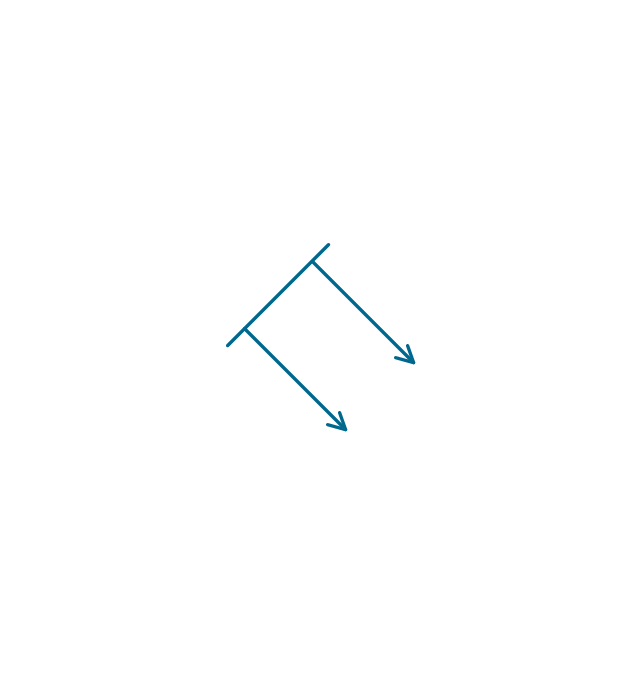
Radiation, ion., coherent
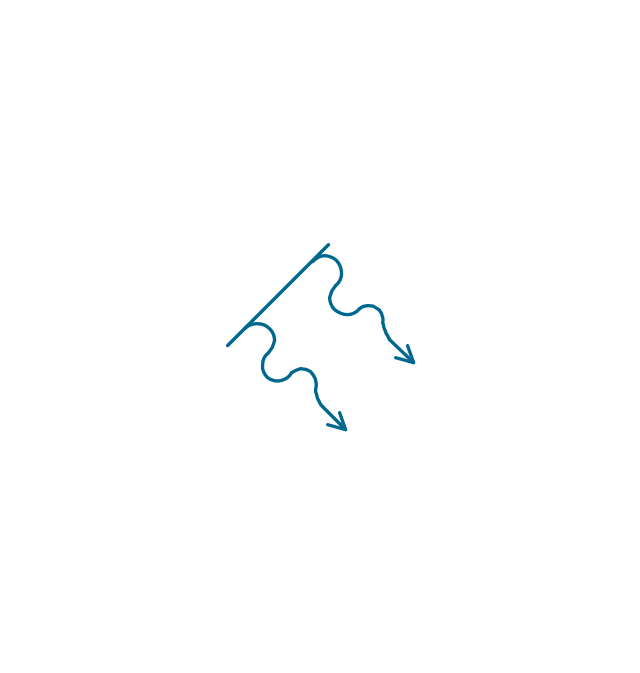
Radiation, non-ion. 2
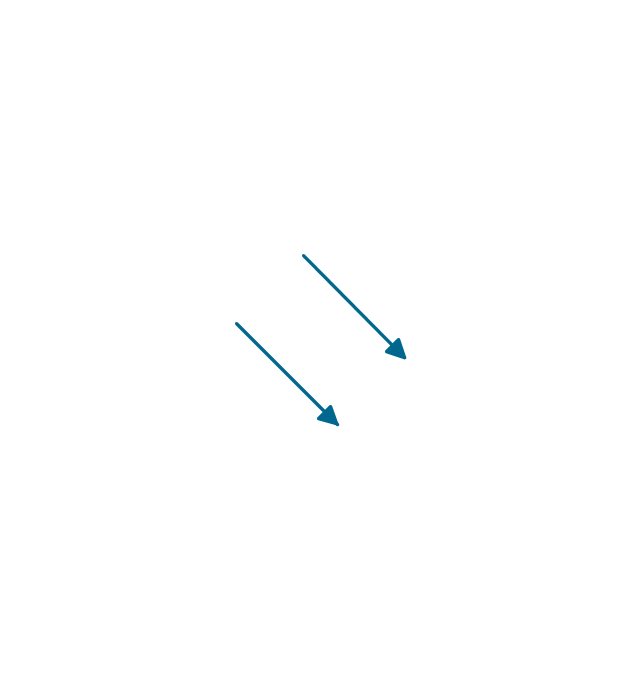
Radiation, ion. 2
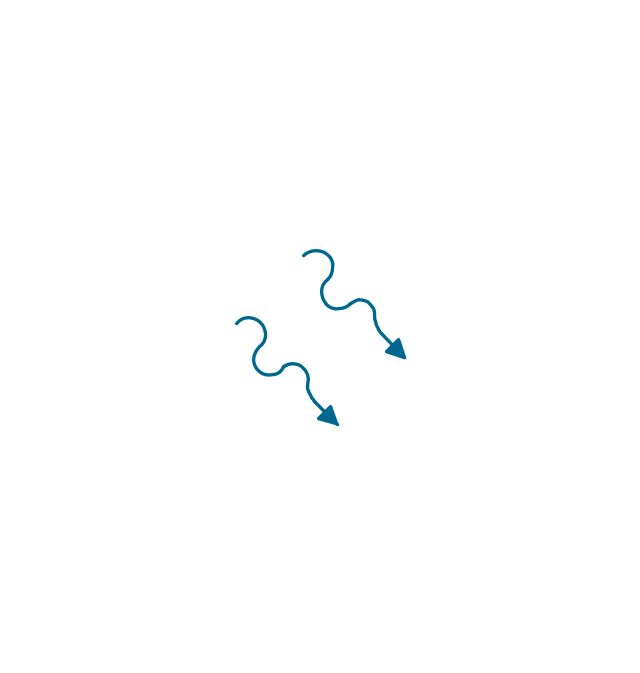
Radiation, non-ion., coherent 2
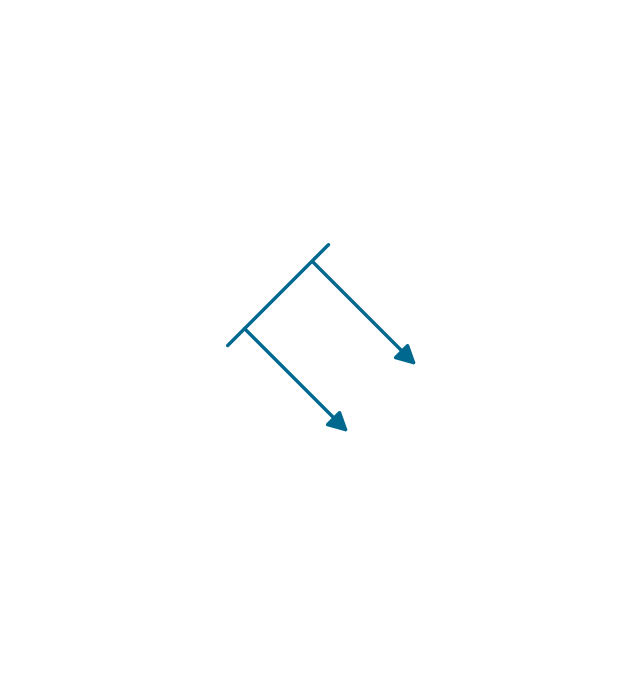
Radiation, ion., coherent 2
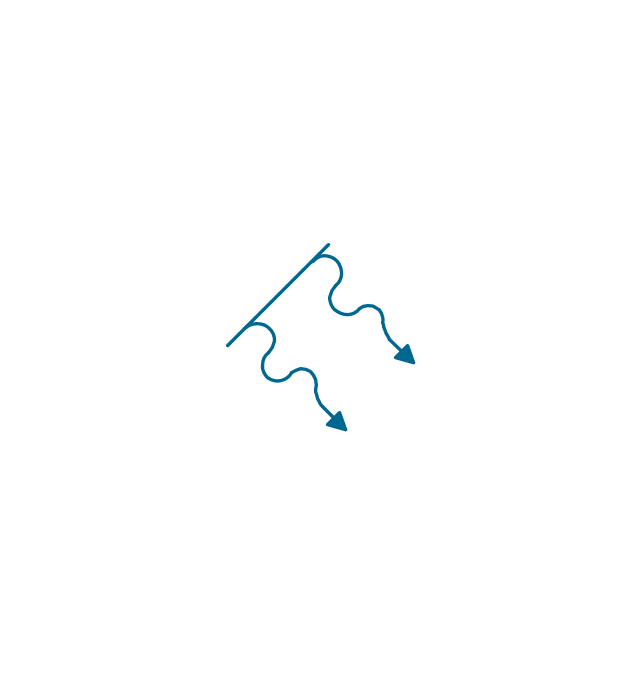
Multiple-phase

Multiple-phase 2
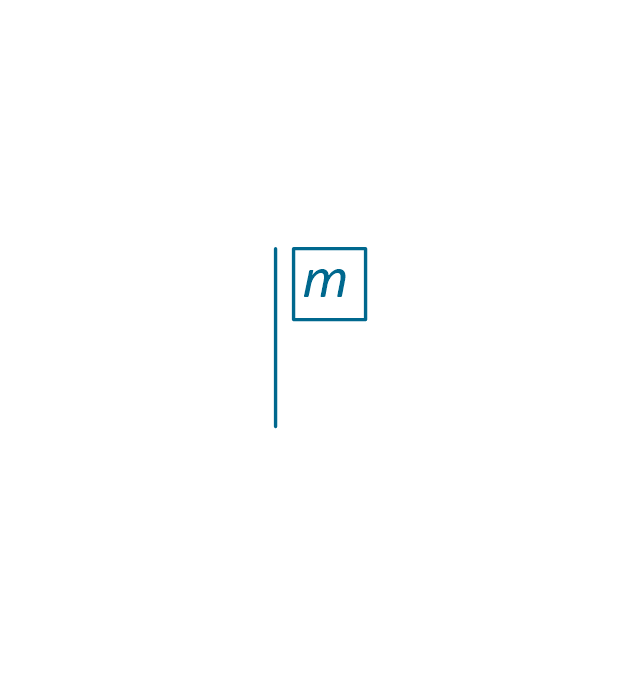
Multiple-phase, interconnect.

Multiple-phase, interconnect. 2

3 separate windings

3 separate windings, interconnect.

3 separate windings, interconnect. 2
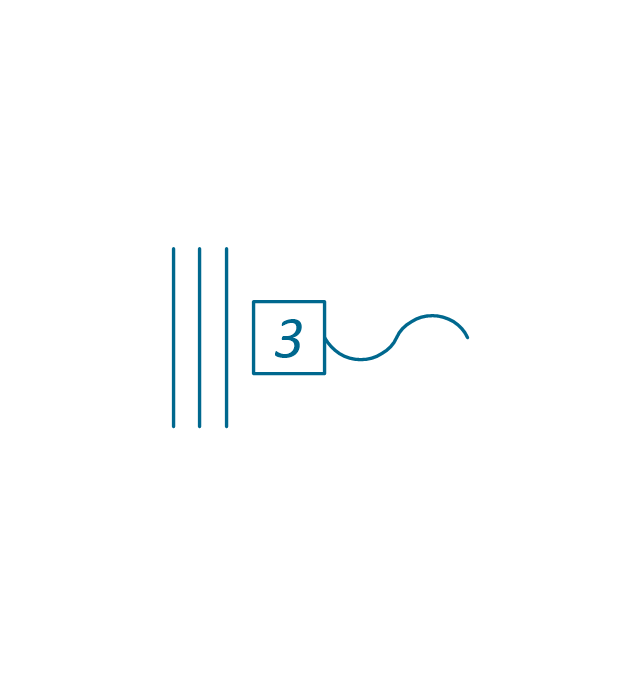
3-phase (V)
-qualifying---vector-stencils-library.png--diagram-flowchart-example.png)
3-Phase (T)
-qualifying---vector-stencils-library.png--diagram-flowchart-example.png)
3-phase delta 3

3-phase delta 1

3-phase delta 1, grounded

3-phase delta 2

3-phase delta 2, grounded
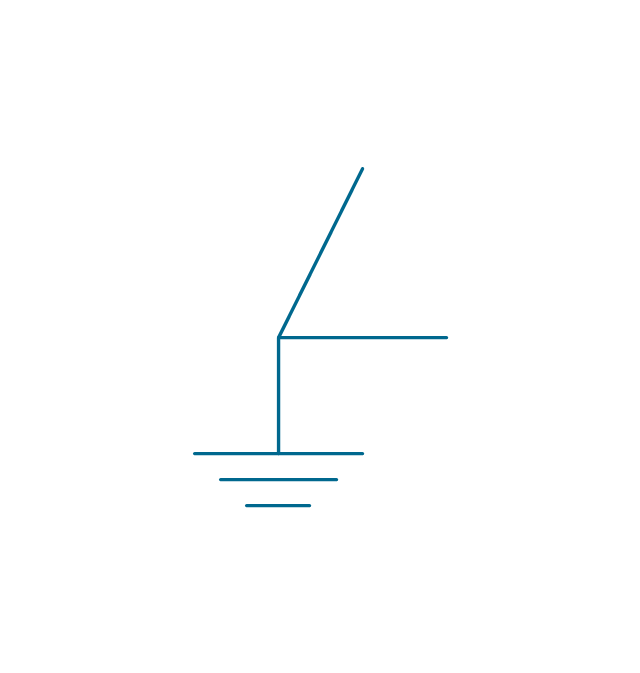
3-phase delta 2, grounded 2
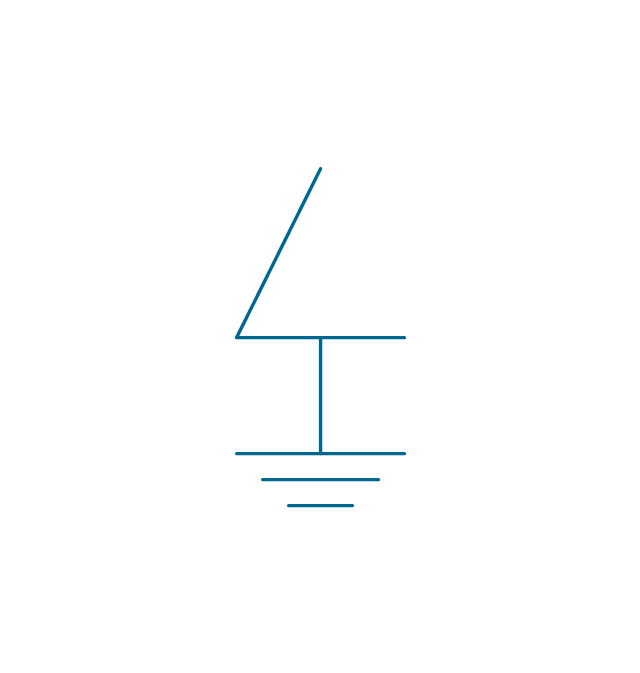
3-phase delta 4

3-phase delta 4, grounded

3-phase star, general

3-phase star, grounded
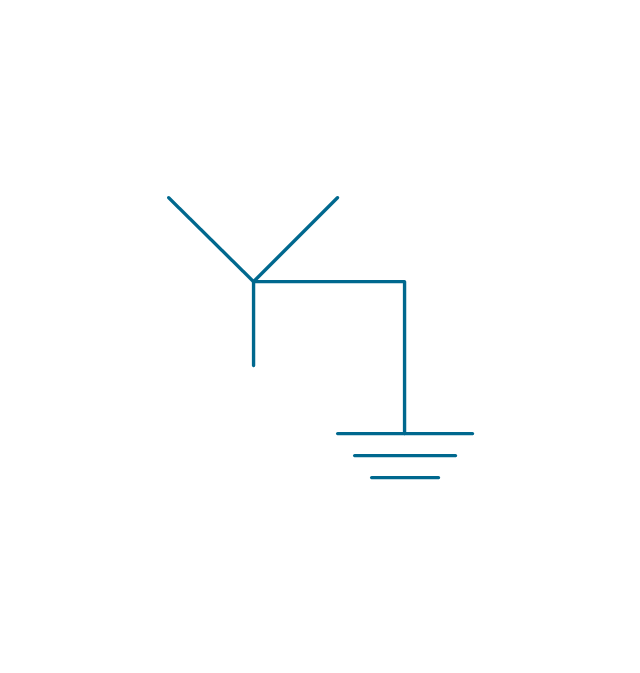
3-phase star, neutral brought out

3-phase zigzag

3-phase zigzag, grounded
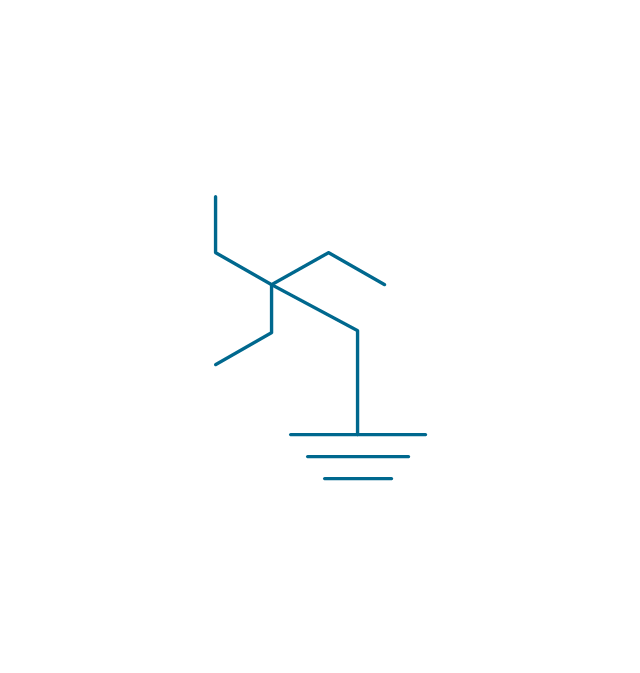
3-phase 4-wire, general

3-phase 4-wire, grounded
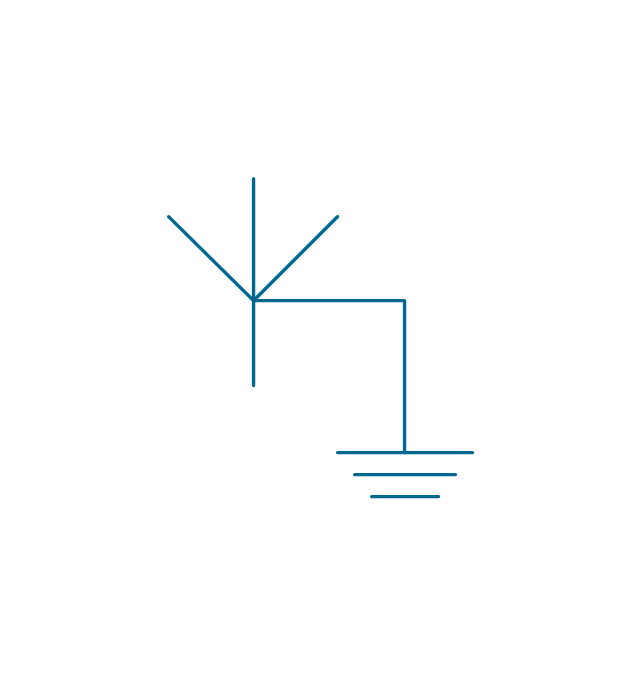
3-phase 4-wire, neutral brought out

2-phase 3-wire

2-phase 3-wire, separated

2-phase 3-wire, grounded
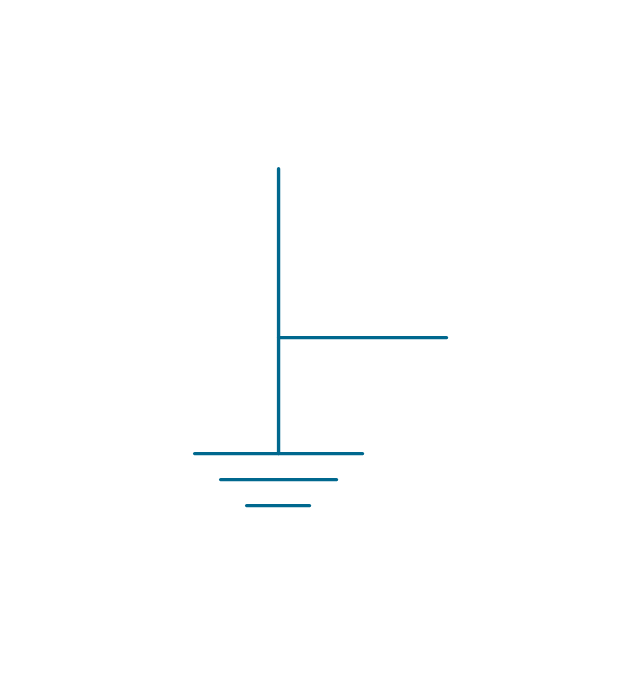
2-phase 3-wire, separat., ground.
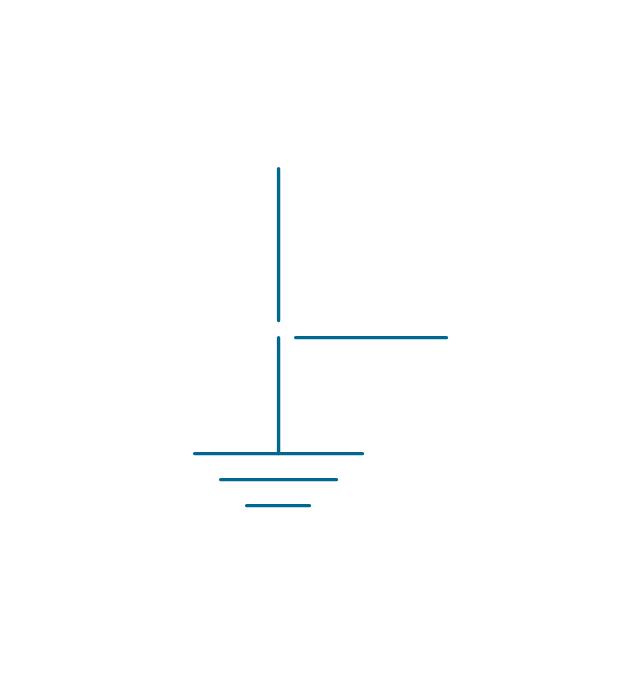
2-phase 4-wire

2-phase 4-wire, grounded
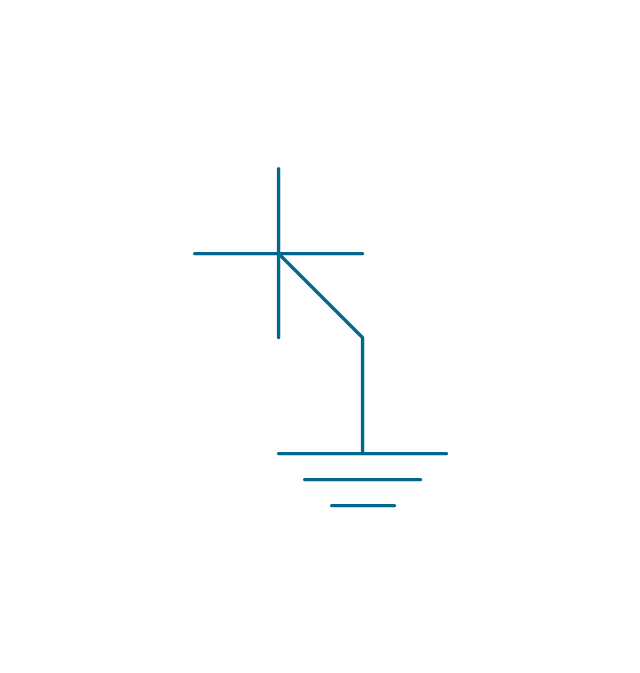
4-phase, general

4-phase, grounded
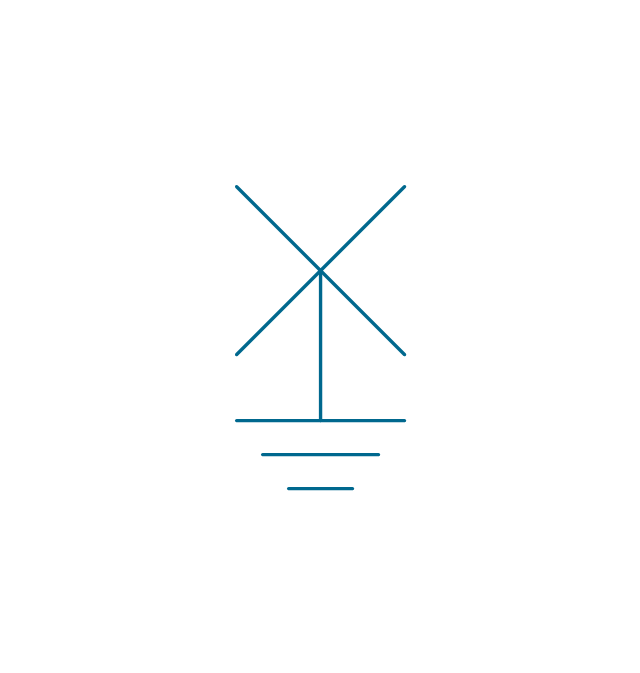
4-phase, neutral brought out

6-phase double star

6-phase double star, grounded
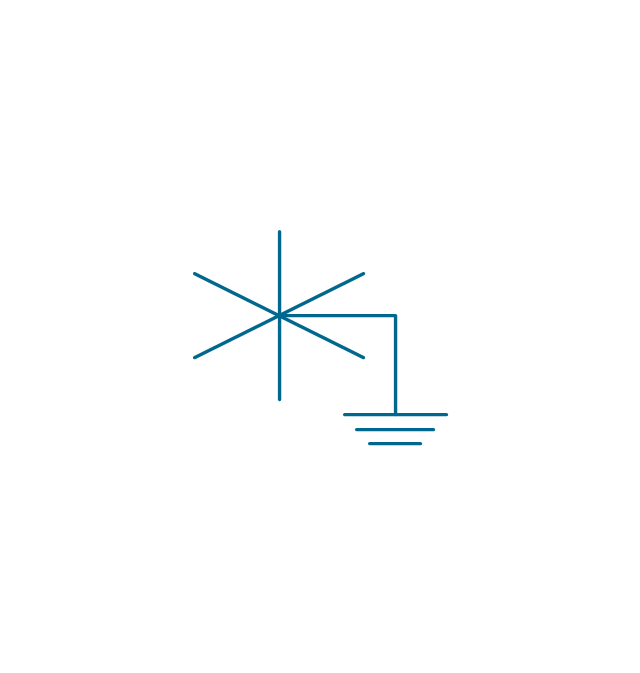
6-phase double star 2

6-phase double star, grounded 2
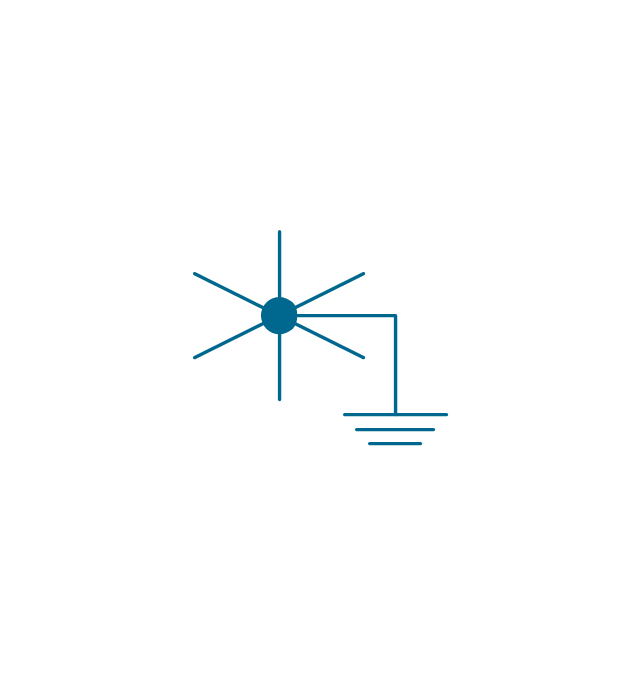
6-phase polygon

6-phase fork

6-phase fork, neutral

Special connector

Coaxial symbol

The vector stencils library "Windows 8 apps" contains 40 shortcut icons of Windows 8 software applications.
Use this shortcut UI icon set to design graphic user interface (GUI) prototypes of your software apps for Windows 8.
"In computing, a file shortcut is a handle in a user interface that allows the user to find a file or resource located in a different directory or folder from the place where the shortcut is located.
Shortcuts are typically implemented as a small file containing a target URI or GUID to an object, or the name of a target program file that the shortcut represents. The shortcut might additionally specify parameters to be passed to the target program when it is run. Each shortcut can have its own icon. Shortcuts are very commonly placed on a desktop, in an application launcher panel such as the Microsoft Windows Start menu, or in the main menu of a desktop environment. ...
File shortcuts (also known as shell links) were introduced in Windows 95. Microsoft Windows uses .lnk as the filename extension for shortcuts to local files, and .URL for shortcuts to remote files, like web pages. Commonly referred to as "shortcuts" or "link files", both are displayed with a curled arrow overlay icon by default, and no filename extension. ...
Shortcut files can be used to launch programs in minimized or maximized window states if the program supports it. ...
Beginning with Windows 7, some shortcuts also store Application User Model IDs (AppUserModelIDs). Instead of the target command line, AppUserModelIDs may directly be used to launch applications. Shortcuts with AppUserModelIDs are used by some desktop programs and all WinRT Modern apps for launching." [File shortcut. Wikipedia]
The shortcut icons example "Windows 8 apps - Vector stencils library" was created using the ConceptDraw PRO diagramming and vector drawing software extended with the Windows 8 User Interface solution from the Software Development area of ConceptDraw Solution Park.
Use this shortcut UI icon set to design graphic user interface (GUI) prototypes of your software apps for Windows 8.
"In computing, a file shortcut is a handle in a user interface that allows the user to find a file or resource located in a different directory or folder from the place where the shortcut is located.
Shortcuts are typically implemented as a small file containing a target URI or GUID to an object, or the name of a target program file that the shortcut represents. The shortcut might additionally specify parameters to be passed to the target program when it is run. Each shortcut can have its own icon. Shortcuts are very commonly placed on a desktop, in an application launcher panel such as the Microsoft Windows Start menu, or in the main menu of a desktop environment. ...
File shortcuts (also known as shell links) were introduced in Windows 95. Microsoft Windows uses .lnk as the filename extension for shortcuts to local files, and .URL for shortcuts to remote files, like web pages. Commonly referred to as "shortcuts" or "link files", both are displayed with a curled arrow overlay icon by default, and no filename extension. ...
Shortcut files can be used to launch programs in minimized or maximized window states if the program supports it. ...
Beginning with Windows 7, some shortcuts also store Application User Model IDs (AppUserModelIDs). Instead of the target command line, AppUserModelIDs may directly be used to launch applications. Shortcuts with AppUserModelIDs are used by some desktop programs and all WinRT Modern apps for launching." [File shortcut. Wikipedia]
The shortcut icons example "Windows 8 apps - Vector stencils library" was created using the ConceptDraw PRO diagramming and vector drawing software extended with the Windows 8 User Interface solution from the Software Development area of ConceptDraw Solution Park.
Alarms
Calculator
Calendar
Camera
Dashboard
Database
Exel 2013
Finance
Food + Drink
Games
Health + Fitness
Help+Tips
Internet Explorer
Language
Mail
Maps
Music
News
SkyDrive
OneNote
Outlook 2013
PC Settings
People
Photos
PowerPoint 2013
Reading List
Scanner
Sound Recorder
Skype
Sports
Store
Spreadsheet
Telemetry Center
Travel
Upload Center
Video
Viewer
Visio 2013
Weather
Word 2013
The vector stencils library "Telecommunication networks" contains 32 clipart images of telecommunication network devices and equipment for drawing telecom network diagrams.
"A telecommunications network is a collection of terminal nodes, links and any intermediate nodes which are connected so as to enable telecommunication between the terminals.
The transmission links connect the nodes together. The nodes use circuit switching, message switching or packet switching to pass the signal through the correct links and nodes to reach the correct destination terminal.
Each terminal in the network usually has a unique address so messages or connections can be routed to the correct recipients. The collection of addresses in the network is called the address space." [Telecommunications network. Wikipedia]
The clip art example "Telecommunication networks - Vector stencils library" was created using the ConceptDraw PRO diagramming and vector drawing software extended with the Telecommunication Network Diagrams solution from the Computer and Networks area of ConceptDraw Solution Park.
"A telecommunications network is a collection of terminal nodes, links and any intermediate nodes which are connected so as to enable telecommunication between the terminals.
The transmission links connect the nodes together. The nodes use circuit switching, message switching or packet switching to pass the signal through the correct links and nodes to reach the correct destination terminal.
Each terminal in the network usually has a unique address so messages or connections can be routed to the correct recipients. The collection of addresses in the network is called the address space." [Telecommunications network. Wikipedia]
The clip art example "Telecommunication networks - Vector stencils library" was created using the ConceptDraw PRO diagramming and vector drawing software extended with the Telecommunication Network Diagrams solution from the Computer and Networks area of ConceptDraw Solution Park.
Internet

Globe

Base station

Satellite dish

Satellite dish

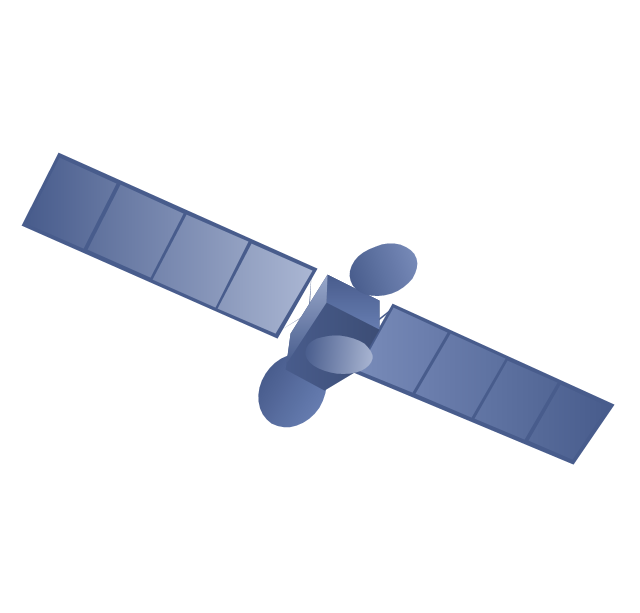
Communications satellite
Wireless cell tower

Radio waves

Radio waves

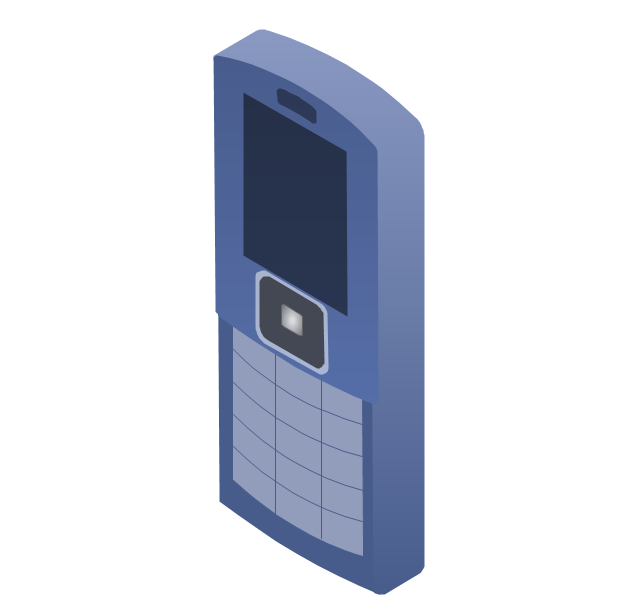
Cellular phone
Server

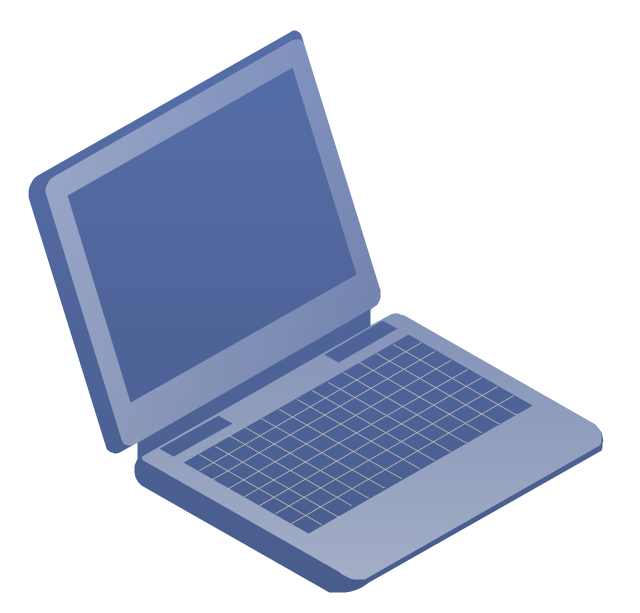
Laptop computer
Desktop computer

Car

Satellite truck

House

House

Office building

Mountain

Tree

Tree

User

Call-center

Multi-storey

Antenna
Router
IP phone

Fax
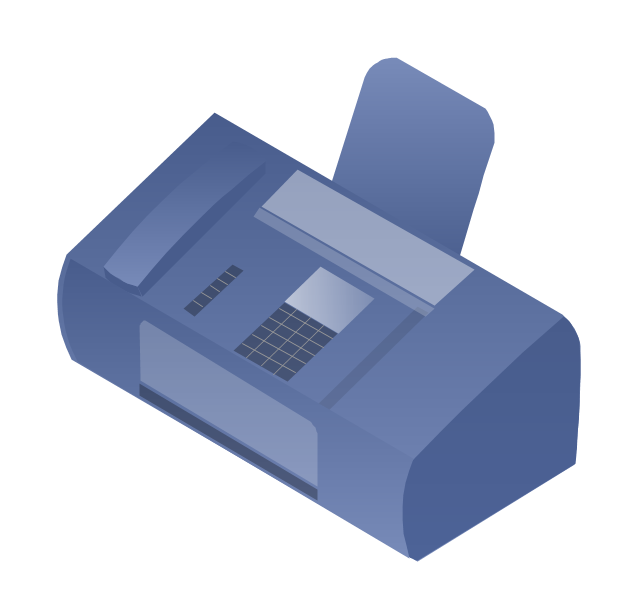
Network cell

IP Camera
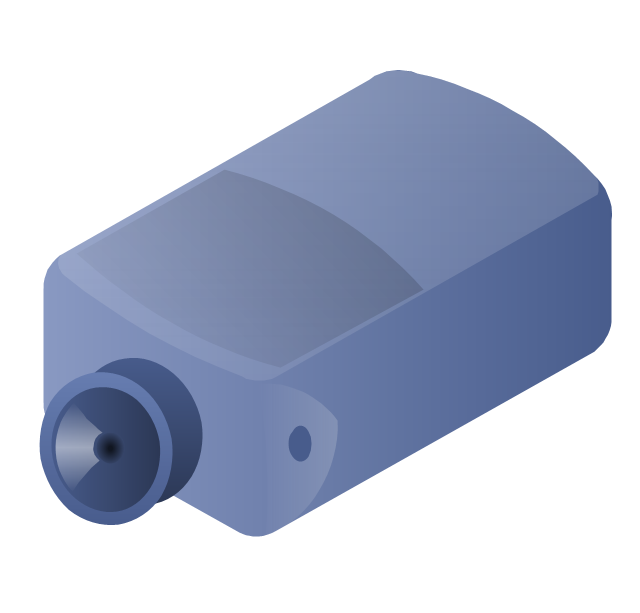
Wireless router
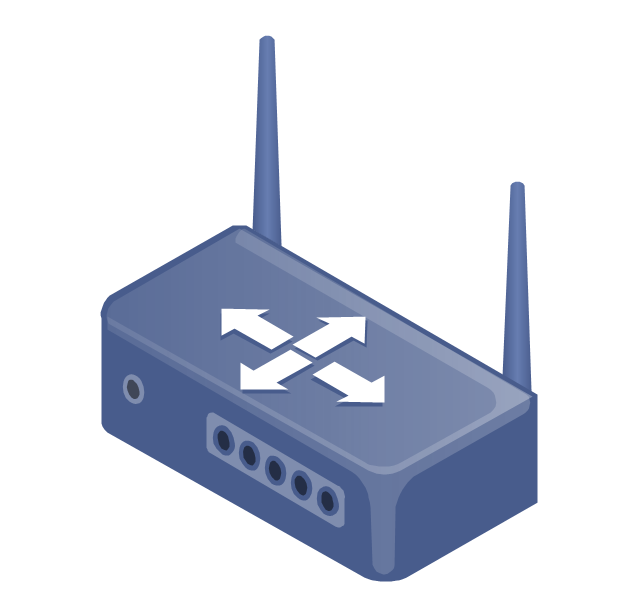
Networking device
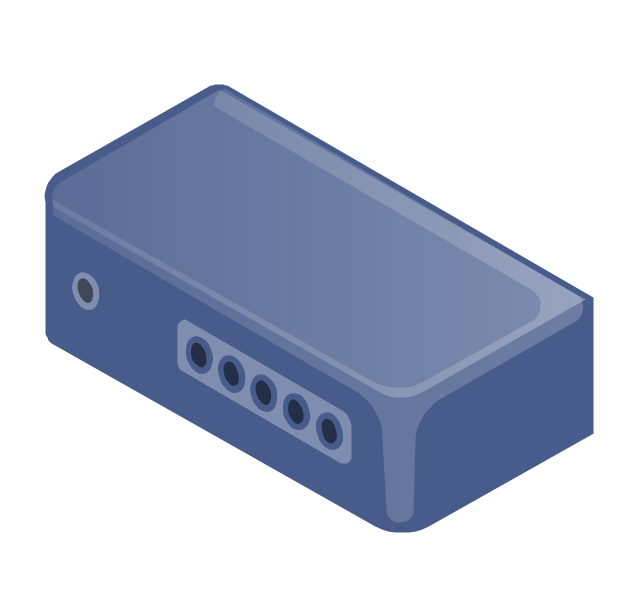
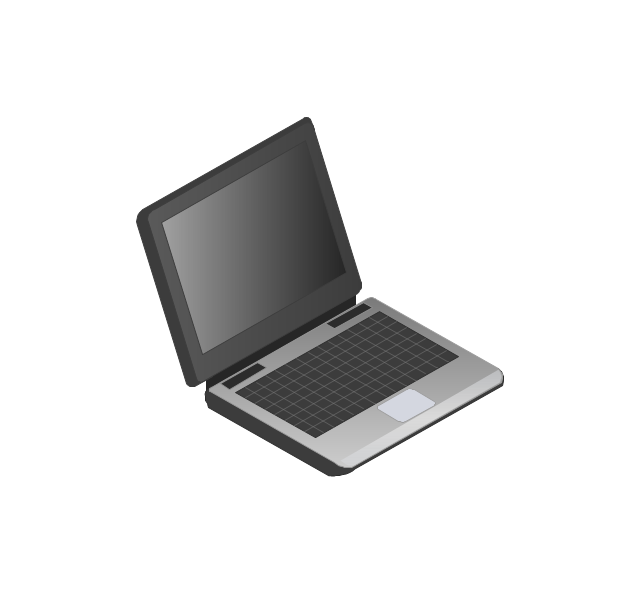
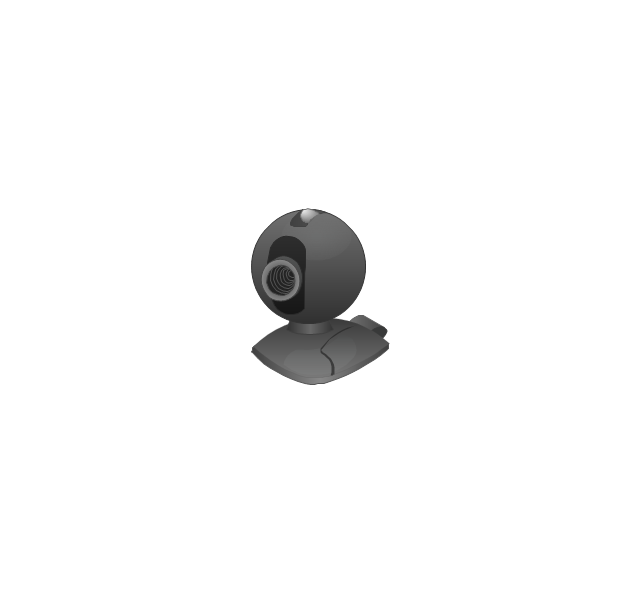
The vector stencils library "Computers and network isometric" contains 56 3D clipart images of computer and network devices and equipment for drawing network diagrams.
The clip art example "Computers and network isometric - Vector stencils library" was created using the ConceptDraw PRO diagramming and vector drawing software extended with the Computer and Networks solution from the Computer and Networks area of ConceptDraw Solution Park.
The clip art example "Computers and network isometric - Vector stencils library" was created using the ConceptDraw PRO diagramming and vector drawing software extended with the Computer and Networks solution from the Computer and Networks area of ConceptDraw Solution Park.
Laptop
DDCS
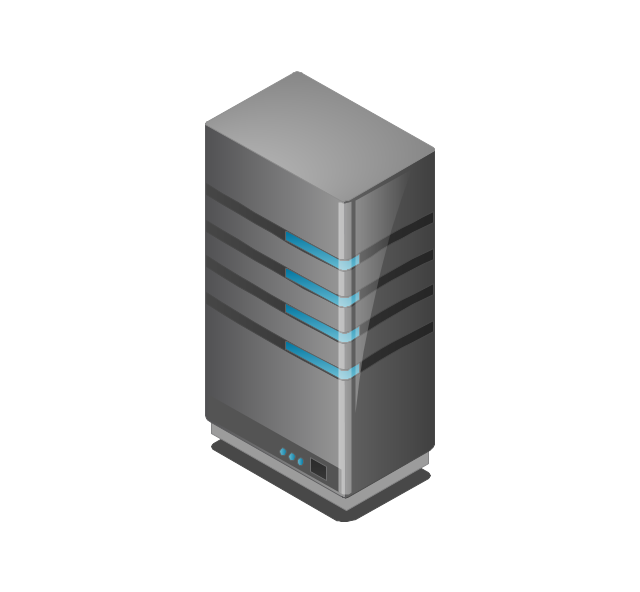
Server
Webcam
Wireless Network Storage
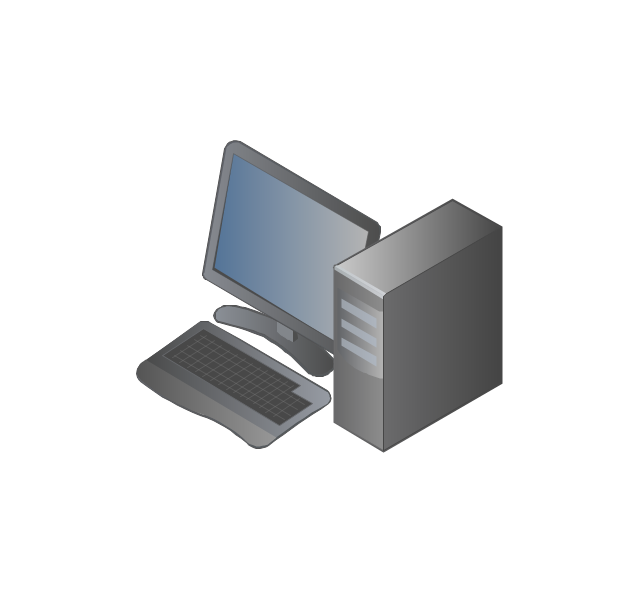
Personal computer
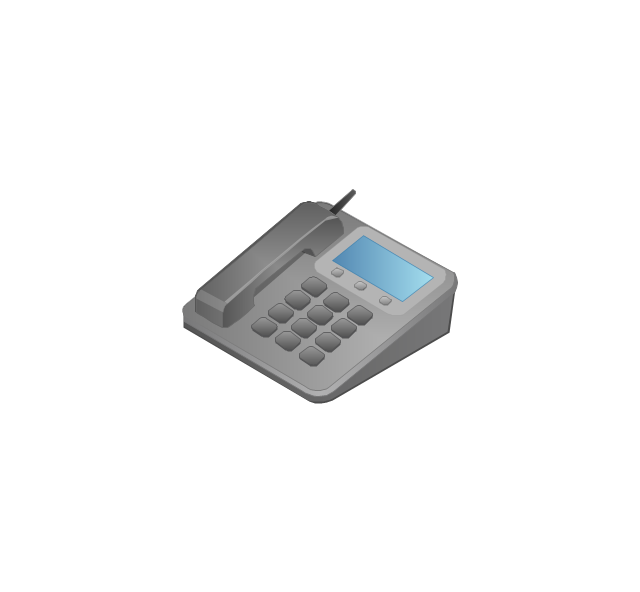
VoIP phone
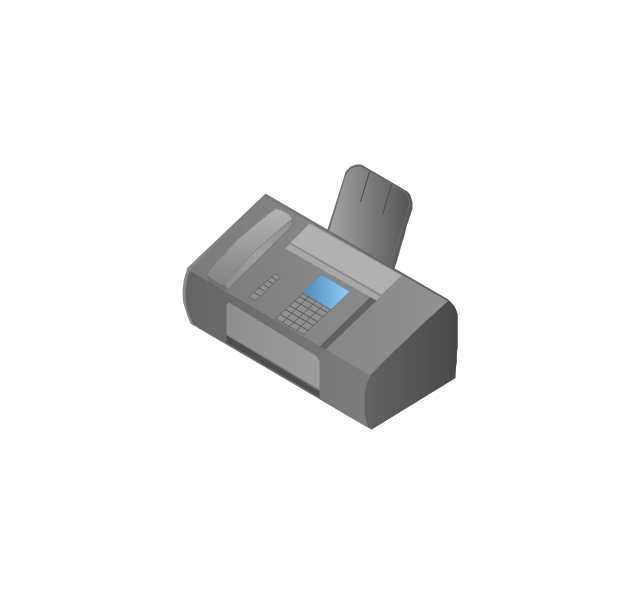
Fax
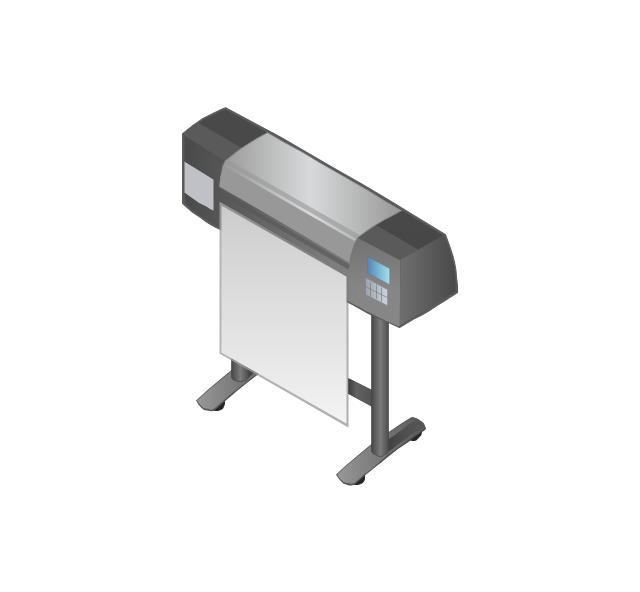
Plotter
Mobile phone
Feature phone

Printer
Satellite dish
Satellite antenna
Automatic-tracking satellite dish
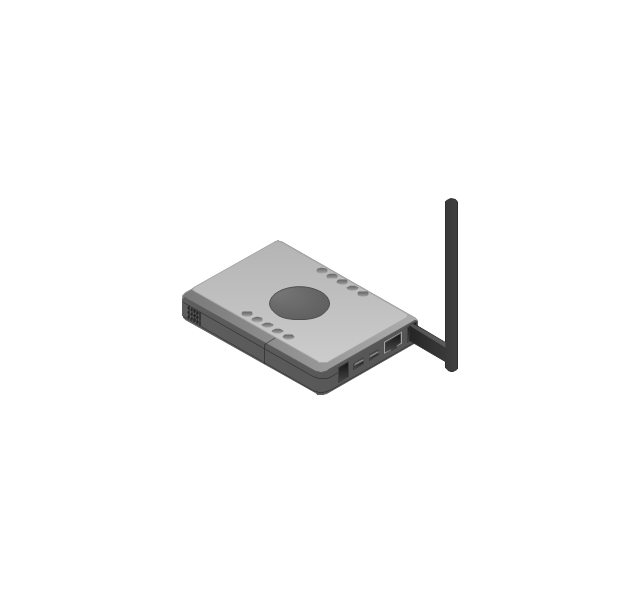
Wireless access point
Wireless router
Router
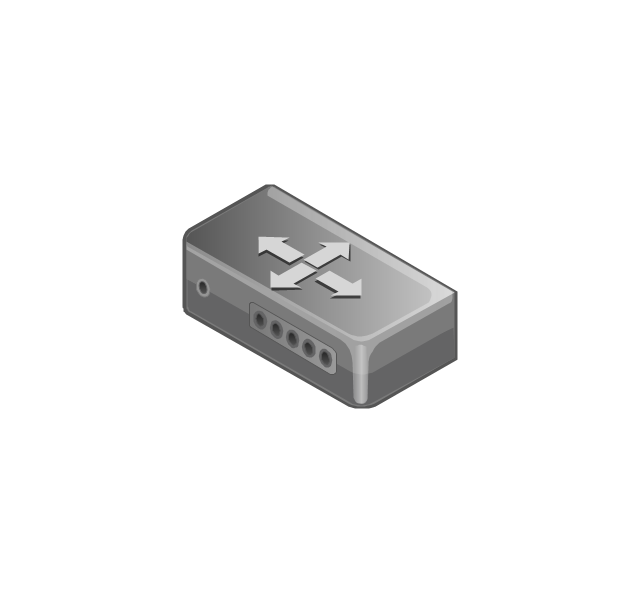
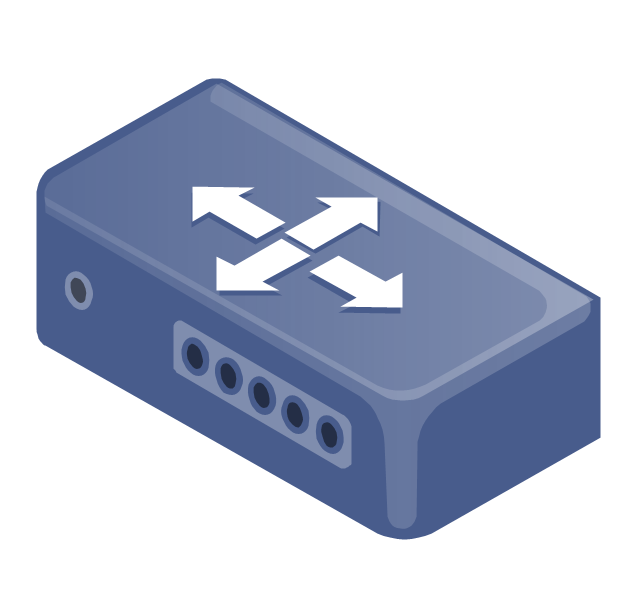
Network switch
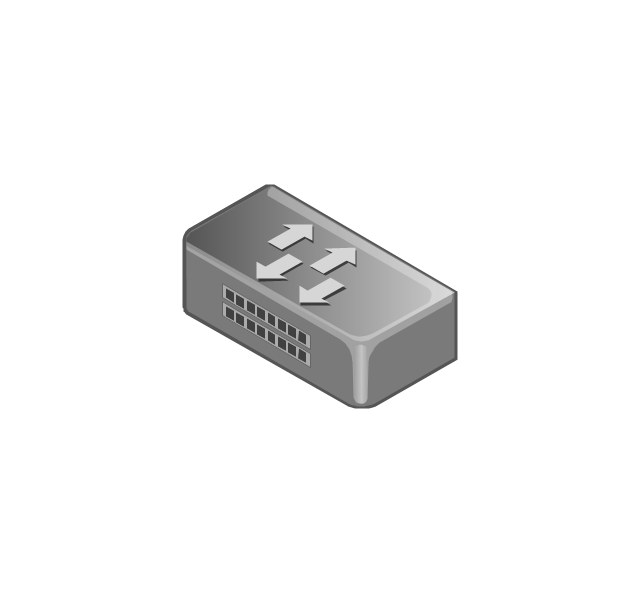
Network device
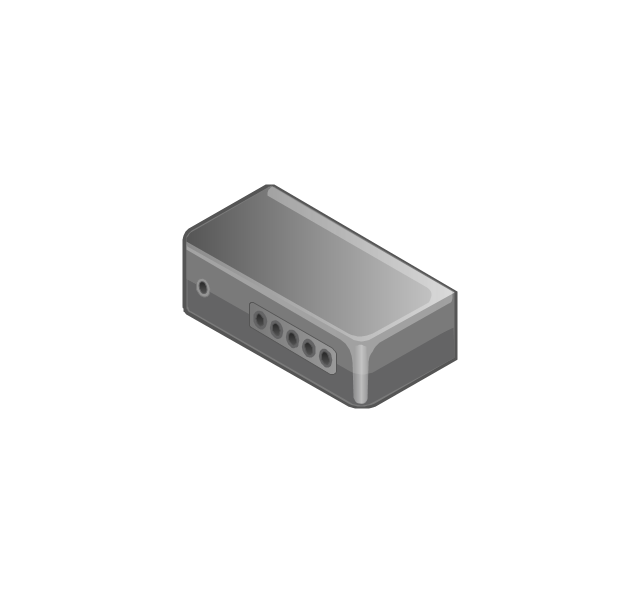
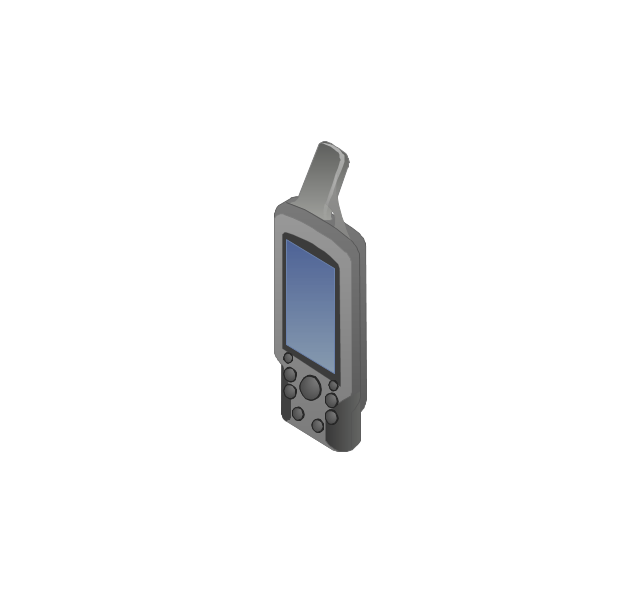
Mobile GPS Terminal
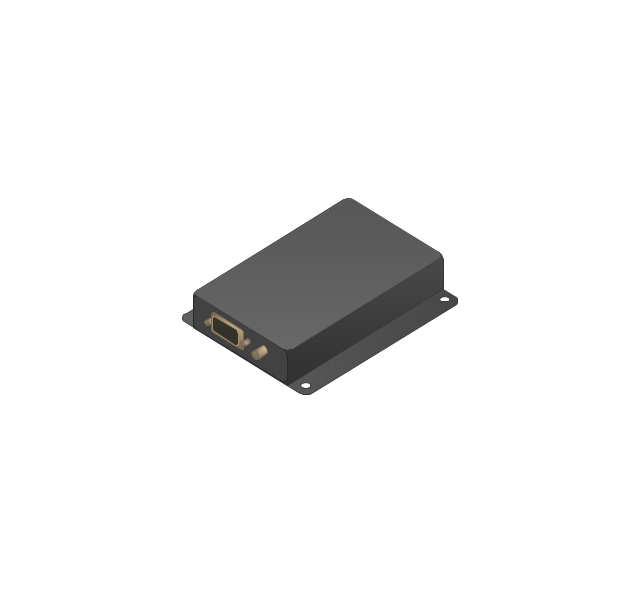
GPS phone
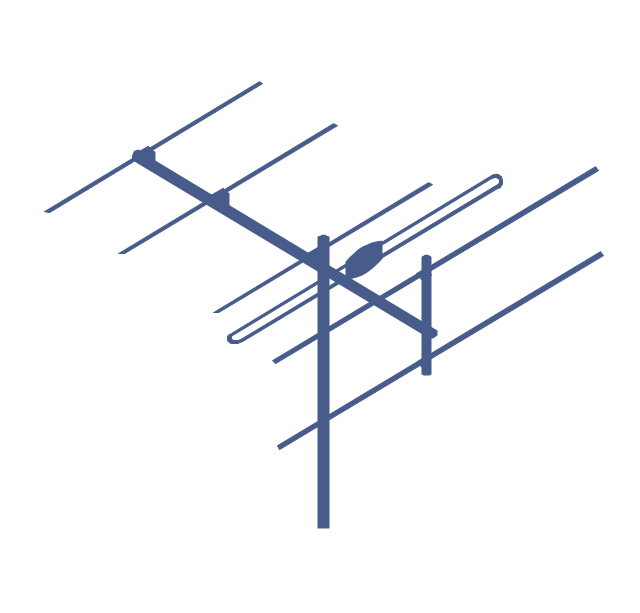
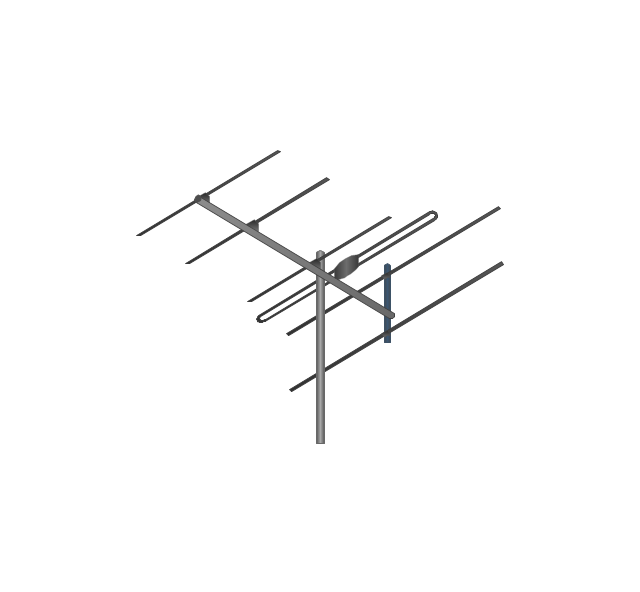
Television antenna
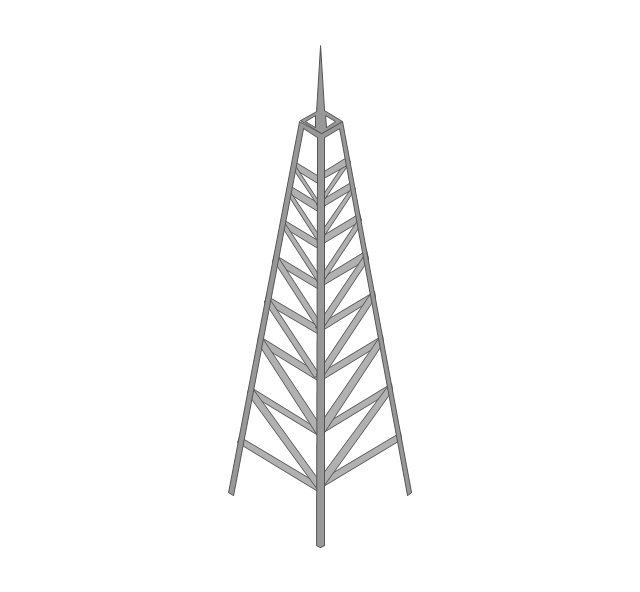
Radio tower
Base station
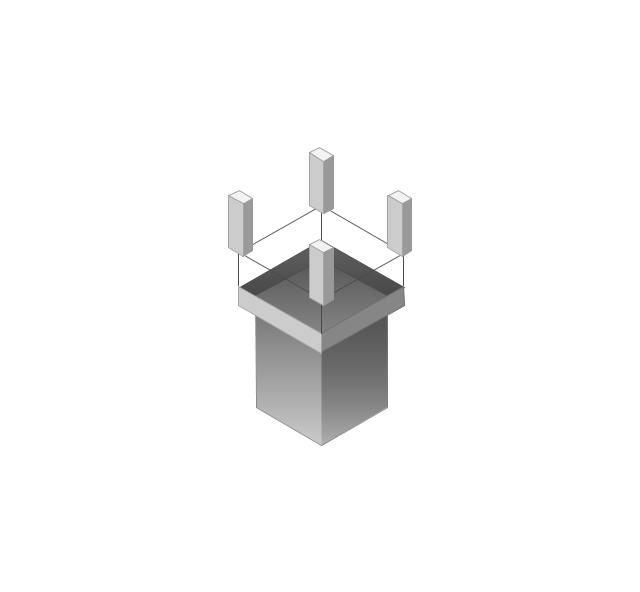
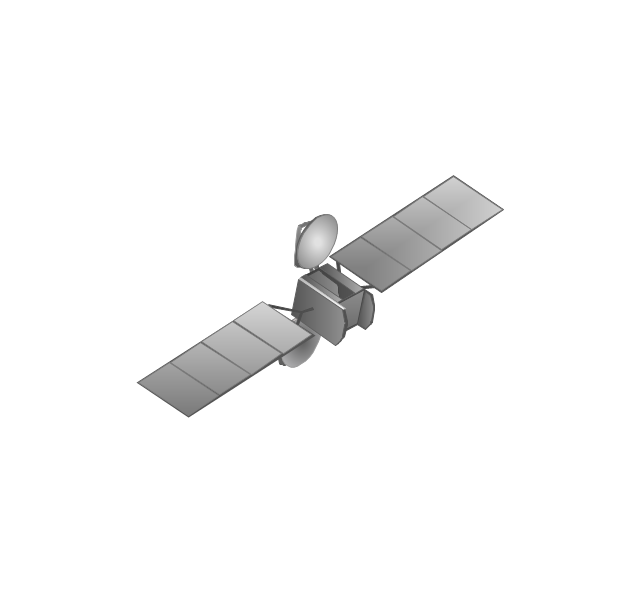
Satellite
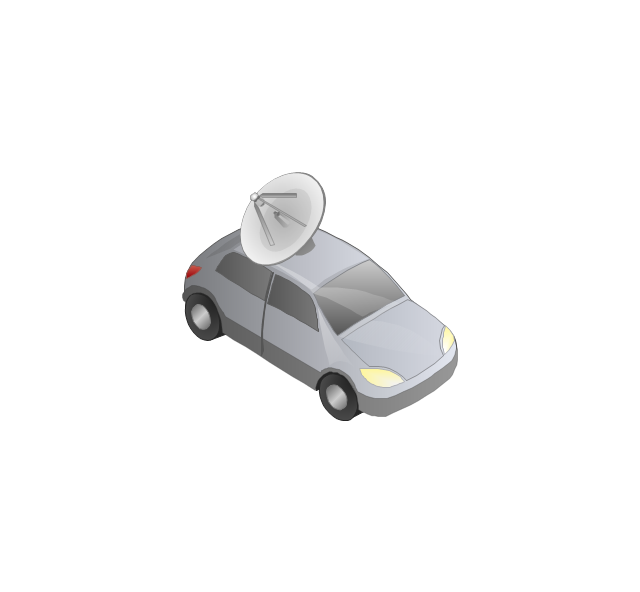
In-vehicle satellite telecommunication
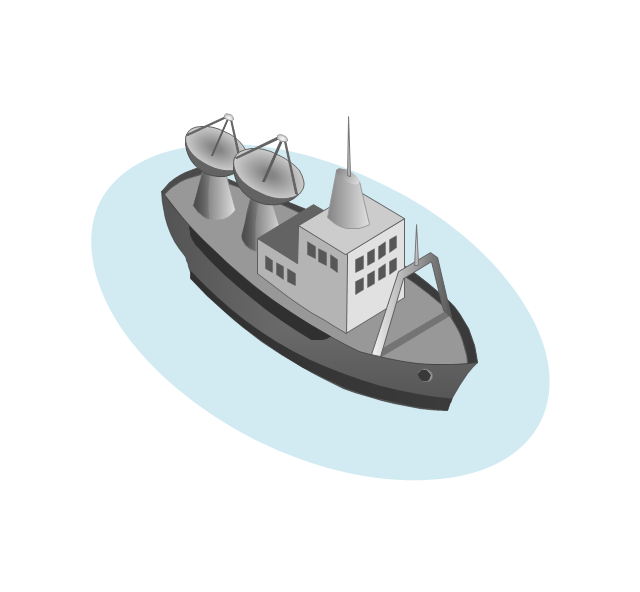
Satellite dishes on ship
Airplane

Internet

Man

Woman

Call-center

Honeycomb

Mountain

Radio waves

Radio waves

Tower block
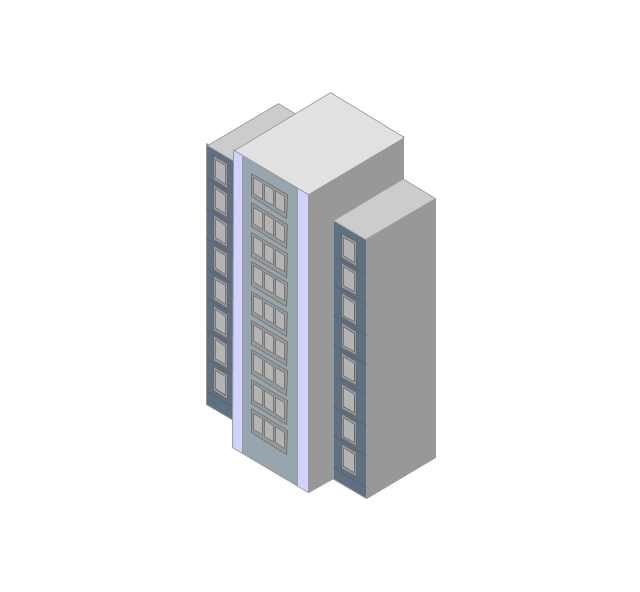
Office building
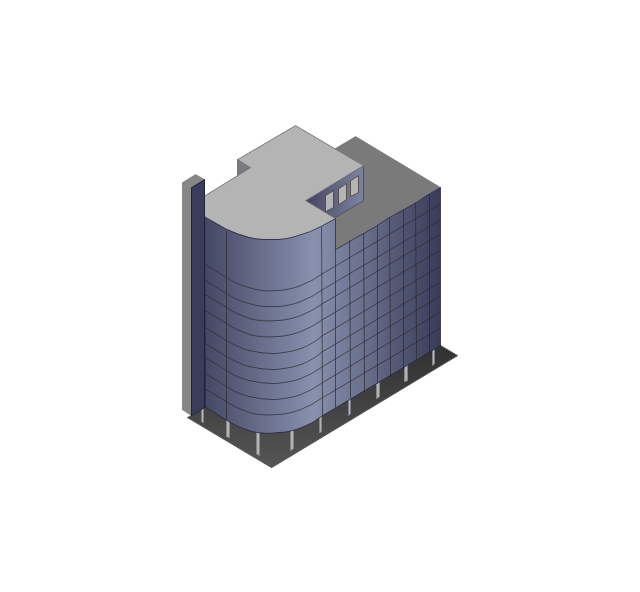
House

House

Globe

Wireless security camera
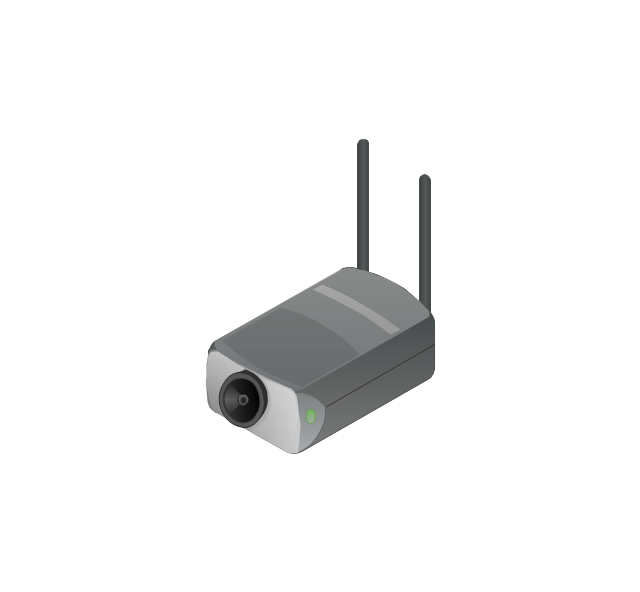
Truck
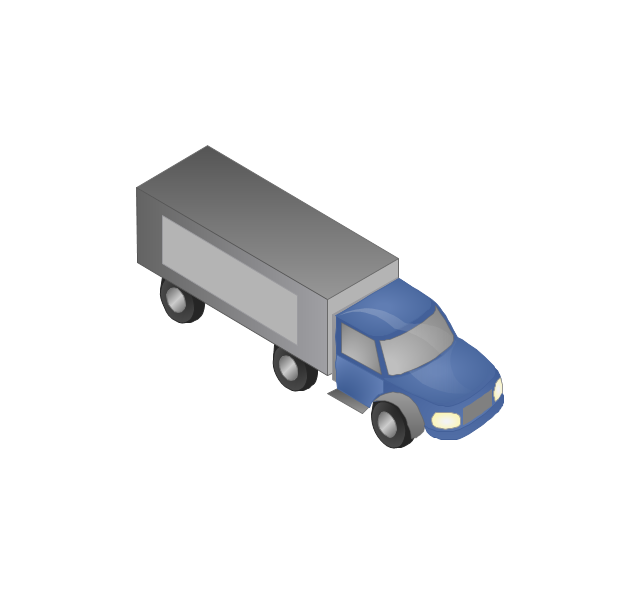
Tree

Conifer tree

1U hub / switch
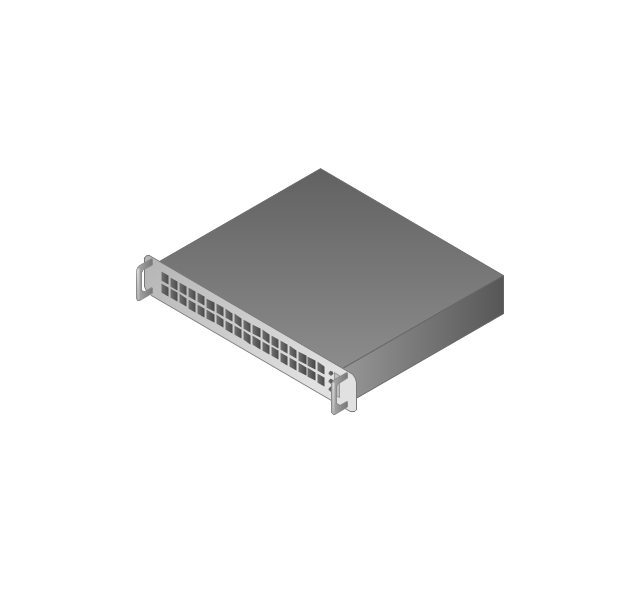
2U hub / switch
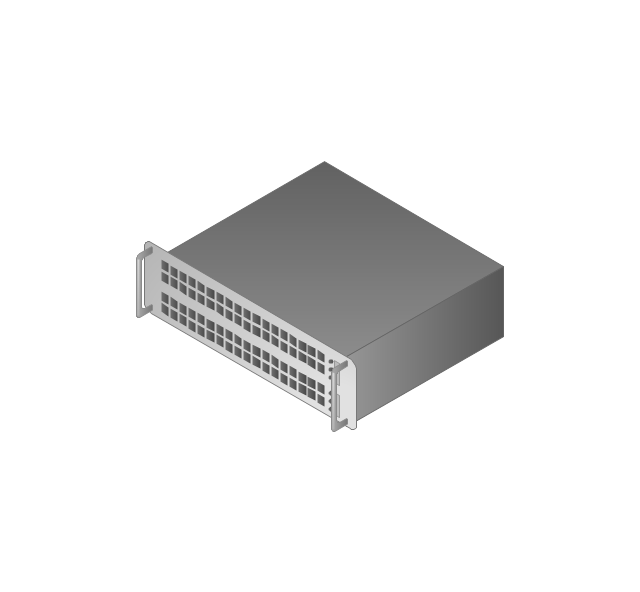
1U server
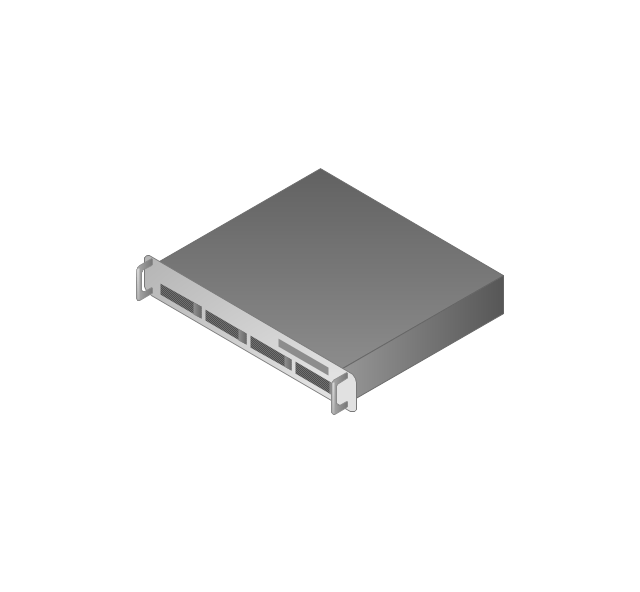
2U Server
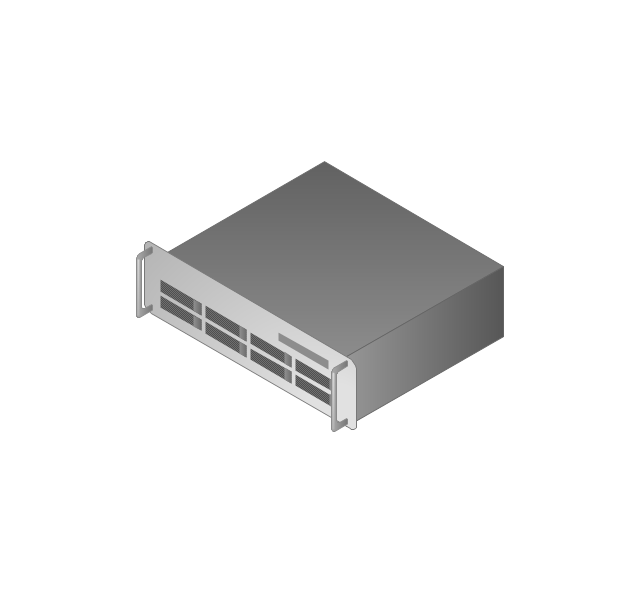
3U Server
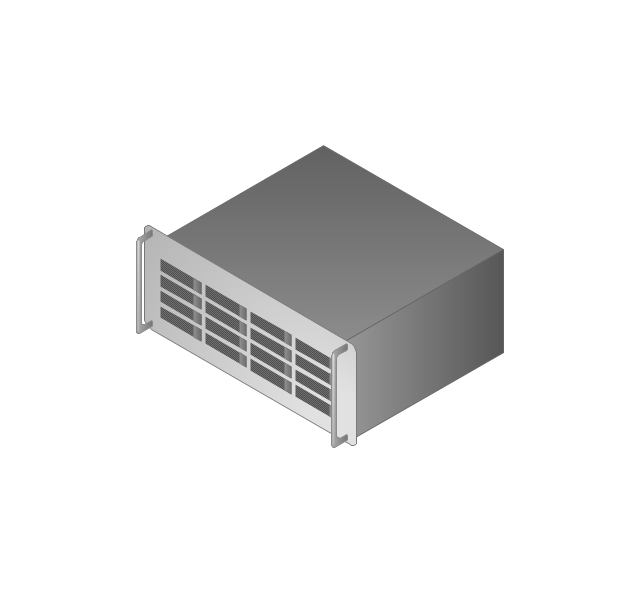
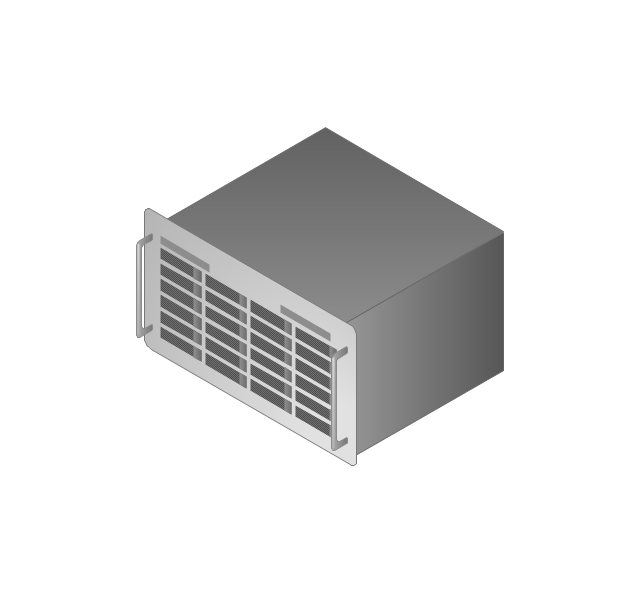
4U Server
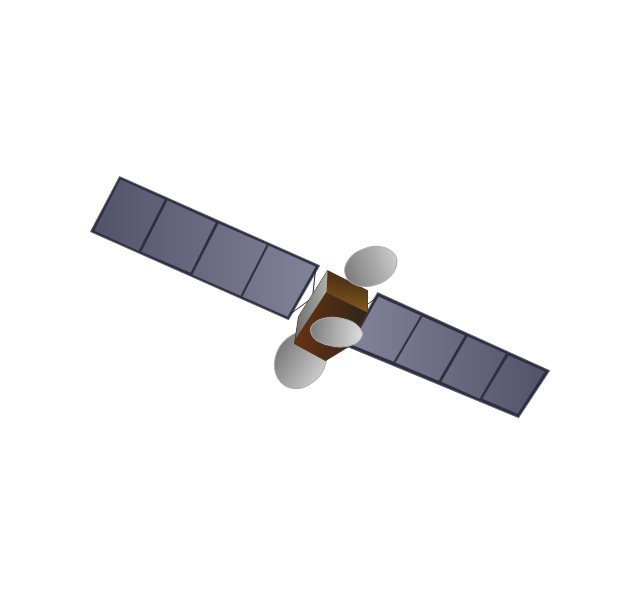
Communications satellite
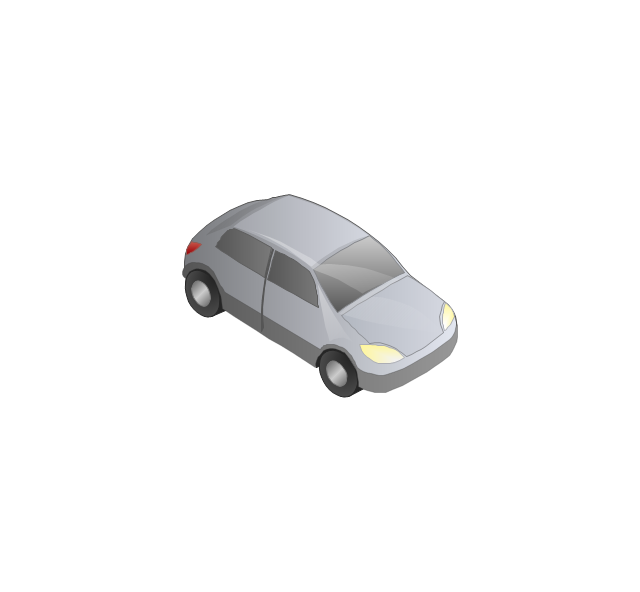
Car
Radio waves

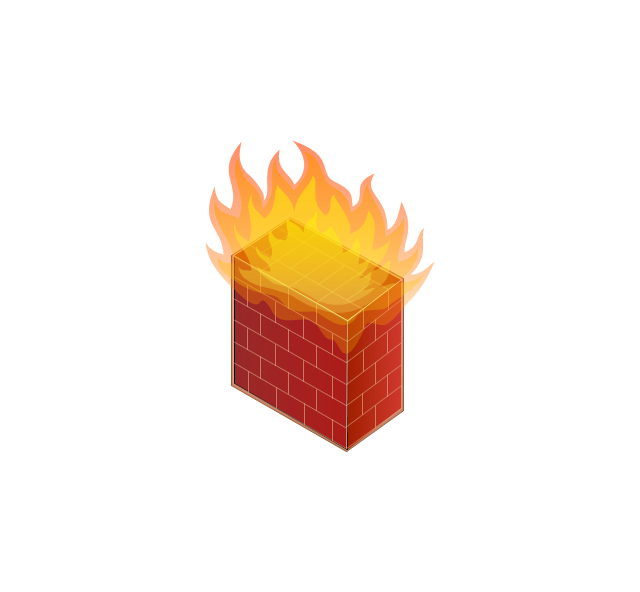
Firewall
The vector stencils library "Travel and tourism pictograms" contains 20 travel and tourism pictograms.
Use it to create your infographics, illustrations and presentations.
The pictogram example "Design elements - Travel and tourism pictograms" was created using the ConceptDraw PRO diagramming and vector drawing software extended with the Pictorial infographics solution from the area "What is infographics" in ConceptDraw Solution Park.
Use it to create your infographics, illustrations and presentations.
The pictogram example "Design elements - Travel and tourism pictograms" was created using the ConceptDraw PRO diagramming and vector drawing software extended with the Pictorial infographics solution from the area "What is infographics" in ConceptDraw Solution Park.
Pictograms

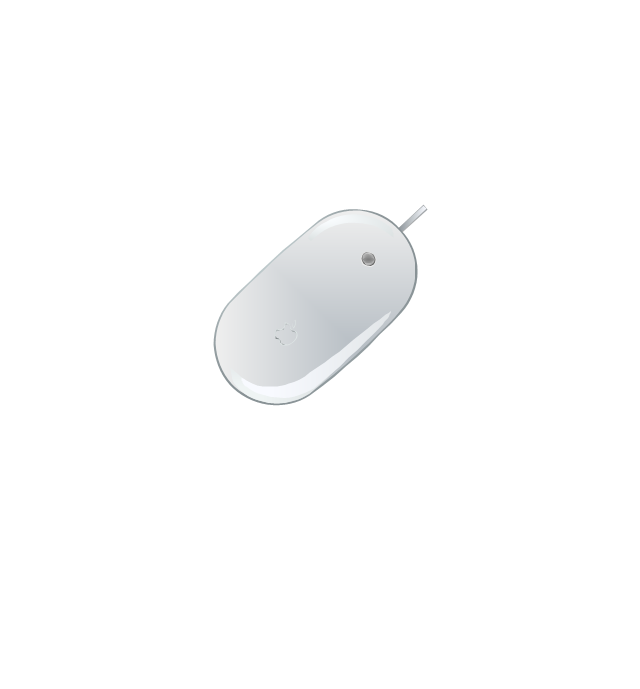
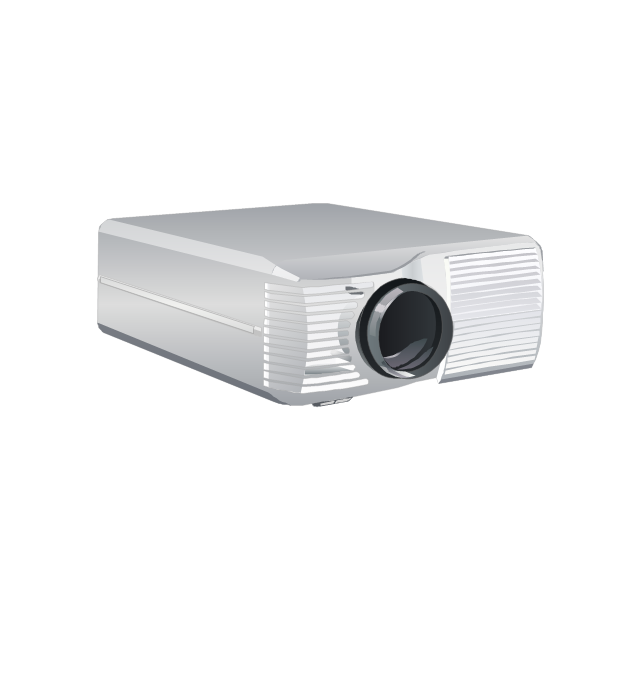
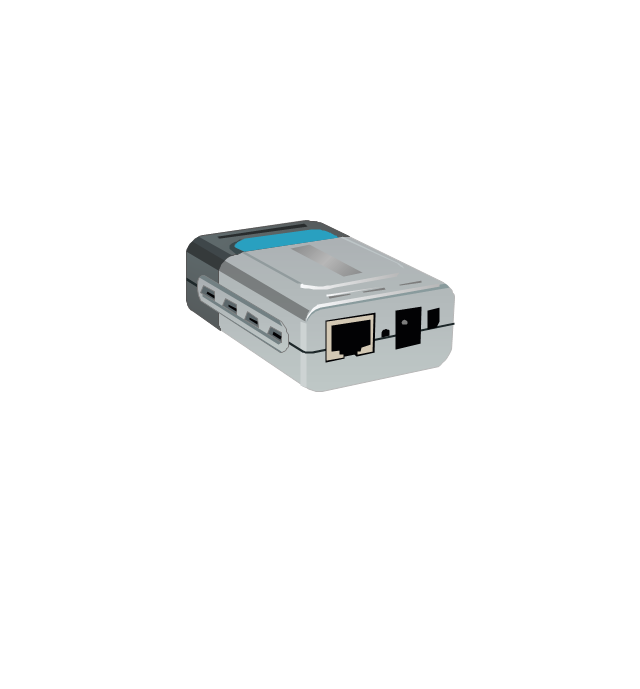
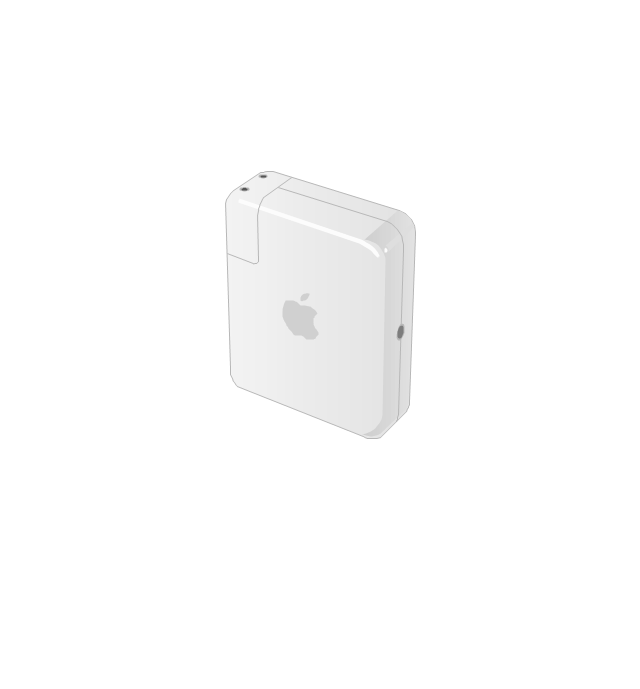
The vector stencils library "Computer peripheral devices" contains 18 clipart images of computer peripheral devices and equipment for drawing network diagrams.
"A peripheral is a device that is connected to a host computer, but not an integral part of it. It expands the host's capabilities but does not form part of the core computer architecture. It is often, but not always, partially or completely dependent on the host.
There are three different types of peripherals:
(1) Input, used to interact with, or send data to the computer (mouse, keyboards, etc.).
(2) Output, which provides output to the user from the computer (monitors, printers, etc.).
(3) Storage, which stores data processed by the computer (hard drives, flash drives, etc.)" [Peripheral. Wikipedia]
The clip art example "Computer peripheral devices - Vector stencils library" was created using the ConceptDraw PRO diagramming and vector drawing software extended with the Computer and Networks solution from the Computer and Networks area of ConceptDraw Solution Park.
"A peripheral is a device that is connected to a host computer, but not an integral part of it. It expands the host's capabilities but does not form part of the core computer architecture. It is often, but not always, partially or completely dependent on the host.
There are three different types of peripherals:
(1) Input, used to interact with, or send data to the computer (mouse, keyboards, etc.).
(2) Output, which provides output to the user from the computer (monitors, printers, etc.).
(3) Storage, which stores data processed by the computer (hard drives, flash drives, etc.)" [Peripheral. Wikipedia]
The clip art example "Computer peripheral devices - Vector stencils library" was created using the ConceptDraw PRO diagramming and vector drawing software extended with the Computer and Networks solution from the Computer and Networks area of ConceptDraw Solution Park.
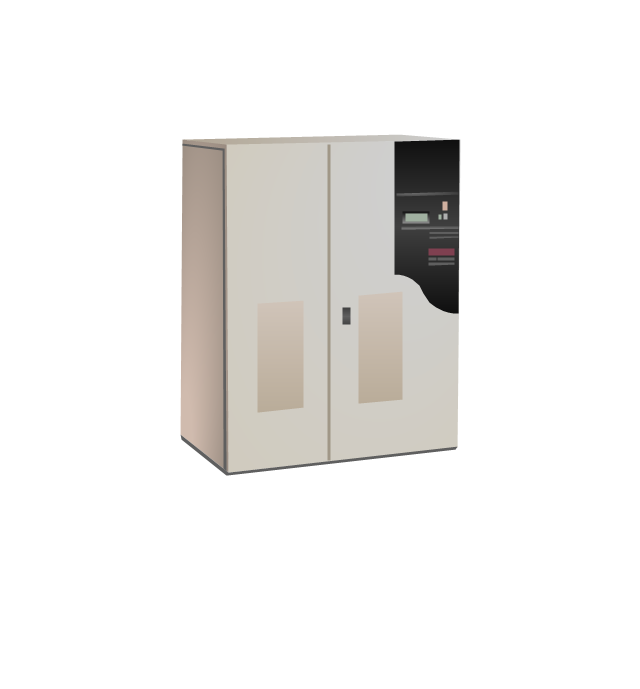
Uninterruptible power supply
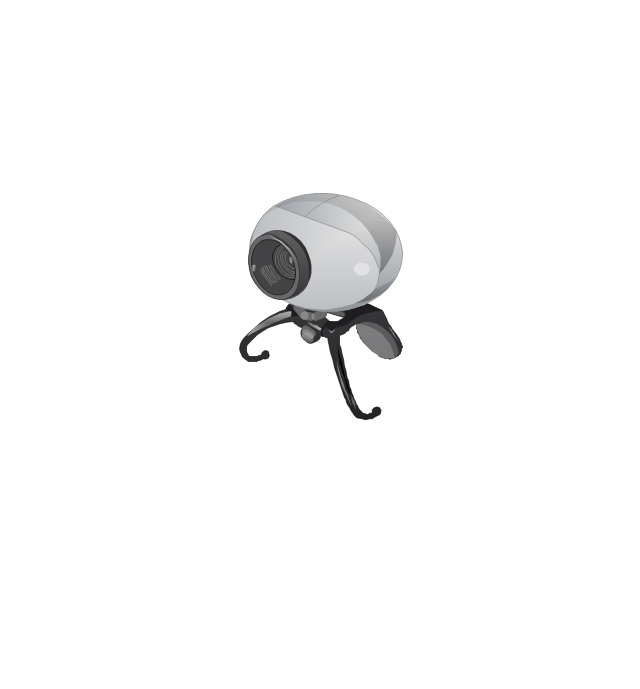
Webcam
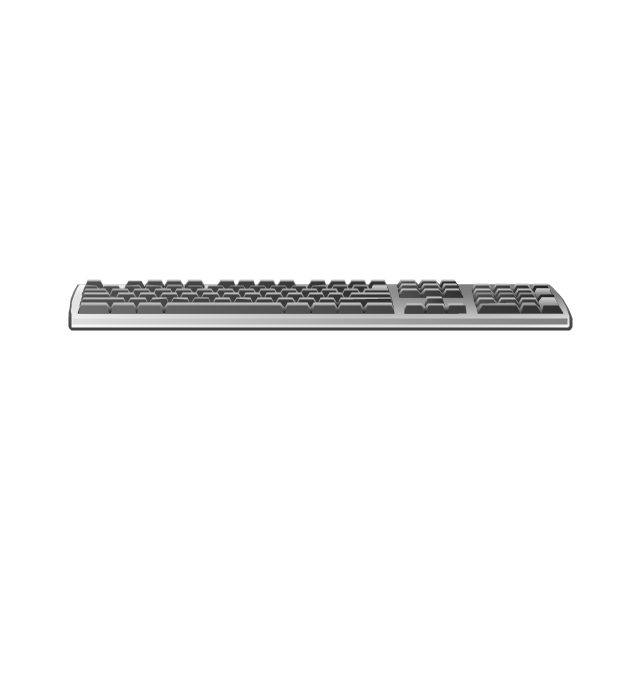
Keyboard
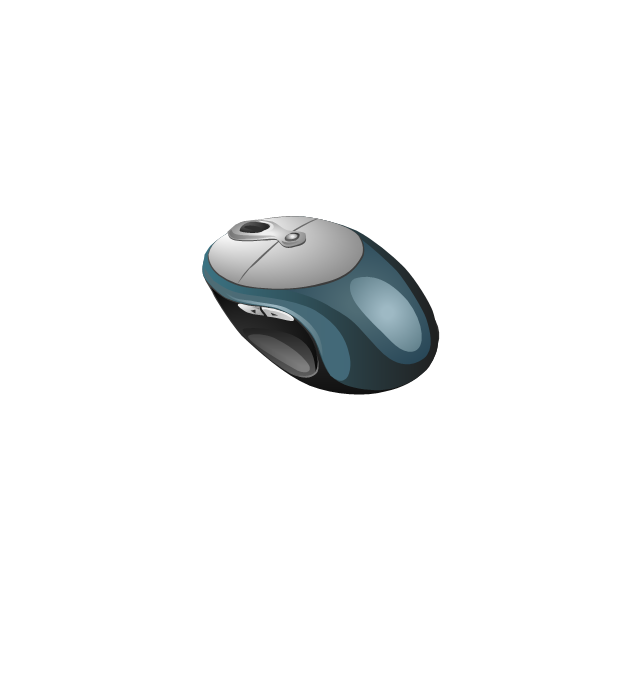
Optical mouse
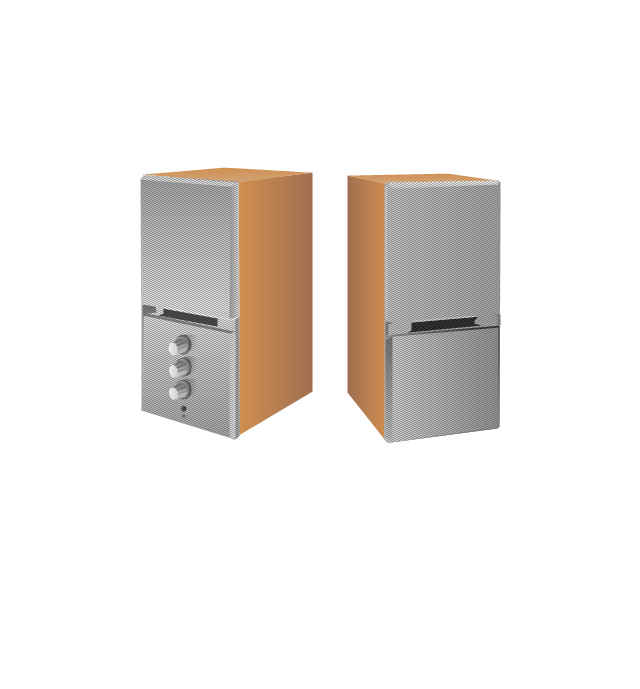
Computer speakers
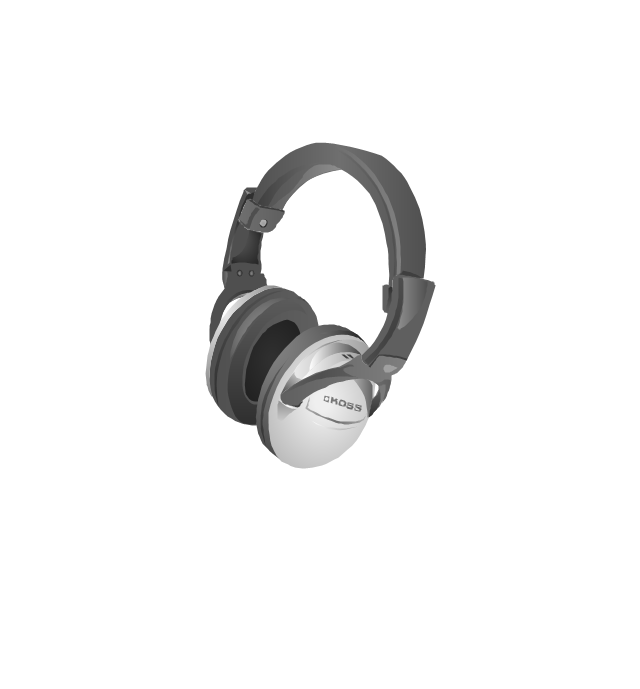
Headphones
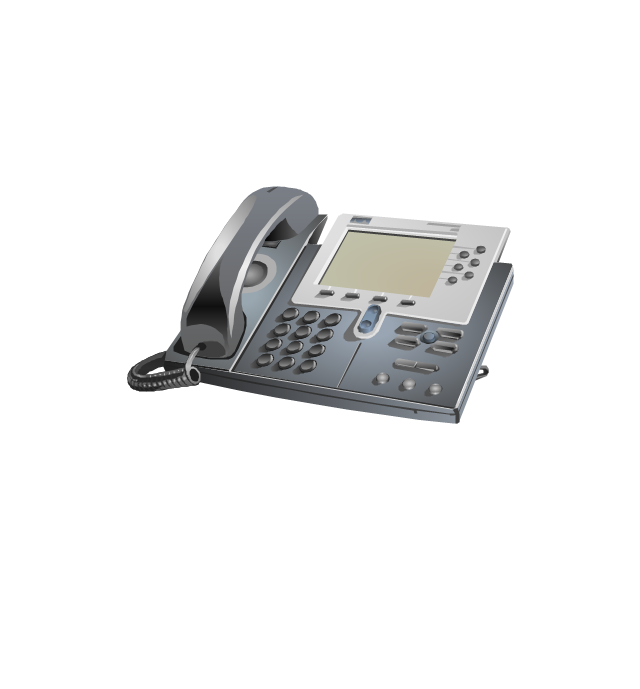
VoIP phone
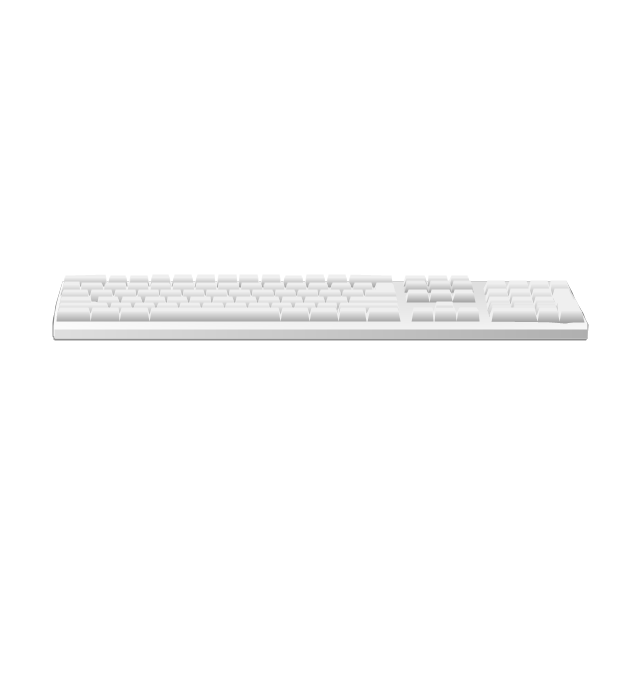
Apple Keyboard
Apple Mouse
LCD projector
Port adapter
Airport Express
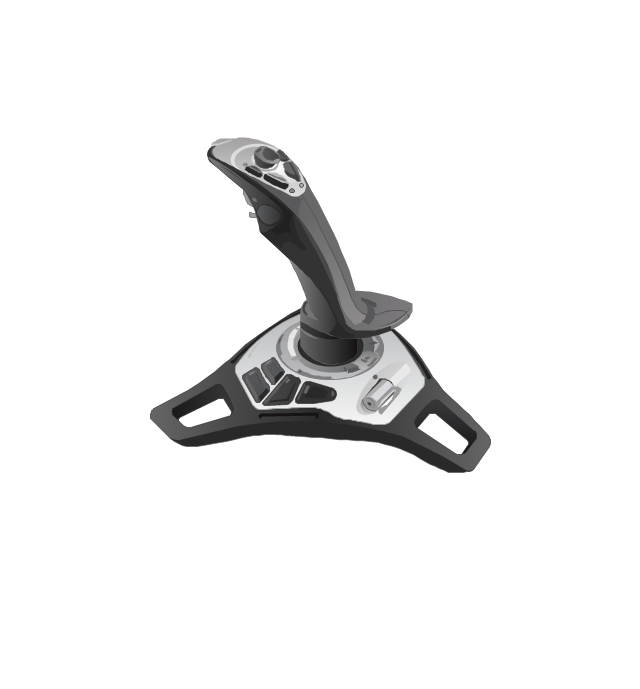
Joystick
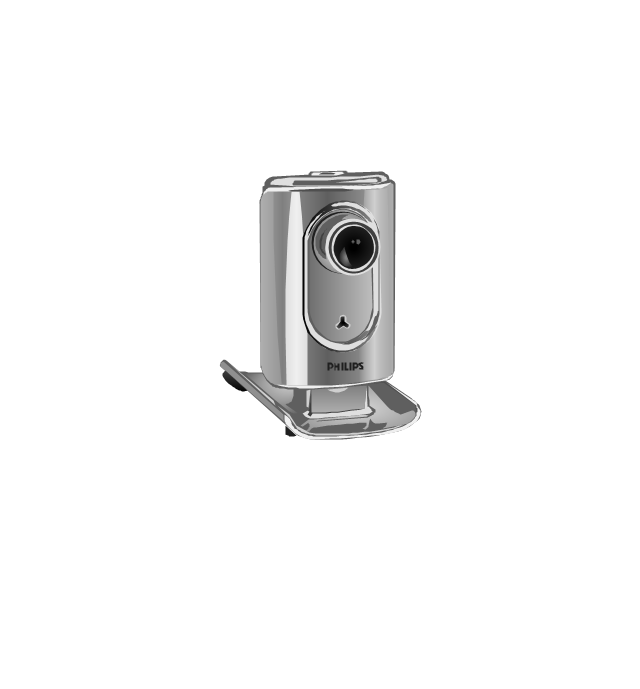
Webcam
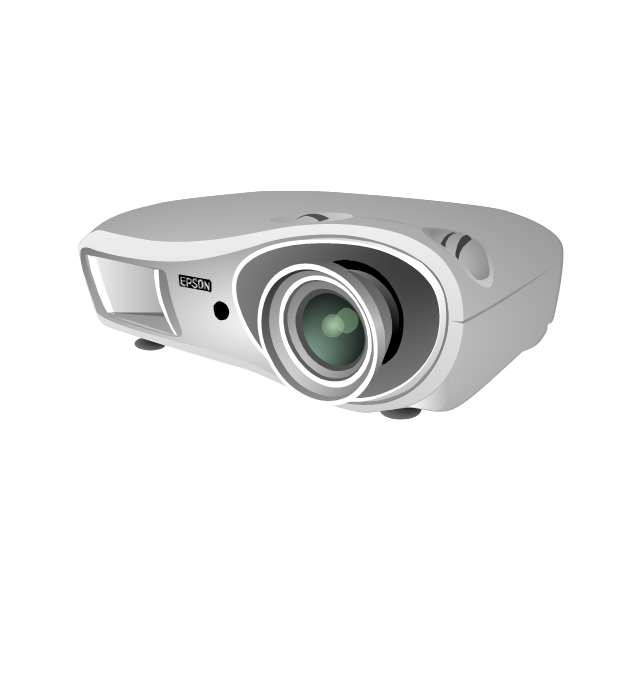
Video projector
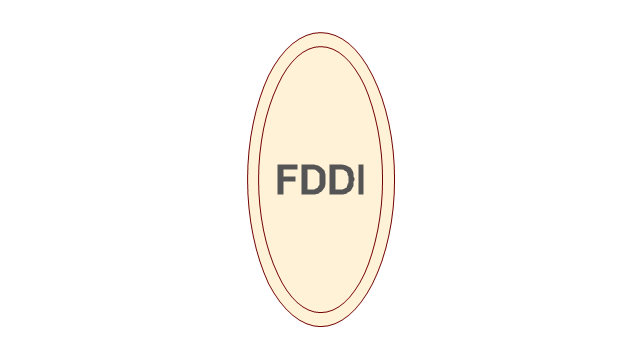
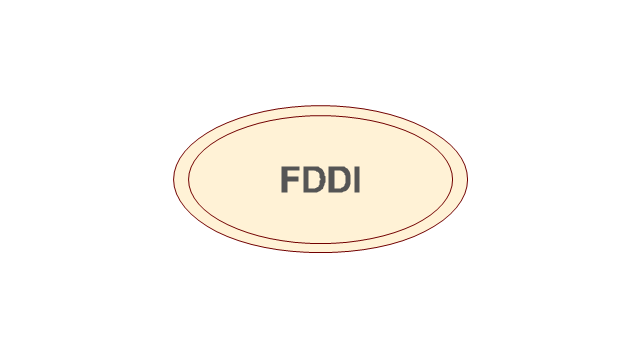
The vector stencils library "Cisco media" contains 10 symbols of Cisco media elements: token ring, FDDI ring, serial, circuit-switched and Ethernet lines.
"Token ring local area network (LAN) technology is a protocol which resides at the data link layer (DLL) of the OSI model. It used a special three-byte frame called a token that travels around the ring. Token-possession grants the possessor permission to transmit on the medium. Token ring frames travel completely around the loop.
Initially used only in IBM computers, it was eventually standardized with protocol IEEE 802.5." [Token ring. Wikipedia]
"Fiber Distributed Data Interface (FDDI) is a standard for data transmission in a local area network. It uses optical fiber as its standard underlying physical medium, although it was also later specified to use copper cable, in which case it may be called CDDI (Copper Distributed Data Interface), standardized as TP-PMD (Twisted-Pair Physical Medium-Dependent), also referred to as TP-DDI (Twisted-Pair Distributed Data Interface)." [Fiber Distributed Data Interface. Wikipedia]
The symbols example "Cisco media - Vector stencils library" was created using the ConceptDraw PRO diagramming and vector drawing software extended with the Cisco Network Diagrams solution from the Computer and Networks area of ConceptDraw Solution Park.
www.conceptdraw.com/ solution-park/ computer-networks-cisco
"Token ring local area network (LAN) technology is a protocol which resides at the data link layer (DLL) of the OSI model. It used a special three-byte frame called a token that travels around the ring. Token-possession grants the possessor permission to transmit on the medium. Token ring frames travel completely around the loop.
Initially used only in IBM computers, it was eventually standardized with protocol IEEE 802.5." [Token ring. Wikipedia]
"Fiber Distributed Data Interface (FDDI) is a standard for data transmission in a local area network. It uses optical fiber as its standard underlying physical medium, although it was also later specified to use copper cable, in which case it may be called CDDI (Copper Distributed Data Interface), standardized as TP-PMD (Twisted-Pair Physical Medium-Dependent), also referred to as TP-DDI (Twisted-Pair Distributed Data Interface)." [Fiber Distributed Data Interface. Wikipedia]
The symbols example "Cisco media - Vector stencils library" was created using the ConceptDraw PRO diagramming and vector drawing software extended with the Cisco Network Diagrams solution from the Computer and Networks area of ConceptDraw Solution Park.
www.conceptdraw.com/ solution-park/ computer-networks-cisco
Token ring

Token ring

Token ring, subdued

Line: Ethernet

FDDI ring, vertical
FDDI ring, vertical
FDDI ring, horizontal
FDDI ring, horizontal
Line: Serial
Line: circuit-switched
The vector stencils library "Qualifying" contains 56 qualifying symbols.
Use these shapes to annotate or specify characteristics of objects in electrical drawings, electronic schematics, circuit diagrams, electromechanical drawings, and wiring diagrams, cabling layout diagrams in the ConceptDraw PRO diagramming and vector drawing software extended with the Electrical Engineering solution from the Engineering area of ConceptDraw Solution Park.
www.conceptdraw.com/ solution-park/ engineering-electrical
Use these shapes to annotate or specify characteristics of objects in electrical drawings, electronic schematics, circuit diagrams, electromechanical drawings, and wiring diagrams, cabling layout diagrams in the ConceptDraw PRO diagramming and vector drawing software extended with the Electrical Engineering solution from the Engineering area of ConceptDraw Solution Park.
www.conceptdraw.com/ solution-park/ engineering-electrical
Positive polarity
Negative polarity
Neutral symbol
6-phase double delta
Electret
Radiation, non-ion.
Radiation, ion.
Radiation, non-ion., coherent
Radiation, ion., coherent
Radiation, non-ion. 2
Radiation, ion. 2
Radiation, non-ion., coherent 2
Radiation, ion., coherent 2
Multiple-phase
Multiple-phase 2
Multiple-phase, interconnect.
Multiple-phase, interconnect. 2
3 separate windings
3 separate windings, interconnect.
3 separate windings, interconnect. 2
3-phase (V)
3-Phase (T)
3-phase delta 3
3-phase delta 1
3-phase delta 1, grounded
3-phase delta 2
3-phase delta 2, grounded
3-phase delta 2, grounded 2
3-phase delta 4
3-phase delta 4, grounded
3-phase star, general
3-phase star, grounded
3-phase star, neutral brought out
3-phase zigzag
3-phase zigzag, grounded
3-phase 4-wire, general
3-phase 4-wire, grounded
3-phase 4-wire, neutral brought out
2-phase 3-wire
2-phase 3-wire, separated
2-phase 3-wire, grounded
2-phase 3-wire, separat., ground.
2-phase 4-wire
2-phase 4-wire, grounded
4-phase, general
4-phase, grounded
4-phase, neutral brought out
6-phase double star
6-phase double star, grounded
6-phase double star 2
6-phase double star, grounded 2
6-phase polygon
6-phase fork
6-phase fork, neutral
Special connector
Coaxial symbol
- Travel and tourism pictograms - Vector stencils library
- Travel and tourism pictograms - Vector stencils library | Landmarks ...
- Travel and tourism pictograms - Vector stencils library | Travelling ...
- Travel and tourism pictograms - Vector stencils library | Education ...
- Travel and tourism pictograms - Vector stencils library | Qualifying ...
- Travel and tourism pictograms - Vector stencils library | Design ...
- IVR business - Vector stencils library | Travel and tourism pictograms ...
- Travel and tourism pictograms - Vector stencils library | Travelling to ...
- Travel and tourism pictograms - Vector stencils library | Travel Picto
- Travel and tourism pictograms - Vector stencils library | Basic ...


