Network Diagram Examples
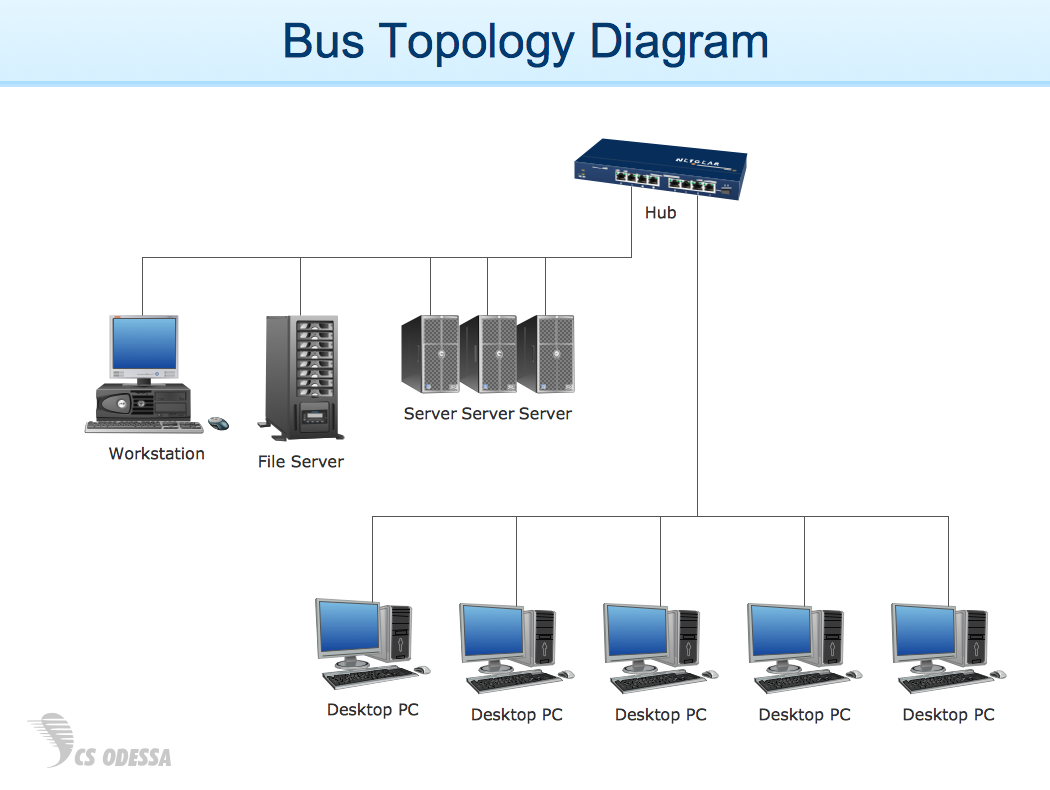
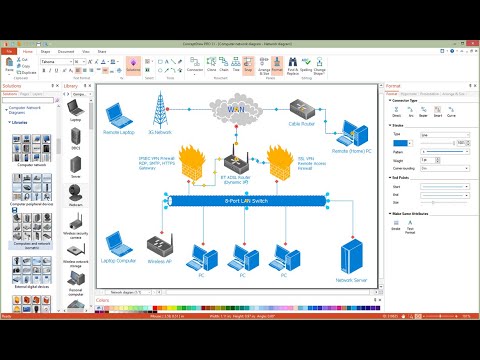
The vector stencils library "Cisco switches and hubs" contains 26 symbols of Cisco switches and hubs for drawing computer network diagrams.
"A switch is a device used on a computer network to physically connect devices together. Multiple cables can be connected to a switch to enable networked devices to communicate with each other. Switches manage the flow of data across a network by only transmitting a received message to the device for which the message was intended. Each networked device connected to a switch can be identified using a MAC address, allowing the switch to regulate the flow of traffic. This maximises security and efficiency of the network. Because of these features, a switch is often considered more "intelligent" than a network hub. Hubs neither provide security, or identification of connected devices. This means that messages have to be transmitted out of every port of the hub, greatly degrading the efficiency of the network." [Network switch. Wikipedia]
"An Ethernet hub, active hub, network hub, repeater hub, multiport repeater or hub is a device for connecting multiple Ethernet devices together and making them act as a single network segment. It has multiple input/ output (I/ O) ports, in which a signal introduced at the input of any port appears at the output of every port except the original incoming. A hub works at the physical layer (layer 1) of the OSI model. The device is a form of multiport repeater. Repeater hubs also participate in collision detection, forwarding a jam signal to all ports if it detects a collision." [Ethernet hub. Wikipedia]
The symbols example "Cisco switches and hubs - Vector stencils library" was created using the ConceptDraw PRO diagramming and vector drawing software extended with the Cisco Network Diagrams solution from the Computer and Networks area of ConceptDraw Solution Park.
www.conceptdraw.com/ solution-park/ computer-networks-cisco
"A switch is a device used on a computer network to physically connect devices together. Multiple cables can be connected to a switch to enable networked devices to communicate with each other. Switches manage the flow of data across a network by only transmitting a received message to the device for which the message was intended. Each networked device connected to a switch can be identified using a MAC address, allowing the switch to regulate the flow of traffic. This maximises security and efficiency of the network. Because of these features, a switch is often considered more "intelligent" than a network hub. Hubs neither provide security, or identification of connected devices. This means that messages have to be transmitted out of every port of the hub, greatly degrading the efficiency of the network." [Network switch. Wikipedia]
"An Ethernet hub, active hub, network hub, repeater hub, multiport repeater or hub is a device for connecting multiple Ethernet devices together and making them act as a single network segment. It has multiple input/ output (I/ O) ports, in which a signal introduced at the input of any port appears at the output of every port except the original incoming. A hub works at the physical layer (layer 1) of the OSI model. The device is a form of multiport repeater. Repeater hubs also participate in collision detection, forwarding a jam signal to all ports if it detects a collision." [Ethernet hub. Wikipedia]
The symbols example "Cisco switches and hubs - Vector stencils library" was created using the ConceptDraw PRO diagramming and vector drawing software extended with the Cisco Network Diagrams solution from the Computer and Networks area of ConceptDraw Solution Park.
www.conceptdraw.com/ solution-park/ computer-networks-cisco
Cisco hub
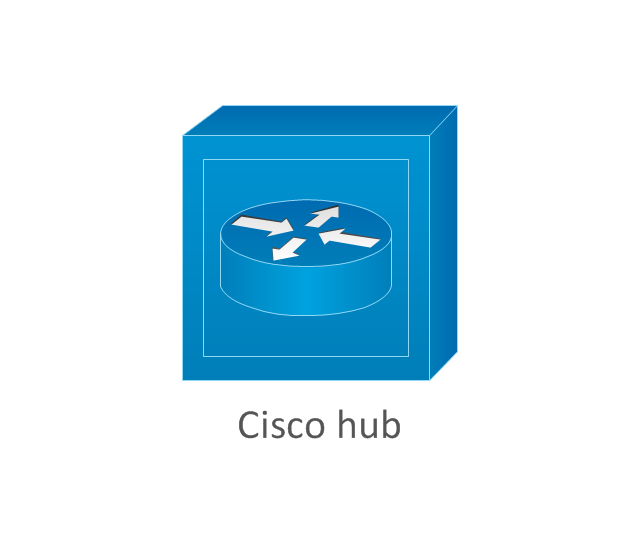
100BaseT hub
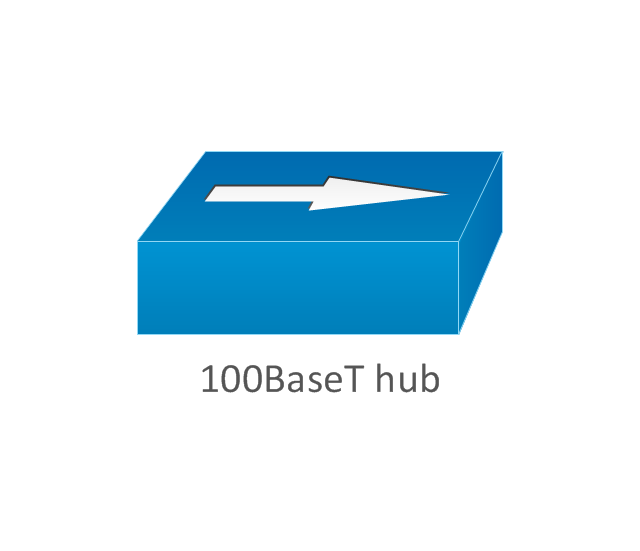
Small hub
Workgroup switch
Workgroup switch, subdued
Voice-enabled workgroup switch
ATM switch
LAN2LAN switch
ISDN switch
MGX 8000 multiservice switch

Multilayer switch with Si
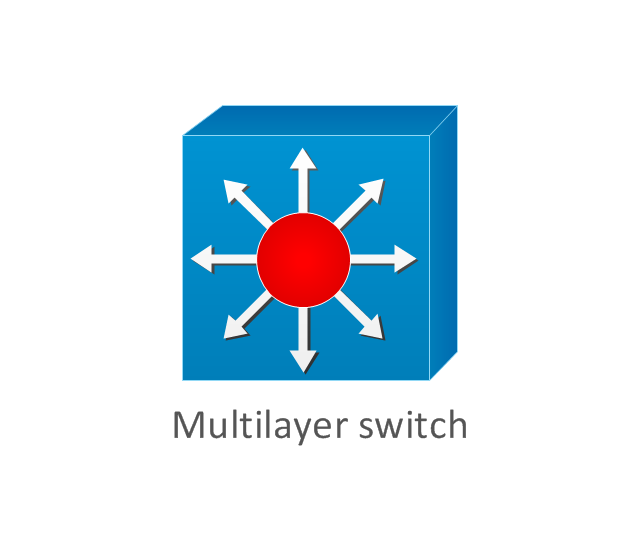
Multilayer switch
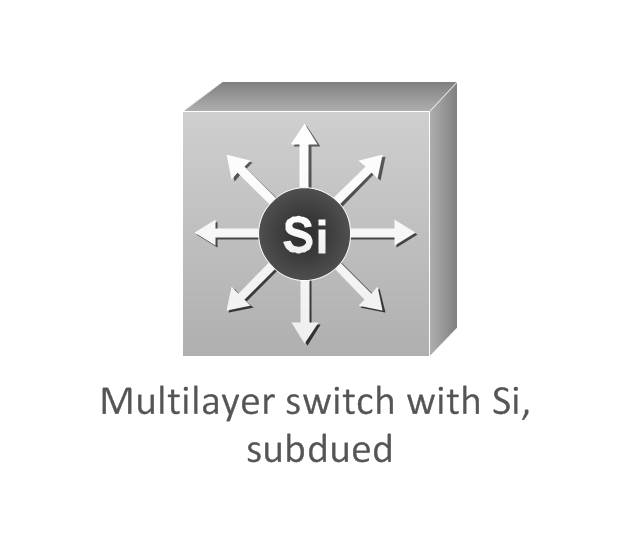
Multilayer switch with Si, subdued
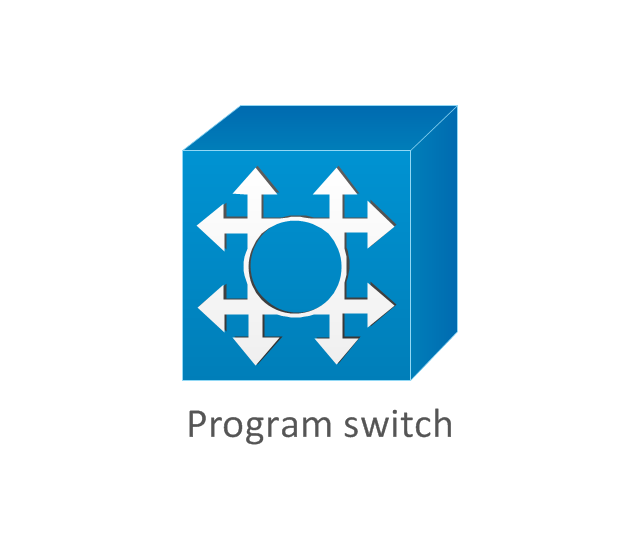
Program switch
Data center switch

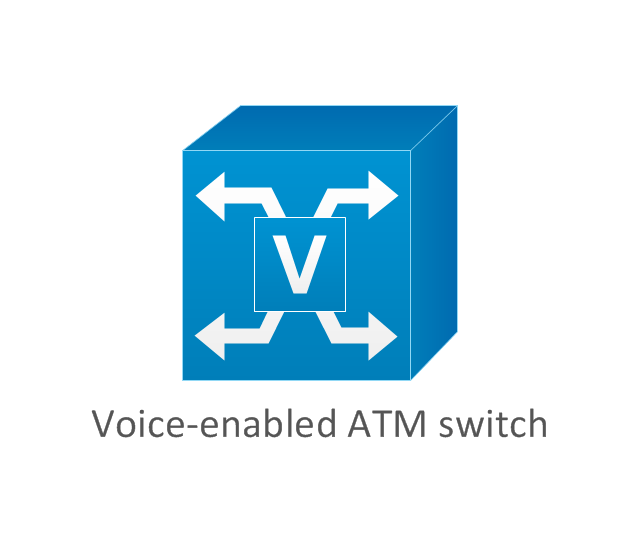
Voice-enabled ATM switch
IP DSL switch

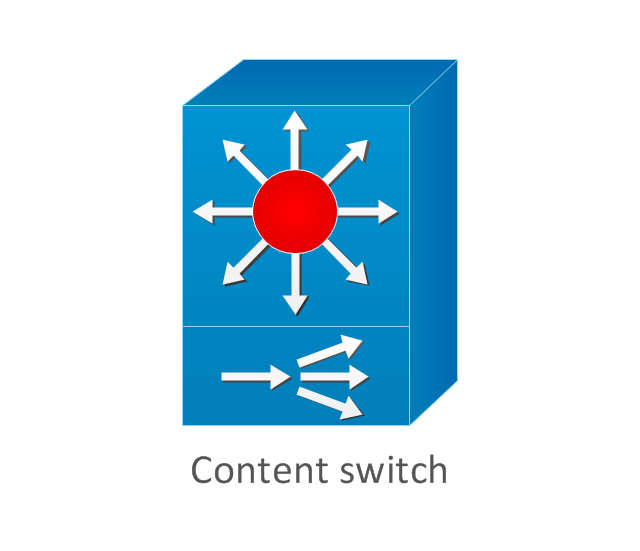
Content switch
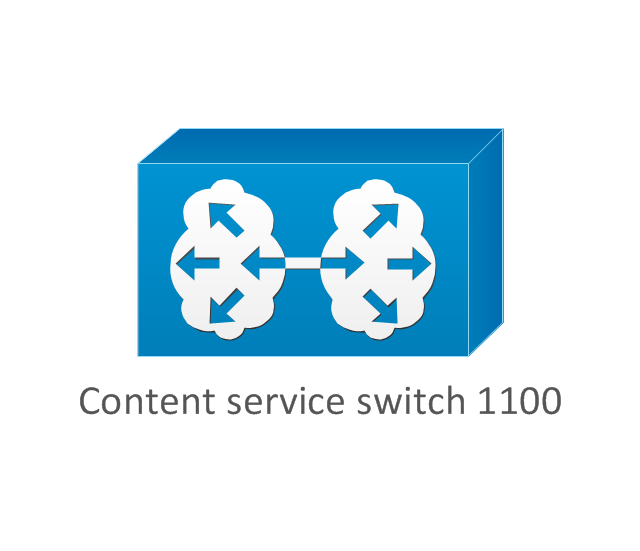
Content service switch 1100
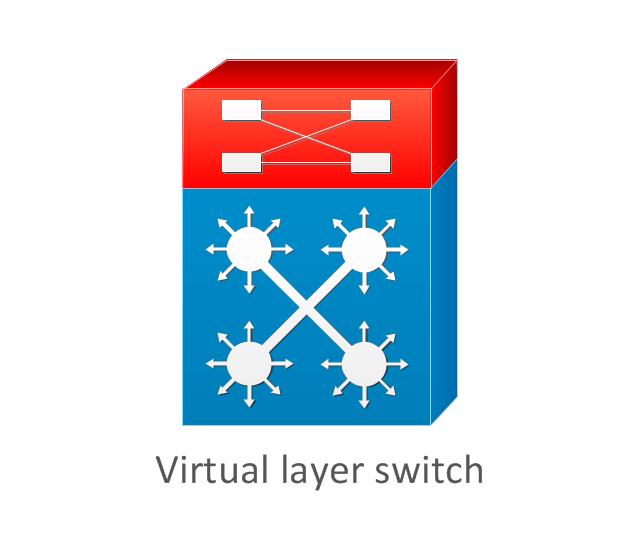
Virtual layer switch
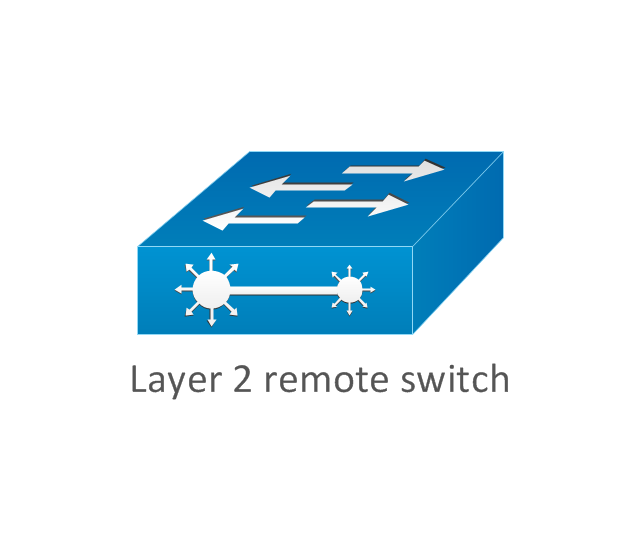
Layer 2 remote switch
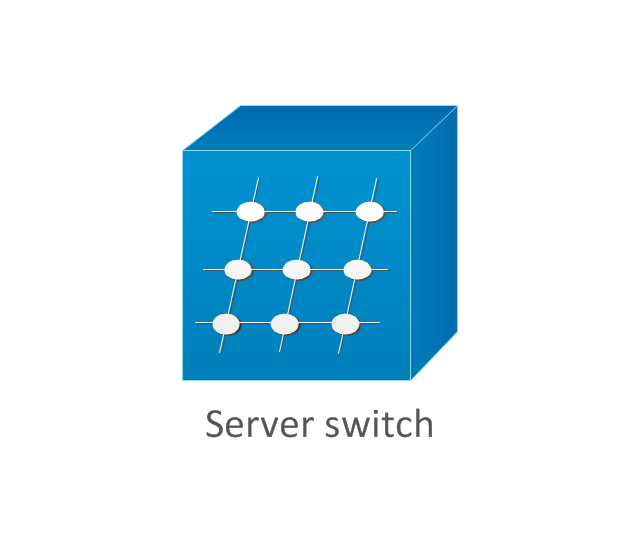
Server switch
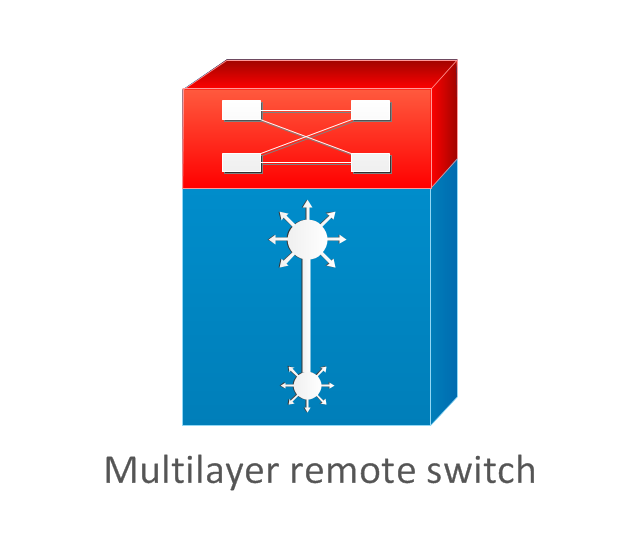
Multilayer remote switch
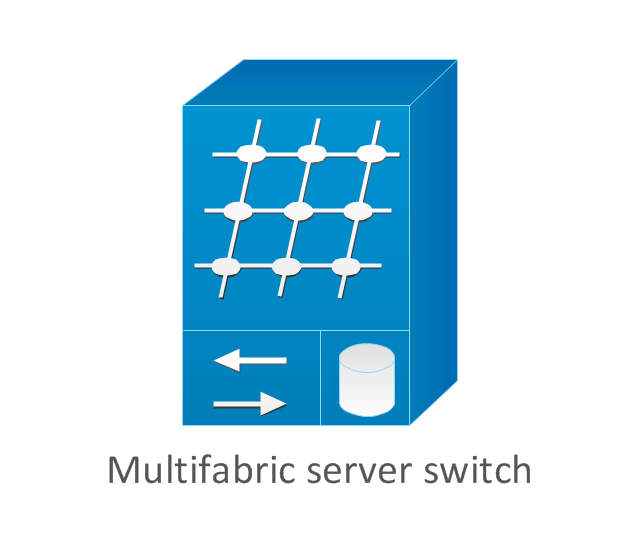
Multifabric server switch
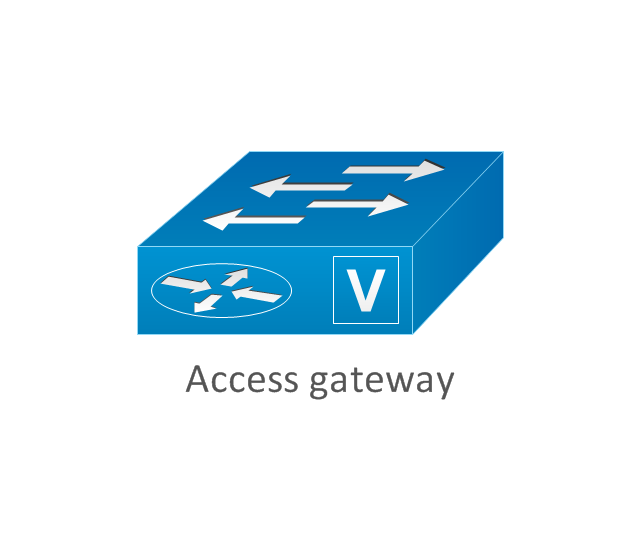
Access gateway
Long-Reach CPE
- Electrical Symbols — Composite Assemblies | Network diagrams ...
- Symbol For Repeater
- Cisco Repeater Symbol
- Symbol For Networking Repeater
- Electrical Symbols , Electrical Diagram Symbols | Electrical Symbols ...
- Network Repeater Symbol
- Network Symbol For Repeater
- Network diagrams with ConceptDraw PRO | Cisco Routers. Cisco ...
- Repeater Network Diagram
- Network Symbols Repeater
- Electrical Symbols , Electrical Diagram Symbols | Electrical Symbols ...
- Electrical Symbols , Electrical Diagram Symbols | Cisco LAN - Vector ...
- Telecommunication Network Diagrams | Telecommunication ...
- Cisco Routers. Cisco icons, shapes, stencils and symbols | Local ...
- How to Draw a Computer Network Diagrams | Metropolitan area ...
- How To use Switches in Network Diagram | Computer network ...
- Cisco Network Diagrams | Cisco Switches and Hubs. Cisco icons ...
- Network Security | Network Security Devices | Internet symbols ...
- Layer 3 Switch Symbol
- Vhf Radio Clipart


