This site uses cookies. By continuing to browse the ConceptDraw site you are agreeing to our Use of Site Cookies.
HelpDesk

Replace Your Current Diagramming Tool
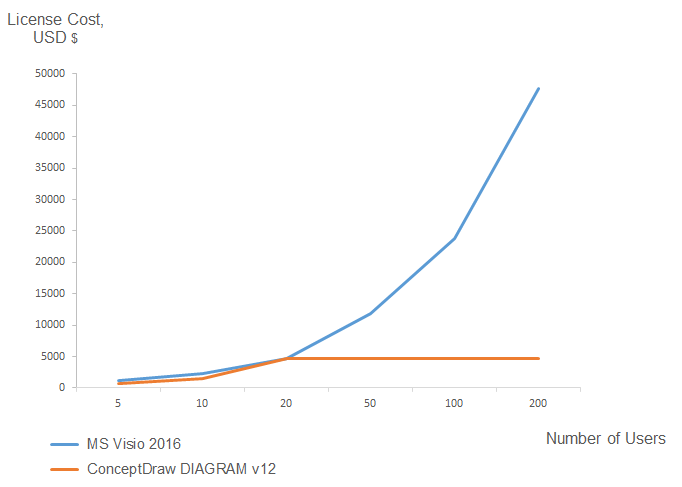
Migrate from Visio to ConceptDraw for the entire organization at super low price. By means of a ConceptDraw DIAGRAM Site License any employer in your company can get advantages of ConceptDraw DIAGRAM in just a $ 2995 per year. There is no need to count both licenses and users. Every co-worker in your organization will get permission to access at no extra charge. At half-price of Microsoft Visio®, you can supply your company with a ConceptDraw Site License. Reduced price and effortless administrating are just a couple of the causes to change Visio to ConceptDraw DIAGRAM. Here are just a few reasons.
HelpDesk

How to Open MS Visio® 2003-2010 Files on Mac®
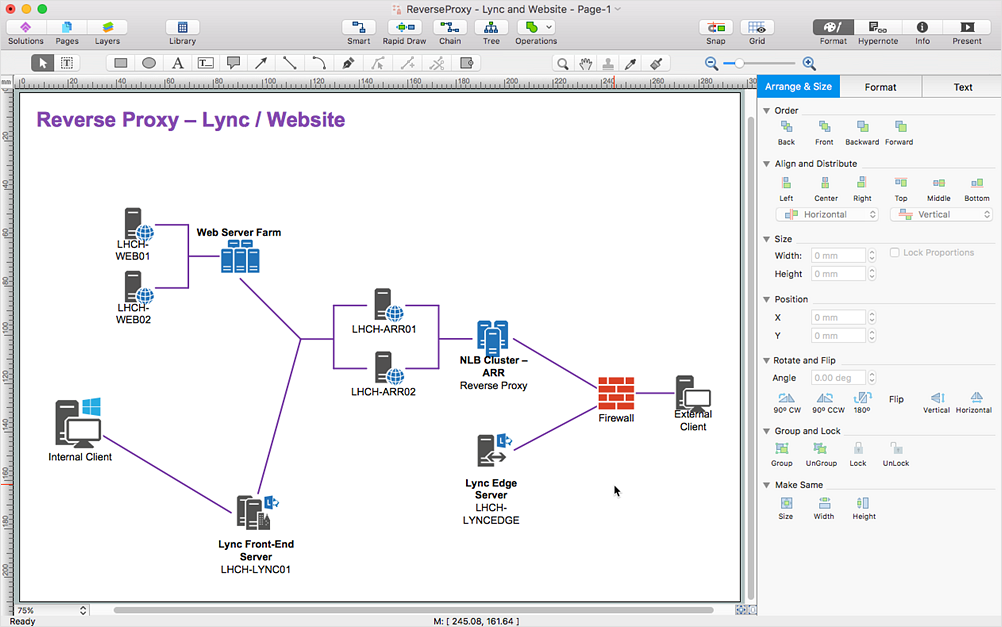
The ConceptDraw DIAGRAM has solved the problem for those who need to share MS Visio documents between users of different operating systems. ConceptDraw Visio File Conversion is a free web service, that is available to anyone who has a requirement to open Visio (VSD) documents in ConceptDraw DIAGRAM. This service was created for Mac OS X users, who need to open visual documents saved in Visio(VSD) file format. If you have heard from many people that they frequently faced difficulties with sharing their MS Visio documents between Windows and Mac OS X users, be sure that there were no ConceptDraw DIAGRAM users among them.
HelpDesk

How to Convert MS Visio® 2003-2010 File to   ConceptDraw DIAGRAM
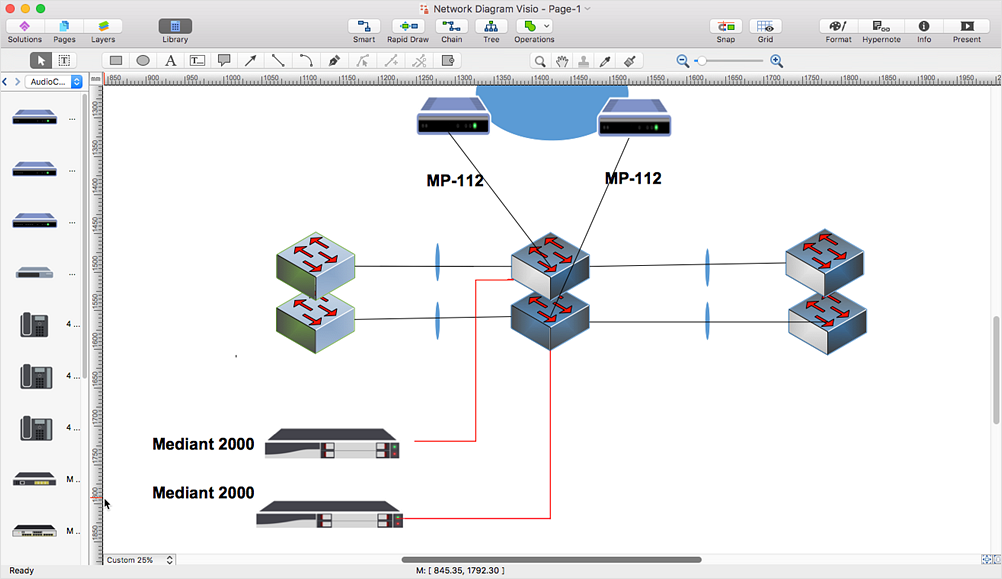
ConceptDraw DIAGRAM is such a viable alternative for individuals and organizations that are looking for a professional business solution. ConceptDraw DIAGRAM file import and export works roundtrip with the Visio 2010-2013 file formats. With the introduction of Visio 2013 Microsoft has changed the native binary file format used in earlier versions of Microsoft Visio. ConceptDraw DIAGRAM file import and export works with the new Visio VSDX file format and at the same time supports the improved import of VDX file format. To Import Visio vsd files to ConceptDraw follow the steps described in this article.
HelpDesk

How to Convert MS Visio Custom Stencil to ConceptDraw DIAGRAM
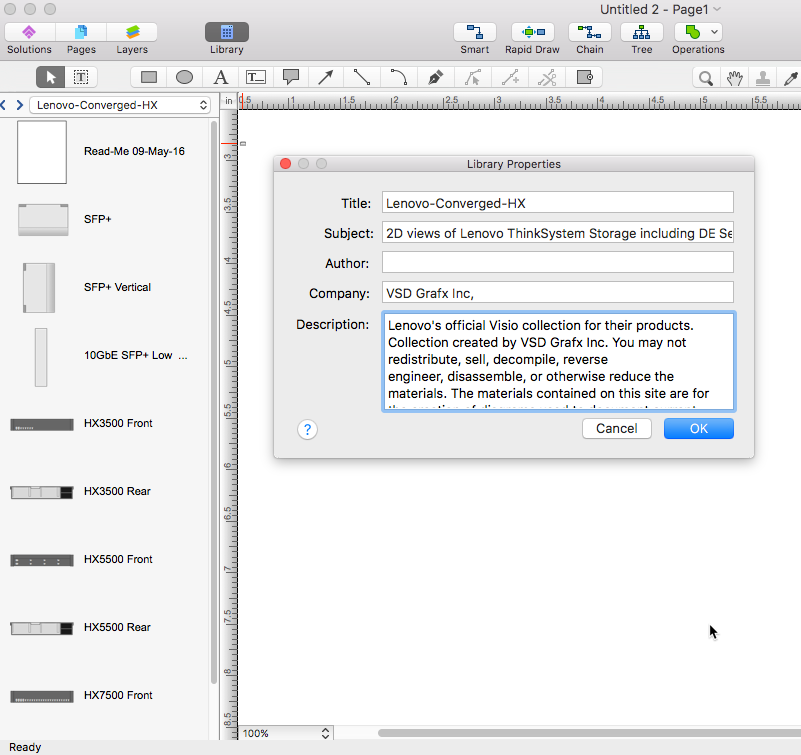
Microsoft Visio allows users to create a new custom stencil to store objects that one want to reuse later or share it with other people. ConceptDraw DIAGRAM supports the possibility to open Visio custom stencils and shapes. With the introduction of Visio 2013 Microsoft has changed the native file format used in earlier versions of Microsoft Visio. Thus, when you are looking for professional tool to open and save in the newer Visio 2013 file format on Mac. ConceptDraw DIAGRAM is exactly solution for you.
HelpDesk

How to Convert ConceptDraw DIAGRAM file into MS Visio 2013 - 2019 format
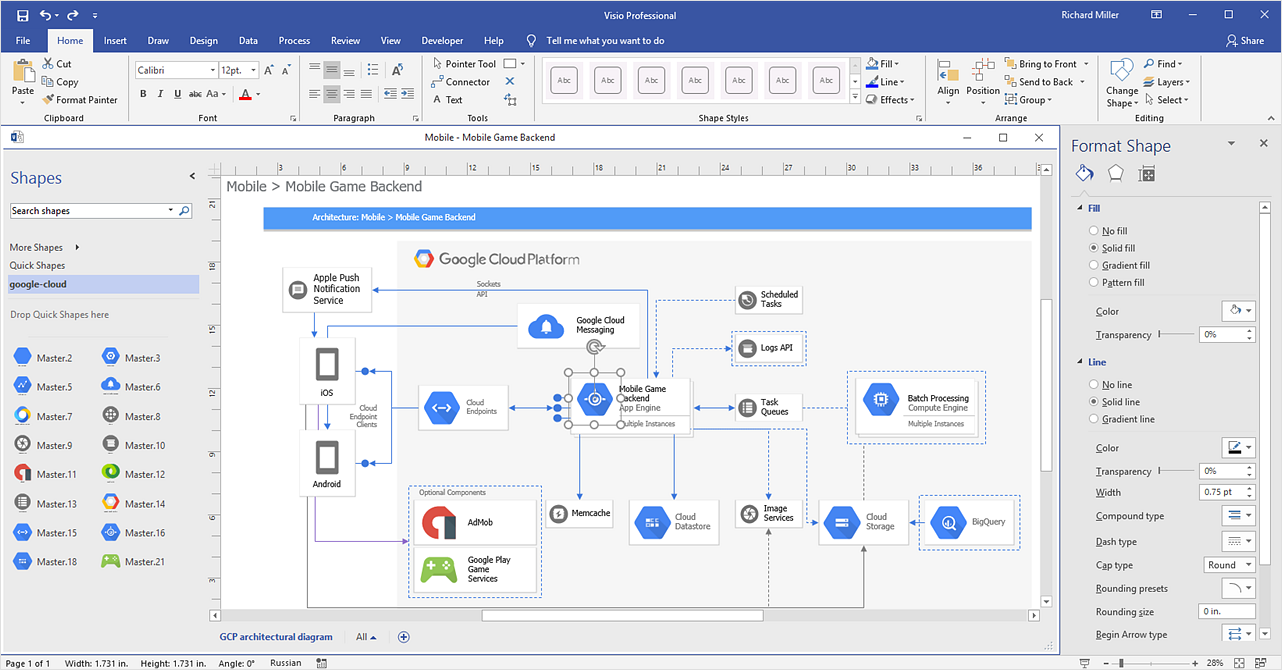
With the release of Visio 2013 Microsoft has changed the native binary file format used in earlier versions of Microsoft Visio. ConceptDraw DIAGRAM file import and export works with the new Visio VSDX file format. ConceptDraw DIAGRAM supports export to MS Visio 2013 files (VSDX). The export process is very simple. ConceptDraw DIAGRAM allows you to easily create a number of diagrams of any complexity for your business and then make a MS Visio VSDX file from your diagram in a single click Thus, you can easily share your ConceptDraw Documents with MS Visio users.

ConceptDraw DIAGRAM Compatibility with MS Visio

The powerful diagramming and business graphics tools are now not exception, but the norm for today’s business, which develop in incredibly quick temp. But with the abundance of powerful business diagramming applications it is important to provide their compatibility for effective exchange the information between the colleagues and other people who maybe use different software in their work. During many years Microsoft Visio™ was standard file format for the business and now many people need the visual communication software tools that can read the Visio format files and also export to Visio format. The powerful diagramming and vector drawing software ConceptDraw DIAGRAM is ideal from the point of view of compatibility with MS Visio. Any ConceptDraw DIAGRAM user who have the colleagues that use MS Visio or any who migrates from Visio to ConceptDraw DIAGRAM , will not have any problems. The VSDX (Visio′s open XML file format) and VDX formatted files can be easily imported and exported by ConceptDraw DIAGRAM , you can see video about this possibility.
HelpDesk

How To Make MS Visio Wireless Network Diagram
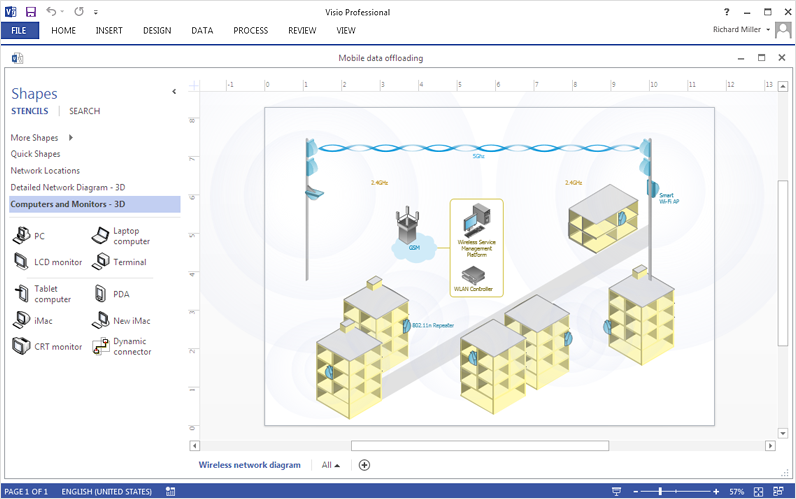
ConceptDraw DIAGRAM allows you to easily create wireless network diagrams and then make an MS Visio file from your network diagram in a single click.