 iPhone User Interface
iPhone User Interface solution extends ConceptDraw PRO v10 software with templates, samples and libraries with large quantity of vector stencils of graphical user interface elements, Apps icons, UI patterns for designing and prototyping of the iOS applic
The vector stencils library "App icons" contains 24 icons of iOS 8 / iPhone 6 software applications.
Use it to design iOS 8 apps GUI prototypes and iPhone 6 software applications user interface sketches and mockups.
The icons example "App icons - Vector stencils library" was created using the ConceptDraw PRO diagramming and vector drawing software extended with the iPhone User Interface solution from the Software Development area of ConceptDraw Solution Park.
Use it to design iOS 8 apps GUI prototypes and iPhone 6 software applications user interface sketches and mockups.
The icons example "App icons - Vector stencils library" was created using the ConceptDraw PRO diagramming and vector drawing software extended with the iPhone User Interface solution from the Software Development area of ConceptDraw Solution Park.
Messages

Calendar

Photos
Camera

Weather
Clock
Maps
Videos

Notes
Reminders
Stocks
Game Center
Newsstand

iTunes Store

App Store
iBooks

Health

Passbook
Passbook (iOS 7)
-app-icons---vector-stencils-library.png--diagram-flowchart-example.png)
Settings

Phone

Mail

Music

Safari
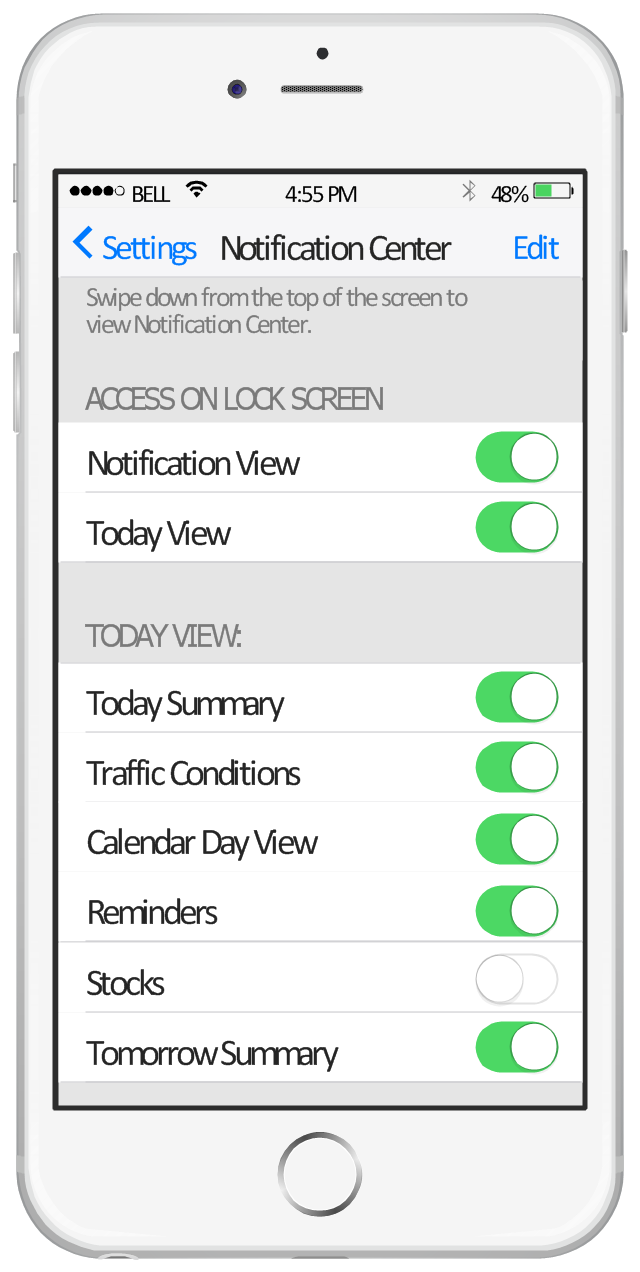
This example shows iPhone 6 Notification Center screen.
"Notification Center is a feature in iOS and OS X that provides an overview of alerts from applications. It displays notifications until the user completes an associated action, rather than requiring instant resolution. Users may choose what applications appear in Notification Center, and how they are handled. Initially released with iOS 5 in October 2011... Notification Center was released in iOS 5 to replace the previous system for dealing with push and local notifications. Instead of interrupting the user with an alert, Notification Center instead displays a banner at the top of the screen. This allows the user to continue using their device, and disappears after a set period of time. All previous notifications are collated into the Notification Center panel, which can be displayed in iOS by dragging down from the status bar... Notification Center on iPhone and iPod Touch also includes Weather and Stocks widgets, displaying information on the weather at the user's current location, and any stocks that the user has selected in the Stocks application." [Notification Center. Wikipedia]
The sample "Notification Center" was created using the ConceptDraw PRO diagramming and vector drawing software extended with the iPhone User Interface solution from the Software Development area of ConceptDraw Solution Park.
"Notification Center is a feature in iOS and OS X that provides an overview of alerts from applications. It displays notifications until the user completes an associated action, rather than requiring instant resolution. Users may choose what applications appear in Notification Center, and how they are handled. Initially released with iOS 5 in October 2011... Notification Center was released in iOS 5 to replace the previous system for dealing with push and local notifications. Instead of interrupting the user with an alert, Notification Center instead displays a banner at the top of the screen. This allows the user to continue using their device, and disappears after a set period of time. All previous notifications are collated into the Notification Center panel, which can be displayed in iOS by dragging down from the status bar... Notification Center on iPhone and iPod Touch also includes Weather and Stocks widgets, displaying information on the weather at the user's current location, and any stocks that the user has selected in the Stocks application." [Notification Center. Wikipedia]
The sample "Notification Center" was created using the ConceptDraw PRO diagramming and vector drawing software extended with the iPhone User Interface solution from the Software Development area of ConceptDraw Solution Park.
iPhone screen - Notification Center
The vector stencils library "App icons" contains 24 icons of iOS 8 / iPhone 6 software applications.
Use it to design iOS 8 apps GUI prototypes and iPhone 6 software applications user interface sketches and mockups.
The icons example "App icons - Vector stencils library" was created using the ConceptDraw PRO diagramming and vector drawing software extended with the iPhone User Interface solution from the Software Development area of ConceptDraw Solution Park.
Use it to design iOS 8 apps GUI prototypes and iPhone 6 software applications user interface sketches and mockups.
The icons example "App icons - Vector stencils library" was created using the ConceptDraw PRO diagramming and vector drawing software extended with the iPhone User Interface solution from the Software Development area of ConceptDraw Solution Park.
Messages
Calendar
Photos
Camera
Weather
Clock
Maps
Videos
Notes
Reminders
Stocks
Game Center
Newsstand
iTunes Store
App Store
iBooks
Health
Passbook
Passbook (iOS 7)
Settings
Phone
Mail
Music
Safari
The vector stencils library "App icons" contains 24 icons of iOS 8 / iPhone 6 software applications.
Use it to design iOS 8 apps GUI prototypes and iPhone 6 software applications user interface sketches and mockups.
The icons example "App icons - Vector stencils library" was created using the ConceptDraw PRO diagramming and vector drawing software extended with the iPhone User Interface solution from the Software Development area of ConceptDraw Solution Park.
Use it to design iOS 8 apps GUI prototypes and iPhone 6 software applications user interface sketches and mockups.
The icons example "App icons - Vector stencils library" was created using the ConceptDraw PRO diagramming and vector drawing software extended with the iPhone User Interface solution from the Software Development area of ConceptDraw Solution Park.
Messages
Calendar
Photos
Camera
Weather
Clock
Maps
Videos
Notes
Reminders
Stocks
Game Center
Newsstand
iTunes Store
App Store
iBooks
Health
Passbook
Passbook (iOS 7)
Settings
Phone
Mail
Music
Safari
The vector stencils library "iPhone interface" contains 119 iPhone UI design elements.
Use it for development of graphic user interface (GUI) for iPhone software applications in the ConceptDraw PRO diagramming and vector drawing software extended with the Graphic User Interface solution from the Software Development area of ConceptDraw Solution Park.
Use it for development of graphic user interface (GUI) for iPhone software applications in the ConceptDraw PRO diagramming and vector drawing software extended with the Graphic User Interface solution from the Software Development area of ConceptDraw Solution Park.
iPhone case
iPhone case, horizontal
Display
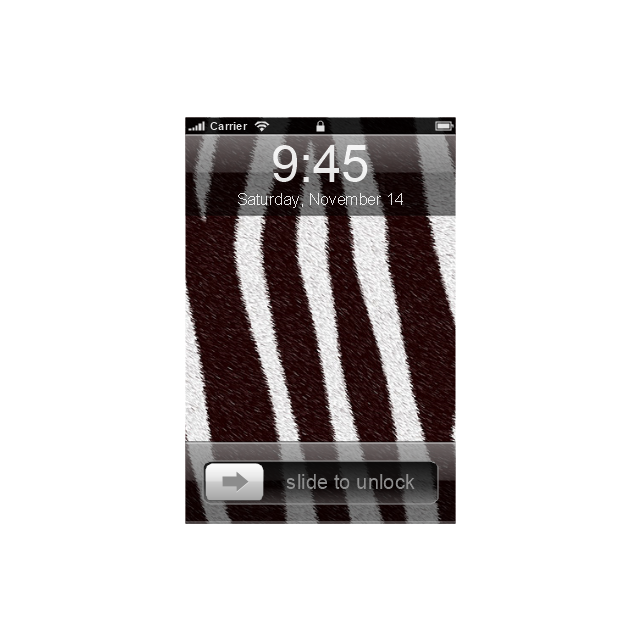
Screen

Home screen
Keypad control

Status bar
Navigation bar

Navigation bar with buttons

Navigation bar with controls
Navigation bar with controls
Navigation bar with buttons, horizontal
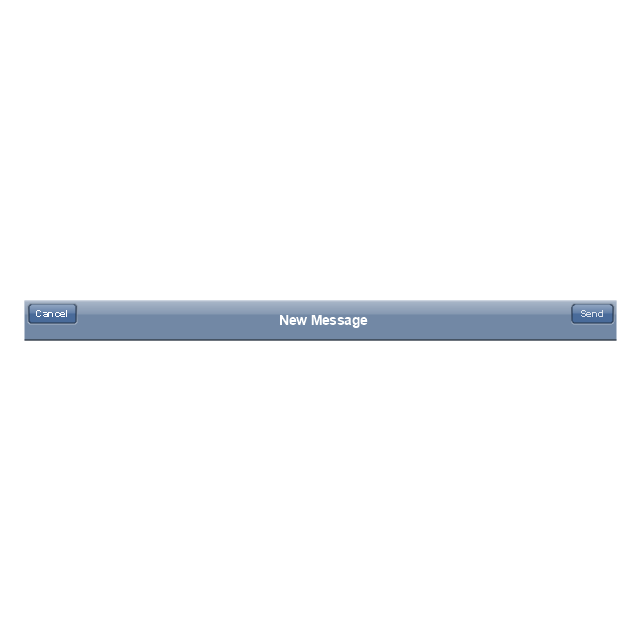
Navigation bar with controls, horizontal
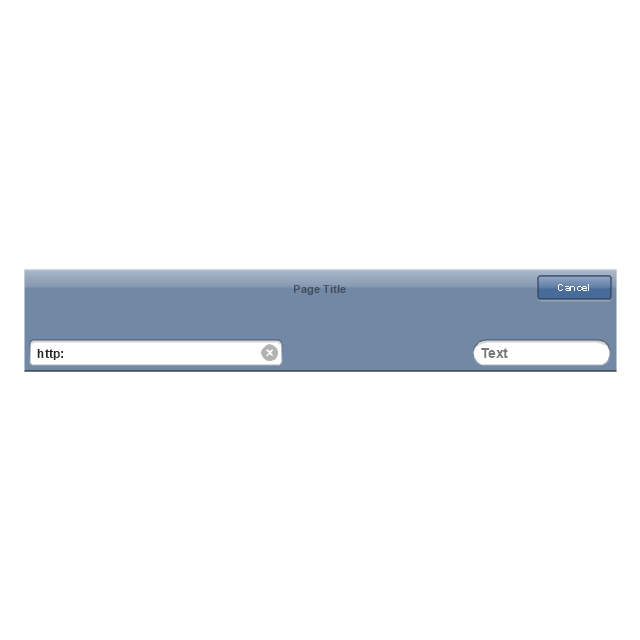
Modal view
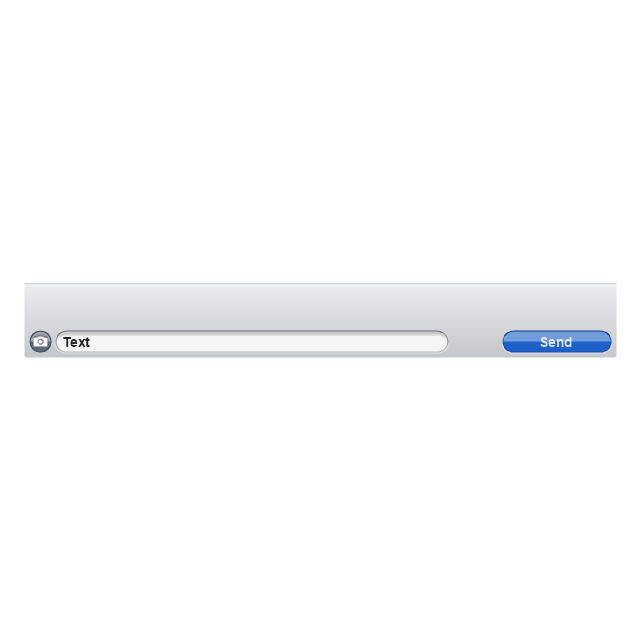
Search bar

Text field 1

Text field 2

Text field, varying

Table row

Table view row
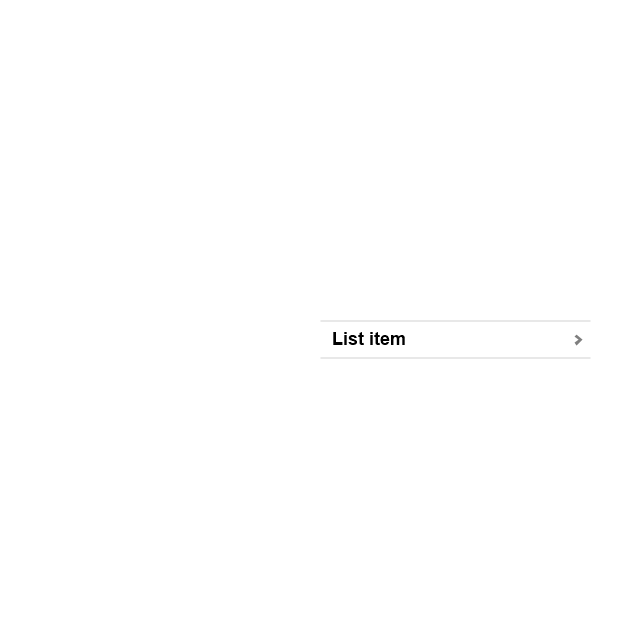
Table view (simple list)
-iphone-interface---vector-stencils-library.png--diagram-flowchart-example.png)
Table view (with header)
-iphone-interface---vector-stencils-library.png--diagram-flowchart-example.png)
Action list
Control button
Navigational control button

Add button

Navigation toolbar

Tab bar

Action sheet

Choice button

Rounded rectangle button
Keyboard control
Keyboard literal button
Keyboard button, pressed
Keyboard label button

Selection frame 1

Selection frame 2

Loupe

Message box 1
Message box 2

Progress view

Progress view

Progress view

Player control
Label button

Back button

Forward button

Option button
Checkbox

Radio button

Alert
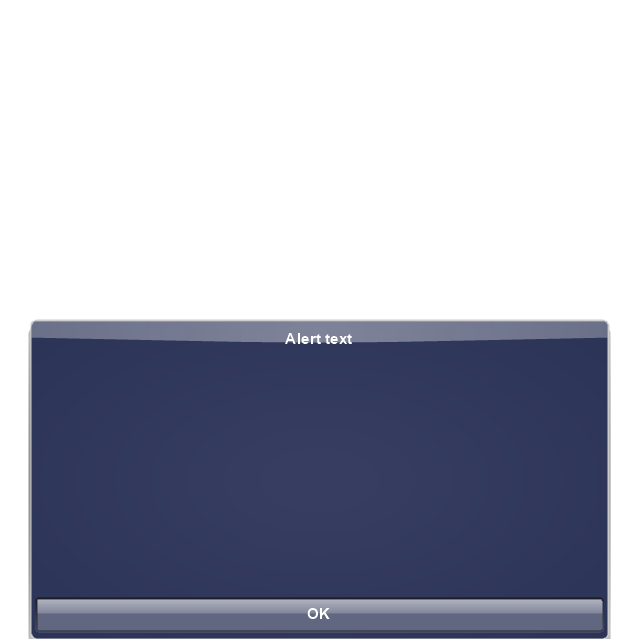
Two-button alert
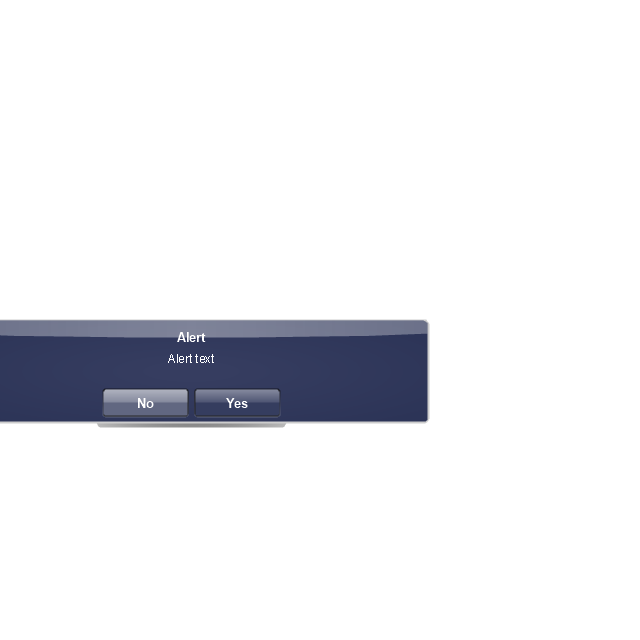
Two-button alert (v 3.0)
-iphone-interface---vector-stencils-library.png--diagram-flowchart-example.png)
Up-Down control

Segmented control

Segmented control

Segmented control
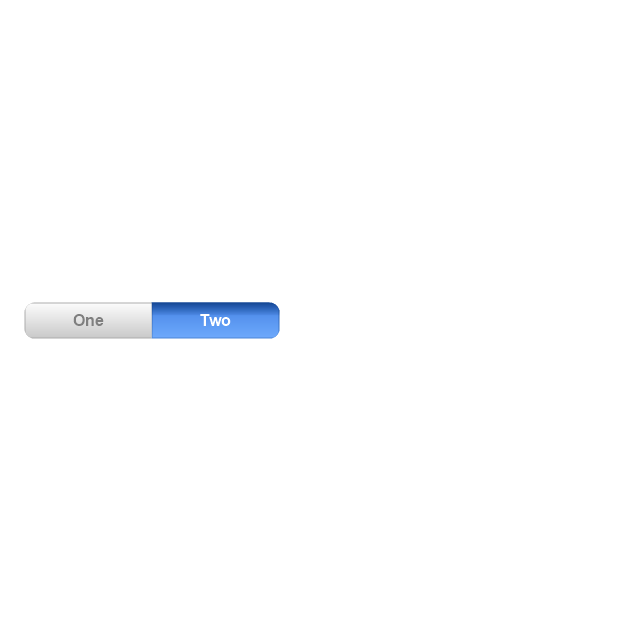
Segmented control
Pop-up menu button

Popup menu

Clock, white

Clock, black

Clock application table

Date and time picker (1/2 parts)
-iphone-interface---vector-stencils-library.png--diagram-flowchart-example.png)
Date and time picker (3 parts)
-iphone-interface---vector-stencils-library.png--diagram-flowchart-example.png)
Date and time picker (4 parts)
-iphone-interface---vector-stencils-library.png--diagram-flowchart-example.png)
Date and time picker (v 3.0)
-iphone-interface---vector-stencils-library.png--diagram-flowchart-example.png)
Switch control

System button

Reply button

Organize button

Remove button

Refresh button

Play button

FastForward button

Pause button

Rewind button

Backward icon

Forward icon

Share button

Camera button

Compose button

Bookmarks button

Search button

Add button

Trash button

Bookmarks tab icon

Contacts tab icon

Downloads tab icon

Favorites tab icon

Featured tab icon

History tab icon

MostRecent tab icon

MostViewed tab icon

Search tab icon

More tab icon

SMS tab icon

Mail tab icon

Charts tab icon

World clock tab icon

Alarm tab icon

Stopwatch tab icon

Timer tab icon

Badge

Delete button control

Checkmark

Delete button

Insert

Disclosure indicator

Clear button

Bookmarks badge

Badge with varying width 1

Badge with varying width 2

Badge with varying width 3

Activity indicator

Network activity indicator

Page control

Search badge

Slider

The vector stencils library "App icons" contains 24 icons of iOS 8 / iPhone 6 software applications.
Use it to design iOS 8 apps GUI prototypes and iPhone 6 software applications user interface sketches and mockups.
The icons example "App icons - Vector stencils library" was created using the ConceptDraw PRO diagramming and vector drawing software extended with the iPhone User Interface solution from the Software Development area of ConceptDraw Solution Park.
Use it to design iOS 8 apps GUI prototypes and iPhone 6 software applications user interface sketches and mockups.
The icons example "App icons - Vector stencils library" was created using the ConceptDraw PRO diagramming and vector drawing software extended with the iPhone User Interface solution from the Software Development area of ConceptDraw Solution Park.
Messages
Calendar
Photos
Camera
Weather
Clock
Maps
Videos
Notes
Reminders
Stocks
Game Center
Newsstand
iTunes Store
App Store
iBooks
Health
Passbook
Passbook (iOS 7)
Settings
Phone
Mail
Music
Safari
 macOS User Interface
macOS User Interface solution extends the ConceptDraw PRO functionality with powerful GUI software graphic design features and tools. It provides an extensive range of multifarious macOS Sierra user interface design examples, samples and templates, and wide variety of libraries, containing a lot of pre-designed vector objects of Mac Apps icons, buttons, dialogs, menu bars, indicators, pointers, controls, toolbars, menus, and other elements for fast and simple designing high standard user interfaces of any complexity for new macOS Sierra.


