This site uses cookies. By continuing to browse the ConceptDraw site you are agreeing to our Use of Site Cookies.
HelpDesk

ConceptDraw Office for Windows Installation Definition
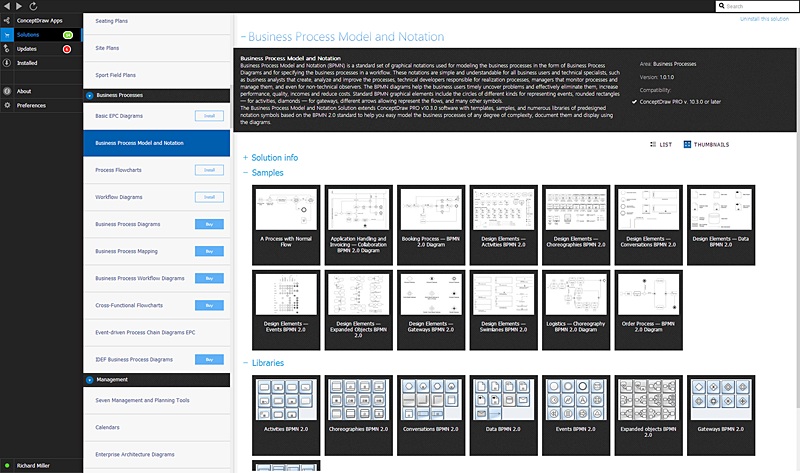
With the introduction of version 3, ConceptDraw Office has been redesigned to better accommodate future developments and solution plugins. ConceptDraw Office 3 includes ConceptDraw PRO 10, ConceptDraw MINDMAP 8, and ConceptDraw PROJECT 7. Owners of ConceptDraw Office v1 and ConceptDraw Office v2, please read this description of the specific features of the ConceptDraw Office 3 installation for Windows before updating.
HelpDesk

Download and Install ConceptDraw Office on Mac
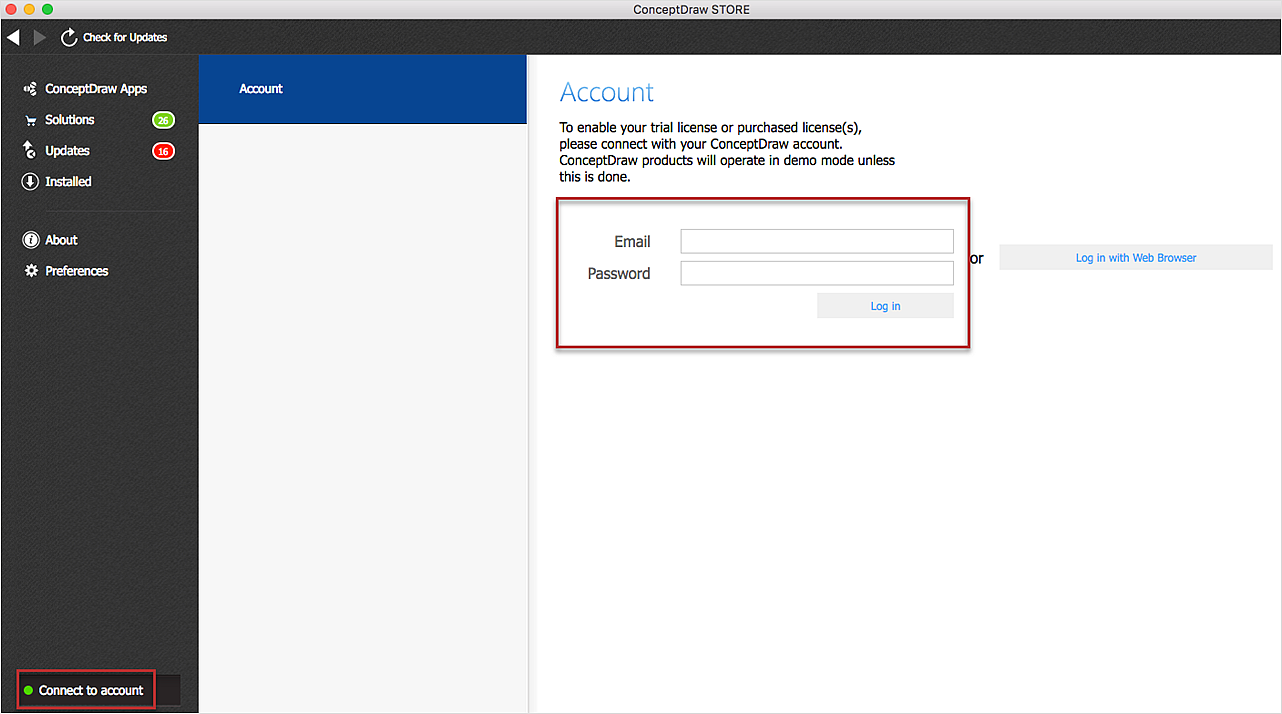
Find out how to download and install ConceptDraw software products for OS X on your computer. The download process is very simple due to the fact that all ConceptDraw applications are pooled into the ConceptDraw Office bundle. ConceptDraw Solution Browser is a download manager that is responsible for downloading, installing, uninstalling and updating of the ConceptDraw Office for Windows and associated solutions.
HelpDesk

How to Install ConceptDraw on a Second Computer
ConceptDraw products use a cloud-based license model. This means that your license will be automatically added to your ConceptDraw.com account and saved there permanently. Concepdraw licensing agreement allows you to install ConceptDraw software on a second computer. It doesn’t matter if you have two PCs, two Macs; or a Mac and a PC, as long as you are the only user of the ConceptDraw product you can install it wherever it’s needed. Thus you don’t have to worry about losing your license if your computer crashes or you want to install on a second system. When running offline, the ConceptDraw applications will run in the mode featured for the license type, assigned to your ConceptDraw.com account.
HelpDesk

ConceptDraw Office for Apple macOS Installation Definition
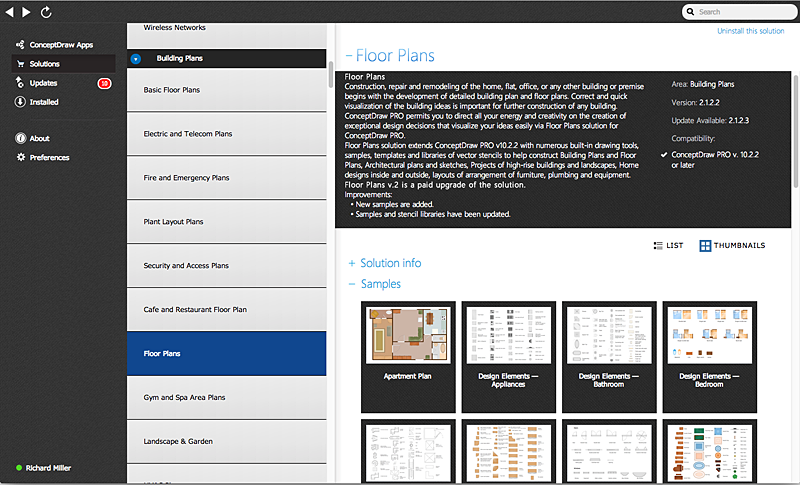
With the introduction of version 3, ConceptDraw Office has been redesigned to better accommodate future developments and solution plugins. ConceptDraw Office 3 includes ConceptDraw PRO 10, ConceptDraw MINDMAP 8, and ConceptDraw PROJECT 7. The renewed ConceptDraw Solution Browser helps user manage downloads of ConceptDraw products and solutions. The following article provides owners of the previous versions of ConceptDraw products with important information on updating on ConceptDraw Office v3.
HelpDesk

How to Use ConceptDraw Single User License
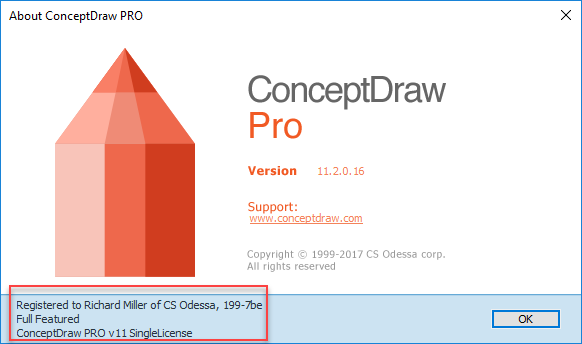
With ConceptDraw products it is possible to reassign a licenses
HelpDesk

Download and Install ConceptDraw Office on your PC
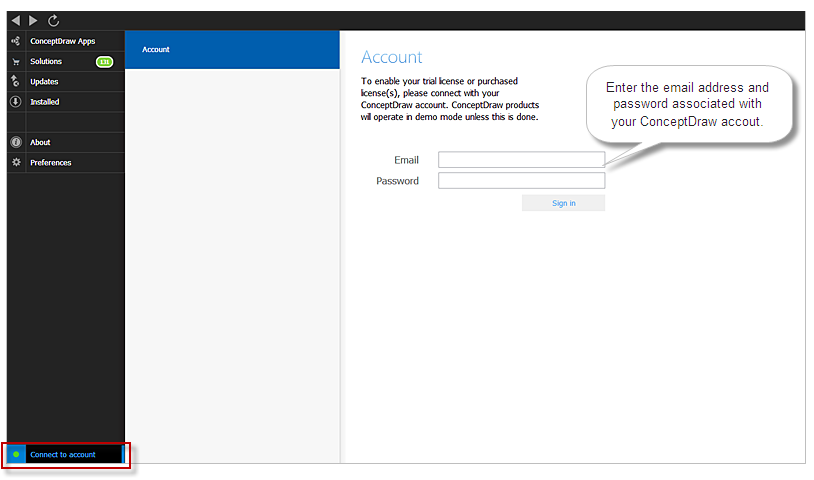
You can use the following instruction to download and install ConceptDraw products for Windows . The download process is very simple due to the fact that all applications are bundled into the ConceptDraw Office suite. ConceptDraw Solution Browser is a download manager that is responsible for downloading, installing, uninstalling and updating of the ConceptDraw Office for Windows and associated solutions.
HelpDesk

Download and Install a Solution from ConceptDraw Solution Park
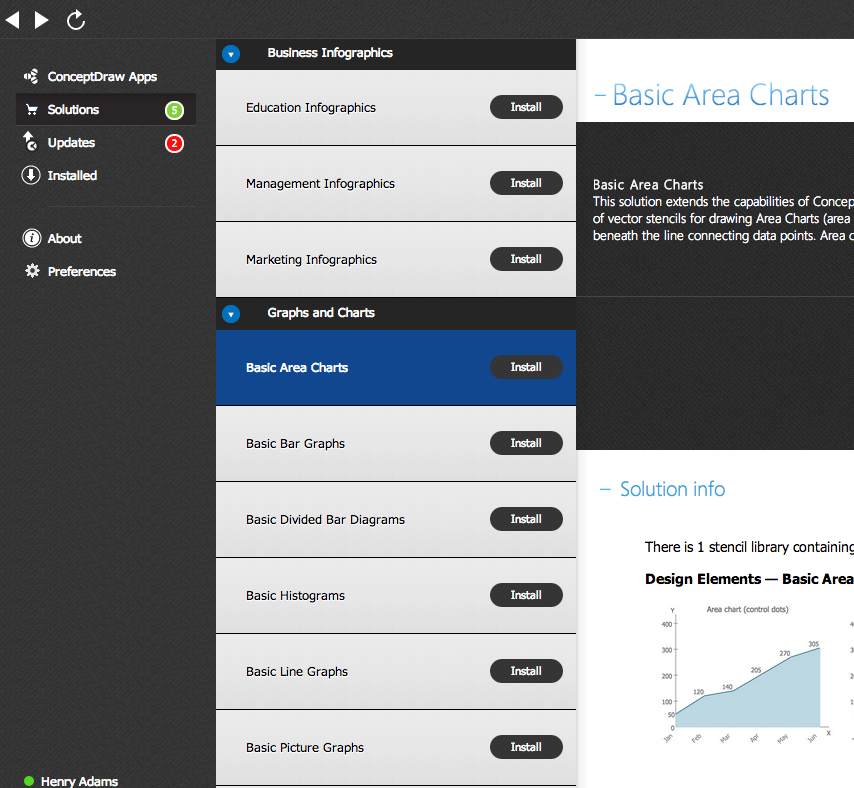
All Users of ConceptDraw software are enabled to download a set of business solutions intended to provide productivity increasing for number of specific business tasks. Solutions available for download are collected in the Solution Park. ConceptDraw STORE is an application designed to manage downloads from Solution Park. Each ConceptDraw product has a built-in access to Solution Park and supports a possibility to download and install solutions from  Solution Park using STORE.
HelpDesk

How to Manage ConceptDraw Multi - User License
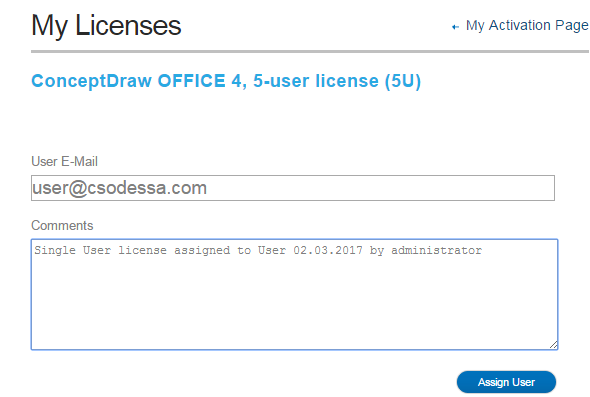
Instructions on how to install and administrate ConceptDraw multi-user license

Why People Select ConceptDraw MINDMAP
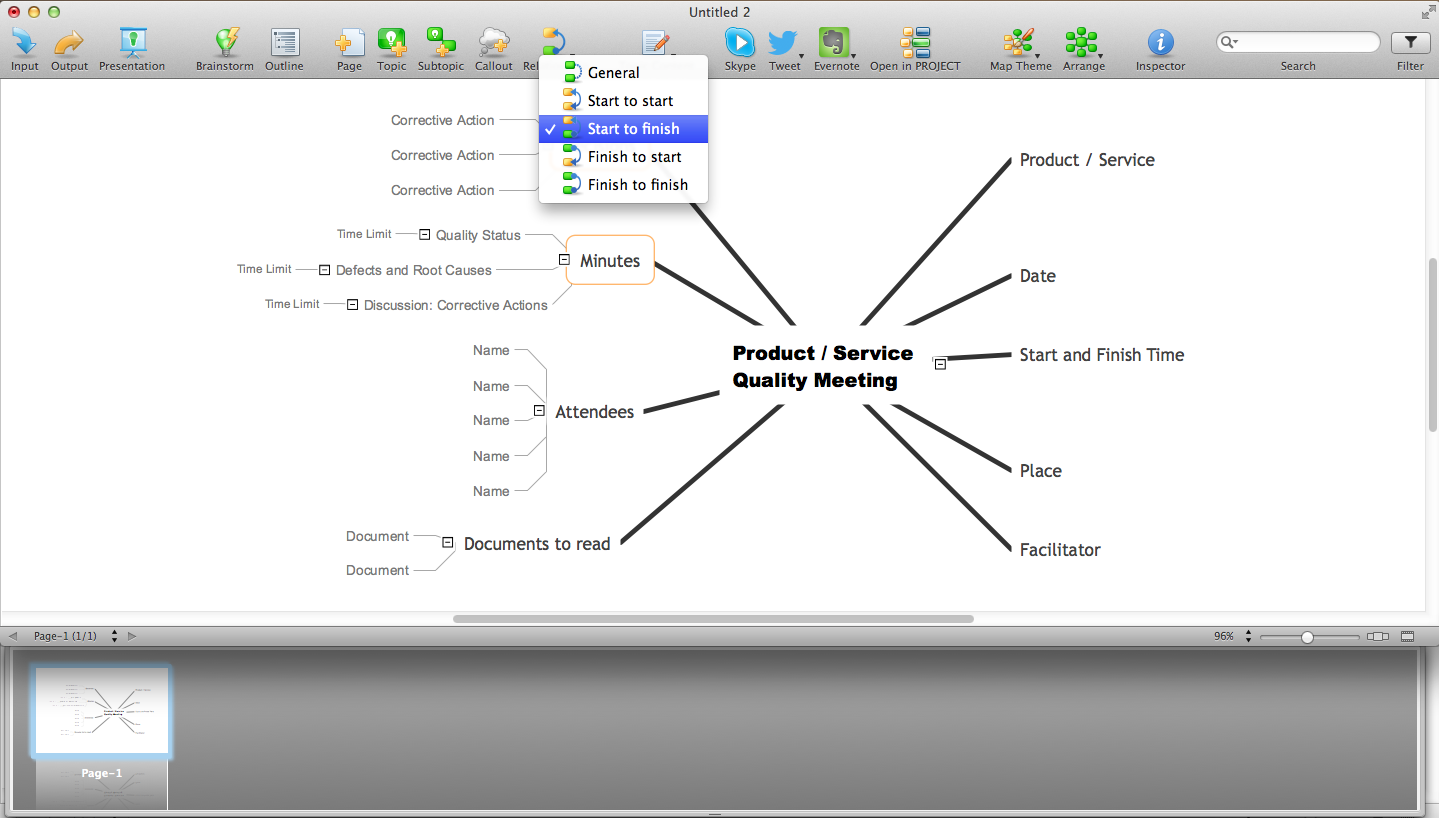
Why people select ConceptDraw MINDMAP? Undoubtedly it is the best alternative to MindJet MindManager. Among the advantages of ConceptDraw MINDMAP are: powerful and unique tools for brainstorming, outlining, taking notes, making detailed Mind Maps and relationship maps; the personal license that gives the ownership on the product for the product's life and allows a concurrent Mac and Windows installation; the absence of obligatory subscription on renewal; regularly updates with new features, templates and low upgrade costs; free technical support and better service for a lower cost. Besides, ConceptDraw MINDMAP provides the operating system migration and compatibility with other ConceptDraw products. It is a cross-platform software for the use on Mac and Windows machines simultaneously according to your preferences. The opening of ConceptDraw MINDMAP document in ConceptDraw PROJECT application turns the outline into a project, now you can add resources and due dates, edit the tasks to make a robust and easily-deciphered project. Discover today what these benefits mean to you.
HelpDesk

How to Remove ConceptDraw Products from Mac and PC

CS Odessa provides registered users a 21 day trial period at no charge. A Trial License can be used to run a fully functional version of ConceptDraw products for 21 days. Trial mode functions exactly as a fully licensed copy of the product does. After your trial has expired and you have not yet purchased a license, the product reverts to Demo mode. The following article contains the instruction for those trial users who want to remove ConceptDraw products after the trial period is over.
HelpDesk

ConceptDraw Software Full Versions Free Download
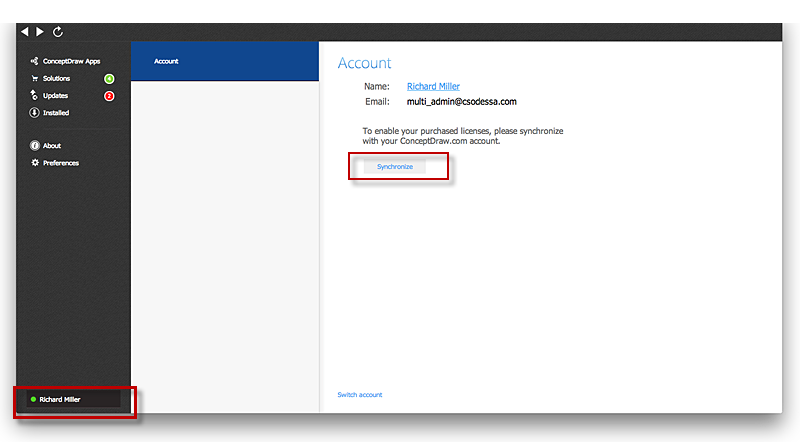
ConceptDraw software provides registered users a 21 day trial period at no charge. It functions exactly as a fully licensed copy of the product does. Once you have activated your account you are then able to download and install ConceptDraw software as well, as solutions from Solution Park. Here is an instructions on how to download and try ConceptDraw products for free. For 21 days the trial functions exactly like the purchased product. There are no limitations to file size, how many times you can print, or any of the products functionality. After the trial period expires, you will be able to open ConceptDraw documents to view.
HelpDesk

Download and Installl a Paid Solution from ConceptDraw Solution Park
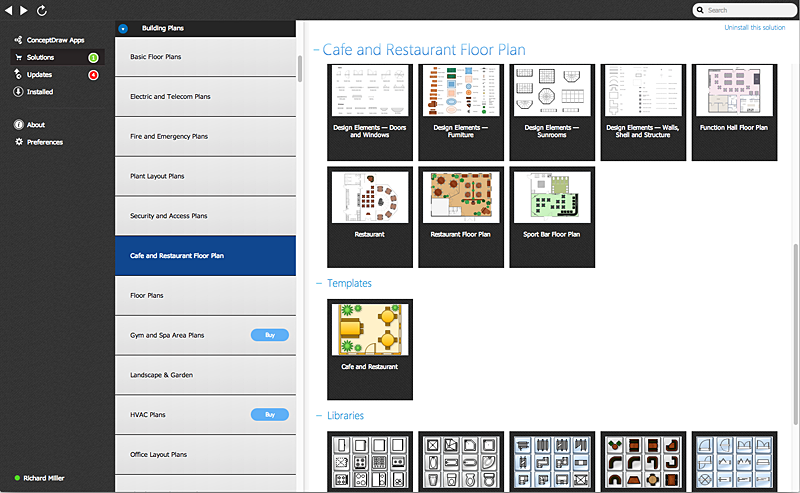
ConceptDraw PRO , ConceptDraw MINDMAP and ConceptDraw PROJECT, support a possibility to download and install solutions from ConceptDraw Solution Park. ConceptDraw Solution Park contains number of solutions that supports various issues and can help you to solve your business tasks. Along with no-charged solutions ConceptDraw Solution Park contains paid content - solutions for popular professional applications for an economical price, that can be purchased and downloaded using ConceptDraw Solution Browser.
HelpDesk

Downloading the Old Versions of ConceptDraw Products

These are the last updates that were released for the previous versions of ConceptDraw products.

ConceptDraw Solution Park ConceptDraw Solution Park

ConceptDraw Solution Park
ConceptDraw Solution Park collects graphic extensions, examples and learning materials