Made with
ConceptDraw
DIAGRAM 18

Voice Actors

ConceptDraw DIAGRAM extended with Interactive Voice Response Diagrams Solution is a powerful software which provides a set of helpful tools for designing IVR and VoIP diagrams and visual representing the voice actors on them.
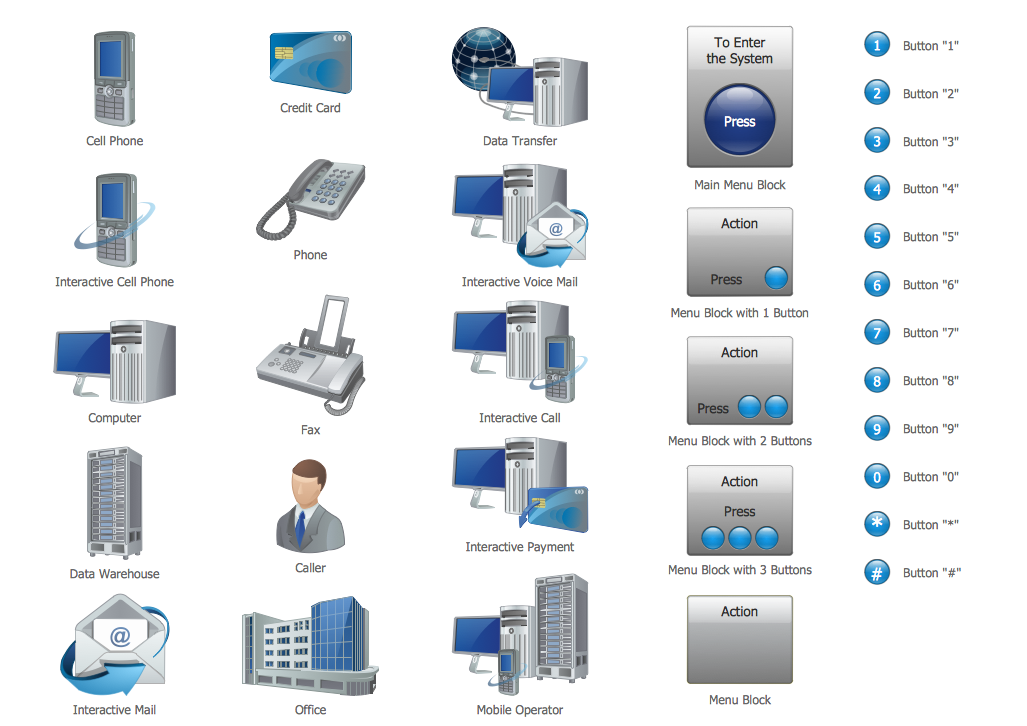
Voice Actors *

Example 1. Voice Actors

Now you don't need to be an artist to create professional looking and attractive IVR and VoIP diagrams with voice actors. Interactive Voice Response Diagrams Solution offers you the Interactive Voice Response library which contains 35 vector shapes to help you in your drawing process.
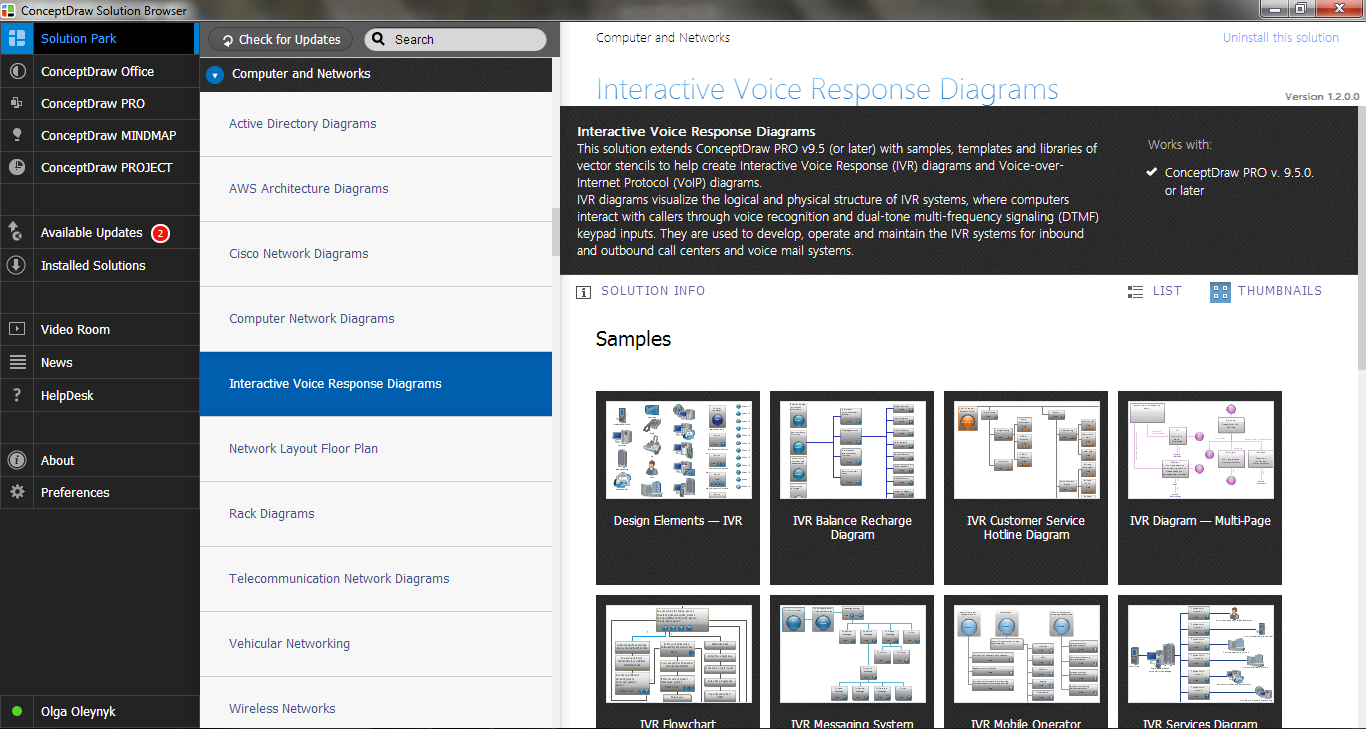
Interactive Voice Response Diagrams Solution in ConceptDraw STORE

Example 2. Interactive Voice Response Diagrams Solution in ConceptDraw STORE

Don't afraid to use also the ready samples and templates as the base for your own Interactive Voice Response and Voice-over-Internet Protocol diagrams and schemes. All they are available from ConceptDraw STORE. We hope you will find the useful for you.
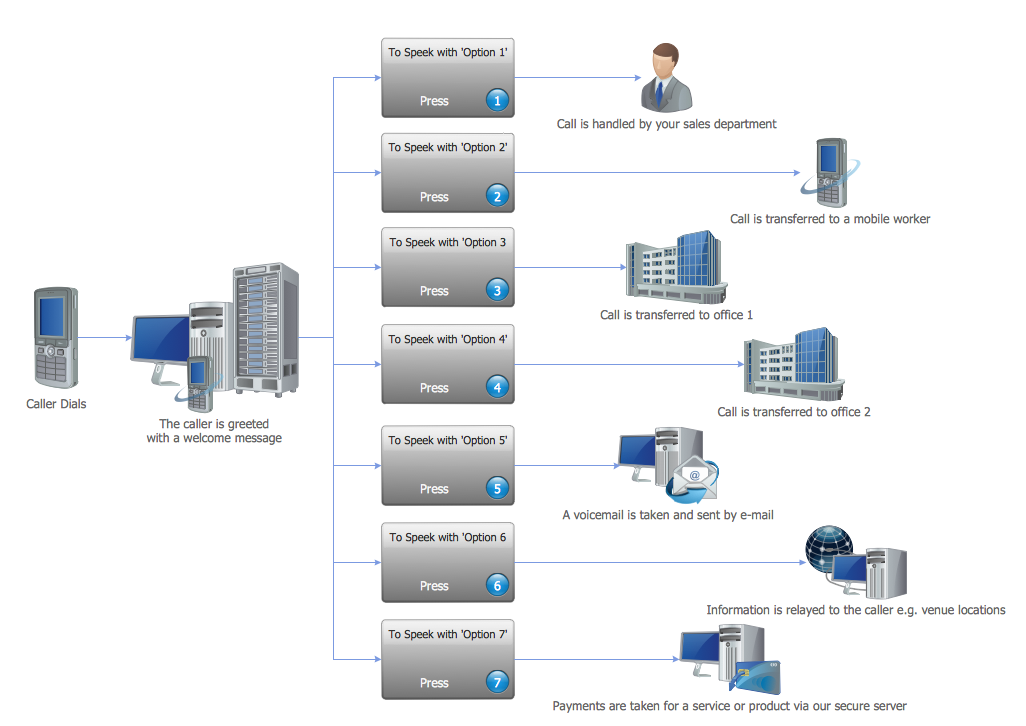
IVR Voice Services Diagram

Example 3. IVR Voice Services Diagram

This sample was created in ConceptDraw DIAGRAM using the Interactive Voice Response Diagrams Solution and shows the logical and physical structure of IVR system in the form of IVR Services Diagram. An experienced user spent 10 minutes creating every of these samples.

Use the Interactive Voice Response Diagrams Solution for ConceptDraw DIAGRAM software to create your own professional looking IVR and VoIP diagrams and represent the voice actors quick, easy and effective.

All source documents are vector graphic documents. They are available for reviewing, modifying, or converting to a variety of formats (PDF file, MS PowerPoint, MS Visio, and many other graphic formats) from the ConceptDraw STORE. The Interactive Voice Response Diagrams Solution is available for all ConceptDraw DIAGRAM or later users.


FIVE RELATED HOW TO's:
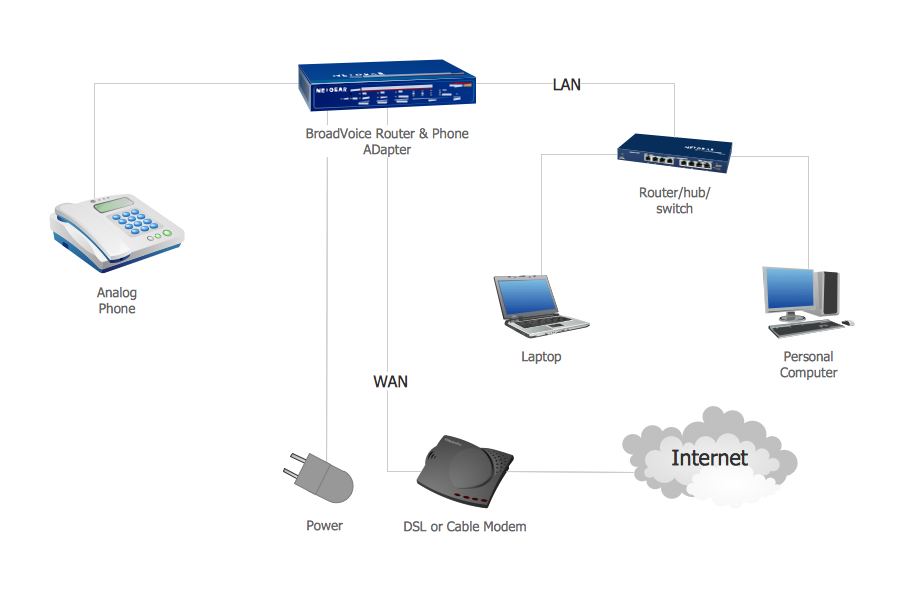
You want design the Action VoIP diagram and need a powerful software for this? ConceptDraw DIAGRAM extended with Interactive Voice Response Diagrams Solution from the Computer and Networks Area is exactly what you need.Action VOIP *
Picture: Action VOIP
Related Solution:
A Storage area network (SAN) is a dedicated network that provides access to data storage and operations only on the block level. SAN usually has own network of storage devices/elements and disk arrays that are connected with each other and to a remote data-sharing network. SANs are widely used for enhancing the storage devices (optical jukeboxes, disk arrays, tape libraries) that are accessible for networked servers. This example was created in ConceptDraw DIAGRAM using the Computer and Networks Area of ConceptDraw Solution Park. It shows the hybrid of Storage area network (SAN) and Network Attached Storage (NAS) technologies.Storage area networks (SAN). <br>Computer and Network Examples *
Picture: Storage area networks (SAN). Computer and Network Examples
Related Solution:
The ConceptDraw vector stencils library Cisco Security contains 16 symbols of security devices and equipment for drawing the computer network diagrams using the ConceptDraw DIAGRAM diagramming and vector drawing software.Cisco Security. <br>Cisco icons, shapes, stencils and symbols *
Picture: Cisco Security. Cisco icons, shapes, stencils and symbols
Related Solution:
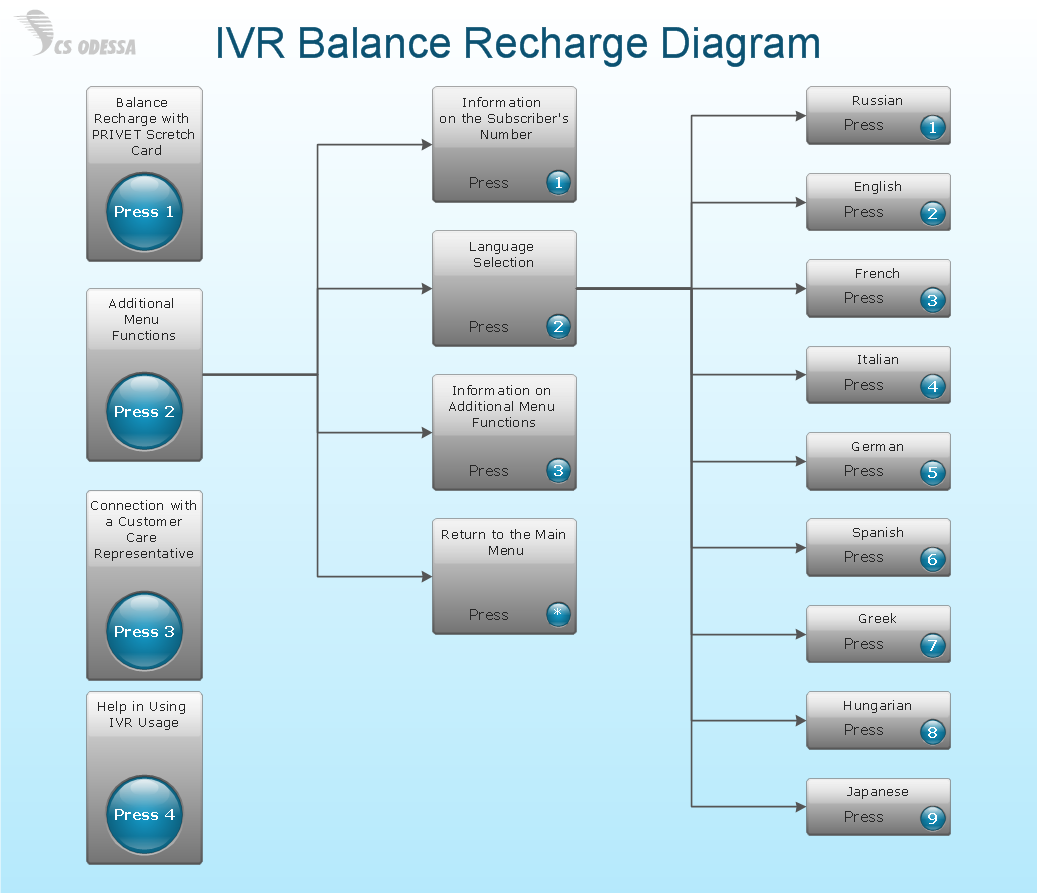
What is IVR? The Interactive voice response (IVR) is a popular and widely used technology which allows a computer to detect voice and keypad inputs, so it makes possible the interactions between computer and humans through the use of voice and dual-tone multi-frequency (DTMF) signals. For illustrating the logical and physical structure of IVR systems are used the IVR diagrams. ConceptDraw DIAGRAM software extended with Interactive Voice Response Diagrams solution allows you to make the IVR Diagrams quickly and easily.What is IVR? *
Picture: What is IVR?
Related Solution:
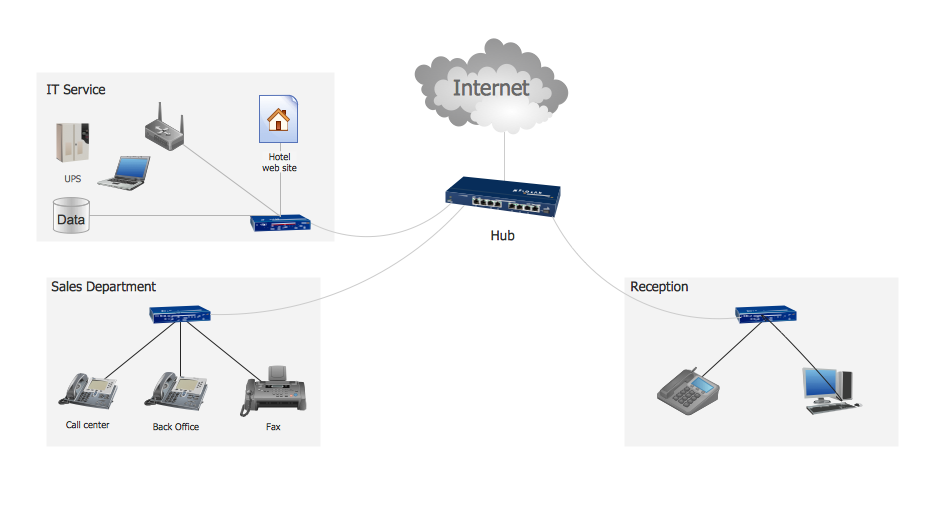
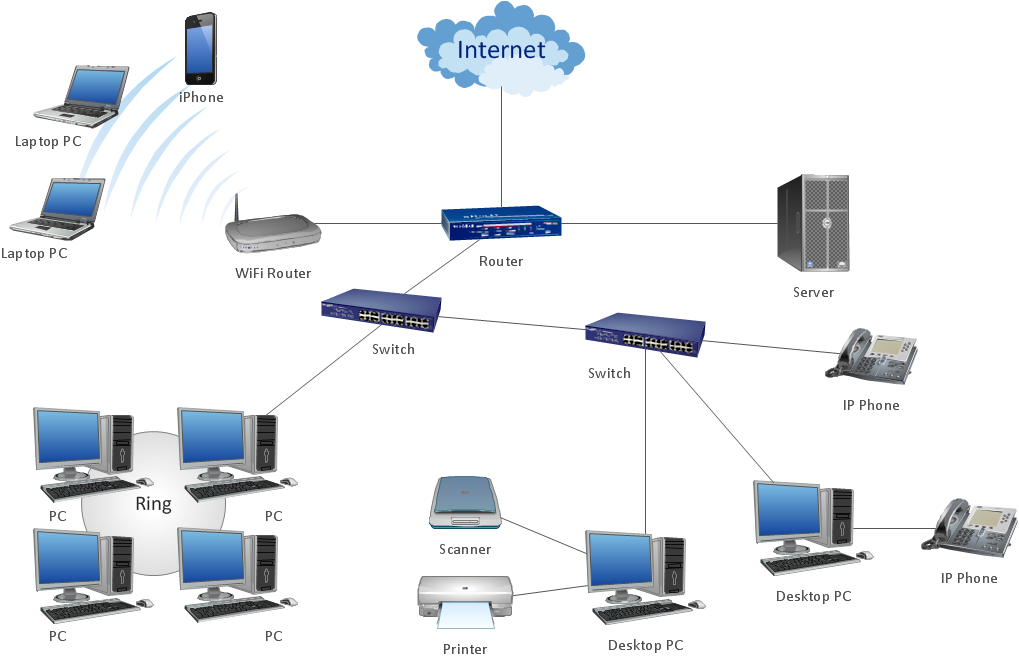
A network diagram represents the set of computers and network devices and the connections among them. This scheme can be developed for any institution or establishment. To illustrate this concept let’s take for example, a hotel network topology diagram or a school network diagram. These diagrams depict access points, servers, workstations, firewalls and another equipment needed to provide a network. On this masterpiece drawing one will see a simple scheme a of connecting computers together. Such form of connecting can be applied for a hotel, guest house, bungalow, hut or something else. This diagram shows the images of the real LAN components. So, it represents a physical category of a network construction. It looks similar to a star - so this network configuration is named a star topology. The typical feature of this construction is a center point - usually it is hub, or router. The rays of this star means network connections. Computers, peripherals and other network details are placed on the ends of the star rays.Hotel Network Topology Diagram *
Picture: Hotel Network Topology Diagram
Related Solution:
ConceptDraw
DIAGRAM 18