Kanban Board Example
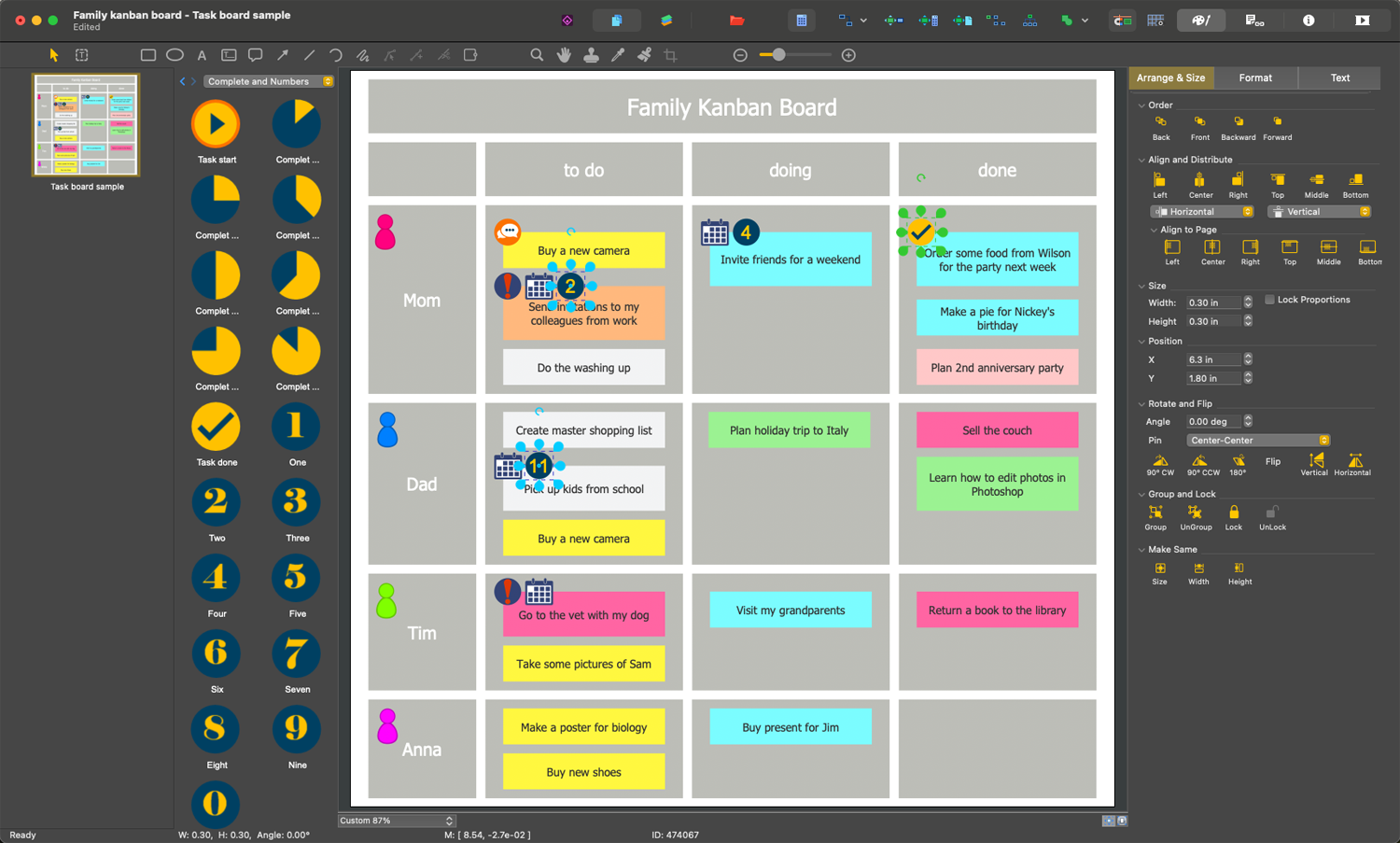
Kanban Board is a visualization tool allowing the optimization of the work flow. It is a way to manage the workflow processes with simple statuses - To Do, In Progress, Done. The corresponding three columns are typically presented on a board. The sticky notes are used to show tasks. Each stiky note is attached to one of the columns and can be transferred to another one when the task's status changes. The listed three columns are basic, but you can introduce more columns according to your needs and specifics of your company.
The use of a Kanban board allows you to differentiate tasks, boost productivity, and increase visibility. Due to visuality and simplicity of understanding, this method grew in popularity in different fields, especially using agile development.
Kanban method started from the times of introducing lean manufacturing in Japan in the 1940s and allowed to accelerate the manufacturing processes and increase their efficiency. Despite Kanban is an essential part of lean manufacturing, it is only one part of it. Kanban board gives all participants of a manufacturing process the information about the statuses of tasks of a current project. And it can show both simple and complex workflows.
Kanban board has a lot of benefits causing its popularity in a great number of industries like manufacturing, software development, business, advertising, recruitment, insurance, marketing, and many more. Kanban is the smartest way to visualize workflows. One fast sight at a Kanban board allows evaluating the progress of your project, state of each task, how much work is done, and what amount needs to be done yet. It helps to track which tasks need to be completed before starting other ones or even another project.
Kanban board allows detecting the bottlenecks. It also enables limiting the amount of work in progress to the amount your team can process at the moment in order to avoid overloading resources.
Kanban boards give the full overview of tasks completing and assist in continuous improvement of work to achieve success. Kanban method helps to improve the delivery of products and services to the customers, speed up work, and get feedback faster in order to make the corresponding changes in time if needed. It ensures the increasing performance of the company or team by improving the company's processes.
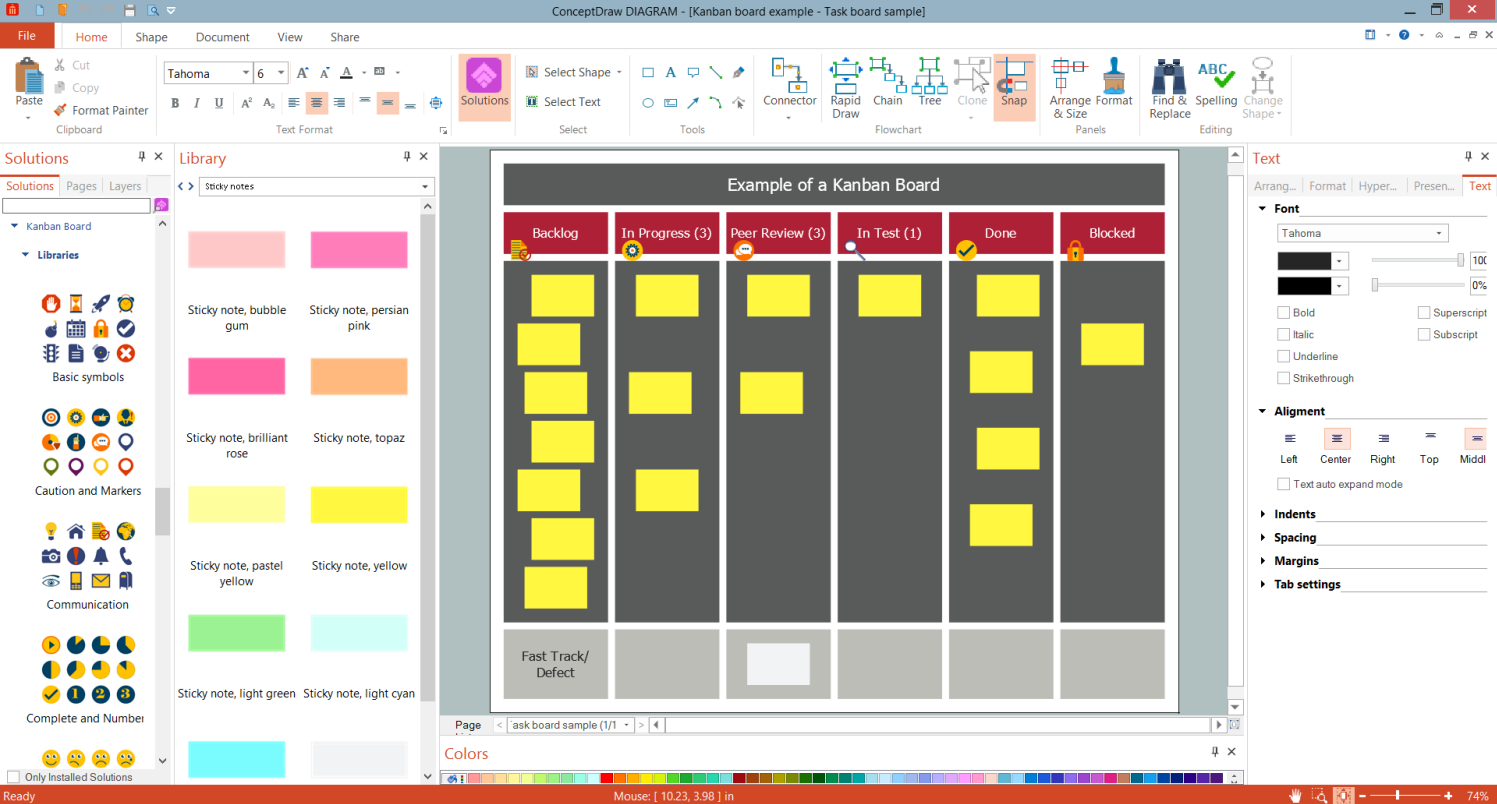
Example 1. Kanban Board Example
Kanban is an effective tool for all sorts of teams, but it is more popular among IT-related, manufacturing, engineering teams, and less among non-engineering ones. It ensures keeping all team members in the loop about how assignments are progressing. In this way, the need of organizing frequent meetings and making daily reports is removed.
Striving to find the best software for designing Kanban boards, pay attention to ConceptDraw DIAGRAM software and its Kanban Board solution from the ConceptDraw Solution Park. It contains a lot of useful drawing tools, libraries with special vector design elements, and a collection of thematic samples, examples, and templates. Each included Kanban board example effectively demonstrates the power of the ConceptDraw DIAGRAM software.
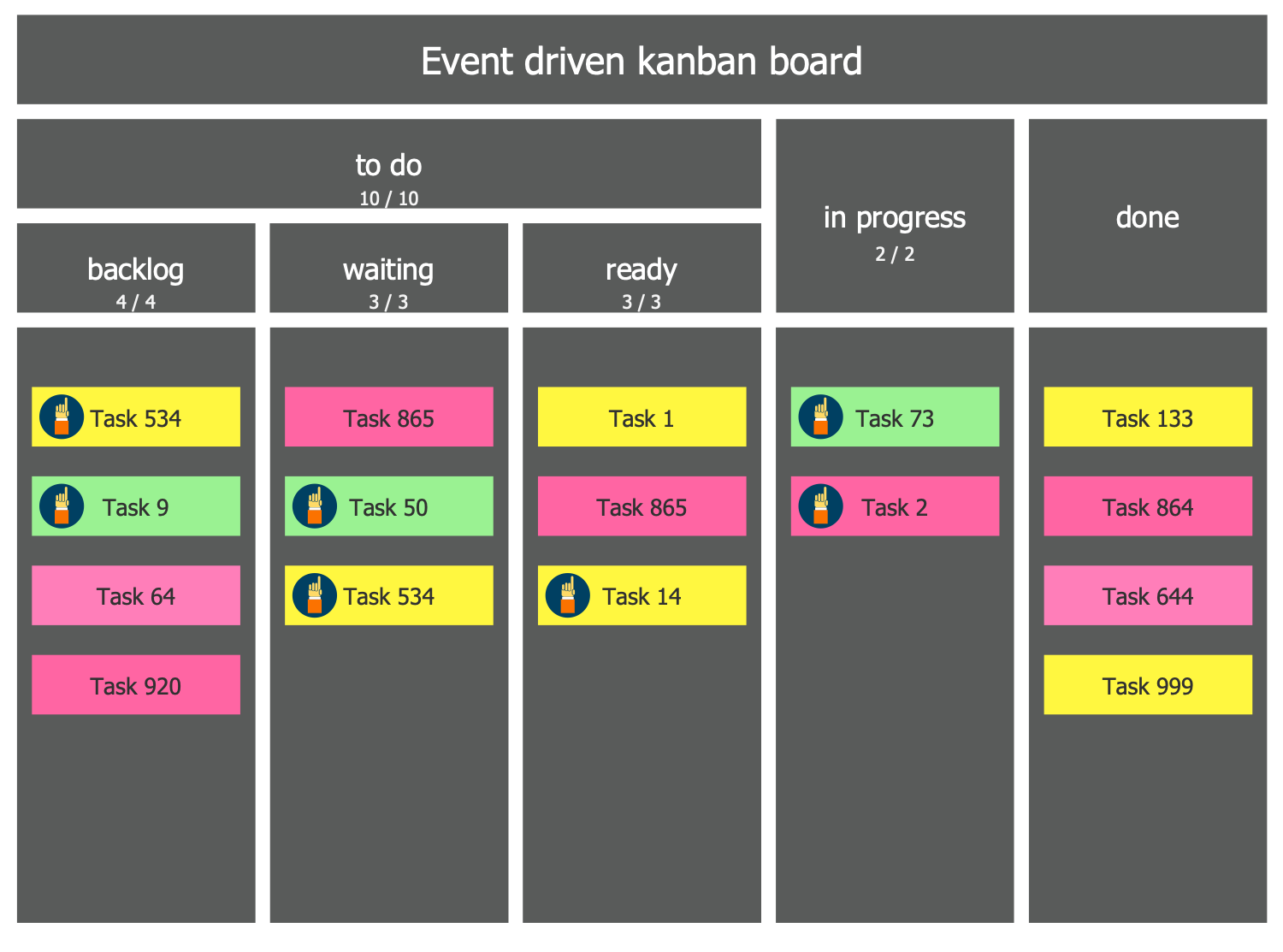
As for the Kanban Board design, you can color your cards differently. This allows additional visual differentiating the tasks. By adding the legend you can make clear the used color markers. The combination of columns and cards' colors gives you a complete picture of project status, assists in effective workflow optimization and continuous improvement at all levels of the organization.
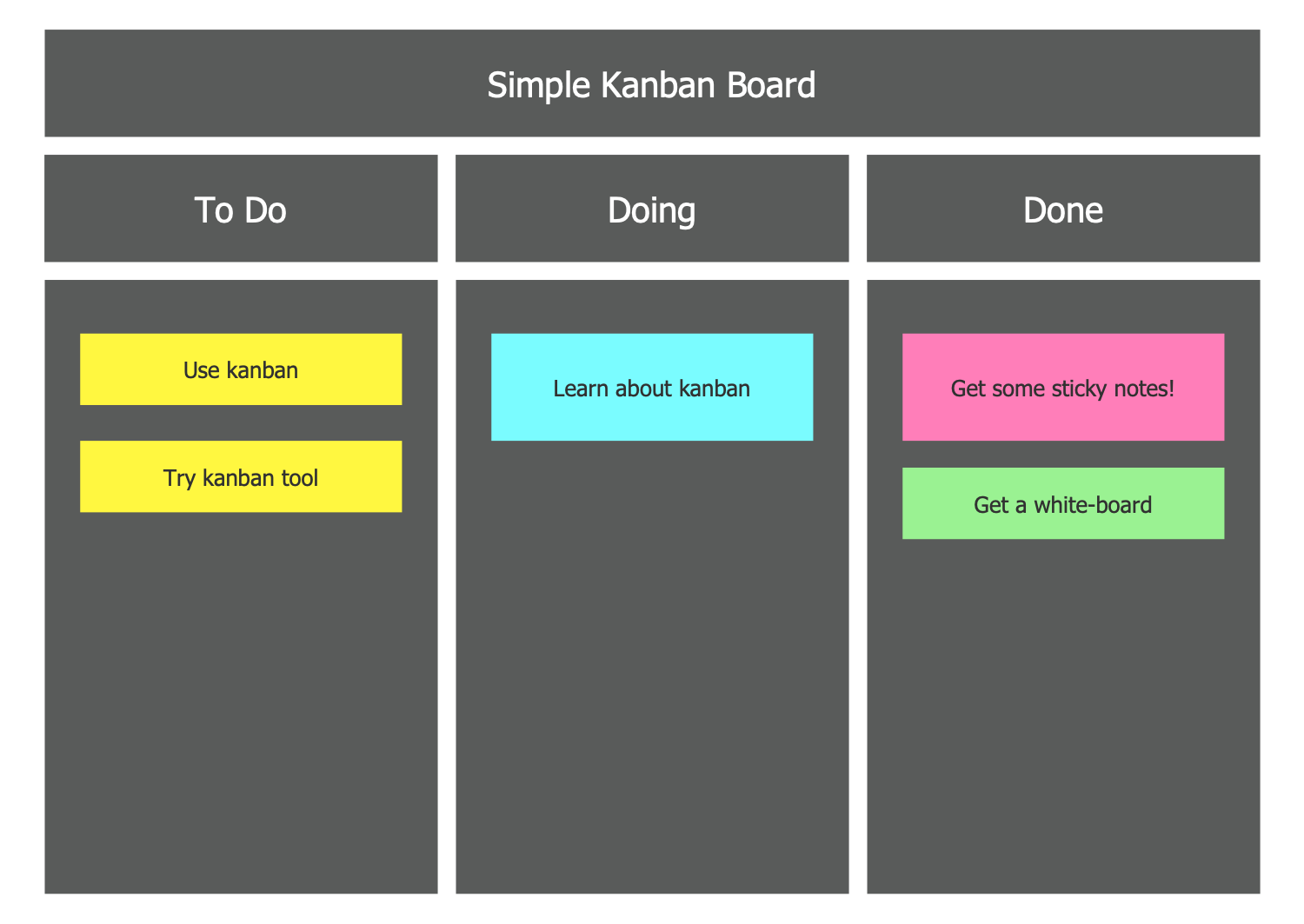
Example 2. Simple Kanban Board
The ConceptDraw's Kanban Board solution is incredibly helpful for simple and fast constructing the Kanban Boards of any complexity and with any quantity of columns. A large collection of predesigned samples, templates, and variety of libraries with a large choice of vector design objects, pictograms, and symbols are included in the Kanban Board solution for ConceptDraw DIAGRAM software. All solution tools are available from the ConceptDraw STORE. Each library element is vector, you can resize it without loss of quality, if you desire.
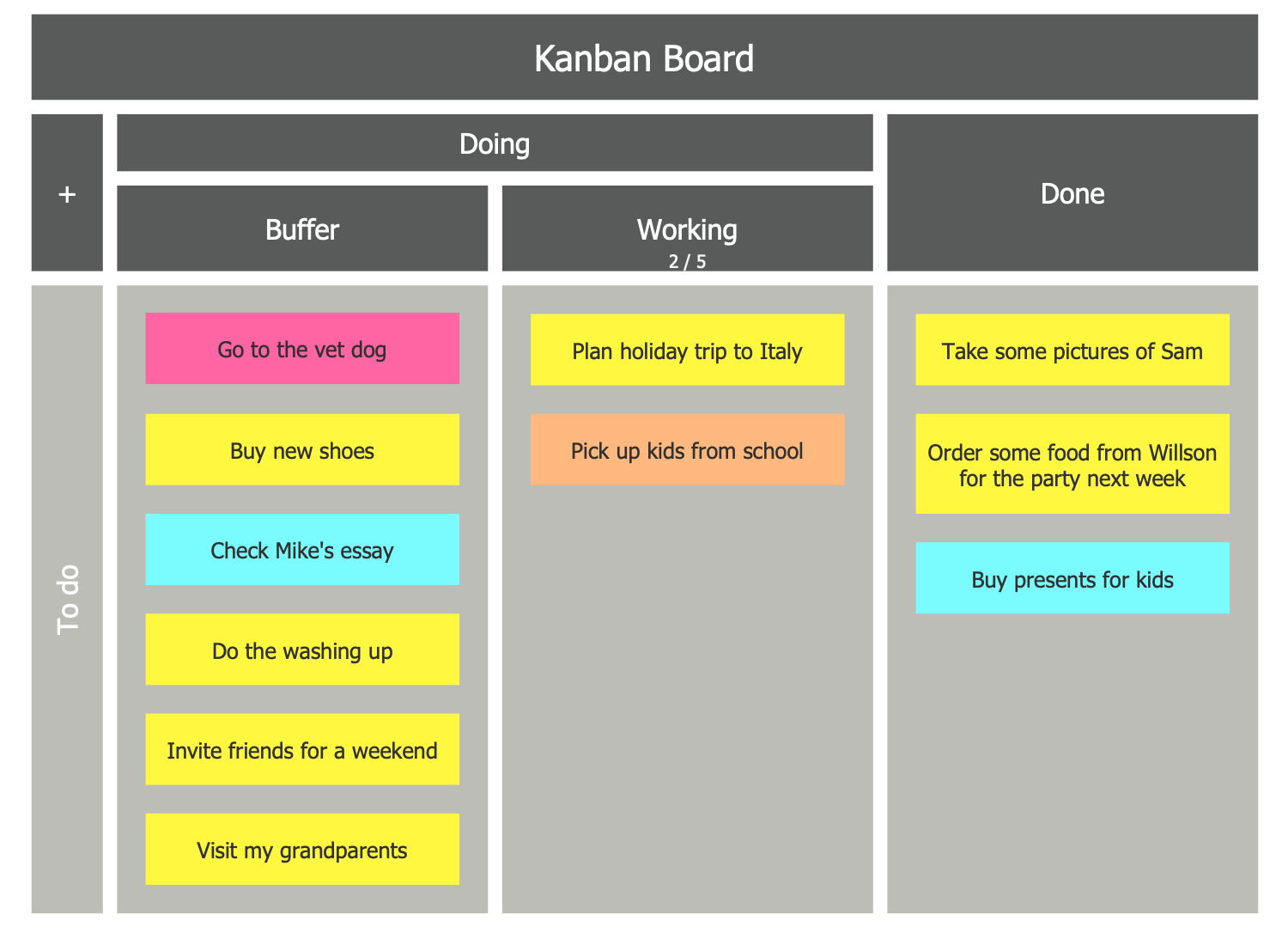
Example 3. Kanban Board
The infographics you see on this page were created in ConceptDraw DIAGRAM software using the Kanban Board Solution and included pre-made pictograms. They successfully demonstrate the solution's capabilities and professional results you can achieve. An experienced user spent 10-15 minutes creating each of these samples.
Use the powerful tools of the Kanban Board Solution for ConceptDraw DIAGRAM software to create your own infographics and diagrams of any complexity fast and easy, and then successfully use them in your work activity.
All source documents are vector graphic documents. They are available for reviewing, modifying, or converting to a variety of formats (PDF file, MS PowerPoint, MS Visio, and many more graphic formats) from the ConceptDraw STORE. The Kanban Board Solution is available for all ConceptDraw DIAGRAM users.