DIY Floor Plan Design
'Do-it-yourself' or DYI is an activity of decorating, building and making repairs at home by oneself instead of the employment professionals and paying money. Using DIY and creative ideas you can add a lot of beauty and originality and extraordinary to your home for very little money. In fact, it is the cheapest way of renovating and design of your home.
Add a touch of color and creativity to your home using hand-painted wallpapers or furniture made from wood pallets, plywood flooring or carpet tiles. You can use the bottle caps in floor design, hand-made fixtures or decors designed using seashells, wood, pebbles, or other natural materials. DIY ideas may get your home looking on-trend. However, the implementation of most DIY ideas requires no special equipment, just scissors, glue, maybe glitter for simple crafts. A little bit more serious tools like a hammer, nails, brush, paint, and some others are needed for large-scale projects.
Being keen on DIY you don’t need to involve a professional architect or designer to get the interesting designs. You need just a little bit of your imagination. Everything else is simple to implement with ConceptDraw DIAGRAM Floor Plan and DIY Floor Plan design software enhanced with the Floor Plans solution from the Building Plans area.
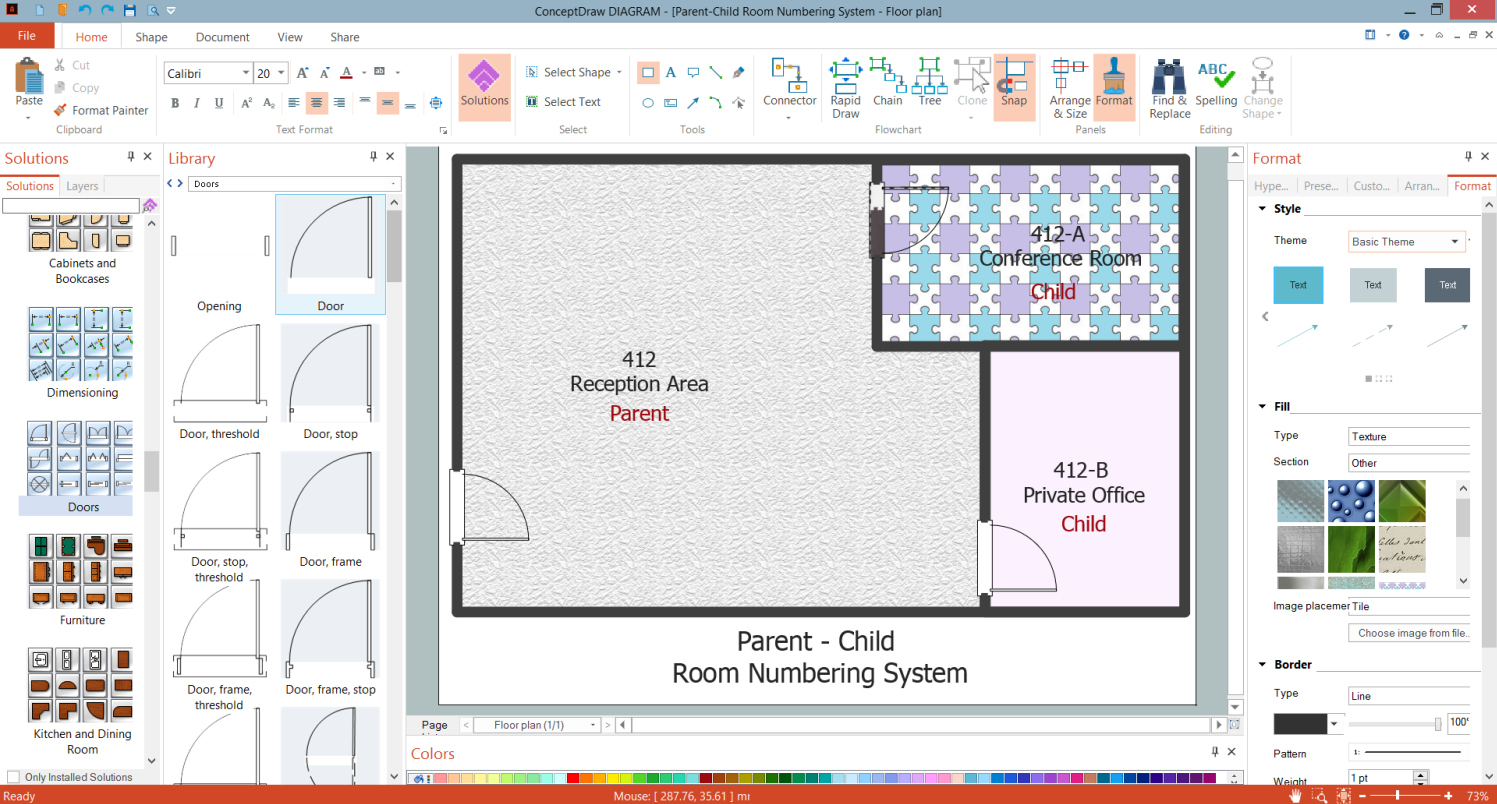
Example 1. DIY Floor Plan Design in ConceptDraw DIAGRAM
A lot of DIY projects can be easily made in ConceptDraw DIAGRAM software. An extensive set of drawing tools of the ConceptDraw's Floor Plans solution will easier the drawing process. Construct your Floor Plan, add colors, textures, or some unusual things to get an exclusive design for any location, your home, office, etc. Different pre-made options and any desired graphic files stored on your computer can be used as textures for the objects on your Floor Plan.
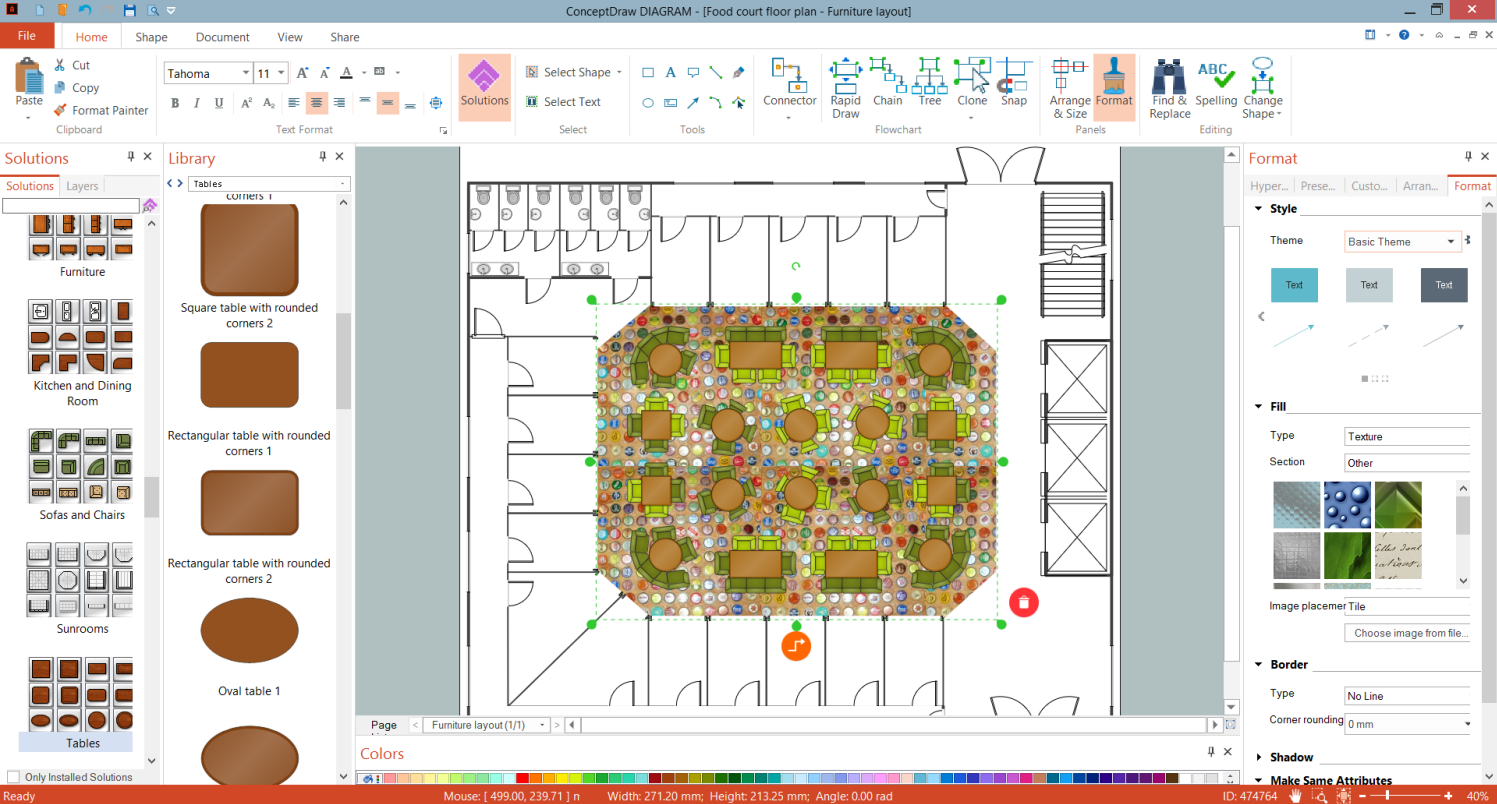
Example 2. DYI Cafe Floor Plan Design in ConceptDraw DIAGRAM
The samples you see on this page were created using the Floor Plans solution and are good examples of the DYI Floor Plan Designs made in ConceptDraw DIAGRAM software. An experienced user spent 10-20 minutes creating each of these samples.
Use the Floor Plans solution from the Building Plans area to draw your own DYI Floor Plans quickly, simply and effectively.
The possibility of exporting to a variety of popular graphical formats (PNG, JPEG, JPG, GIF, TIF, TIFF, BMP, DIB, EMF, SVG) and file formats like Microsoft PowerPoint (PPT), Adobe Acrobat (PDF), Microsoft Visio (VDX, VSDX), Adobe Flash (SWF), Encapsulated PostScript (EPS), HTML, opens wide opportunities for you.