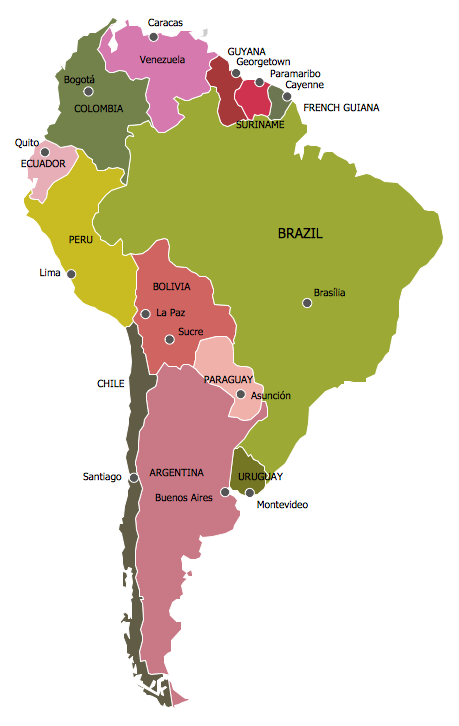
Continent Map
Every day many of people confront in their work with necessity of drawing various continent maps. Specially for these people was developed the Continent Maps Solution and included to the Maps Area of ConceptDraw Solution Park. Thanks to it you can design any Continent Map quick and easy.
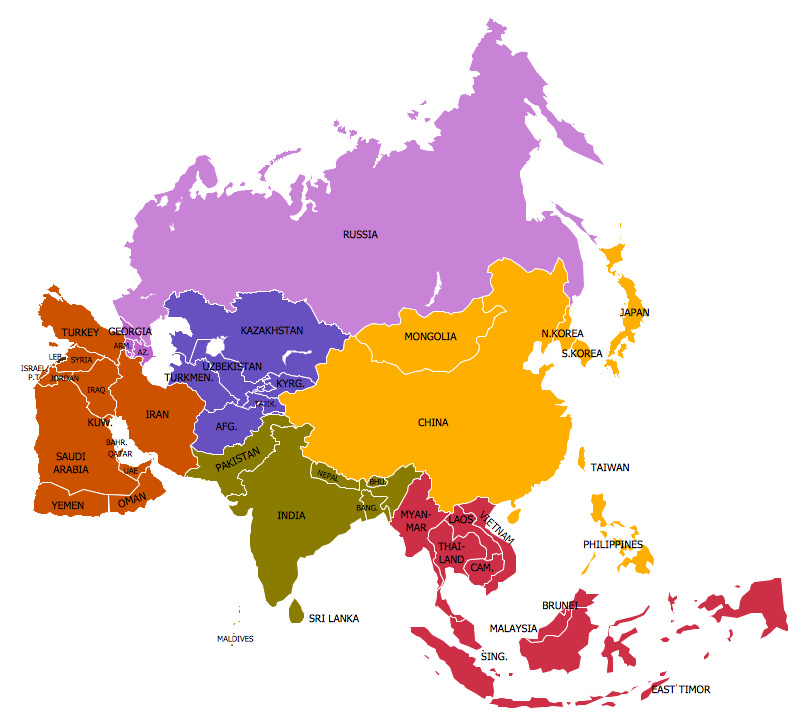
Example 1. Continent Map — Map of Asia
Continent Maps Solution provides a set of predesigned templates and samples, and 13 libraries with wide variety of ready-to-use vector shapes for drawing the Continent Map in a few minutes.
<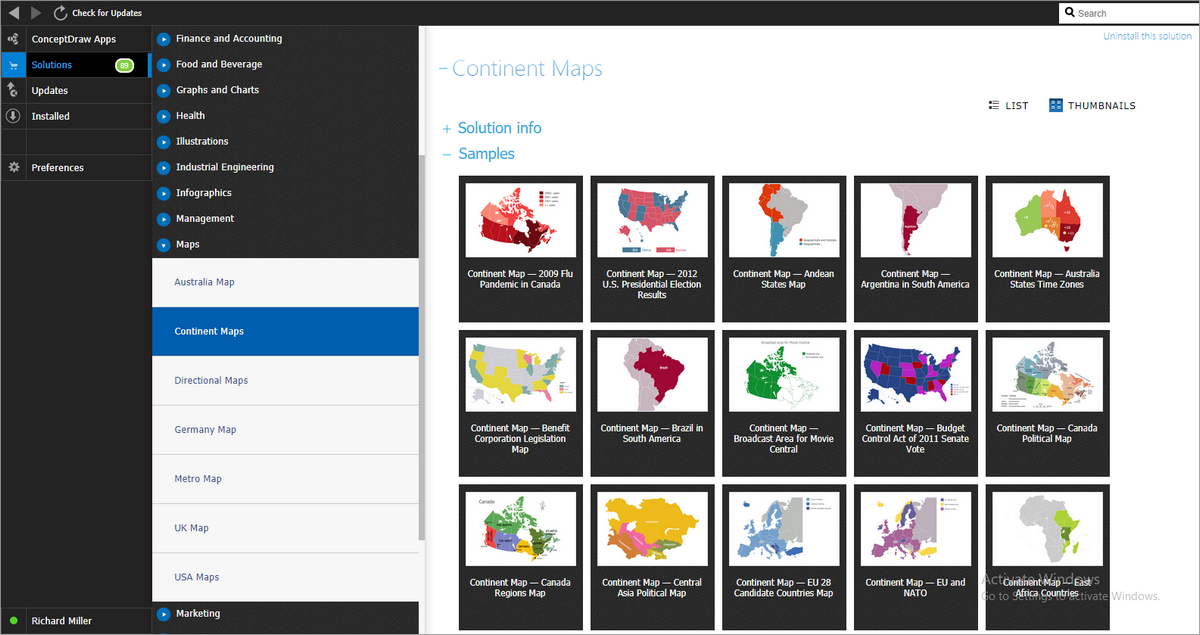
Example 2. Continent Maps Solution in ConceptDraw STORE
You can make sure that the Continent Maps section of ConceptDraw STORE offers also a number of templates and samples. Choosing any desired sample from the offered, you can change it for your needs.
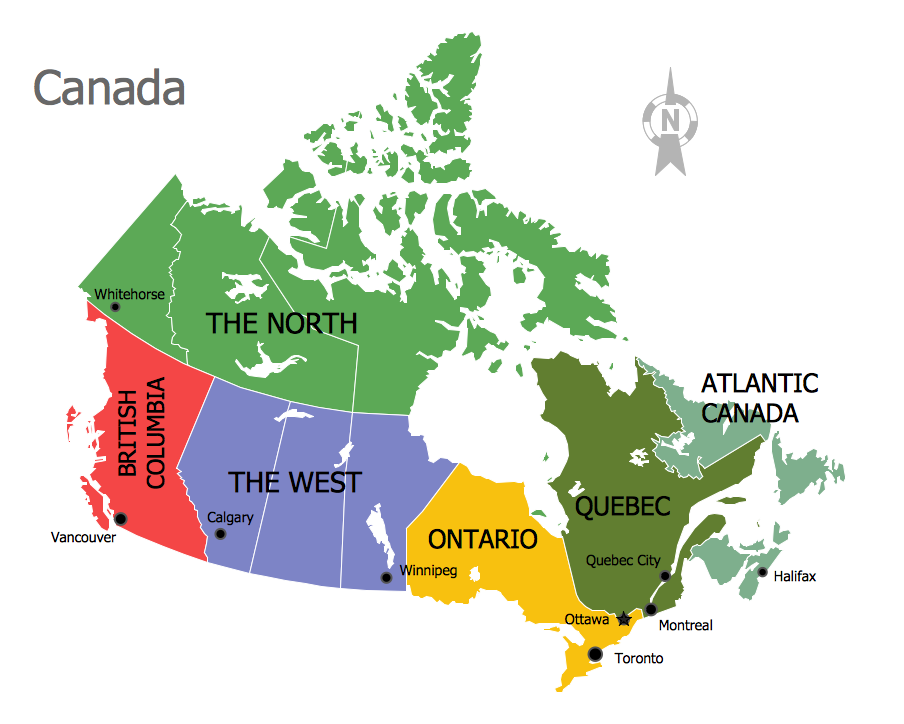
Example 3. Continent Map — Canada Regions
The samples you see on this page were created in ConceptDraw DIAGRAM software using the Continent Maps solution. Each of them shows professional looking Continent Map. An experienced user spent 10 minutes creating each of these samples.
Use the Continent Maps solution for ConceptDraw DIAGRAM software to create your own Continent Map of any complexity fast, easy and effective.
All source documents are vector graphic documents. They are available for reviewing, modifying, or converting to a variety of formats (PDF file, MS PowerPoint, MS Visio, and many other graphic formats) from the ConceptDraw STORE. The Continent Maps Solution is available for all ConceptDraw DIAGRAM or later users.