The Rack
The Rack Diagrams represent the frontal view of the rack with network equipment installed. They are helpful and widely used for choosing the equipment and racks to buy, and give the possibility to visually plan how to organize it on the racks.
Now creating of the Rack Diagrams is quite simple and quick thanks to the powerful drawing tools of the Rack Diagrams Solution from the Computer and Networks Area.
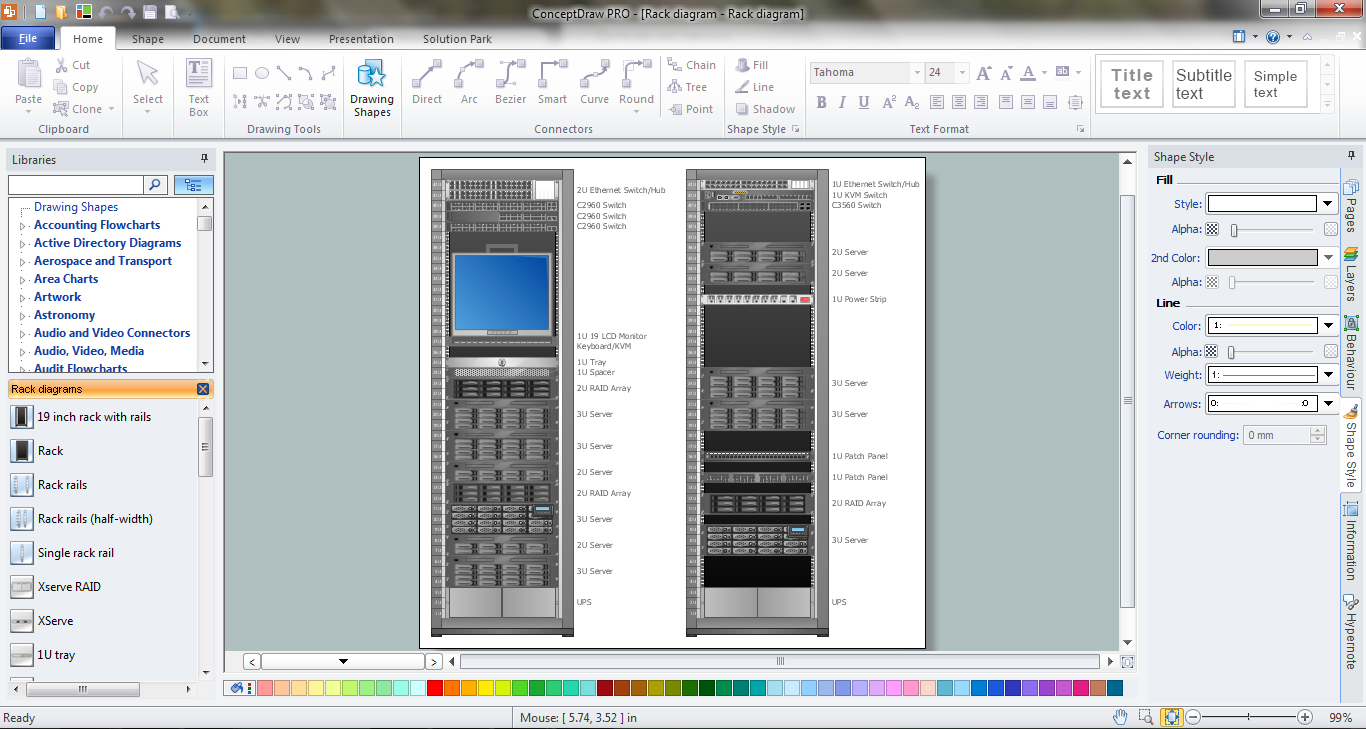
Example 1. The Rack Diagram in ConceptDraw DIAGRAM /p>
Rack Diagrams Solution provides the Rack Diagrams library with large collection of ready-to-use vector shapes. All that you need for designing the rack diagram is create the new document and simply drag on it the desired objects from the Rack Diagrams library.
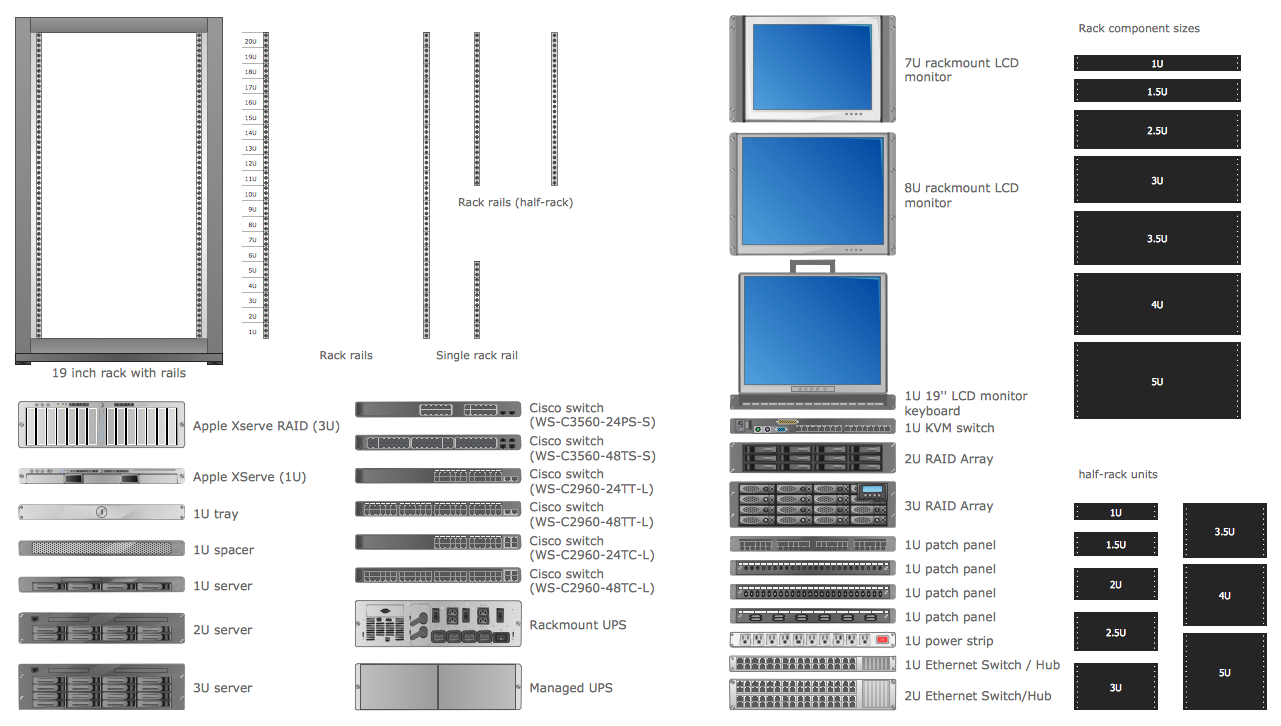
Example 2. Rack Diagrams Library Design Elements
The predesigned shapes of the Rack Diagrams library are so different that you will exactly find the needed for you.
If you need to draw the rack diagram faster, you can use the ready templates or samples offered in ConceptDraw STORE and simply change them.
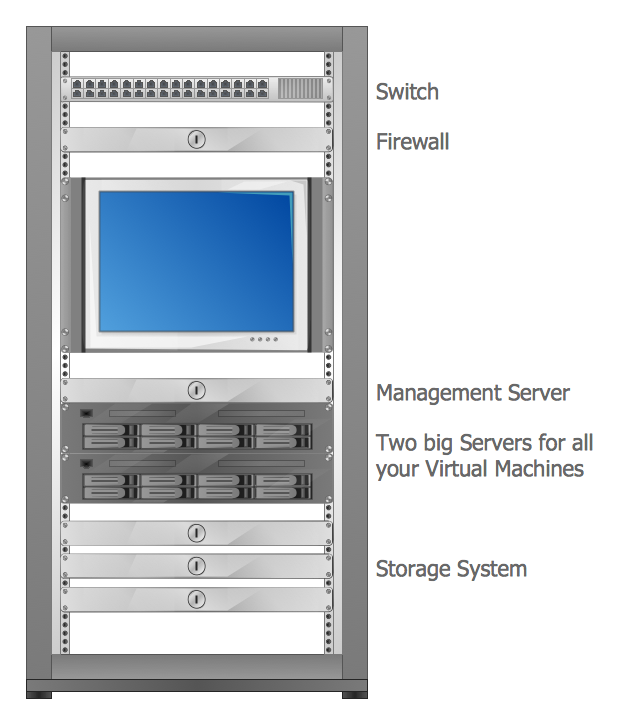
Example 3. The Rack Diagram - Virtualized Computer Center
The rack diagrams you see on this page were created in ConceptDraw DIAGRAM using the Rack Diagrams Solution. An experienced user spent 10-15 minutes creating every of these diagrams.
Use the Rack Diagrams Solution for ConceptDraw DIAGRAM software to create your own professional looking rack diagrams of any complexity fast and simply.
All source documents are vector graphic documents. They are available for reviewing, modifying, or converting to a variety of formats (PDF file, MS PowerPoint, MS Visio, and many other graphic formats) from the ConceptDraw STORE. The Rack Diagrams Solution is available for all ConceptDraw DIAGRAM or later users.